-
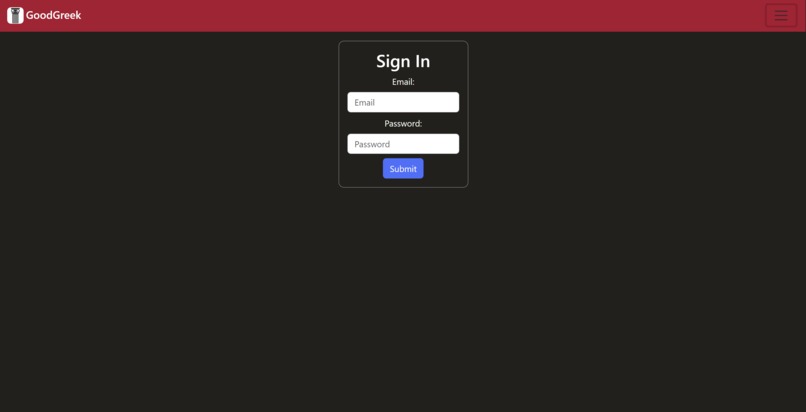
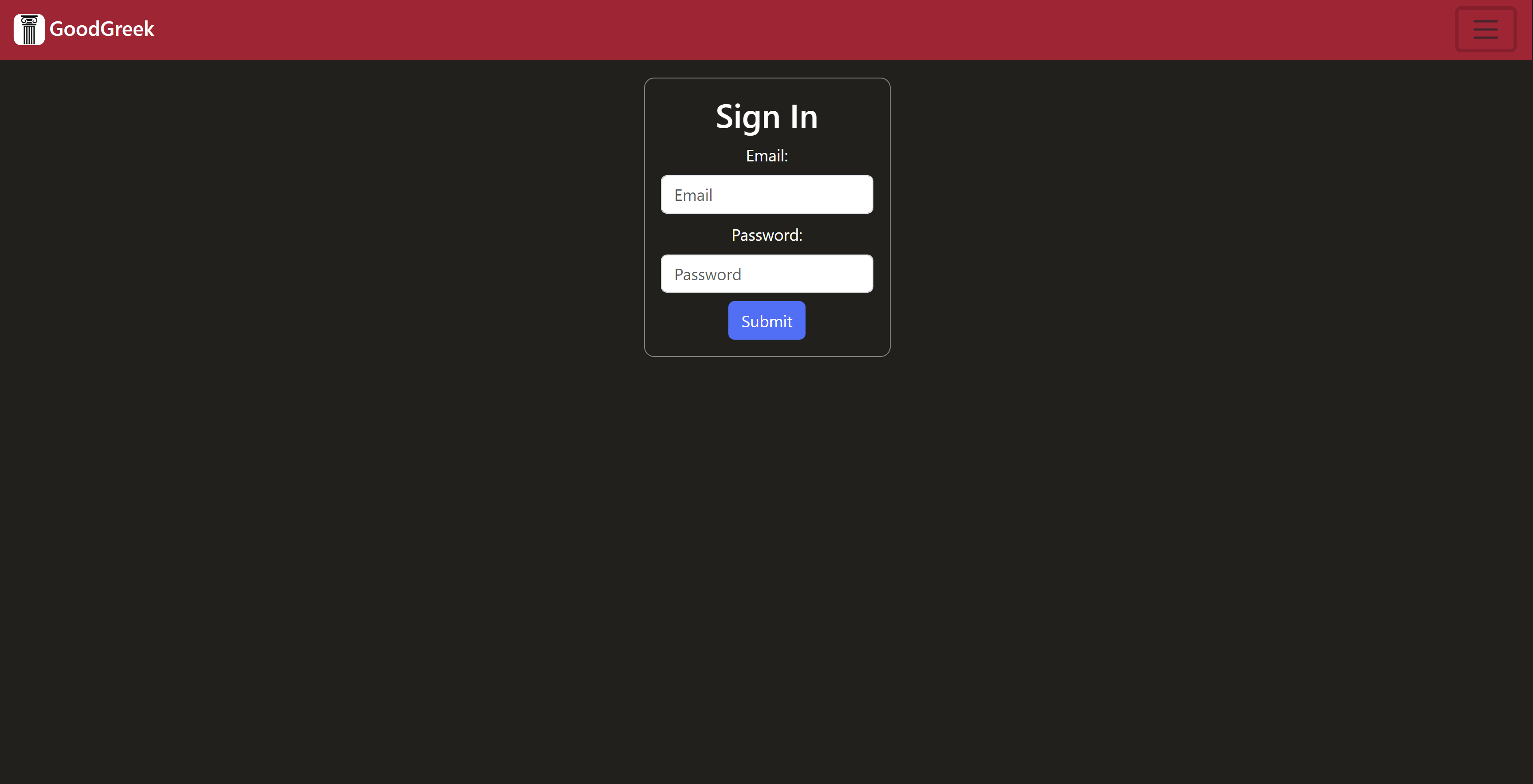
Sign-In Screen. You must sign in or Create account before accessing the event viewer.
-
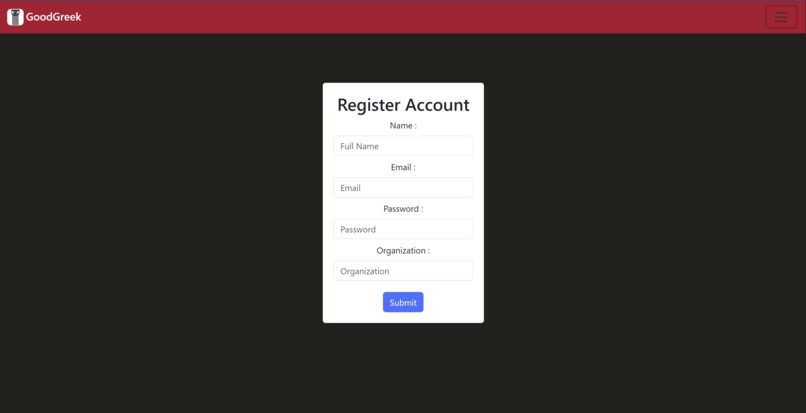
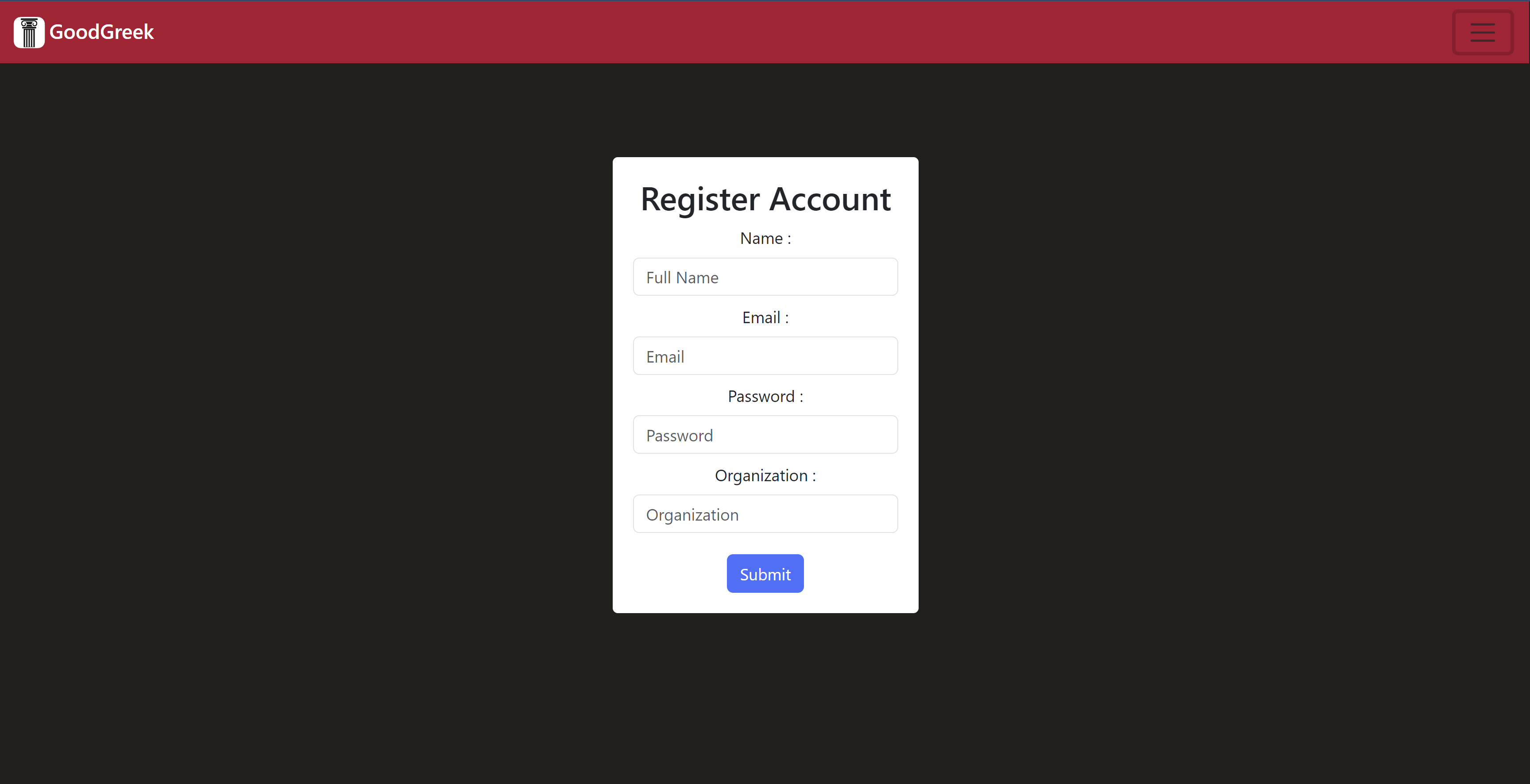
Create Account Screen. You must sign in or Create account before accessing the event viewer.
-
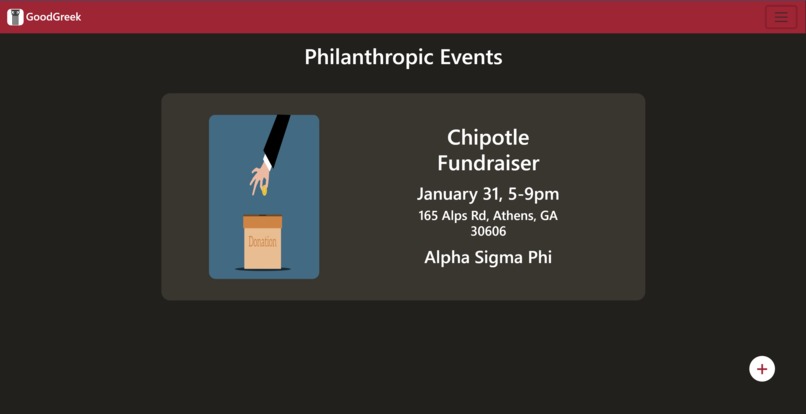
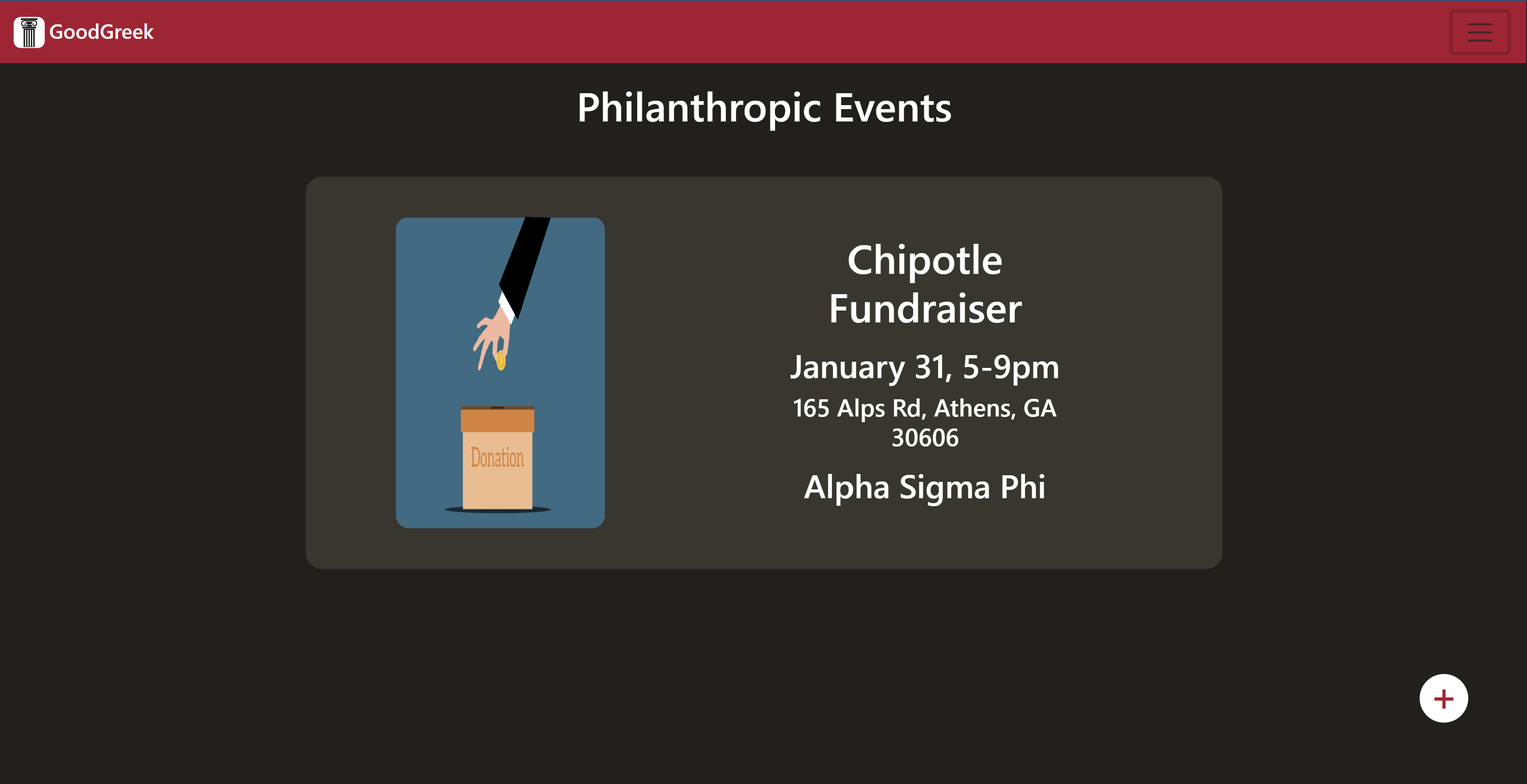
Main Event viewer. Scroll and see all the events that have been posted!
-
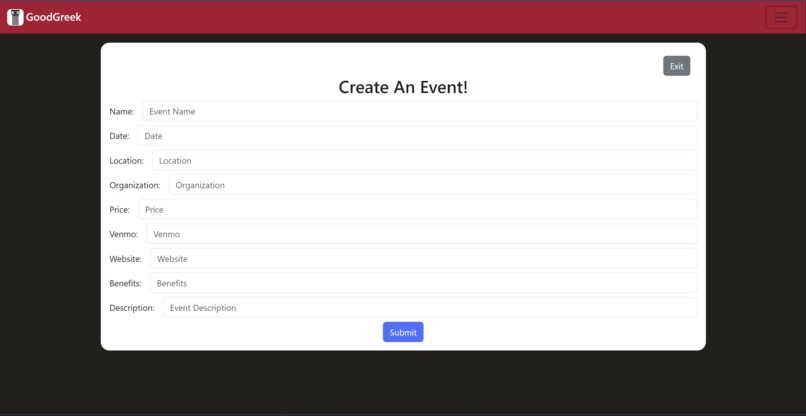
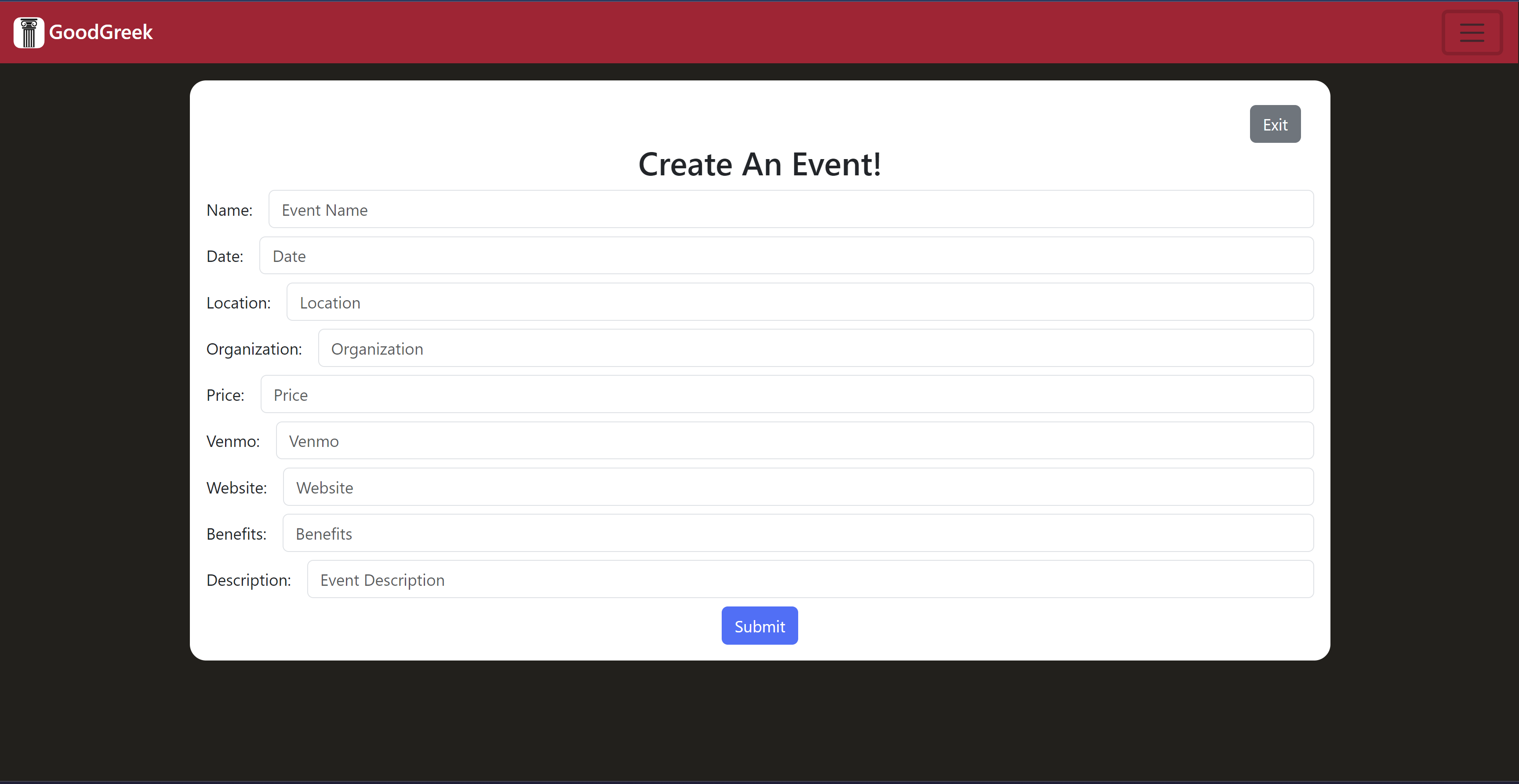
Create Event Screen. Input all the data on your event and hit post!
-
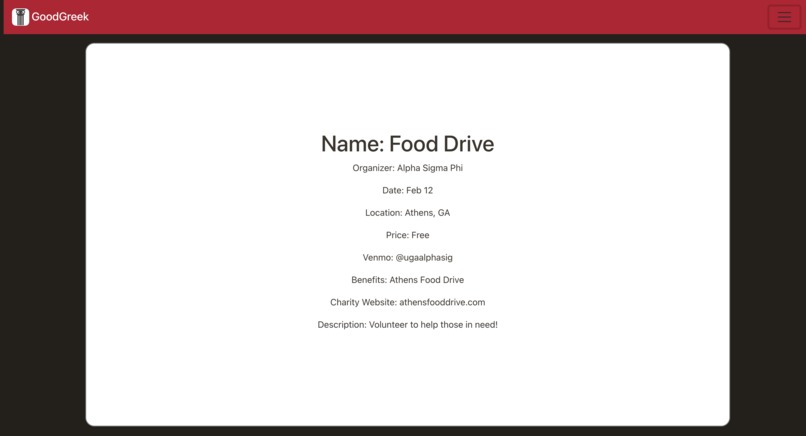
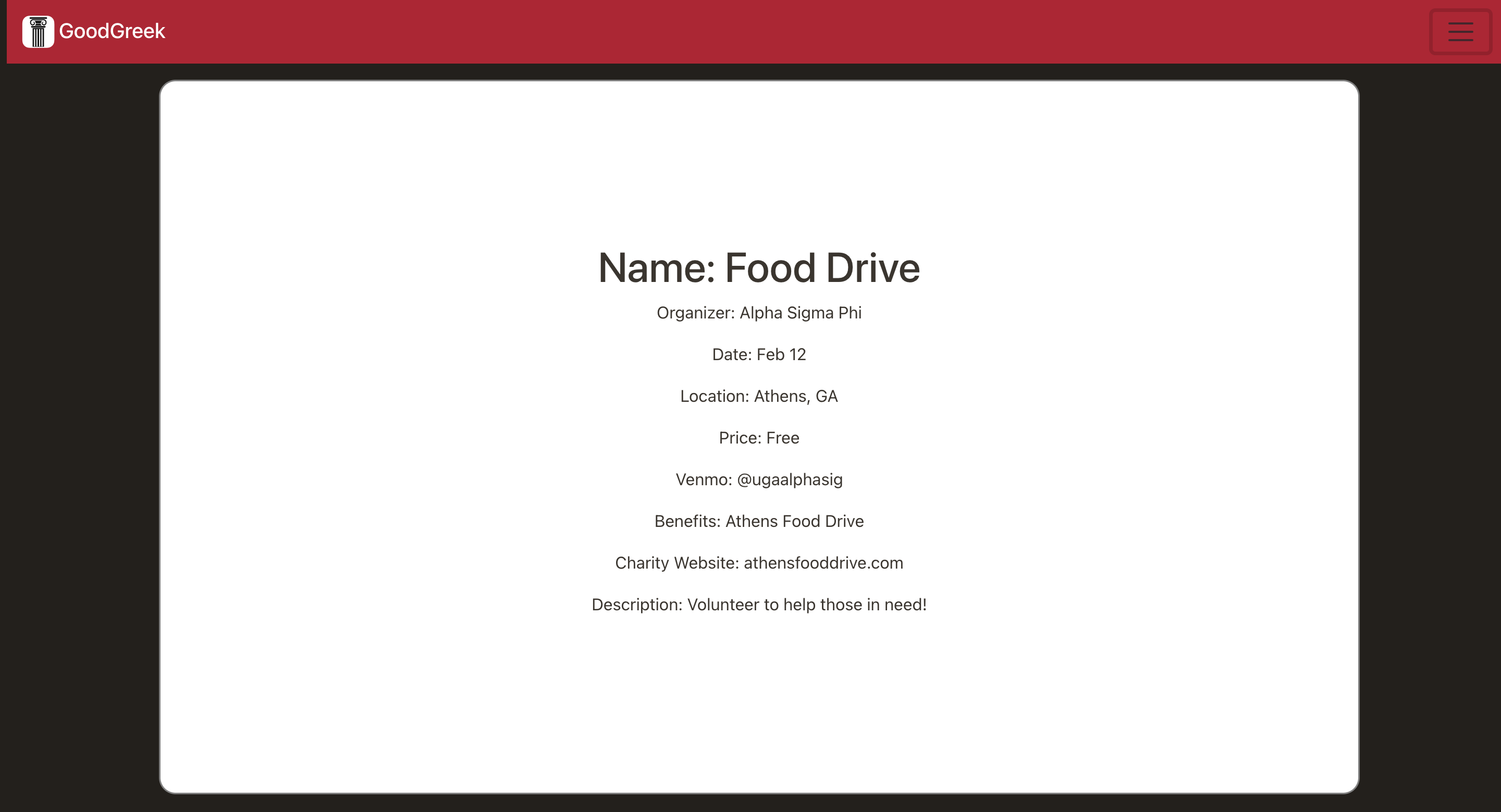
Event Details section. Provides more details for the event
About GoodGreek
GoodGreek spawned from our collective personal experiences in Greek-life orgs. We saw the struggles with promoting your philanthropy events through low-quality Instagram screenshots and thought there had to be a better way.
How GoodGreek works
After creating an account, GoodGreek allows users to post their chapter's own philanthropy events to the platform. You can also browse other chapter's philanthropic events! Details for a event include
- Event Name
- Date and Time
- Location
- Cost of Admission*
- Who to pay for your tickets*
- What charity it benefits*
- A website for further information*
- The organization putting on the event
- A description of the event *Denotes optional information
How we built it
GoodGreek is built on the Spring Framework for the backend, MySQL for the database, and React and Bootstrap for the frontend. We use API calls to communicate between our UI and backend server.
Challenges we ran into
We did have to deal with reigning in expectations quite a bit. As tempting as it can be to implement all the features you come up with, it's better to perfect the ones you really need first.
Accomplishments that we're proud of
- Having a large and fully working full-stack project as our group's first time at a hackathon
- Collaboration and Cooperation
- Each of us provided our unique expertise

Log in or sign up for Devpost to join the conversation.