-
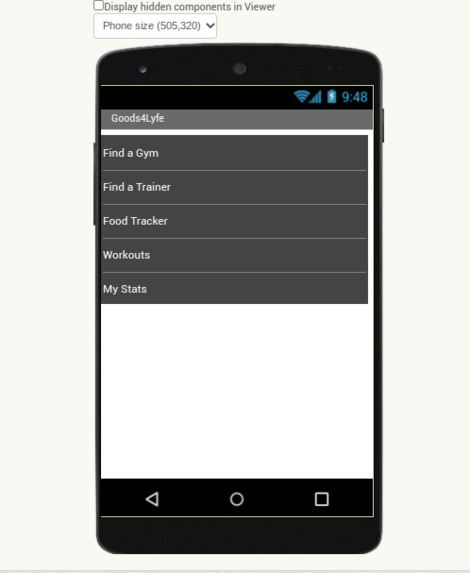
Menu Screen
-
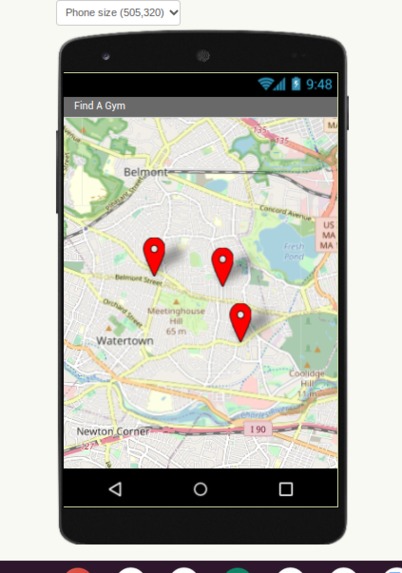
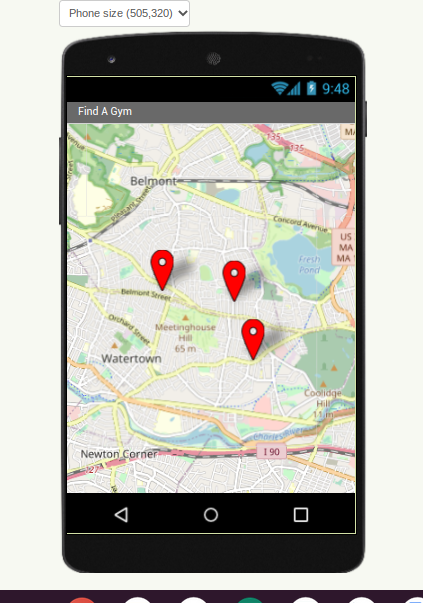
Find a gym locator
-
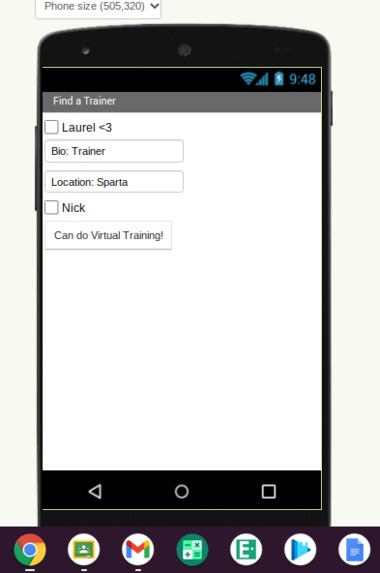
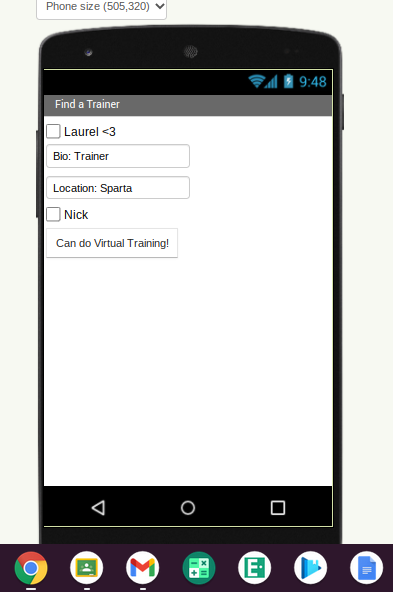
Available Trainers page
A More in Depth Explanation about My App:
Hello judging panel, I would like to start off with an apology for my lack of physical presence at this meeting, and for the lack of pretty design and imagery on my app design. I was having some trouble with the mechanics of the App Inventor, which was a challenge in the design.
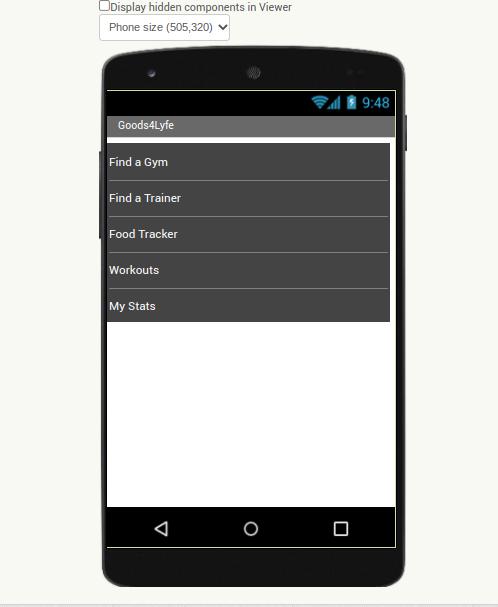
Nevertheless, I thought I would share a more in depth summary about my app, and more about the design that I couldn’t show off in the images above. My App, Goods4Lyfe is an app that has all the “Goods” that anyone would need to stay healthy in their day to day lives. The app starts with a menu that displays the options in the App: Find A Gym, Find A Trainer, A Food Tracker, Workouts, and a Personal Stats page. Allow me to go in depth about what menu would be able to do:
Find a Gym is pretty straightforward. You would simply put in a zip code or allow the app to use your location to give you a precise location on where the nearest gyms are to you. This feature will also tell you information about each gym like price, available equipment, any classes that are offered, and any personal trainers that work there.
Find a Trainer is also straightforward. Once again you would simply use your location or a zip code to find personal trainers near you, their bios, their prices, where they work, etc. However, this section also features trainers that work remotely so if you wanted to do remote training, those options would also be there. In this feature you can also message trainers for additional information.
Food Tracker is a way to help count your calories and get onto a track for healthy eating. There's a calendar in the app where you can input what you eat in a day by simply taking a picture of your meals and the app will identify what foods are on your plate (you can also manually input what foods you’re eating). From the image, it will try to identify a general calorie count and a portion, but you can also manually input this information to make it more specific. The food tracker will also recommend foods based on your ultimate fitness goals.
The Workouts portion is probably my favorite part. When I work out, I feel like the majority of the time is spent trying to find a workout that I like, or trying to find workouts that fit the muscle group I want to work on that particular day. This app does all of this for you. You could either input what muscle groups you want to work, what you’re trying to do (slim, strengthen, bulk, ect.) and the app will generate workouts that target those specific muscle groups and accomplish your goals. Or, the app can generate a workout for you by selecting the type of workout you want to do! You can even put in a duration for how long you want to be working out and the app will generate workouts using workouts in that time frame. You can also input if you want weighted workouts, and your at home workout or gym workout conditions so the app knows whether or not to give you certain workouts depending on where you work out.
Finally, the Stats page holds all your more personal information. When you create an account with Good4Lyfe, you will be asked to input your name, age, height, weight, and your workout goals. This section will also log your workouts. Everything you input is completely optional, which gives the app a very versatile feel, and what you want to or don’t want to input makes every app (though the same) different for every user, so they can maximize their wants and needs, and hopefully, put all of its users on the path to a healthy lifestyle, a healthy lifestyle that's “Good for life.”
-Paige DeGiovanni

Log in or sign up for Devpost to join the conversation.