-
-
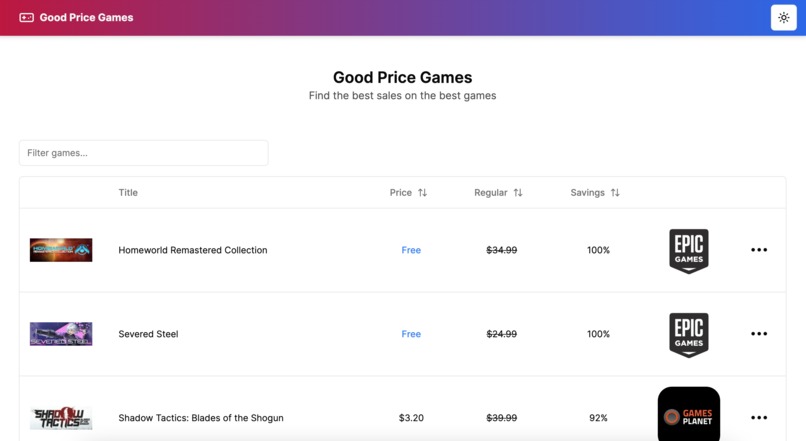
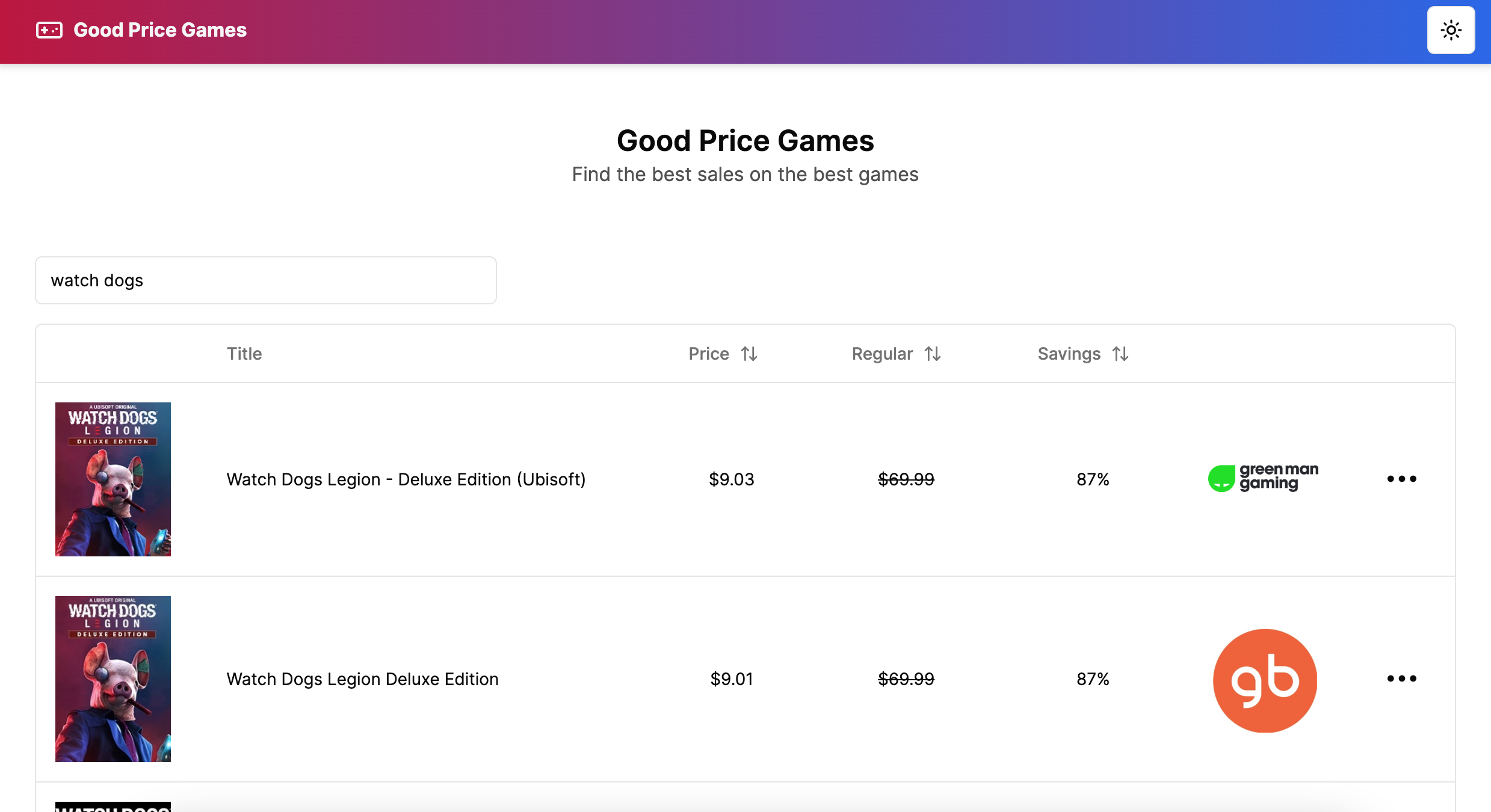
homepage
-
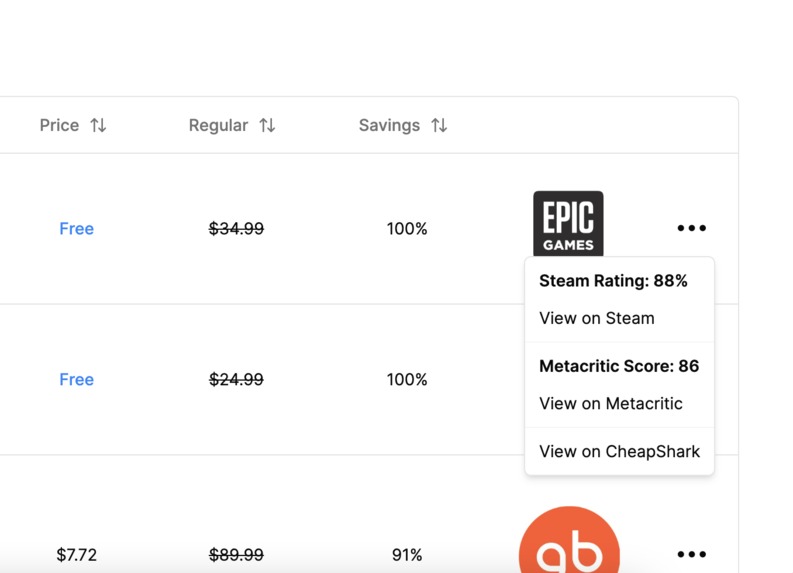
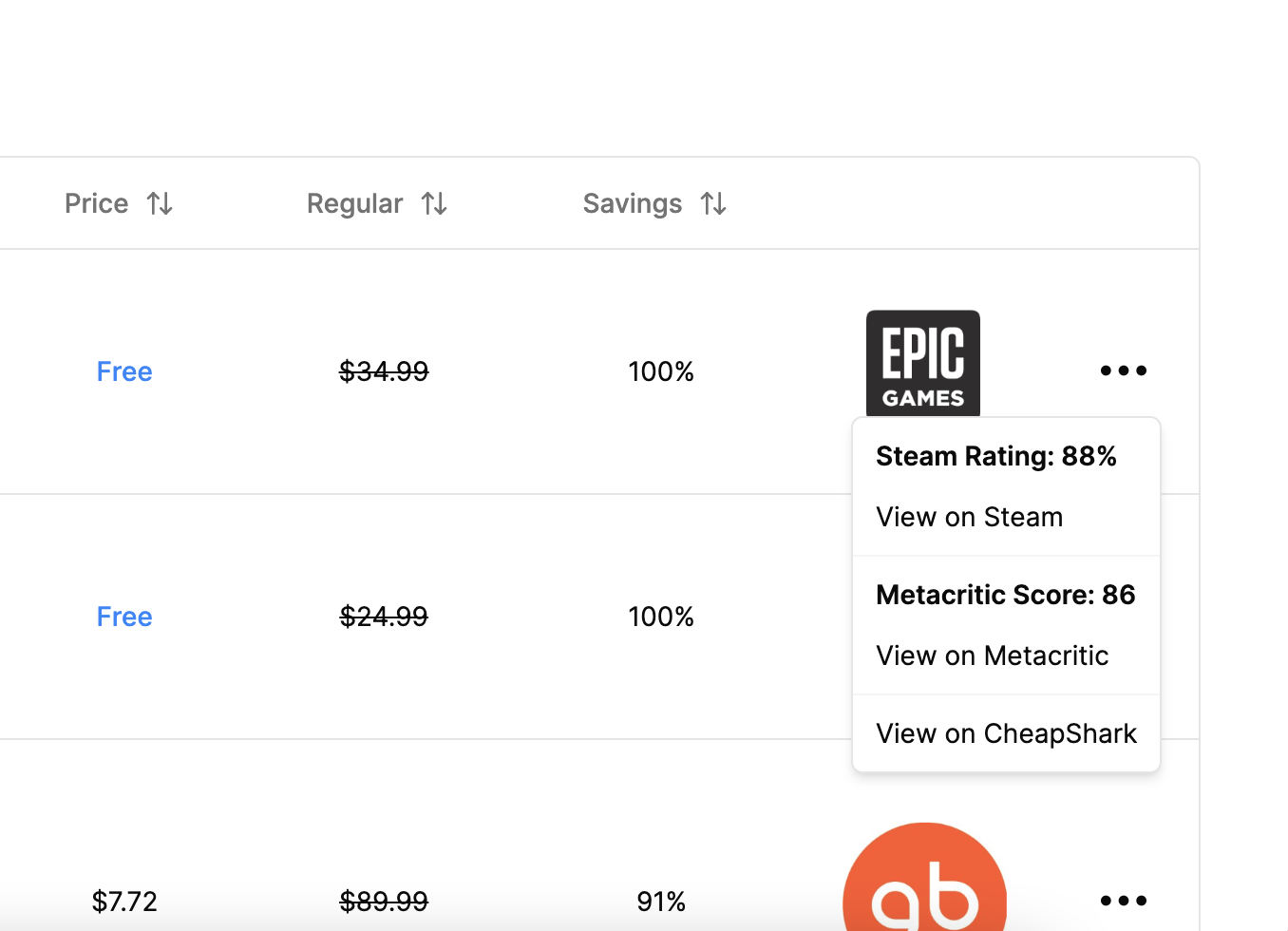
dropdown
-
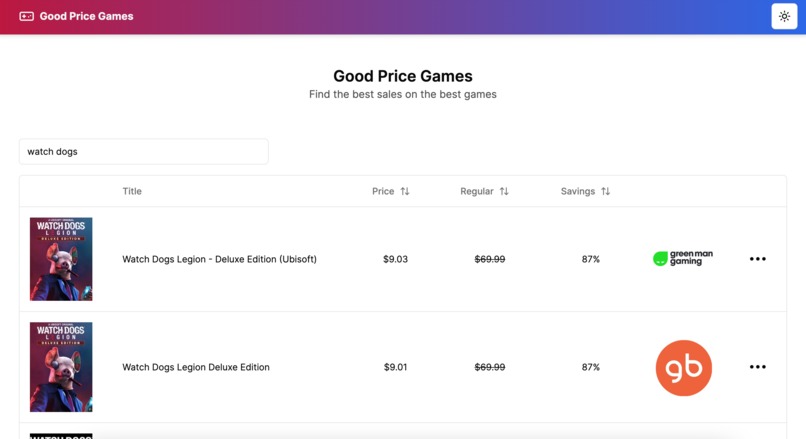
search
-

pagination

Inspiration
I love video games and one of the worst feelings is when you buy a game and then see it on sale somewhere else for a fraction of the cost. So I built Good Price Games. It uses the Cheapshark Games and Stores APIs to find good sales on games and display links, savings percentages, and steam and metacritic scores.
What it does
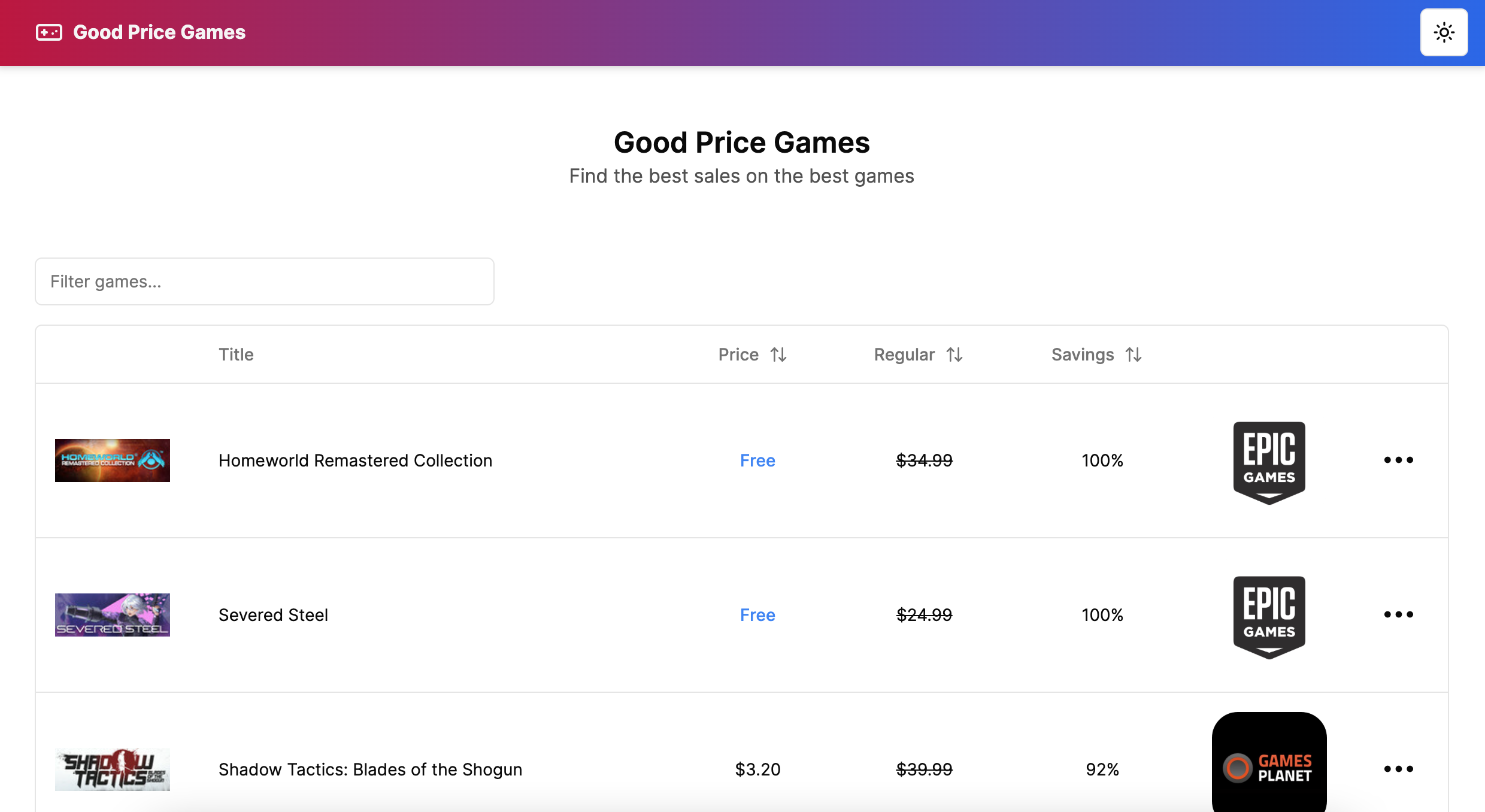
It lists games that are on sale for great prices (up to 100% off) and displays them with links to where the sale is, the Cheapshark page, Steam page, and Metacritic page. Toggle the games regular price, sale price, and savings percentage (ascending or descending). You can also search for games by name.
How we built it
The site is basically just a react frontend. To get the game data I make two fetch requests, Cheapshark Games API and Stores API, and attach an object with Store URLs. This data is combined into one array of game data objects and cached using node-cache. All the styling was done with TailwindCSS and Shadcn/ui. The data table was created with the react-table package.
- Next.js full-stack React framework
- React JavaScript library for building user interfaces
- TypeScript a strongly typed programming language that builds on JavaScript
- TailwindCSS
- Shadcn/ui
- react-table
- Cheapshark Games/Stores API
- node-cache
Challenges we ran into
The main functionality of the website is displaying a list of games. I re-did the GamesData object a few times to ensure all the games shown are on sale and attached to a correct store, and that only the deal with the lowest price is shown for any one game even if there are deals on the same game at multiple stores. The API didn't return Store URLs, so I had to guess/google around to find them to create the Store URLs object.
Accomplishments that we're proud of
This was my second time using the Shadcn/ui package, but I like how the UI turned out! This was my first time using node-cache so I'm happy that it went so smoothly and worked fine.
What we learned
I got more experience creating and using React components. I read a lot about caching strategies and how to implement them. And I learned about building data interfaces, filtering, and mapping.
Built With
- react
- tailwind
- typescript


Log in or sign up for Devpost to join the conversation.