-

App Icon
-
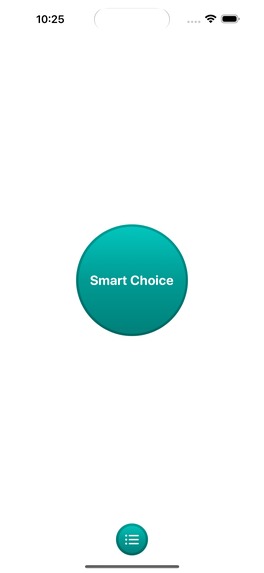
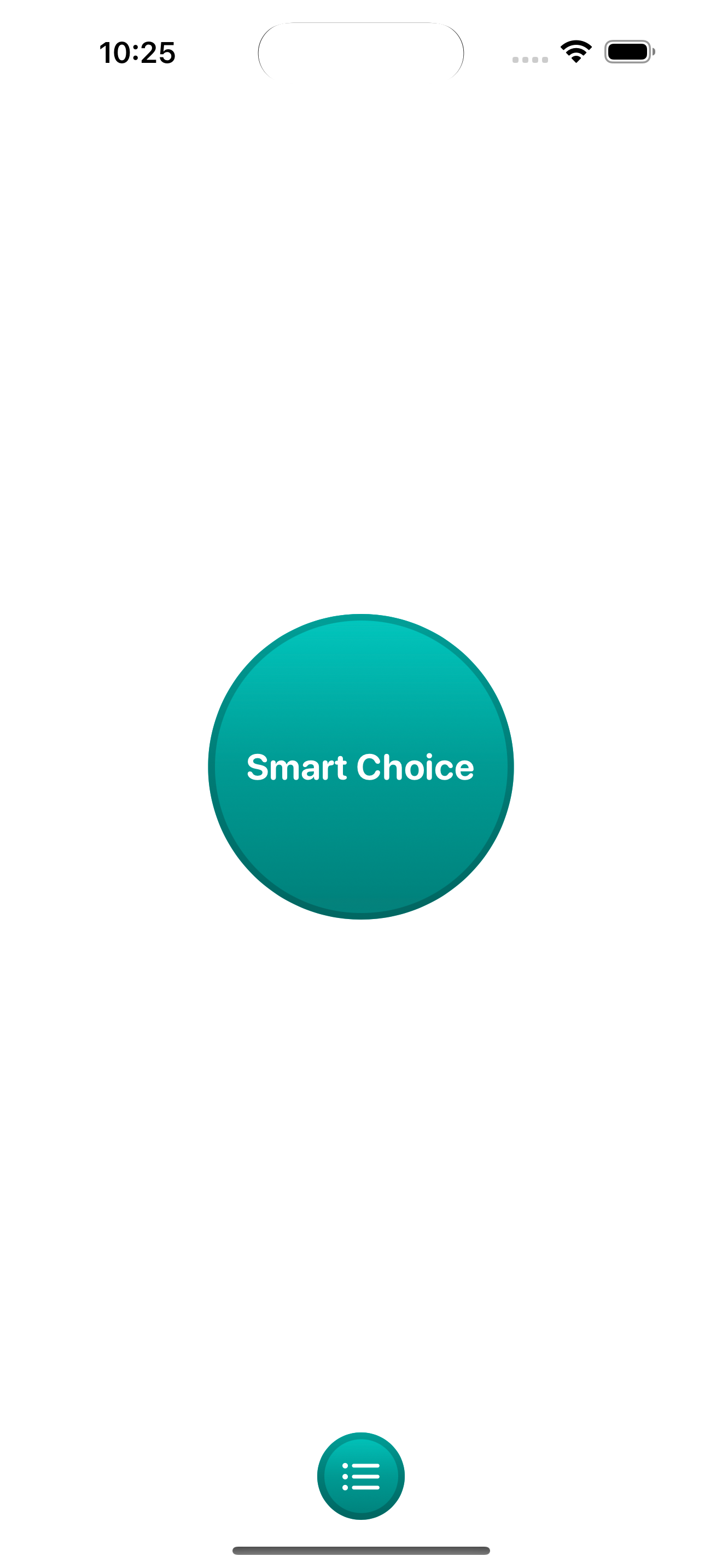
A large button is presented for children to press when they make a Smart Choice. A smaller button is for accessing app settings.
-
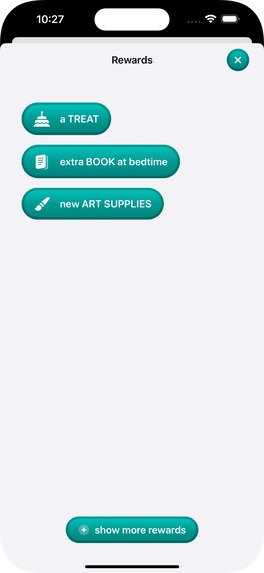
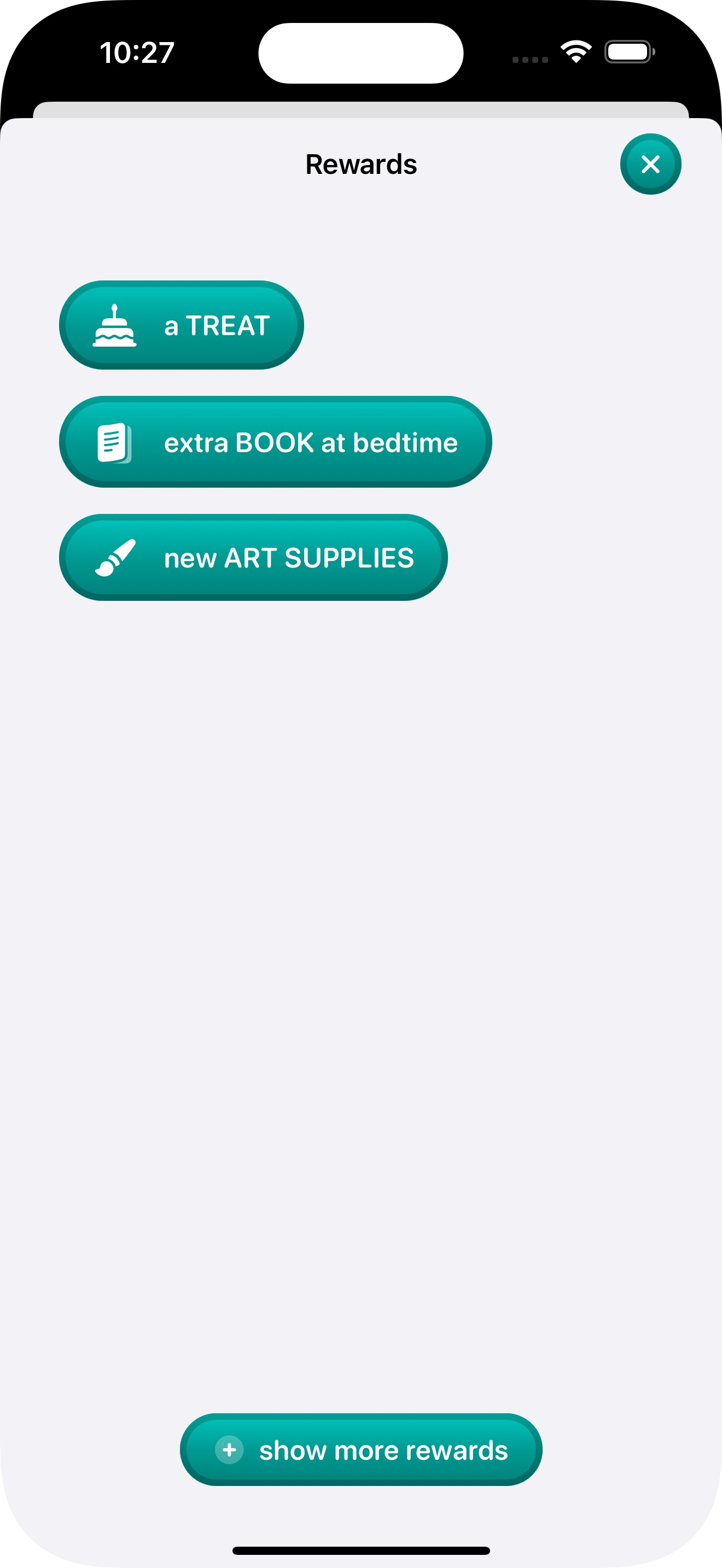
The rewards screen presenting a choices of three random rewards, there is an option to show the other rewards if needed.
-
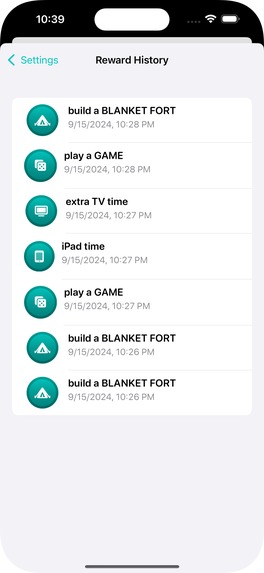
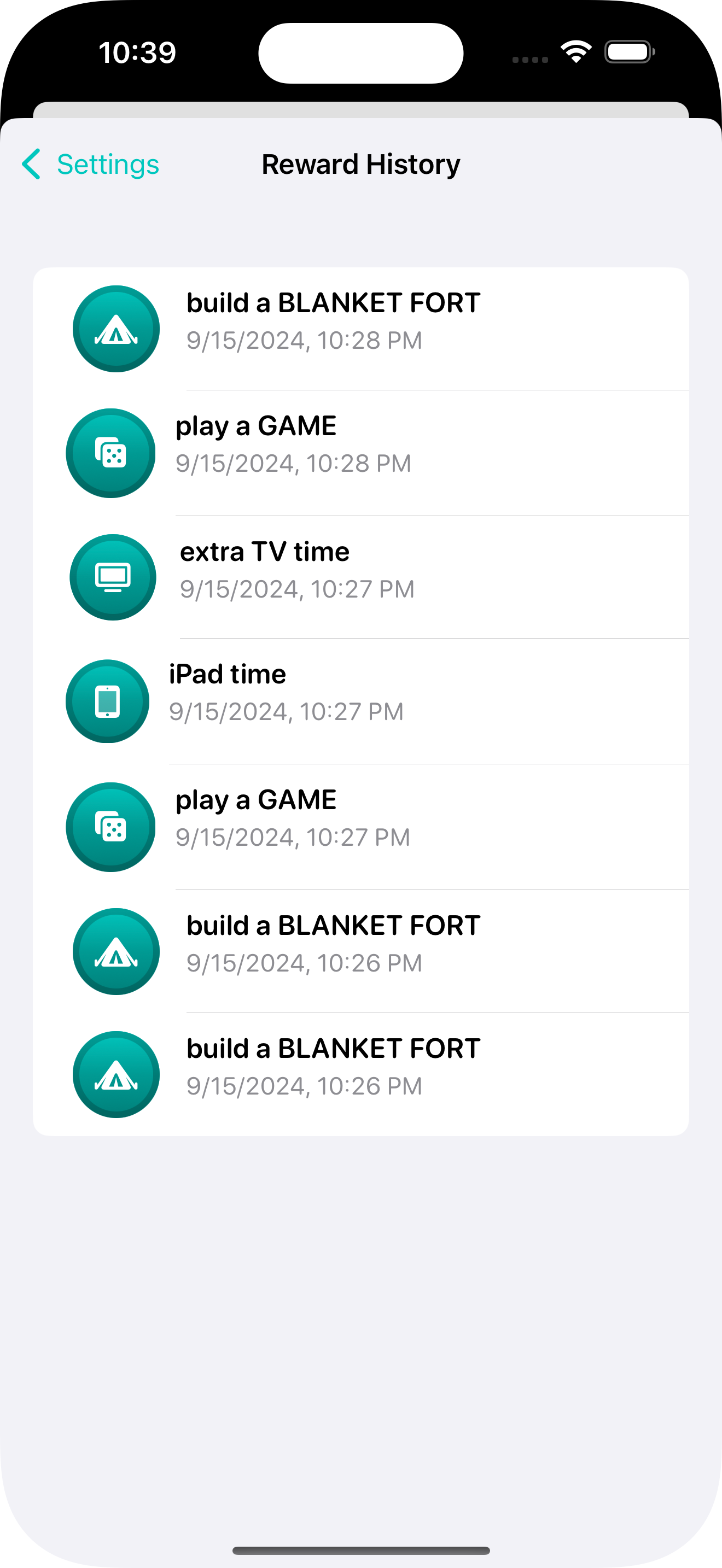
The reward log screen, available to paying users, as additional information on which rewards are the most enticing to your children.

Inspiration
This past summer, we hit a breaking point with our children. That sounds dramatic, but, in the moment, we were struggling to get our kids to do simple chores and follow directions without it becoming a battle.
One evening, my wife turned to me and said, "I have an idea for an app…" As iOS developers, how often do we hear this?
"I want an app where the kids can push a button and it will randomly reward them, but not all the time."
What it does
The main functionality of the app is to allow children to tap The Big Button and then randomly they get to pick a reward.
Parents/Guardians can add and edit existing rewards and even enable/disable rewards (because "go swimming" isn't an appropriate reward in the winter).
You can also view the rewards that have been previously selected to see which rewards are more popular with your kids. With this information you can add more similar rewards or if your kids are stuck in a rut with a reward you can disable that reward for a time.
A Shortcut is available to act as The Big Button on your homescreen or you can create a shortcut and assign it to the iPhone Action Button.
How we built it
I wanted to keep the architecture simple and use SwiftUI and SwiftData - shying away from adding any ViewModels (SwiftData especially is easiest to use without that intermediate layer).
I was able to quickly deploy TestFlight builds to me and my wife but using Xcode Cloud to build and deploy.
RevenueCat purchases-ios package made implementing and managing in-app purchases. Adding a paywall was super easy too.
Challenges we ran into
In my testing, "restore purchases" would only work on a real device with a real Apple account. Similarly, testing iCloud syncing of SwiftData only works on a real device. Also, don't create two model containers in a single instance of your app, luckily the Xcode debugger logs gave decent hints for what to look for.
Accomplishments that we're proud of
Learning new frameworks was a lot of fun and really rewarding.
- Getting shortcuts and Siri integration working
- Apple Watch app
- Xcode Cloud
- SwiftData with iCloud sync
- RevenueCat purchases integration
There was something new at every step.
What's next for Smart Choices
Very next: TipKit integration to onboard new users, right now there isn't much direction on how to use the app Near next: User-defined logic for enabling/disabling rewards (i.e. time of day, pick frequency, time of year, day of the week, etc). Long term: Add a chores tracker feature to allow parents to have a list of regular chores that their kids can do. Each chore has a list of appropriate rewards for completing the chore.
Built With
- icloud
- revenuecat
- swift
- swiftdata
- swiftui
- xcode-cloud

Log in or sign up for Devpost to join the conversation.