-
-
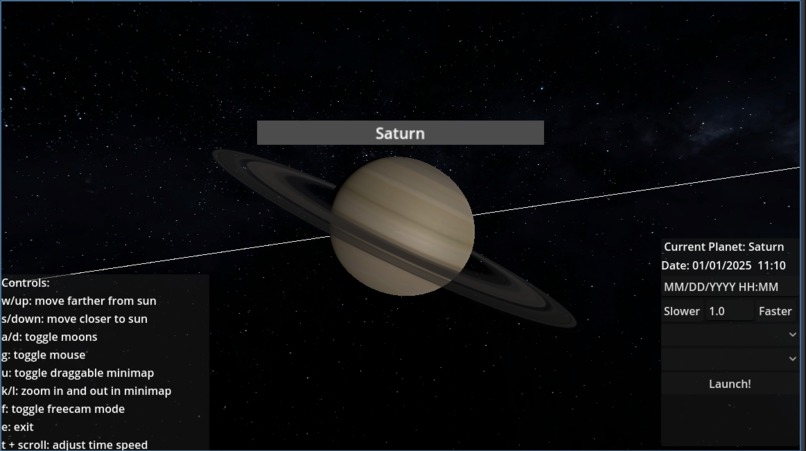
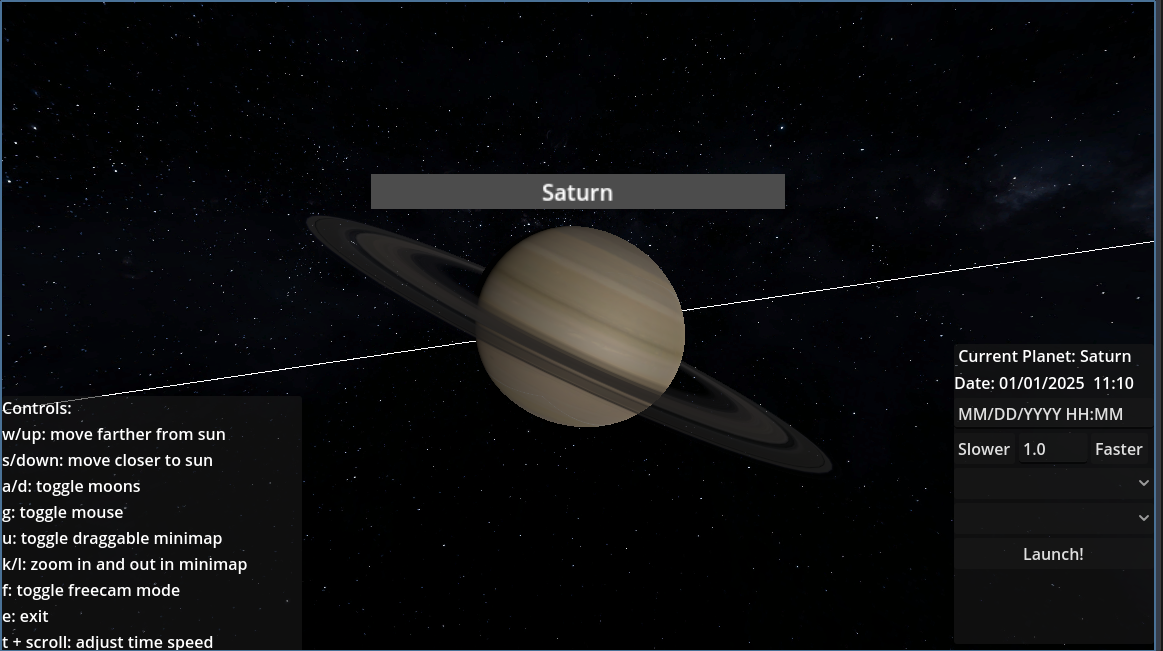
A picture of what Saturn look like in our simulator
-
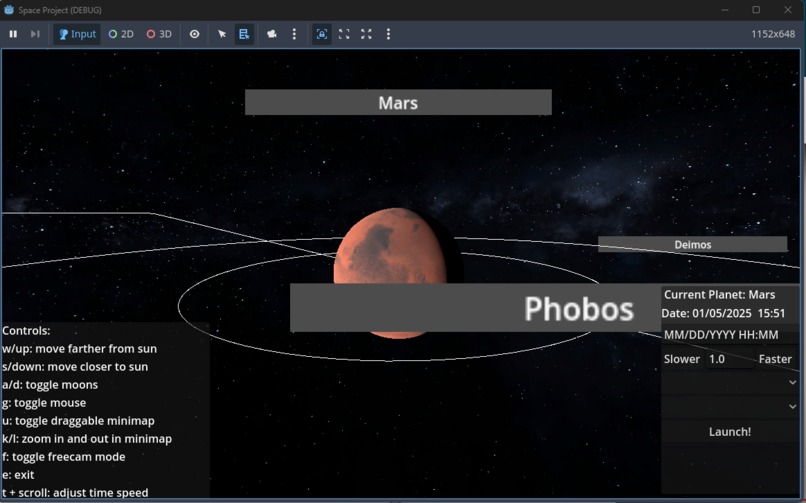
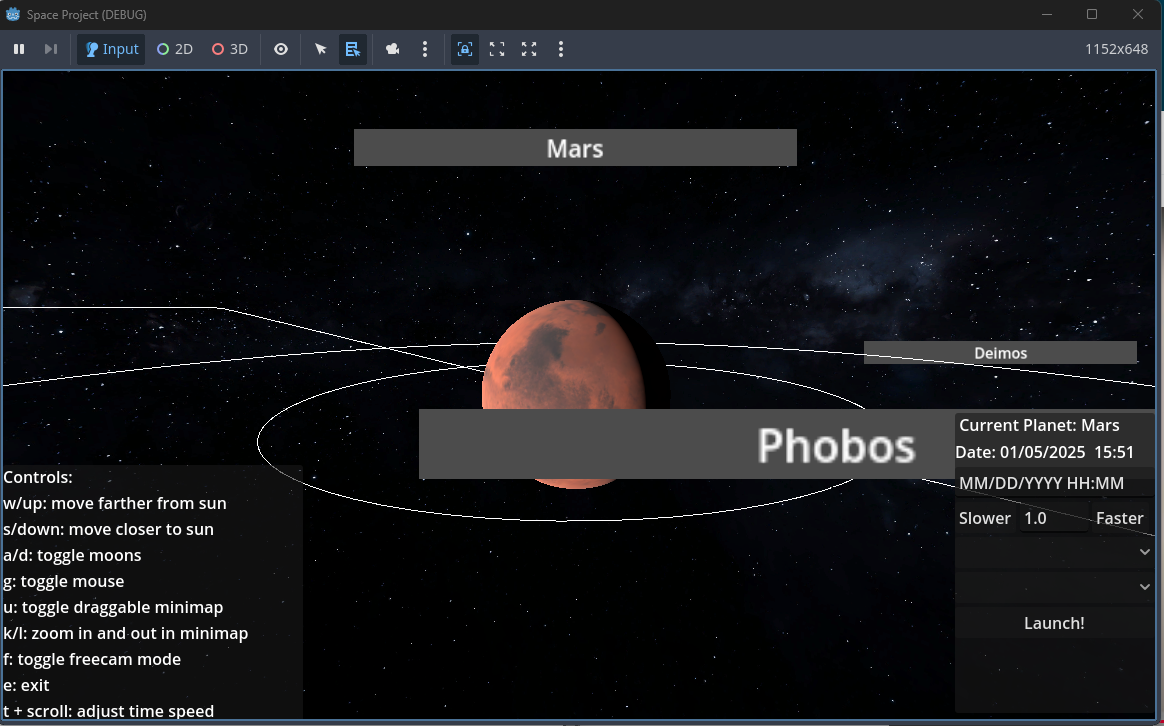
Mars with it's moons
-
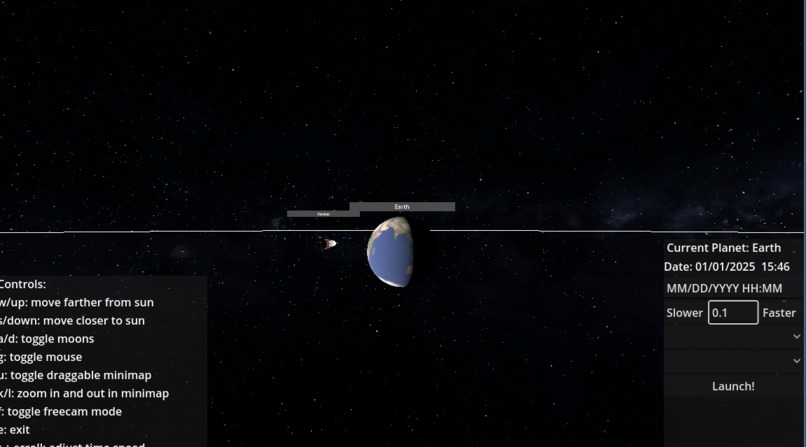
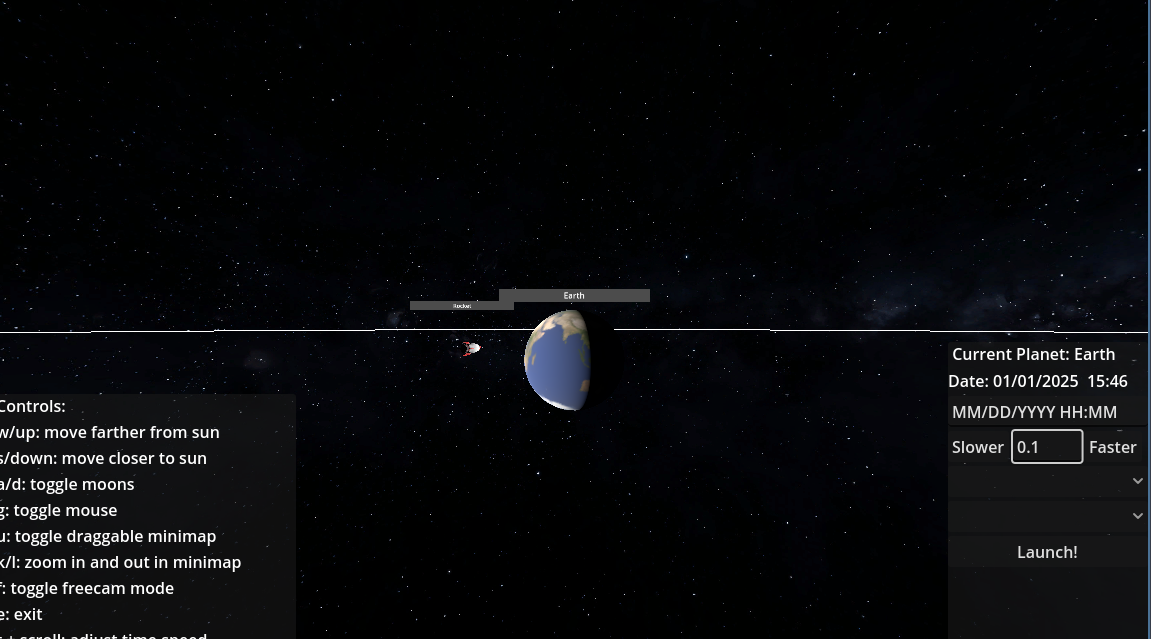
The rocket while it is orbiting the Earth
-
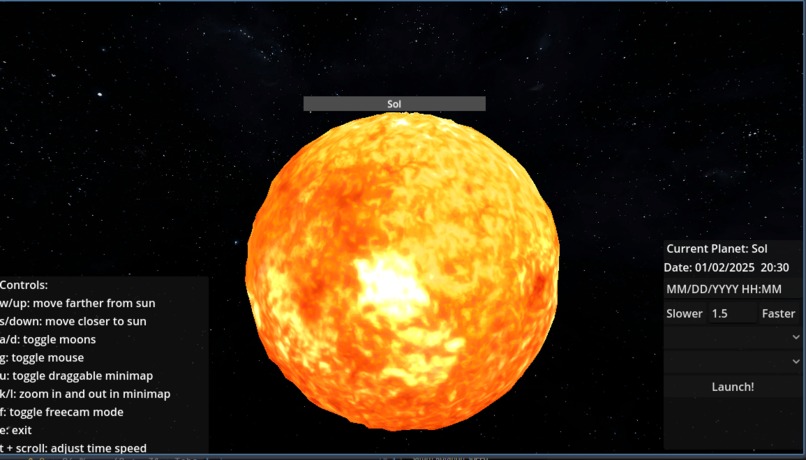
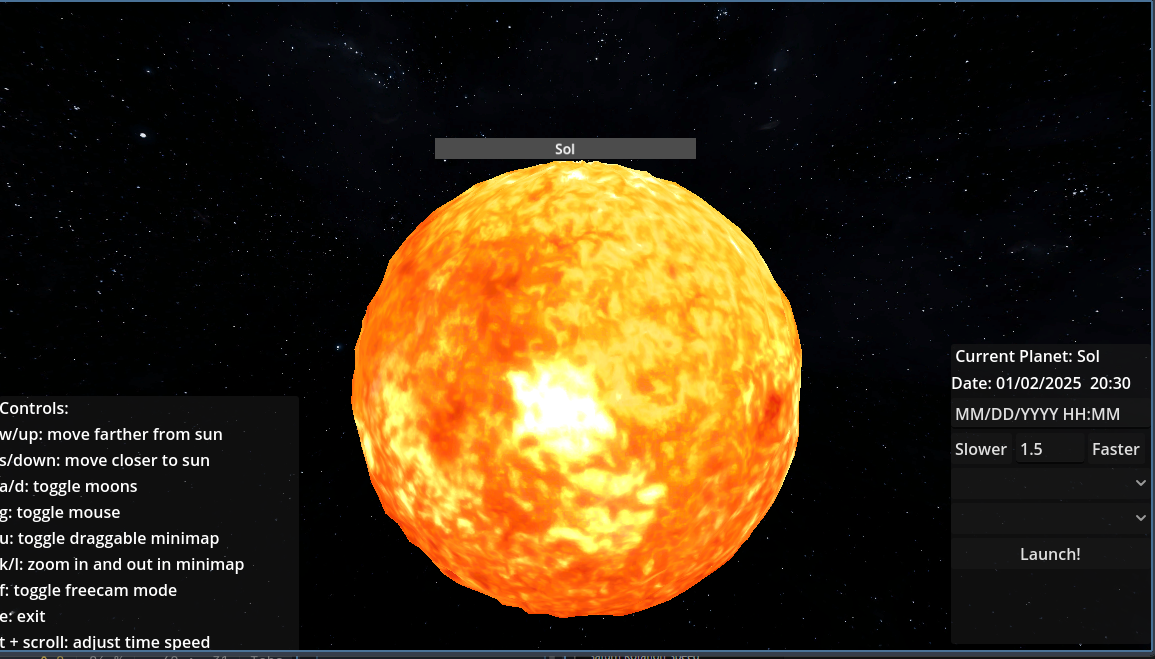
A close up of the sun
-
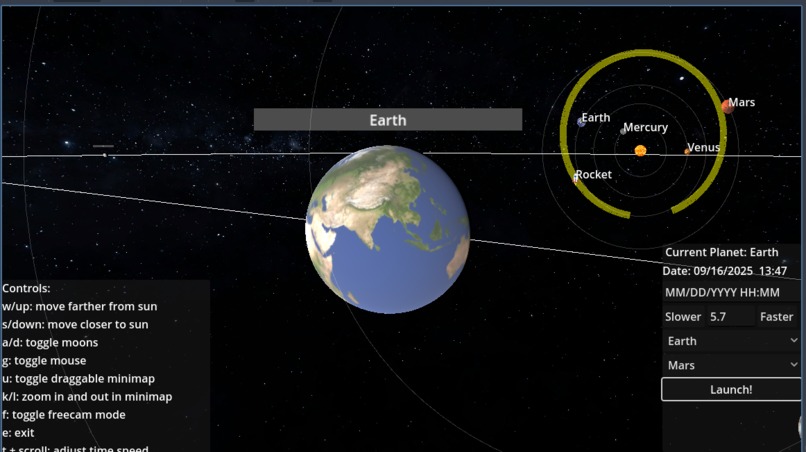
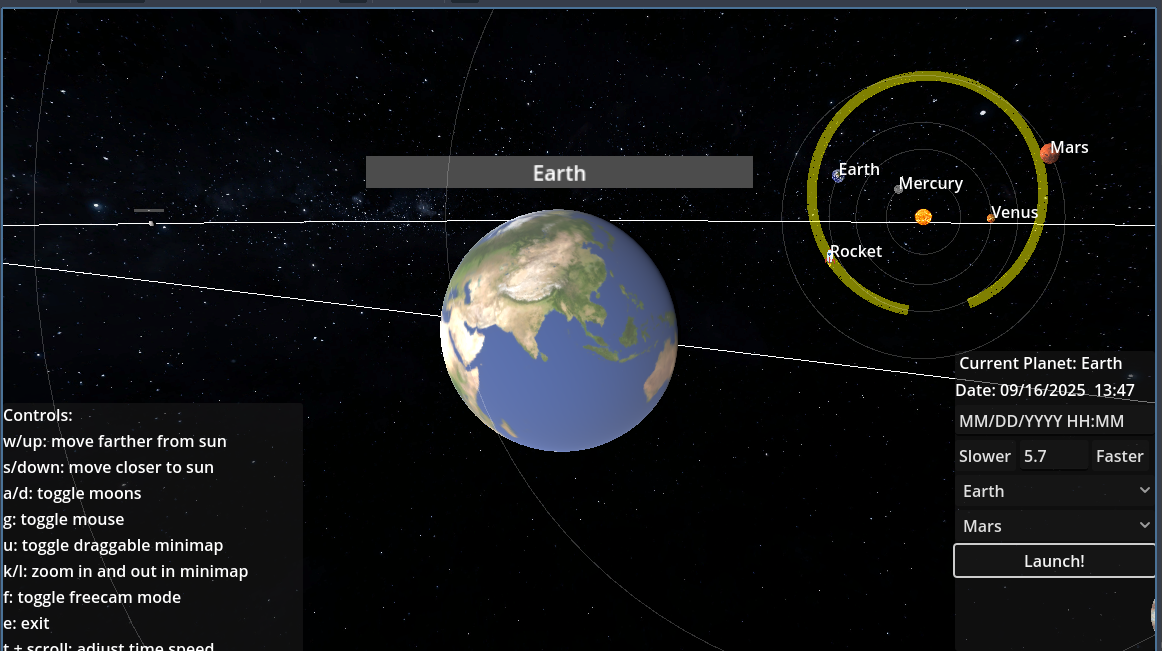
Our UI showing the rocket's path after it is sent from Earth to Mars
-
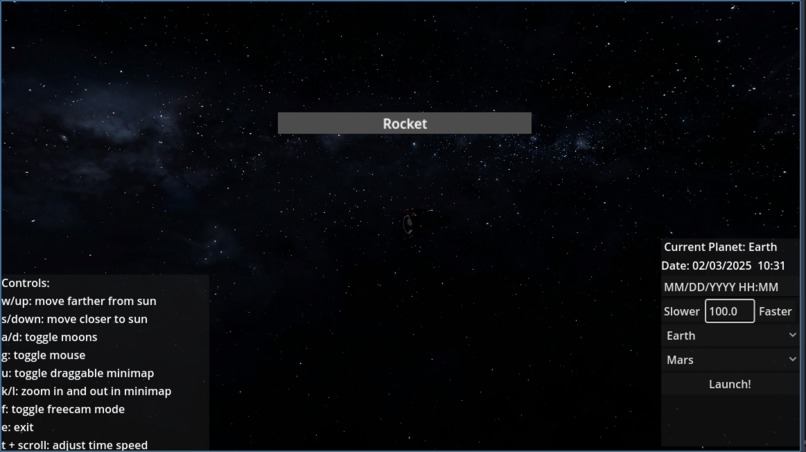
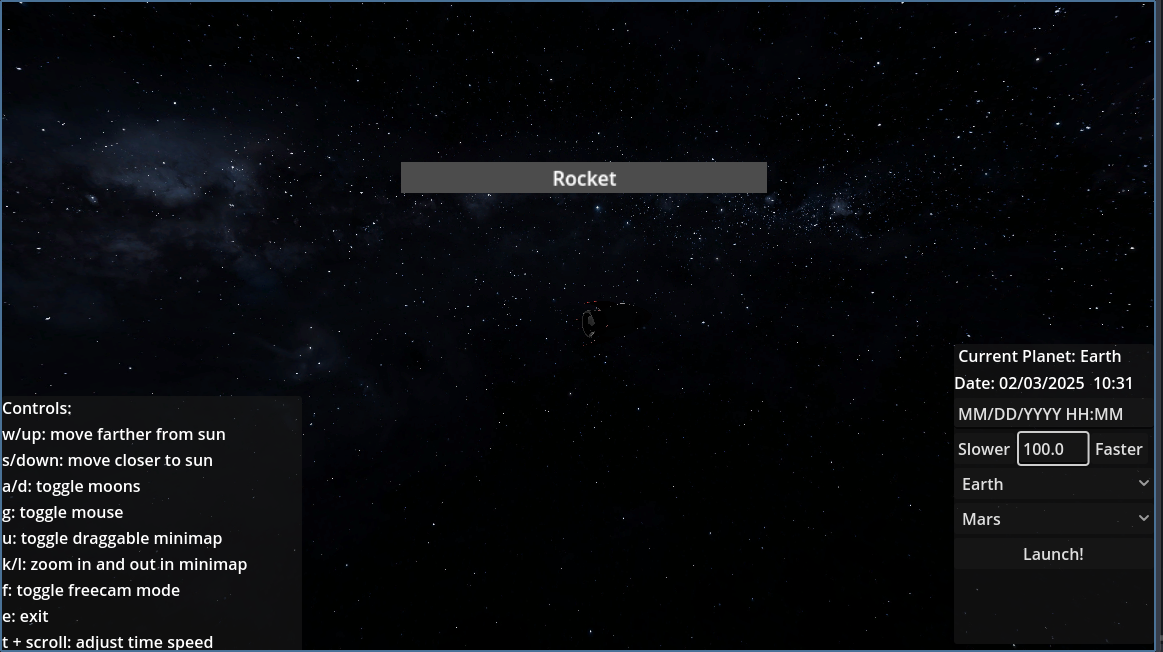
The camera following the rocket while it is transferring orbits
3d Solar System Visualizer
Description: An interactive 3D model of the solar system, with accurate real-time planet positions, time controls, and interplanetary travel calculations. This is available through desktop or android.
What it does Represents all planets of the solar system, the Sun, Earth's moon Luna, Mars's two moons Deimos and Phobos, and of course, Saturn's beautiful rings. All planets and moon's positions are synced with their respective positions in reality. A 2D map of the entire solar system is also represented as well. It allows for the time to be sped up, slowed down, or paused, as well as for travelling into the future or into the past.
Lastly, it calculates a rocket's trajectory from any one planet in the solar system to another.
How it use it UI controls are given in the box. 2D-UI is enabled by pressing the button U, and it is draggable with the mouse when enabled. In order to shrink / grow the 2D-UI camera, press K or L, respectively. Keep in mind that when in the 2D-UI buttons are not pressable. Skipping forward or backward to a certain date must be done in MM/DD/YYYY format. Hold T while scrolling up and down in order to speed up / slow down time. Admire the beautiful tidally locked moon Luna (of the Earth!) by pressing h while spectating the Earth. Press R to view the rocket. To launch the rocket, select the desired start and end planets and press launch!
How it works Planet orbits: Planet orbits are circular here. It works by moving the planet along by a certain amount theta per unit of time. Each planet's angular velocity is different, but thanks to Caltech's observations we have the exact radians / amount of time for each planet and moon. The Time controls: one second of real life time is one hour of in-game time by default. This of course can be changed using the time controls. This is just a simple multiplication to the _process function in our global script, which would respectively update the orbit speeds of planets, the time it takes for a day to pass (or more formally, the time it takes for any single planet to make one complete rotation around their axis), the moons' orbital periods, the travel time of the rocket, and you get the point.. Delta is the game's smallest unit of time. We can manipulate this with a multiplier that changes how fast the game engine runs. When skipping to a different date, we take the difference between the old date and the new date. Using that difference we can calculate the new angle of all the planets and moons, and so we can accurately jump forward as well as backwards in time. The Rocket: We are able to calculate simple Hohmann transfers from any one planet's orbit to another. This becomes as simple as finding the ellipse such that it its semi-major axis is tangent to two concentric planet orbits.
Key features This simulation provides a variety of camera settings and features. You can enter "freecam" mode to freely move around in space with adjustable speed. You can also set you camera to follow any major celestial body, including moons, the sun, and every planet. You can also set the camera to follow a rocket that you send out. This rocket defaults to orbiting planets, but you can optimally send it to other planets through the right menu. Lastly, you can set your simulation to any speed and date (if a wrong date is put it it will adjust). This will put the planets all in their real position at that time/speed.
Real World Impact Gone are the days in which only NASA scientists truly understand our solar system's beauty. With this project complete, that privilege can be spread to all freely, accessibly, and easily. We hope to spread awareness of the vast elegance of space, and to inspire students to perhaps look further into the field of astronomy.
Built With
- android
- android-studio
- eclipse
- gdscript
- godot
- java


Log in or sign up for Devpost to join the conversation.