-
-
-
-

GooglyEyes for the win

Introduction
At GooglyEyes, our focus lies in improving the browsing experience for the elderly and dyslexic with our GooglyEyes 👀 chrome extension!
Also, we work to invade the web with our hacky dark mode 🤓 and train our little GooglyEyes to read your news articles, bedtime stories, or lecture notes out aloud ✌️ Omai, we're basically building your very own storyteller.
Inspiration
We were inspired by the power of chrome browser extensions and were motivated to create a powerful accessibility extension to help the elderly, the colorblind, and those with dyslexia to access the web with greater comfort and ease. But at the same time, our features work well to attract users from all walks of life thanks to the little swags we added in ;)
What it does
As developers totally clueless about chrome extensions a day ago, we are proud to finish the following features within 24 hours:
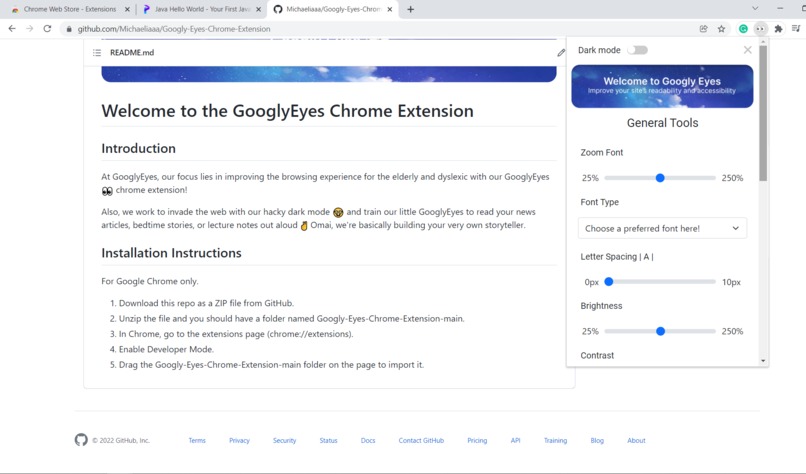
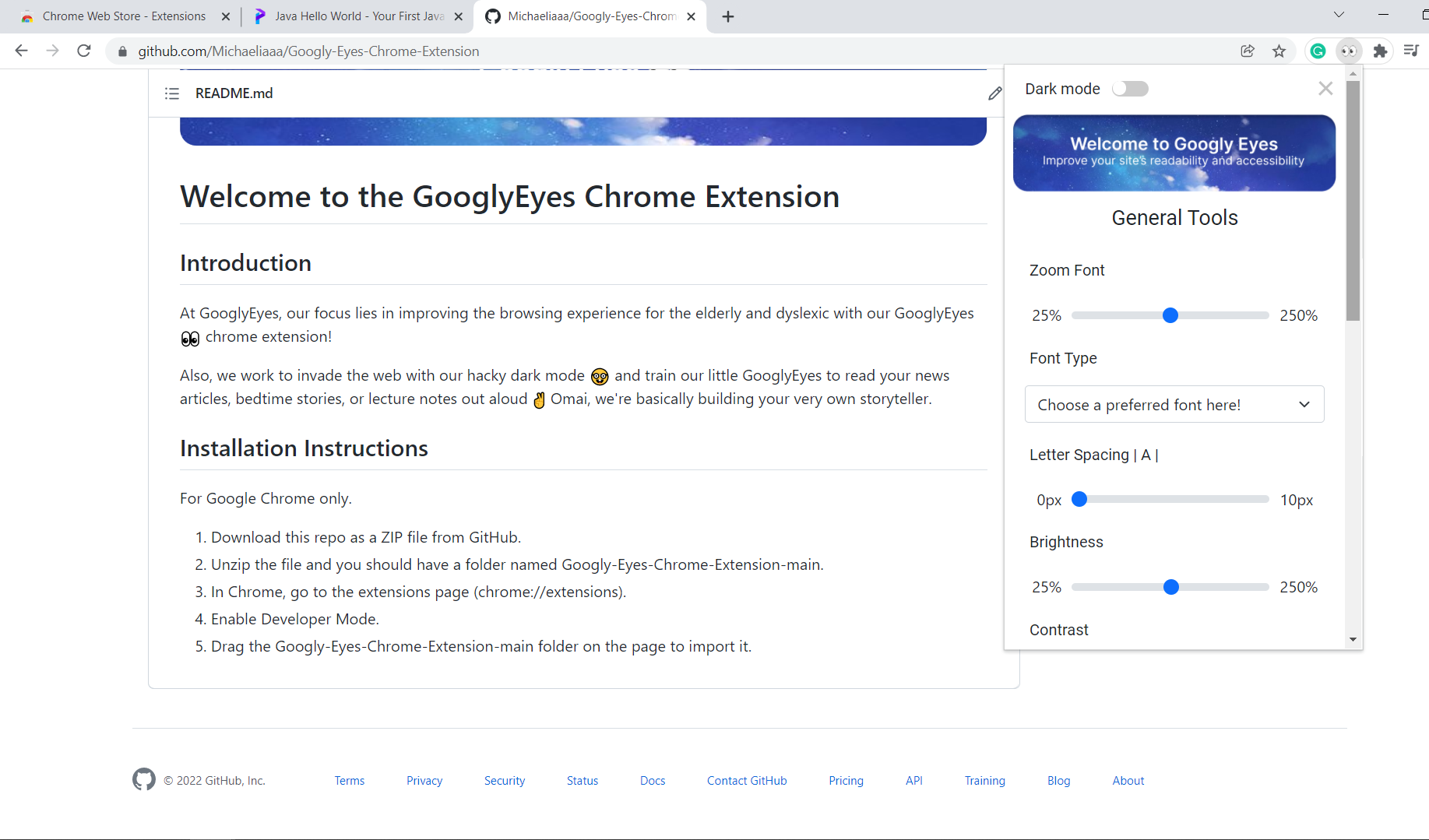
- Beautiful and appealing User Interface
- Allowing users to scale and adjust the font size of any web page dynamically
- Facilitate adjustable letter spacing to improve site readability
- Customizable text color for the majority of sites
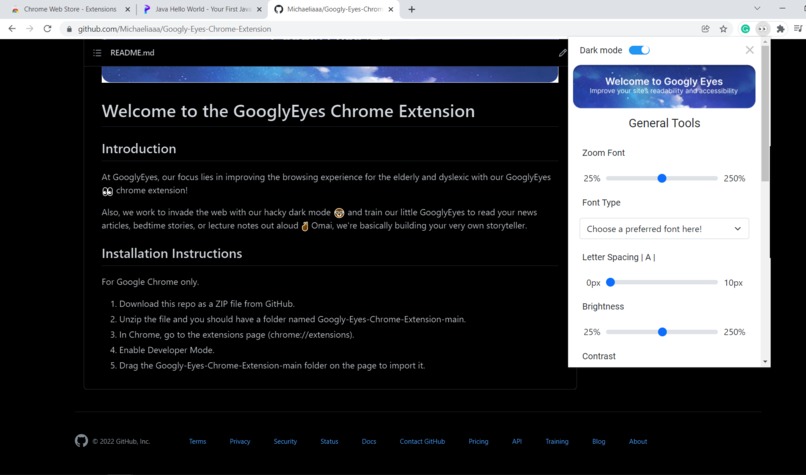
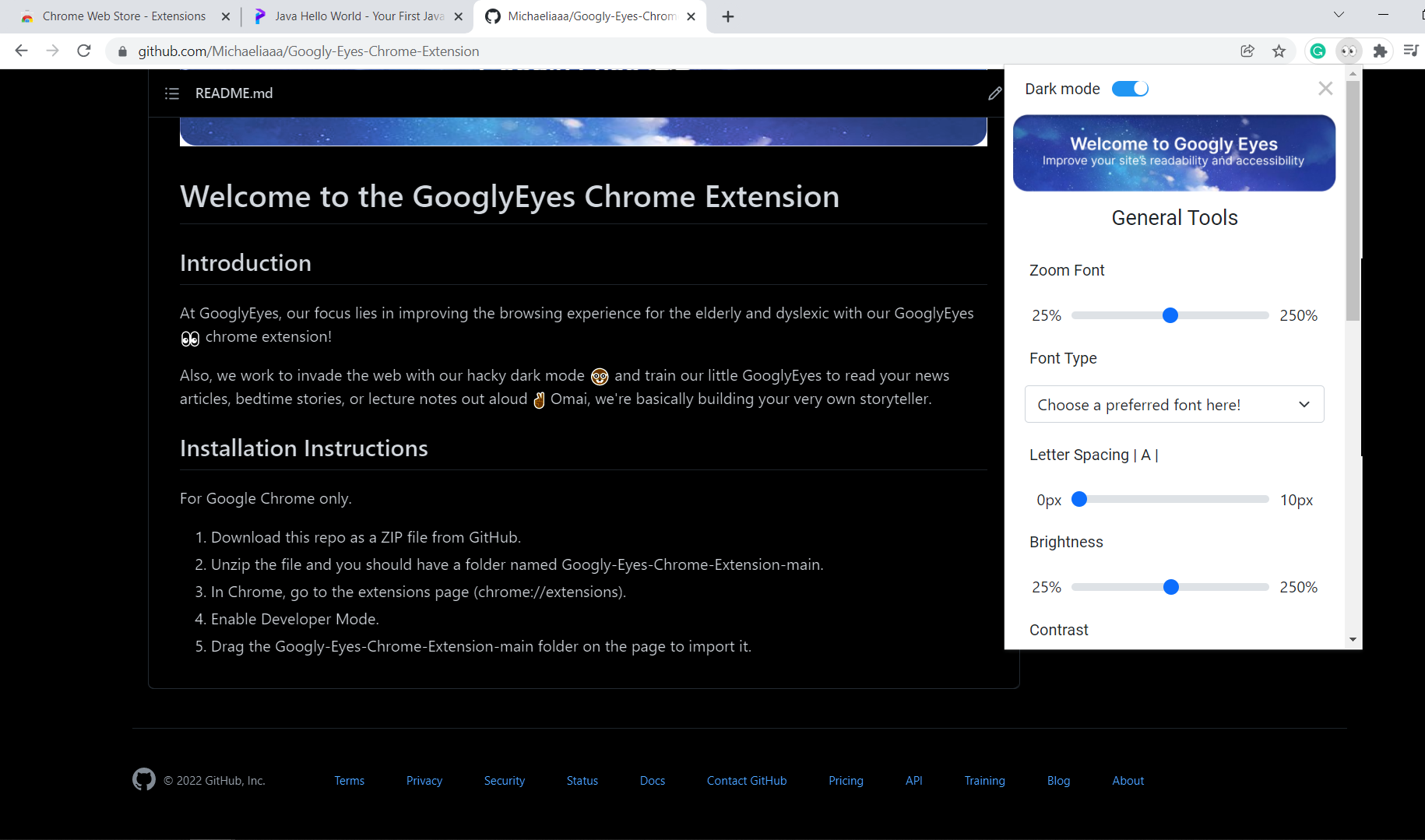
- Bringing Dark mode to every site on the web (almost :p)
- Bringing boring articles and essays to life via our AI- Text to Speech functionality
How we built it
We built the google chrome extension using JavaScript, HTML, CSS and Chrome API and designed our prototype with Figma. During the process, we spent a lot of time using stack overflow and YouTube tutorials to find ways to integrate all the the features we had created.
Challenges we ran into
One of the original features we intend to finish by today is the Dyslexia Ruler. Unfortunately, the feature did not work last minute while integrating so we decided to put it in the future iterations. One of the main challenges I faced during the process of working on Dyslexia Ruler is the poor understanding of the old codes, API and dependencies used by an open-source project we referenced online. While trying to understand the code and tweak it such that it fit our intended use, we realised the original version was a bit buggy. As such, we had to comb through the lines one by one to resolve the error messages. On top of that, we initially built the rest of the extension using manifest v3.0 which ended up not being compatible with some dependencies used in the Dyslexia Ruler which used manifest v2.0. Although we had attempted to modify the ruler to use manifest v3.0, the errors still persisted and we would need more time to truly understand the code.
Another challenge we faced was our lack of understanding of an extension's architecture. This resulted in a lot of confusion about why errors were occurring and frustration when things just don't work the way it should. The constant setbacks motivated us to try to better learn how background and content scripts interact through online tutorials and example projects. In the end, we succeeded and are proud of what we have learnt and created!
Accomplishments that we're proud of
We were able to utilise what we had learnt in school to create a product to help the community especially those who may be disadvantaged when developers don't prioritize accessibility when they design websites due to tight timelines. We exist to help all, including developers since GooglyEyes applies to almost every website in Google Chrome.
In addition, we also managed to complete GoogleEyes in less than 24 hours as a team of four who had zero experience in developing a Google Chrome Extension, and we learnt on the spot with the tight deadline.
What we learned
Through our initial research, we learnt the terminology, structure and different components of Google Chrome Extension. These included the necessary manifest file, popup file as the main UI file and also the concept of background and content script.
Having developed GooglyEyes, we all learnt how to create a Google Chrome Extension and integrate our script files with the UI. We also managed to gain exposure to certain concepts that we weren't familiar with before for i.e. JavaScript, HTML DOM manipulation!
What's next for Goggly Eyes:
- Dyslexia Ruler
- Allow users to choose font color from a color palette
- Highlight words and add more fonts
- Add sticky notes
- Easy for easy lookup of words in dictionary

Log in or sign up for Devpost to join the conversation.