-
-
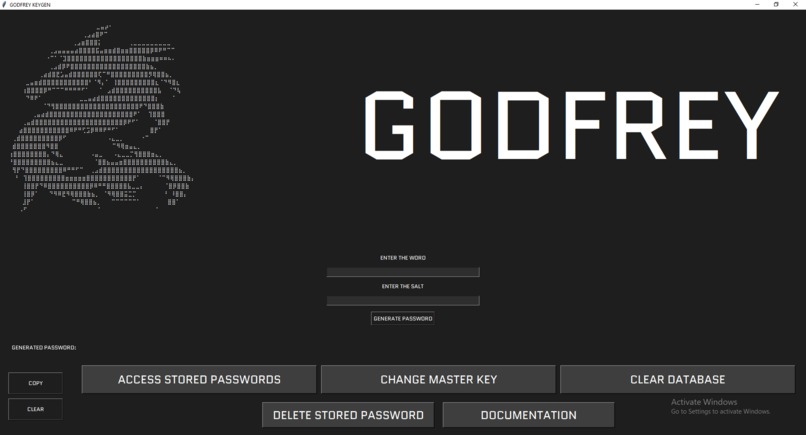
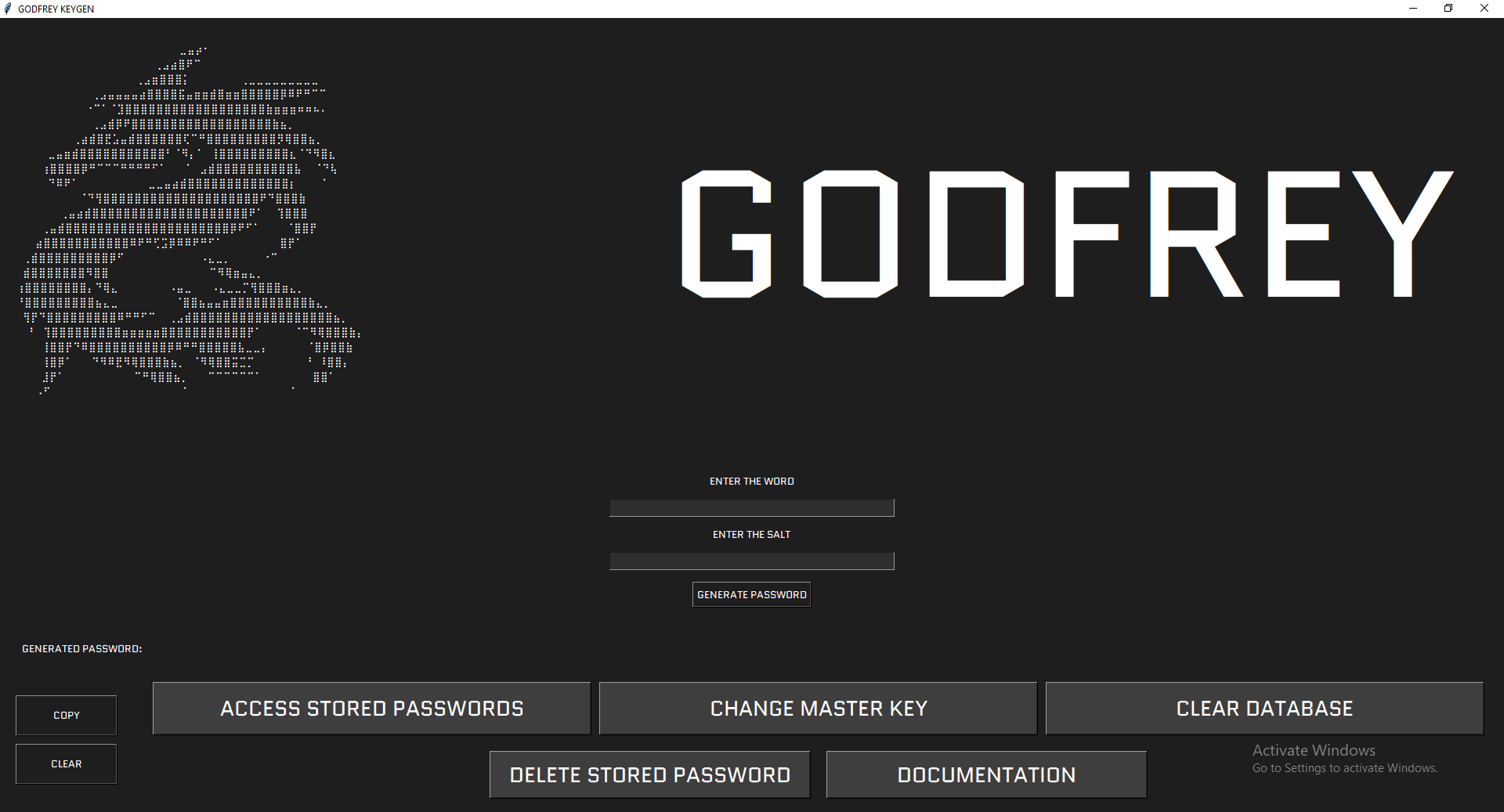
image of godfrey-keygen UI design
INSPIRATION
Since learning cybersecurity for almost 3 years, I have developed a Zero Trust Model within myself.
Also, another common problem I faced myself is forgetting my passwords. And most of the people either write their passwords down somewhere on piece of paper and get it lost when needed, or store in a plain text file in their handset.
But after learning cryptography and password storing techniques that companies do on their end, I thought why should not I do this on my own end and secure and password on my local device itself.
And talking about password managers, I do not trust anything that is connected to the internet, so why I should generate my own passwords and store them locally on my storage without connection to the internet.
And the recent news about various password breaches from databases of various top companies is a topic of concern.
Thus Godfrey-keygen helps user to reinforce passwords on their end to achieve maximum security.
WORKING AND FUNCTIONALITY
Godfrey Keygen is a secure and offline Python-based password generator and manager.
The tool accepts a WORD from the user which is generally the username itself, and a SALT which could be any random yet strong, difficult and unguessable string or word, to generate a highly entropic password which is highly protective and strong.
This tool relies on the core concept of cryptography i.e. hashing.
A secure password is generated via accepting a word from the user and hashing it with a custom salt that user chooses.
GODFREY is a STRONG AND FIERCEFUL video game character from Elden Ring.
KEYGEN is a word to describe a key-generator, here KEY refers password.
The tool is built on Python using the following libraries and modules:
- Tkinter for GUI
- Argon2 (
argon2-cffilibrary) - Cryptography module
- Base encoding libraries
The flowchart towards the secure password generation is as follows:
- ➤ A "WORD" and "SALT" is accepted from user.
- ➤ Argon2-cffi algorithm hashes the word along with its salt.
- ➤ The generated "Binary Hash" is converted to "Hexadecimal Hash"
- ➤ The "Hexadecimal Hash" is then reversed.
- ➤ The reversed Hex Hash is encoded with Base-91 encoding.
- ➤ The Base-91 encoding is entropic as it contains numbers and both upper- and lower-case characters.
- ➤ If there is no special character doesn't mean it is less secure; we'll see it further how.
- ➤ And the reverse Base-91 string becomes our password.
- ➤ To this password generation, endless possibilities exist, just so you know sky is the limit.
CHALLENGES FACED
The major challenge was to create a strong algorithm by taking every password attack into consideration. Also to sum up all functions to a versatile and flexible GUI was quite difficult.
FUTURE OF THIS TOOL
With more learning and experience I will update GodFrey-Keygen and make it much more useful and functional with respect to industry requirement.

Log in or sign up for Devpost to join the conversation.