Inspiration
- Watching friends cram the night before exams and still miss key concepts showed that passive studying (summaries, flashcards, AI chat) doesn’t simulate time pressure or decision-making.
- We wanted a “learning simulator” that feels like a mission, not a PDF reader, and keeps students in flow with voice + visuals.
What it does
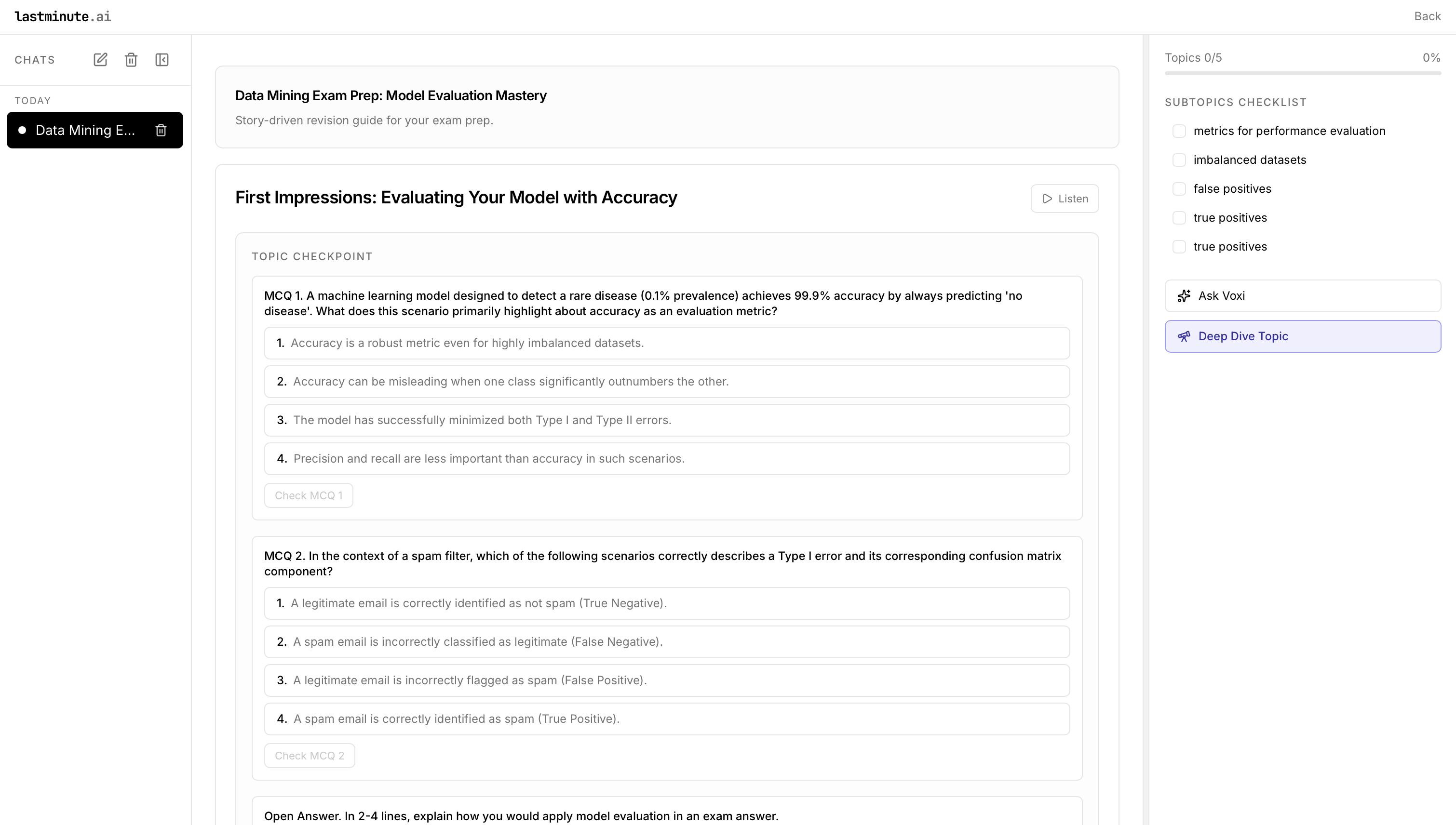
- Turns uploaded study materials into interactive, story-driven “missions” with scenarios, decisions, and adaptive quizzes.
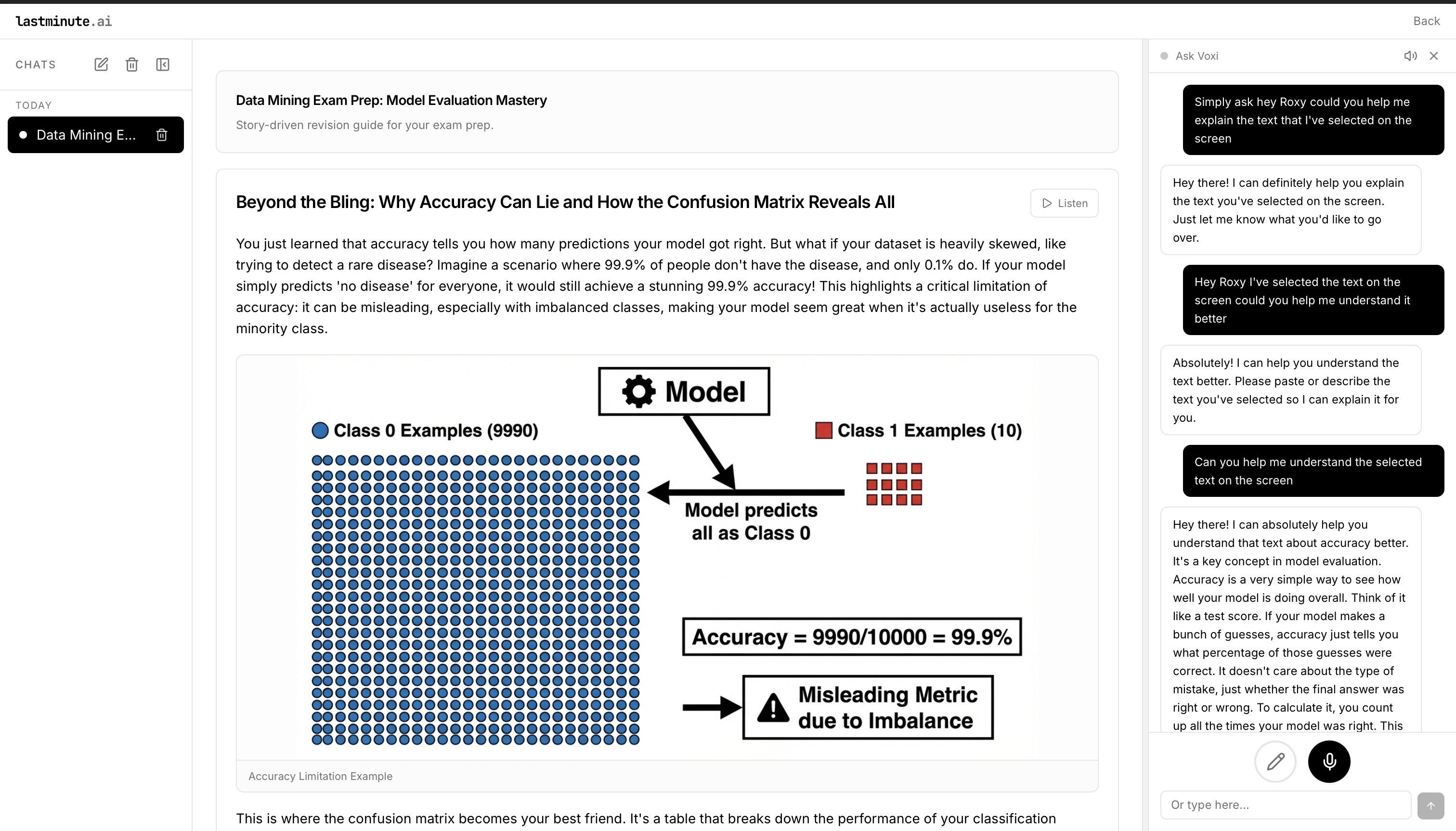
- Provides a voice tutor (Voxi) for on-demand explanations, plus an RSVP speed reader overlay to sprint through slide text.
- Keeps context (slides, annotations, chat) in one workspace so students don’t context-switch. -Supports smart text selection — students can highlight any word, sentence, or section to:Get simplified explanations Request deeper analysis,Ask follow-up questions
How we built it
Frontend: Next.js 13 (App Router), TypeScript, React 18, Tailwind. UI icons via lucide-react; html2canvas for capture; Web Speech API + HTML5 Audio for voice.
AI + orchestration: Google Gemini for tutoring; LangGraph + LangSmith traces for the content pipeline; Python preprocessing (text normalization, chunking) with requests + ThreadPoolExecutor.
RSVP reader: custom pivot-highlighting player embedded in the lesson pane; uses DOM/state text from the active slide.
Storage/config: env-driven; ready for Vercel/Next API routes.
-We use Google Gemini for the full pipeline: extracting concepts from your materials, generating the mission story and learning path, and creating images for story beats. The backend runs a LangGraph pipeline that calls Gemini for concept extraction, narrative generation, and image generation
-We use ElevenLabs for the in-app voice tutor: natural text-to-speech so you can listen to explanations and mission content. The tutor uses ElevenLabs TTS .
Challenges we ran into
- Balancing speed and quality for voice.
- Normalizing noisy slide text (OCR/PDF/HTML) into clean story beats without losing structure.
- Keeping latency low when chaining Gemini with our LangGraph pipeline.
- Handling autoplay and browser mic/tts permissions gracefully.
Accomplishments that we’re proud of
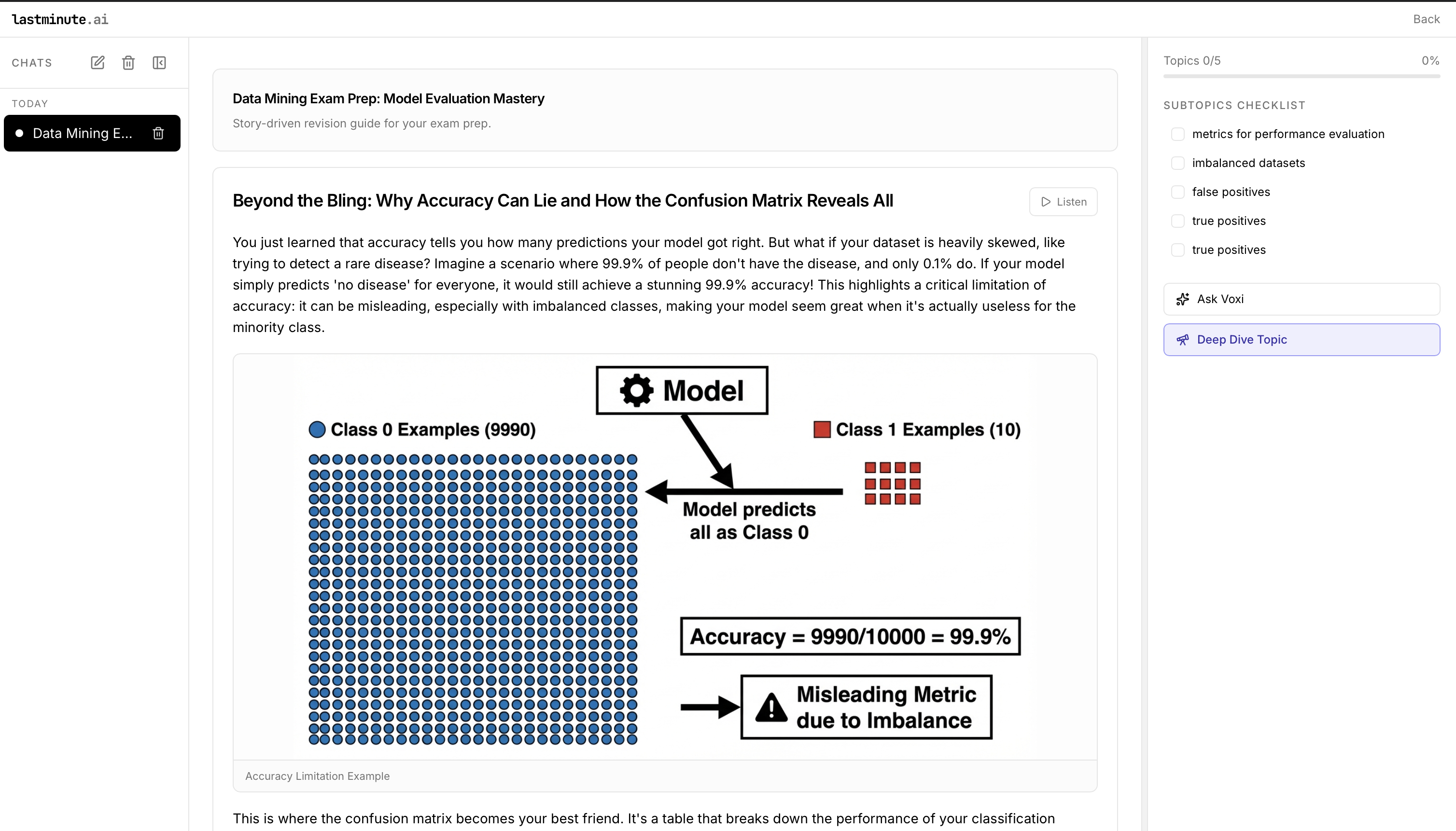
- A cohesive 3-panel workspace that mixes narrative lessons, quizzes, annotations, and voice tutoring without feeling like separate apps.
- The RSVP overlay that pulls live slide text and stays in flow (play/pause, WPM control, interruptible).
- Robust fallback logic for text extraction (PDF, OCR, URL) feeding the same story engine.
What we learned
- Story-first UX keeps students engaged more than raw Q&A; combining narration, visuals, and quick-read modes reduces fatigue.
- Voice + rapid reading need strong interrupt controls and clear state cues to feel trustworthy.
- LangGraph + tracing made debugging LLM pipelines far faster than ad-hoc scripts.
What’s next for LastMinute
- Multi-agent refinement: separate evaluators for reasoning quality and timing pressure.
- Better media generation (diagrams/animations) tied to each story beat.
- Offline/low-connectivity mode with cached lessons and RSVP.
- Classroom mode: share missions, track progress, and auto-generate quizzes per cohort.
MLH Tools used
We used the Gemini API to generate the structured study plan, explanations, and quizzes from uploaded lecture content. We used ElevenLabs to add voice narration for Voxi so students can listen to explanations and hints while studying.
Built With
- autoprefixer
- clsx
- elevenlabs
- google-gemini-api-(rest)
- html2canvas
- html5-audio/web-audio
- langgraph
- langsmith-(tracing)
- lucide-react
- next.js-13-(app-router)-on-node.js
- postcss
- python
- python-(pipeline)
- react-18
- requests-(python-http)
- tailwind-css
- tailwind-merge
- threading/threadpoolexecutor
- typescript
- web-speech-api-(speechrecognition)


Log in or sign up for Devpost to join the conversation.