-
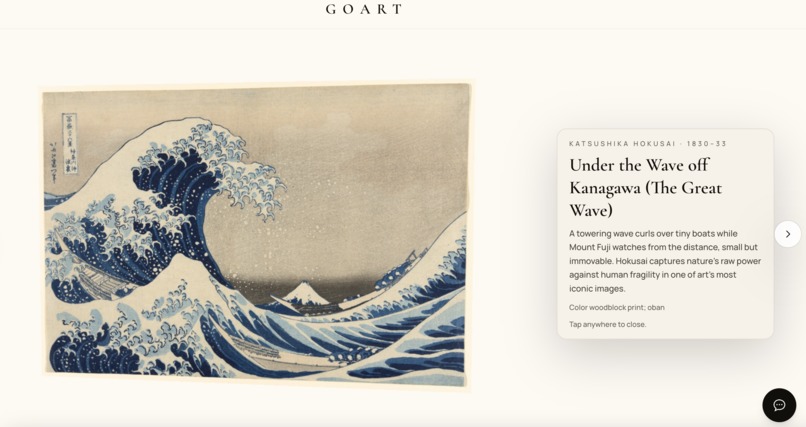
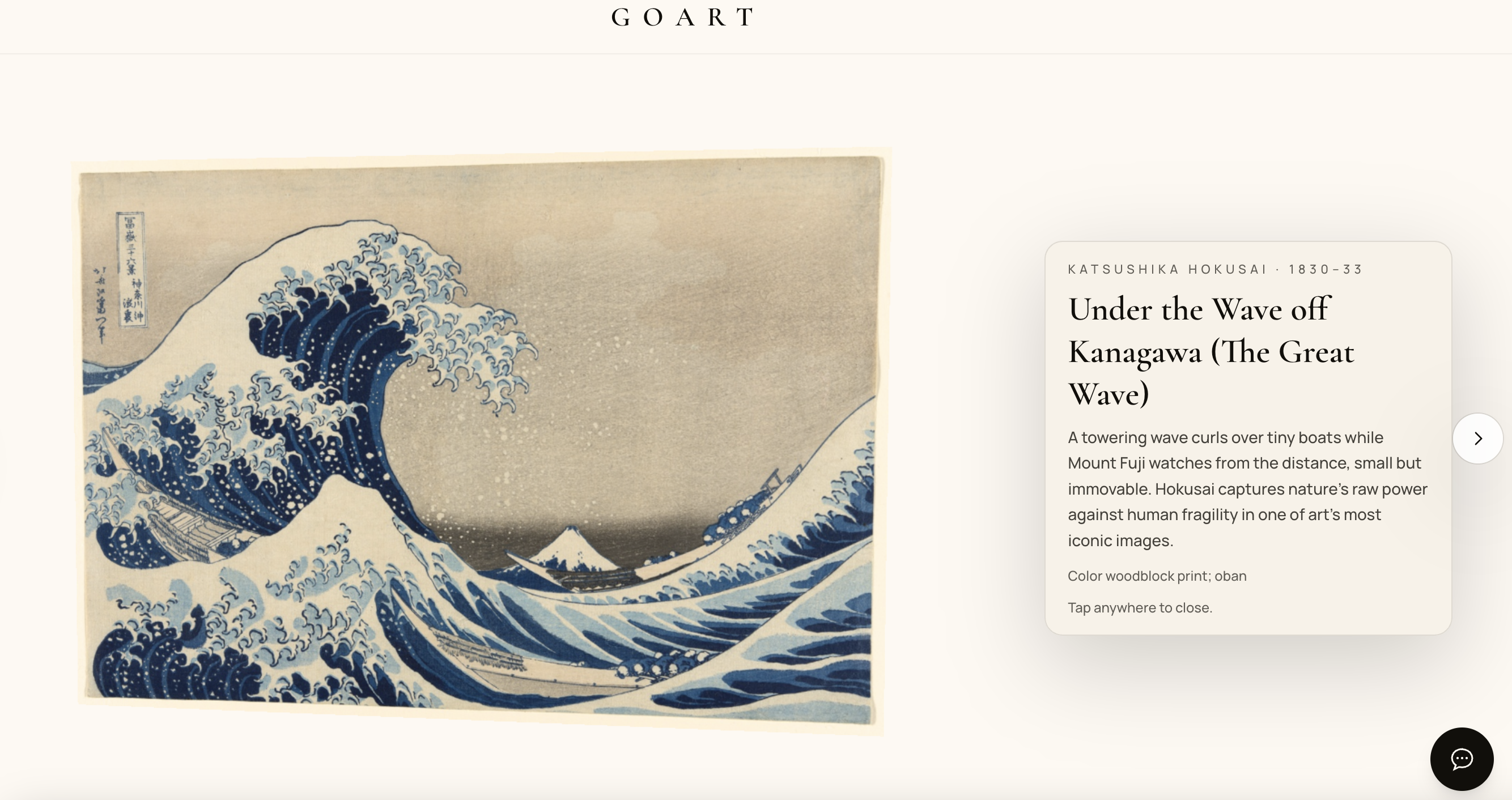
3D canvas with description of the painting,artist & style
-
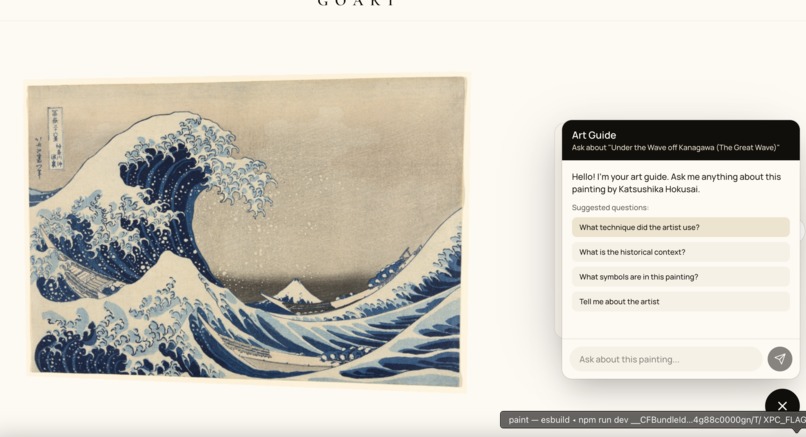
AI Guide for a better understanding of significance of the work
-
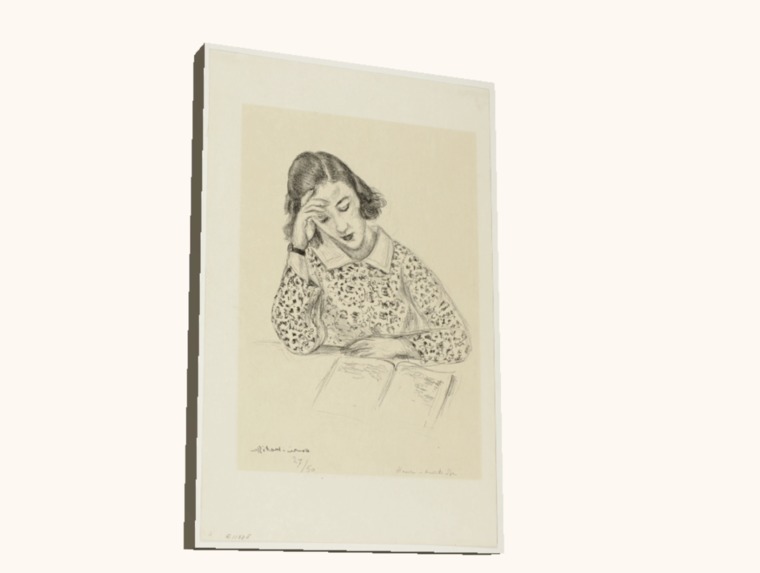
3D interactive canvas
Inspiration
I've always wondered why some paintings make you stop and stare while others just pass by. Growing up I’ve been fascinated by artistic work, but I’ve never been able to live near the great museums that hold the world’s most iconic art.
For most people, seeing a masterpiece in person isn’t a casual experience — it’s expensive, far, and rare. So art becomes what the internet turns it into: a flat image you scroll past.
That shift bothered me. A painting isn’t meant to be “content.” It’s meant to be experienced.
Last year I was looking at Hokusai’s Red Fuji online and realized I was scrolling past it too — until I read the context: why the mountain looks red, how dawn light changes the scene, and what Hokusai was trying to capture. Same image, totally different impact. The story behind it made it feel alive.
That’s what pushed me to build GOART: a way for anyone to experience masterworks in a more museum-like way — framed, interactive, and with an on-demand guide that answers the questions you’d normally ask a docent.
What it does
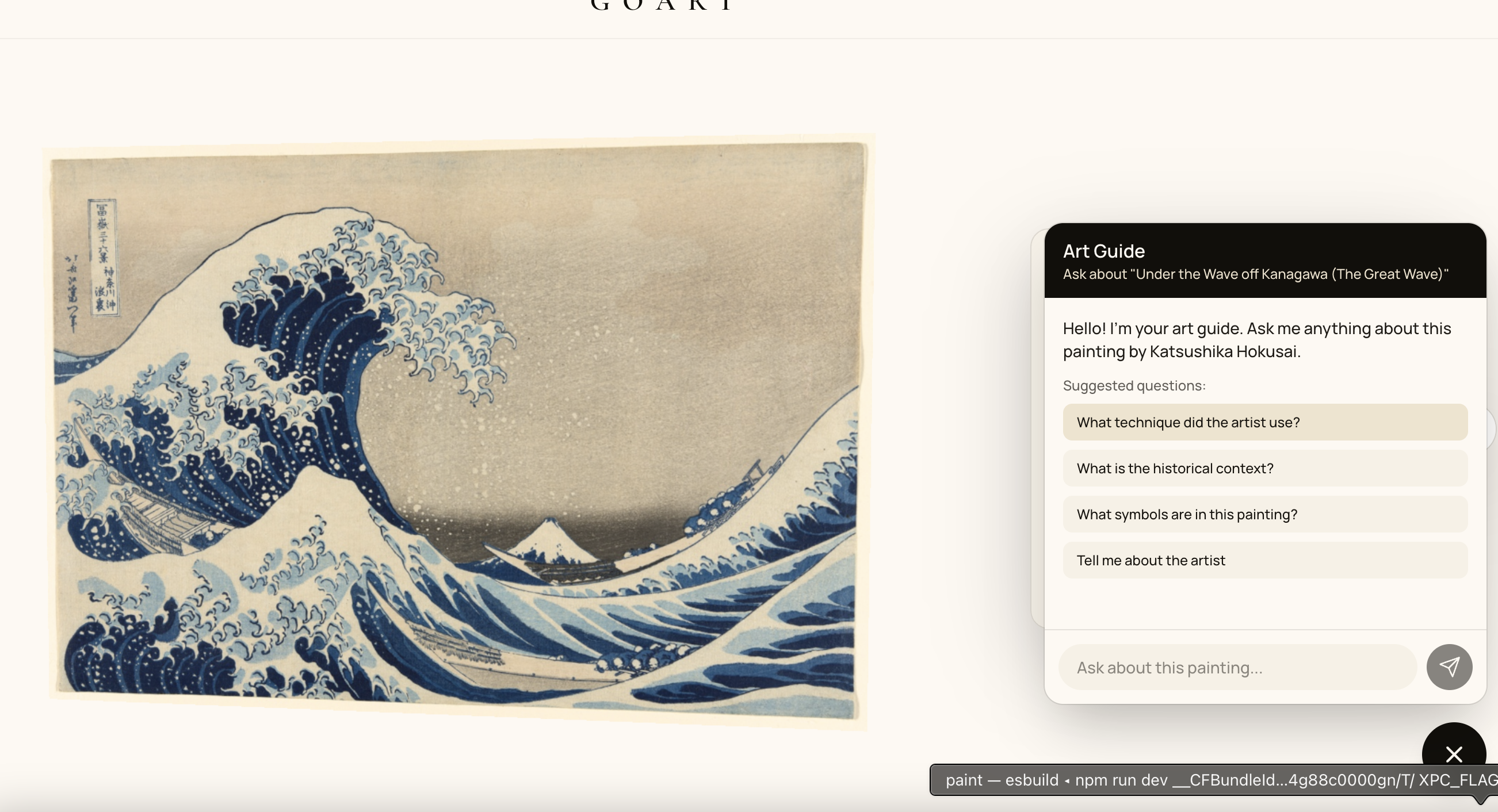
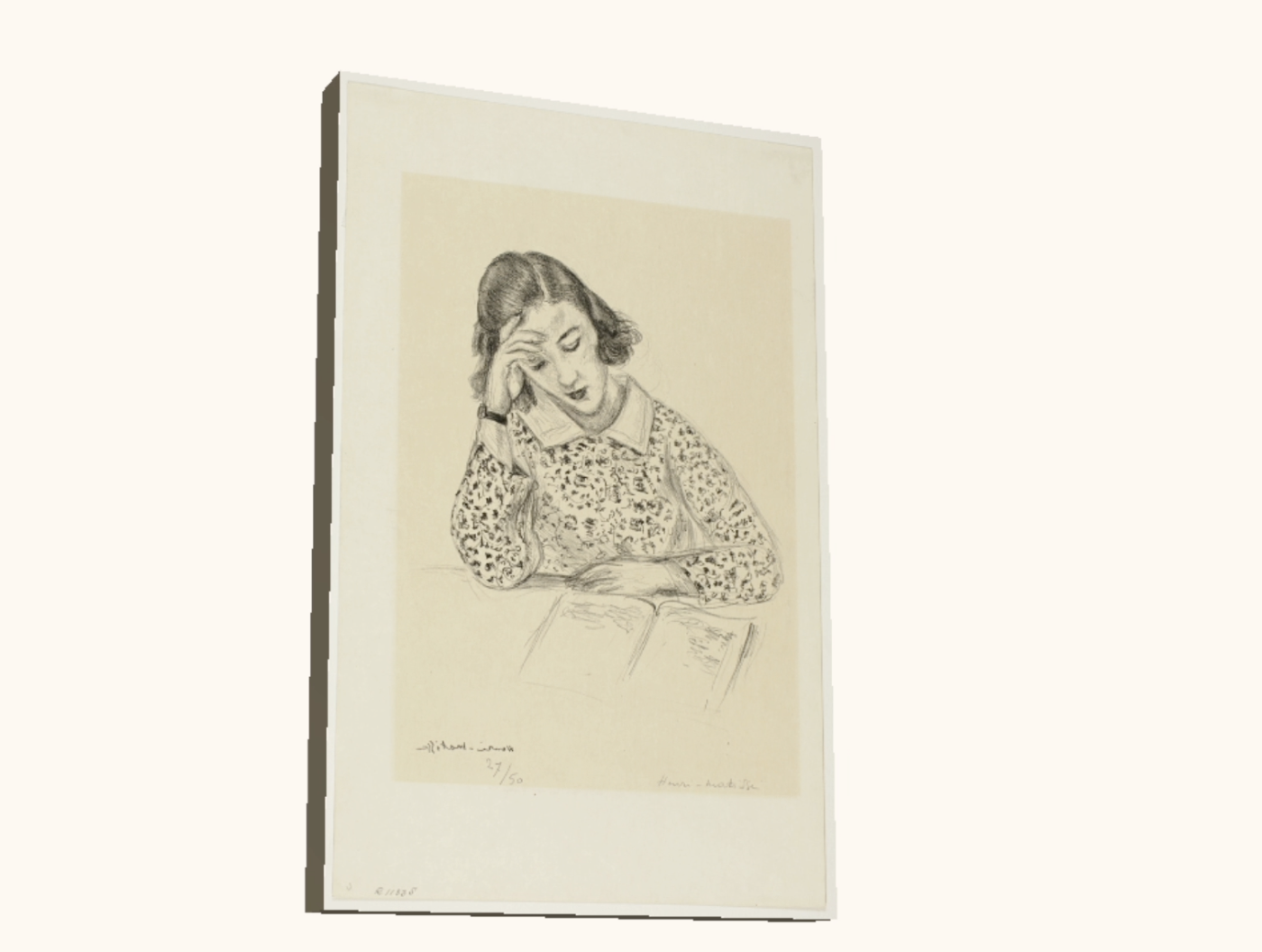
GOART is a 3D interactive art gallery featuring 30 masterworks from Hokusai, Matisse, and Picasso, designed to feel like a premium mini-museum you can carry in your pocket.
Core features:
- 3D Wooden Frames (WebGL): Each painting sits in a WebGL-rendered frame. Drag to tilt and rotate — it feels more like examining a real piece than scrolling a feed.
- Museum-Style Plaques: Tap to reveal the artist, year, medium, and a short “why this matters” explanation.
- AI Art Guide (Ask Anything): An in-app chat lets you ask questions about the painting you’re viewing (technique, symbolism, history, the artist’s life). It responds instantly with contextual explanations.
The goal: make the museum experience accessible to anyone with a phone, anywhere in the world.
How we built it
I built GOART with AI-assisted development in a way that reflects how modern software is increasingly made: AI speeds up iteration, while the builder owns the product decisions, design taste, and integration.
- Claude Code helped me accelerate implementation and debugging (especially around Three.js + WebGL edge cases).
- Groq (Llama) powers the in-app AI Art Guide (the part users interact with to learn about each painting).
- I led the product vision, UI/UX, art selection, interaction design, and system integration end-to-end.
Tech stack:
- React + TypeScript + Vite (frontend)
- Three.js (WebGL 3D rendering)
- Tailwind CSS (styling)
- Art Institute of Chicago IIIF API (museum-quality images)
- Groq API (Llama) (AI Art Guide)
- Vercel (deployment)
Challenges we ran into
- Image hosting (403 errors): I started with sources like Wikimedia/WikiArt because they looked perfect on paper, but hotlinking often gets blocked. I switched to the Art Institute of Chicago’s IIIF image service, which is designed for reliable, high-quality delivery.
- WebGL context loss on mobile: Mobile browsers can drop WebGL contexts unexpectedly, causing a blank canvas. I added fallback handling: detect context loss, show a static image when needed, and restore the renderer when possible.
- Steep Three.js learning curve: I had to learn core 3D concepts quickly (texture loading, camera frustums, render order, performance constraints). Using Claude Code helped compress the iteration loop so I could learn while shipping.
Accomplishments that we're proud of
- The app feels like a museum, not a typical website
- The 3D interaction makes art feel present, not flat
- The AI guide makes the experience educational, not just visual
- 30 paintings load reliably and smoothly
- Runs across devices, including lower-end phones
- I learned more art history building this than years of casual browsing
What we learned
- Context transforms perception. The “why” behind an artwork changes how you see it.
- AI-assisted development is real. It doesn’t replace builders — it speeds up learning and iteration so you can ship ambitious ideas faster.
- Design details matter. Typography, spacing, shadows, and motion timing are the difference between “demo” and “premium.”
What's next for GOART - Greatest Artists Art Gallery
- Curator Mode: Let teachers, students, and curators build their own exhibitions (e.g., “Intro to Impressionism” with 10 works + a narrative).
- AR Mode: Point your phone at a wall and preview how a painting would look in your space before buying a print.
- Gallery & Auction Viewing Rooms: A premium digital viewing experience beyond flat images — with interactive presentation and guided understanding.
- Expanded Collections: Scale from 30 works to thousands by integrating more museum collections and curated “exhibit journeys.”
I built GOART because I wanted to stop scrolling past great art and start understanding it. Not everyone can visit the world’s top museums — but everyone deserves the chance to experience why a single painting can change how you see the world.
Built With
- art-institute-of-chicago-iiif-api
- claudecode
- groq
- llama-3.1
- react
- tailwind-css
- three.js
- typescript
- vercel
- vite


Log in or sign up for Devpost to join the conversation.