-
-
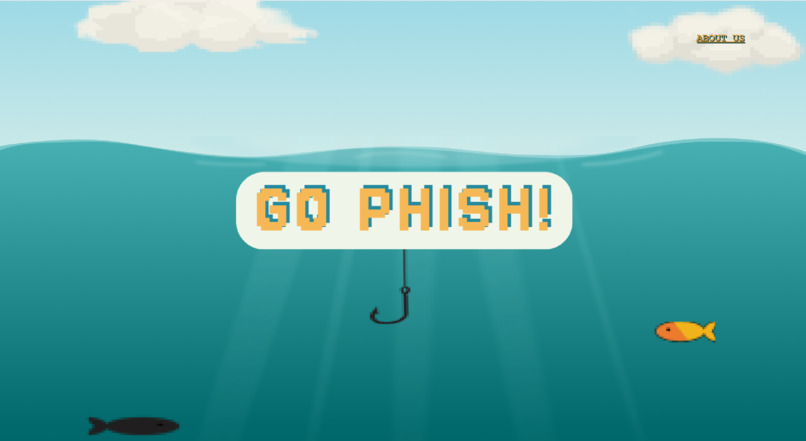
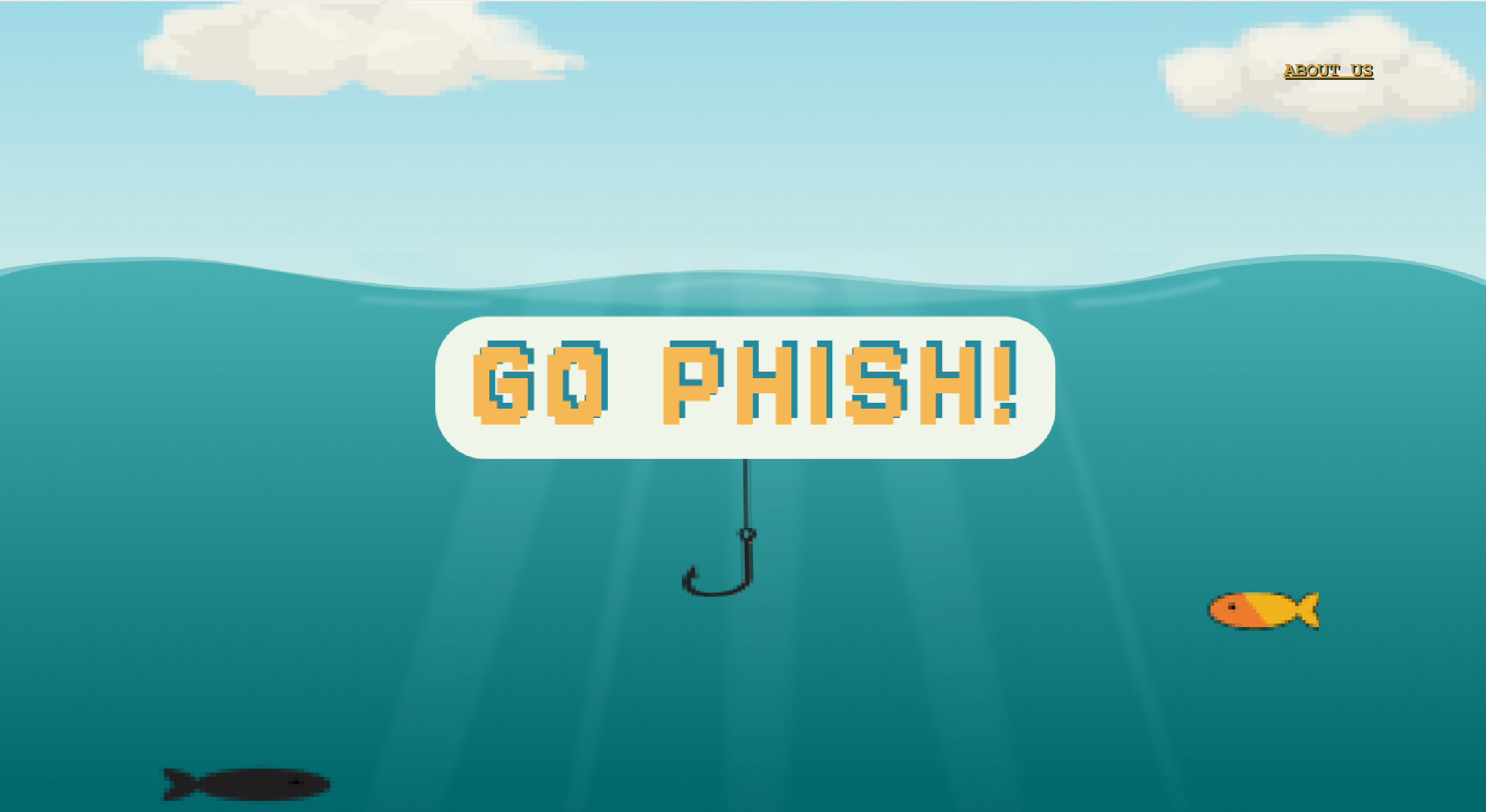
Title Screen
-
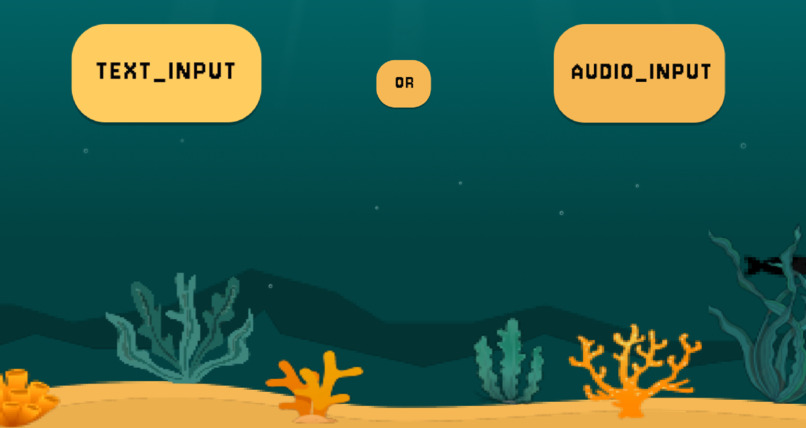
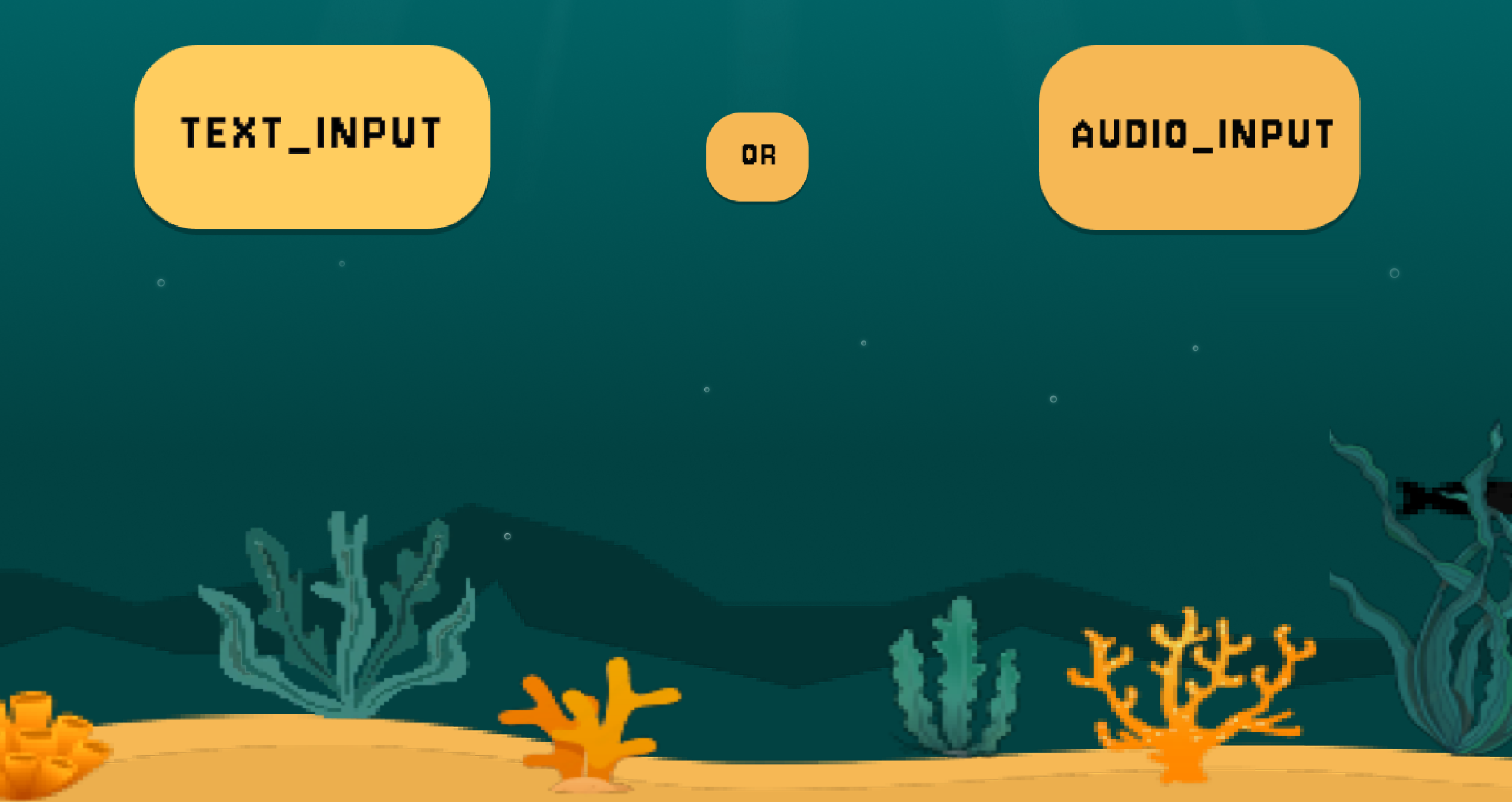
Option Buttons
-
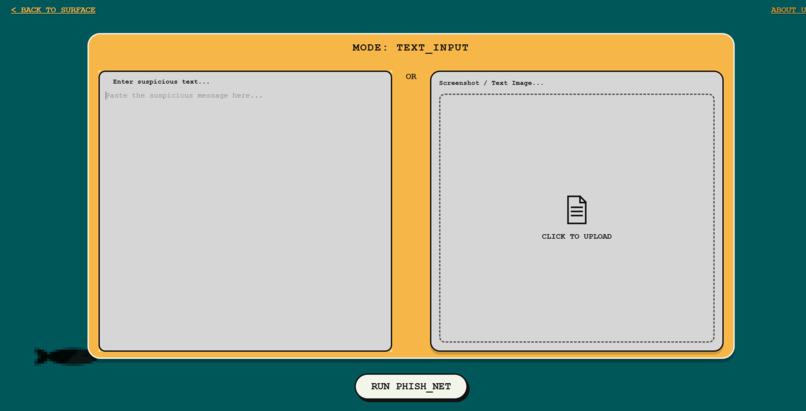
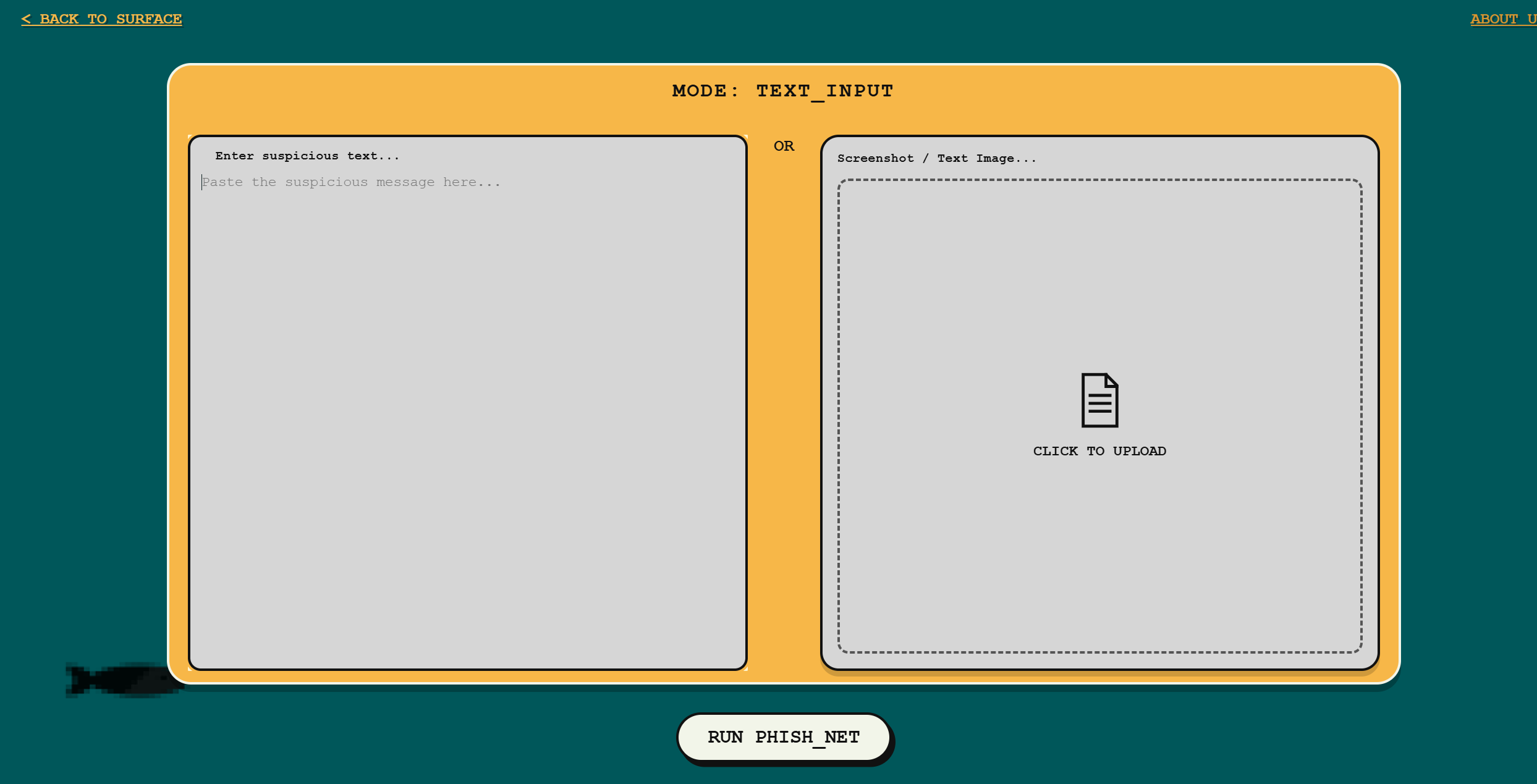
Text Input/Image Upload
-
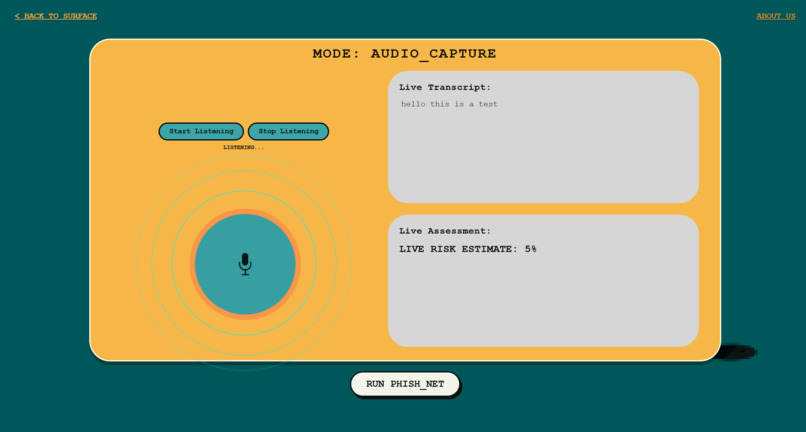
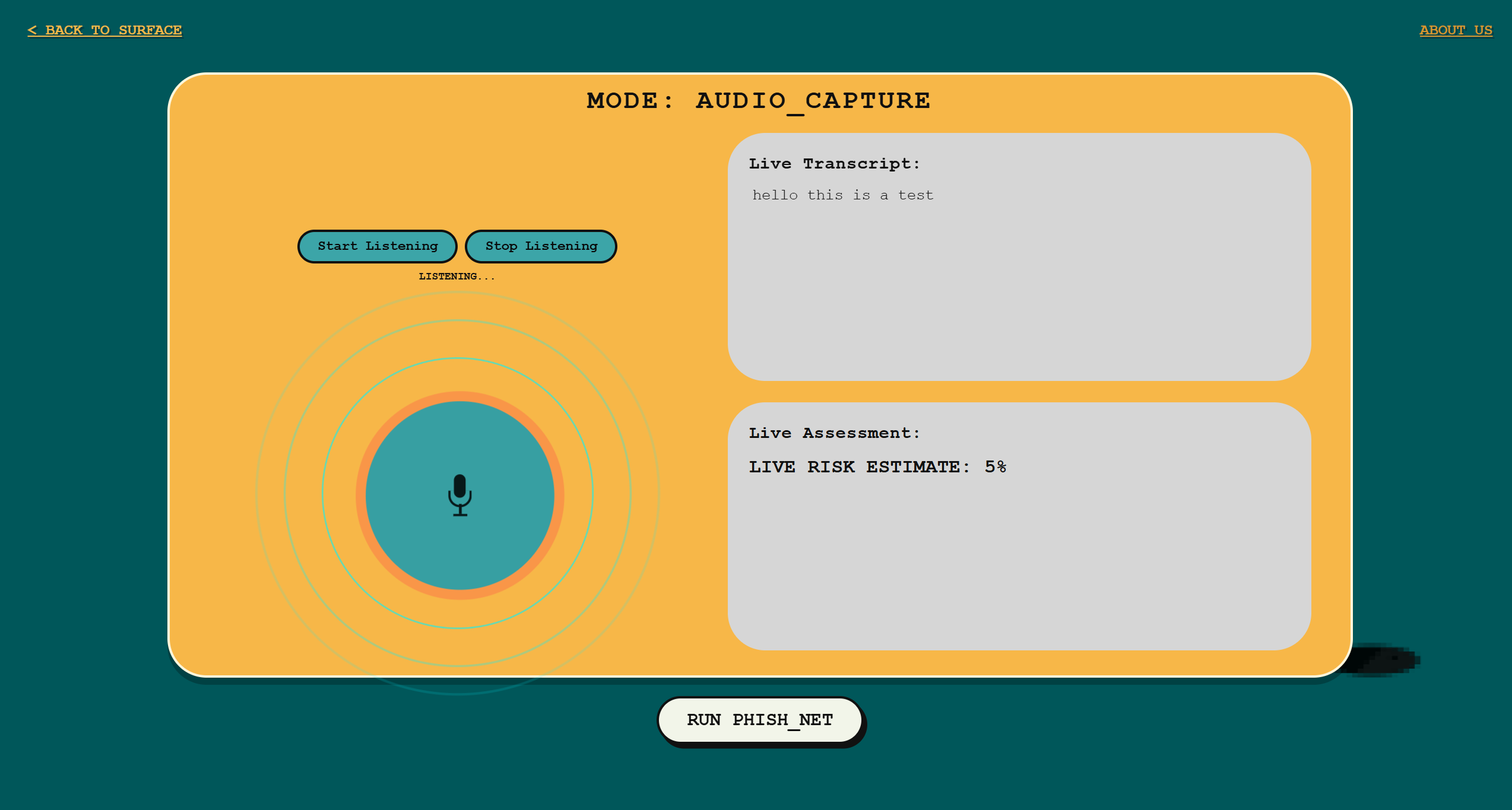
Live Audio Capture
-
-
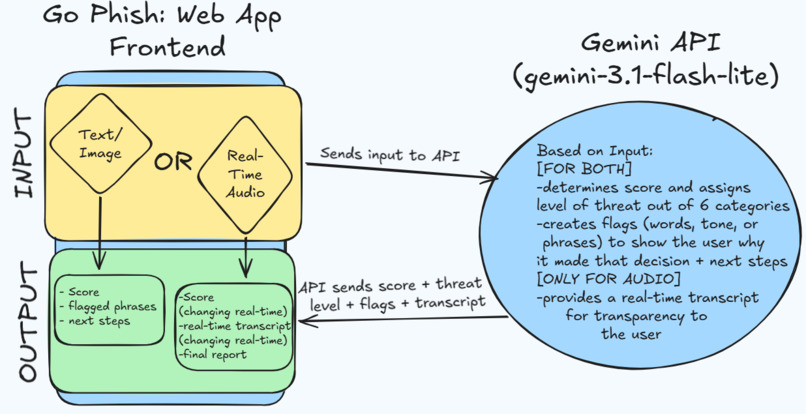
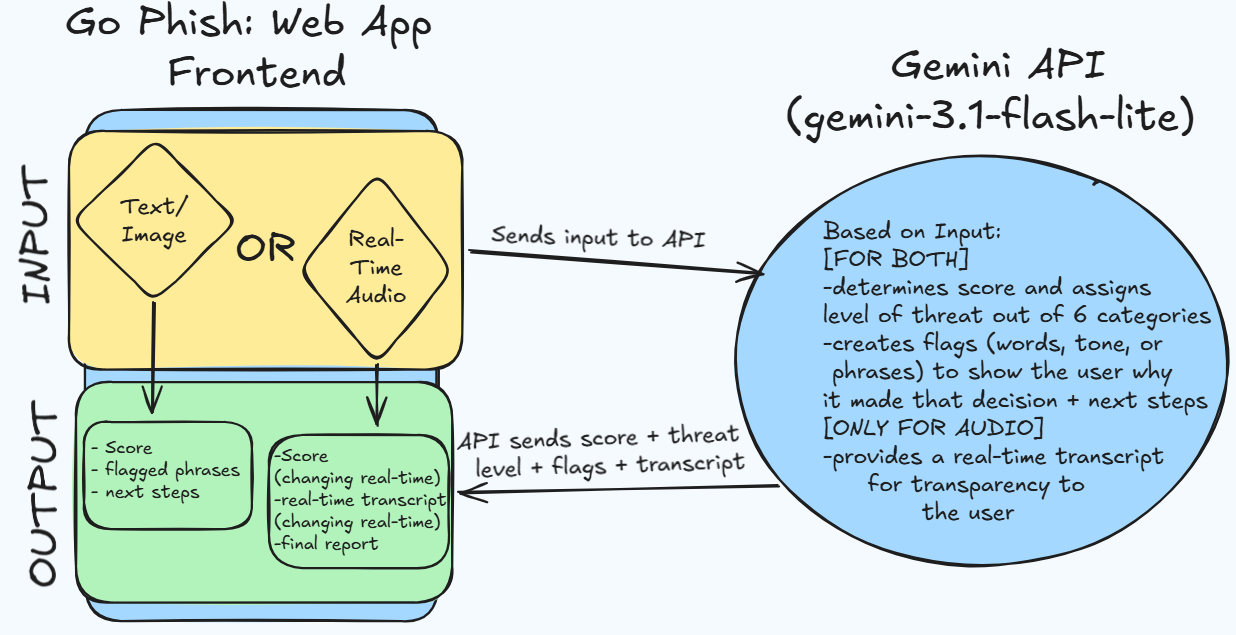
Software Architecture Diagram
-
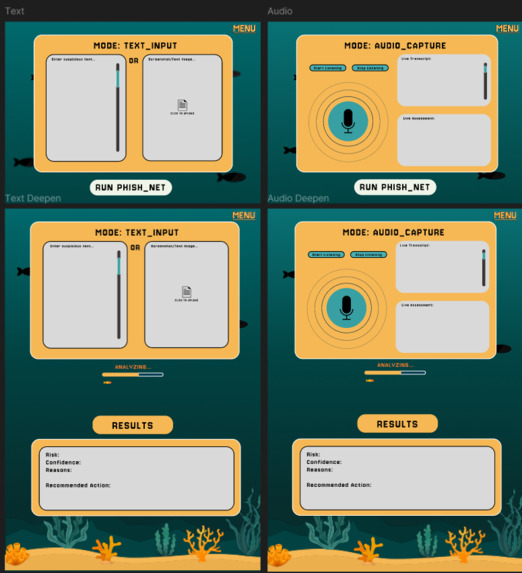
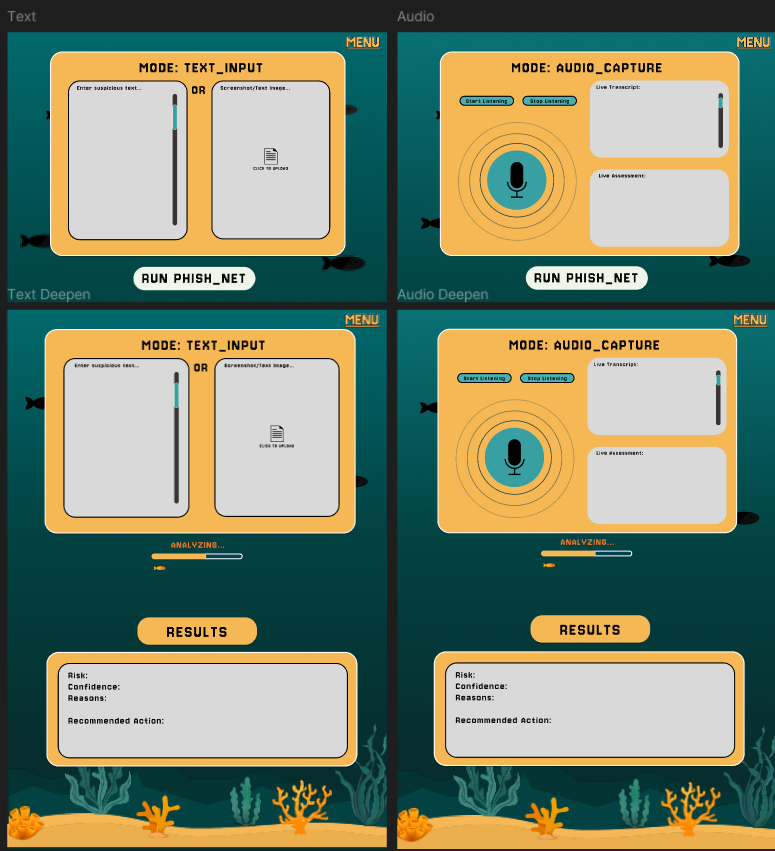
Original Figma Layout Test Pages
-
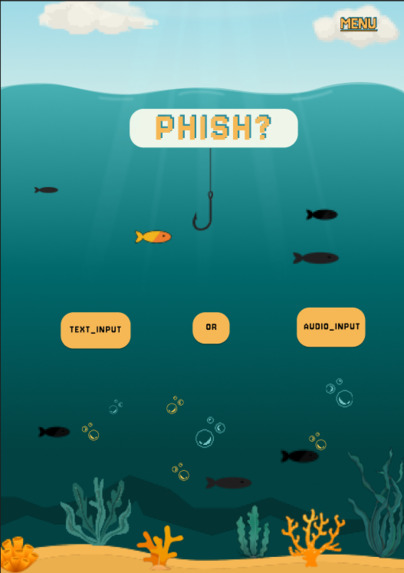
Original Figma Layout Home Page
-
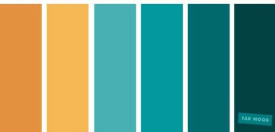
Color Palette
Inspiration
Since the widespread availability of generative AI, over 80% of phishing attacks have been created by chatbots. Despite the restrictions that these models have in place to prevent unlawful usage, scammers have proven successful in creating realistic scenarios that create increased risk. This is even more dangerous for vulnerable communities who are statistically more likely to engage with these fictitious communications: Those who are young adults, middle aged, or older and not as familiar with technology could lose their financial security, have personal information stolen, or be emotionally manipulated. We wanted to create a way for the general public to check before they click, leading us to create an eye-catching yet simple website which uses AI to identify these potential threats.
What it does
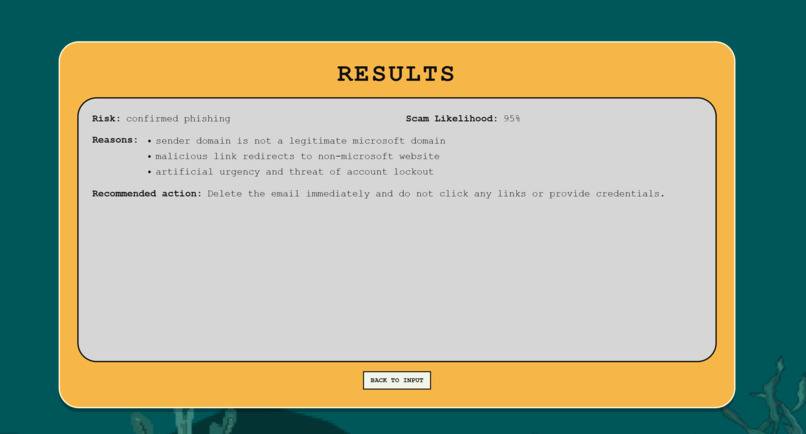
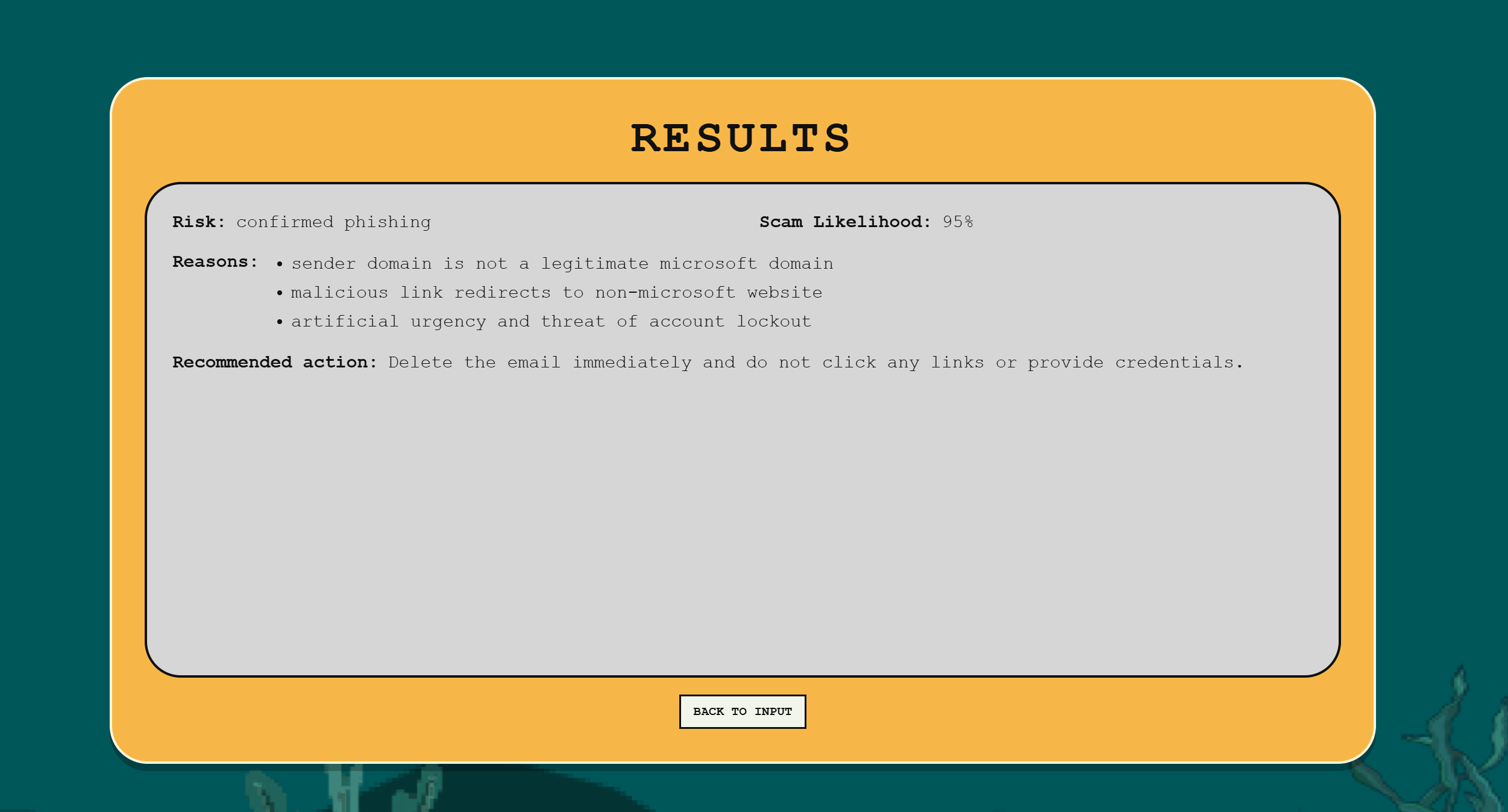
Go Phish is a website that allows users to identify whether a piece of media is a phishing attack. The user can upload an image, paste text, or have the website listen to a phone call or voice mail that they want to check. After analyzing the data, the Gemini API will return a risk percentage and suggest what steps the user should take next.
How we built it
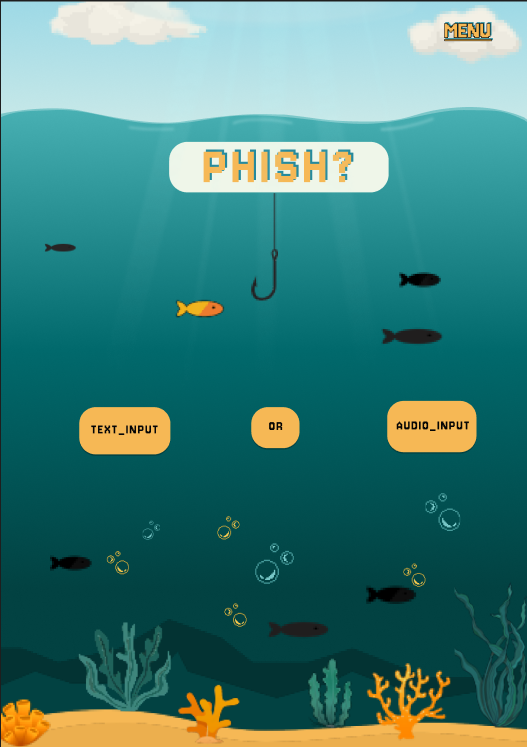
Day One: We focused on flushing out the low fidelity model of our website. On the front-end side, we decided on an aquatic theme to match our title (creating a play on words between "fish" and "phish" as well as the popular game), and created a gradient of light to deep hues of blue to mimic going deeper into the ocean. We wanted to add a creative button feature which would hook a fish element and bring up the upload text and audio buttons. By using Figma, we designed the landing page and added elements like sand, coral, and more fish to further embody the theme.
Moving onto back-end, we aimed to have our three main functionalities working: uploading images, pasting text, and listening to audio in real-time. As we developed the main pages on VSCode, we noticed what features could be added to improve user experience and kept track of them on a document. We also discussed configuring a domain and gathered test cases of scams and real information to discern the AI’s precision and accuracy. These test cases were pulled from past cyberattacks and from our personal inboxes and voicemails.
Day Two: We used Figma to plan out the pages for image upload, pasting text, and audio. We specifically created the elements for the seabed and carried out the pixelated design throughout the main page. This is where the website started to embody the landscape of an ocean. We added clouds, rays of sunlight, and bubbles!
Once the Figma was finalized, we discussed how we could connect the code to the UI. We decided to provide VSCode with the link to our Figma to help us analyze it and import our designs into the program. However, this was a struggle as we were not able to receive the output we wanted. We continued to test different approaches and experimented with various prompts to troubleshoot any formatting or structure that went awry. As we got closer to our desired output, we began to outline how we would record the demo and continued to make smaller, cosmetic changes to fine-tune the UI until we felt ready to publish it. Eventually, we deployed it on Vercel! We continued to plug in our test cases, debugged the blank space at the bottom of the site, fixed our UI for our risk assessment box, and finalized animations. Last but not least, we recorded our demos and got a good night's rest!
Challenges We Ran Into
Configuring the Live Transcript: We struggled to get an accurate live transcript at first. Sometimes the transcript was printed out in real-time perfectly, while other times it would lag at random or cease printing completely. However we realized that the LLM was still able to process the call or voicemail, and respond to it accurately. We continued testing until we received a correct analysis of the data.
Troubleshooting our API Key: We grappled with trying to maintain the security of our API key while trying to understand why it was not working with our code. We were unable to access requests on the website because the API key could not be found, so we checked our .env file to make sure it was configured properly. Sometimes the website would run or it would time out. This inconsistency made it difficult to troubleshoot the issue but after double checking the key and reconfiguring our file, it worked.
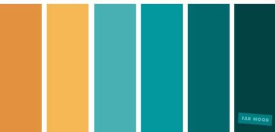
Navigating a Learning Curve with Figma: As a team with minimal experience in an industry tool such as Figma, we initially struggled with bringing our vision to life. When we found difficulty in creating a design, we inquired with AI, then experimented with the software until we created an output that aligned with our needs. We aimed to create each element without prompting to learn the software and create an authentic design. There was a workshop on Figma which also helped us become more familiar and aware of its capabilities! On Day 2, we finalized our color scheme and felt more comfortable with navigating the UI. We were able to finish designing the remainder of our pages.
Integrating our Code with UI: One of the most difficult parts of bringing Go Phish to life was aligning the UI we created on Figma with our code. We encountered trouble when adding our assets and requesting VSCode to connect them to our program. We later learned that we should have considered converting the elements to an HTML format first as the program was not able to configure the assets that were in .img, .png., or .jpeg formats.
Accomplishments That We're Proud Of
We are most proud of the attention to detail in the user interface. We went to great lengths to make sure our website would be an engaging experience for all users. The prime example of this is the hook hanging below our title menu that catches a fish as it moves across the screen. The animations and movements serve to curate a stronger user experience.
What We Learned
Throughout this Hackathon, our team has been exposed to a variety of new technologies and experiences. As first-time hackers, our experience has been limited. We will continue to use this Hackathon as a lesson in Figma, GitHub, APIs, and other programming tools!
What's Next for Go-Phish
Our next goals will be to expand the capabilities of the website beyond what can be accomplished in thirty-six hours. It can be made more mobile friendly with increased compatibility with android devices. We had some minor formatting errors in the movement between screens and functions that could be ironed out with more time. Overall, although our website is functional, we will take more time to polish the final result and create an engaging experience for users across various devices.
Built With
- css3
- figma
- github
- godaddy-domain-registry
- google-gemini-api
- html5
- javascript
- node.js
- rest-apis
- vercel
- vscode
- web-speech-api


Log in or sign up for Devpost to join the conversation.