Inspiration
As (broke) college students we are always trying to find the best deals for food near us. But with so many options it can be overwhelming knowing where to look. Go Grocer is here to help!
What it does
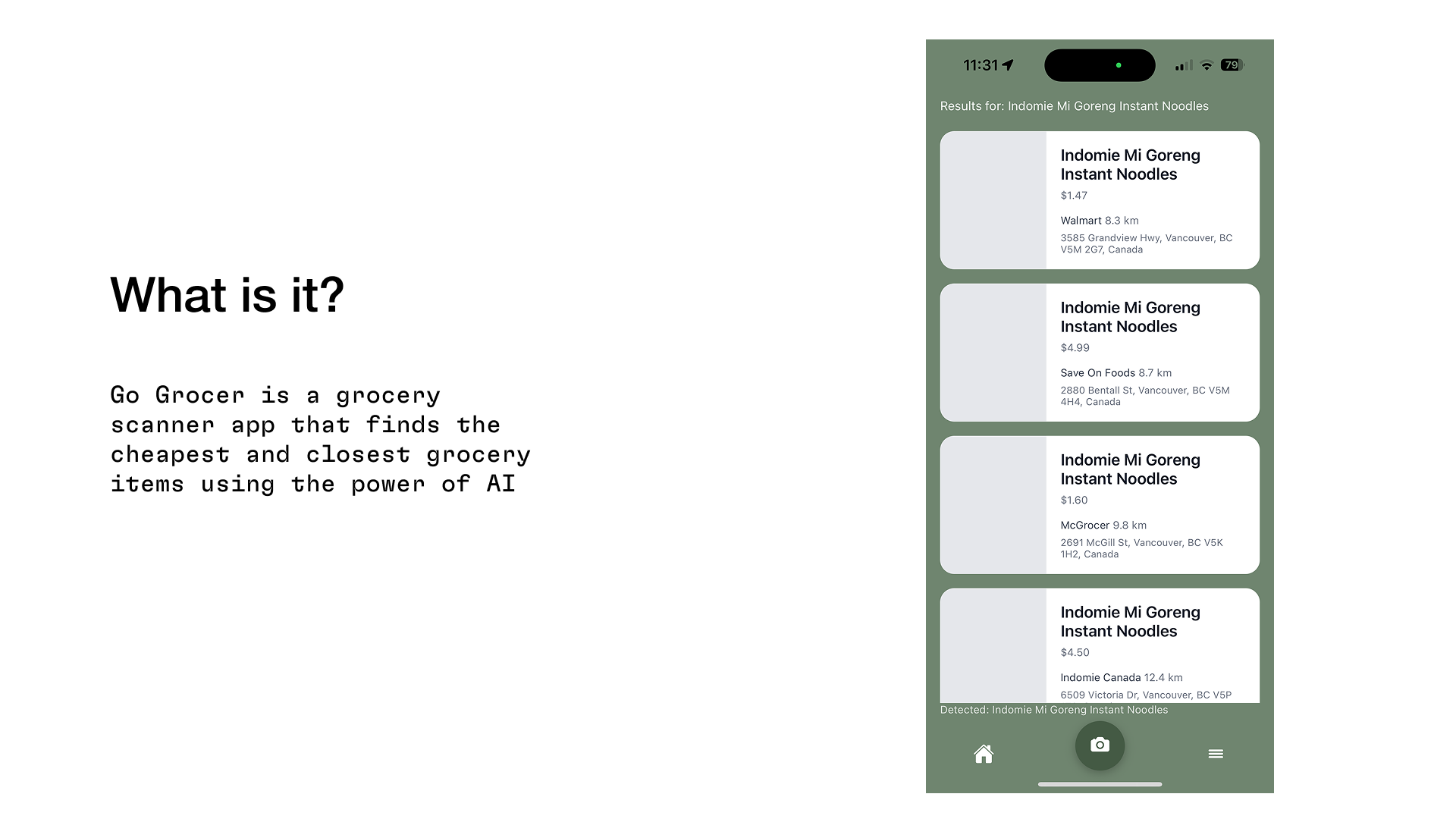
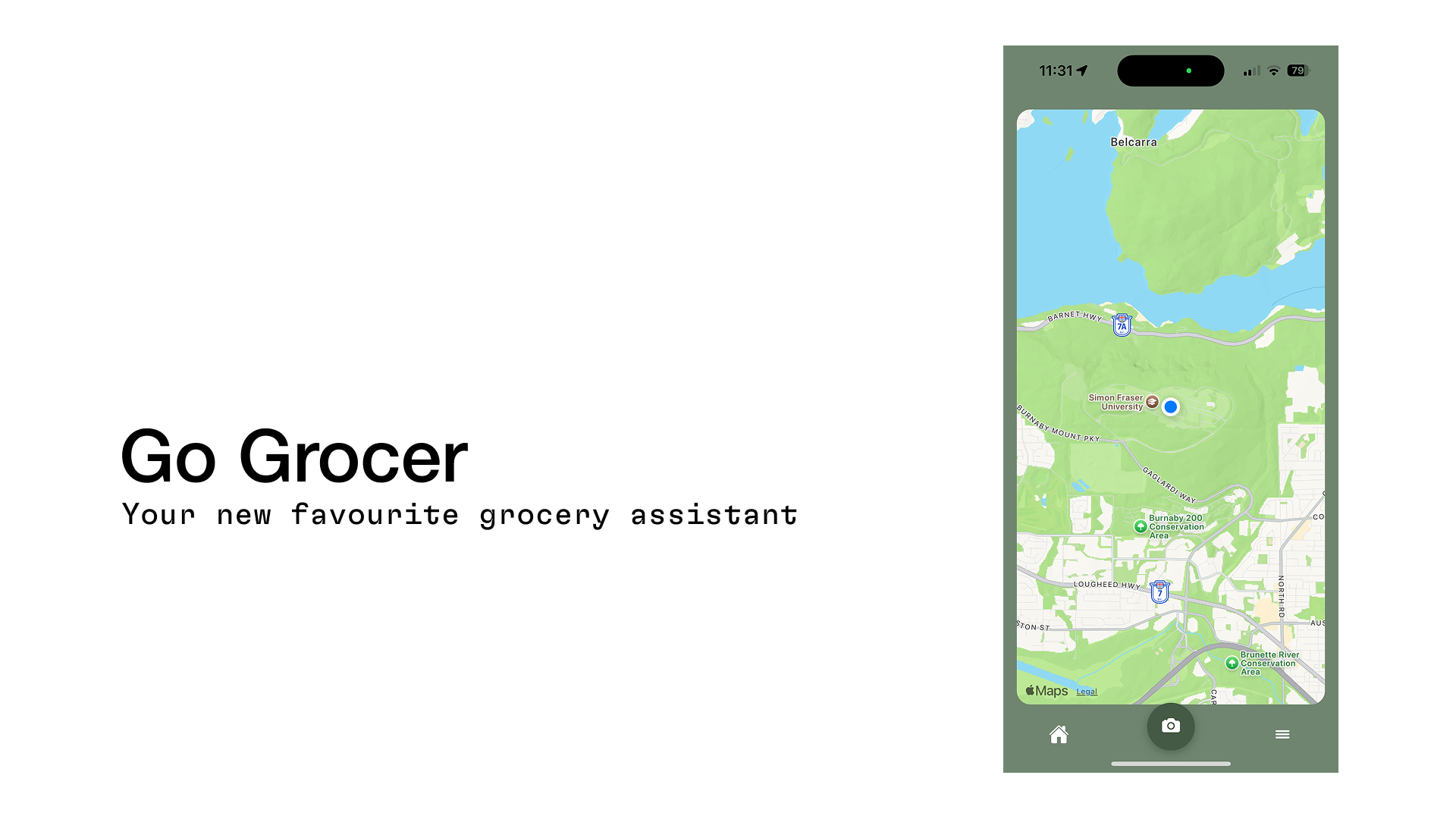
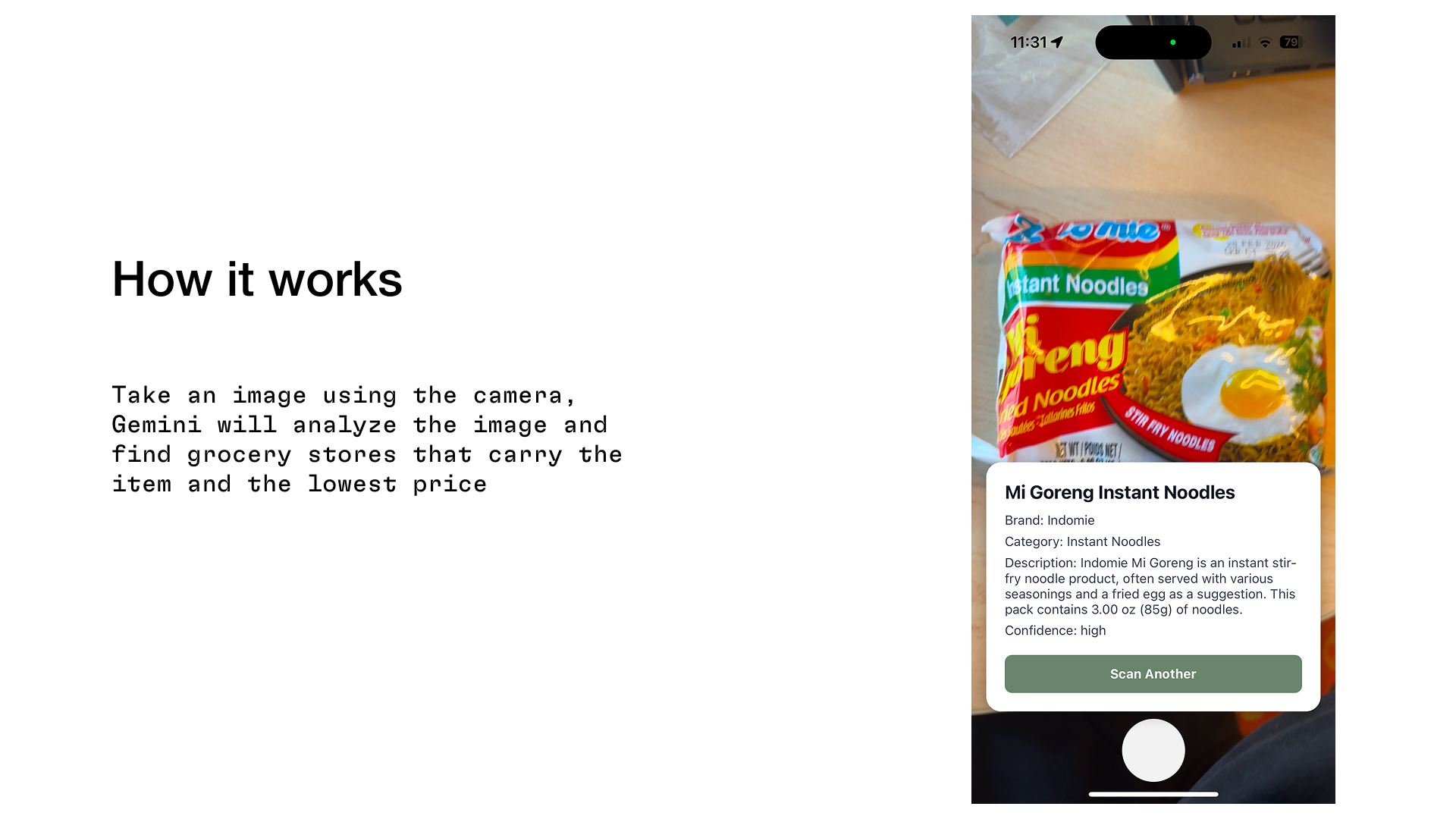
Go Grocer takes an image of the food item you are looking for, runs it through the search algorithm then gives you the closest and cheapest grocery store near you.
How we built it
First we created mockups and designed a simple UI using Figma. Then, we used React Native, Javascript and Typescript to build the frontend and backend. We leveraged the power of the Gemini API for image analysis and for sorting the results while, the Google shopping and Google places API provides the grocery store data.
Challenges we ran into
- Our whole team's first hackathon
- First time using React Native
- First time using APIs
Accomplishments that we're proud of
- Creating a working app in less than 12 hours
- Pushing through the struggle together :)
- Learning React Native and ngrok (s/o Daniel)
What we learned
- Push through the tired
- Take breaks when necessary
- ALWAYS COMMIT
What's next for Go Grocer
- Implementing a save feature
- Optimizing search speeds
- Getting a larger and more accurate dataset
Built With
- gemini
- google-places
- google-shopping
- javascript
- json
- ngrok
- react-native
- typescript


Log in or sign up for Devpost to join the conversation.