-
-
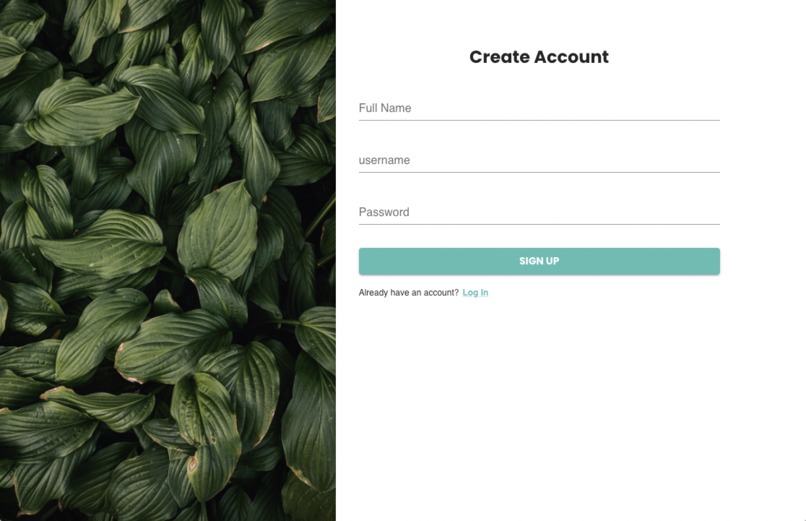
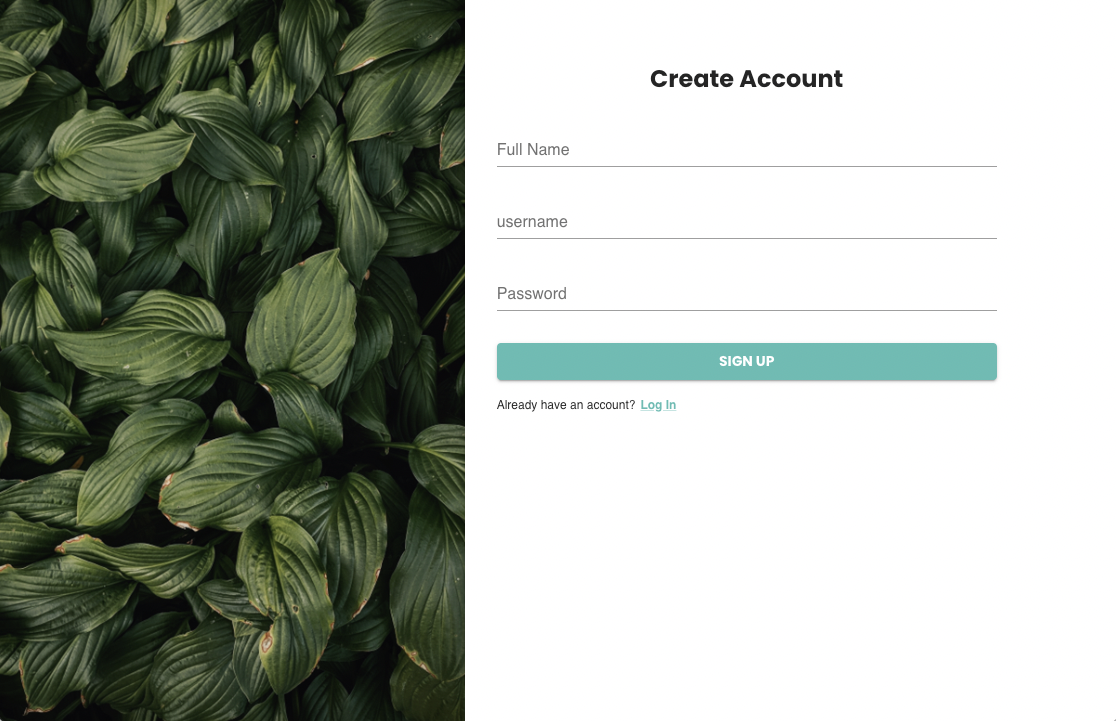
Sign Up Page
-
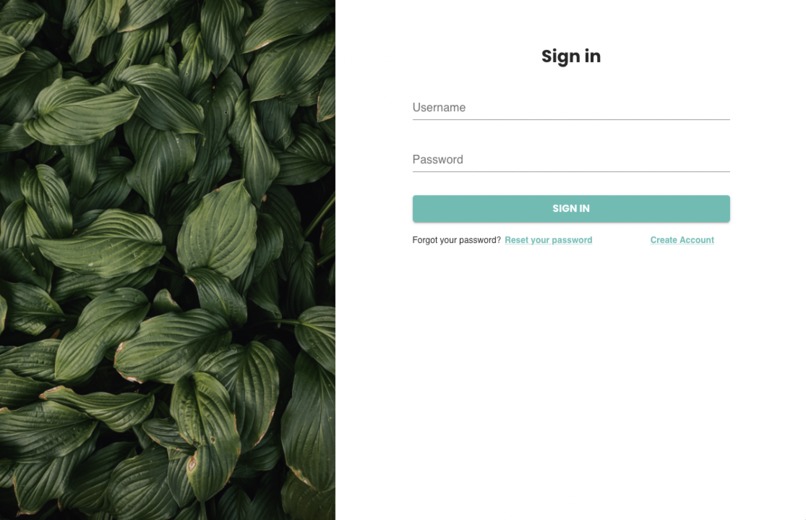
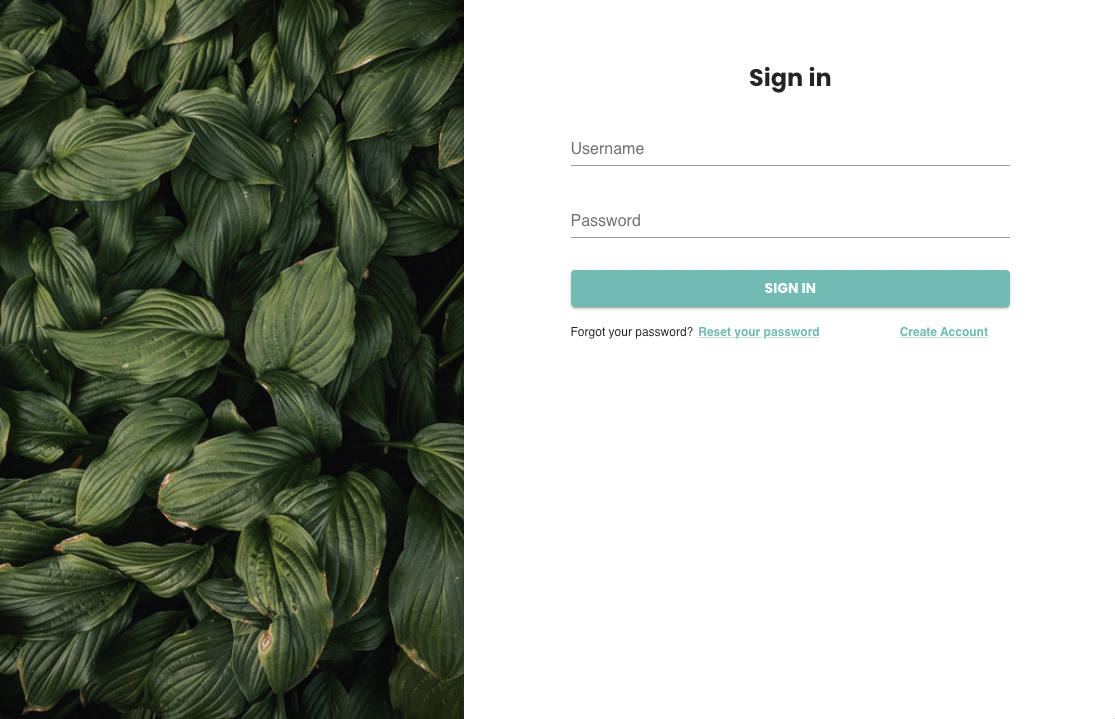
Sign In Page
-
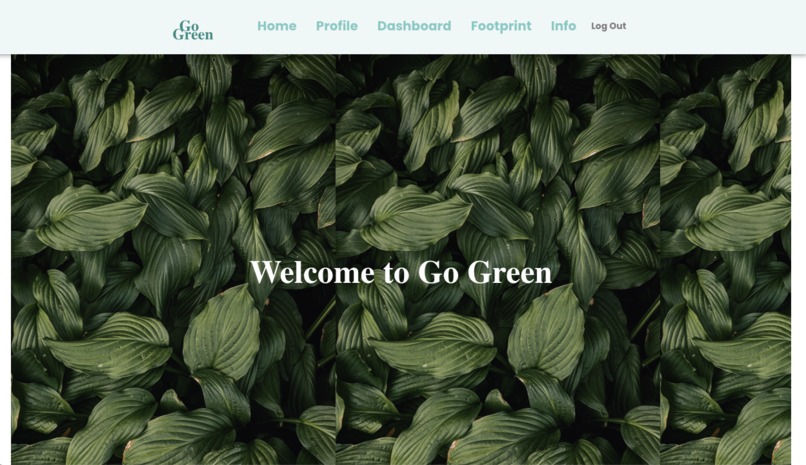
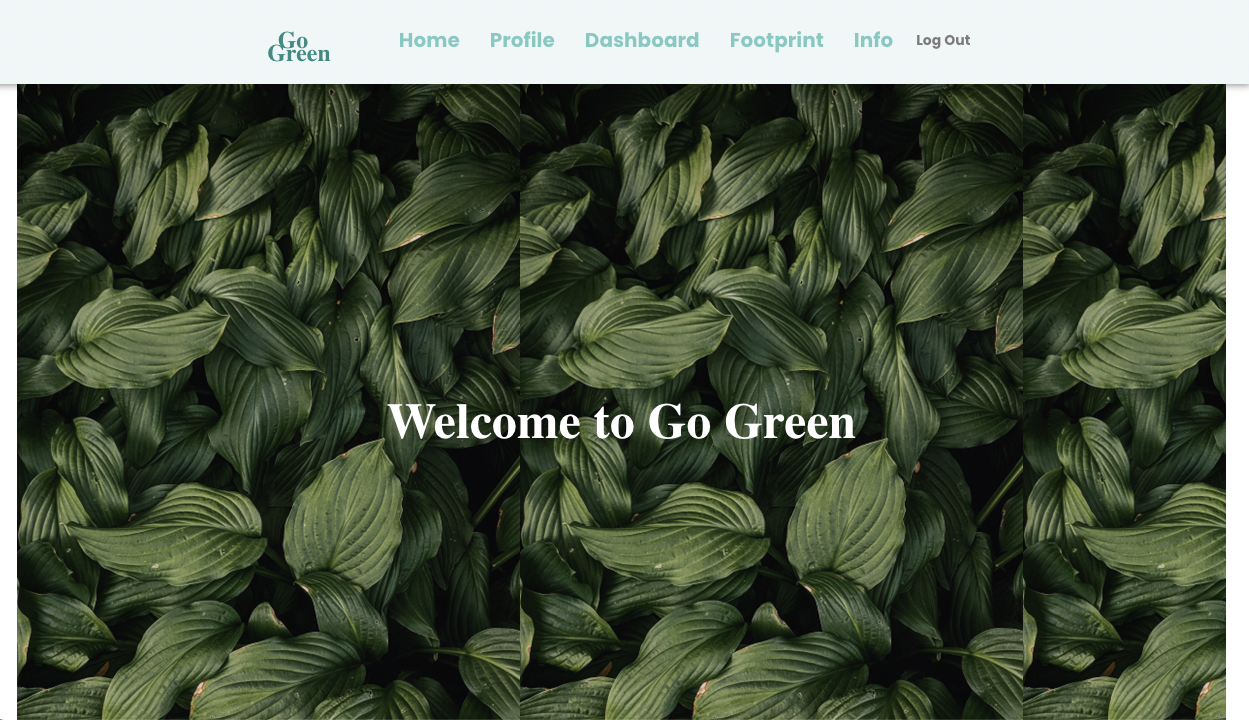
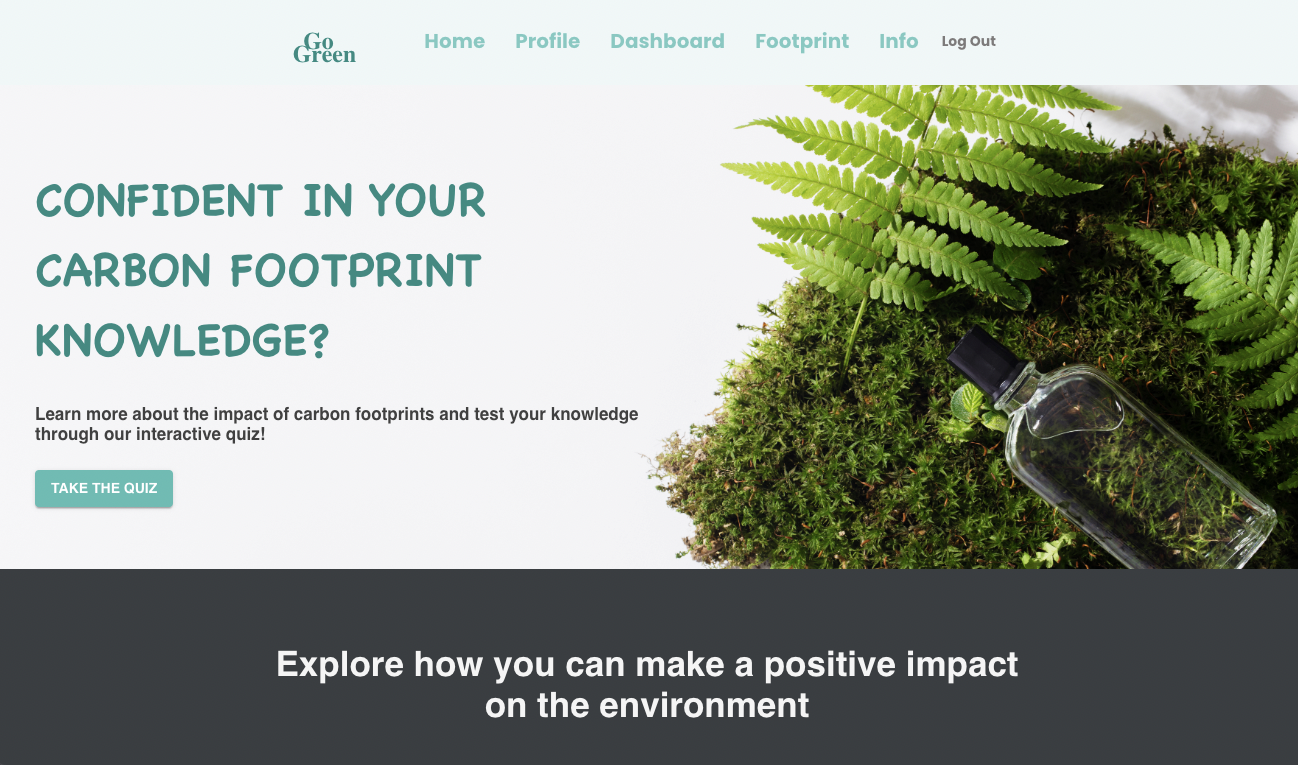
Welcome Page
-
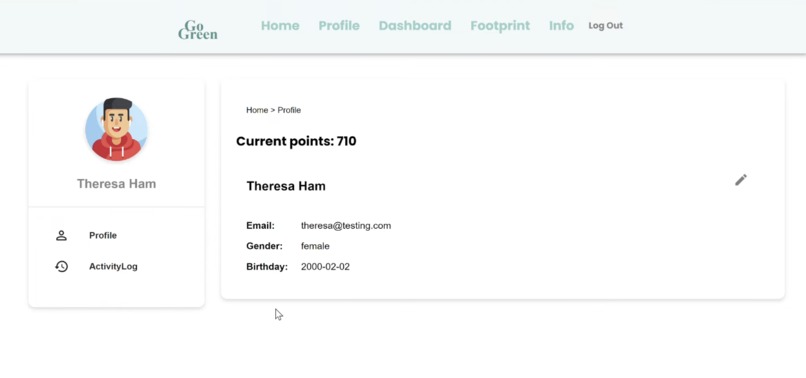
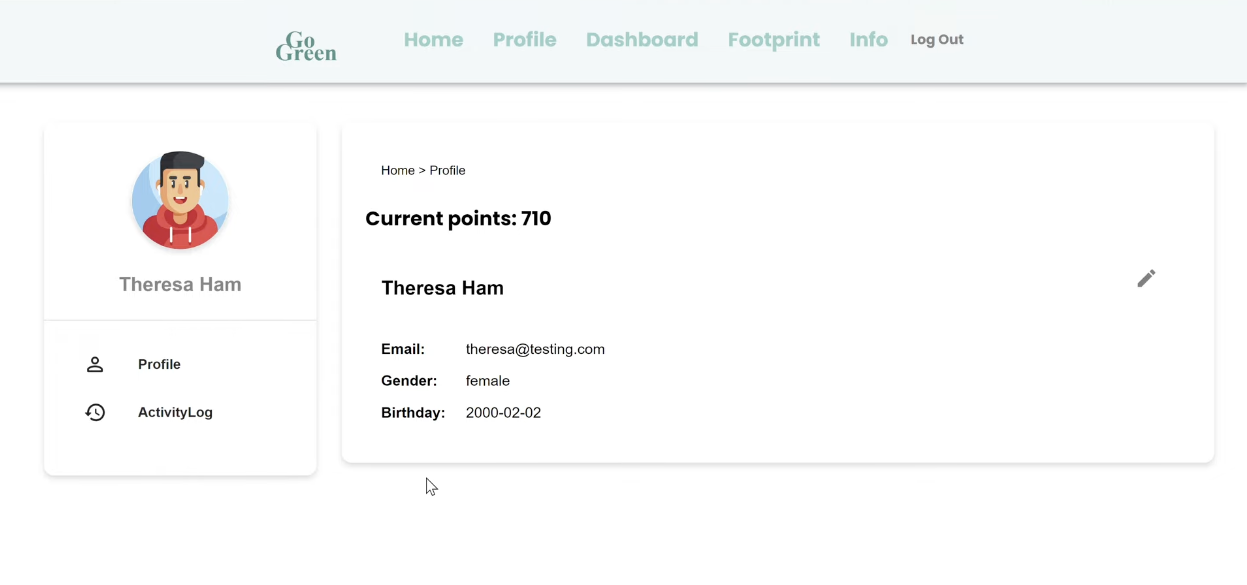
Profile Page_Profile
-
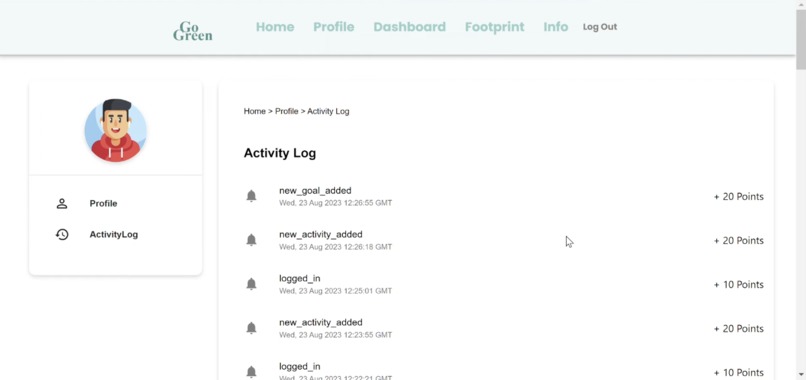
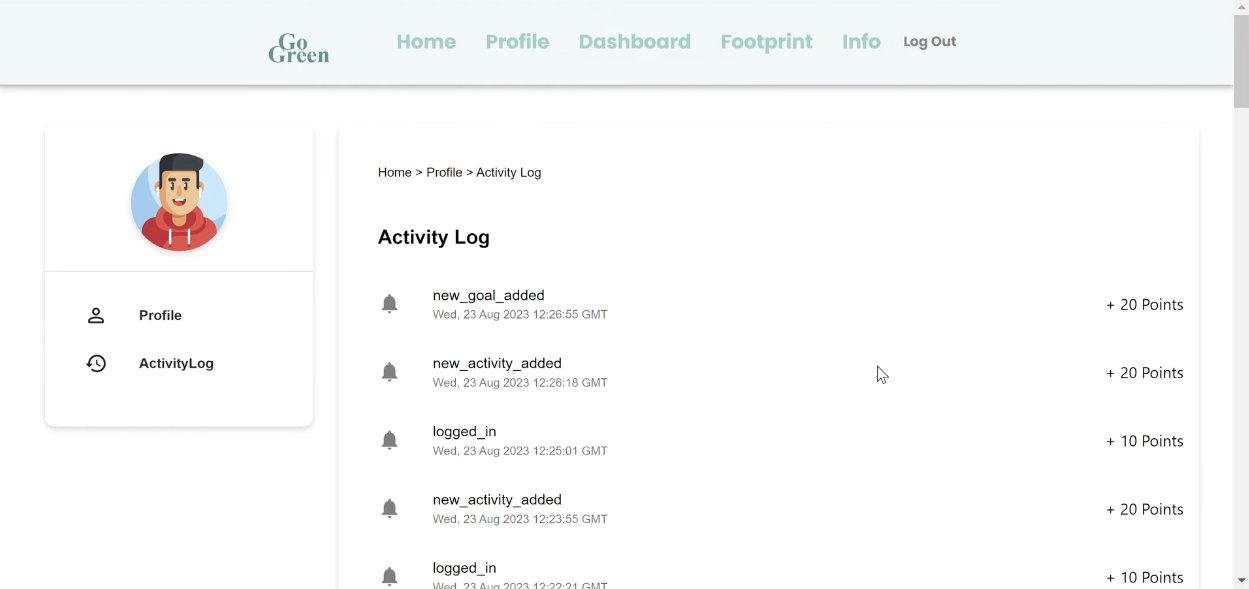
Profile Page_Activity Log
-
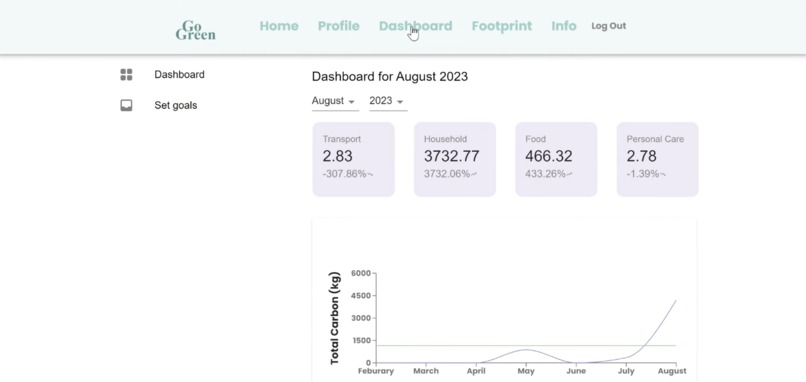
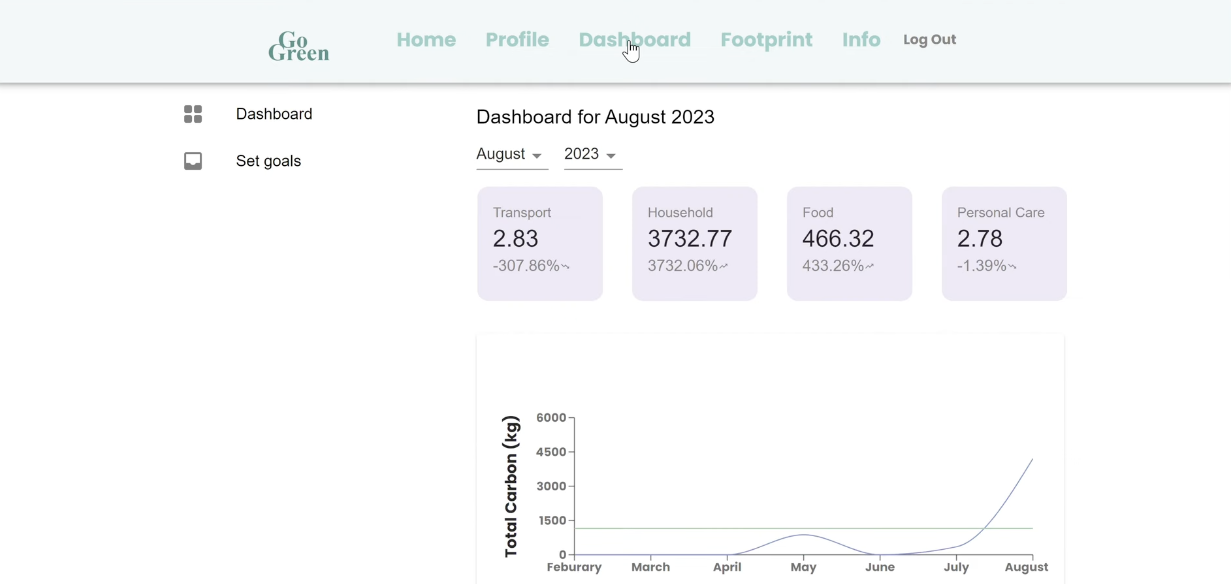
Dashboard Page_Dashboard
-
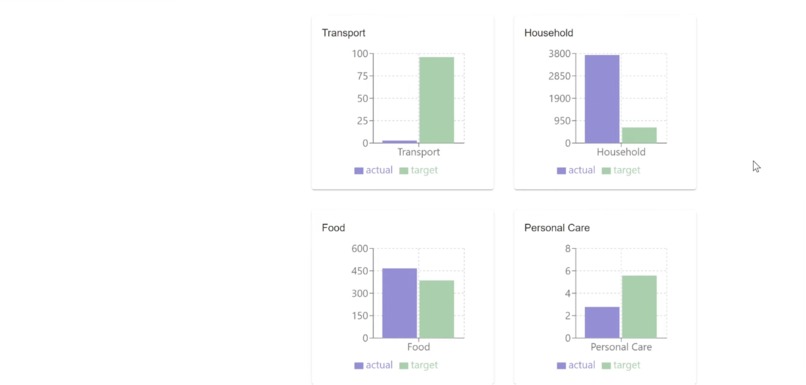
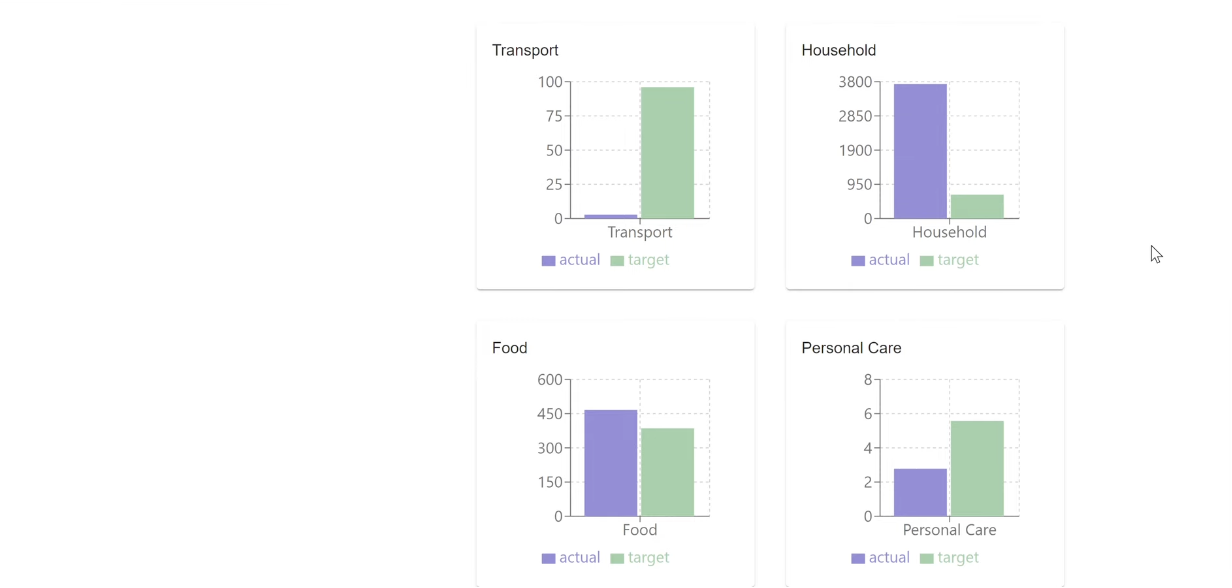
Dashboard Page_Dashboard_Breakdown by Category
-
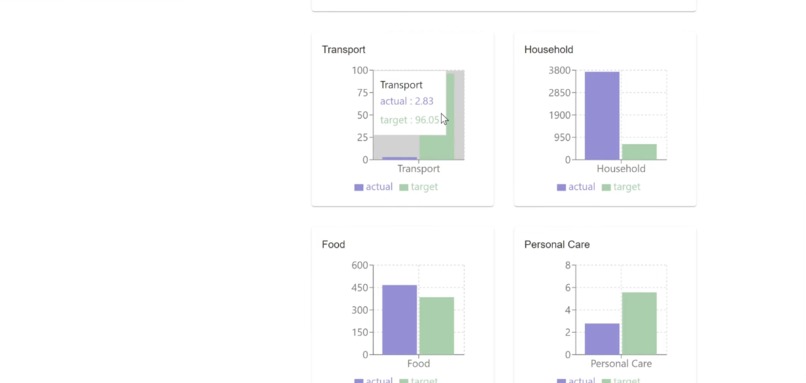
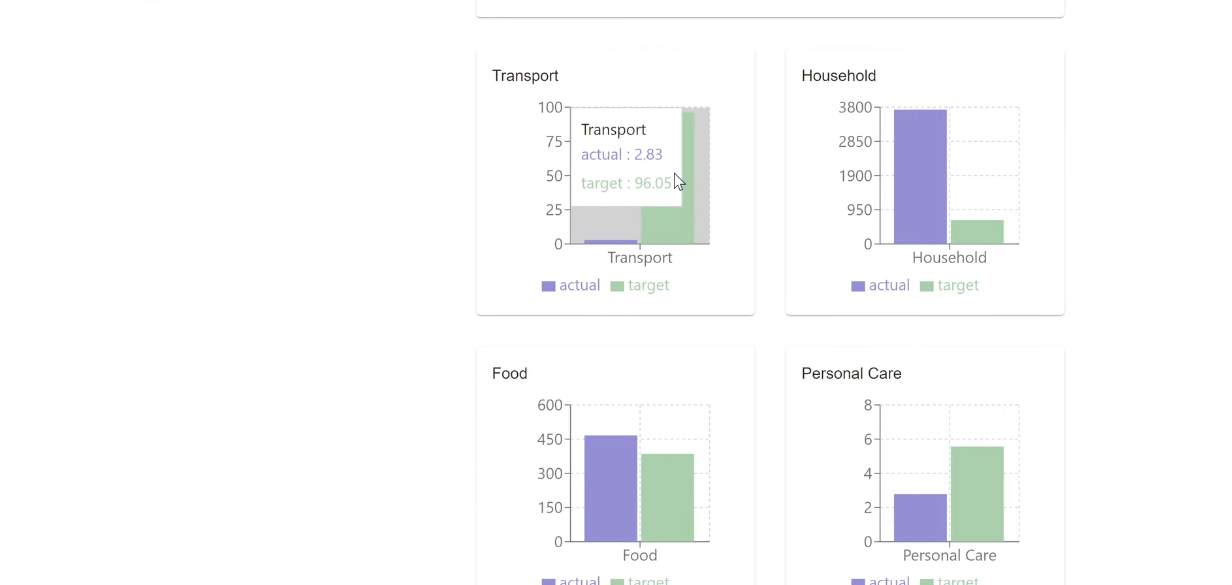
Dashboard Page_Dashboard_Tooltip for detail information
-
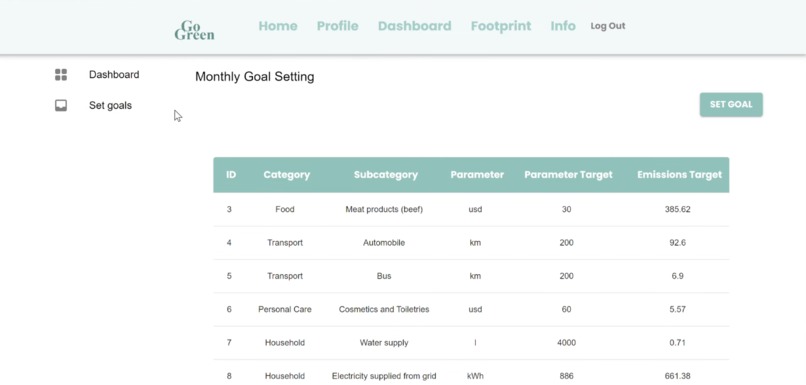
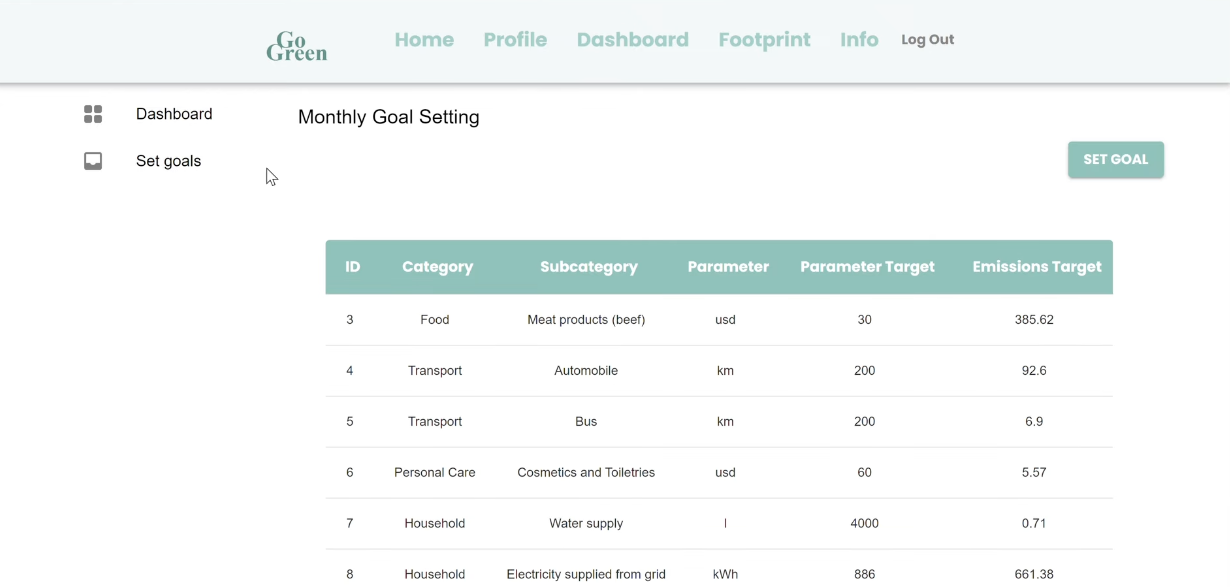
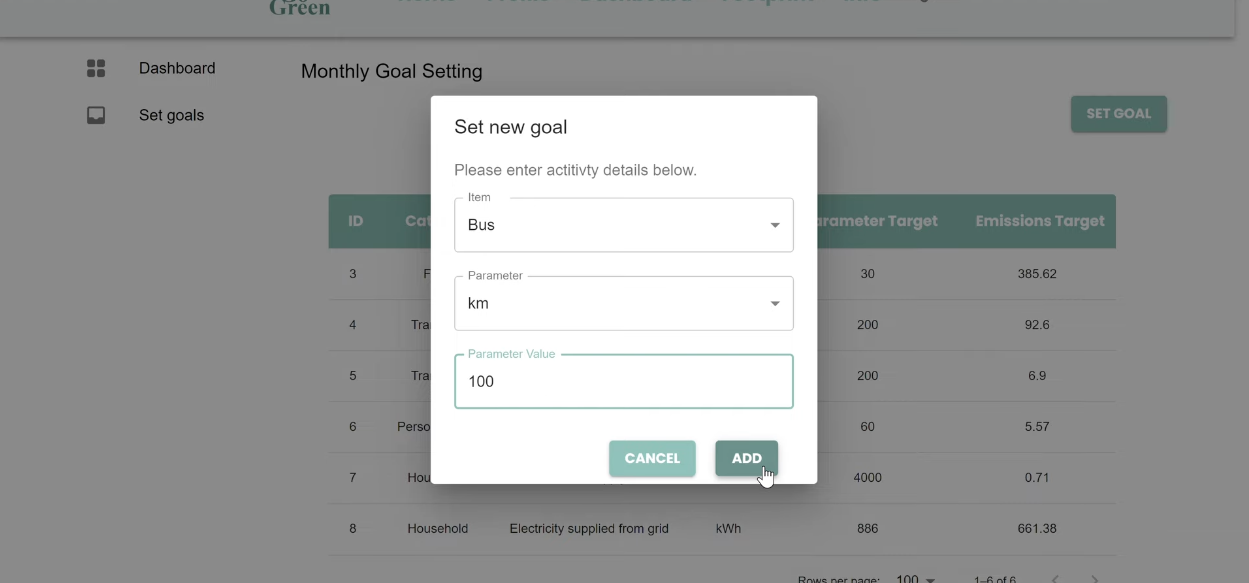
Dashboard Page_Set Goal
-
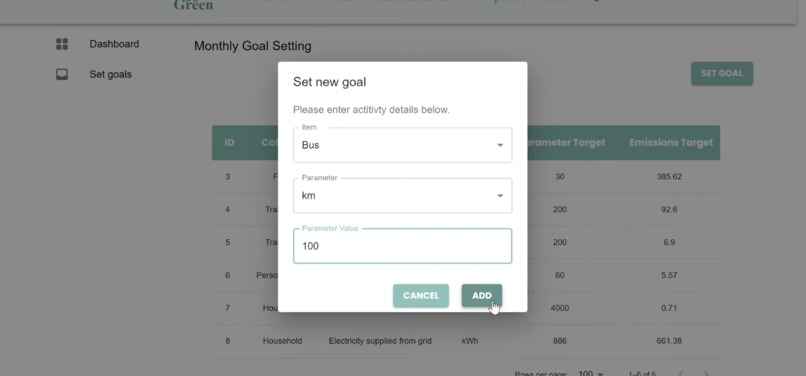
Dashboard Page_Set Goal_Example
-
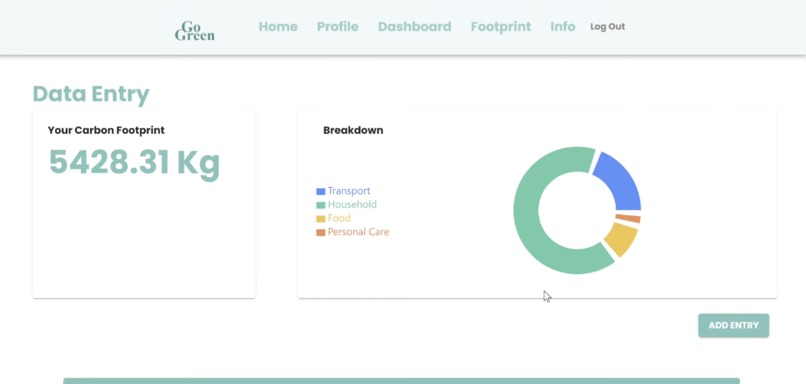
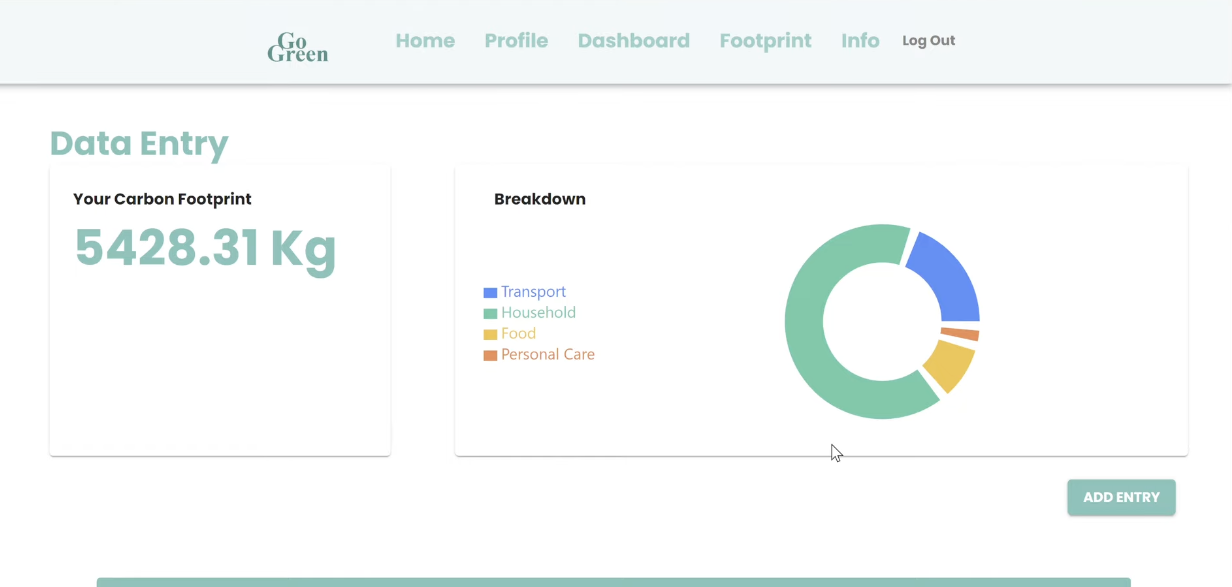
Footprint Page
-
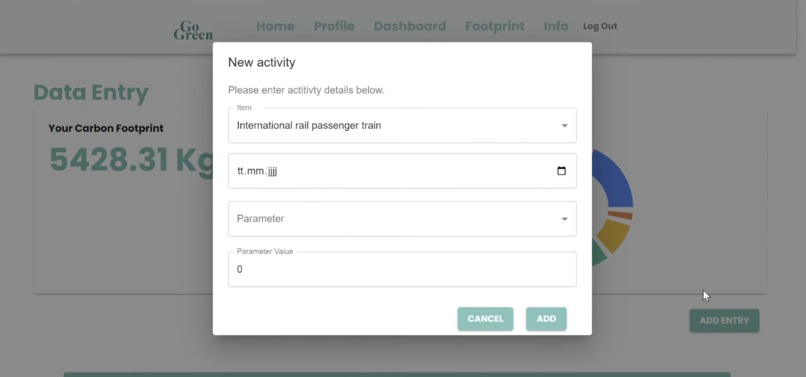
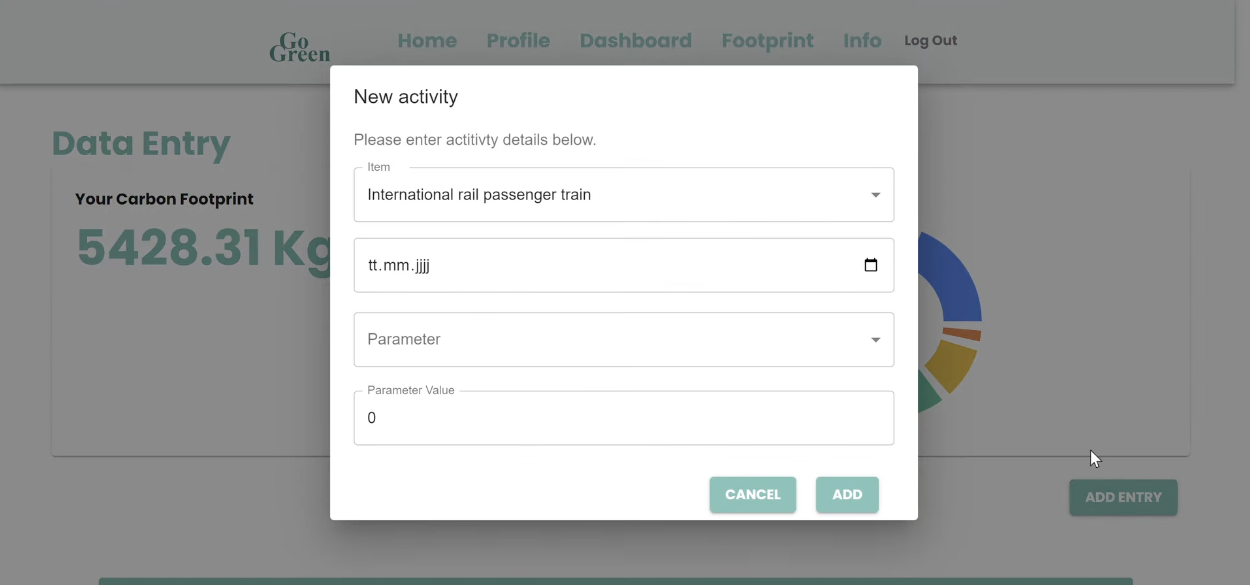
Footprint Page_Add Entry_Default
-
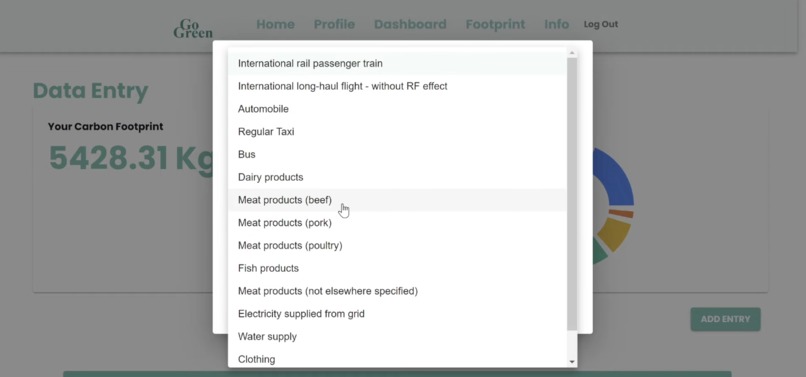
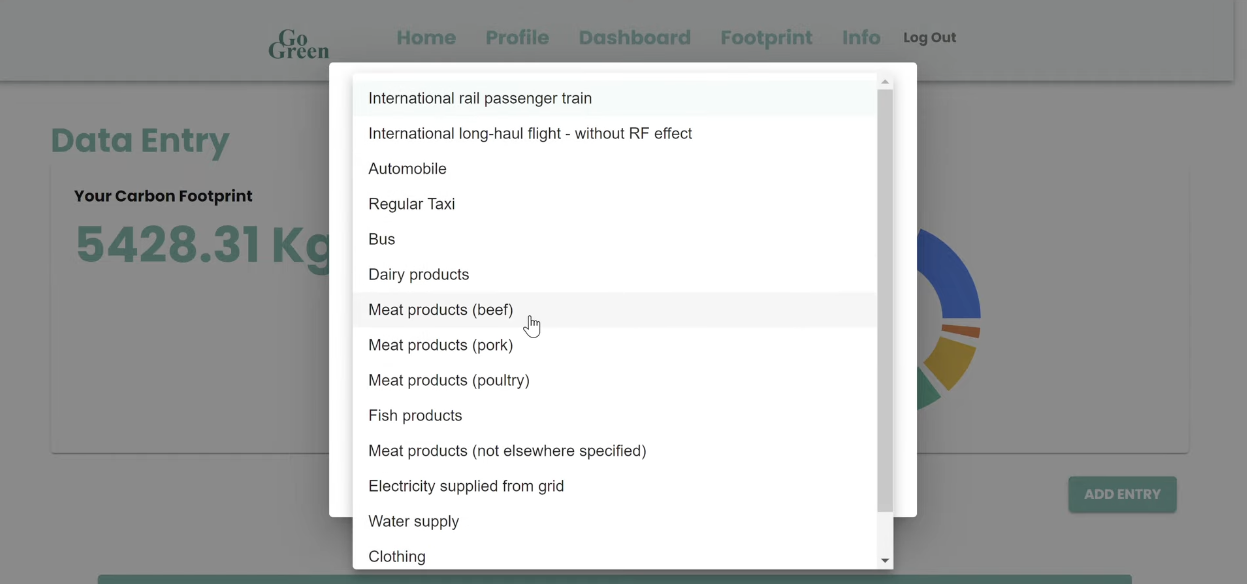
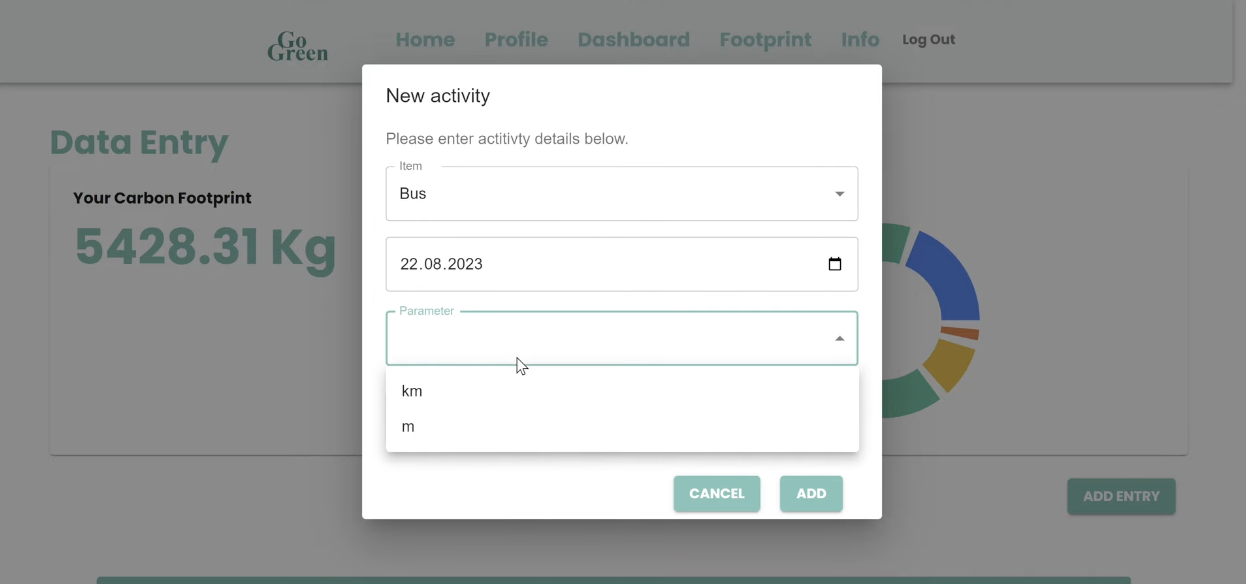
Footprint Page_Add Entry_Dropdown to pick item_1
-
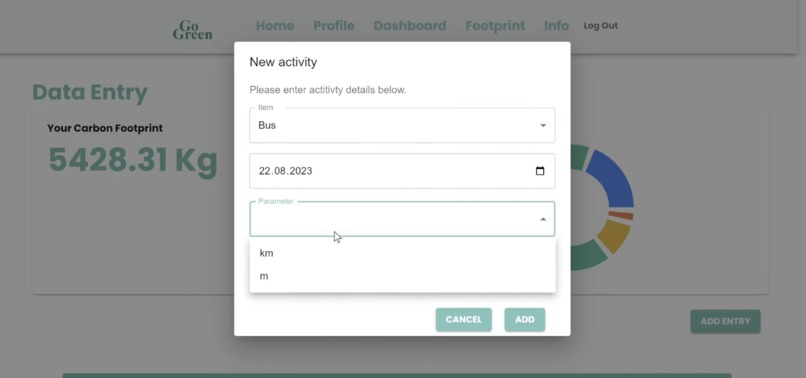
Footprint Page_Add Entry_Dropdown to pick item_2
-
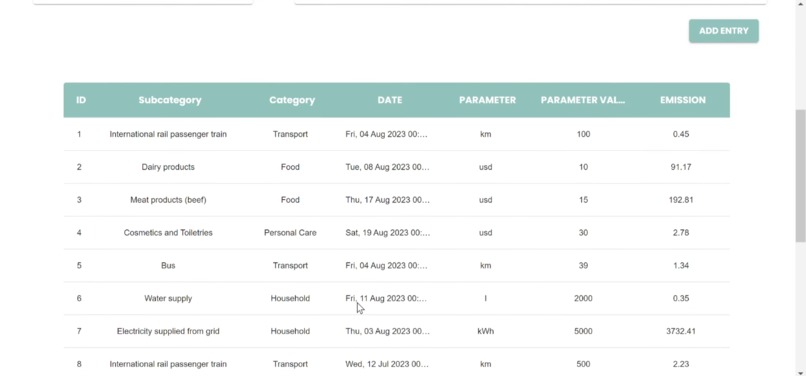
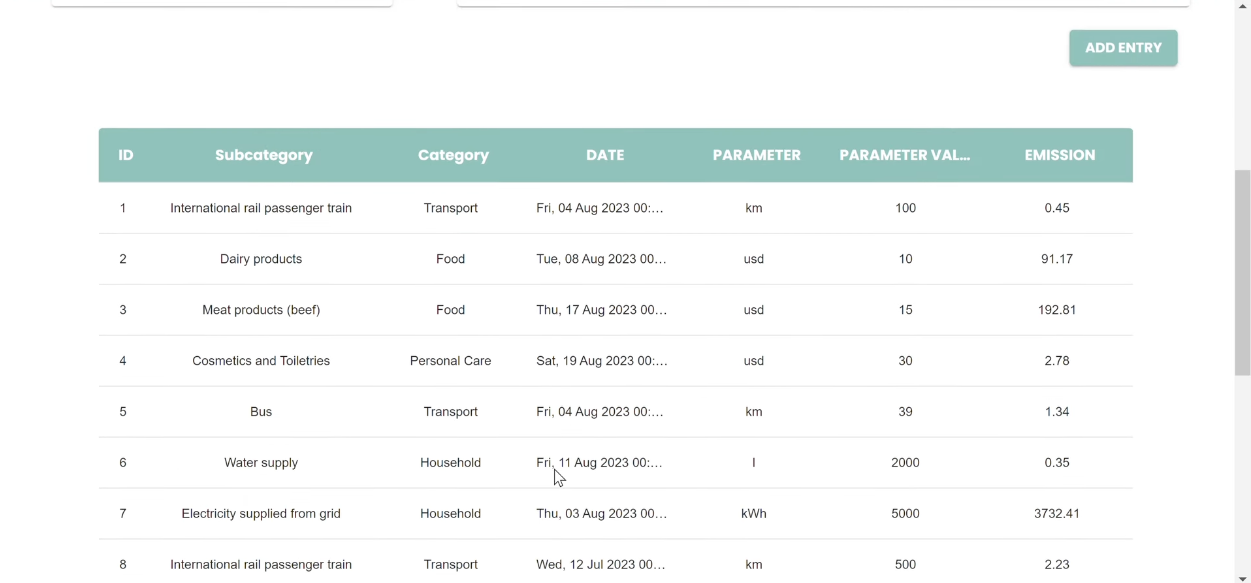
Footprint Page_Table for logged entries
-
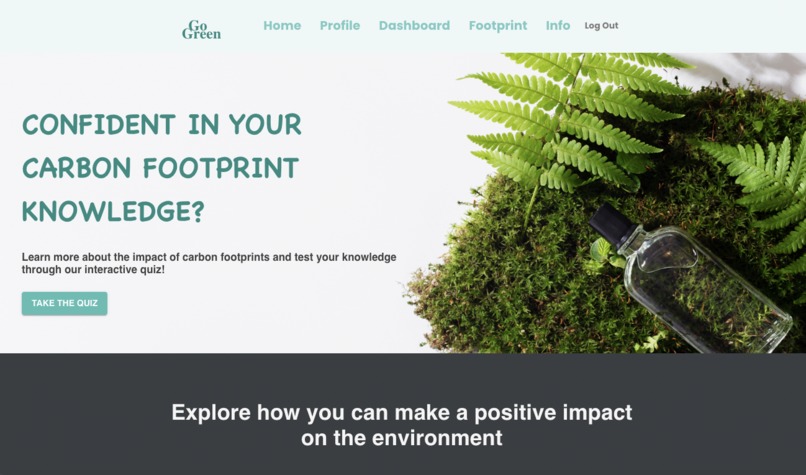
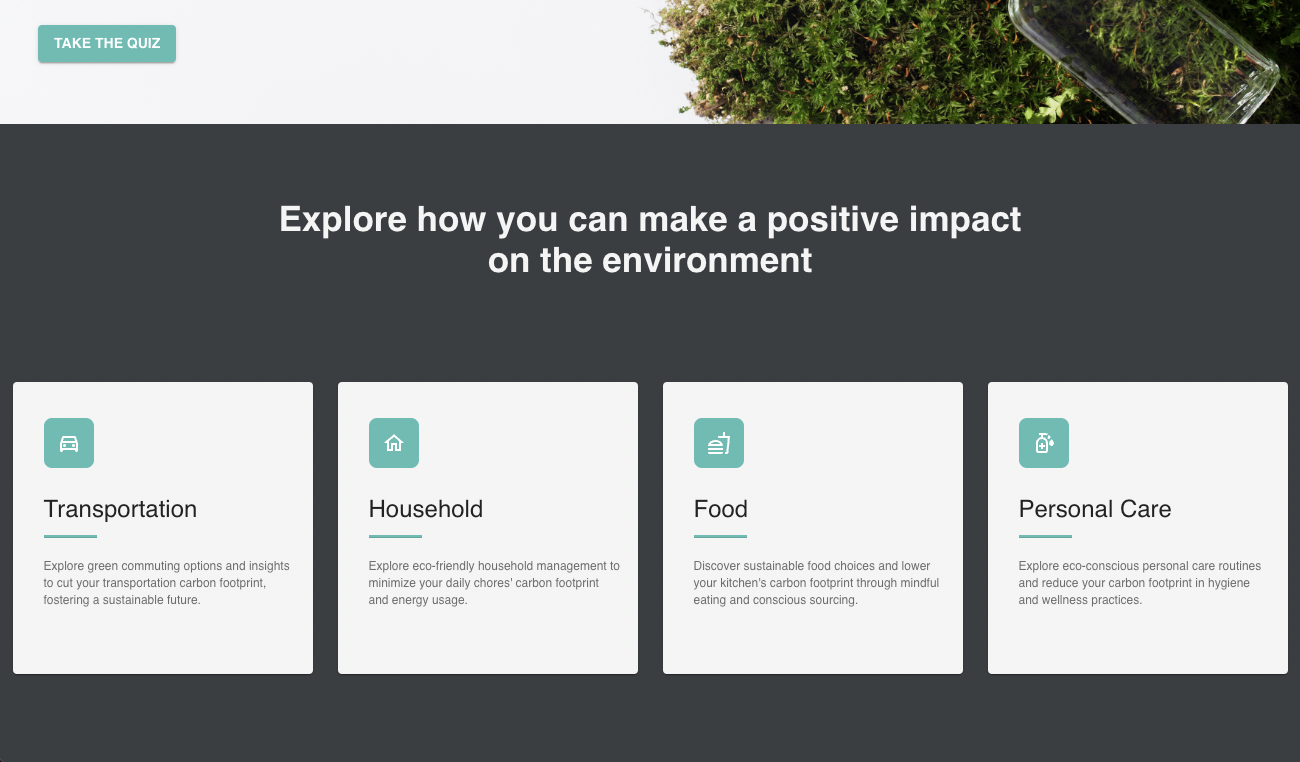
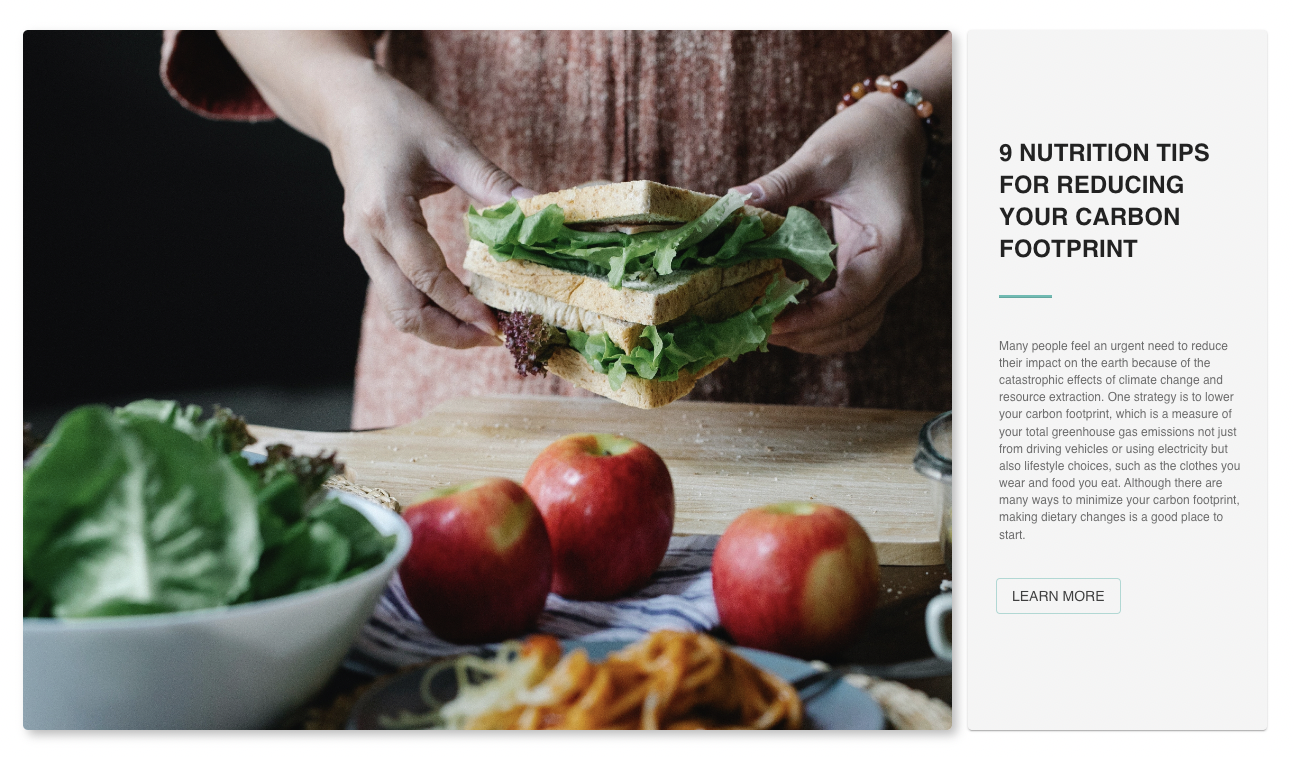
Info Page_1
-
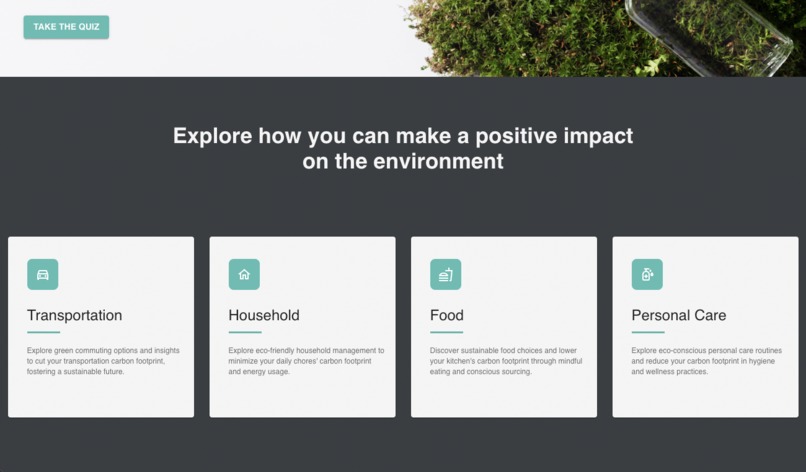
Info Page_2
-
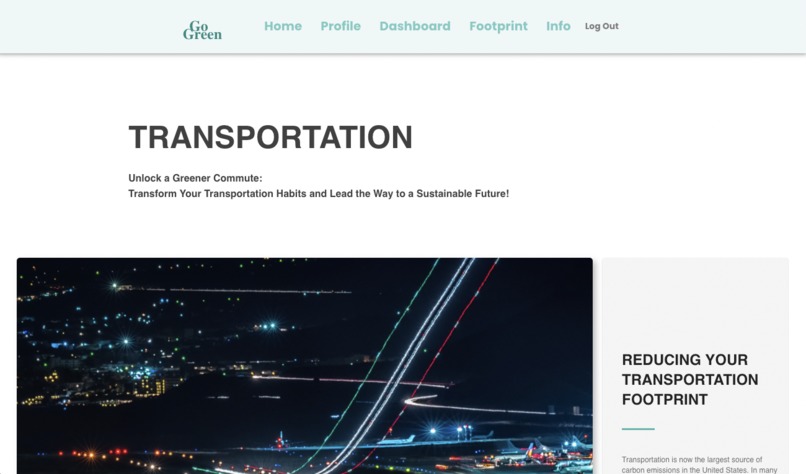
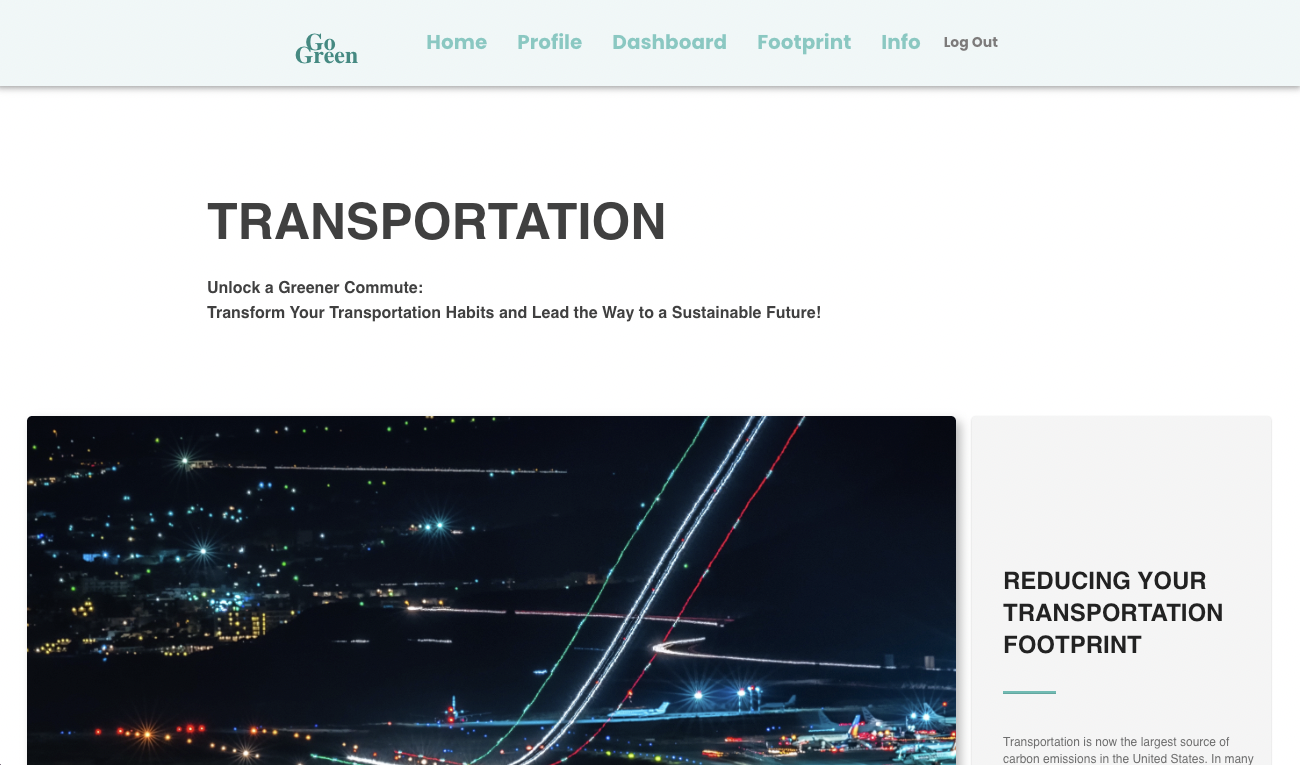
Info Page_Transportation Section_1
-

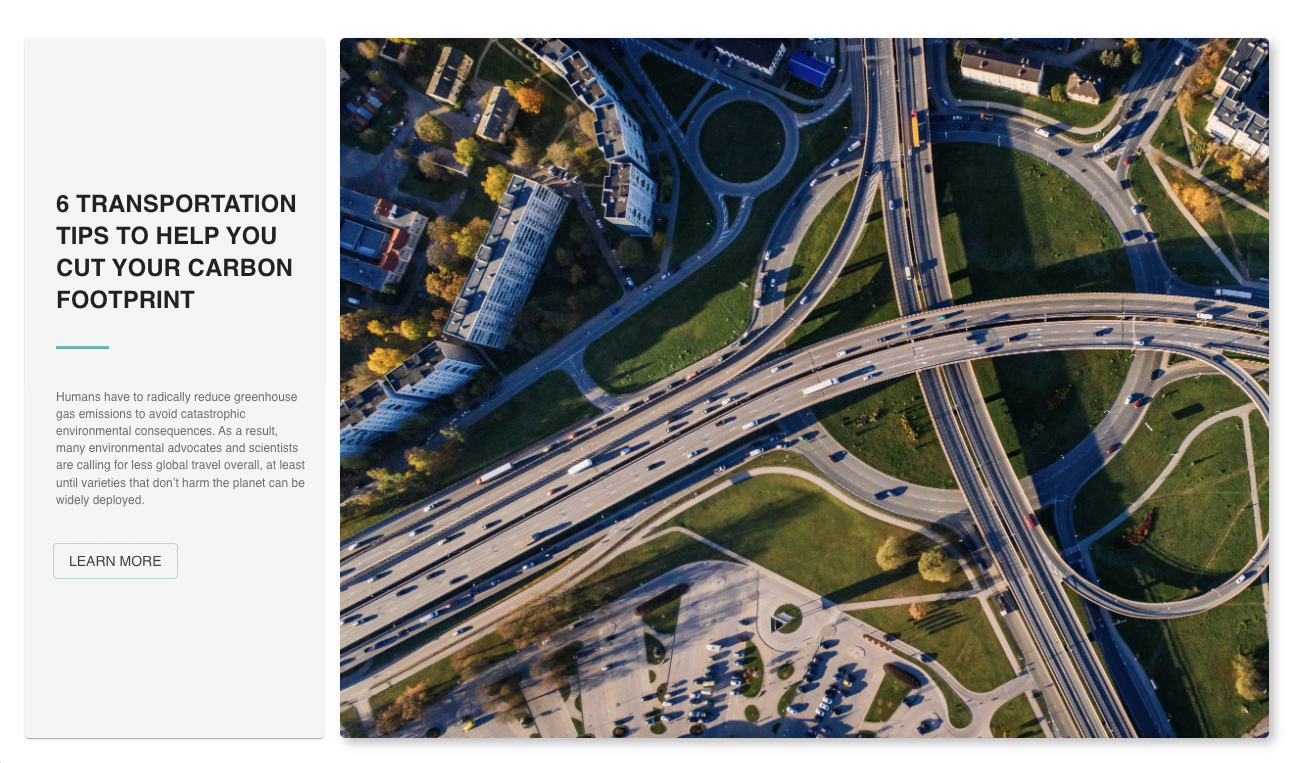
Info Page_Transportation Section_2
-
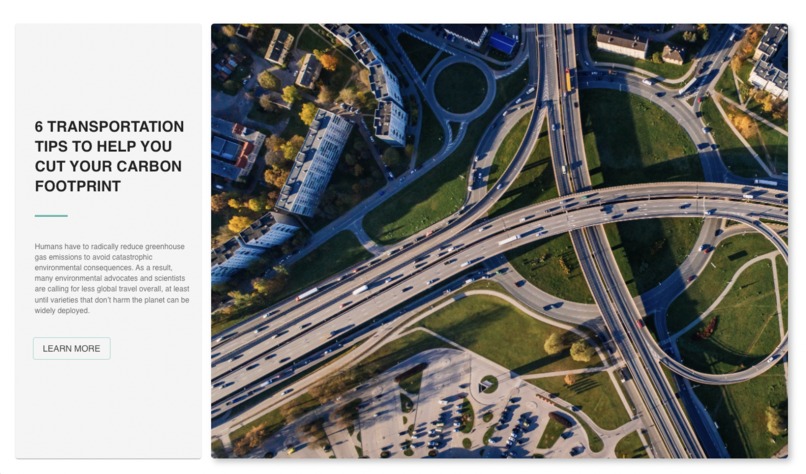
Info Page_Transportation Section_3
-
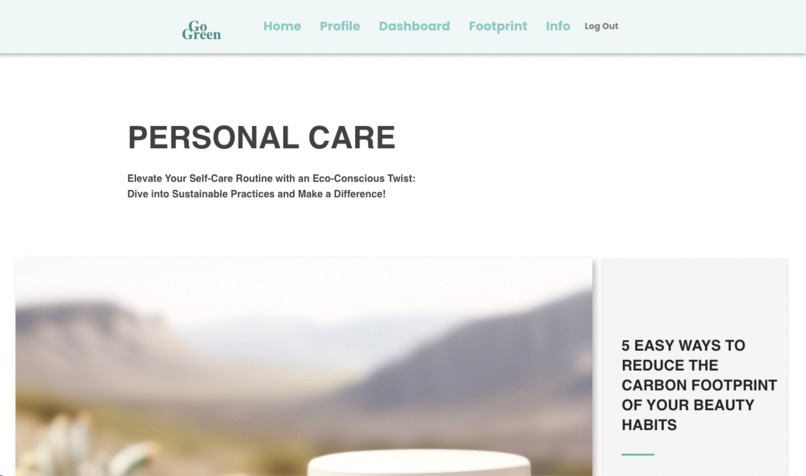
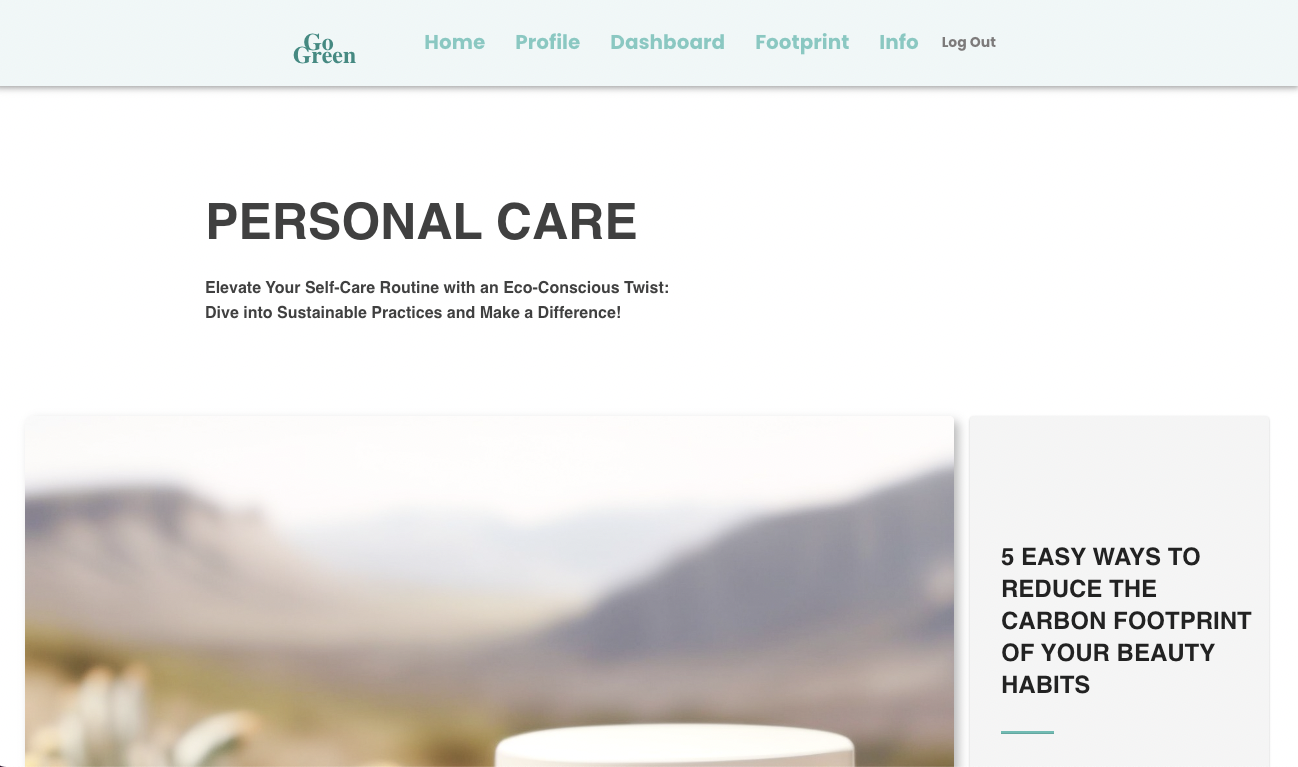
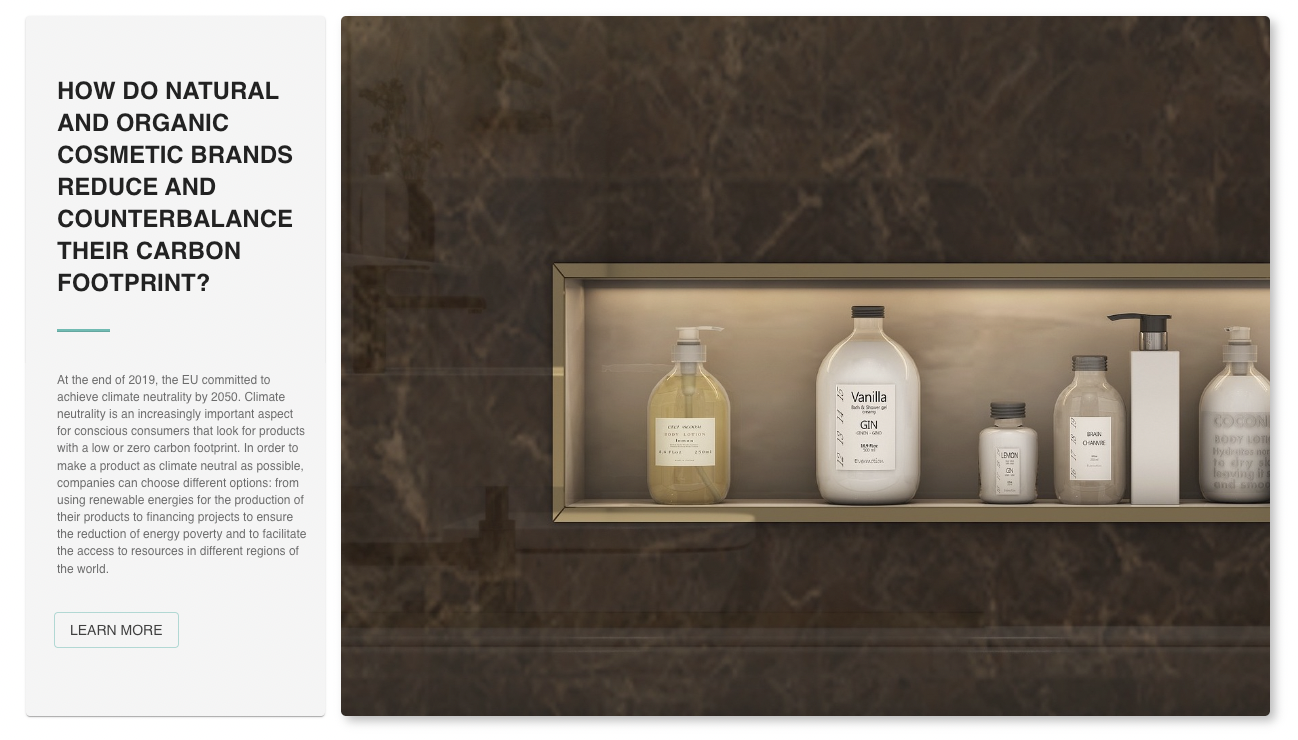
Info Page_Personal Care Section_1
-
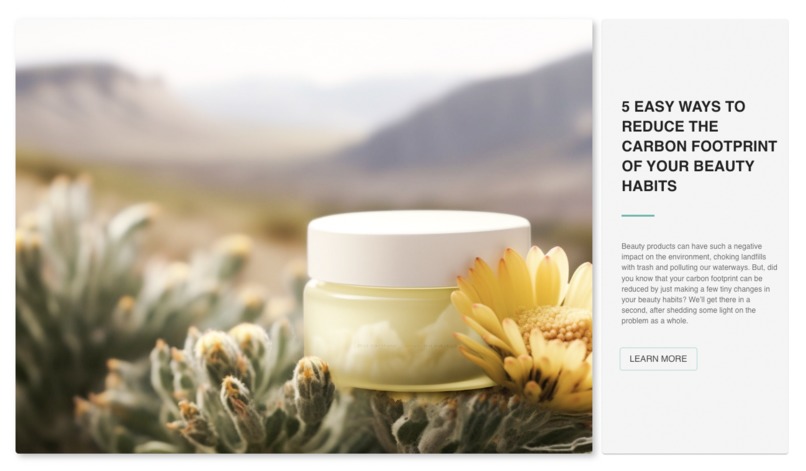
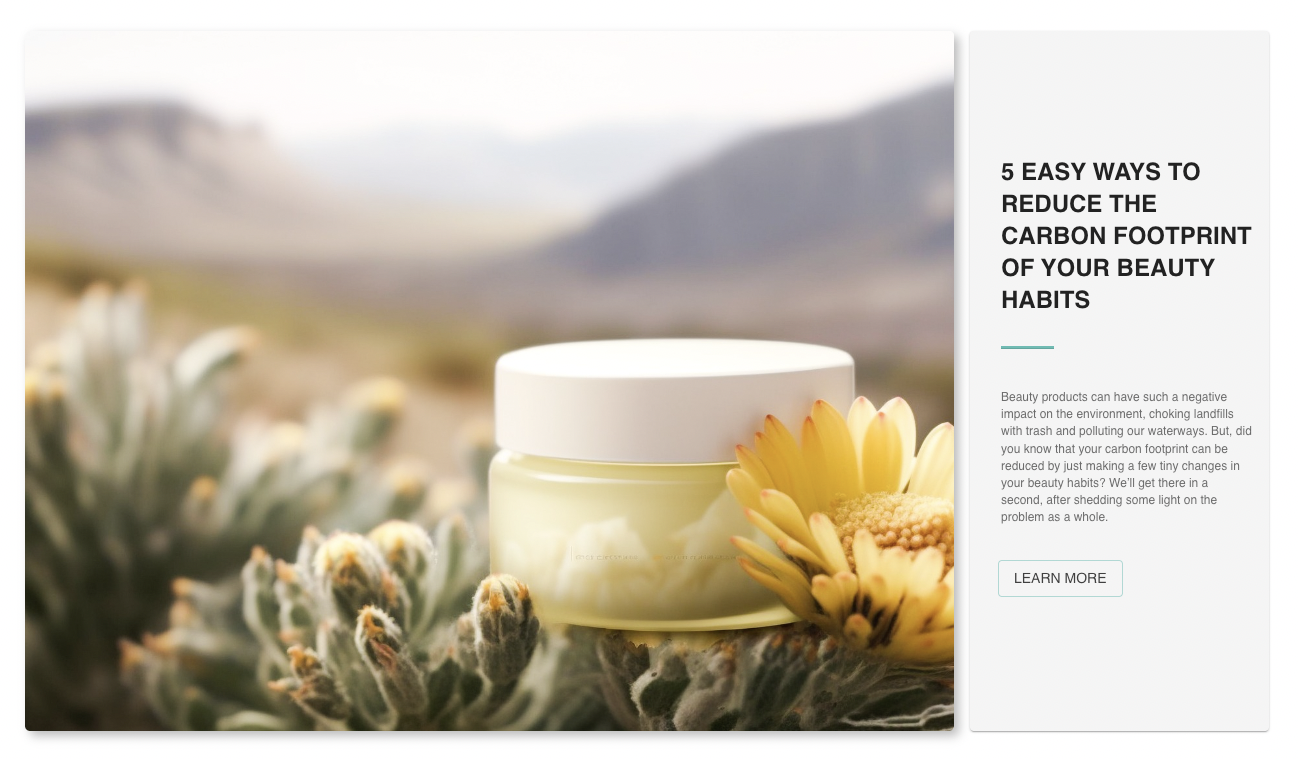
Info Page_Personal Care Section_2
-
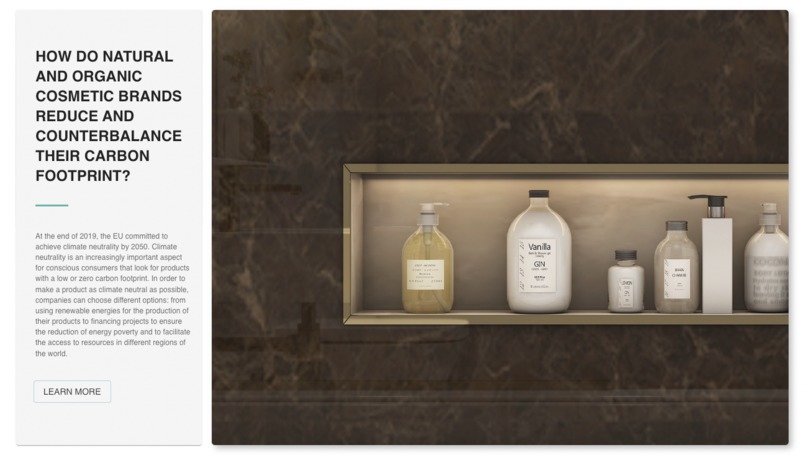
Info Page_Personal Care Section_3
-
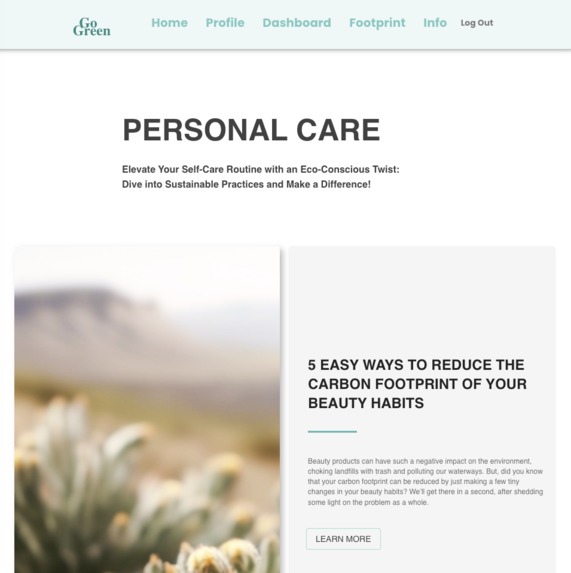
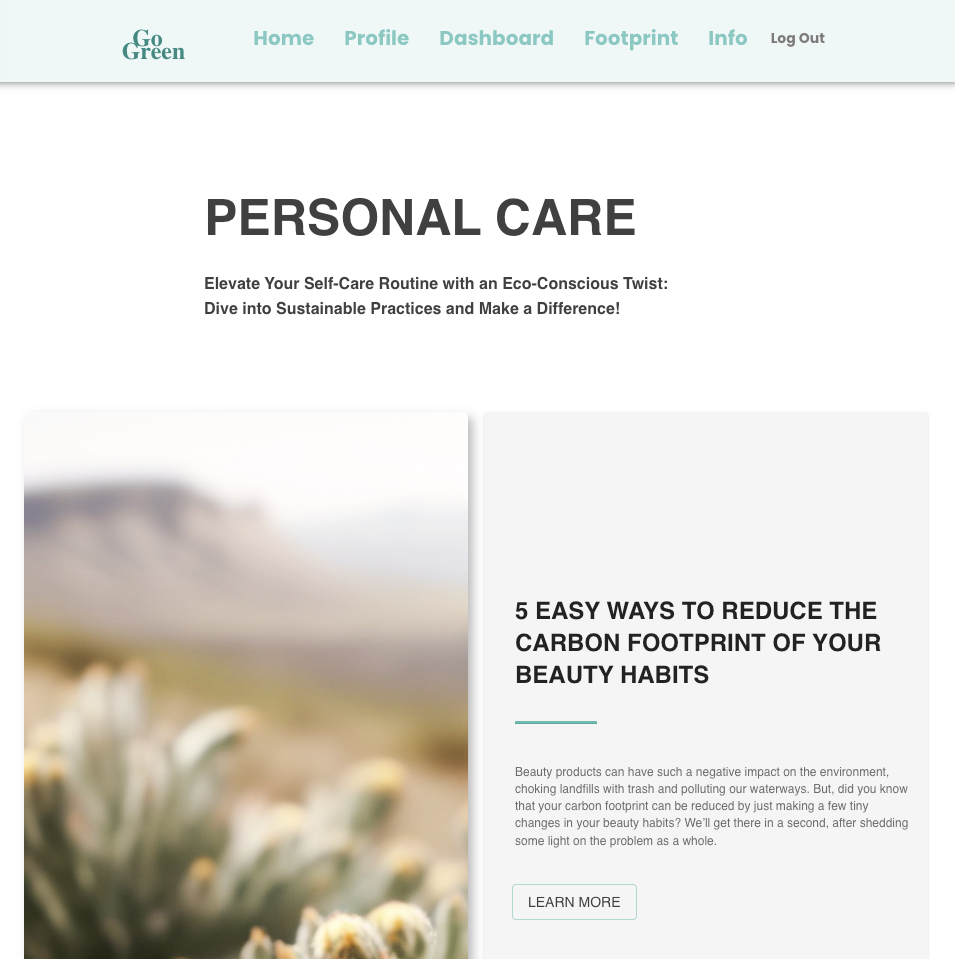
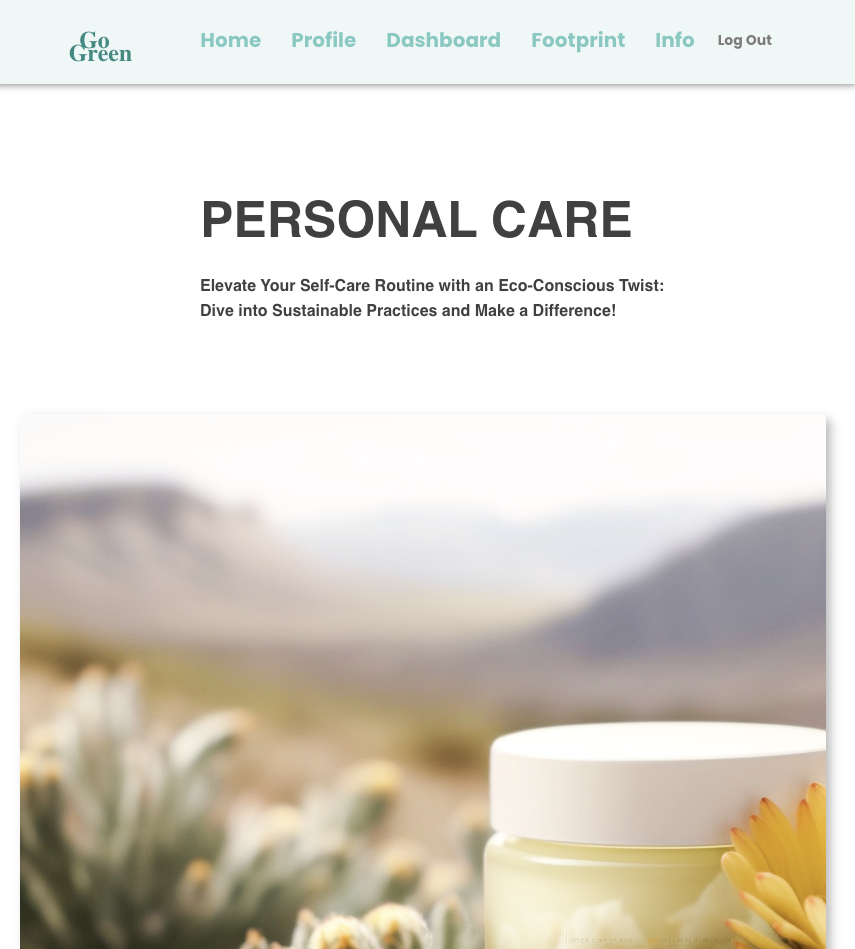
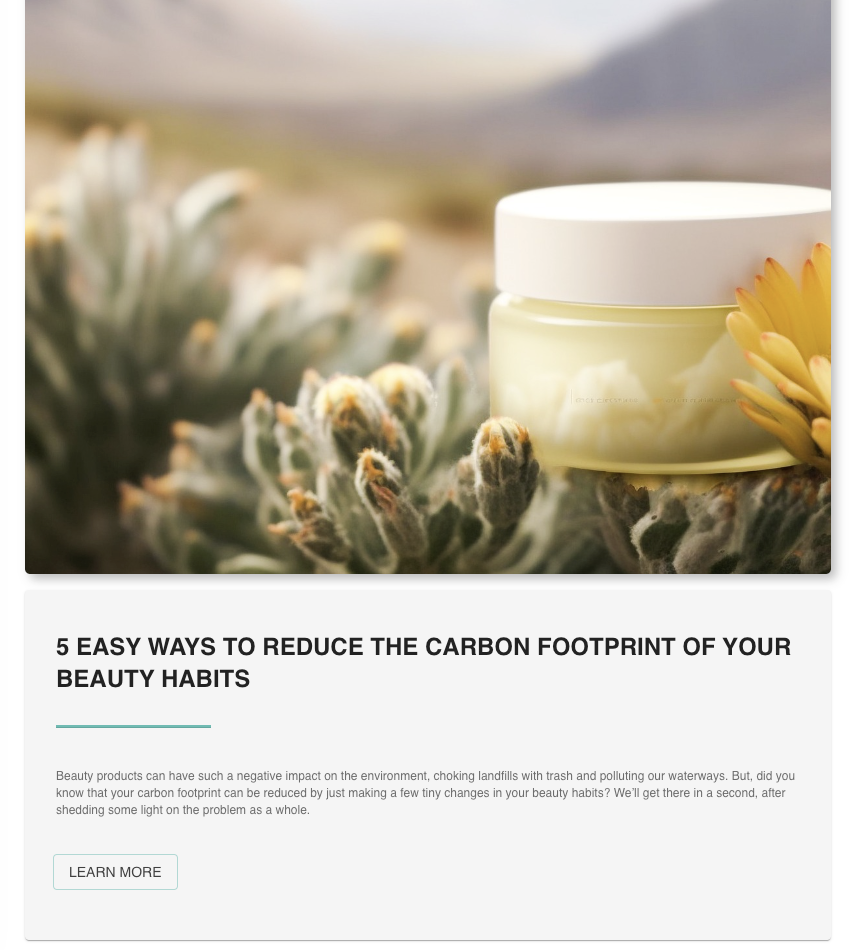
Info Page_Personal Care Section_Page responsive to different screen sizes
-
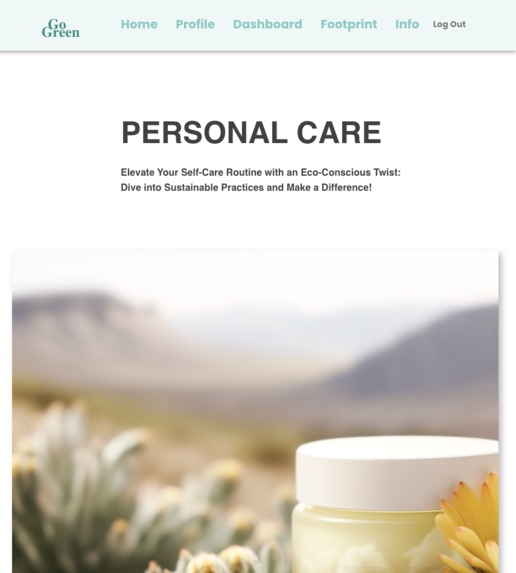
Info Page_Personal Care Section_Page responsive to different screen sizes
-
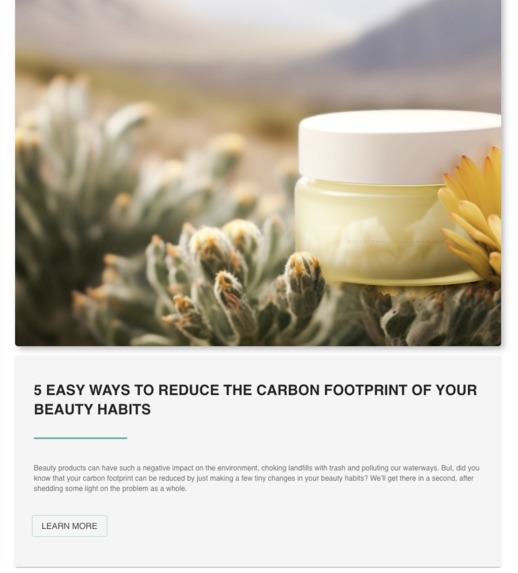
Info Page_Personal Care Section_Page responsive to different screen sizes
-
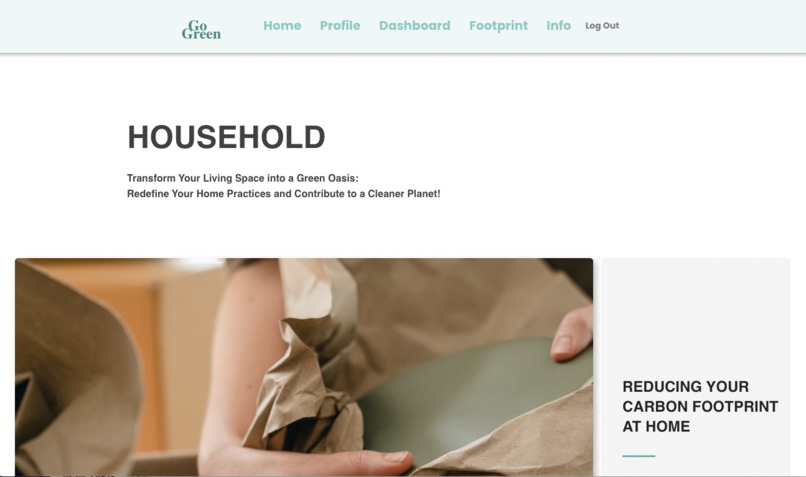
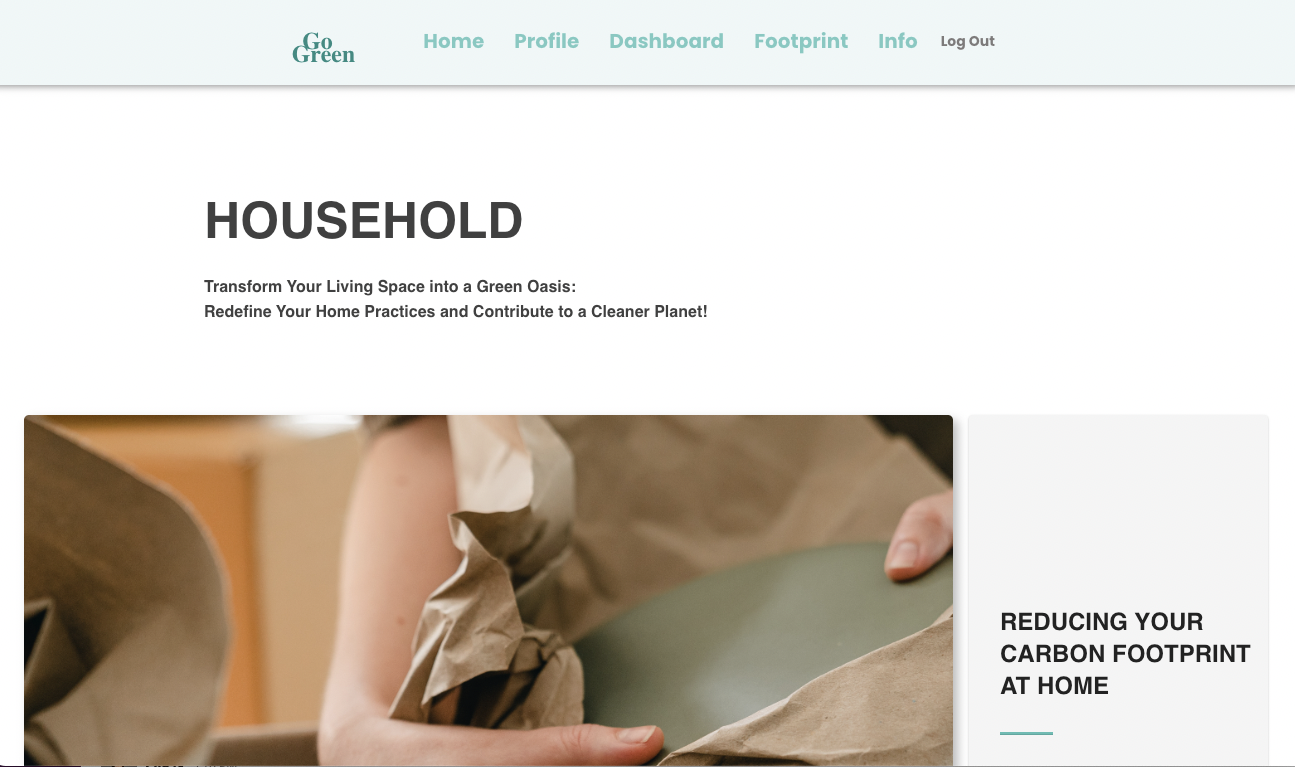
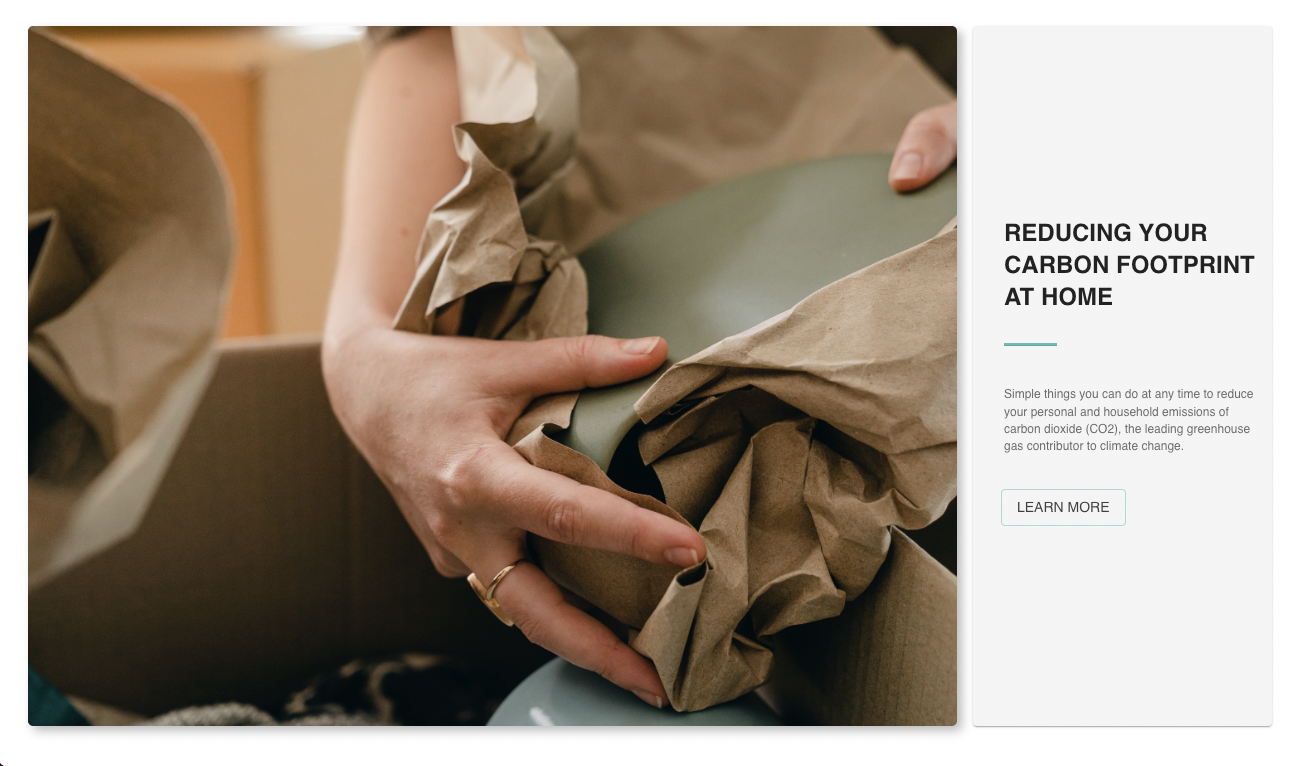
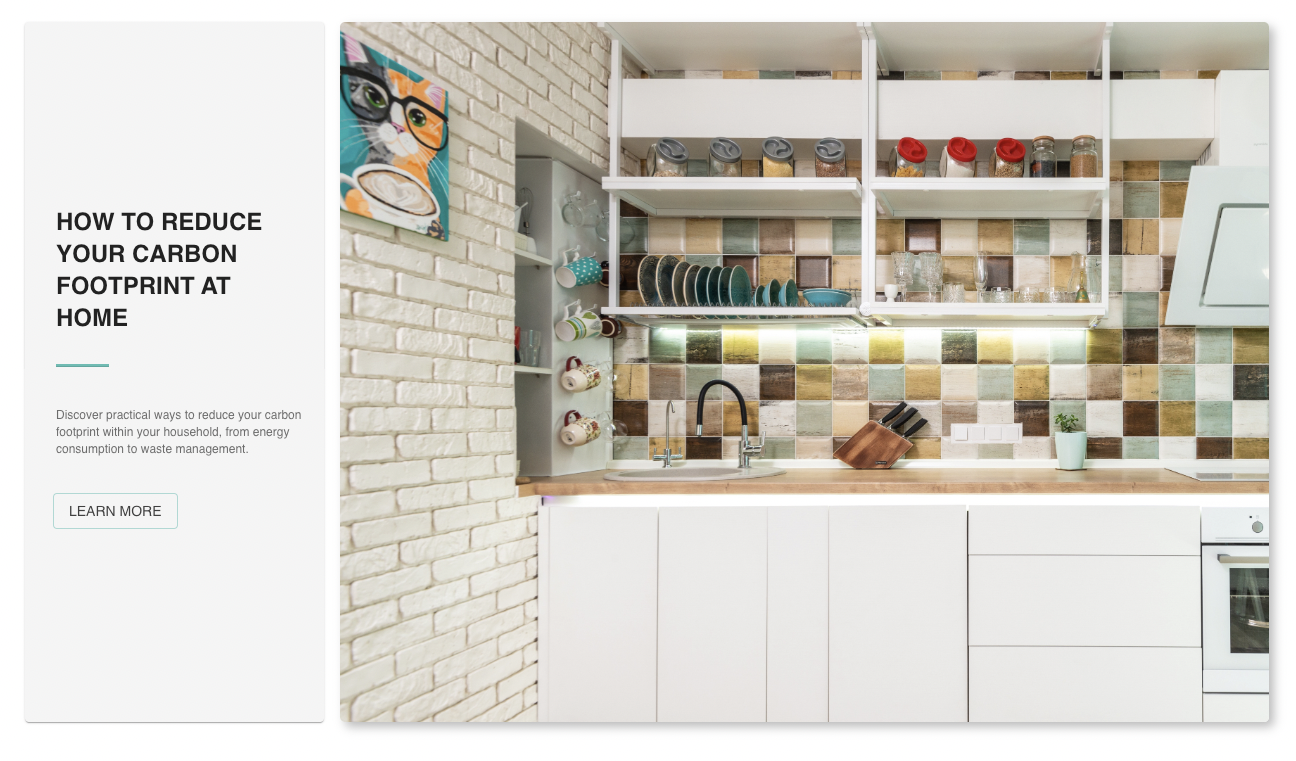
Info Page_Household Section_1
-
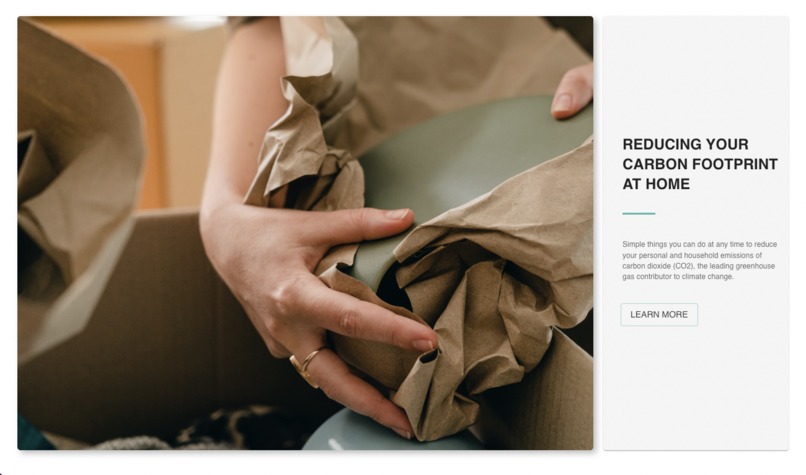
Info Page_Household Section_2
-
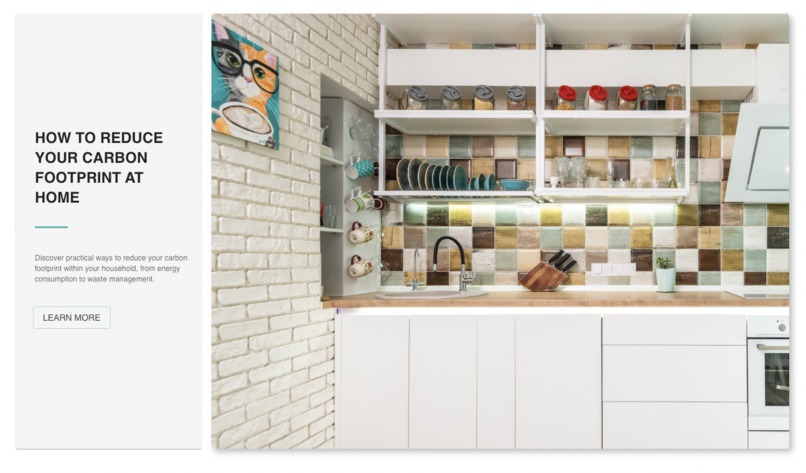
Info Page_Household Section_3
-
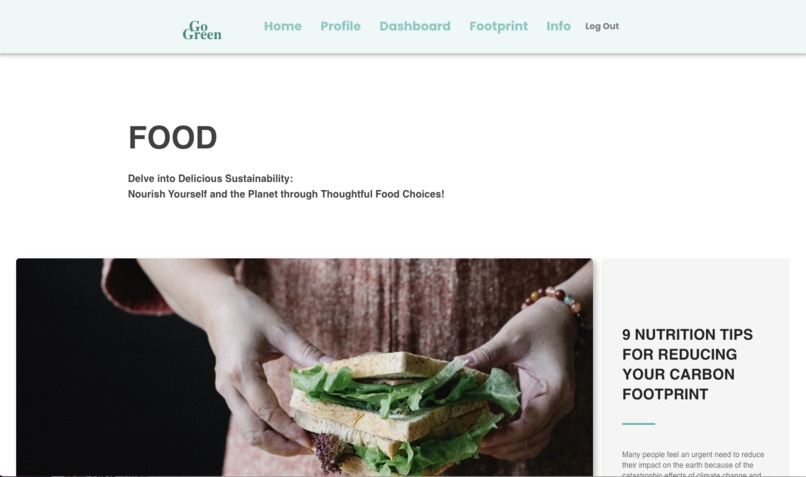
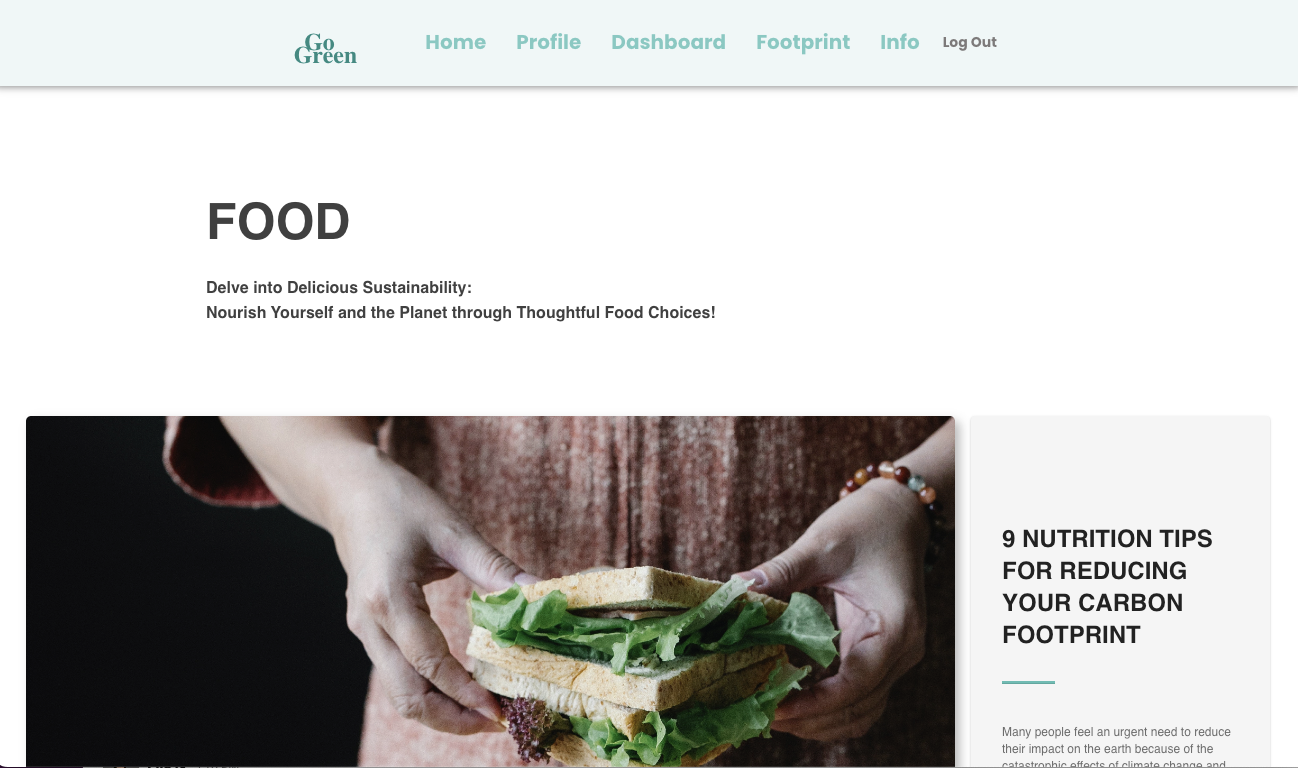
Info Page_Food Section_1
-
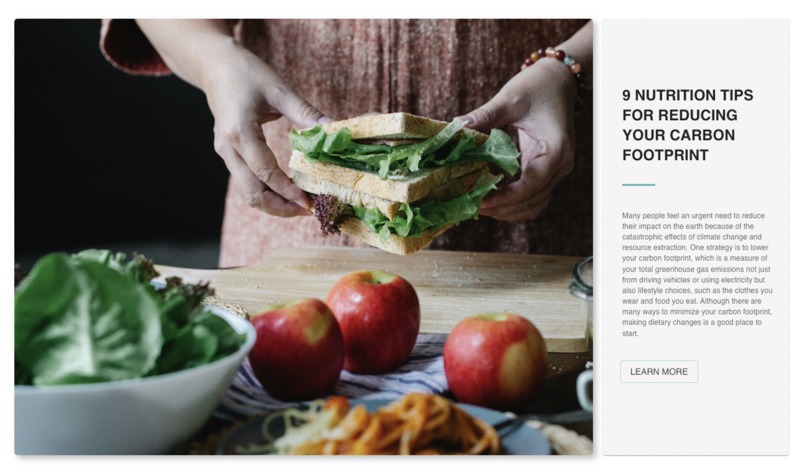
Info Page_Food Section_2
-
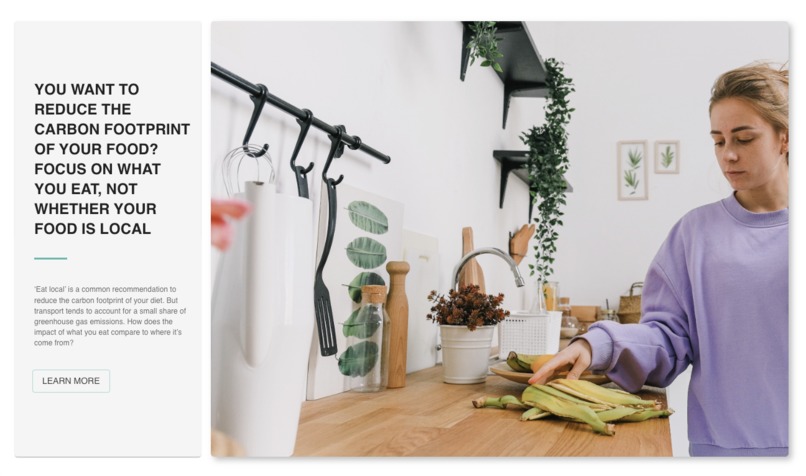
Info Page_Food Section_3
-
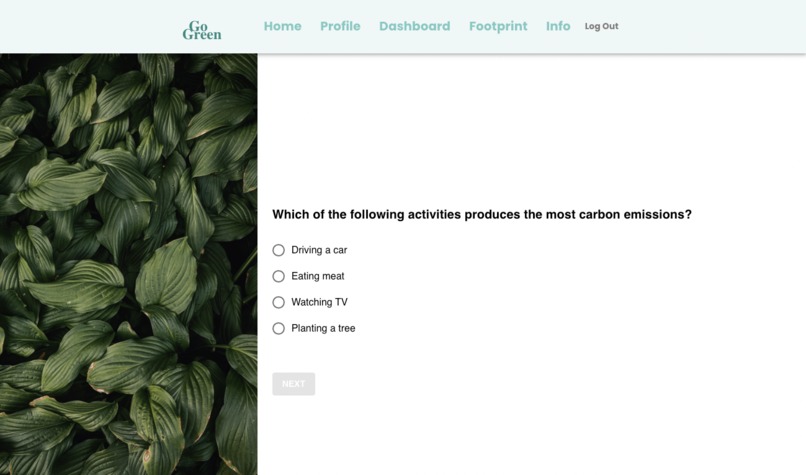
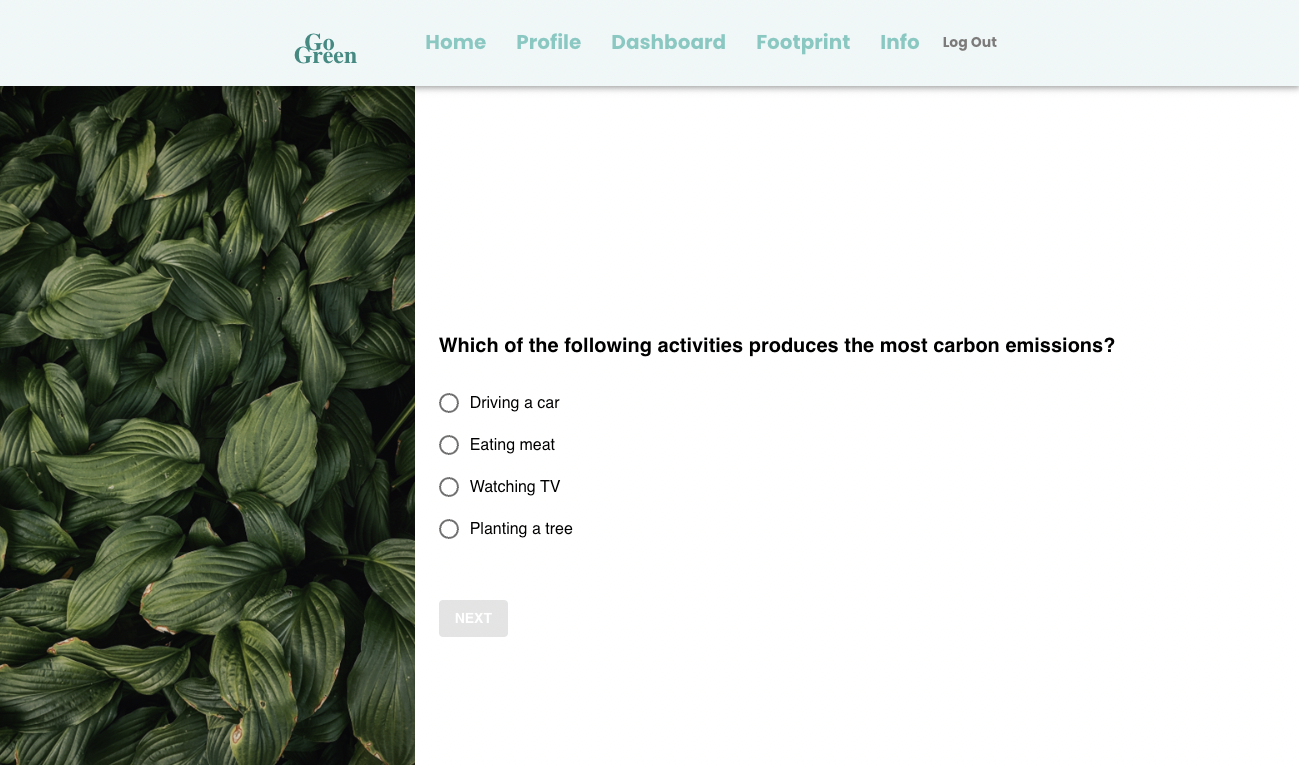
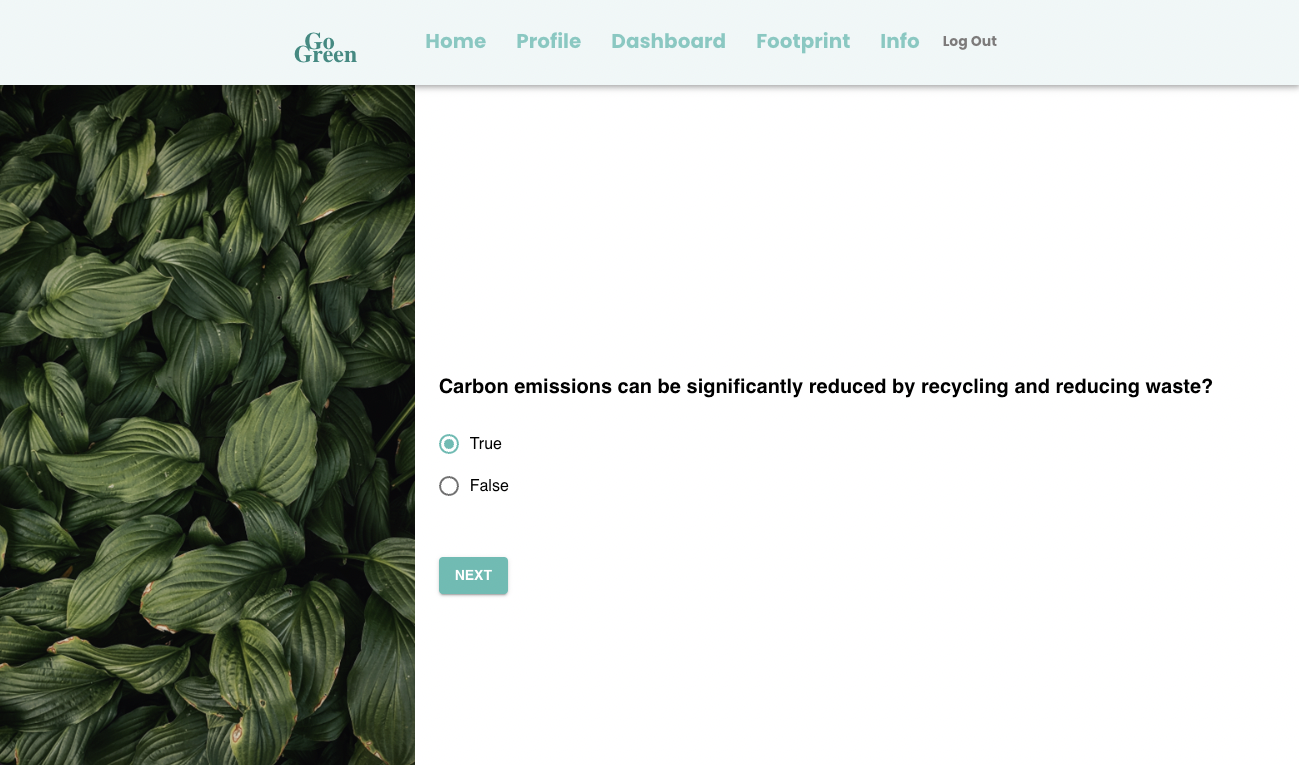
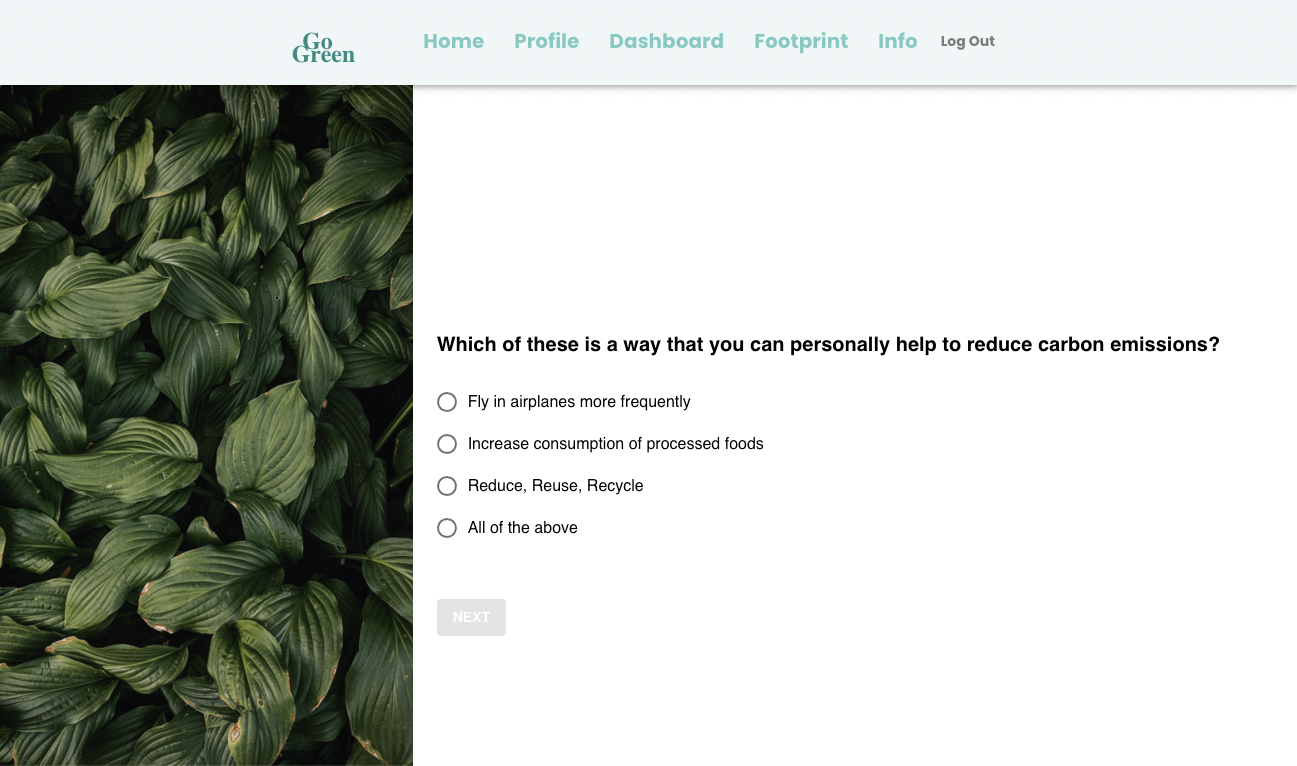
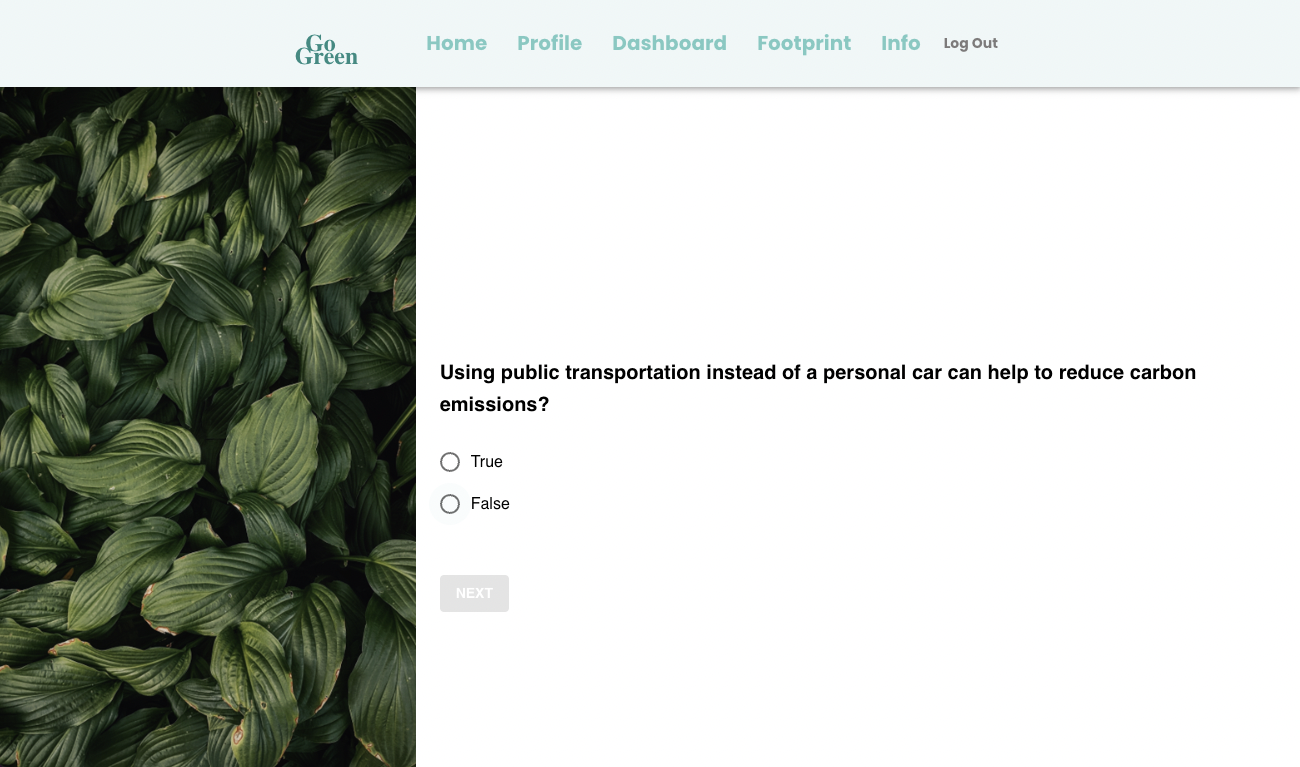
Quiz_Question 1
-
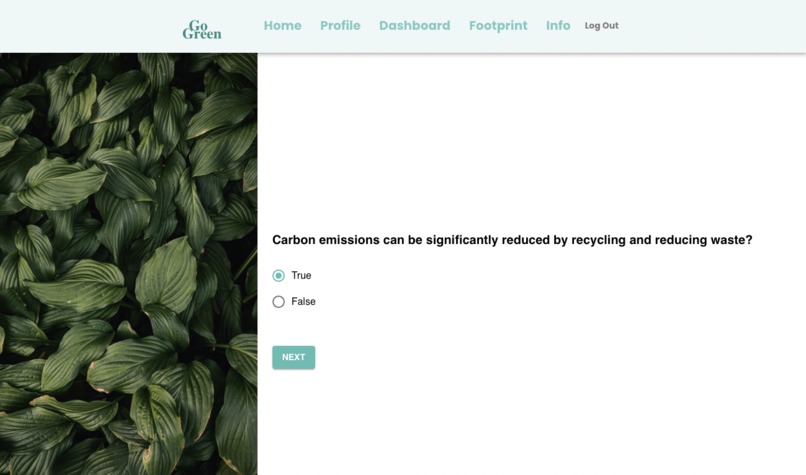
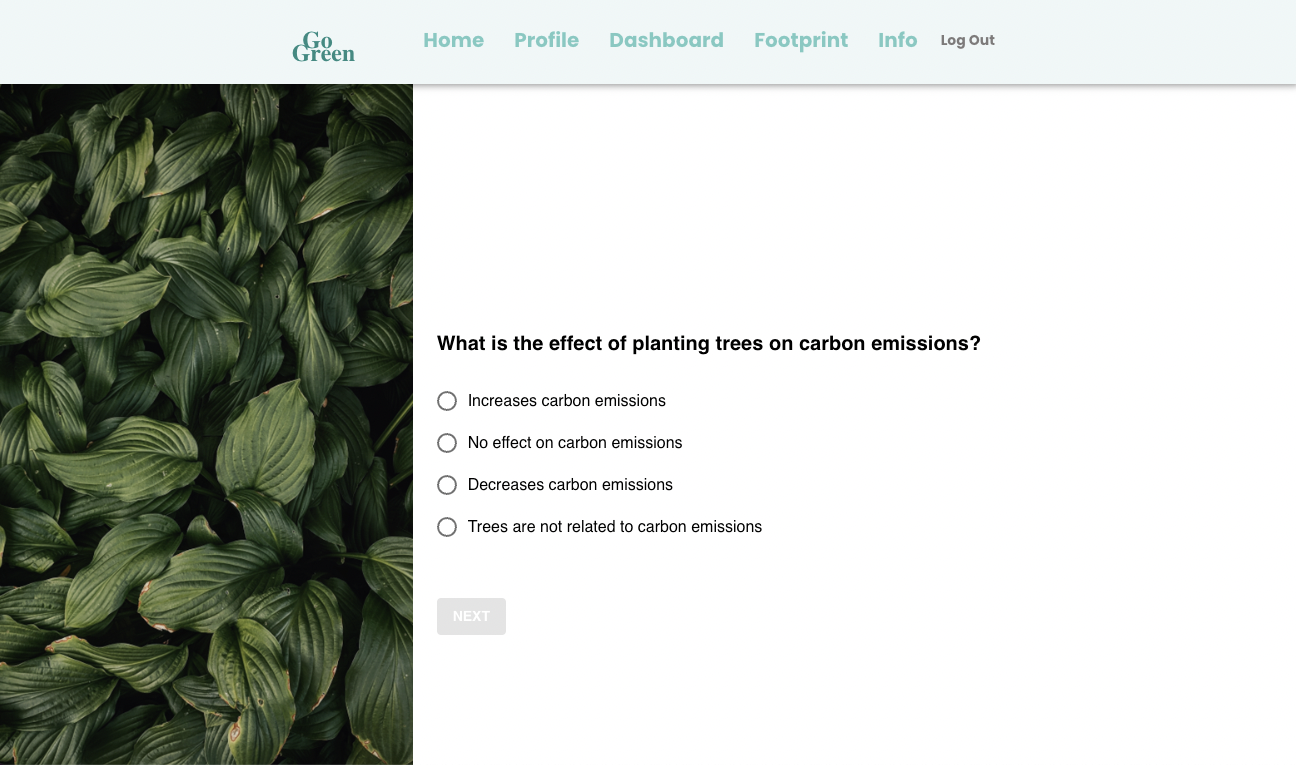
Quiz_Question 2
-
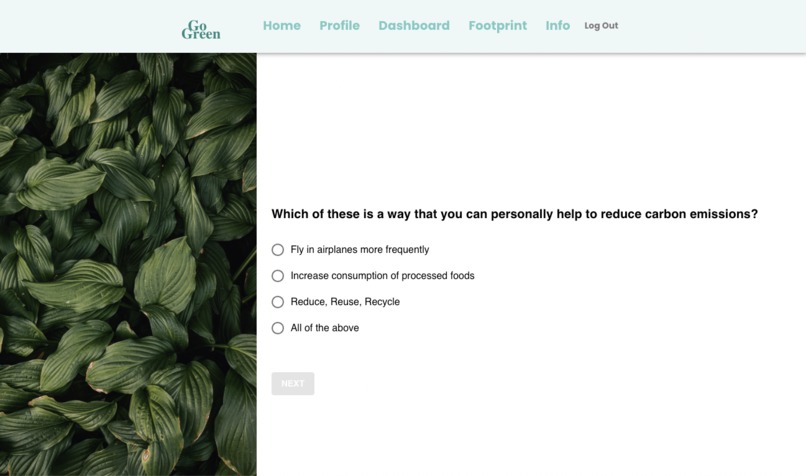
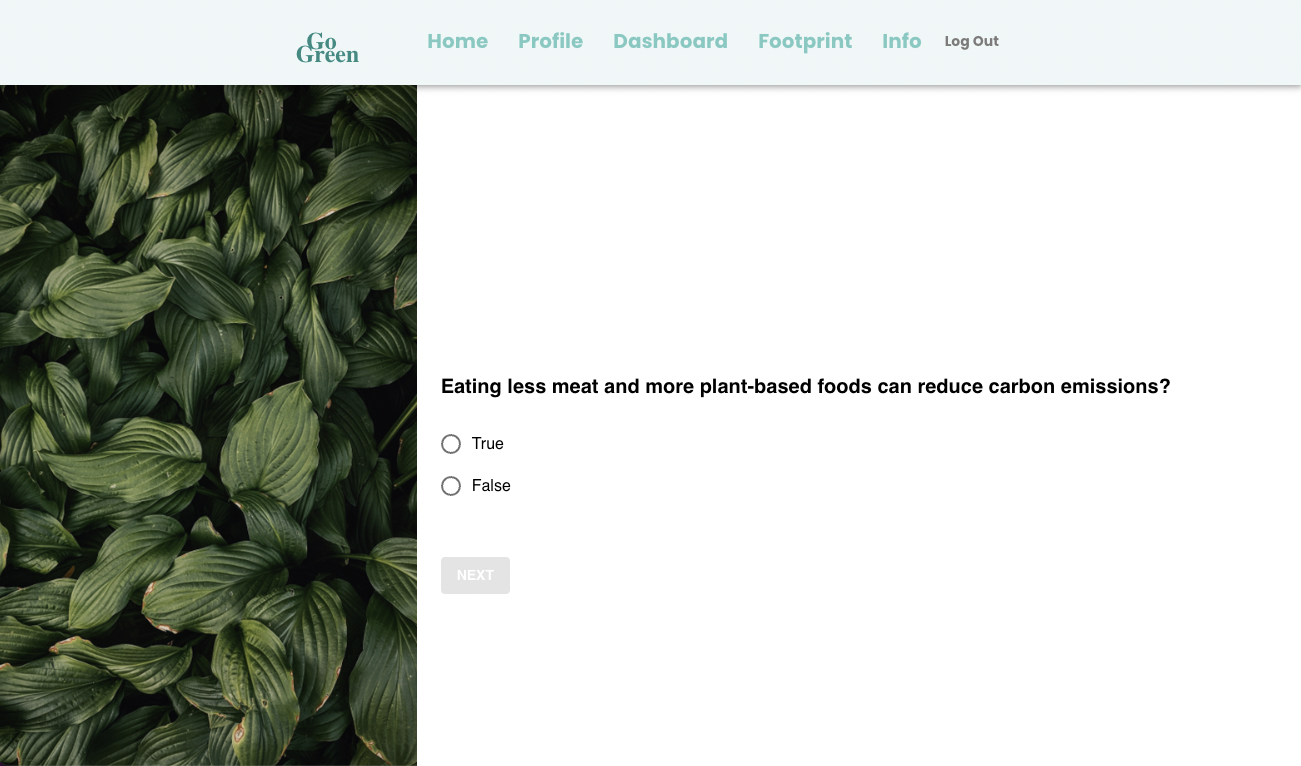
Quiz_Question 3
-
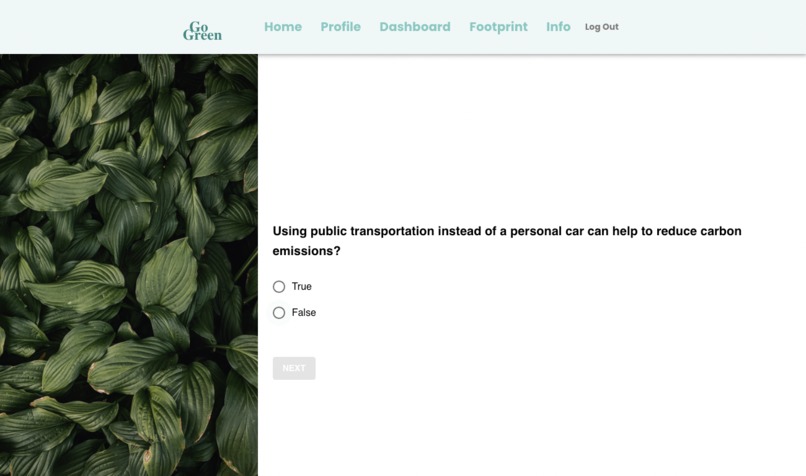
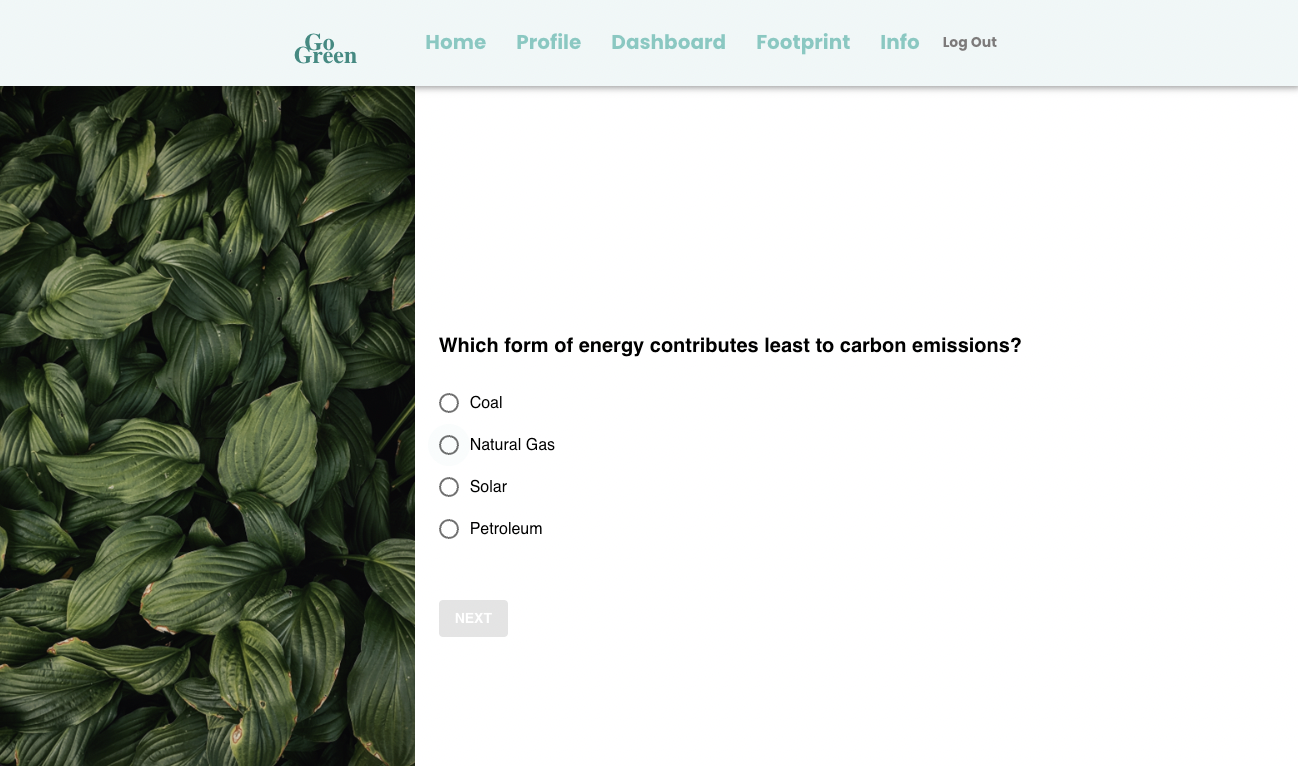
Quiz_Question 4
-
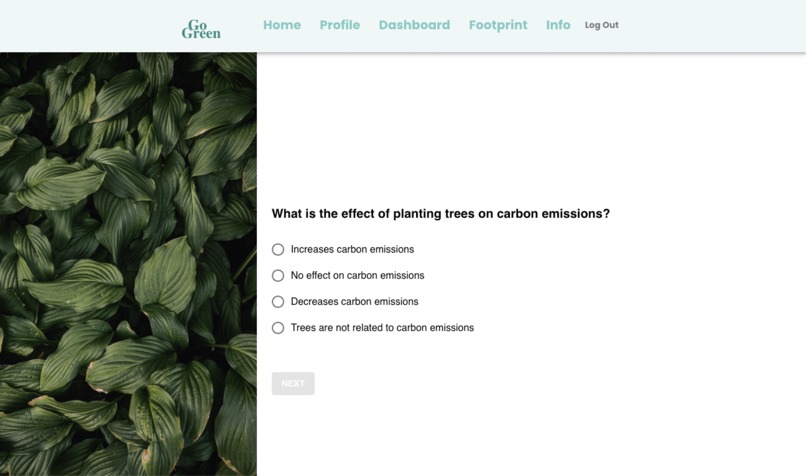
Quiz_Question 5
-
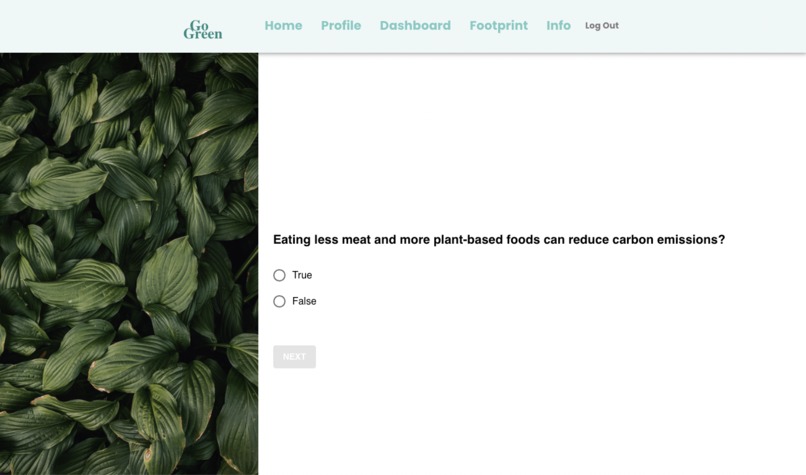
Quiz_Question 6
-
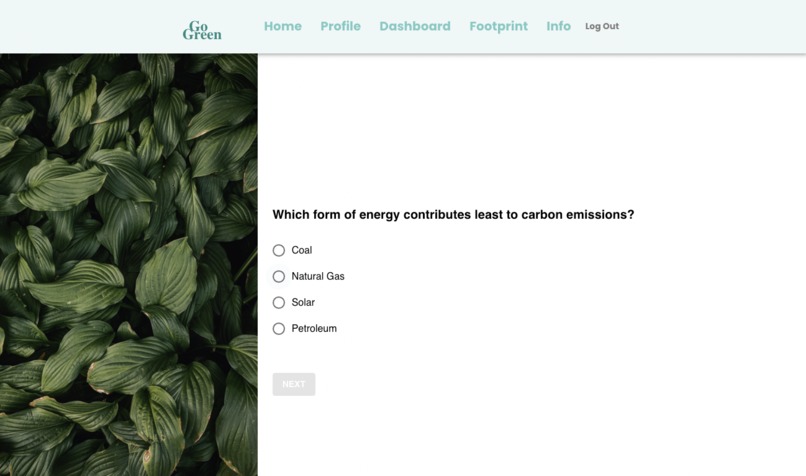
Quiz_Question 7
-
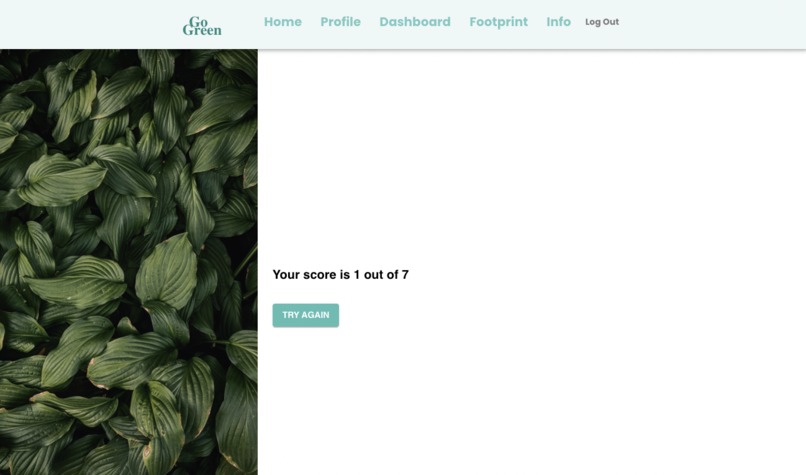
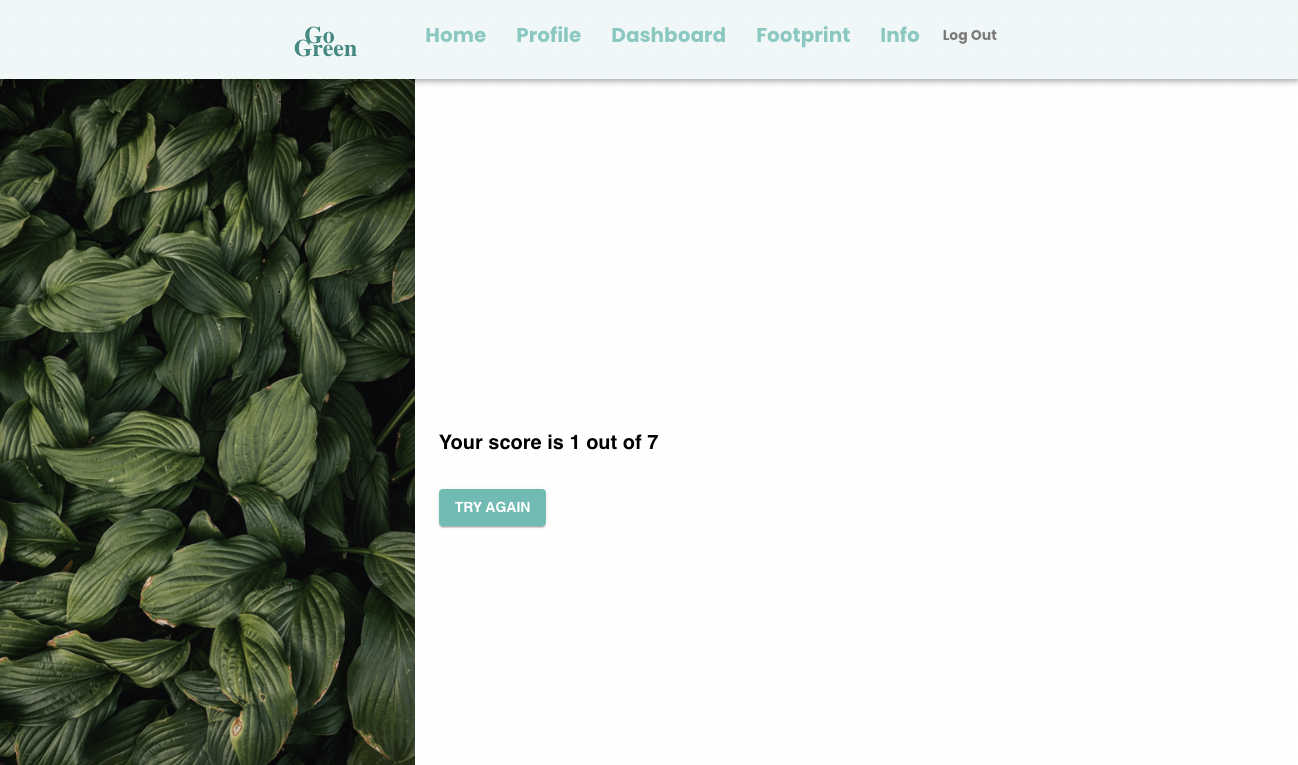
Quiz_Result
-
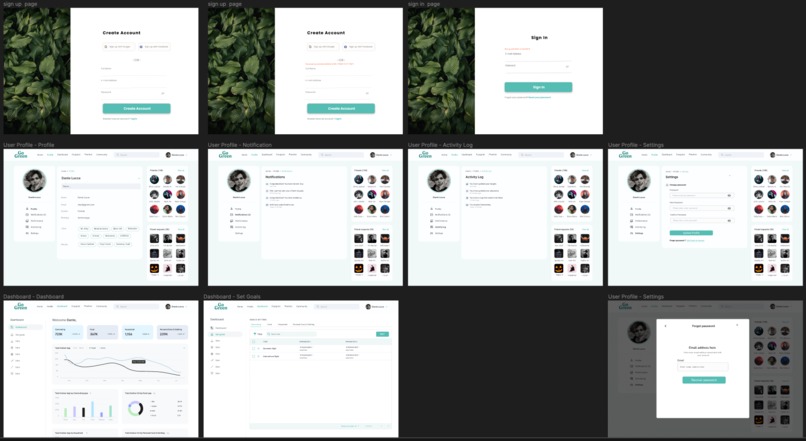
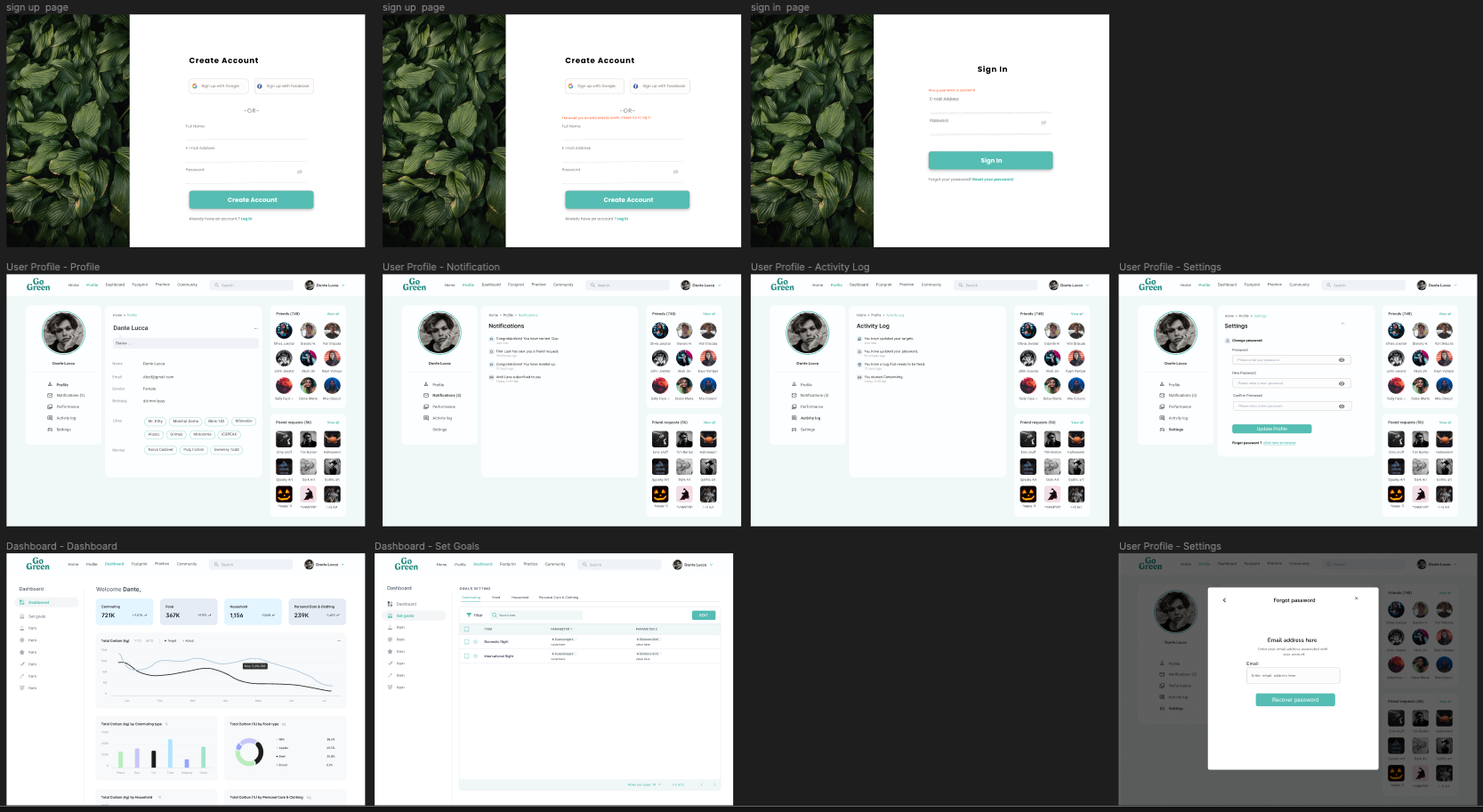
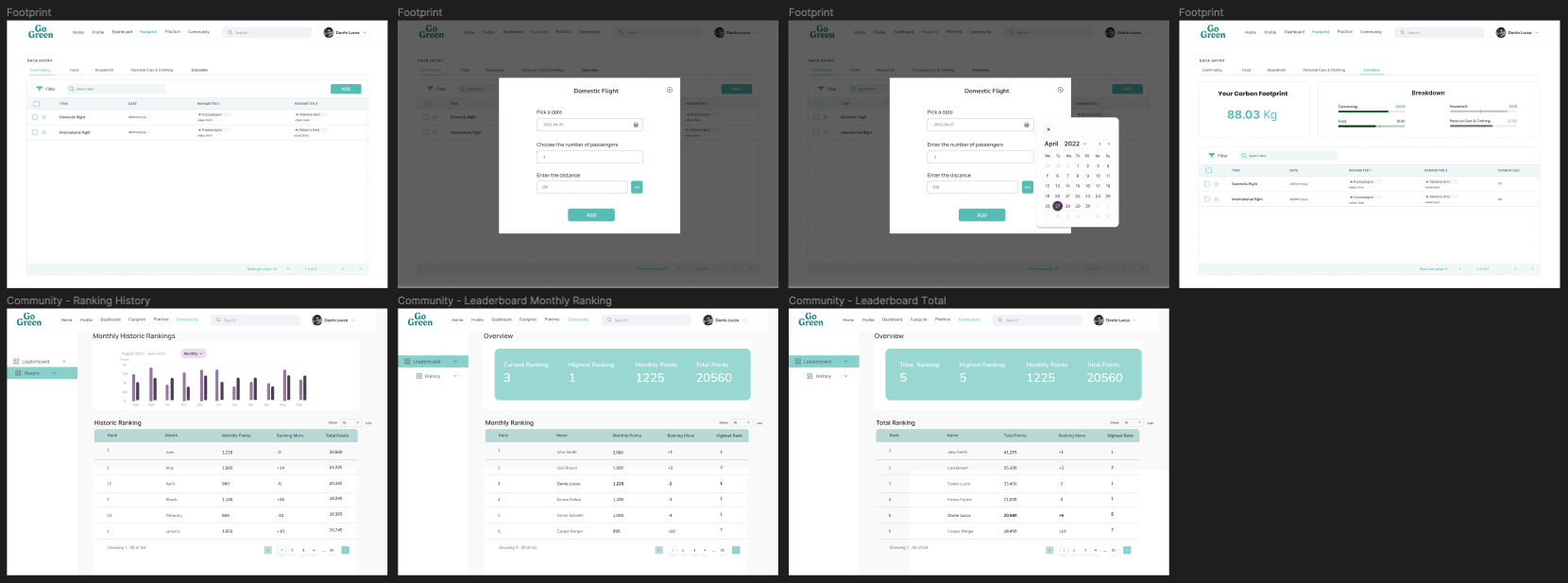
Design Phase - Webapp interface using Figma
-
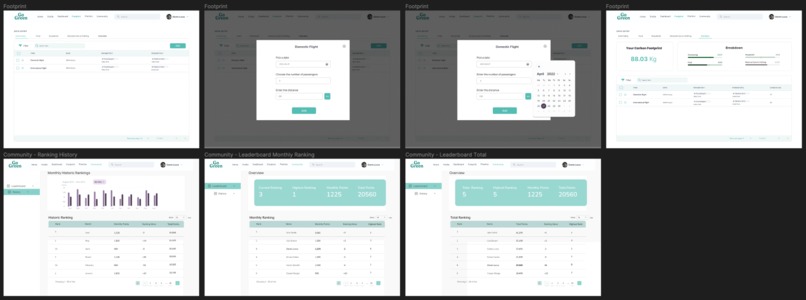
Design Phase - Webapp interface using Figma
-
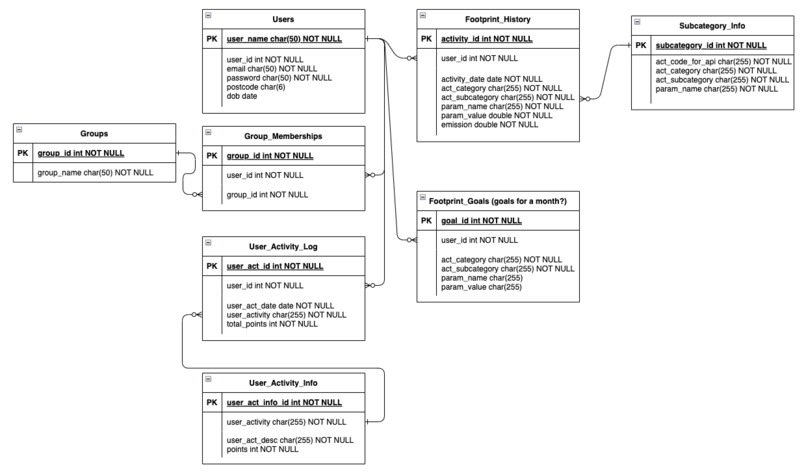
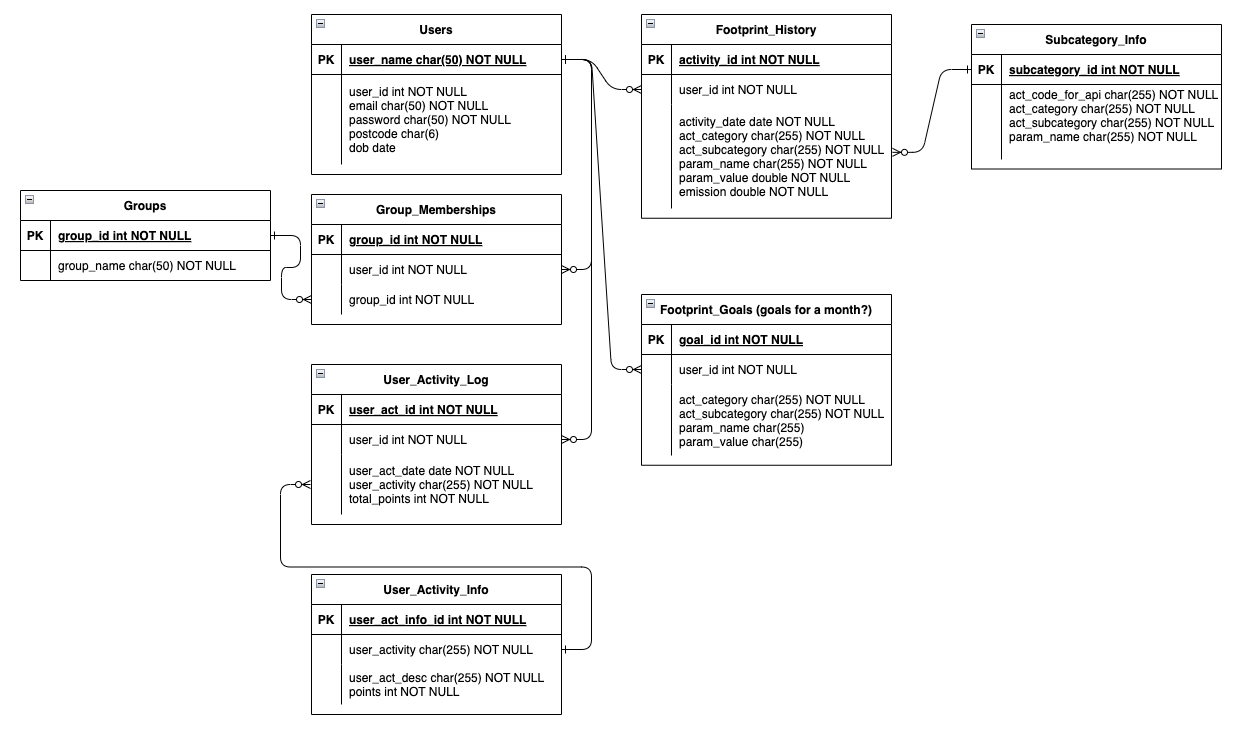
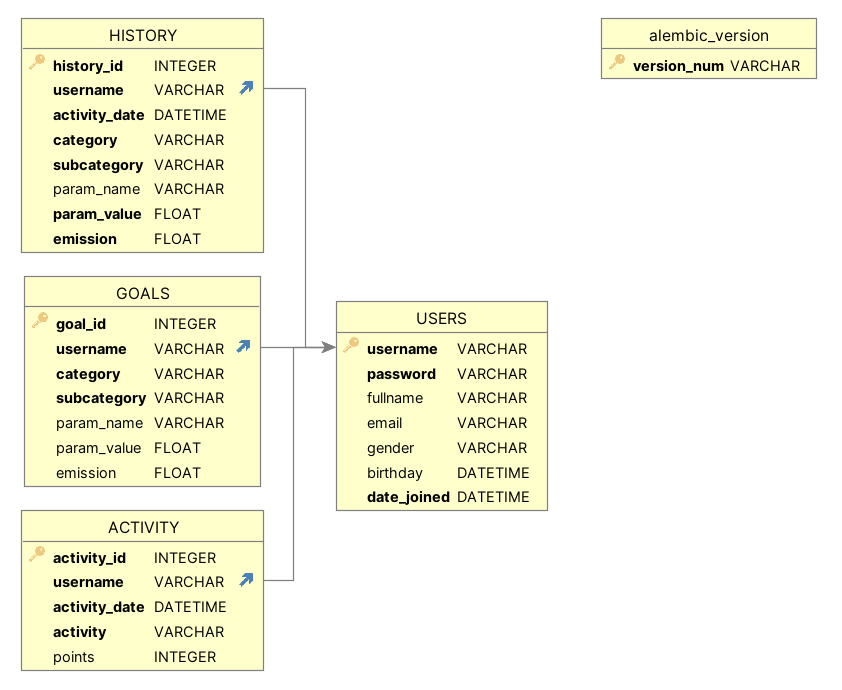
Design Phase - Database
-
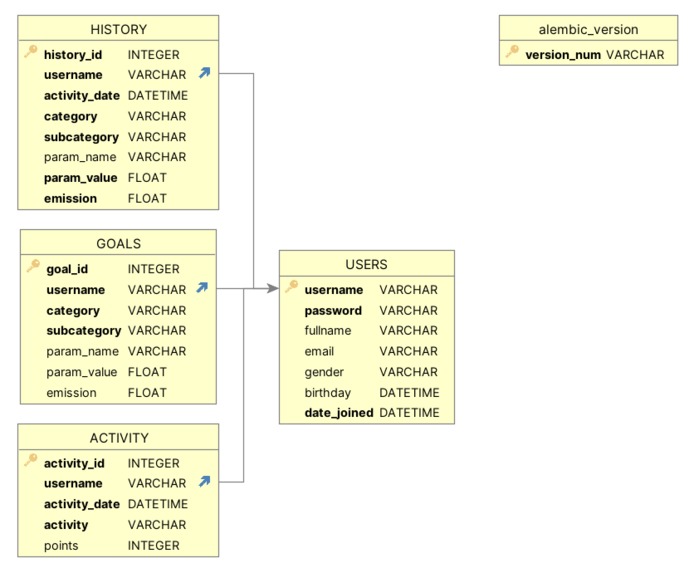
Implemented Database using Alembic


Inspiration
The motivation for this project was to gain exposure to a range of new technologies and tools while building a meaningful Webapp. In order to make an impact and take climate action we need to start with ourselves, in order to do so we need easy to use Carbontrackers so that people can educate themselves and gain a better understanding about the extent of emissions caused by daily activities. GoGreen is an easy to use Carbontracker that makes tracking performance and accessing information easy, it only focuses on 4 main categories: Transport, Household, Food & Personal Care to ease users into their climate action journey.
What it does
1. GoGreen is a one-stop shop for:
- Accessing information about reducing your Carbon footprint
- Entering your daily activities using way understandable parameters using an API (https://www.climatiq.io/) to transform them into actual carbon emissions
- Setting monthly goals
- Tracking performance for each month, evolution over the last 6 months and see your performance compared to your goals
- Gamifying the process of tracking your carbon emissions by using a points system for using the App
2. Target Group:
General target group: Young people (15-30s) who want to improve their sustainability journey and keep them accountable or to get started at all. Based on research female, urban and young users are the most active target group in making sustainable choices.
User personas:
- Andrea, 25, young professional: Well educated about her carbon footprint and is looking for a solution that helps her to stay motivated and to keep themselves accountable. Especially understanding her progress and meeting goals is something she has struggled when trying to keep track of her carbon footprint.
- Dante, 18, just graduated high school: Somewhat educated about his carbon emissions but looking for an easy way of tracking/understanding progress and continue to achieve improvements
- Anna, 30, office worker: Limited pre-existing knowledge about how much different daily activities contribute to her carbon footprint. She is looking for a place to start her climate action journey and ideally looking for a platform that makes information easily accessible while offering an approachable way to get started.
3. Features:
- Account Creation/Log In: Ensure a personalized user experience.
- Activity Input: Users can input their daily activities in categories such as Transport, Household, Food & Personal Care, which are further divided into detailed subcategories (all subcategories and API codes can be found in the subcategories.js file).
- Goal Setting: Users can set monthly goals for subcategories and track their performance against these goals.
- Performance Tracking: View monthly performance compared to set goals and track performance over the last 6 months relative to the current goal.
- Access to Information: Easily access information on reducing carbon footprints.
- Quiz: Test your knowledge with a short quiz.
- Points System: Gain points through various activities, such as logging in, recording activities, and setting goals, and then track your points on your profile.
4. Instructions:
- Sign Up/Log In Page:
- Purpose: This page allows users to create an account or log in to an existing one.
- Users can start by signing up if they don't have an account (only a username is required).
- Alternatively, they can log in if they already have an account.
- Info Page:
- Purpose: This page educates users about the four main categories in the webapp, including Transport, Household, Food & Personal Care.
- This section includes an initial knowledge check through a quiz.
- Users can explore and learn how to reduce their carbon footprint in these categories.
- Footprint Page:
- Purpose: This page allows users to view their total carbon footprint (in kg) and provides a breakdown of the four categories for all logged activities. In addition, users can add new records, and the page updates accordingly when they navigate away and return.
- Dashboard Page:
- Purpose: This page helps users understand their carbon footprint in detail and manage their goals.
- It displays monthly emissions per category and the percentage change compared to the previous month.
- Users can view their six-month performance of total carbon footprint across categories vs. the total emissions for the monthly goals set across all categories.
- Users can set monthly goals for each subcategory.
- Profile Page:
- Purpose: This page allows users to personalize their profile, view their activity log, and check their total current points.
How we built it
- Planning process:
- Use personas: We started by creating user personas to understand our target audience better. This helped shape our features accordingly.
- Figma design: For the frontend design, we utilized Figma to shape our visual ideas.
- ER diagram: To design the database and ensure proper DB normalization, we developed an Entity-Relationship (ER) diagram, providing a foundation for our data structure.
- Pre-commit Hooks: We implemented pre-commit hooks as part of our code quality assurance process, ensuring that our code met the desired standards.
- Pipenv Environment Management: For efficient environment management, we use Pipenv to handle our project's dependencies and environments.
- Building process:
- API Testing with Postman: We tested out the API (Climatiq) used to calculate the emissions to ensure accurate and reliable data retrieval.
- Frontend Development: The frontend was built using React, with additional support from Material-UI (MUI) and Recharts libraries to create an intuitive user interface. Most pages are responsive to changes in the screen size.
- Backend Development: Our backend was implemented in Python, leveraging Flask for web development and SQLAlchemy for seamless database access. We also used Alembic to facilitate database migrations, although we were constrained by our choice of SQLite.
- Code Quality Assurance: To maintain the code quality, we introduced linting practices and implemented a structured Pull Request (PR) process, promoting collaboration and code review.
How to run it
pipandnpmmust be installed alreadyStep 1: Start the Backend API
- Open a terminal
- Go into the server folder (
cd server) - If on unix based system, run
make setup_and_run - Otherwise:
pip install pipenv# installs our python environment managerpipenv install# installs our necessary packages into a virtual environmentpipenv run alembic upgrade head# creates our databasepipenv run python server.py# starts the Flask API
Step 2: Start the Web App
- Open another terminal
- Go into the client folder (
cd client) - If on unix based system, run
make setup_and_run - Otherwise:
npm install# installs our javascript and react packagesnpm run# starts the web app
Challenges we ran into
1. Team Skill Levels:
Our team consists of four members, and while most of us had limited experience with creating web apps, we embraced the opportunity to learn. Two of our team members were completely / relatively new to the program, which presented a unique learning curve. However, we successfully navigated these challenges with the guidance and support of our more experienced team members.
2. Unexpected Setback:
During the project, we encountered an unexpected setback when one of our team members had to step away due to an injury. Despite this challenge, we adapted our roles and continued to make progress.
3. Work Reallocation:
In response to unexpected events, such as certain laptop settings and limitations, we needed to reallocate some tasks and adjust our schedule. This allowed us to maintain our project's momentum and keep moving forward.
4. Time Zone Differences and Work Commitments:
Our team members are spread across different time zones, and many of us have additional work commitments. Nevertheless, we proactively found common meeting times and remained flexible in accommodating each other's schedule changes, ensuring effective collaboration.
Accomplishments that we're proud of
- Our adaptability and willingness to accommodate changes throughout the project have been outstanding. Additionally, we've readily taken on additional work when needed to ensure the project stays on track.
- We maintain an open-minded approach to new technologies introduced by team members and willingly tackle tasks we haven't encountered before, fostering continuous learning.
- Team members with more experience have been exceptionally supportive in resolving challenges and offering guidance to those with less experience. This collaborative environment has strengthened our team bonds and enabled us to progress effectively.
What we learned
Each of us comes from different backgrounds and starting points, making our journey unique. Nevertheless, we successfully learned at least one tech stack, which includes:
- Designing the front end using industry-standard tools like Figma,
- Creating the ERD,
- Utilizing Postman and APIs,
- Mastering technologies like MUI and React, and
- Setting up the backend using Flask, SQLAlchemy, and alembic.
What's next for Go Green
Our journey doesn't end here. We have exciting plans for the future of our project:
1. Design Enhancement:
We are committed to improving the overall user experience by harmonizing the look and feel of all web app pages. This will create a seamless and visually pleasing interface for our users.
2. Scaling and Features:
To better cater to our users' needs, we'll be expanding the range of activity options available. Additionally, we're working on providing more flexibility in unit conversion and data logging frequency. Users will soon have the option to log data by day or by month, giving them greater control over their information.
3. Enhanced Security:
We take the security of our users' data seriously. As part of our ongoing efforts, we will implement stricter measures to handle confidential information. This includes enhanced password protection and more secure management of API authentication information.
4. User-Centric Improvements:
We will actively engage with our users and stakeholders to collect their insights and suggestions. This invaluable input will be used to further enhance the user-friendliness of our app.
Built With
- alembic
- flask
- mui
- postman
- python
- react
- sqlalchemy


Log in or sign up for Devpost to join the conversation.