-
-
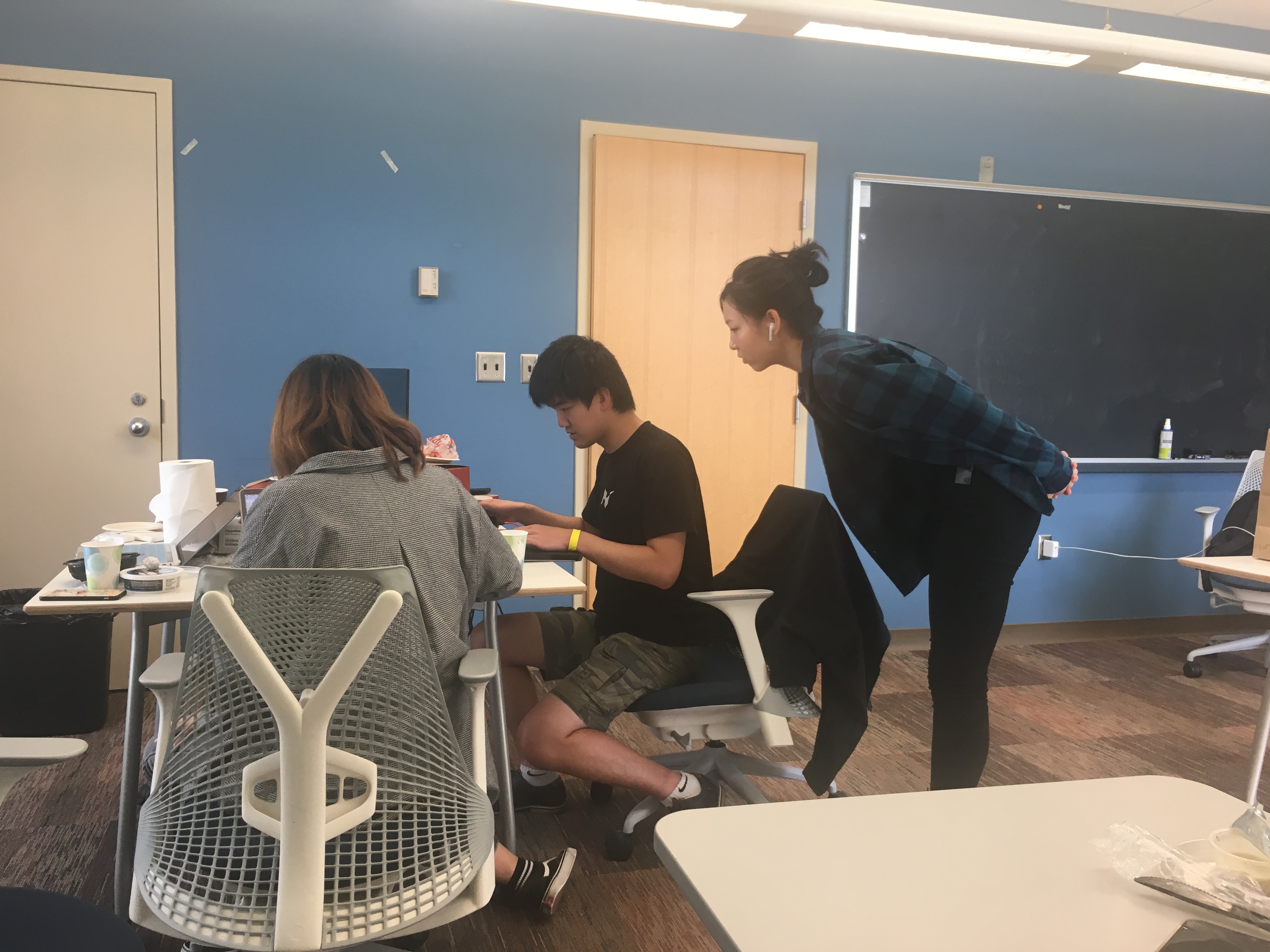
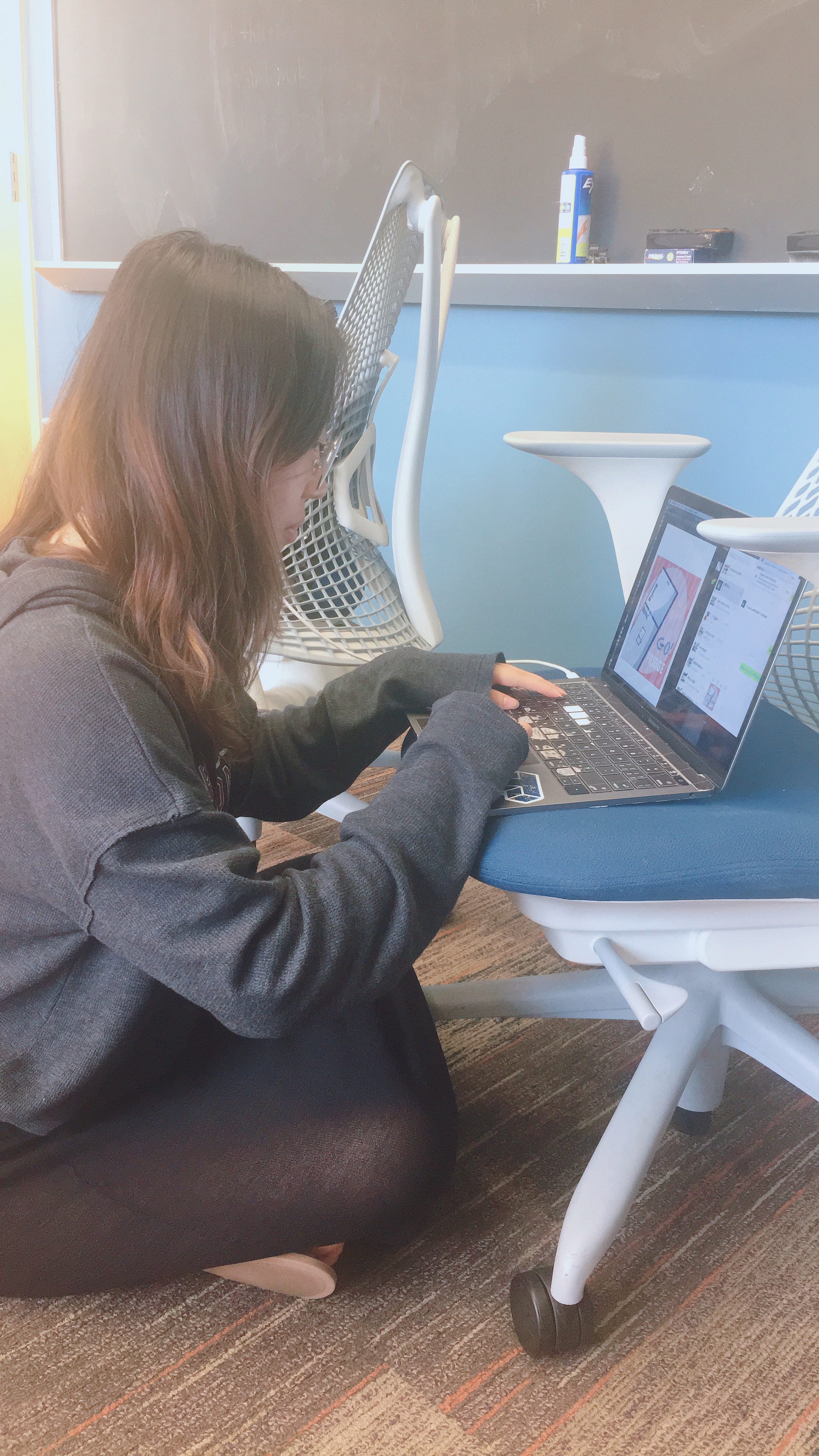
HackCMU Project (Chelsea, Hanna, Dakota, Lan, Ember)
-
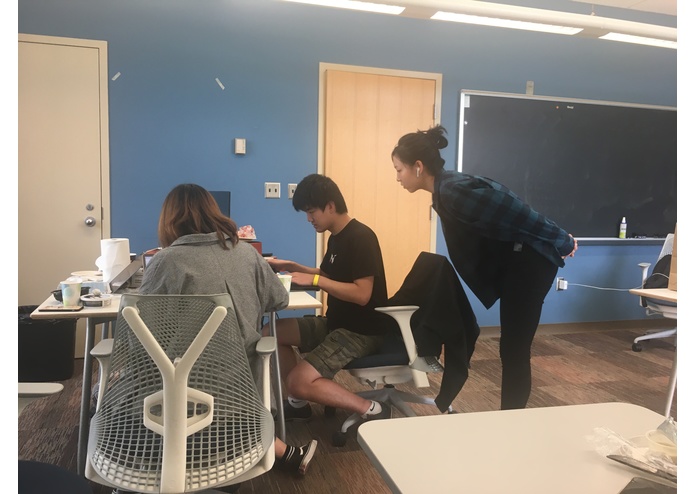
Working Team
-
Chelsea
-
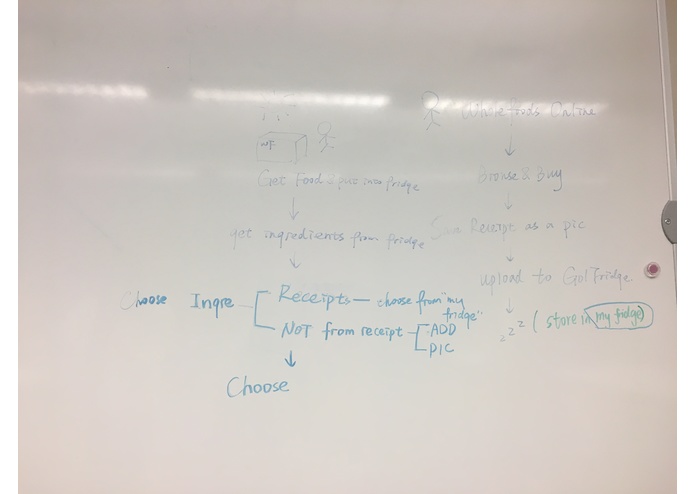
Brainstorm
-
Brainstorm
-
StoryBoard+Value
-
Brainstorm
-
Brainstorm
-
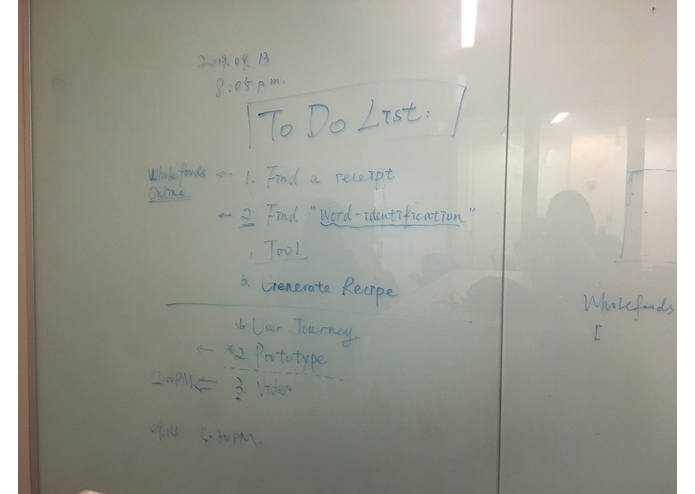
To-do List
-
Work Midnight
-
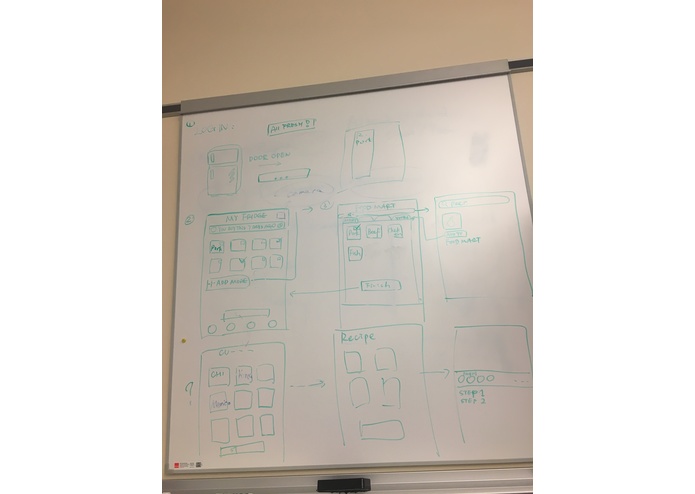
Prototype
Inspiration
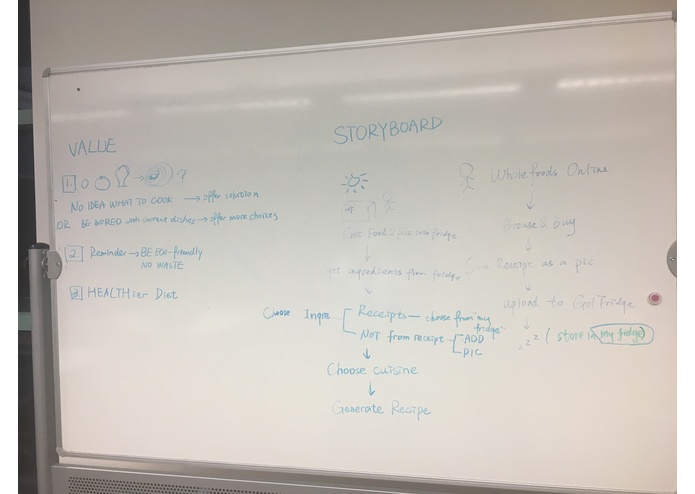
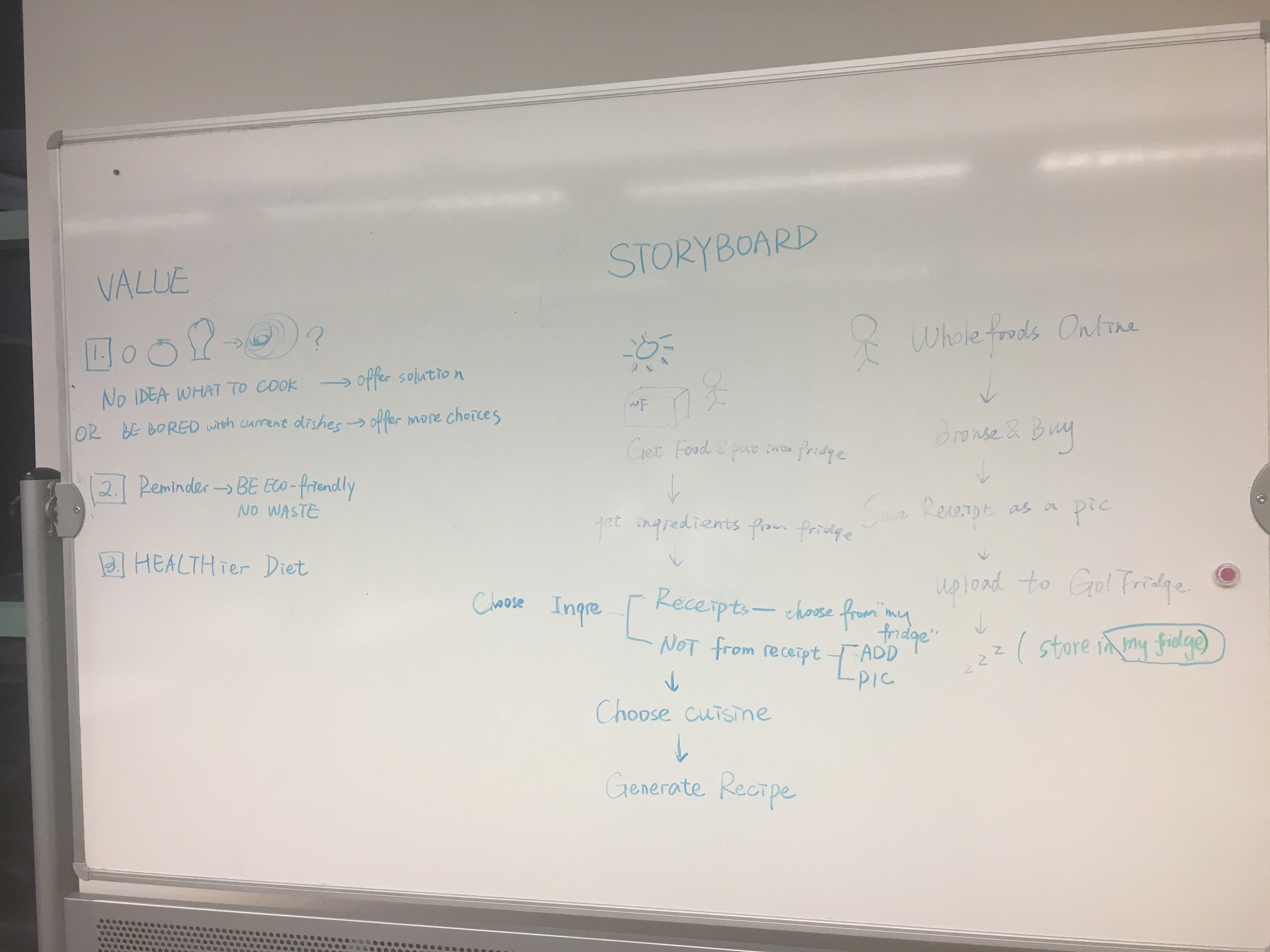
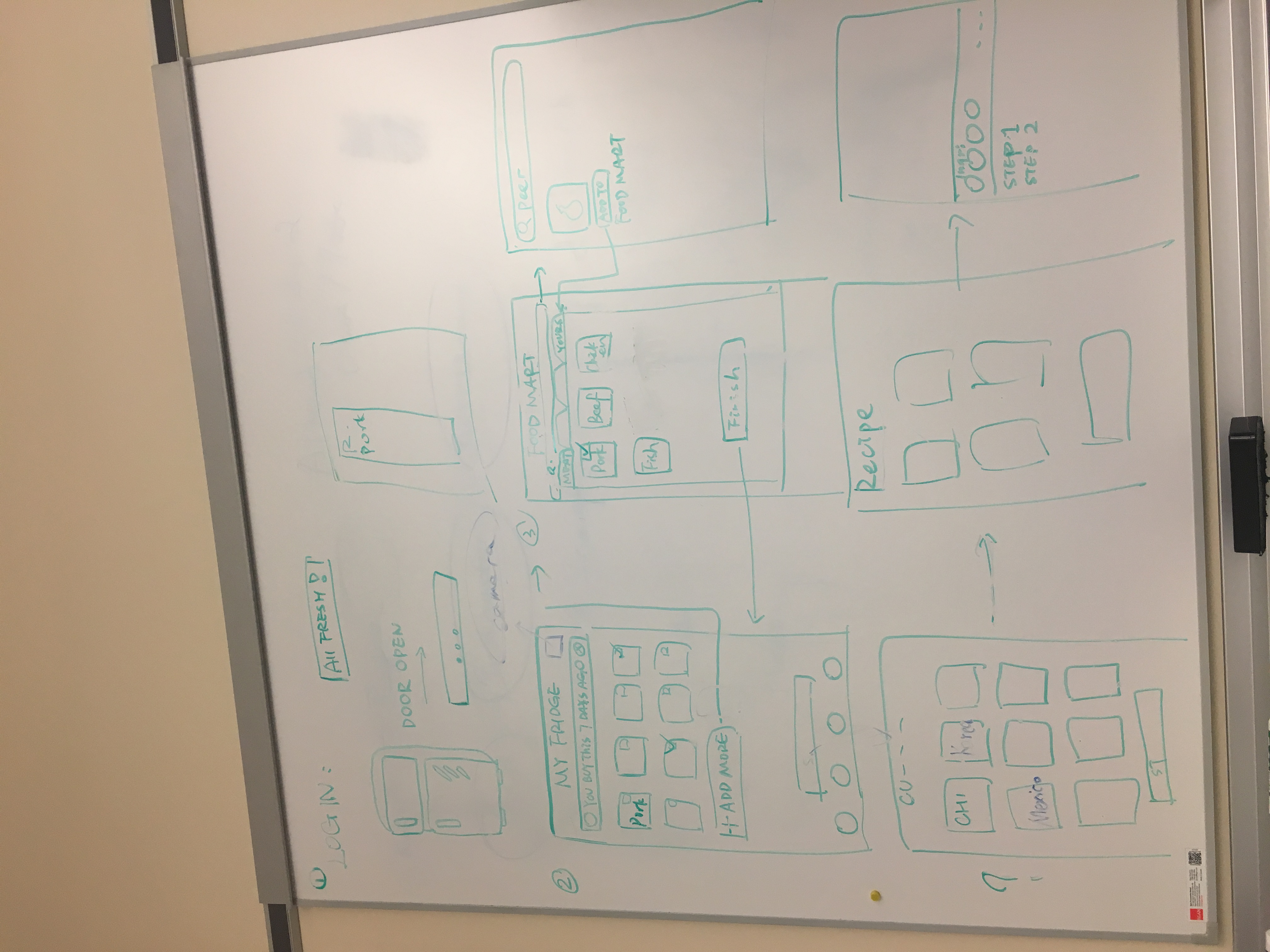
Our inspiration to build this Go! Fridge App is to provide users the recipes when they open the fridge having no idea what to cook. It's also to keep track of food in the fridge, to reduce the amount of food waste from missing expiration dates.
What it does
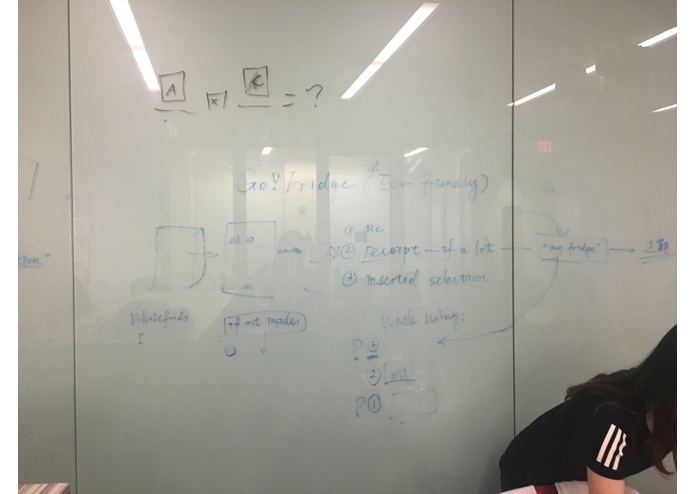
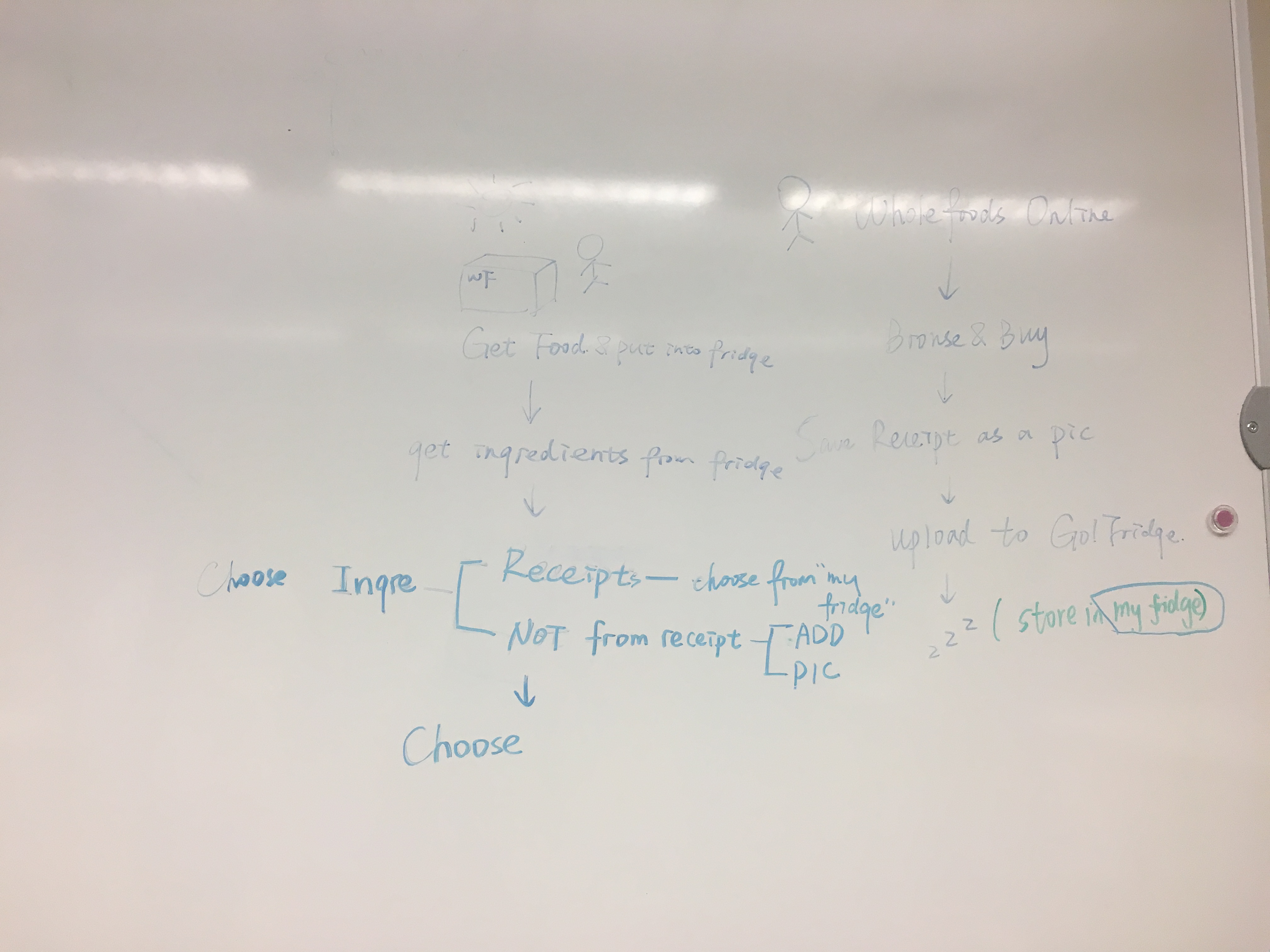
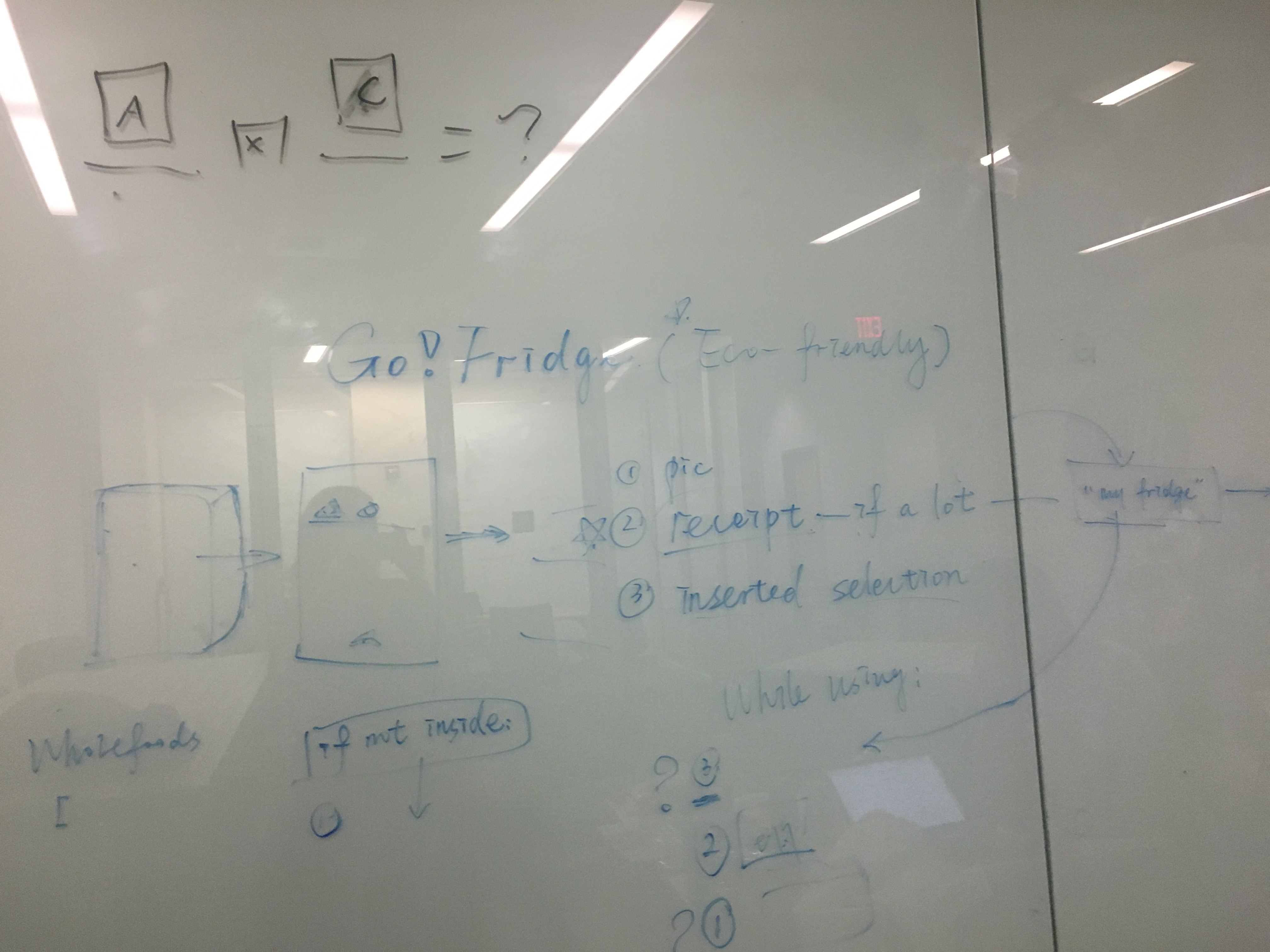
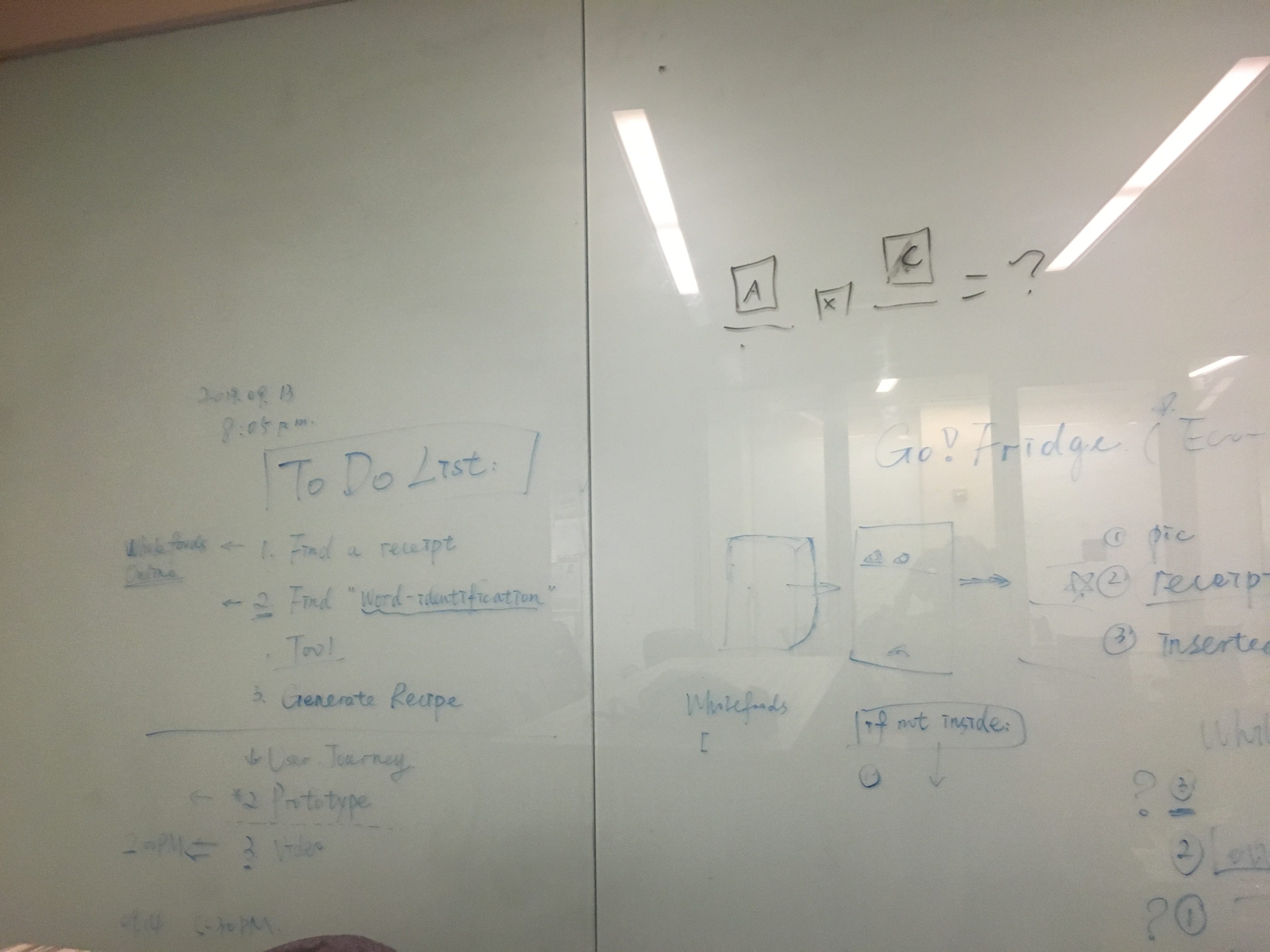
In this application, we allow user to upload a photo of a grocery receipt. The app would than apply OCR to recognize text and identify words that match the food categories in the “MyFridge” corpora. When user does not know what to eat or feels bored with current dishes, he/she can log in to the App, which would remind user of the food that will expire soon. The user can than select the ingredients and their preferred cuisine style which would offer diverse recipes based on their preferred ingredients and cuisine style. (Mexico, Thai, Indian, Chinese, American, etc.) Additionally, the app would keep track of grocery purchases to reduce the amount of food that might wasted due to forgetting you bought food and missing an expiration date.
How we built it
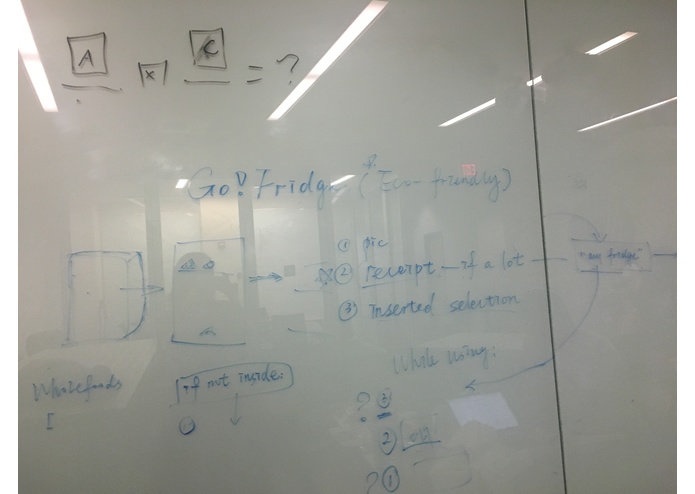
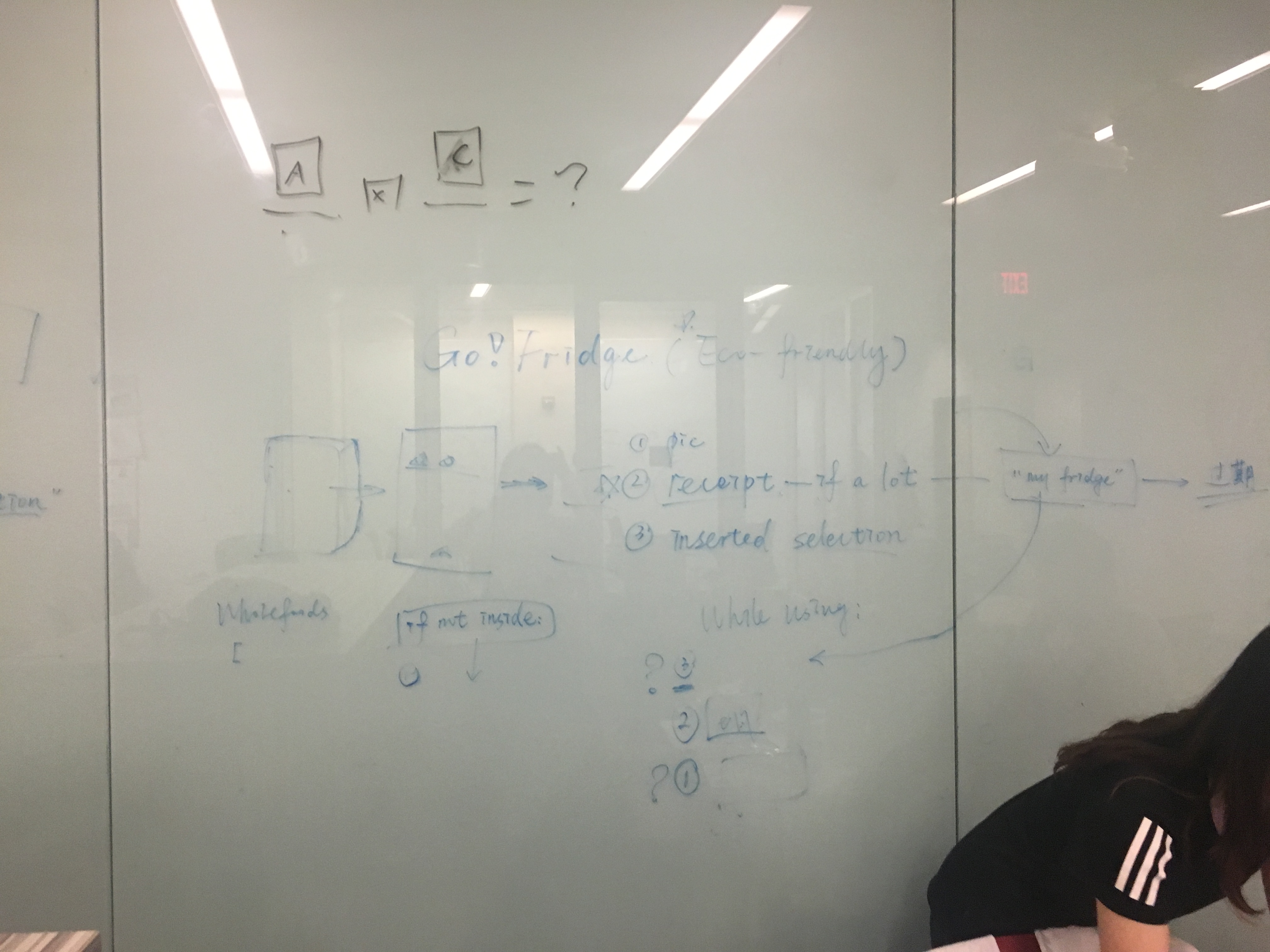
Our aim was to provide users with more mix & match meal choices and to remind users of the expired food stored in fridge. The ultimate goal is to have users go eco-friendly and have a healthier diet with the app. The core discussion in the first stage is about the food source and how to match cuisine recipe to the ingredients selected. About food source, we draw a conclusion that our target users tend to buy many foods (on/off line) in the supermarket regularly. The receipt would be a prior source for App to identify and record the fresh date. If there are any other food in fridge (for instance, others buy some food for users), users can either take a photo of the food or input it in app and then add it to MyFridge database. Every time when users open the app, he/she would know the current food stored in fridge and also after cooking one cuisine, he/she could delete the ingredients in database. About matching selected ingredients to the preferred cuisine style, we would like to link the users’preferred cuisine style to the recipe website accordingly. We try to debug several cuisine search websites and match the selected ingredients to the menu so as to personalize the menu for users
Challenges we ran into
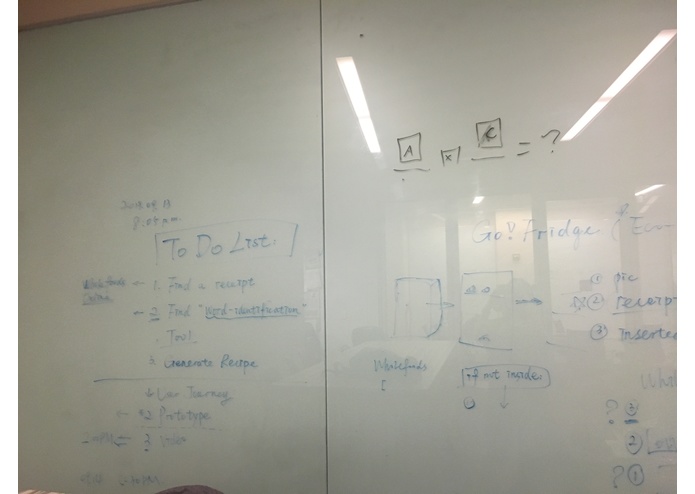
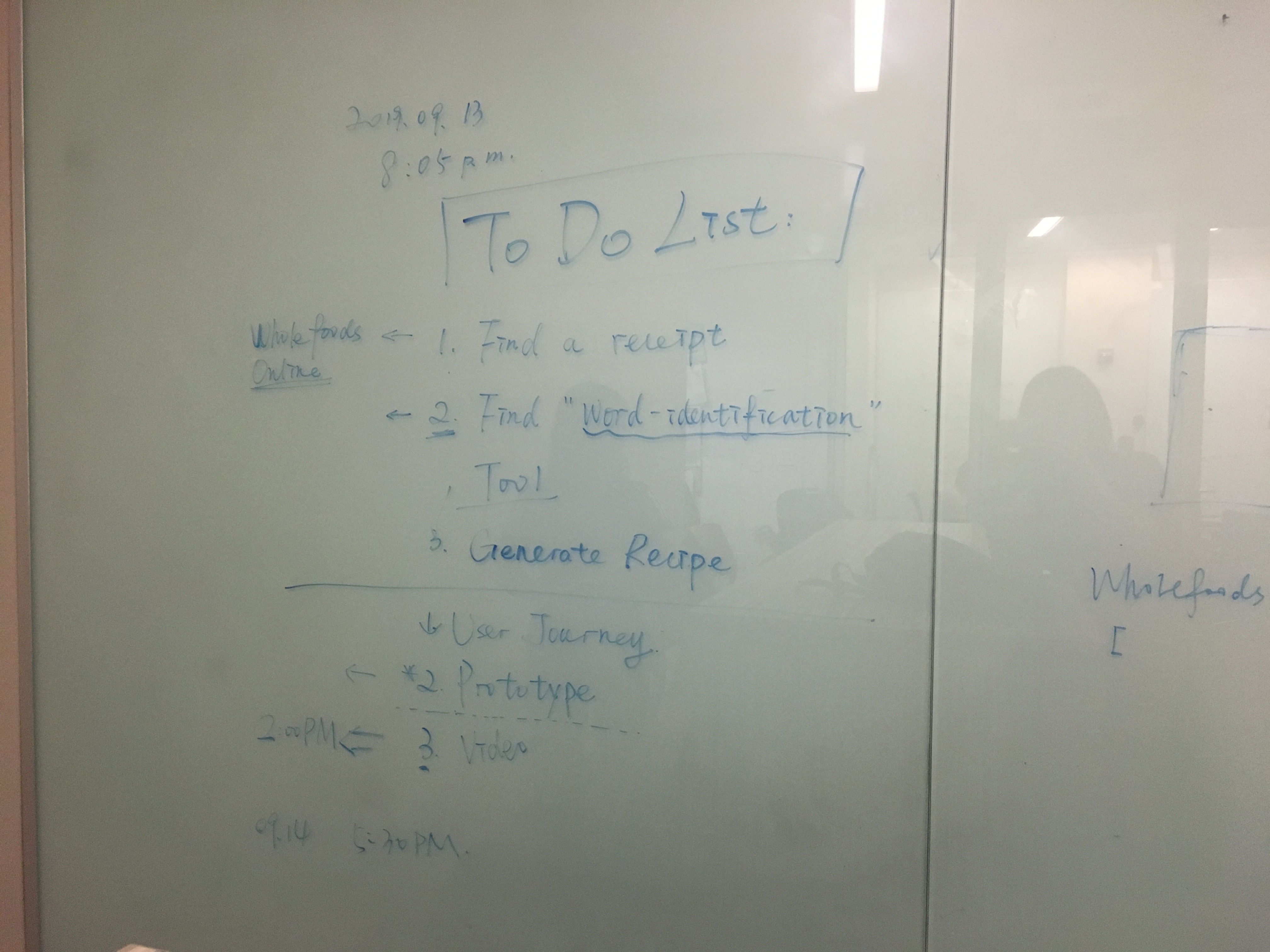
1) identifying a recipe website and link it to the application 3) identify the words within the receipt photo 4) matching the words with the app's food corpora and generating a corpora in the first place. 5) storing a record of the foods bought into our "fridge" (aka our local database) 4) thinking of ways to record and remind users of the food that will expire soon 5) cropping the pictures in sketching 6) transfer issues due to the difference in tool version 7)
Accomplishments that we're proud of
1) We were able to have identify the food category based on the receipt photo. 2) Successfully created end-to-end the entire application within 24 hours. 3) Successfully created a demo video of the application within 24 hours.
What we learned
1) Ideating process gave us insights on how to scope projects effectively. 2) Understood the basics of how website matching working with Android. 3) Understood how to deal with different design challenges while creating user interfaces.
What's next for DoteNote
1) Possibility of being implemented into a new type of social network. 2) Provide the ability for this application to be used even in long distance relationships.
Built With
We built the front-end interaction part with HTML, CSS, and Javascript and used Cordova to port the project onto Android through Android studio.
Try it out
Built With
- apache
- css
- html
- java
- javascript
- sketching


Log in or sign up for Devpost to join the conversation.