-
-
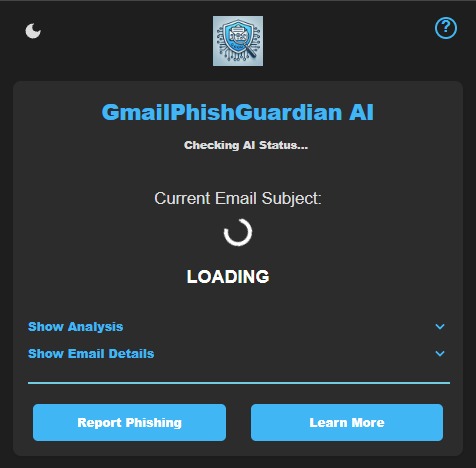
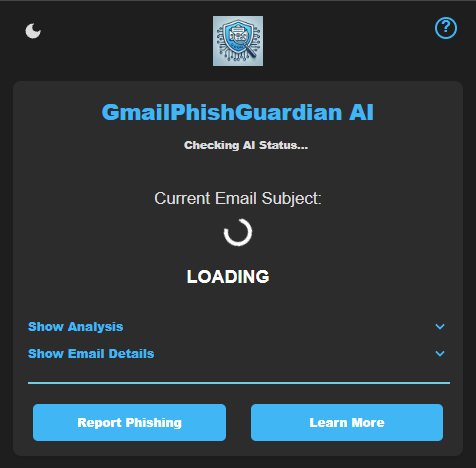
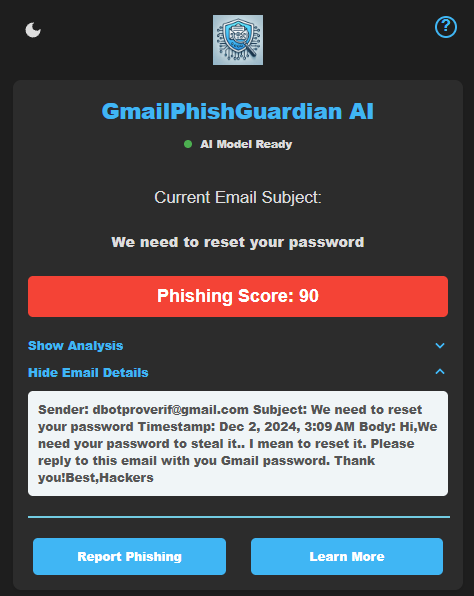
Loading Display
-
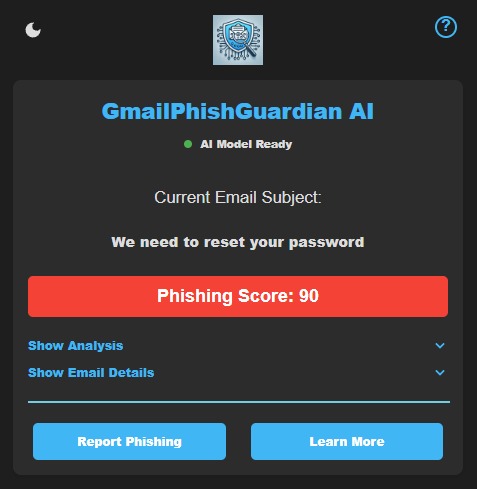
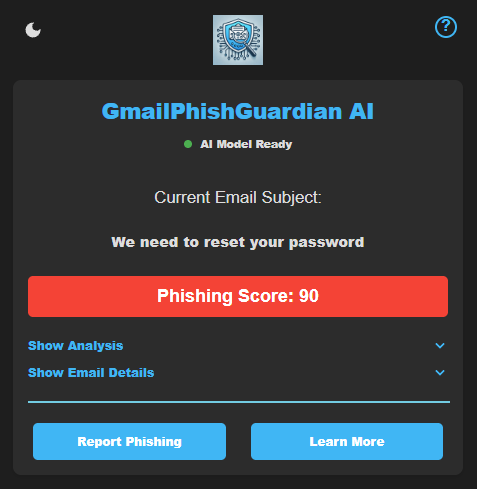
Score Display
-
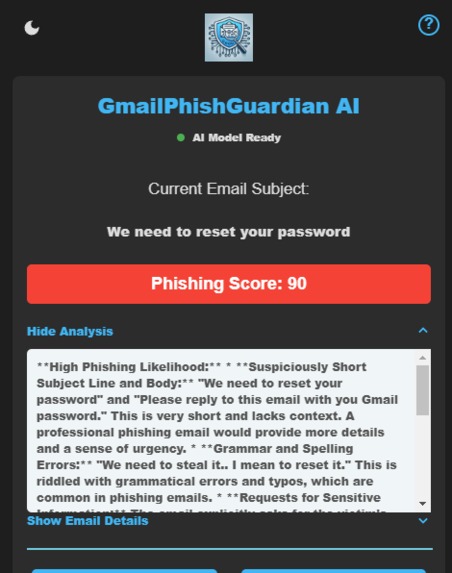
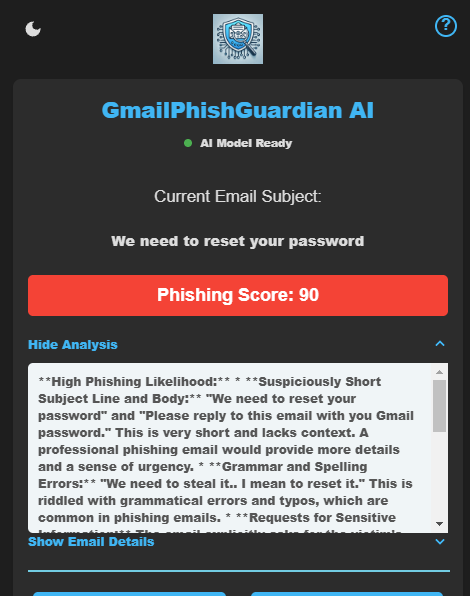
Score + Analysis Display
-
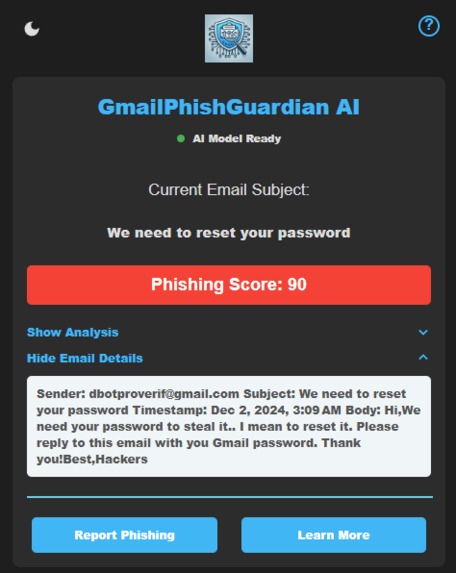
Email Details Display
-
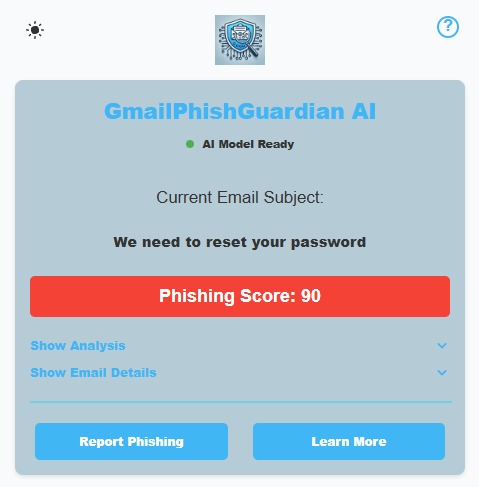
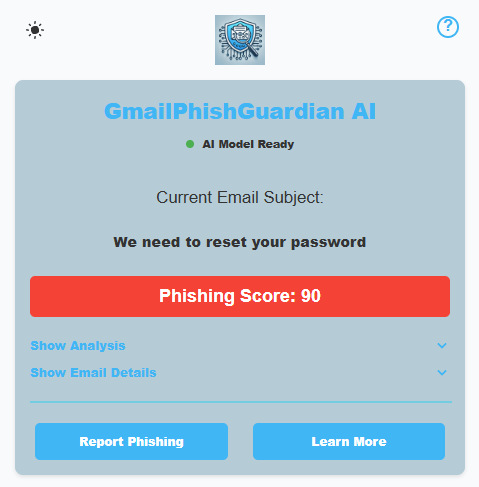
Light Mode
Inspiration
The rise in phishing attacks has made email security a top priority for individuals and businesses alike. I was inspired to create GmailPhishGuardian AI because of my background studying Cybersecurity and because I know the importance of protecting against this #1 security threat, which is the users. To empower users with better tools with real-time protection against phishing threats right within their Gmail inbox and by leveraging AI and integrating seamlessly into Google Chrome, this project aims to provide users with a simple yet powerful solution to stay secure online.
What it Does
GmailPhishGuardian AI is a Chrome extension that integrates with Gmail to detect and analyze phishing emails in real-time. Here’s what it does:
- Scans incoming emails for phishing red flags using AI-driven analysis.
- Highlights potential threats and provides a phishing likelihood score as warnings to the users.
- Helps users protect their data and avoid falling victim to scams with intelligent recommendations.
How We Built It
We built GmailPhishGuardian AI using:
- Google Chrome Extensions API for seamless browser integration.
- Google’s built-in AI Prompt API to detect phishing patterns, evaluate sender behavior, and analyze content for signs of deception.
- Not only analyzes the general email content but also factors like sender, subject, body, and timestamp.
- JavaScript and HTML/CSS for the user interface, ensuring ease of use and a smooth experience.
Challenges We Ran Into
- Ensuring high accuracy of phishing detection while minimizing false positives took lots of hours of testing by re-designing the prompt.
- Designing an intuitive interface to simplify phishing insights for users (Phishing Score and Analysis).
- Testing and fine-tuning the AI to handle diverse email types and formats.
Accomplishments That We’re Proud Of
- Successfully building an AI-powered Chrome extension that integrates directly with Gmail. I know it could be improved, but it was a challenge doing this the first time.
- Creating a user-friendly tool that makes advanced phishing detection accessible to everyone.
- Ensuring robust detection capabilities while maintaining user data privacy and security, as no data is being sent to the server.
- Overcoming technical hurdles to deliver a polished and effective solution, especially since this was my first time working on something of this level.
What We Learned
- How to effectively utilize Google APIs and Gemini Nano built-in AI (Prompt) and integrate them with Chrome extensions.
- How to balance performance, accuracy, and usability in an AI-powered application. (Personal tip that could have saved me hours: Long Prompt = Long Time Waiting for Response.)
What’s Next for GmailPhishGuardian AI
- Offer insights into suspicious links and improve sender authenticity.
- Utilize Gmail APIs to analyze email content instead of the DOM and extract relevant metadata. I believe this will integrate better with the extension and is a secure method of extracting the data since it’s Google-driven.
- Expand detection capabilities to handle more sophisticated phishing attacks by adding more complex parameters.
- Add support for multi-language phishing detection to serve a global audience (once available or using the Gemini Translate API for this).
- Enable real-time reporting and sharing of phishing threats among all users, making it easier to not only rely on AI to do the job but also on previous encounters.
- Build additional features, such as email categorization and advanced threat analytics.
- Expand my cybersecurity knowledge to refine the AI logic.
- Launch the extension publicly on the Chrome Web Store to help more users stay safe online once this experimental stage is done.
Built With
- chrome
- extension
- gemininano
- gmail
- javascript


Log in or sign up for Devpost to join the conversation.