-
-
vibe_results_1
-
vibes_results_2
-
welcome_page


Gmail-Vibe-Meter
Since information overload is a problem we are confronted by daily, each with their own impact and emotion, it would be easier if we could have a little preview of what we received, such that we filter non-sense, outright negative texts, or simply have a quick idea of the content. Gmail-Vibe-Meter intends to do just that, applying a sentiment and entity analysis on the email at hand in order to offer you a short report of what is within it, all for a stress-free experience, leaving you to enjoy that morning coffee :)
Lessons
I discovered that we can help people even in the most silly ways. Applying machine learning algorithms and getting email 'vibes' seems like a funny idea, but when I looked at how people interact with digital content, I quickly observed that was one of their criteria, the 'sentiment', the 'good or bad vibe' they felt was present in what they read/observed. So, one major lesson is that people will always appeal to sentiment to filter content in their lives, and making tools to help them keep their 'vibe-record' clean is a step forward . On another note, this was a beginner's project. I managed to learn countless things about programming and structuring my code, as well as how to write a useful app in the given time of the hackathon, researching and putting ideas together into code.
How it was built:
I have written everything with Python and a bit of HTML, all this with the help of the Flask library. The project contains 4 main components:
- The Gmail Reading Script: using google-auth and the specific API, I have read the contents of the 'Inbox' and saved them for later analysis
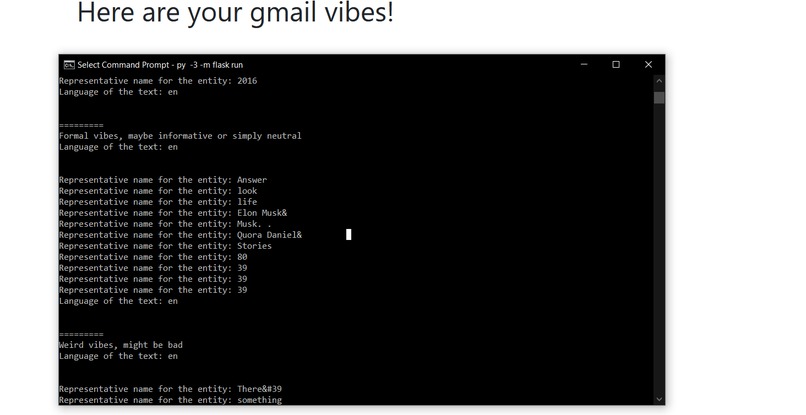
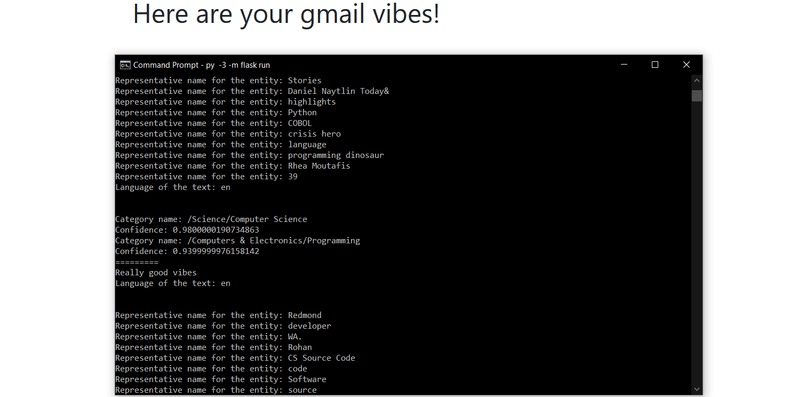
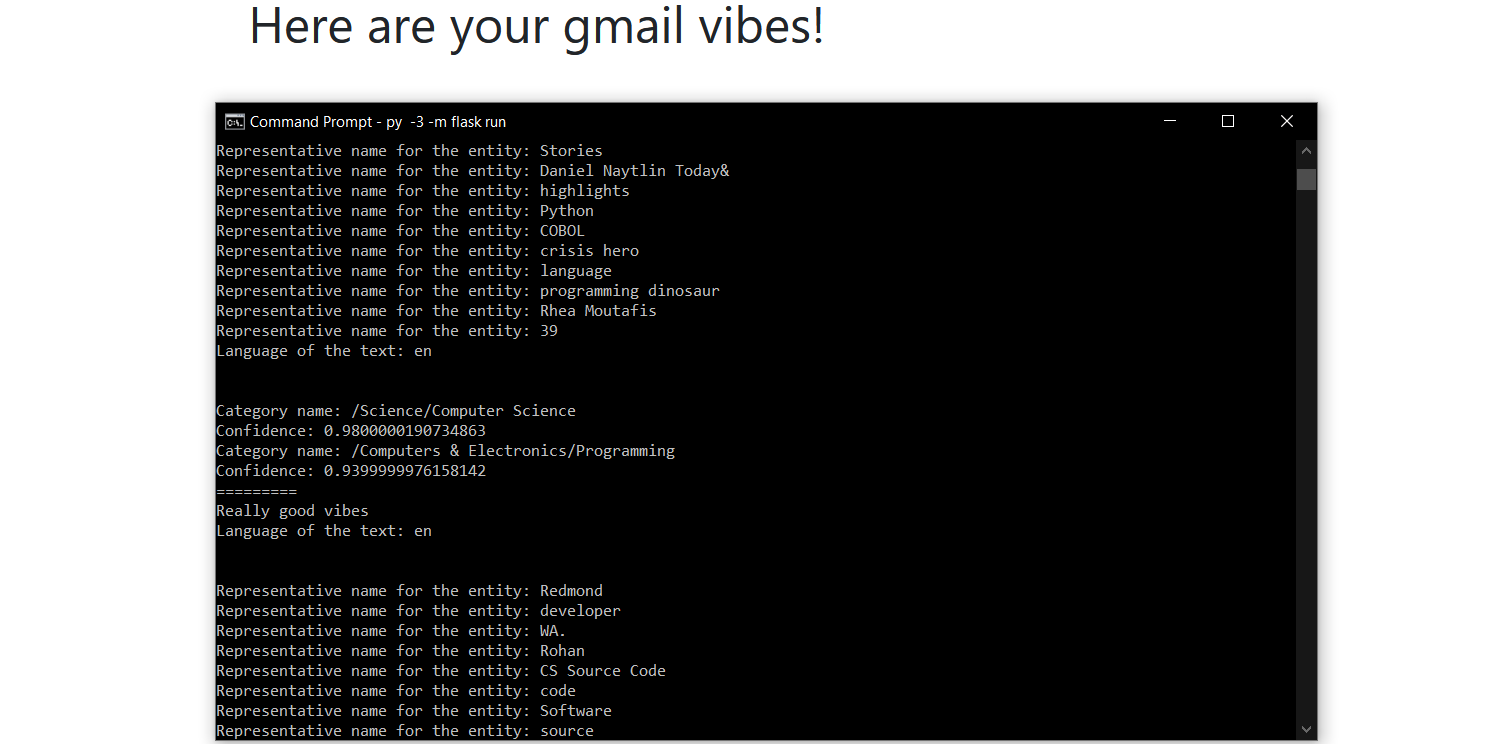
- The Natural Language Analysis Script: using sentiment and entity analysis as well as text classification, I was able to structure the code into specific functions and apply them to the message content, in order to get overall score, magnitude and other relevant parameters. In order to display something useful to the user, some conditionals were put into place. This, along with a bit of formatting, result in the small and easily readable report of the gmail vibes.
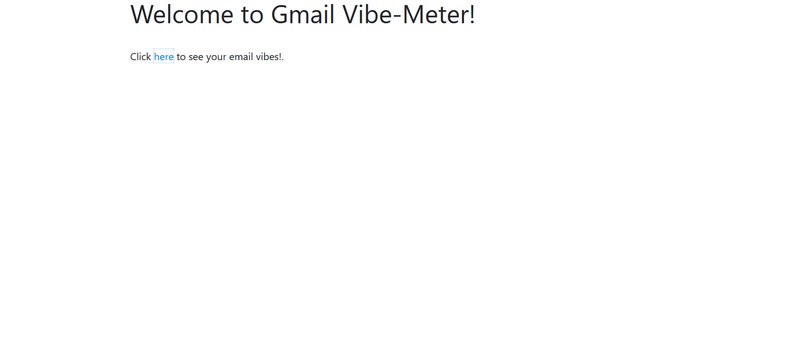
- The Flask Script: this is the basis for the flask server being run in order to introduce the user to the welcome page, then redirect him, upon clicking on a button, to the page where his gmail vibes are displayed.
- The HTML documents: this contains the welcome page, where the user is greeted with a short message, then a button that redirects to the vibes page. Everything was designed with a minimal design in mind, in tune to modern preferences.
Challenges:
- perhaps one of the biggest challenges was the natural language processing and making it work such that it provided information was relevant to the user. The parameters had to be interpreted accordingly and degrees of measurement had to be put in. There is room for improvement here.
- another challenge was the gmail API interaction, since the content had to be selected carefully and the snippets selected in such manner that they do not overflow
Improvements:
- The UI can be significantly improved, adding a more friendly and colorful experience
- The formatting of the vibe report can be updated to include either more info or simply be prettier
- There are some optional parameters commented in the code, they could be enabled should the user wish that
- Speaking of which, more user interactivity can be employed, like allowing the user to activate/deactivate some parameters, or jump to the mail link if he wishes to see it, or perhaps see a small snippet of the message
Conclusions:
We think the Gmail-Vibe-Meter can significantly contribute to solving the information overload problem we face everyday. By being provided with small, quick-read reports about the content of our emails, it empowers users to filter whatever they deem as unneccesary, or choose to see what could make their day better.
This application participates with <3 at the MLH Summer League Hackathon!


Log in or sign up for Devpost to join the conversation.