-
-
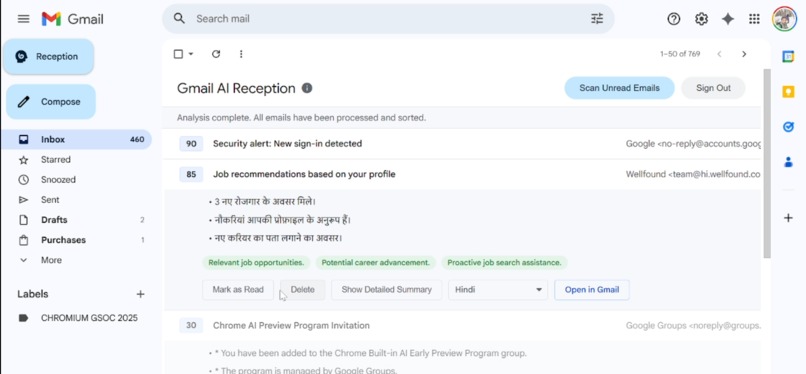
This is a showcase of the **Translator API**, **Summarizer API**, and **Prompt API** (for scoring). Feel free to share your feedback!
-
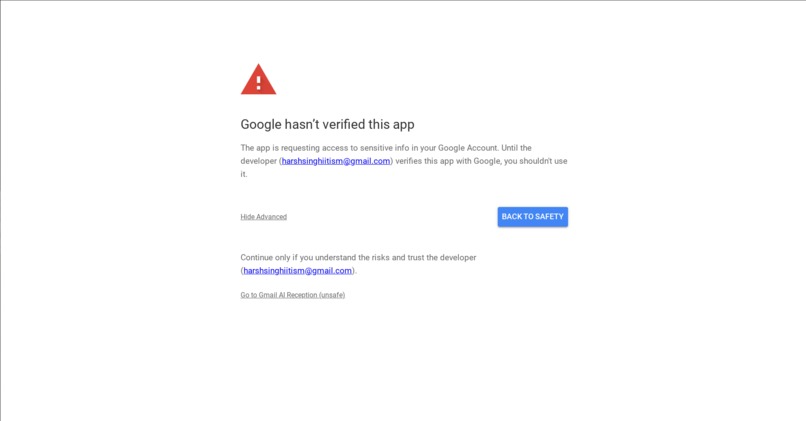
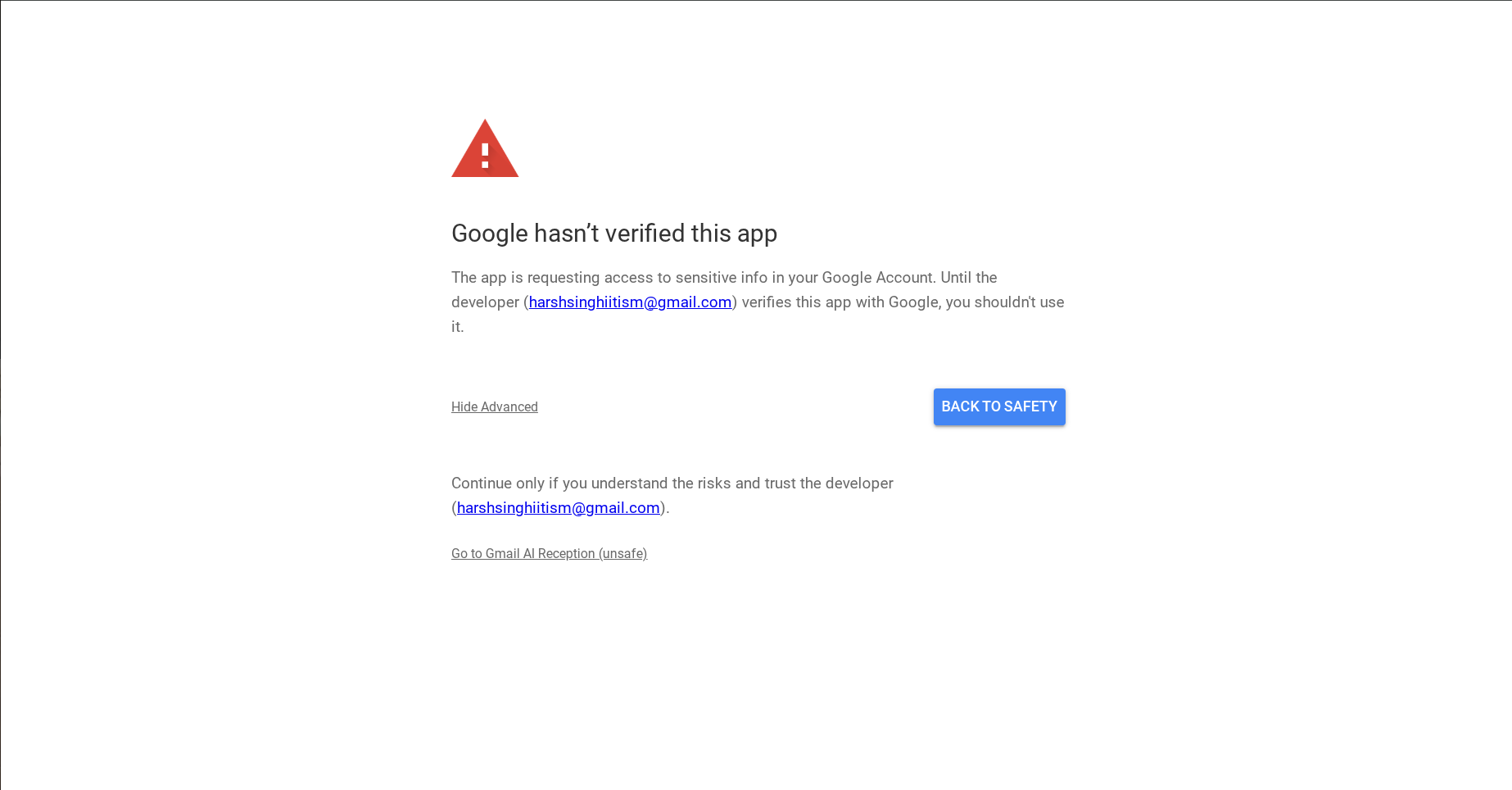
Google has not yet verified this app, so feel free to trust the developer and sign in, the code is open and available for everyone to review
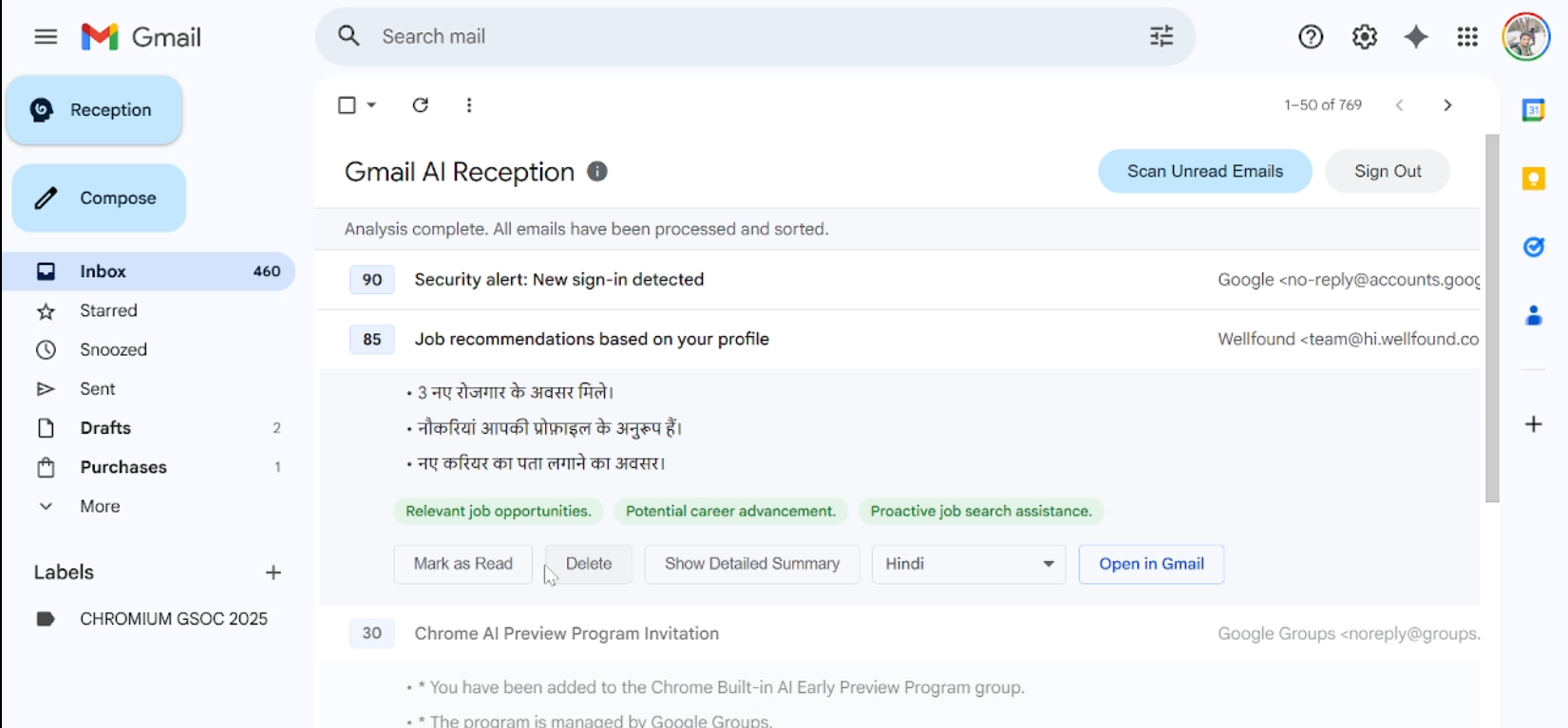
Gmail AI Receptionist
Inspiration
For many users, managing a personal inbox has become a significant source of inefficiency and stress. A high volume of non-essential correspondence, such as promotions and automated announcements, clutters the inbox and obscures critical messages. Standard unsubscribe features often fail to prevent persistent senders from reaching the inbox through different addresses (sometimes they are adamant enough to send me 3BHK flat ads again and again at this age), and native tools like labels and filters are often underutilized by casual users or are ineffective against new, important senders (forcing users to constantly skim through every email eventually).
In addition to solving this issue, we can also present emails more concisely, highlighting the most important details at a quick glance.
What it does
That’s what inspired the idea of a Gmail AI Receptionist Chrome Extension — a smart, empathetic assistant designed to help casual users focus on what truly matters.
It automatically analyzes and scores incoming emails based on your past activity, distinguishing crucial messages from the clutter. Each important message is summarized in your preferred language, making it quick and effortless to grasp the key points. Most importantly, it learns from your responses, continuously refining its accuracy and adapting to your unique priorities over time.
How we built it
Initialization & UI Injection
- Injects the "Reception" button into the Gmail navigation menu.
- Shows the extension's view when the URL hash changes to
#reception.
(I wanted the UI to blend naturally with Gmail.com.)
Authentication
- Prompts for Google Sign-In to get an authentication token when the user clicks "Sign In".
(Google OAuth 2.0)
AI Analysis Pipeline
- Generates a user profile by having the AI analyze past important, unread, and trashed emails.
- Saves the profile to Chrome storage for 24 hours to speed up future scans.
- Fetches all unread emails from the last 4 days to be scored.
(This can be increased; I’ve kept it short for the demo showcase.) - Sends emails to the AI in small batches for scoring, summarization, and reasoning.
- Live-updates the UI as each batch is processed and scored.
Display & User Actions
- Renders analyzed emails as cards, sorted by their AI-generated score. (Prompt API)
- Allows users to expand cards to see an AI-generated summary and scoring reasons. (Summarizer API)
- Provides buttons to delete, mark as read, or open emails directly in Gmail. (Gmail API)
- Includes a dropdown to translate the email summary into other languages. (Translator API)
Challenges we ran into
Deciding the parameters for the scoring system that the Prompt API would calculate.
Currently, its analysis is based on the following criteria:
"highPrioritySenders"— strong positive reason"highPriorityKeywords"— positive reason"lowPrioritySenders"— strong negative reason"lowPriorityKeywords"— negative reason
So far, this gives the best results, but I plan to improve it further.
There is a SCORE_THRESHOLD = 40, so emails scoring below this can be hidden to reduce clutter.
Accomplishments that we're proud of
I am proud of the UI — I didn’t want users to feel any disruption.
It should feel like an integral part of Gmail, allowing users to trust it and stop manually checking every email unless it’s truly necessary.
What we learned
- My laptop has 8GB RAM, and these built-in APIs don’t run efficiently on that.
- I’ve built several extensions before, as I was selected for Google Summer of Code 2025 under Chromium, so this didn’t feel like a completely new experience.
However, I genuinely loved making this project because it clicked immediately when I read about this AI challenge — especially since I’ve personally been struggling with this issue lately.
I don’t know if I learned something new technically, but I enjoyed it a lot, and I will definitely keep using it. :)
What’s next for Gmail Reception
Currently, it takes quite some time to process.
The main goal of this project was to provide quick insights around new and important unread emails. However, the built-in AI APIs are relatively slow.
I plan to:
- Explore alternative implementation methods to make it faster.
- Refine the scoring criteria further — I don’t want users to miss their important emails while trusting my extension. :)
Built With
- chrome-storage
- google-gmail-oauth
- javascript


Log in or sign up for Devpost to join the conversation.