-
-
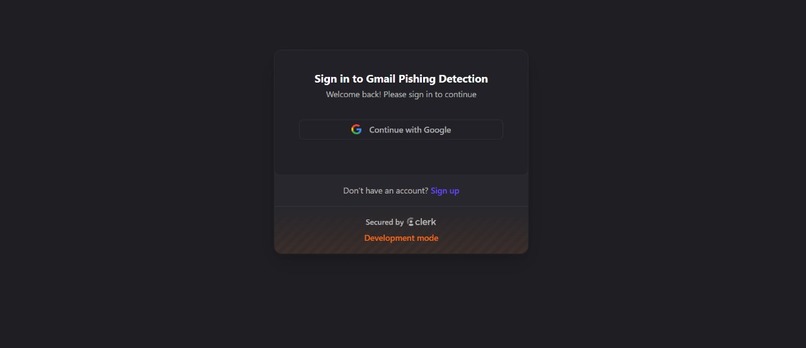
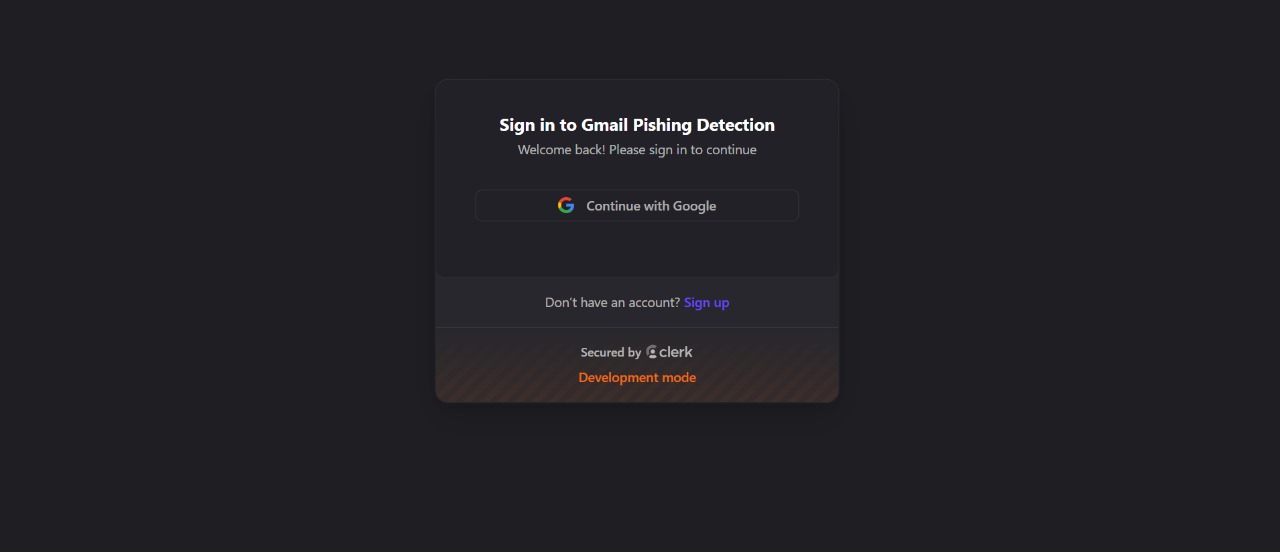
Only Allows with Google to access the Gmail
-
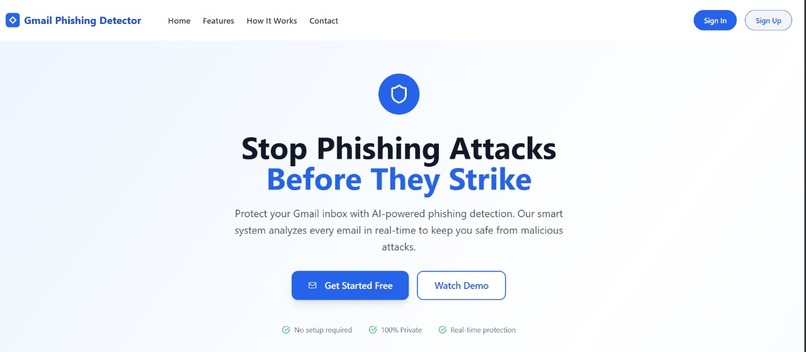
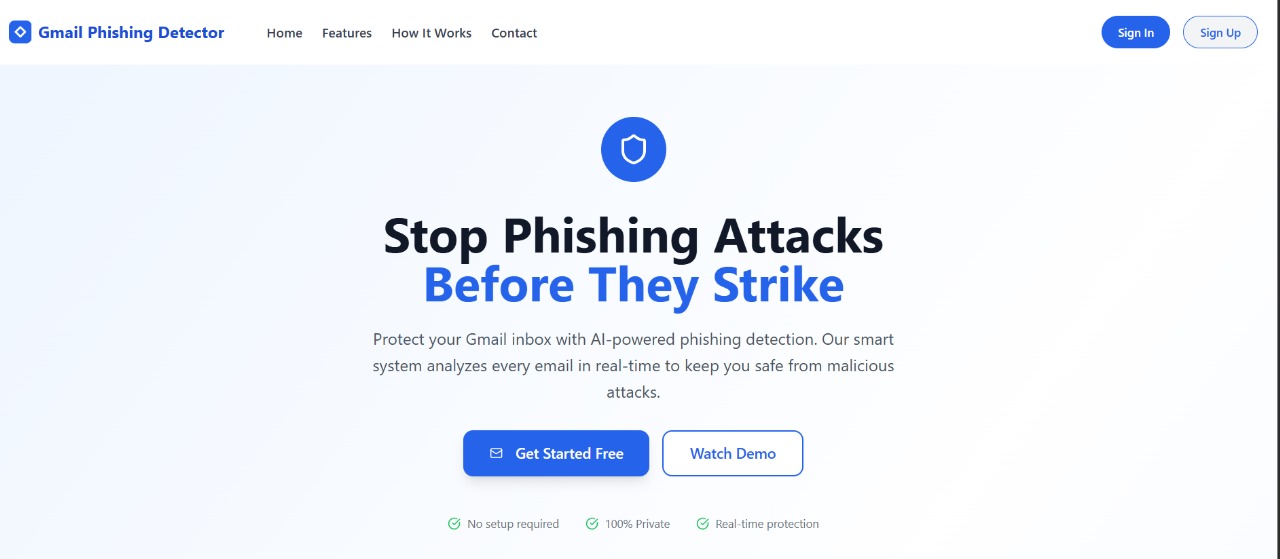
Landing Page
-
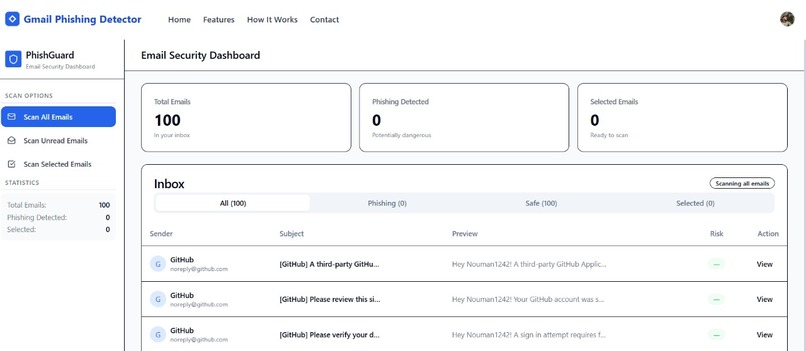
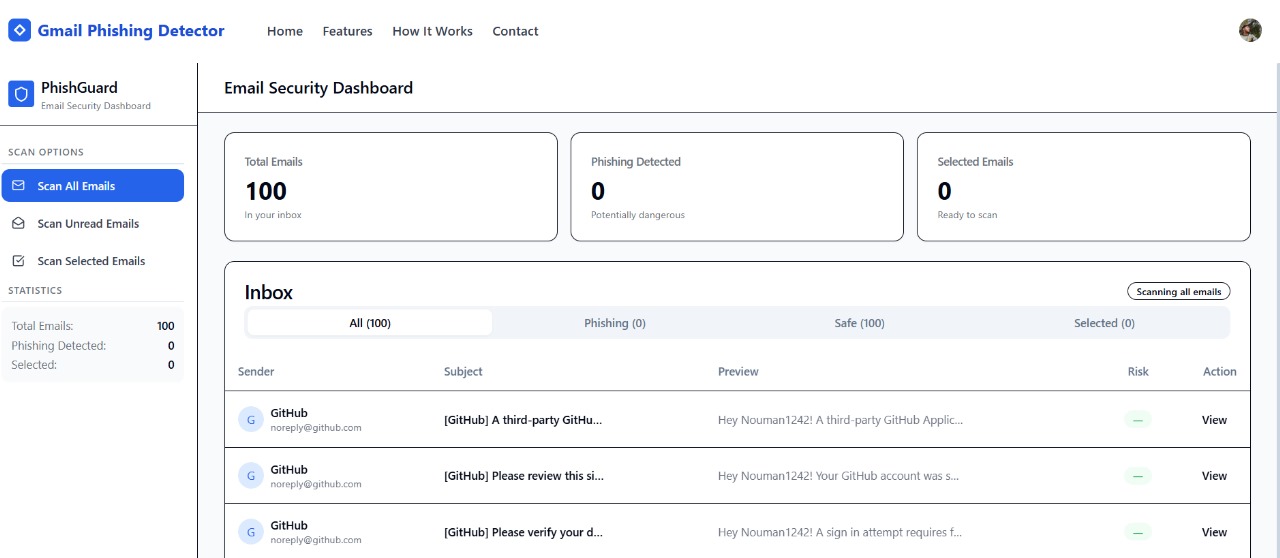
Before Scanning
-
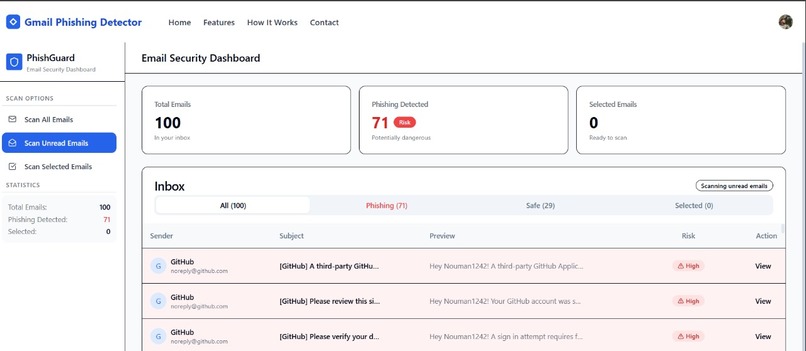
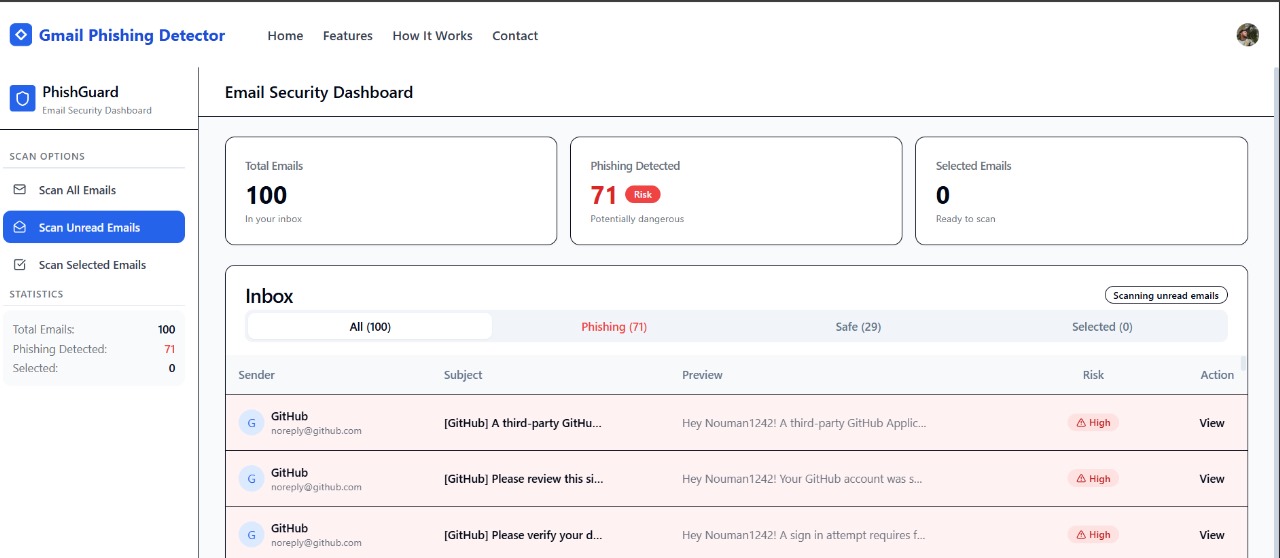
After Scanning My Gmail
💡 Inspiration
With phishing attacks growing more sophisticated and common, especially within email platforms like Gmail, we saw the need for a user-friendly tool that proactively protects individuals from scams. Despite Google's robust filters, many phishing attempts still reach inboxes. Our goal was to build a transparent and intelligent phishing detector powered by interpretable machine learning—giving users not only protection but also insight into why an email is flagged.
⚙️ What it does
The Gmail Phishing Detector is a secure web application that integrates with a user's Gmail inbox via OAuth. After login, users can choose to scan:
- All emails
- Only unread emails
- Or a custom selection of messages
Our backend ML model processes each email’s subject, body, sender domain, and link patterns. It flags suspicious messages as phishing and explains the reasoning using interpretable techniques like SHAP or keyword analysis. This helps users make informed decisions, rather than blindly trusting black-box filters.
🛠️ How we built it
- Frontend: A clean React-based interface that initiates Gmail OAuth login and lets users control scanning preferences.
- OAuth Integration: We used Google OAuth for secure access to the Gmail API, respecting user privacy and scopes.
Backend:
- Python (Flask/FastAPI)
- Pretrained ML models (Logistic Regression / XGBoost)
- TF-IDF + OneHotEncoder for feature extraction
- Custom keyword flags and sender domain heuristics
Model Hosting: The trained model and vectorizers were saved using
joblib, packaged in a.zip, and deployed on the backend.Interpretability: We used the
chi2feature selection and visual cues (e.g., highlighted keywords or flagged URLs) to help users understand each prediction.
🧗 Challenges we ran into
- OAuth Scopes: Managing Gmail access securely without triggering Google’s verification limitations for Chrome Extensions was tricky. We had to switch to a web-based login approach.
- False Positives: The initial model flagged too many legitimate emails due to synthetic dataset bias—requiring significant rebalancing and tuning.
- Dataset Quality: The public datasets didn’t fully represent real inbox data. We had to carefully augment and clean the data to mimic realistic Gmail content.
- Latency: Scanning a full inbox and applying ML predictions in real time required optimization.
🏆 Accomplishments that we're proud of
- Built a real-world usable Gmail scanner with working OAuth, full inbox parsing, and end-to-end phishing detection.
- Designed a modular ML pipeline that supports retraining and interpretation.
- Created a workflow that doesn’t need a Chrome extension approval to operate.
- Handled model serialization, packaging, and Gmail API integration effectively in a short time.
📚 What we learned
- The importance of dataset realism and balance when applying ML to security-sensitive domains.
- How to design interpretable AI that users can trust (rather than relying on opaque predictions).
- How to work with Gmail API and OAuth scopes in a production-like setting.
- The difference between academic ML benchmarks and real-world deployment needs.
🚀 What's next for Gmail Phishing Detector
- Improve model generalization using real inbox data from volunteers (while respecting privacy).
- Add SHAP-based visual explanations to show why emails are flagged.
- Integrate real-time alerts or daily digest summaries of flagged messages.
- Launch a browser extension version later with verified Gmail scopes.
- Open source the core engine to allow developers to improve the detection logic collaboratively.
Built With
- defang
- nextjs
- python
- vercel


Log in or sign up for Devpost to join the conversation.