-
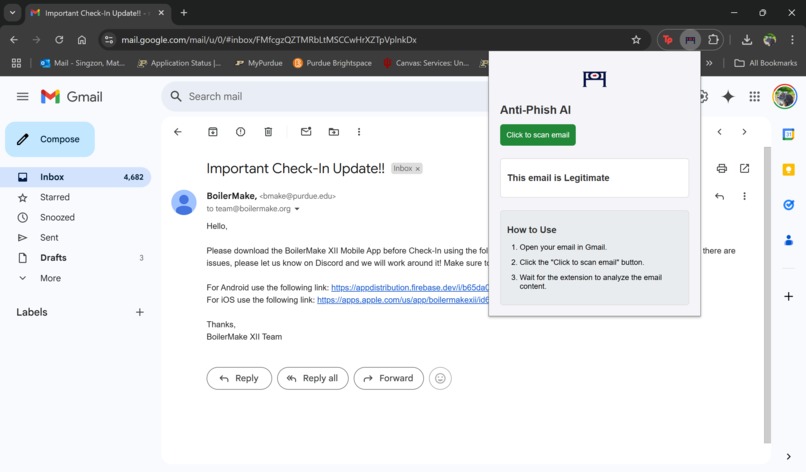
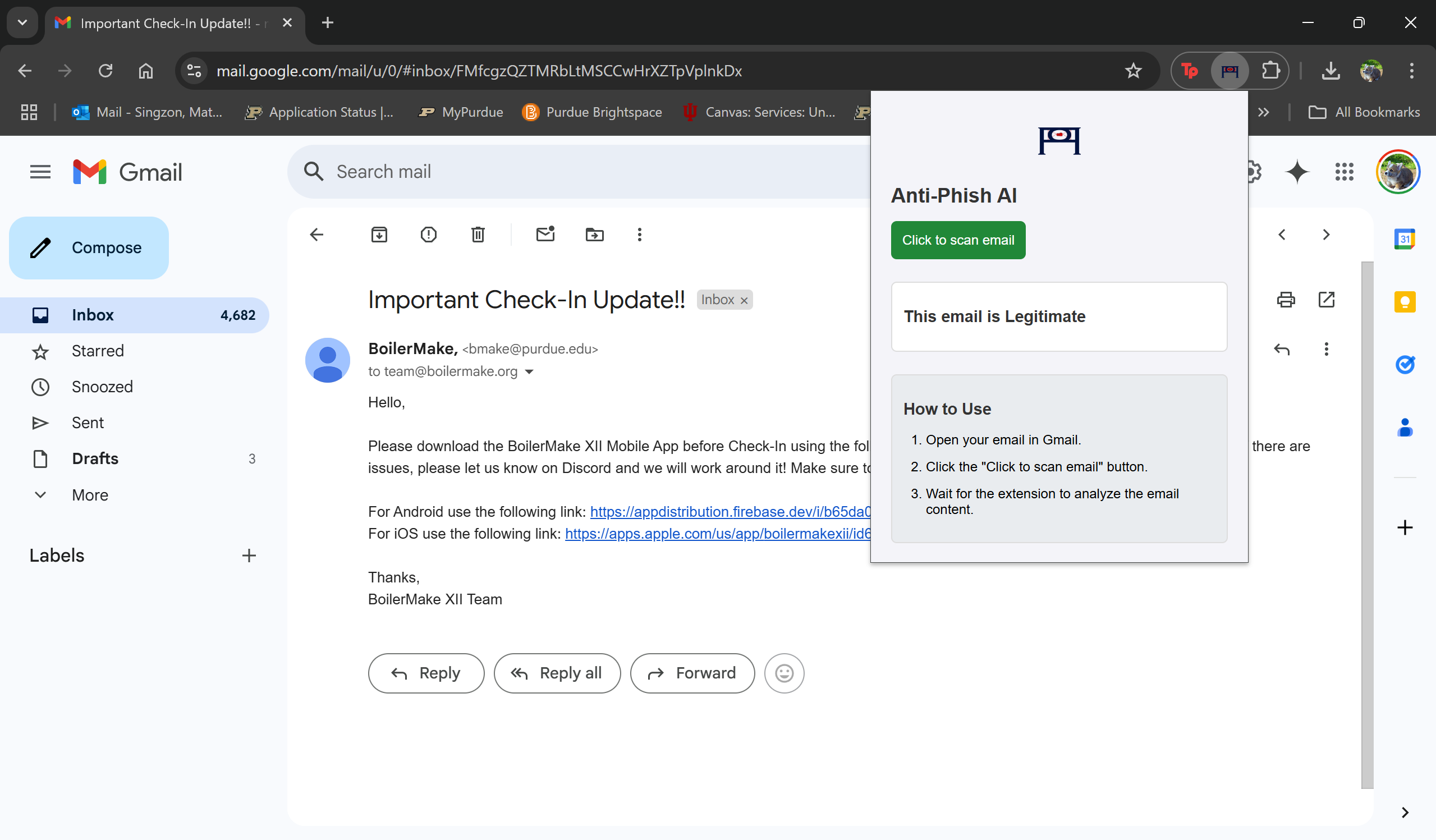
Screenshot of AntiFish Chrome Extension detecting a 'Legitimate' email
-
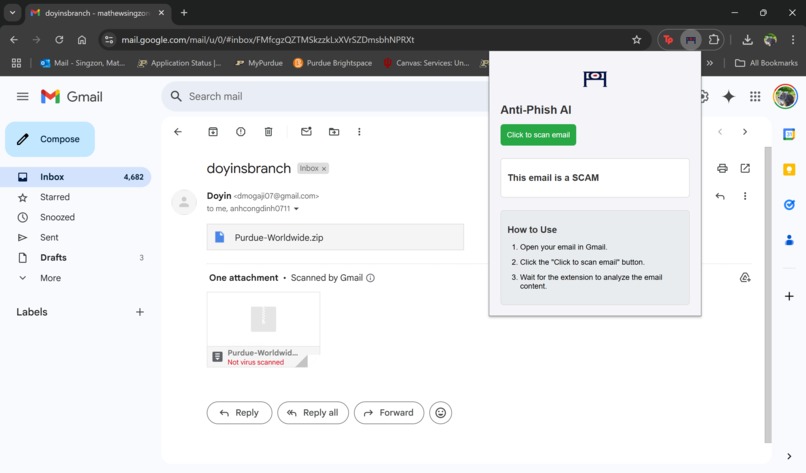
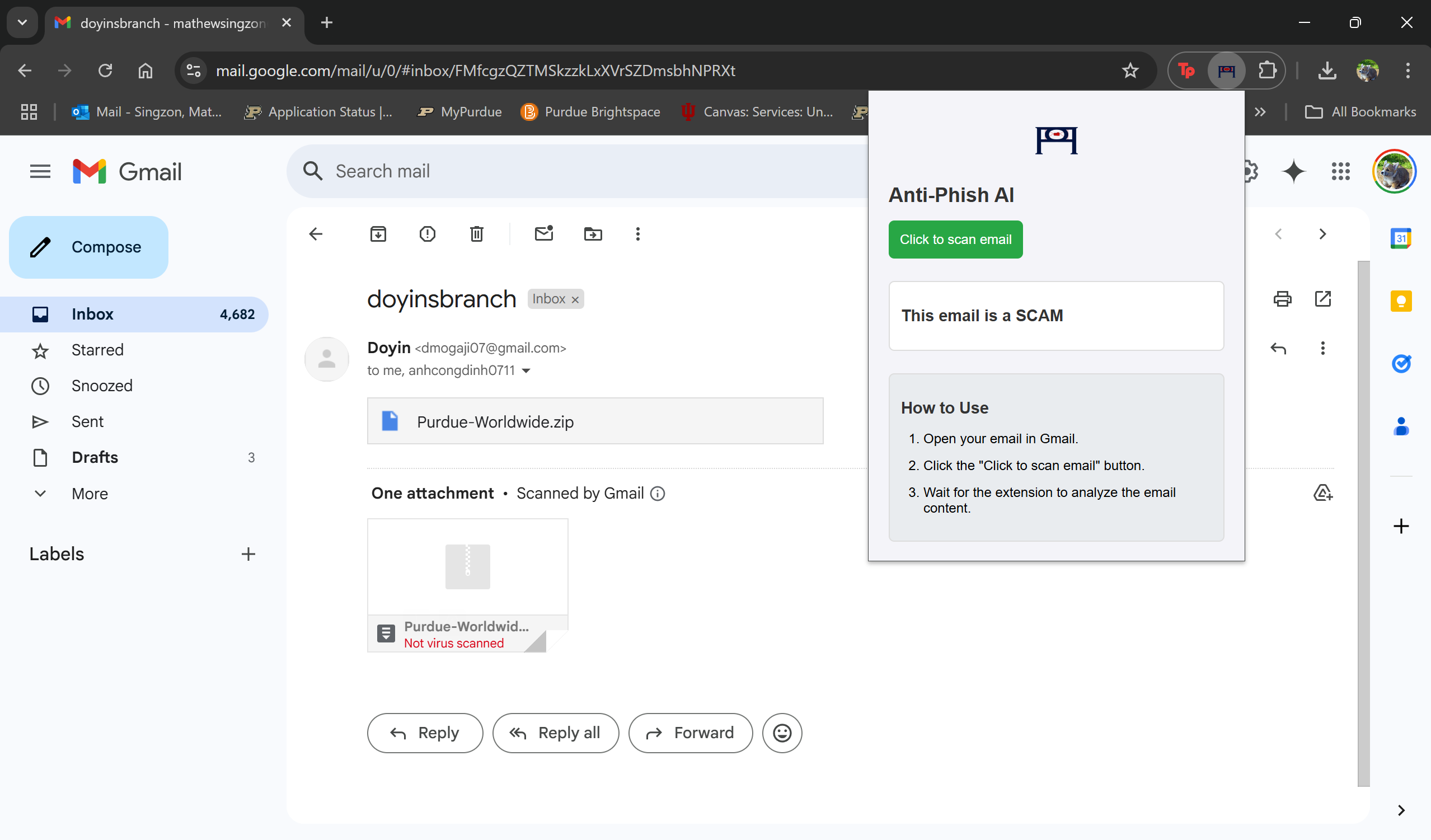
Screenshot of AntiFish Chrome Extension detecting a 'Scam' email that we fabricated
Inspiration
This project was inspired by a near phishing scam experience faced by one of our team members. We wanted to leverage modern technologies like machine learning to create an effective phishing detection tool. Initially, we aimed to integrate AWS for server-side processing, but due to time constraints and technical challenges, we focused on a locally hosted solution while leaving room for future improvements
What it does
The Email Content Extractor Chrome extension extracts the subject and body content from emails viewed in Gmail. It then sends this extracted content to a locally hosted Flask server for analysis. The server uses a trained machine learning model to predict whether the email is a phishing attempt or legitimate. The model is trained on a Phishing Email Dataset from Kaggle.com, and the prediction result is displayed in the extension’s popup window.
How we built it
We developed the Email Content Extractor Chrome extension using HTML, CSS, and JavaScript. The extension's manifest.json file defines its metadata, permissions, and content scripts. The popup.html file provides the user interface, while popup.js handles user interactions, extracts email content from Gmail, and communicates with the Flask server. The content script (content.js) is injected into Gmail pages to extract the email subject and body content.
The Flask server, built with Python, serves the pre-trained machine learning model and handles prediction requests. We used joblib to load the model and vectorizer and Flask to create endpoints for checking server status and processing email content. While we initially planned to host the server on an AWS EC2 instance, technical constraints led us to deploy it locally for this iteration. However, future versions could incorporate cloud hosting for better scalability and accessibility.
Challenges we ran into
Many of the challenges stemmed from our limited experience with machine learning, Chrome extension development, and cloud integration. Our initial plan included hosting the model on AWS, but setting up the cloud environment and managing server configurations proved to be more complex than expected within our given timeframe. We ultimately pivoted to a locally hosted solution while keeping AWS integration as a future goal.
Accomplishments that we're proud of
Despite the challenges, we successfully trained a machine learning model for phishing detection, built a functional Chrome extension, and developed a backend that processes email content. Additionally, we enhanced our skills in Git and GitHub for version control and project collaboration.
What we learned
We learned:
- How to use Git and GitHub for project management and version control
- How to develop and deploy a Chrome extension
- Advanced coding skills in Python, JavaScript, and HTML
- How to train and test a machine learning model
- The basics of cloud deployment and the challenges of integrating AWS
What's next for AntiFish
We plan to optimize our code for efficiency and explore better ways to retrain our model with additional data. Our next major goal is to successfully integrate AWS for cloud hosting, making the phishing detection tool more accessible and scalable.


Log in or sign up for Devpost to join the conversation.