-
-
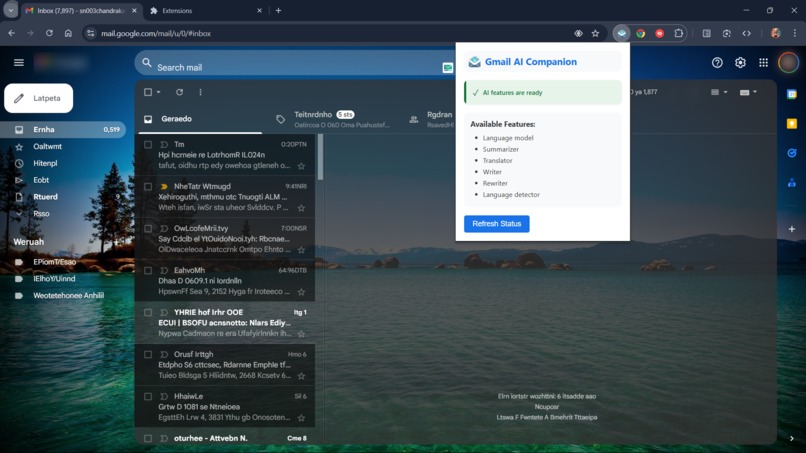
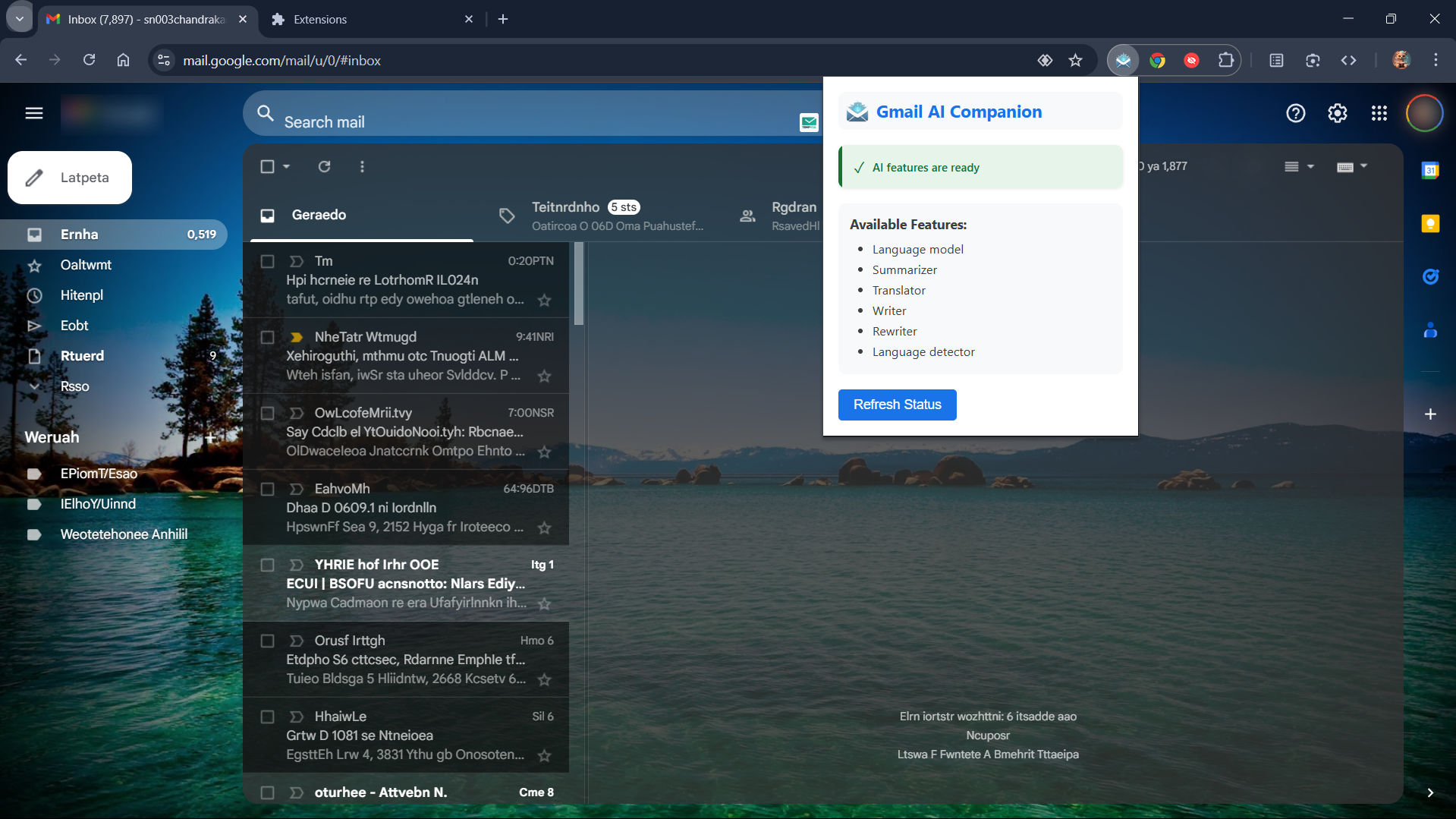
Gemini-nano APIs availability extension popup
-
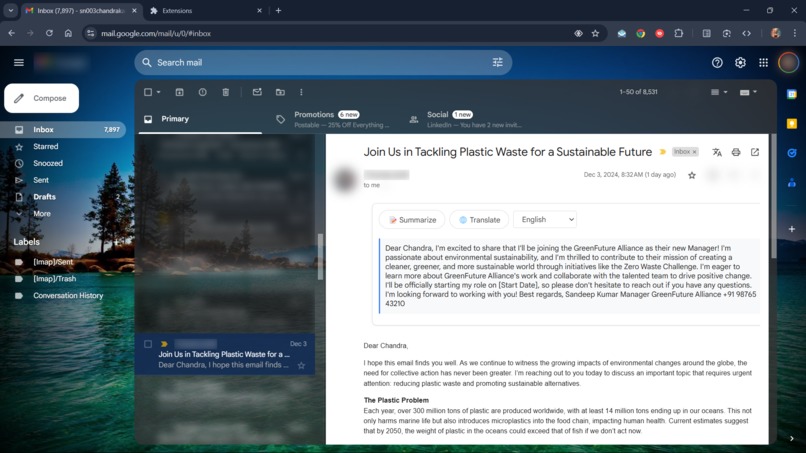
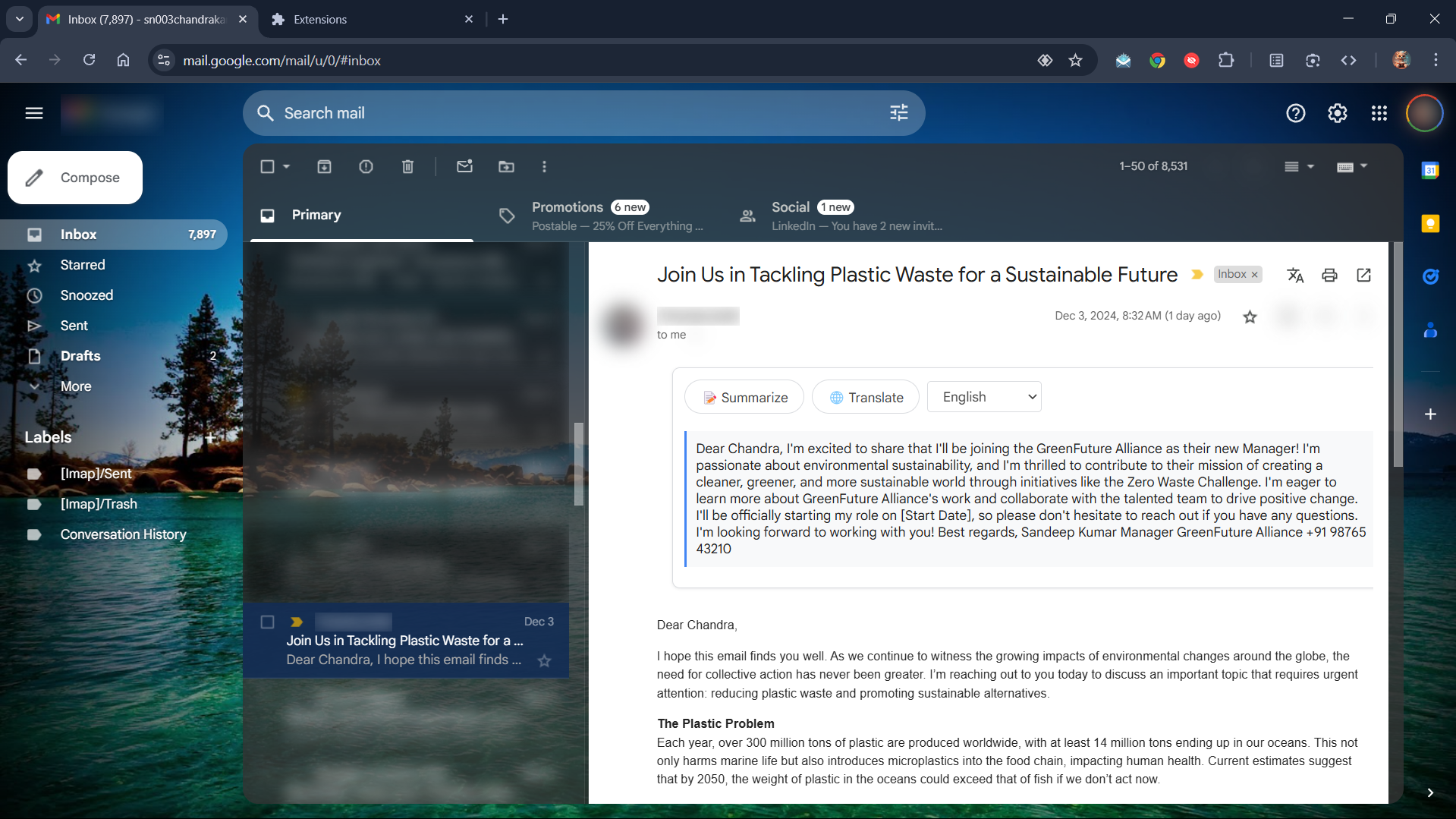
Email Summarization
-
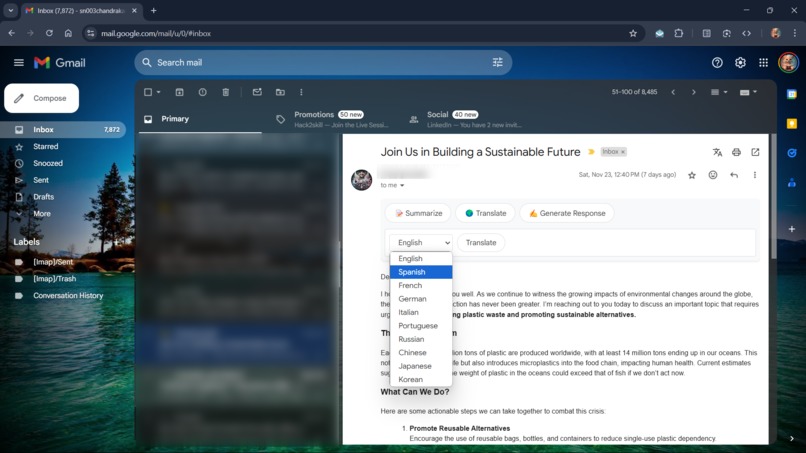
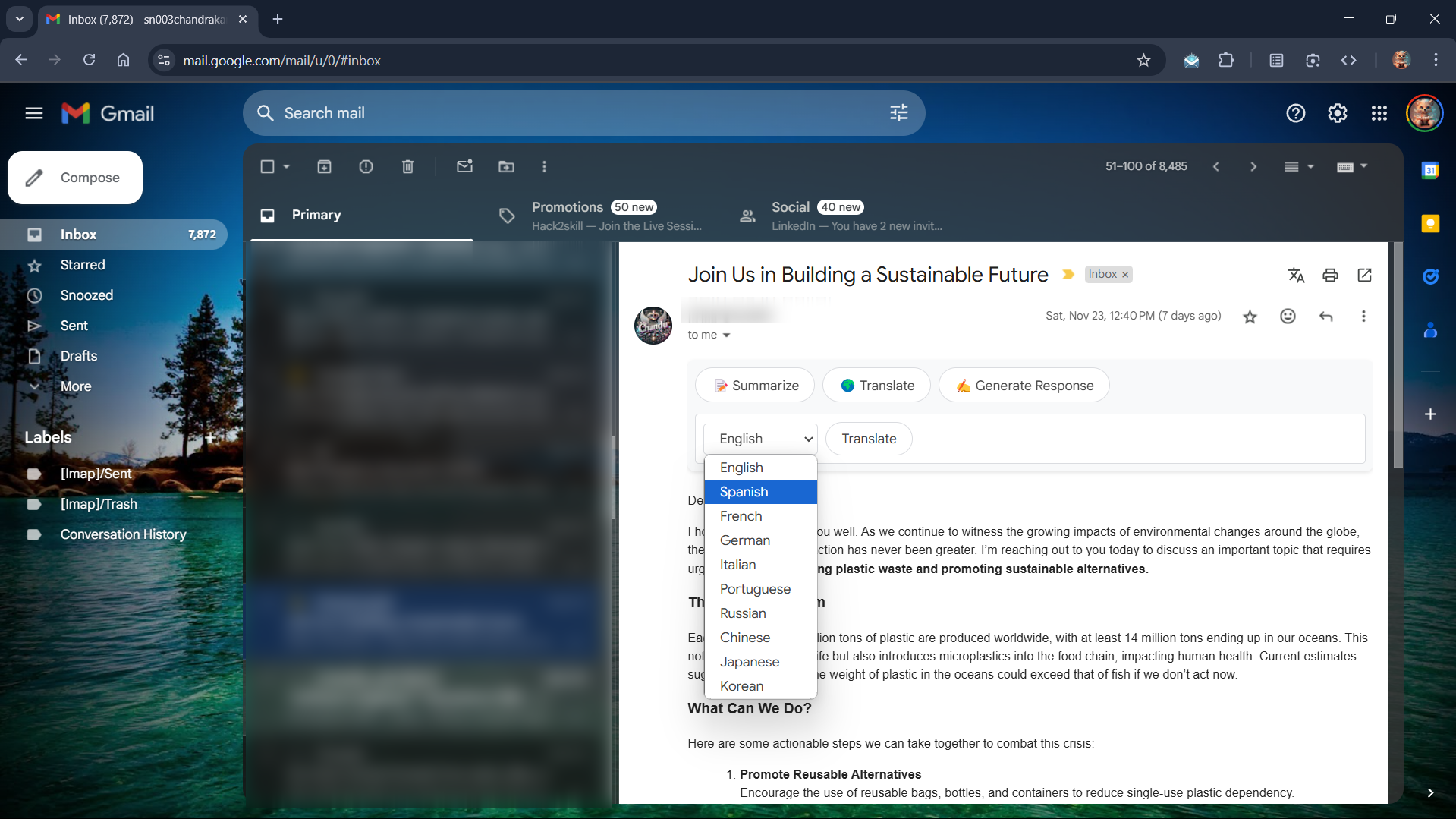
Translation language options
-
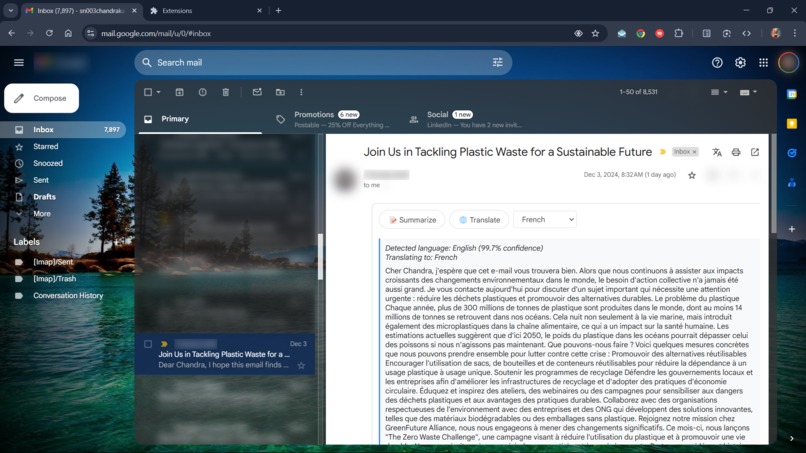
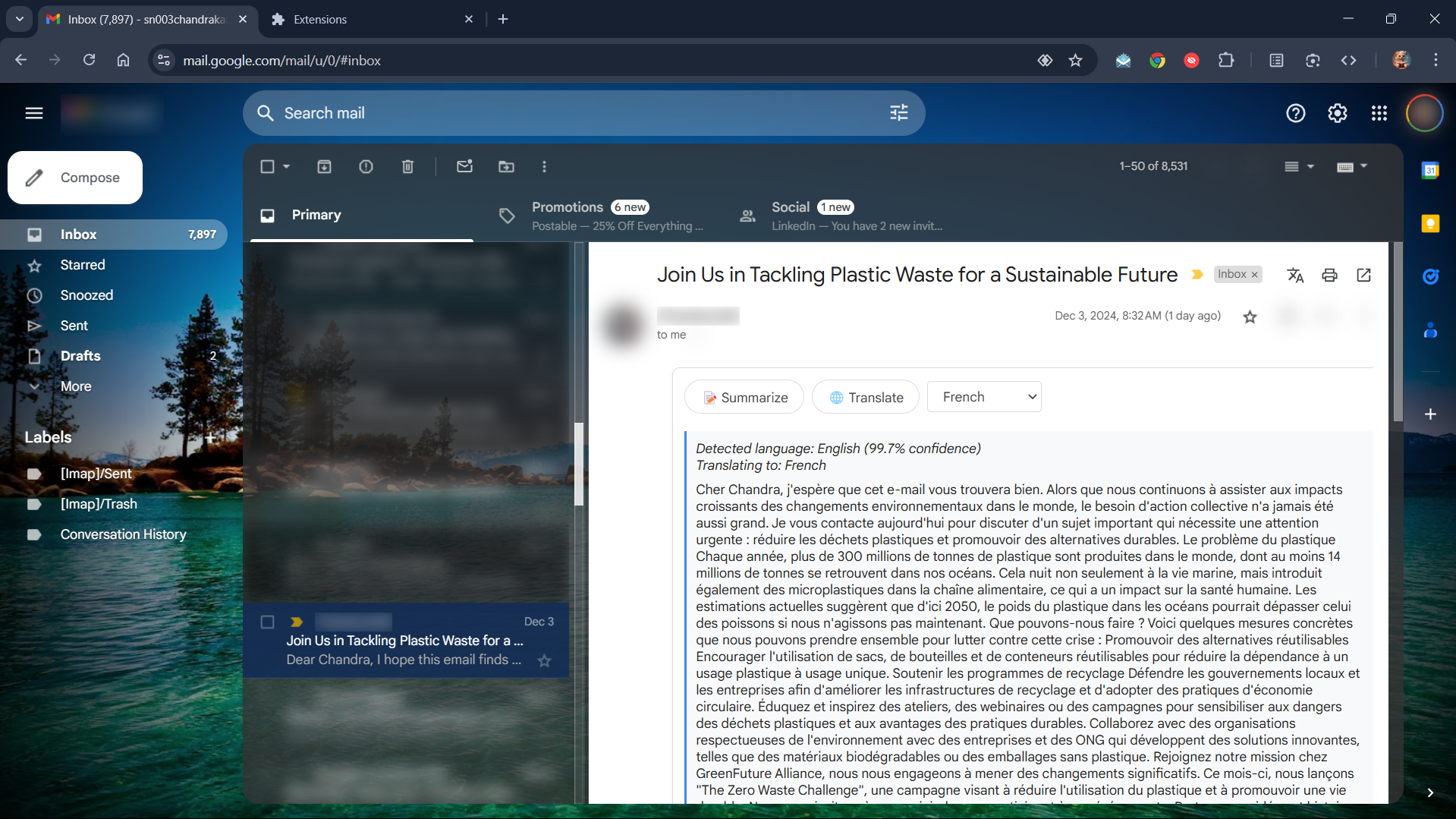
Translation Action
-
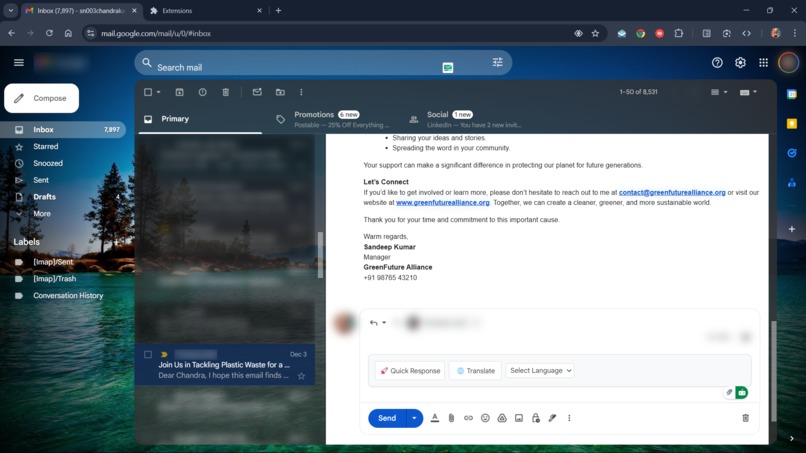
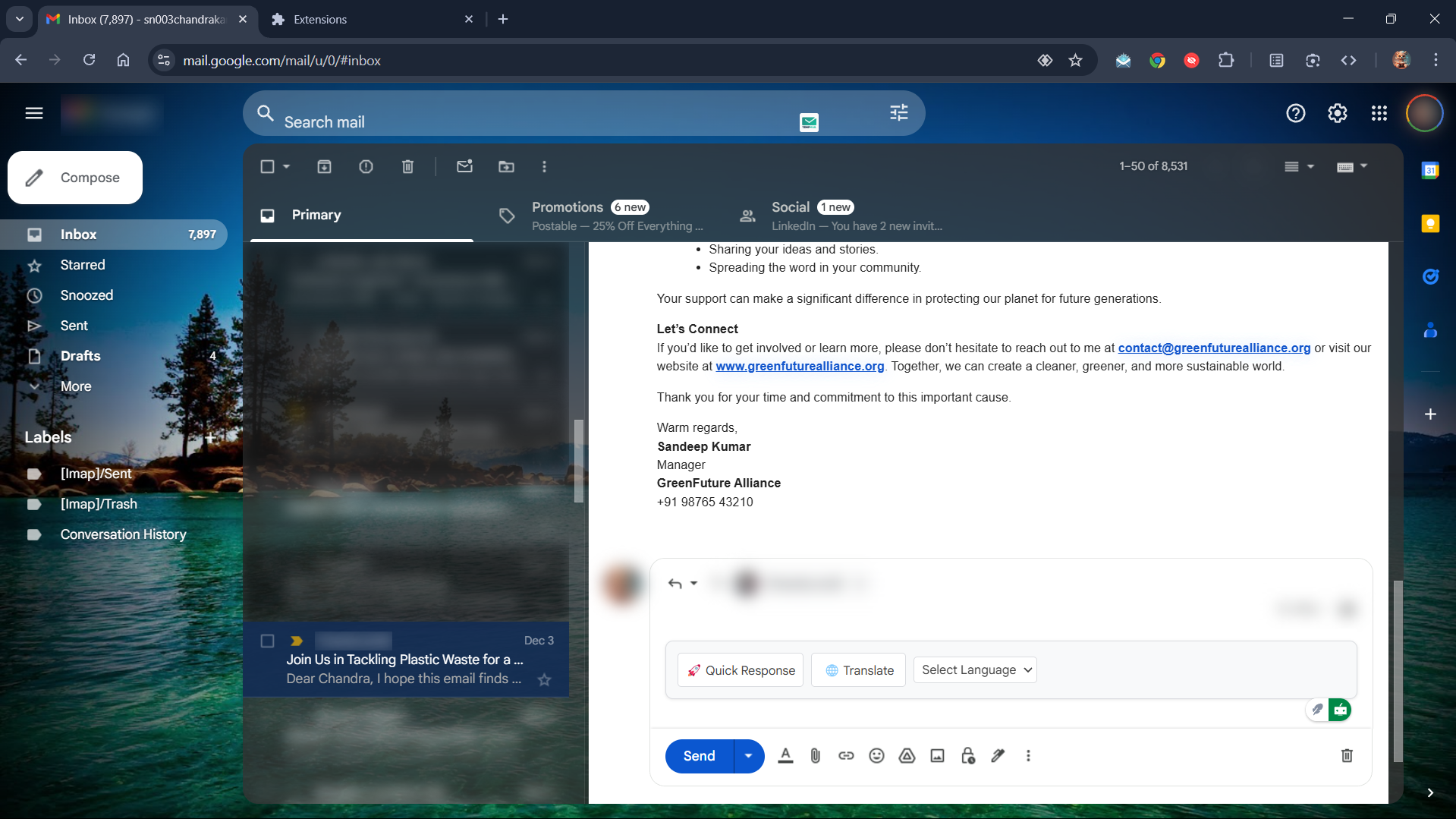
Quick Reply Action
-
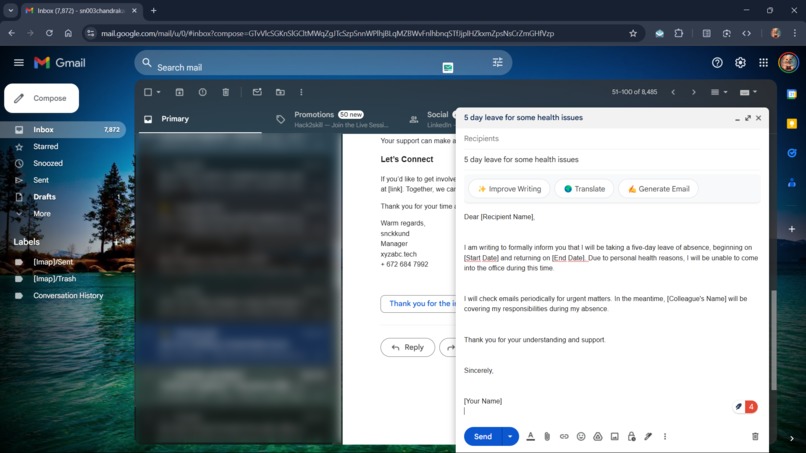
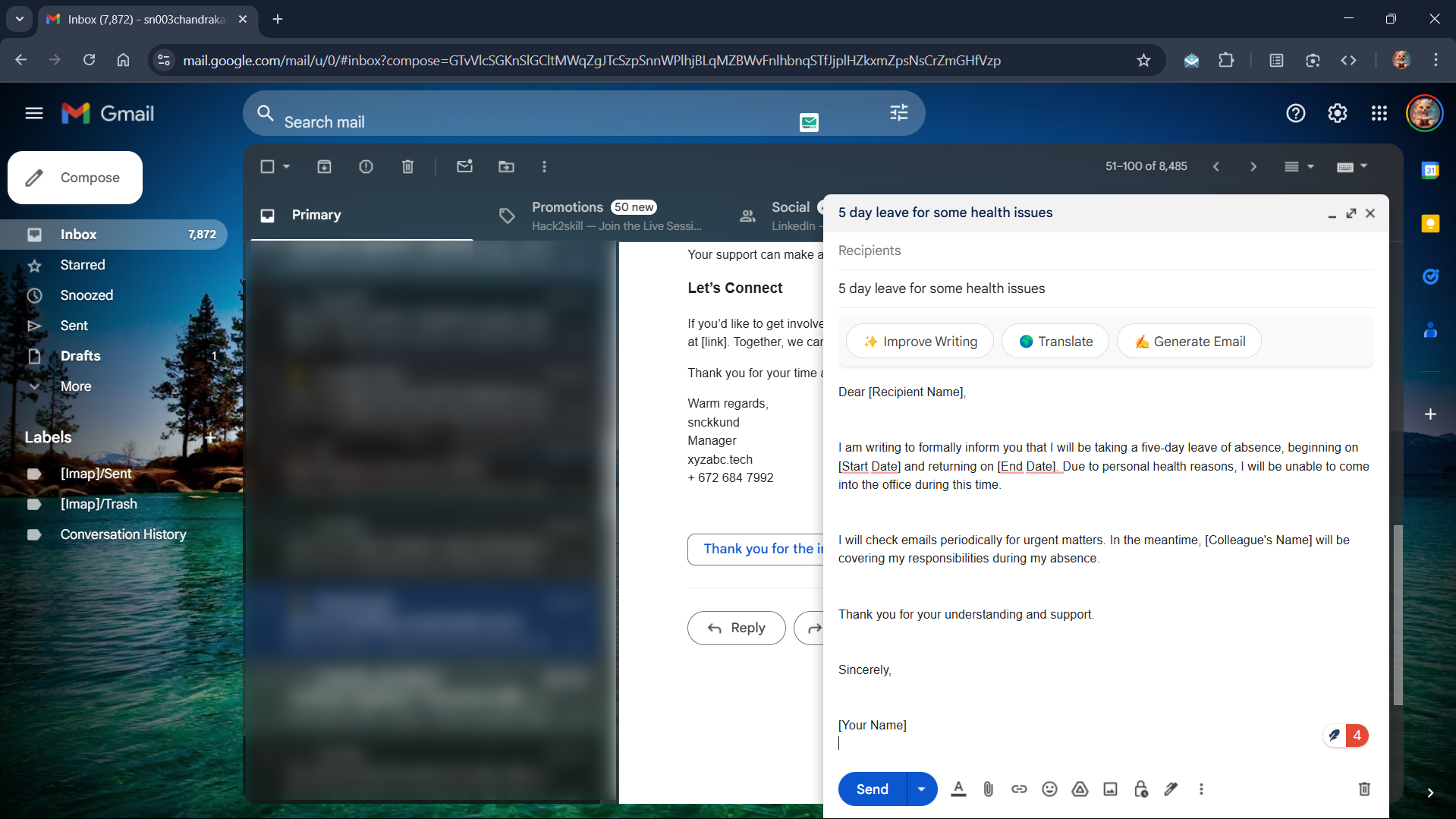
Email generation and improve writing
Inspiration
In a world increasingly reliant on email communication, we were inspired by the challenges users face managing overwhelming inboxes, writing clear and professional responses, and navigating cross-language communication barriers. We wanted to create a tool that empowers users to maximize productivity and make email management more efficient, seamless, and accessible. With Chrome's powerful built-in AI capabilities, we saw the perfect opportunity to enhance Gmail with smart, privacy-first AI features.
What it does
Gmail AI Companion integrates AI-powered tools directly into Gmail to assist with:
- Summarization: Generating concise summaries of long emails.
- Translation: Instantly translating email content while preserving formatting.
- Content Generation: Drafting professional email responses or new emails.
- Content Rewriting: Improving email clarity, tone, and professionalism.
- Language Detection: Automatically identifying the language of incoming emails.
The extension enhances the Gmail interface with intelligent tools, giving users the power of AI without compromising on simplicity or privacy.
How we built it
We built Gmail AI Companion using:
- Chrome Extension APIs: To seamlessly integrate with the Gmail interface.
- Chrome's Built-in AI APIs: Including models for summarization, translation, content rewriting, and generation.
- JavaScript and HTML/CSS: For the extension's logic and UI.
- Mutation Observers: To dynamically detect Gmail's interface and inject our tools where needed.
- Modern UI Principles: Ensuring non-intrusive, intuitive design and seamless user experience.
The development process included rigorous testing with Chrome's experimental AI features to ensure robustness and real-world usability.
Challenges we ran into
- Chrome AI API Documentation: Since Chrome's built-in AI APIs are still relatively new, understanding their full capabilities and limitations required experimentation and creative problem-solving.
- Dynamic Gmail DOM: Gmail's constantly updating DOM structure made it challenging to correctly detect and modify elements reliably.
- Performance Optimization: Ensuring the extension runs efficiently without causing lags in Gmail's interface was a priority.
- User Experience Design: Striking a balance between adding AI-powered tools and maintaining Gmail's clean and simple design.
Accomplishments that we're proud of
- Successfully integrating Chrome's experimental AI models into Gmail for real-time, on-page functionality.
- Building a user-friendly and visually appealing interface that enhances, rather than disrupts, Gmail’s native workflow.
- Developing a fully privacy-first solution that processes data locally, without transmitting user information externally.
- Implementing features like inline email generation and real-time content translation seamlessly into Gmail's interface.
What we learned
- The immense potential of Chrome’s built-in AI APIs for enhancing web applications.
- Advanced DOM manipulation techniques and the importance of optimizing performance for browser extensions.
- The challenges of designing AI-powered tools that are both functional and user-friendly.
- The value of user-centric design, focusing on real-world use cases to create meaningful features.
What's next for Gmail AI Companion
- Adaptive AI: Implementing machine learning to personalize AI outputs based on user preferences.
- Expanded Multilingual Support: Adding dialect-aware translations and cultural context preservation for nuanced communication.
- Enhanced Accessibility: Improving the design for users with disabilities, including better keyboard navigation and screen reader support.
- Advanced Privacy Controls: Allowing users more granular control over AI features and local data retention.
- Collaborative Features: Integrating AI tools for team collaboration, such as summarizing email threads or drafting shared responses.
The Gmail AI Companion has the potential to revolutionize how people interact with their inboxes, and we’re excited to keep innovating and improving.
Built With
- ailanguagedetector
- airewriter
- aisummarizer
- aitranslator
- aiwriter
- chrome
- chromedevelopertools
- css
- gmail
- html
- javascript
- vscode


Log in or sign up for Devpost to join the conversation.