Inspiration
Every day, students, engineers, and game designers sketch ideas on paper—ramps, pulley systems, mechanical linkages, and 2D level layouts—only for those drawings to stay completely static. I wanted to bridge the gap between pen-and-paper intuition and live computational testing. Instead of spending twenty minutes setting up rigid bodies in heavy CAD or game engine software just to test a rough idea, I asked: What if you could take a photo of any hand-drawn diagram and immediately watch physics bring it to life?
What it does
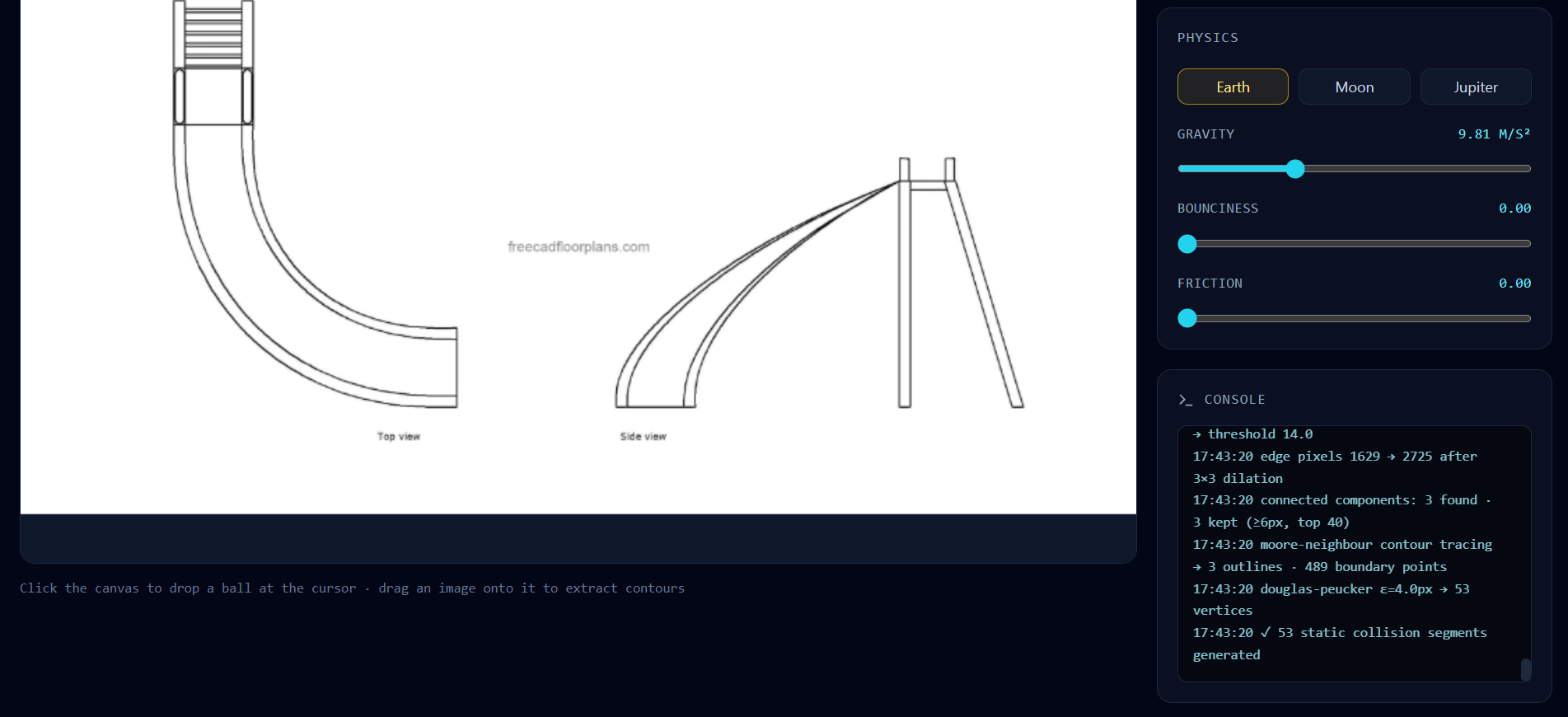
Glyph transforms any static sketch, diagram, or uploaded image into a live, interactive 2D rigid-body physics simulation directly in the browser.
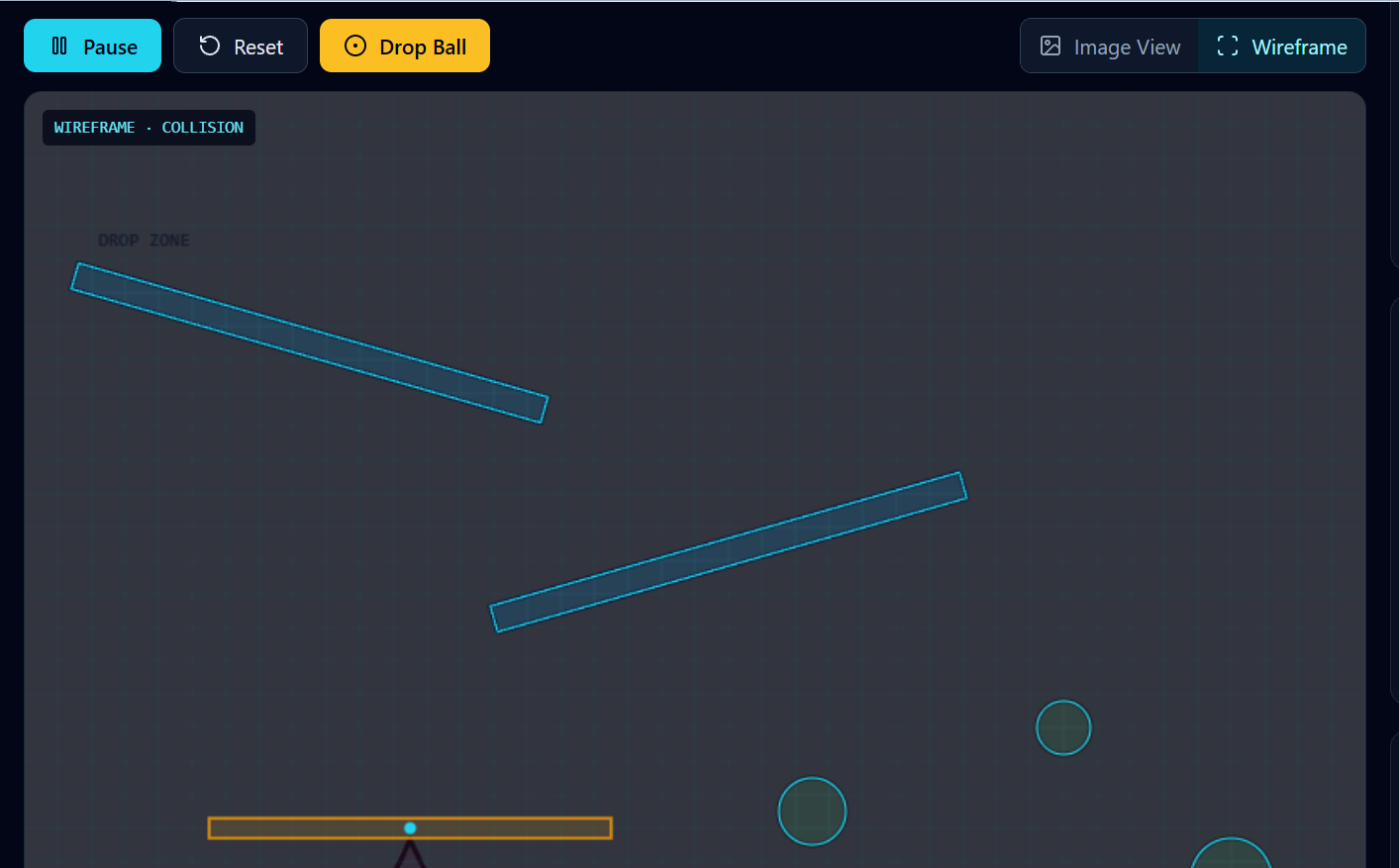
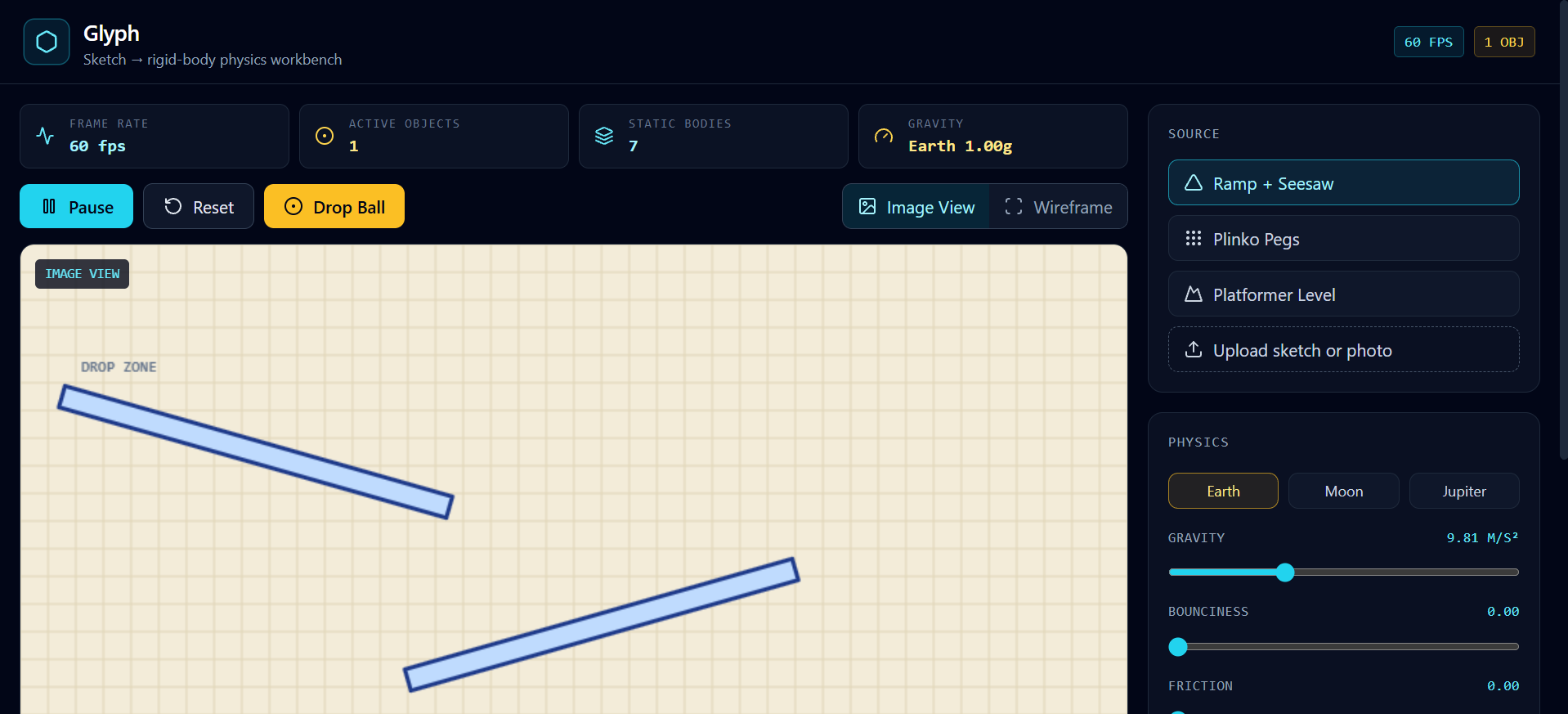
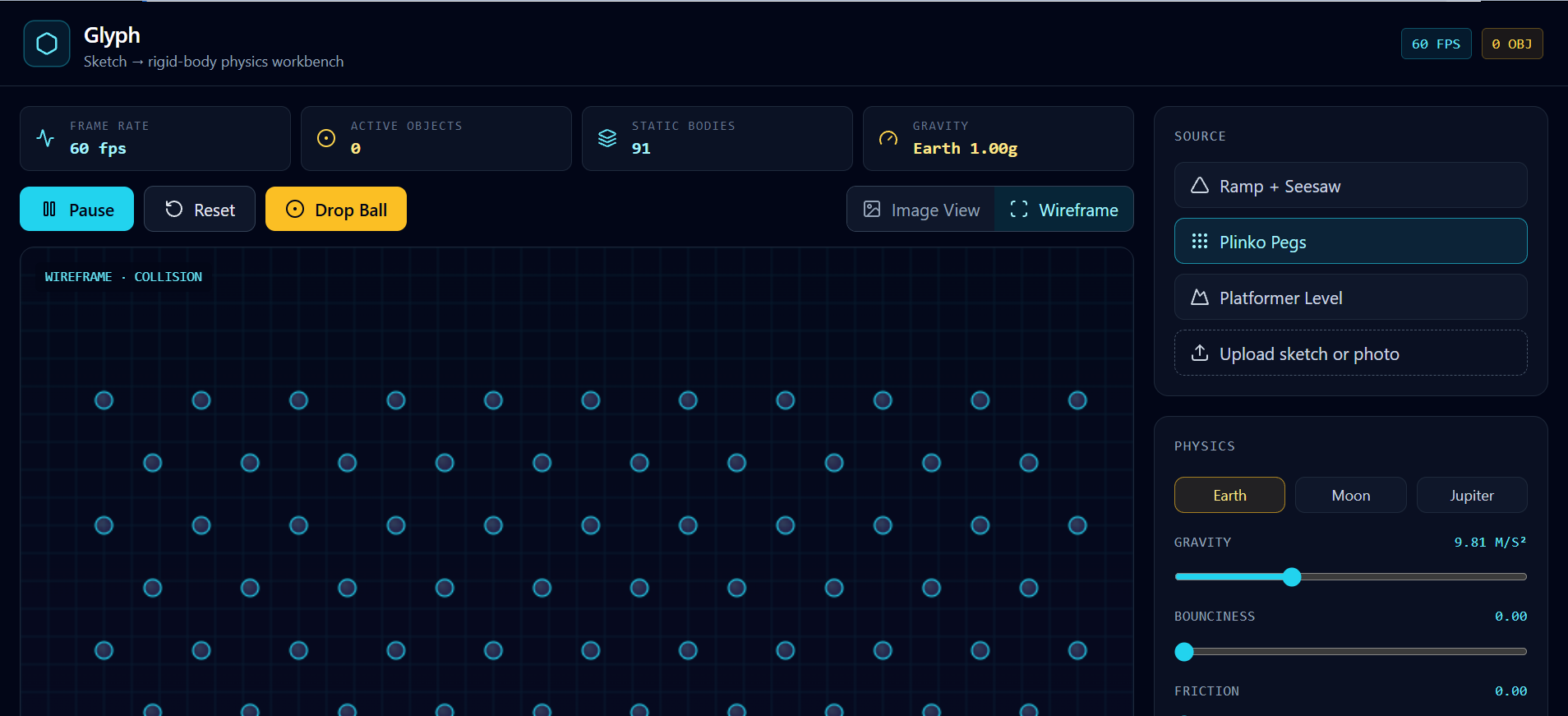
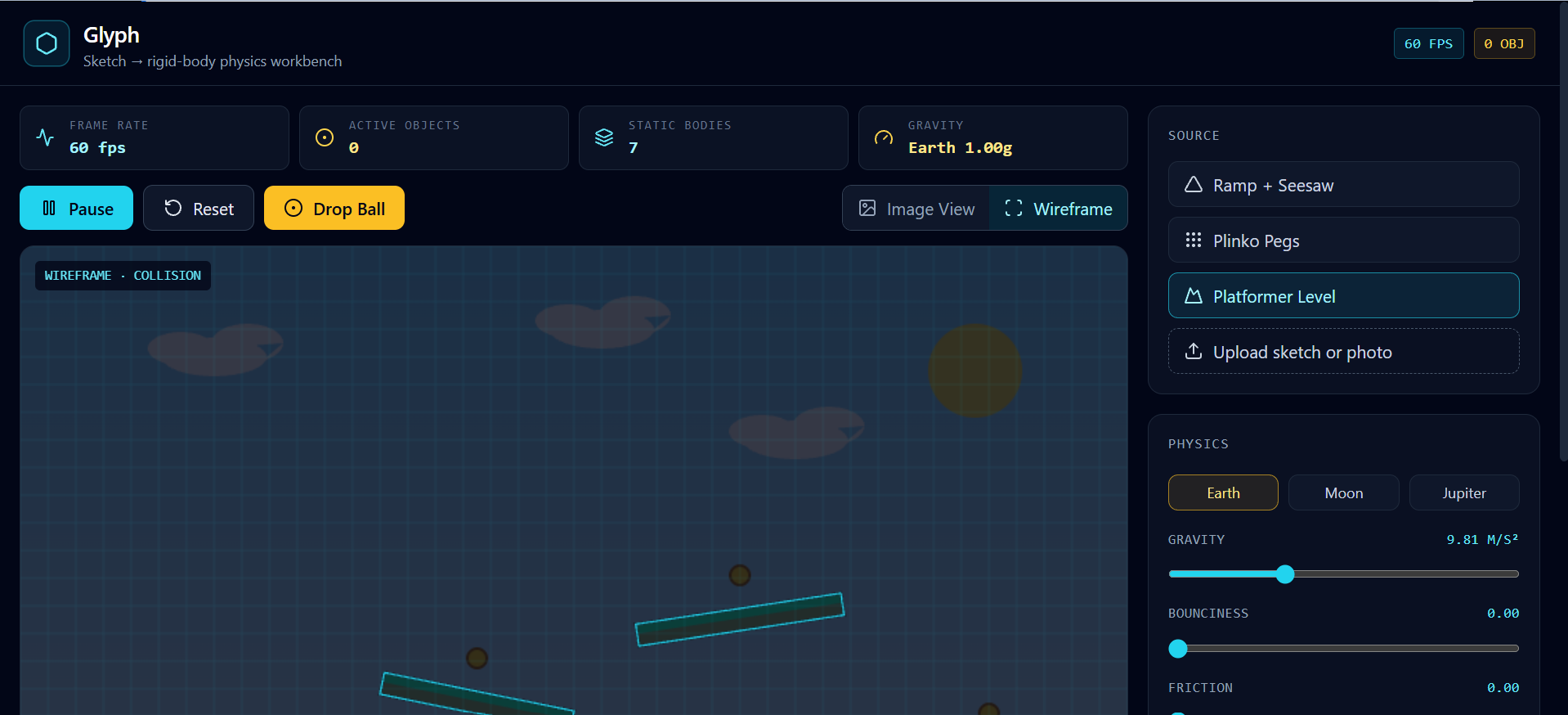
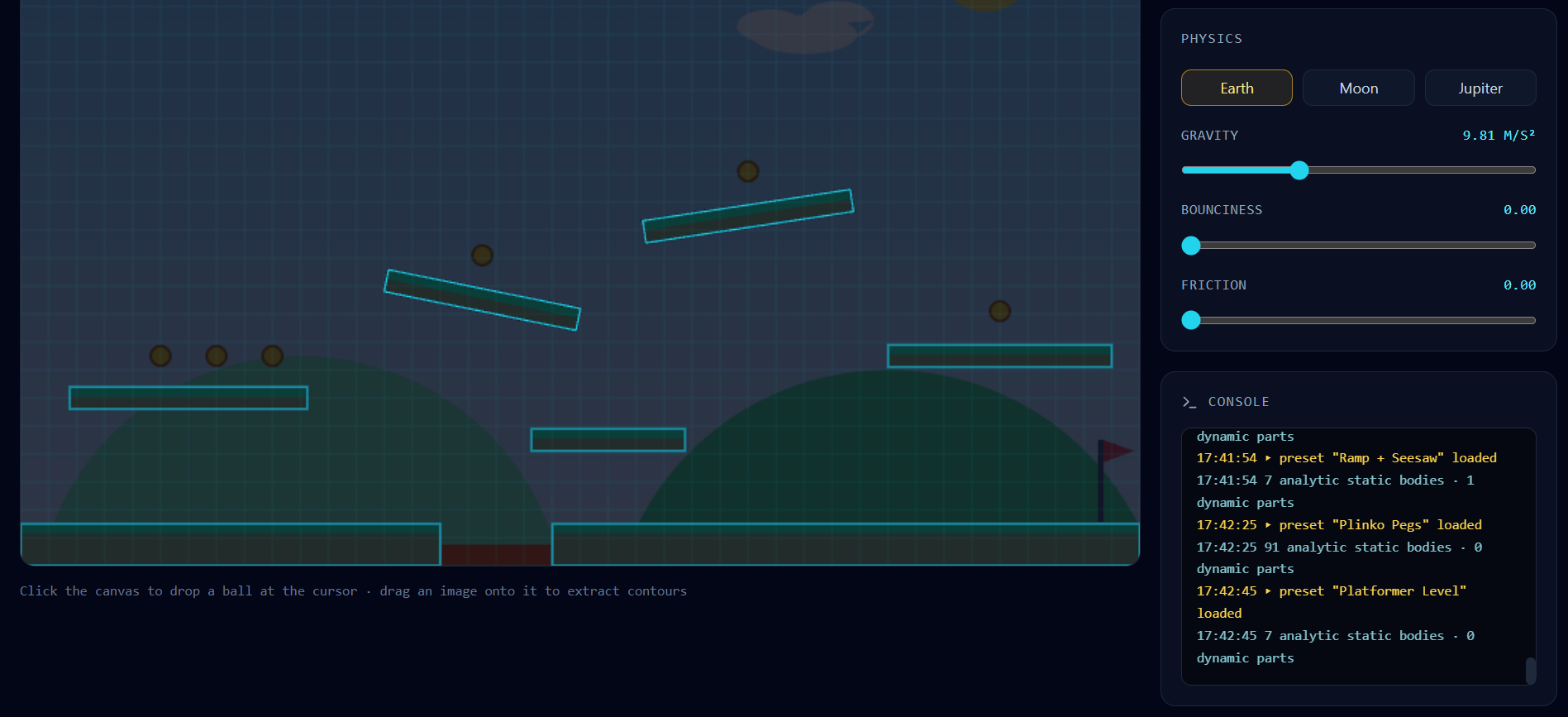
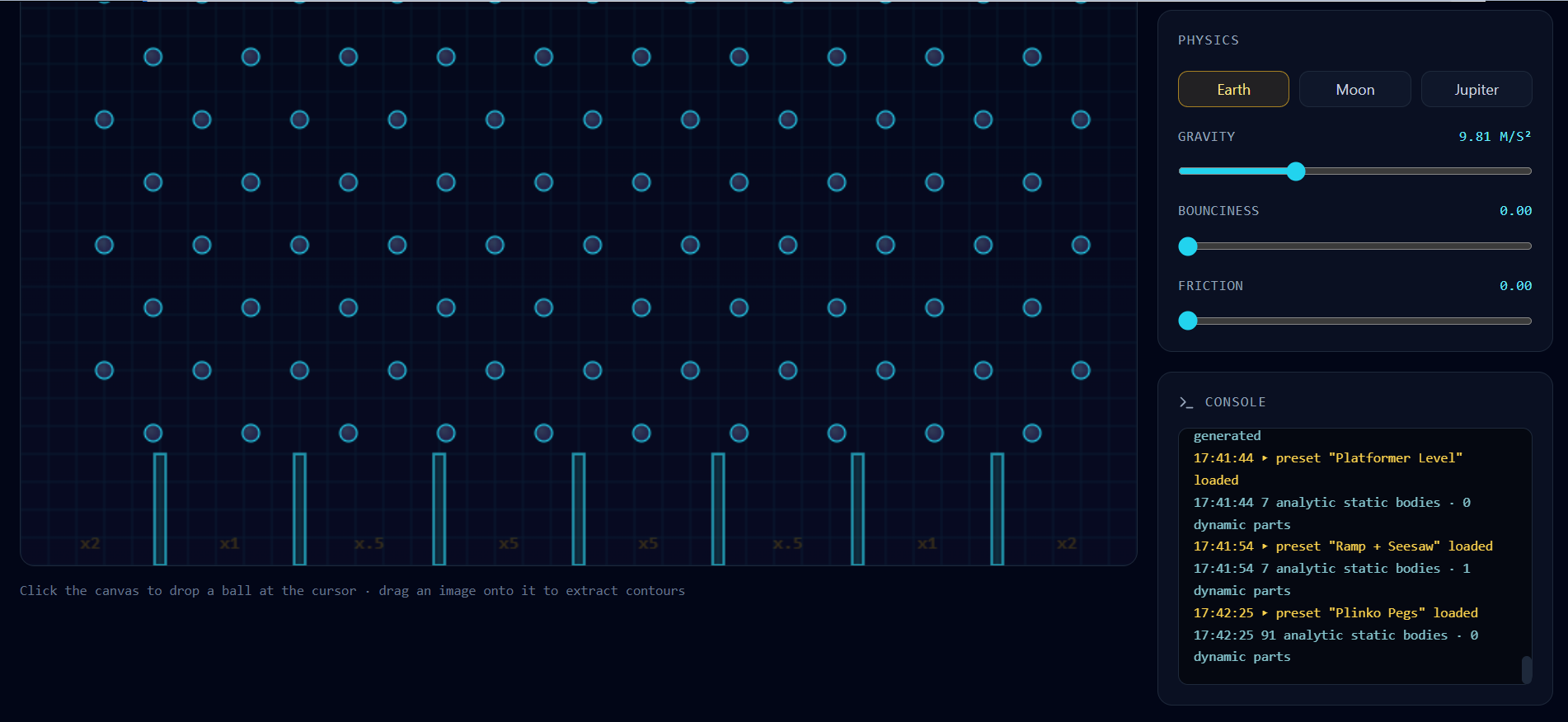
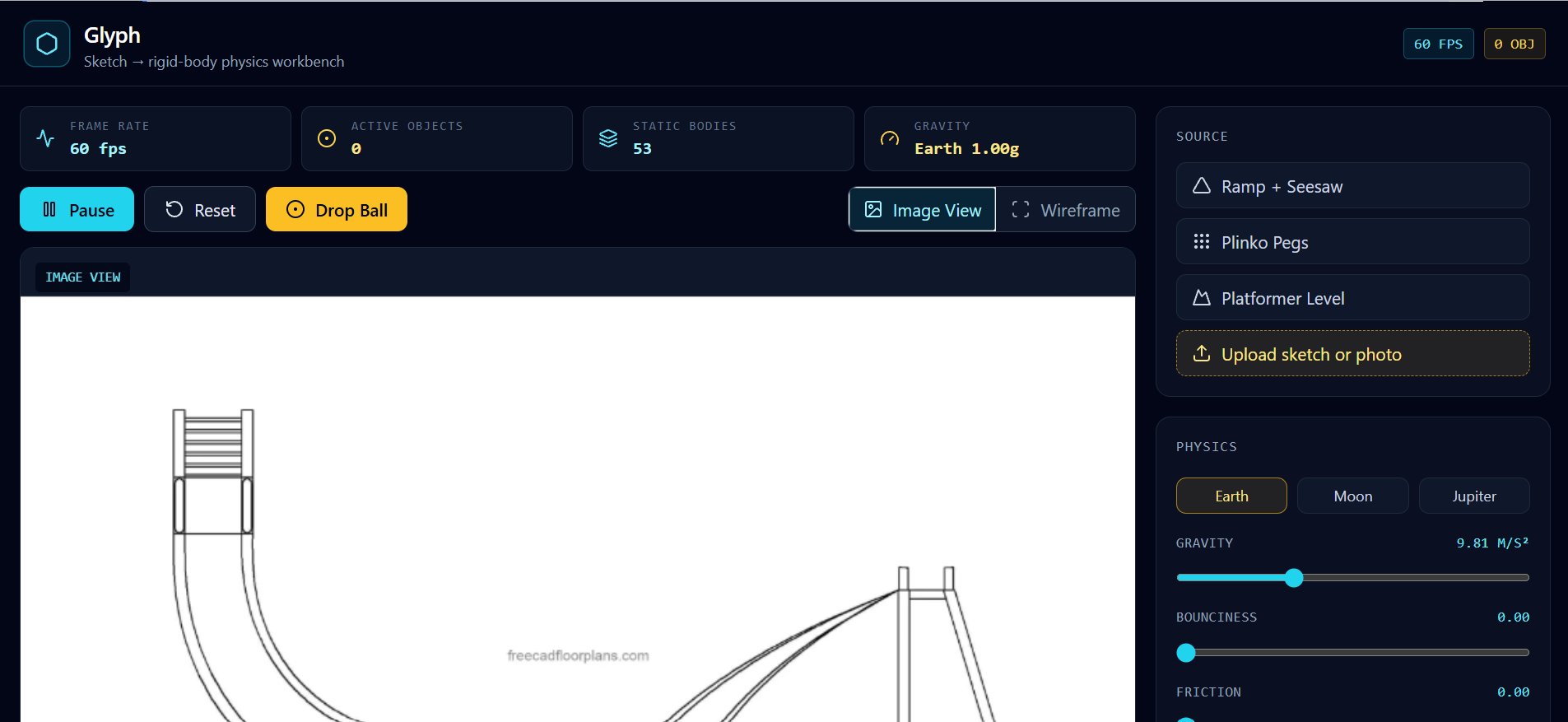
- Instant Image-to-Physics Conversion: Upload a photo of a hand-drawn sketch or load built-in presets (such as a Ramp + Seesaw, Plinko Pegs, or a Platformer Level) to automatically generate physical collision boundaries over the visual artwork.
- Real-Time Simulation Workbench: Drop dynamic objects onto your drawn lines and watch them roll, bounce, and collide at 60fps.
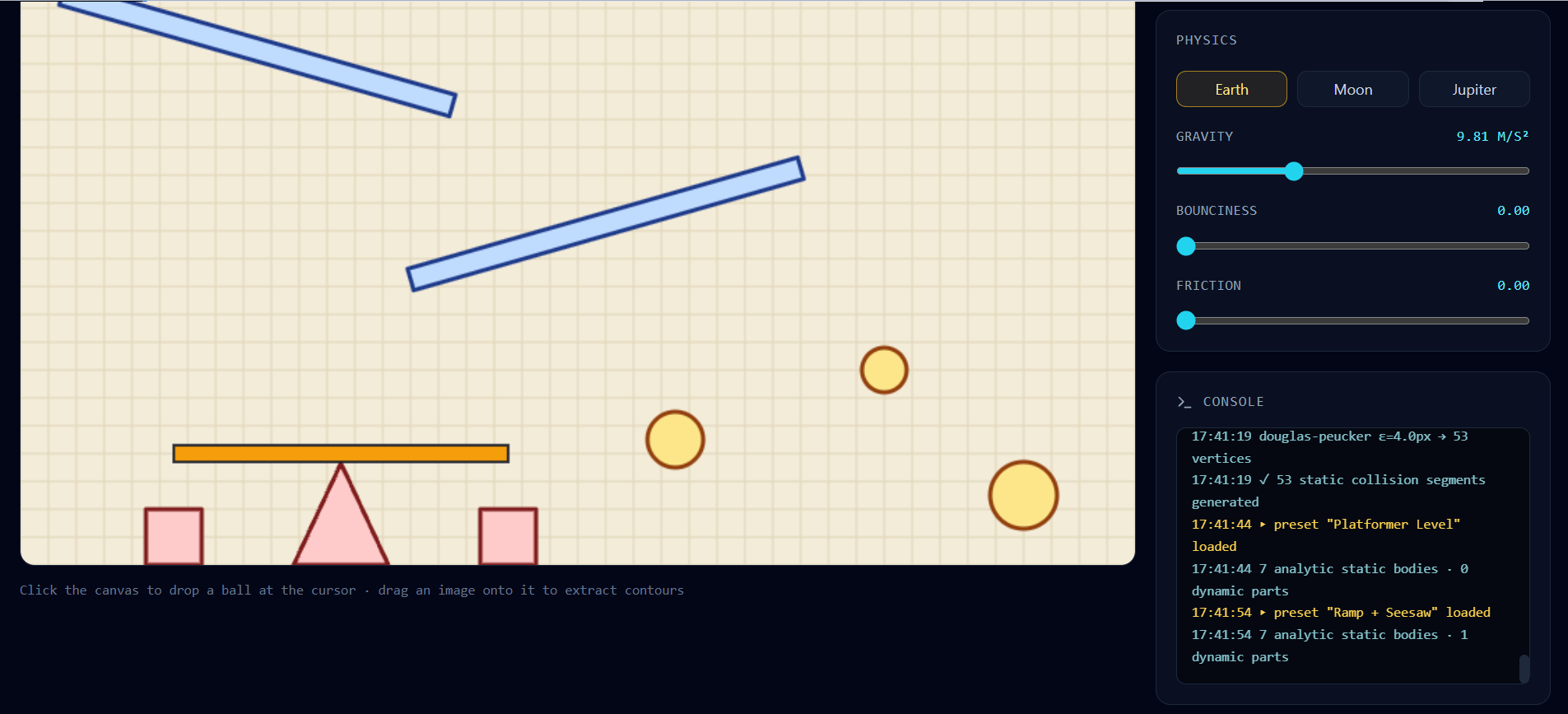
- Live Environmental Tuning: Adjust gravity ($g$ from $0$ to $20\text{ m/s}^2$, including Moon, Earth, and Jupiter presets), restitution (bounciness), and surface friction in real time.
- Wireframe & Telemetry HUD: Toggle between the raw artwork overlay and a wireframe collision debug view while monitoring live FPS, active object counts, and contour extraction logs.
How I built it
I built Glyph as a fast, client-side web application using Next.js (App Router), TypeScript, and Tailwind CSS, powered by Matter.js for 2D rigid-body physics simulation and Lucide React for the industrial workbench UI.
To keep the experience instantaneous with zero server latency, I engineered the rendering pipeline around a layered HTML5 Canvas architecture: the source image or vector preset sits on the base layer, while a synchronized 60fps Matter.js physics canvas renders interactive dynamic bodies and wireframe collision vectors directly on top.
Challenges I ran into
During my first test with hand-drawn curved ramps, standard rectangular bounding-box extraction caused falling objects to snag and bounce awkwardly off invisible "stair-steps" along sloped lines. To fix this, I shifted from coarse axis-aligned boxes to decomposing drawn strokes into aligned sloped segments and simplified polygon vertices, allowing balls and dynamic bodies to roll smoothly down curved pencil lines.
Accomplishments that I'm proud of
- Zero-Latency Tactile Feel: Achieving a locked 60fps simulation loop overlaid cleanly on arbitrary user-uploaded images without any backend processing delay.
- Immediate "Aha!" Moment: Watching a static drawing on screen immediately obey gravity, friction, and momentum within seconds of loading it into the workspace.
- Clean Engineering HUD: Designing an intuitive, dark-mode workbench interface that exposes real-time physics parameters without cluttering the canvas.
What I learned
Building Glyph taught me how much small changes in collision geometry affect perceived physical realism—smoothing out vertex transitions made the difference between a clunky prototype and something that genuinely feels like magic to play with. I also learned the value of rapid, test-driven iteration: exposing live sliders for gravity, friction, and wireframe debugging early on made tuning the physics engine dramatically faster.
What's next for Glyph
- Multi-Material Color Recognition: Detecting different marker colors so blue ink becomes bouncy trampolines, red ink becomes motorized spinners or hazards, and green ink marks goal zones.
- Playable Character & Logic Mode: Automatically spawning a controllable character onto sketched platformer levels or simulating current flow through hand-drawn logic gates and circuits.
- One-Click Shareable Sandboxes: Generating instant URLs so anyone can share their interactive sketch simulations with friends or classmates.
Built With
- html5
- javascript
- lucide-react
- matter.js
- next.js
- node.js
- react
- tailwindcss
- typescript

