-
-
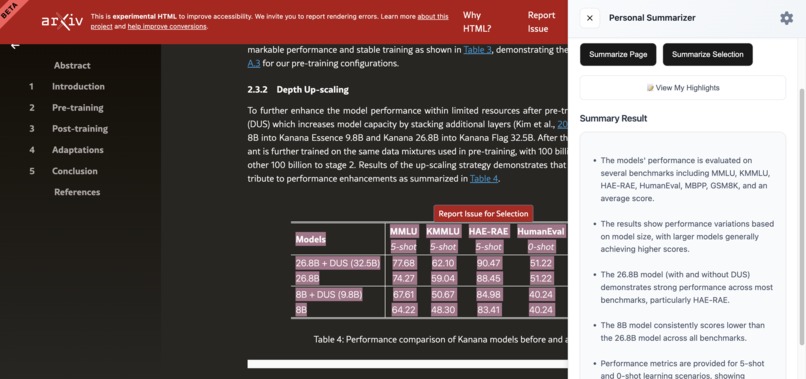
Chart summary example
-
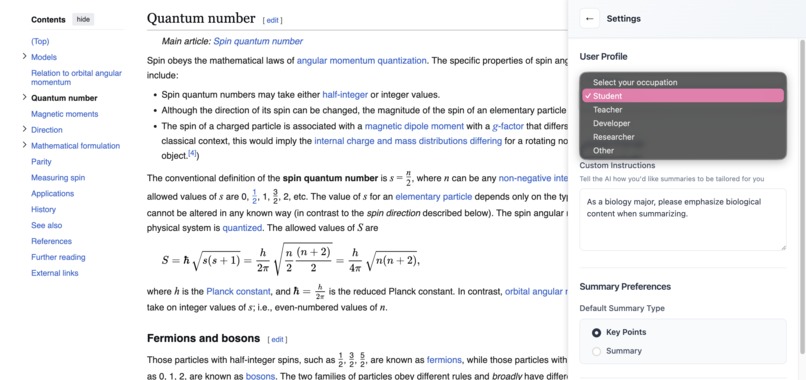
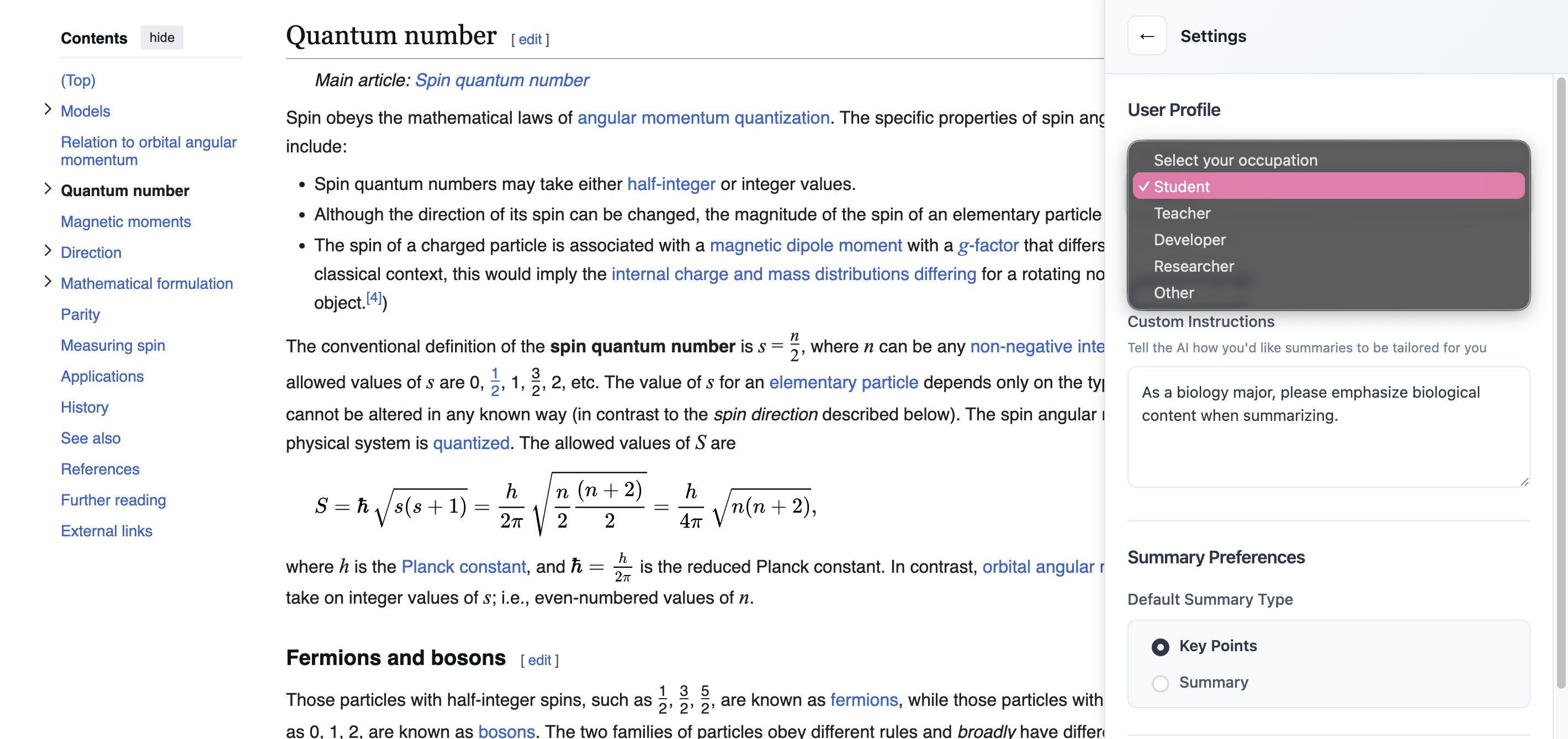
Personal setting example
-
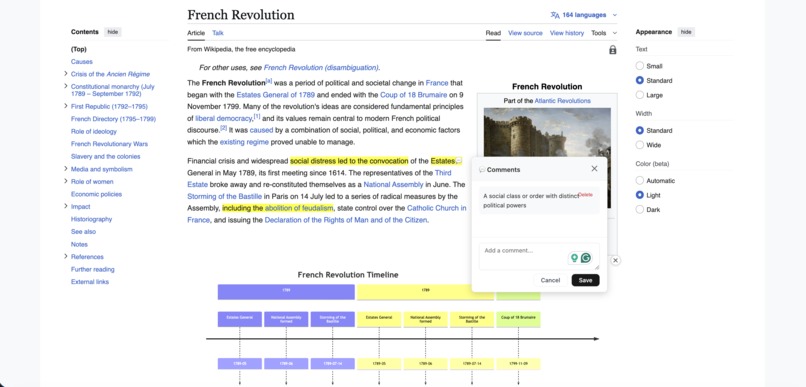
Visualization example
Inspiration
Sometimes, we're faced with long and complex text for studying, research, or work, and it’s easy to lose focus or miss the key ideas. We wondered, what if reading online could feel lighter, clearer, and more interactive? And why copy and paste materials to your online notebook app when you can do the same thing on the website? Those thought inspired us to build a tool that adapts to different learning styles, whether you’re a visual learner, a student, or someone who prefers quick key-point summaries.
What it does
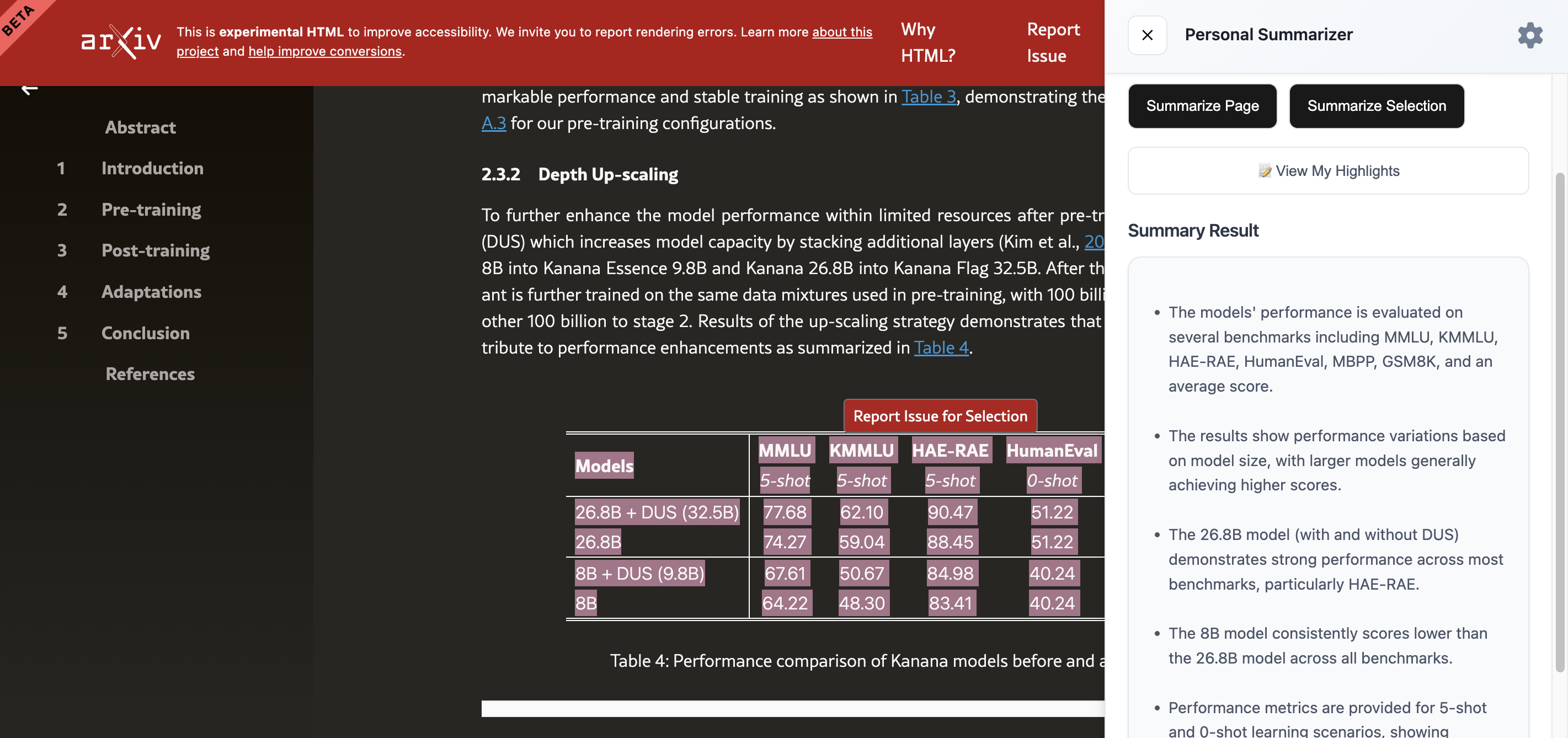
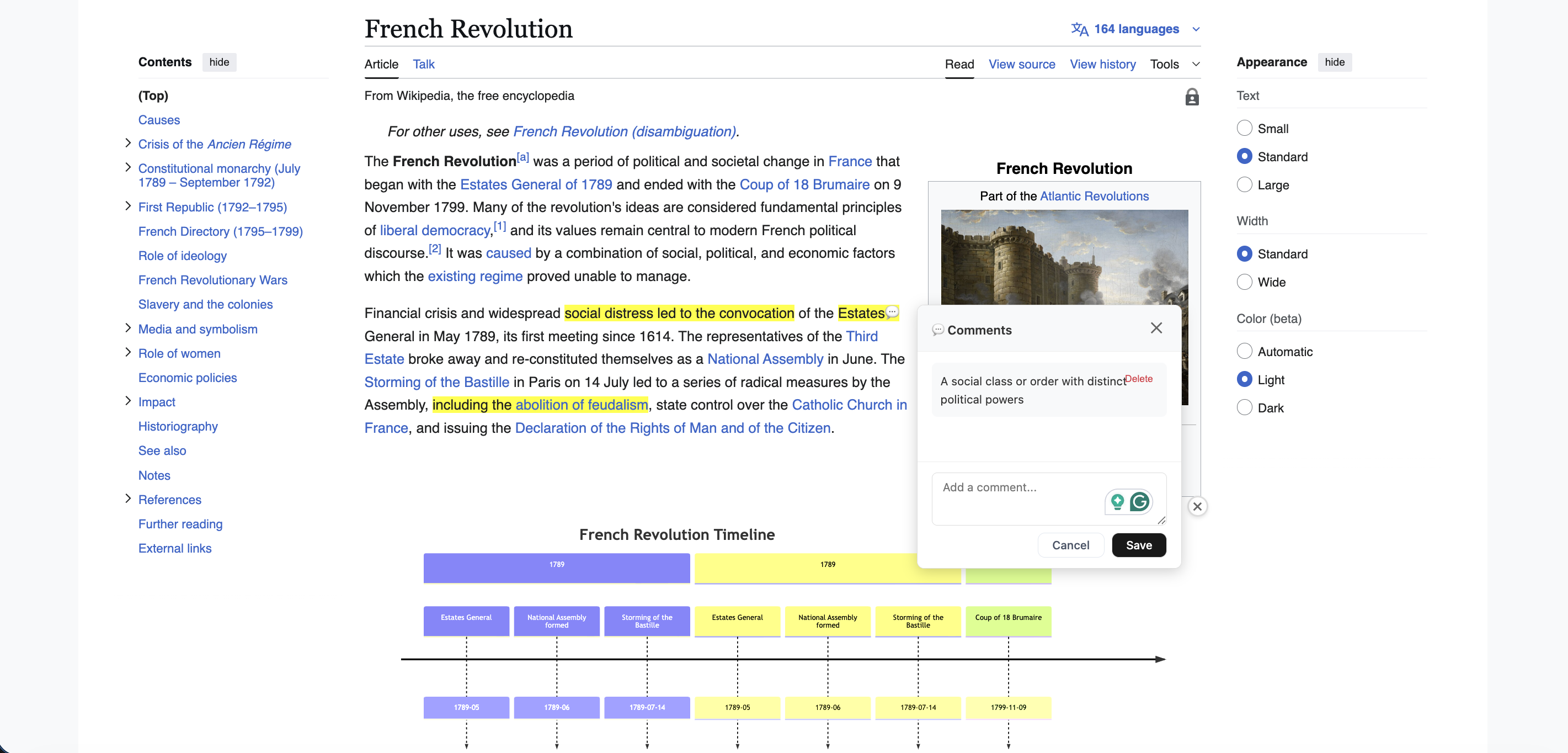
Our Chrome extension allows users to select any text on a website and instantly generate: ✅ A concise summary using Google Chrome’s on-device AI ✅ A visual representation (e.g., diagrams, flowcharts, charts) when relevant ✅ A highlight-based note-taking system with comments ✅ A personal “Summary Style” based on user settings (e.g., student, researcher, developer)
It turns reading into a faster, smarter, and more personalized experience. It's like a virtual notebook!
How we built it
- Chrome’s Summarizer API for key-point summaries
- Chrome’s Prompt API for prose-style TL;DR summaries
- Custom DOM parsing to extract: Nearby visual elements like tables, figures, and charts
- Commenting and annotation storage using Chrome local storage
- Rendered Mermaid.js diagrams for AI-generated visuals
Challenges we ran into
- Getting the Summarizer API and Prompt API to provide the wanted summary
- Handling complex DOM structures on different websites (news, research papers, Wikipedia, etc.)
- Avoiding conflicts when extracting selected text vs. full-page text
- Getting Mermaid diagrams to reliably generate valid syntax from natural language text
Accomplishments that we're proud of
- Runs entirely on-device, which keeps user data private
- Generates both text summaries and visual diagrams
- Includes a highlight + commenting system for active learning
- Works across a wide range of web pages
What we learned
- Learned how to design and optimize browser extensions for performance and stability.
- Developed strategies for blending on-device processing with cloud-based AI for improved results.
- Discovered the importance of user-centric feedback loops when managing stored data and context.
- Explored ways to preserve context so AI summaries stay accurate and relevant to what the user sees.
What's next for GLWM (Get Locked-in With Me)
Planned improvements:
- Personalized summary tones (e.g., exam prep, quizzes, quizlet form)
- Auto-recognition of charts and conversion to editable visuals
- Cloud sync for highlights + comments across devices
- Exporting summaries to Notion, Google Docs, and PDF files
- Support for multilingual summarization
Ultimately, we aim for this to be the AI reading assistant that helps you understand context with maximum efficiency.
Built With
- chrome
- css
- html
- javascript
- languagemodeapi
- manifestv3
- marked.js
- mermaid.js
- promptapi
- storageapi1
- summarizerapi
- texthighlighter.js


Log in or sign up for Devpost to join the conversation.