-
-
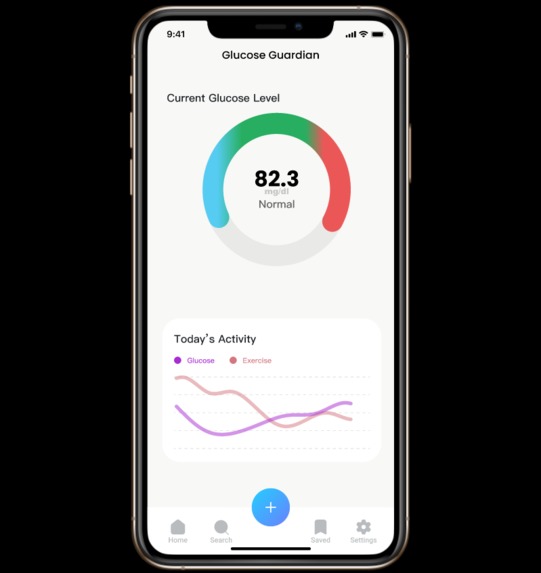
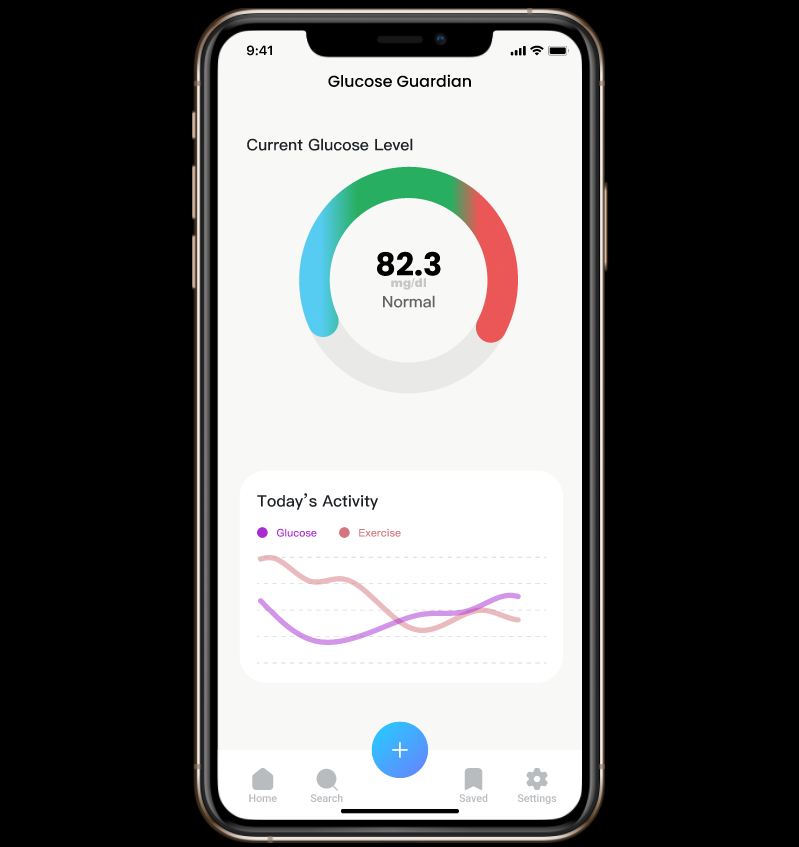
Current Glucose Level and Future Predicted Levels
-
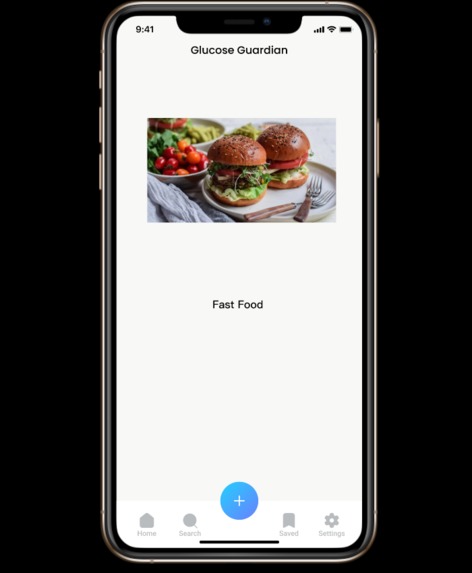
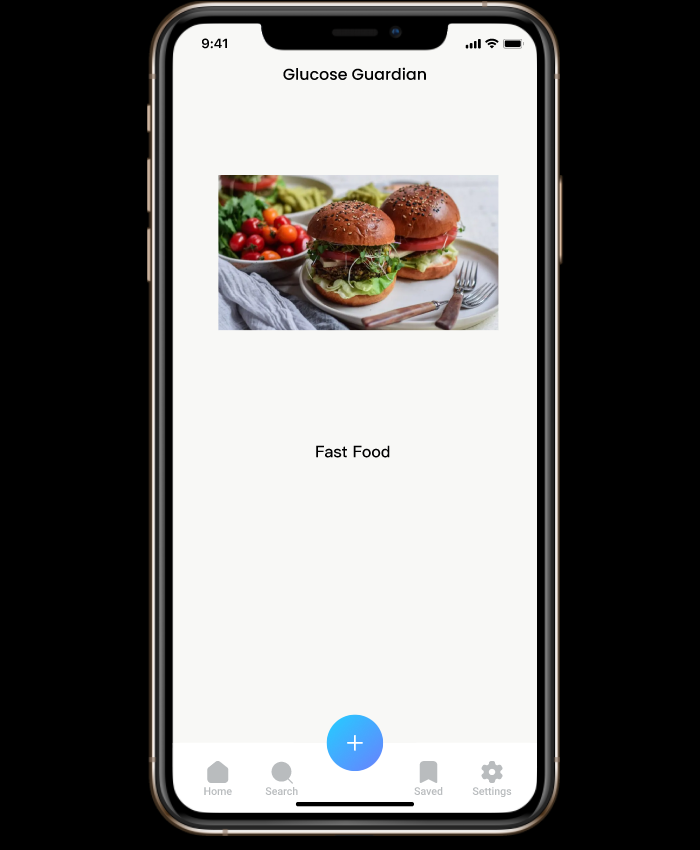
Food recognizer
-
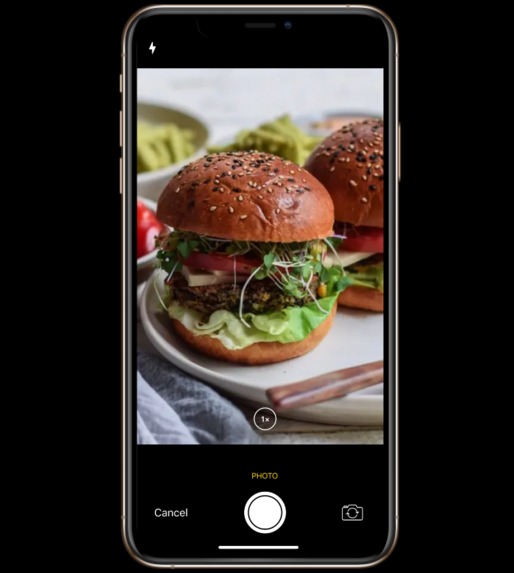
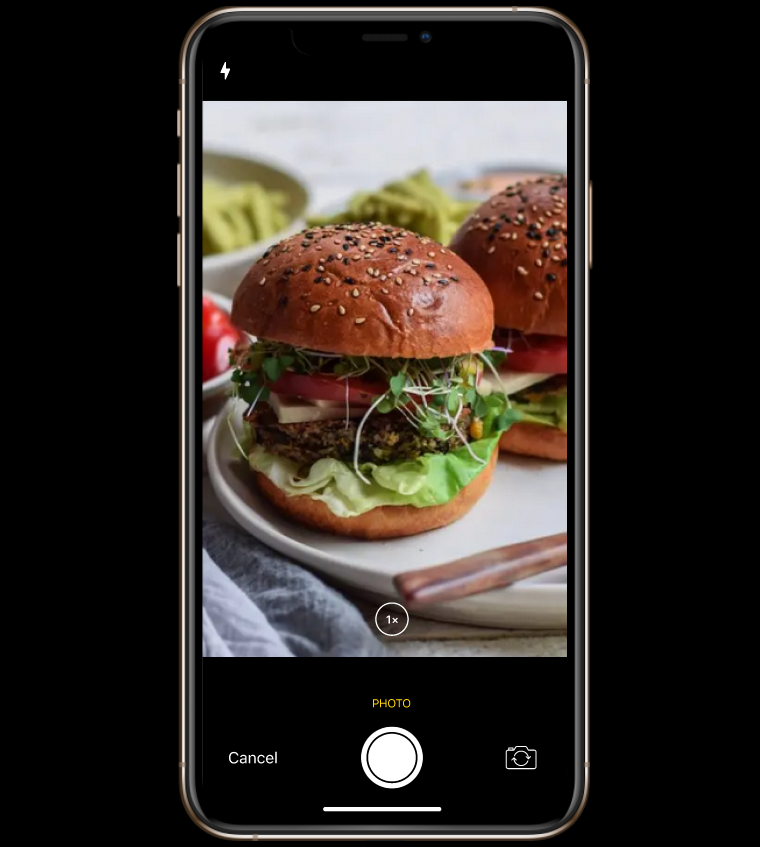
Photo input for food analysis
-
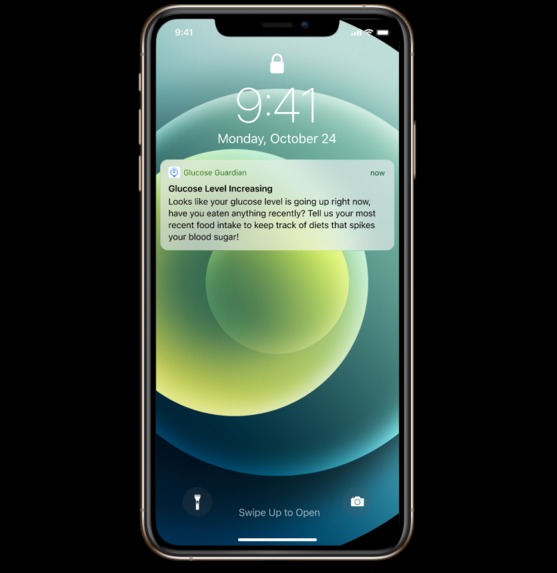
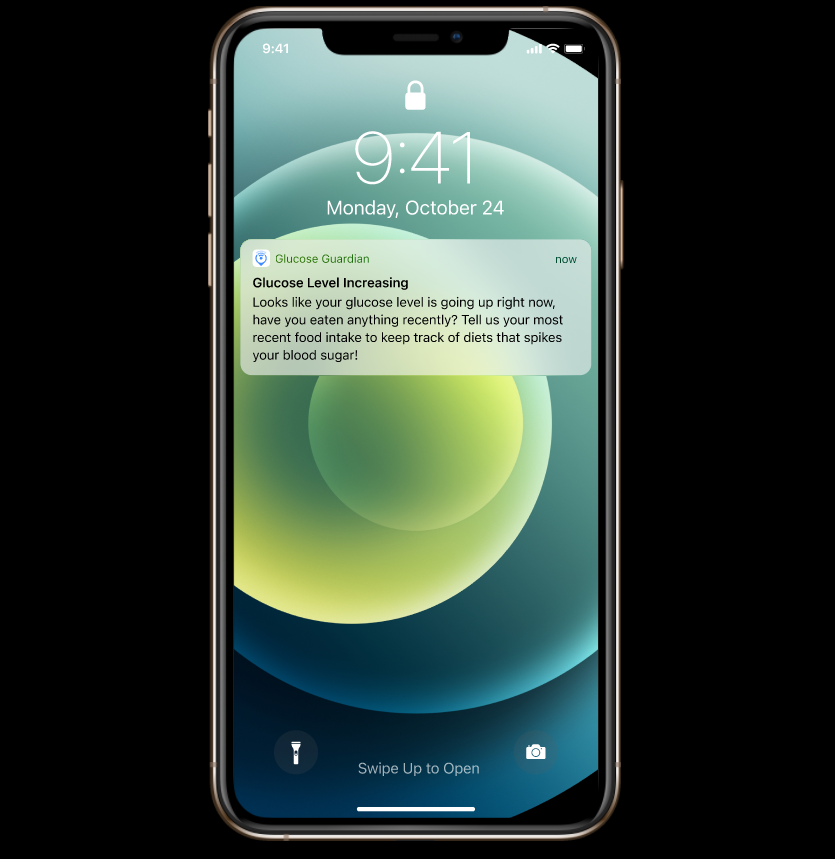
Glucose Guardian Prompts
Inspiration
Diabetics should constantly monitor glucose levels. What they eat, how they exercise, and various other factors contribute to the change in the glucose levels throughout the day. However, after eating food, they might not know how their glucose levels may change, and how to best respond to it.
What it does
Glucose Guardian monitor glucose level data from Continuous Glucose Monitor (CGM), takes users' past exercise data, and food intake data, to predict future glucose levels. If their glucose level is predicted to exceed a normal range, the assistant would analyze the amount of exercise needed to bring down a certain amount of the glucose level and provide personalized, intelligent recommendations to the user.
How we built it
We used Figma in prototyping our mobile app. We implemented the food intake entry process by using Google API and the FDC database's API. Our code snippets can support recognizing the nutritional information from photos, voice input, and text inputs.
Challenges we ran into
- How to only extract food entities from a piece of text or images, since the computer vision and natural language APIs recognize entities that are more general.
Accomplishments that we're proud of
- Creating a functioning mockup in Figma
- Using Part of Speech Tags as an indicator of if an item is a food, and combining various APIs to handle arbitrary images or recordings or text.
What we learned
- How to better utilize Google Cloud APIs
- Figma prototyping skills
What's next for Glucose Guardian
- Implementing Machine Learning techniques to: a. how to predict a user’s increase in glucose levels after certain foods b. learn how a user’s activity impacts their glucose levels
- Incorporate activity tracking and CGM data into an App
- Learn custom ML models to better recognize food in images and text

Log in or sign up for Devpost to join the conversation.