

Inspiration
Every time you shop for clothes — online or in a mall — there's one big question: "Will this actually look good on me?" Returns are at 30%+ because you can't try before you buy. Fitting rooms are slow, online shopping is a guessing game. We built GLOWUP AI Studio to solve this — an AI-powered fitting room right in your pocket. Snap a photo, pick any garment, and see yourself wearing it in seconds.
What it does
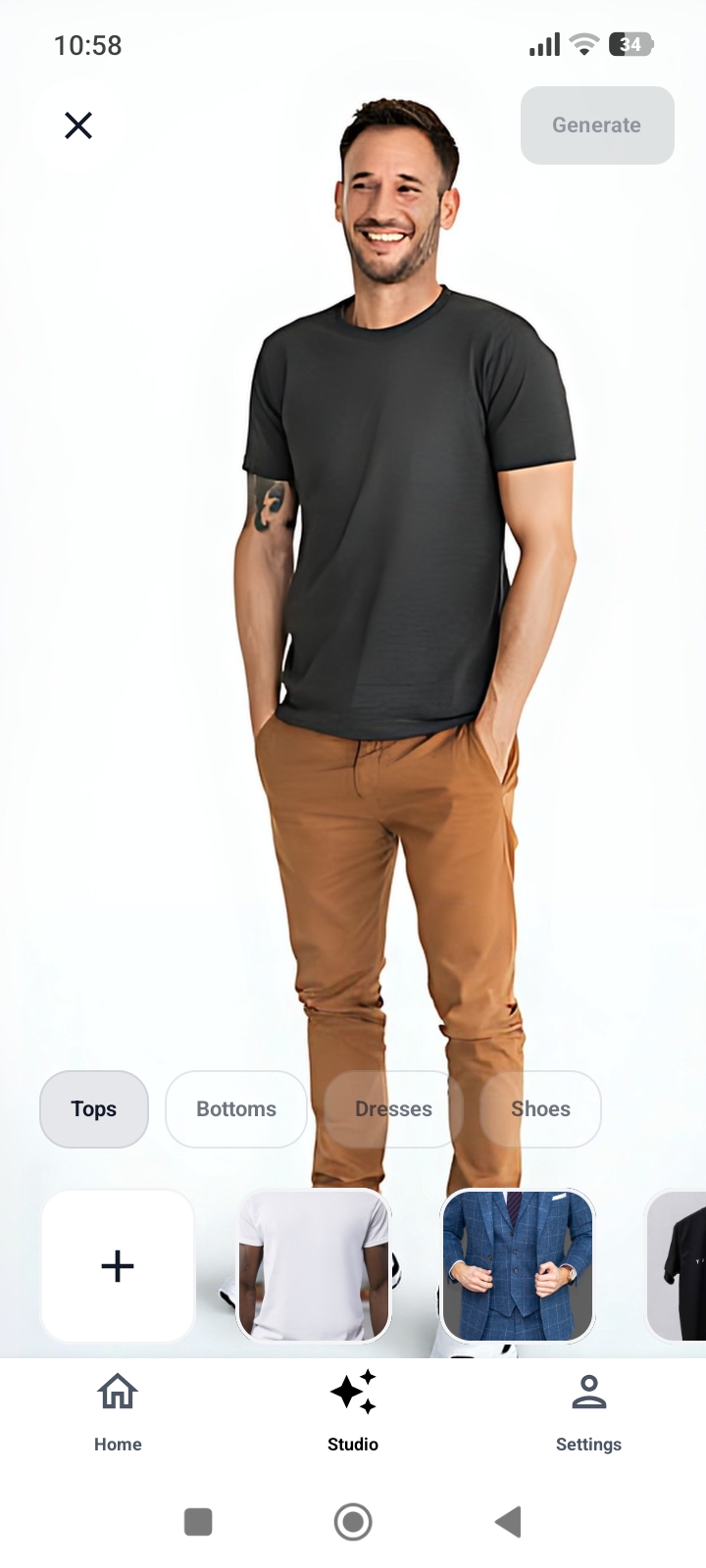
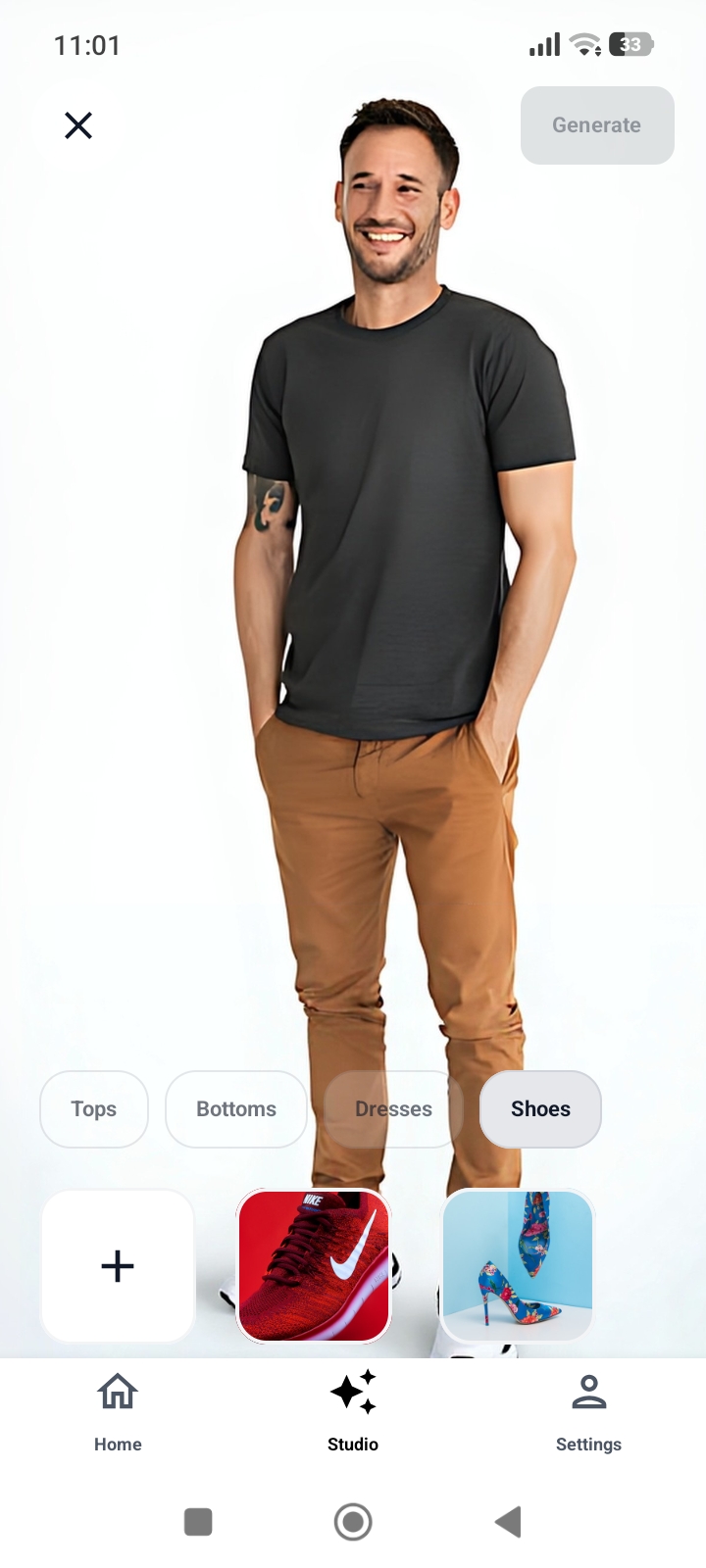
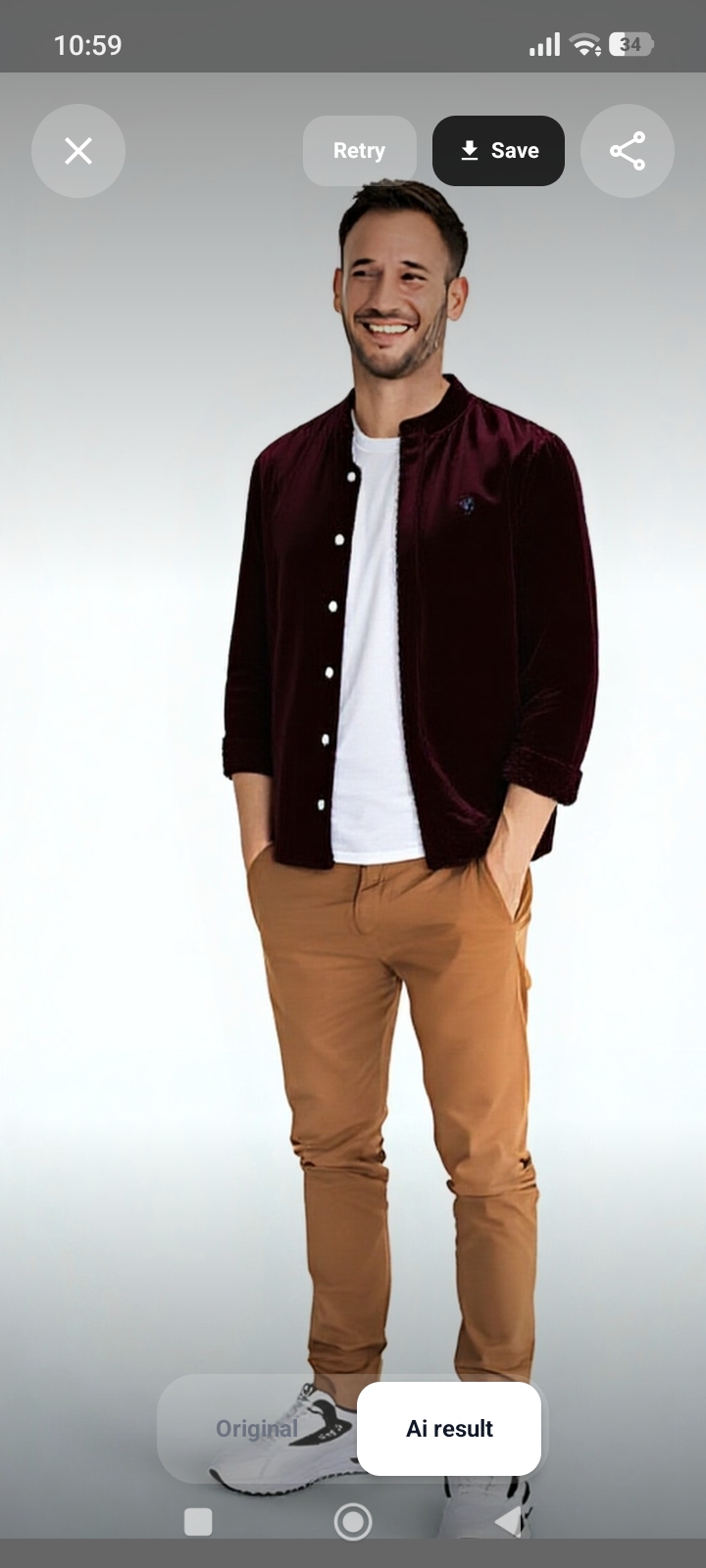
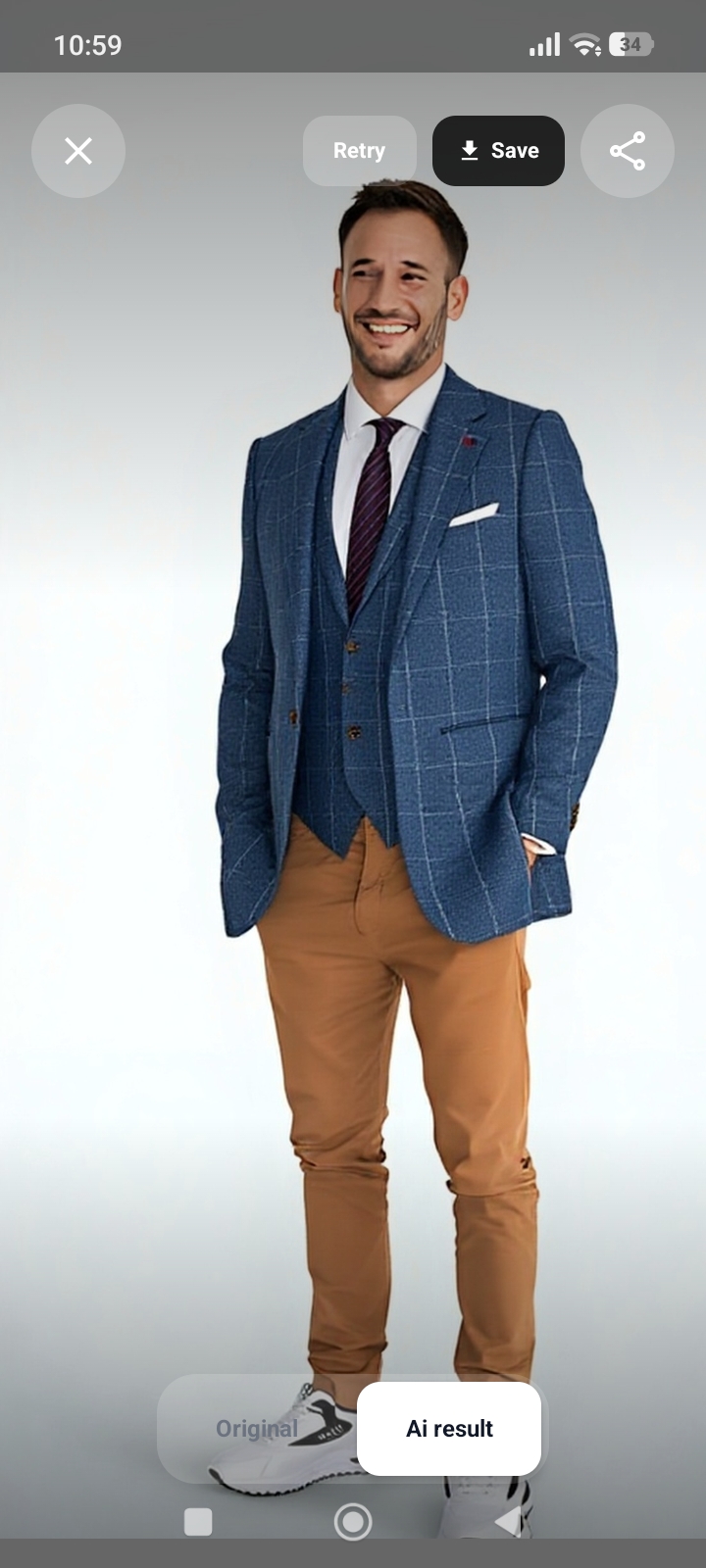
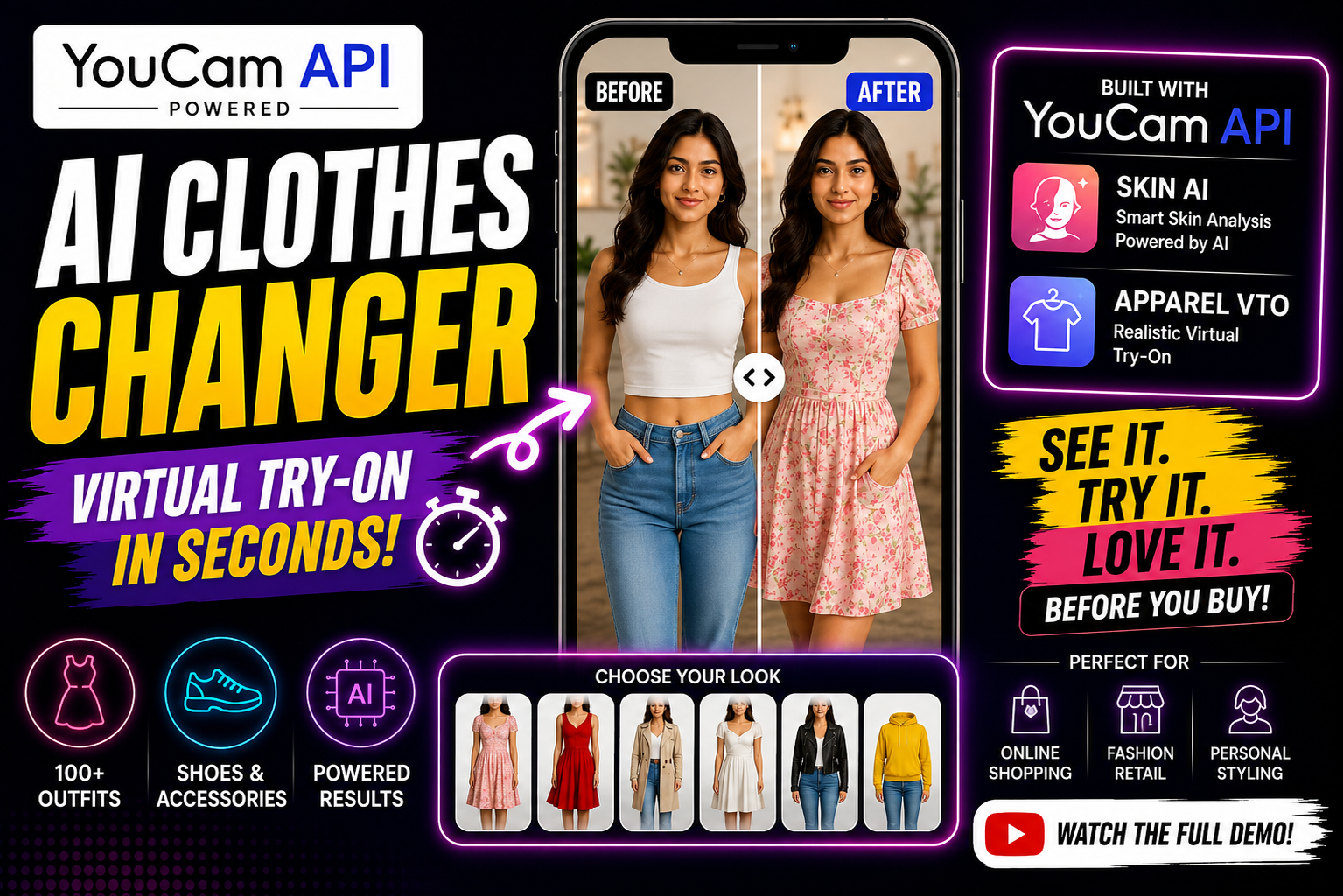
GLOWUP AI Studio is an Android virtual try-on app powered by YouCam's AI engine. Two ways to try on: 📸 Your Photo + Our Catalog — Capture your photo using the in-app camera or pick from gallery. Browse 10+ curated garments across tops, bottoms, dresses, shoes, and accessories. Tap any item, hit "Try On," and get a photorealistic result.
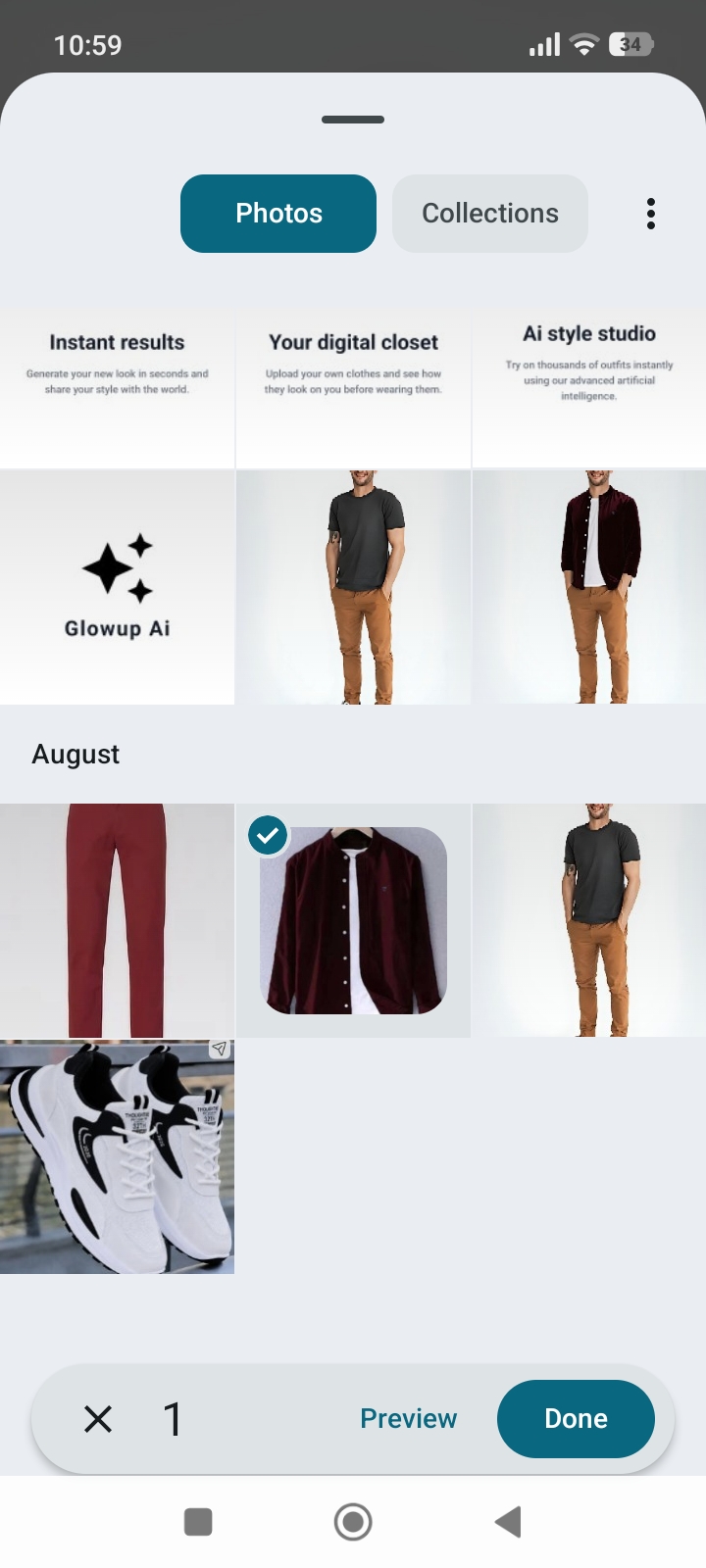
👕 Your Photo + Your Own Clothes — This is the game-changer. Saw a shirt online? A dress from a wishlist? Simply upload that garment image from your gallery, and the AI overlays it on your photo. No catalog limitations — try on literally anything.
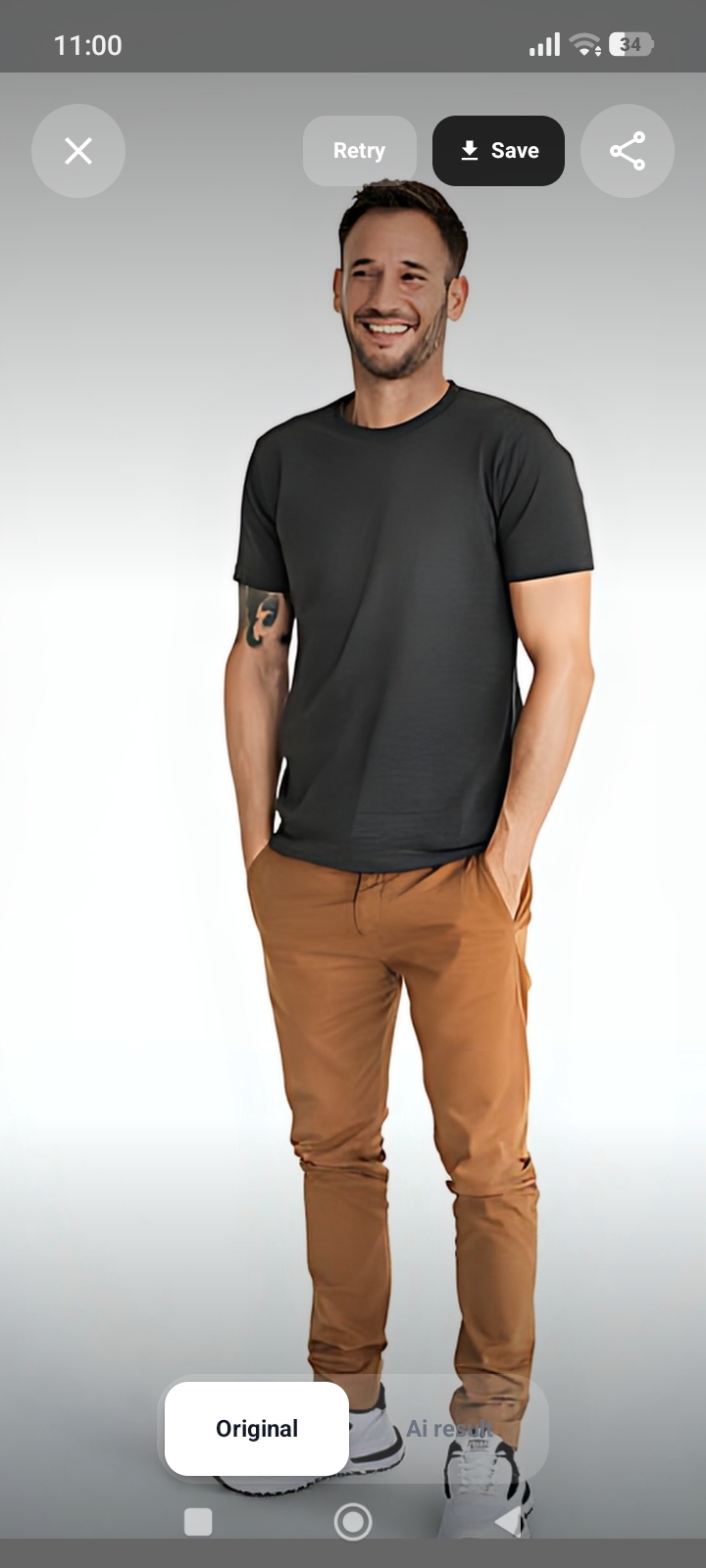
Compare your original photo with the AI result using a smooth before/after toggle. Save to your gallery or share directly to social media.
How we built it
Tech Stack:
Jetpack Compose + Material 3 — modern Android UI with violet gradient branding and animated transitions CameraX — in-app camera for full-body photo capture with front/back camera support OkHttp — direct API calls to YouCam v2.0 with auth injection, logging, and retry handling Kotlin Coroutines — all network and image processing runs asynchronously DataStore Preferences — secure token persistence with auto-login Coil — async image loading for garment thumbnails Navigation Compose — animated screen routing with bottom navigation YouCam API Integration:
Upload person + garment images via POST /s2s/v2.0/file → receive file_id for each Create try-on task via POST /s2s/v2.0/task/cloth with src_file_id, ref_file_id, and garment_category Poll GET /s2s/v2.0/task/cloth/{task_id} every 2 seconds until task_status: "success" Extract result image from results.url in the response Images compressed to JPEG 85% before upload for optimal speed 180-second read timeout to handle AI processing time
Challenges we ran into
Undocumented API Parameters — YouCam v2.0 uses ref_file_id not garment_file_id. Wrong parameter silently returned errors. Solved through systematic testing of every parameter combination. Nested Response Parsing — Result comes wrapped as { status, data: { results: { url } } } instead of a simple image URL. Took multiple attempts to correctly navigate the JSON structure. CameraX Lifecycle in Compose — The PreviewView must exist before binding the camera, but Compose recomposes asynchronously. Solved with a state-keyed LaunchedEffect that waits for the view to be ready before initializing CameraX. Own Garment Upload Flow — Letting users pick any image from their gallery and sending it to the API required careful base64 encoding, size management, and error handling for non-clothing images. API Processing Latency — YouCam's AI takes 10-30 seconds per try-on. Built a polling mechanism with loading states and progress indicators so users never feel the app is frozen.
Accomplishments that we're proud of
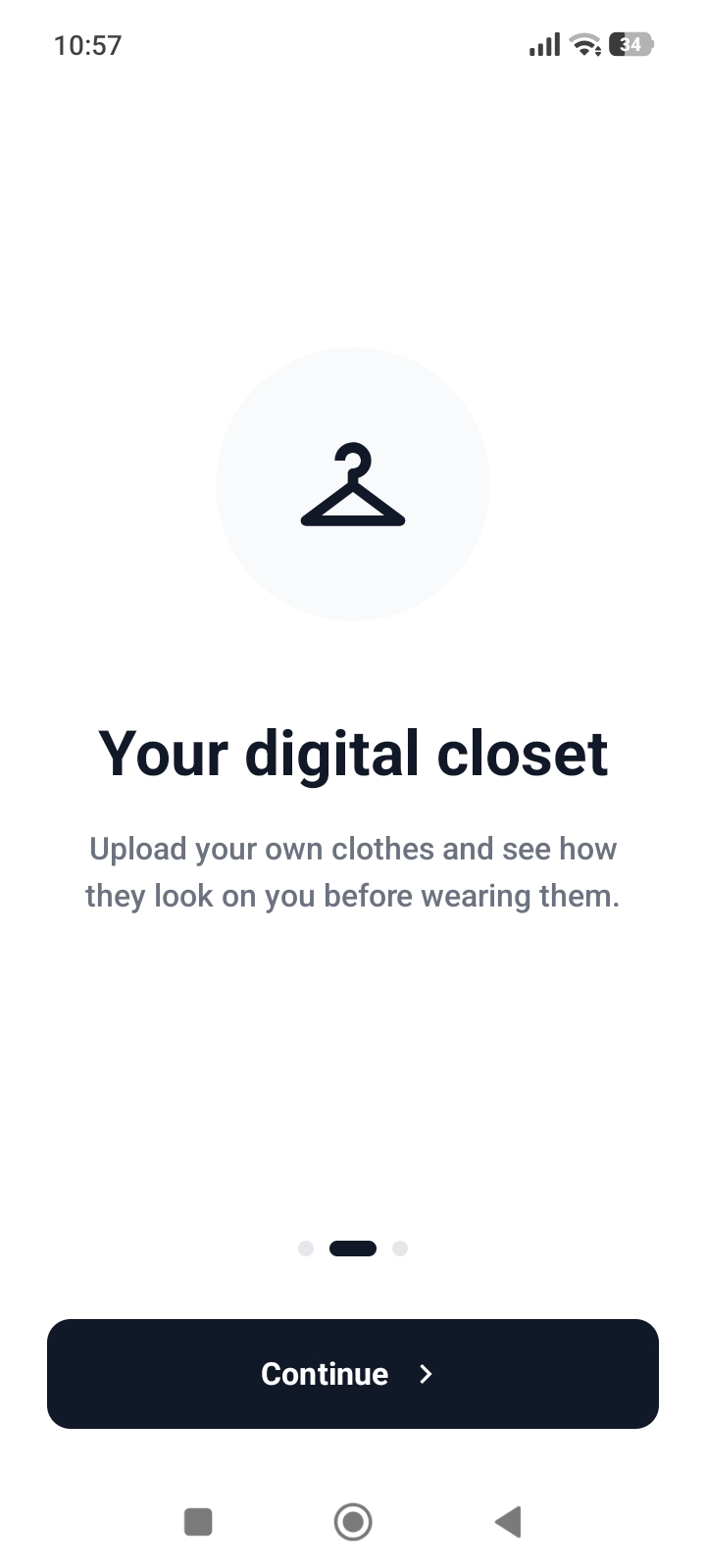
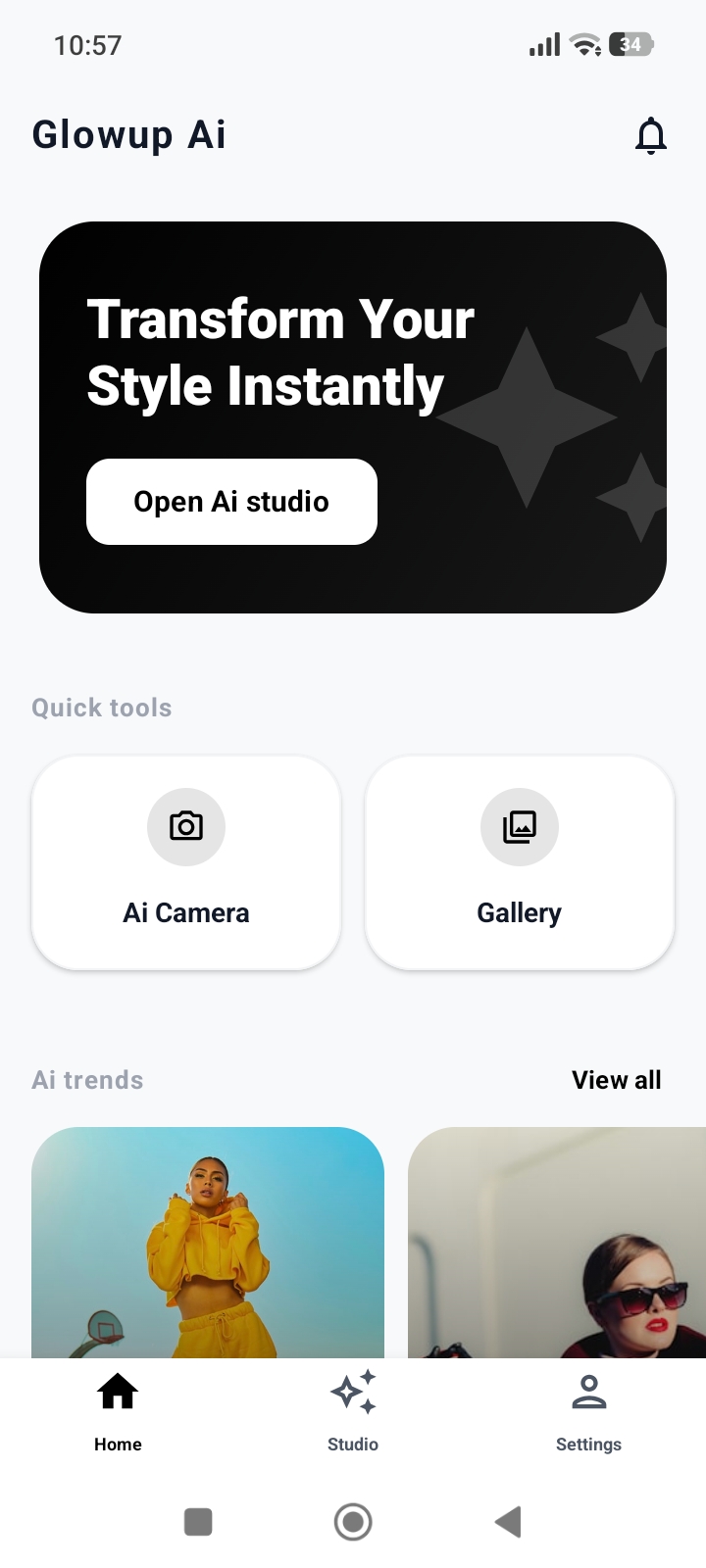
Try on ANY garment — not limited to our catalog. Users upload their own clothing images from gallery and get instant AI results. This is the killer feature. Complete camera-to-result pipeline — open camera → capture → select garment → AI processing → before/after comparison → save/share. All in one smooth flow. Direct YouCam API integration — no middleware, no backend. The Android app handles everything: upload, task creation, polling, and result display. Polished UI — animated splash screen, left-right auth layout, violet gradient branding, category chips, garment grid, bottom navigation — every screen is designed to impress. Clean architecture — 35+ Kotlin files organized into api/, model/, store/, screens/, navigation/, and theme/ packages. Built entirely during the hackathon — from zero to a fully working virtual try-on app.
What we learned
YouCam v2.0 API — mastered the file upload → task → poll workflow, including correct parameter names, category enums, and response parsing CameraX + Compose integration — learned the exact pattern for binding camera lifecycle inside Compose's AndroidView without race conditions Hackathon speed strategy — calling YouCam API directly from the Android app (no backend) saved enormous development time while keeping the architecture clean Image optimization — JPEG quality 85% is the sweet spot: small enough for fast upload, sharp enough for AI to process accurately User experience under latency — long API calls need proper loading states, progress indicators, and the ability to cancel — otherwise users think the app crashed
What's next for GLOWUP AI Studio App
Backend Security Layer — proxy YouCam API calls through a server to protect the API key in production Real-Time AR Try-On — use ARCore for live camera overlay instead of photo-based Smart Size Recommendation — analyze body proportions to suggest the right garment size Brand Partnerships — integrate e-commerce APIs so users can buy directly after trying on Outfit Builder — layer multiple garments (shirt + pants + shoes) in a single try-on Social Sharing — community feed where users post try-ons and get feedback iOS Version — rebuild with SwiftUI for cross-platform reach
Built With
- ai
- android
- android-studio
- camerax
- coil
- datastore-preferences
- gradle
- jetpack
- jetpack-compose
- kotlin
- kotlin-coroutines
- machine-learning
- material-design-3
- mobile-app
- mvvm-architecture
- navigation-compose
- okhttp
- virtual-try-on
- vto
- youcam-api