-
-
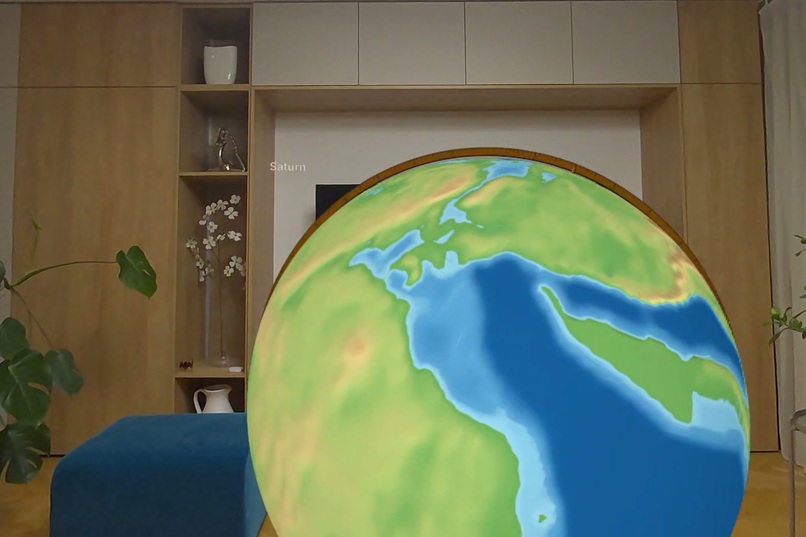
Drifting continents: the Earth up to 540 million years ago.
-
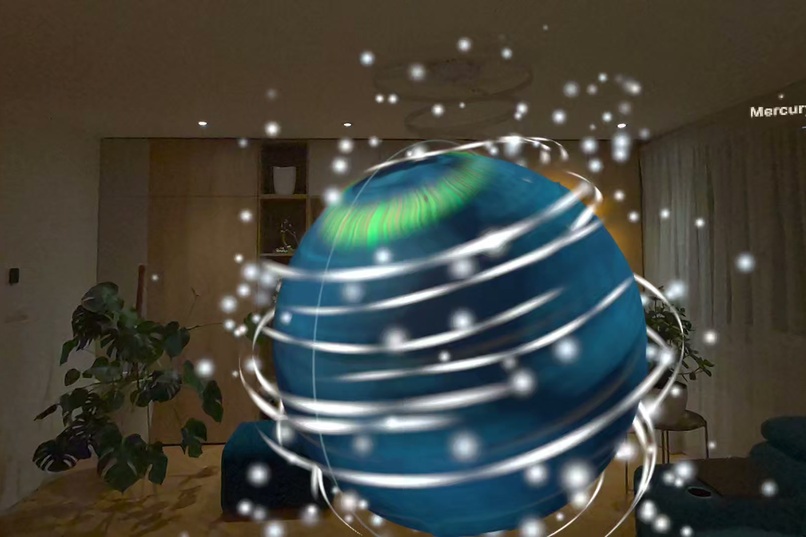
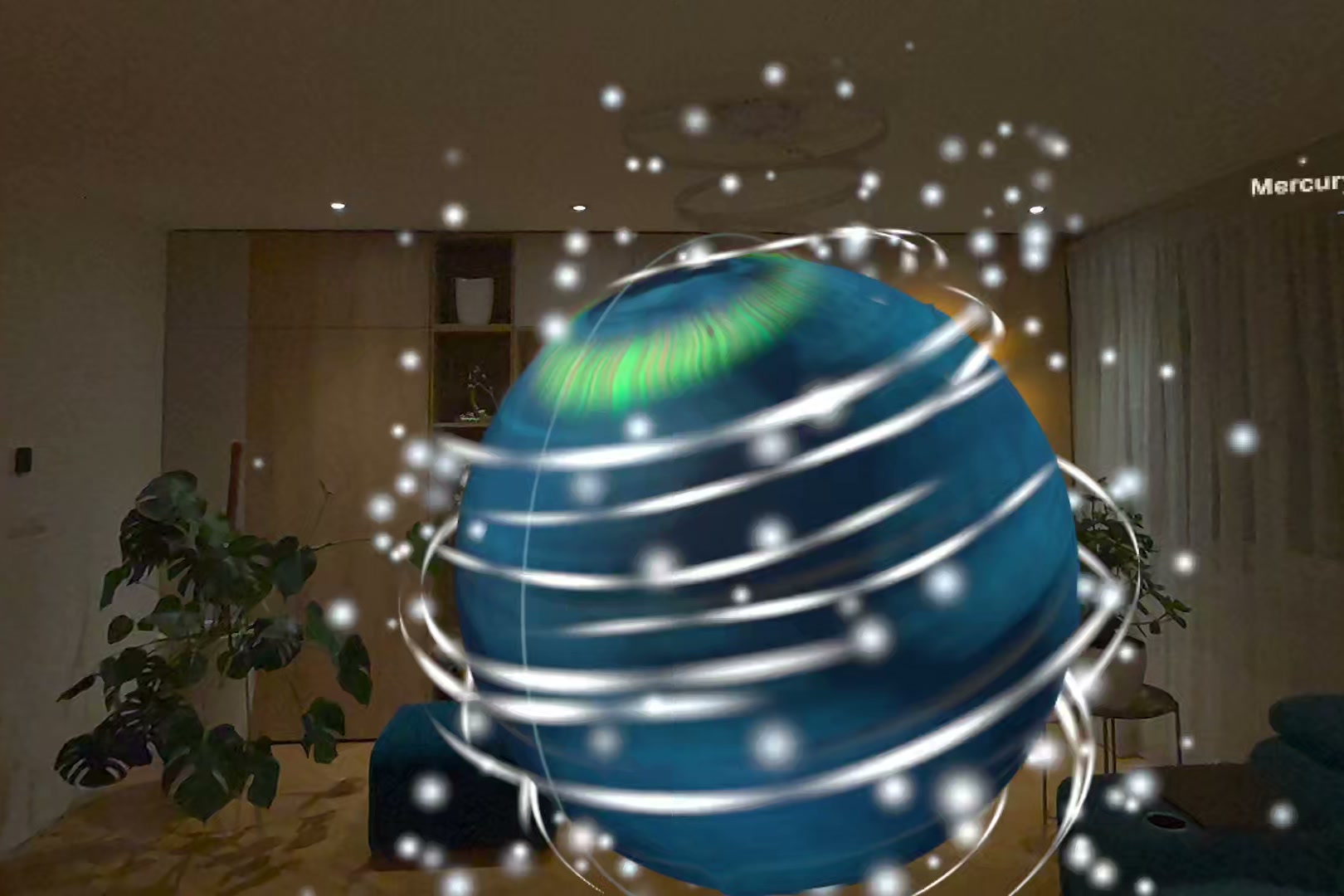
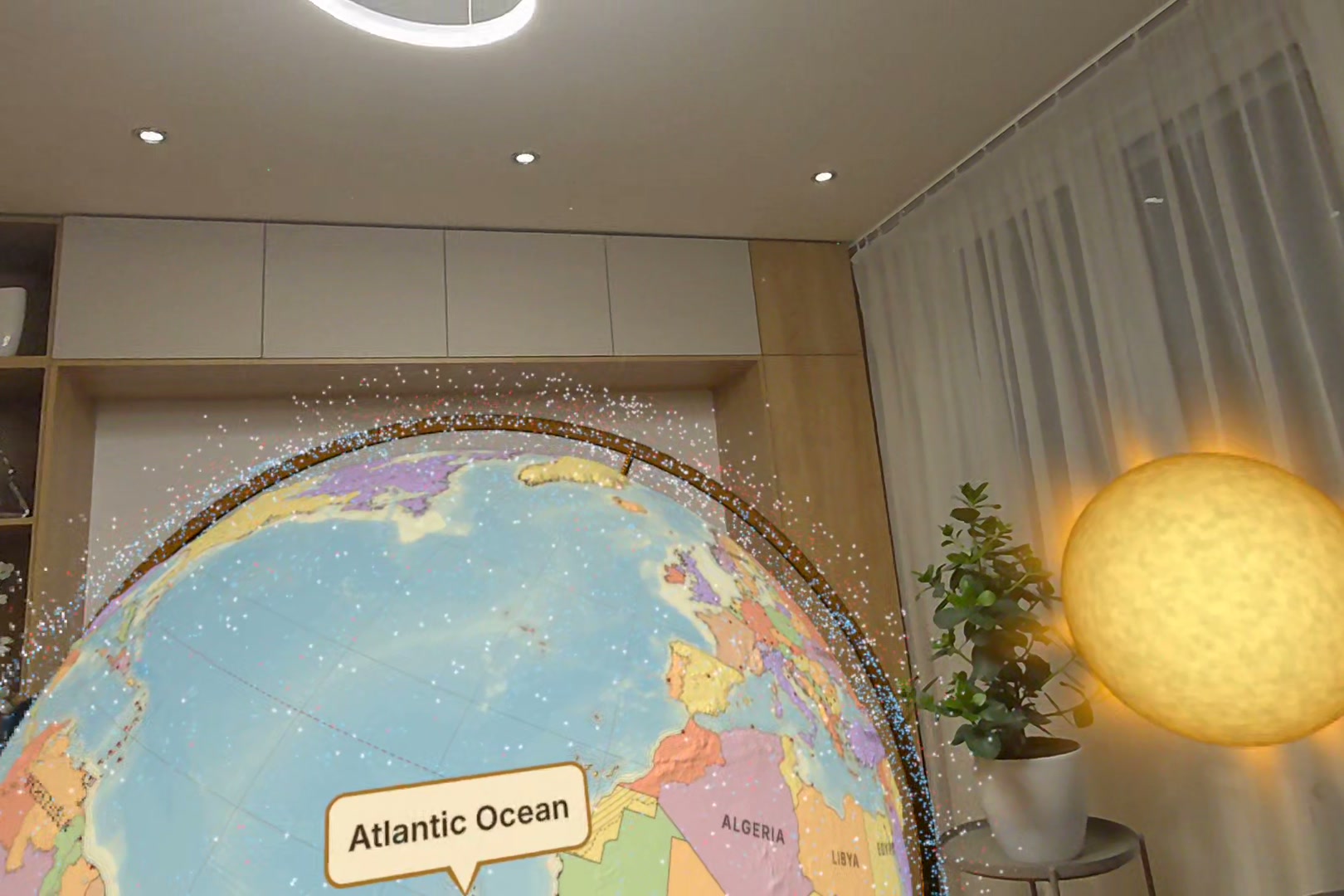
Spin it hard with your palm and a whirlwind of wind and sparks follows the globe.
-
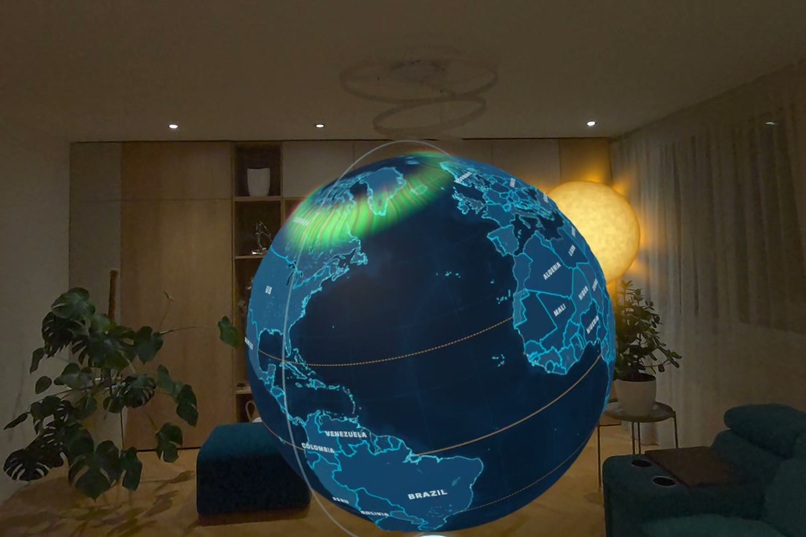
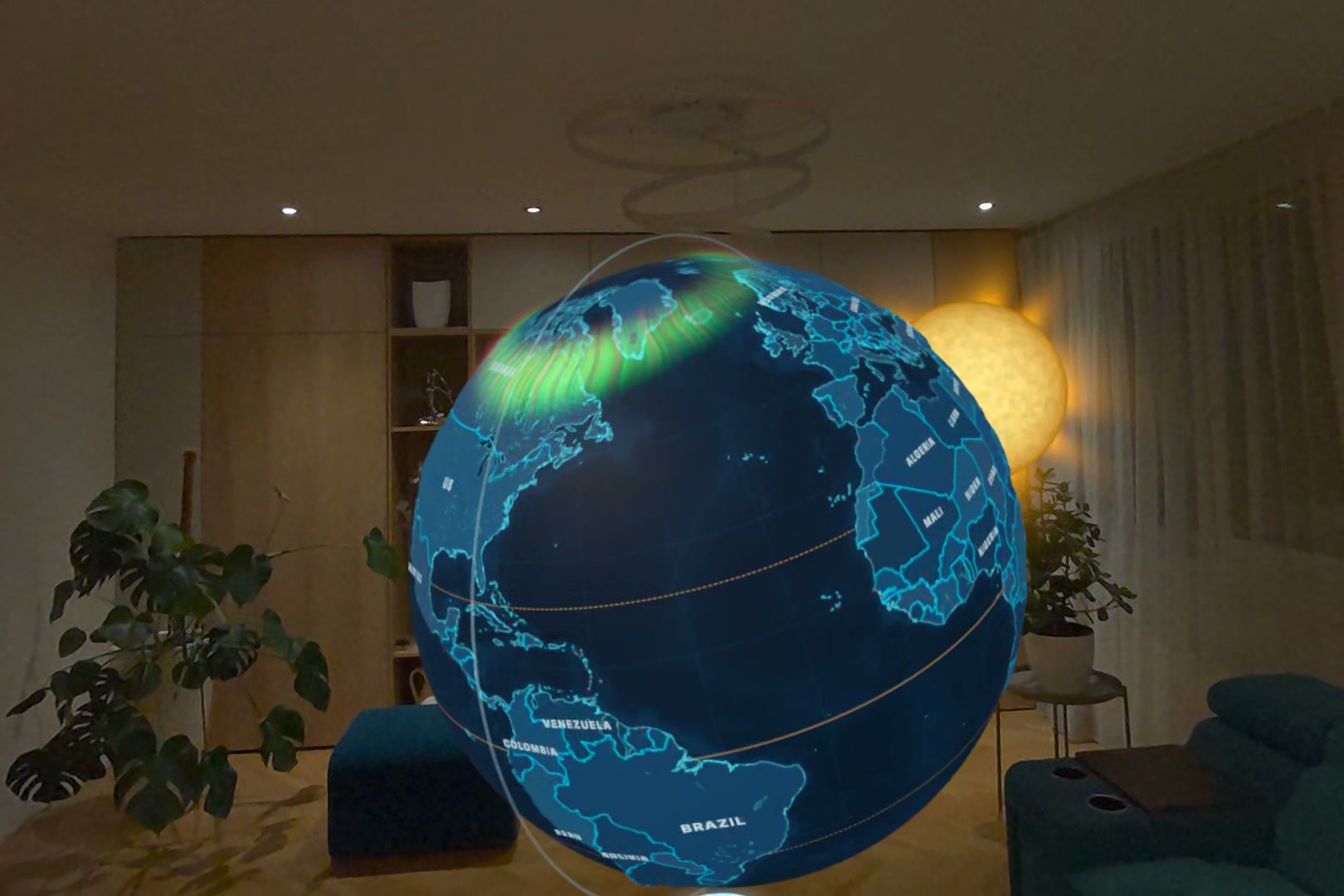
The aurora as forecast right now (NOAA), on the satellite map at night.
-
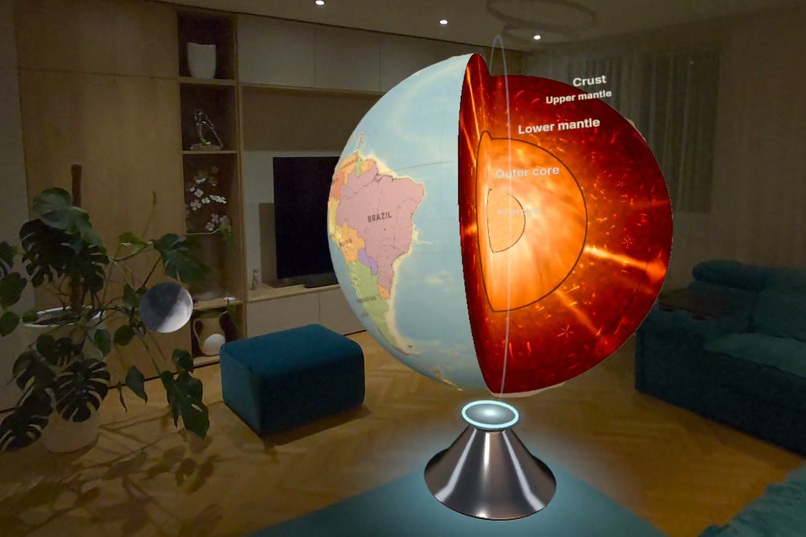
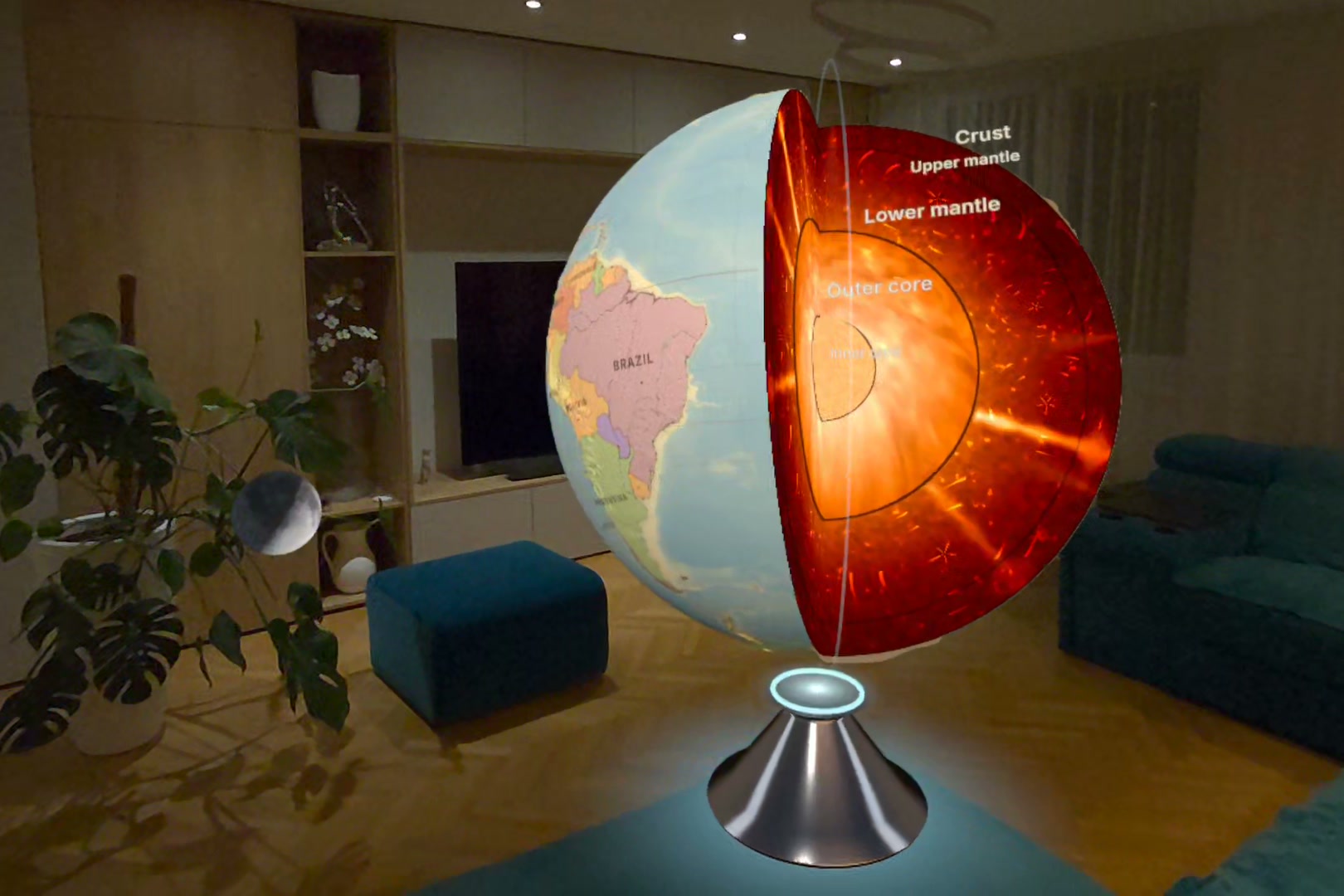
Cut the globe open: crust, mantle, outer and inner core.
-
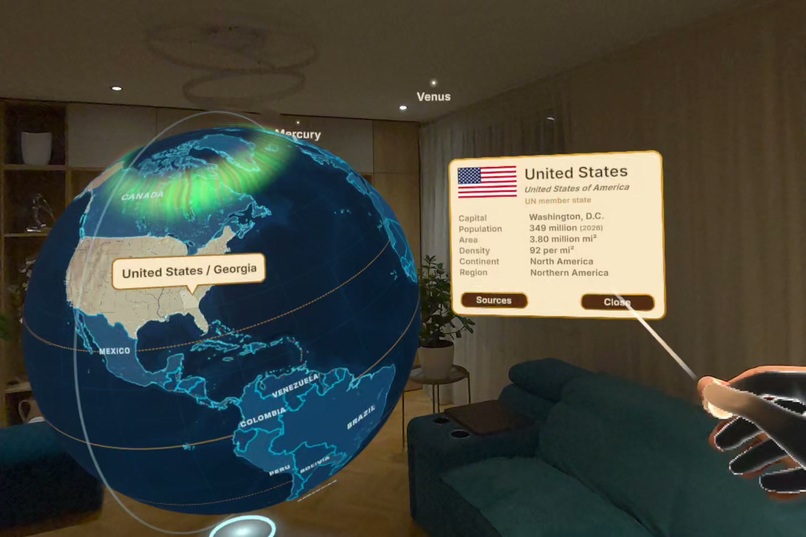
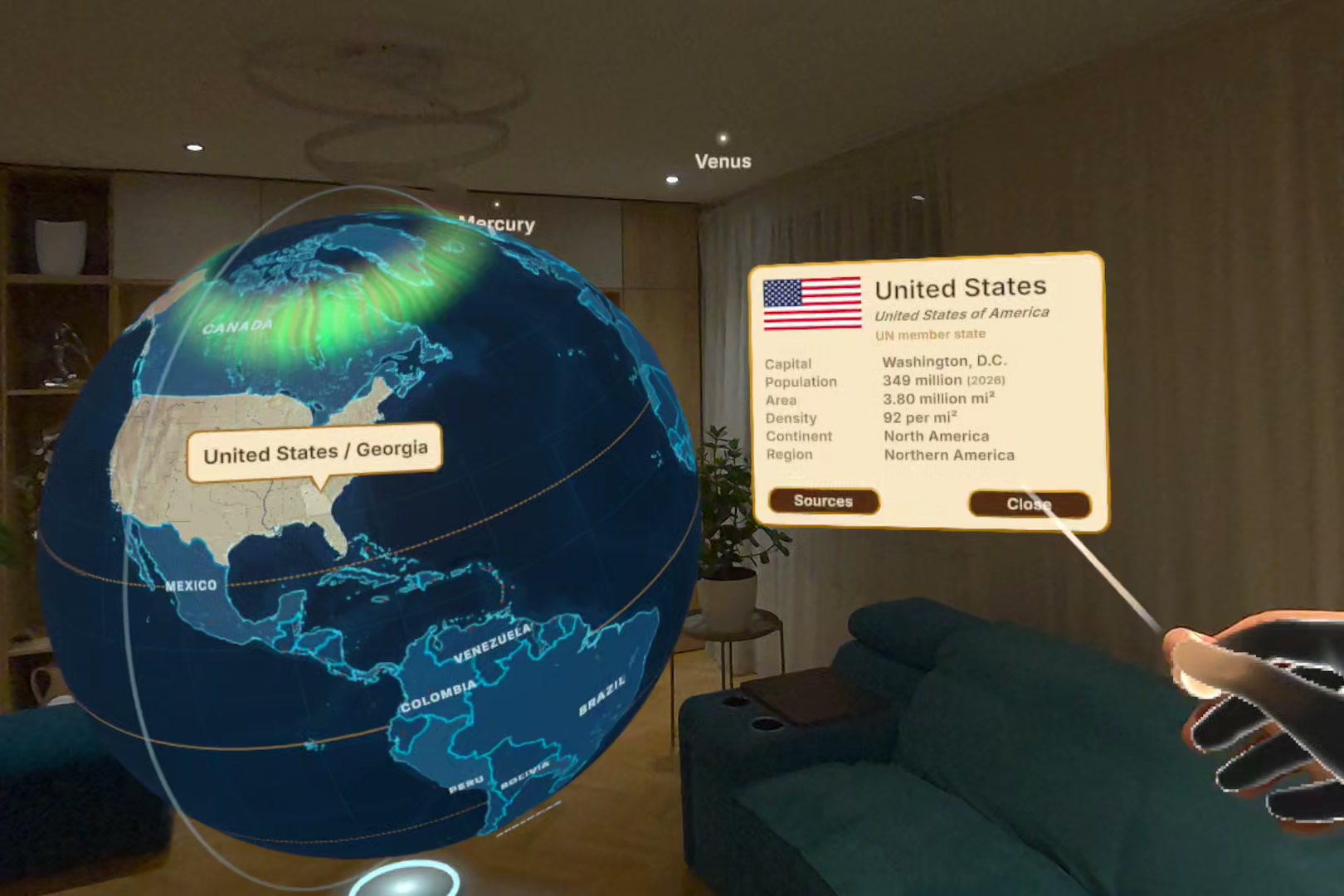
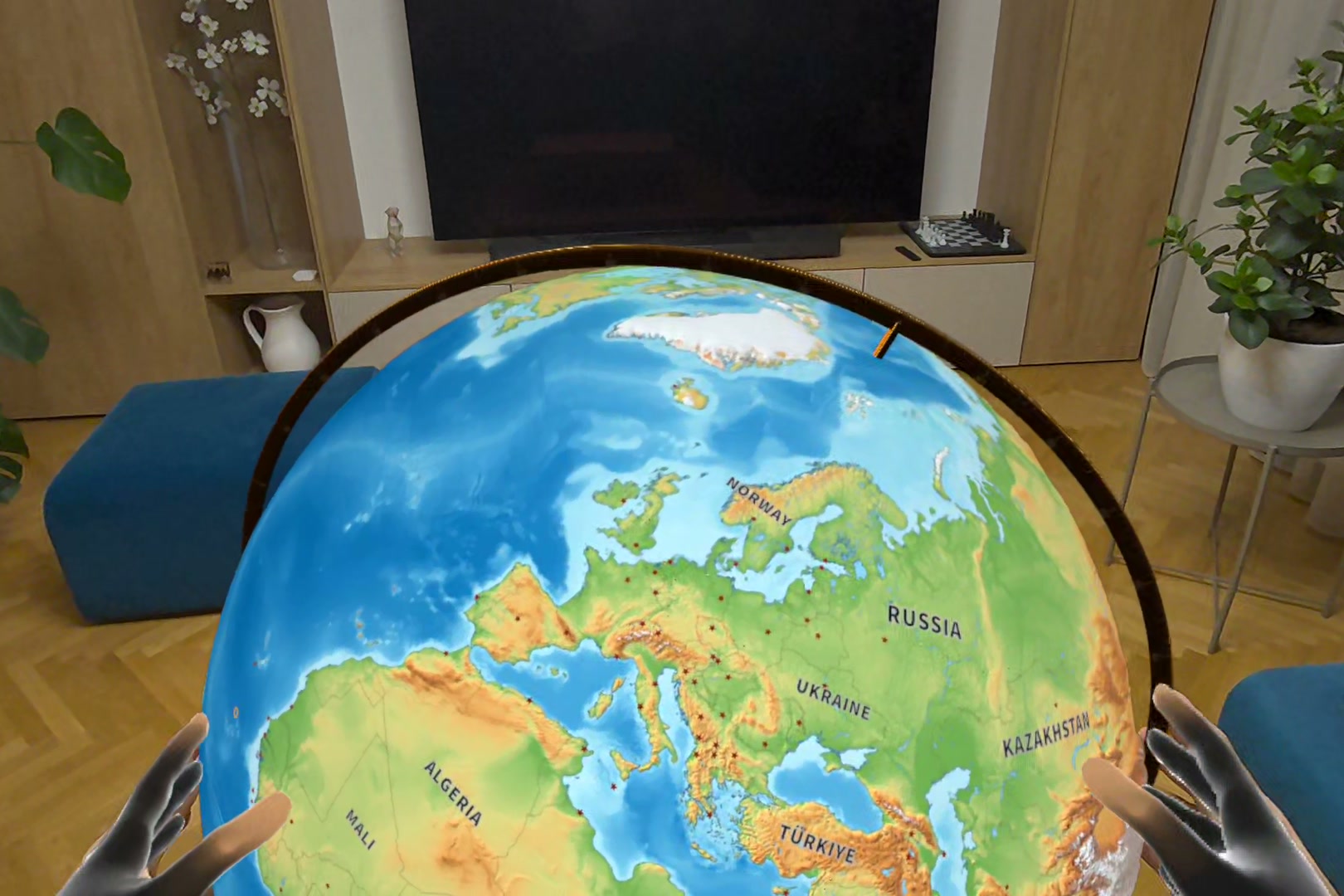
Point at any country: its region, flag and facts, each with its source and year.
-
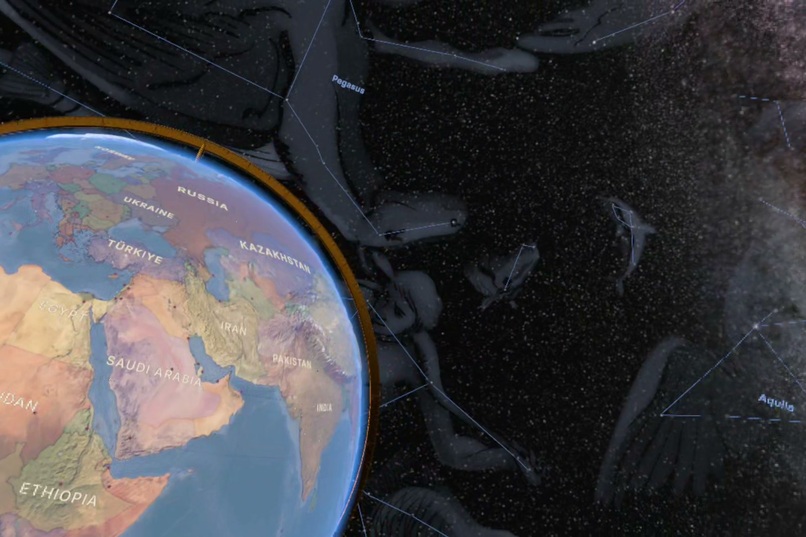
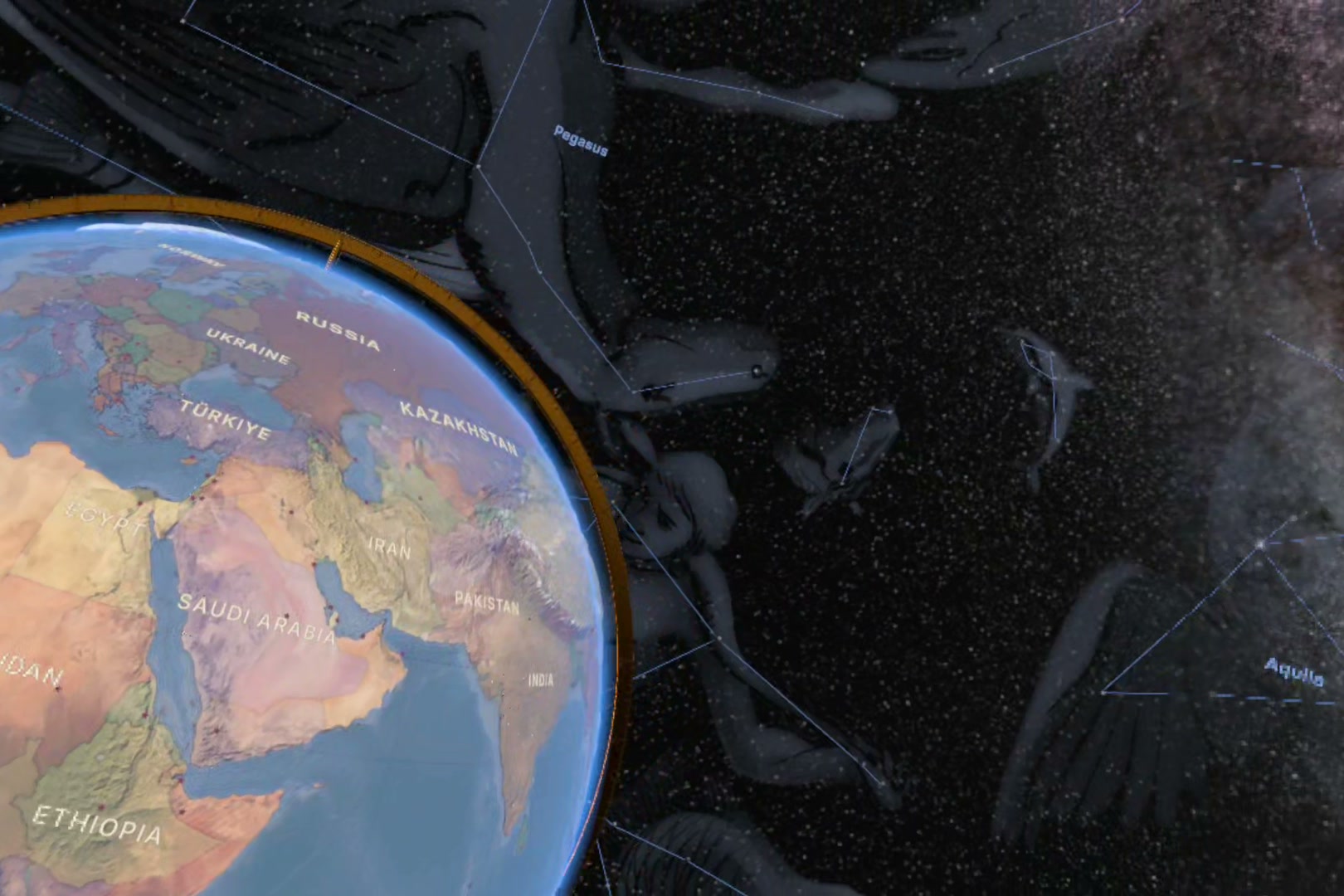
The night sky with the constellations around the globe.
-
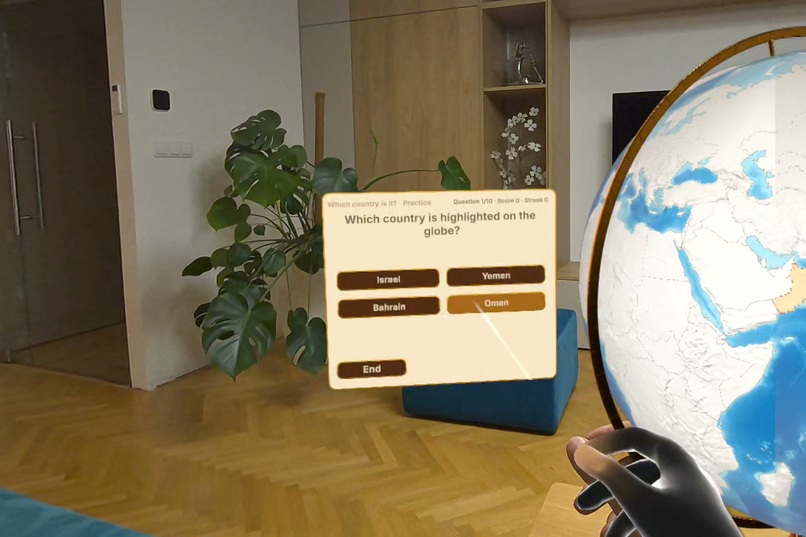
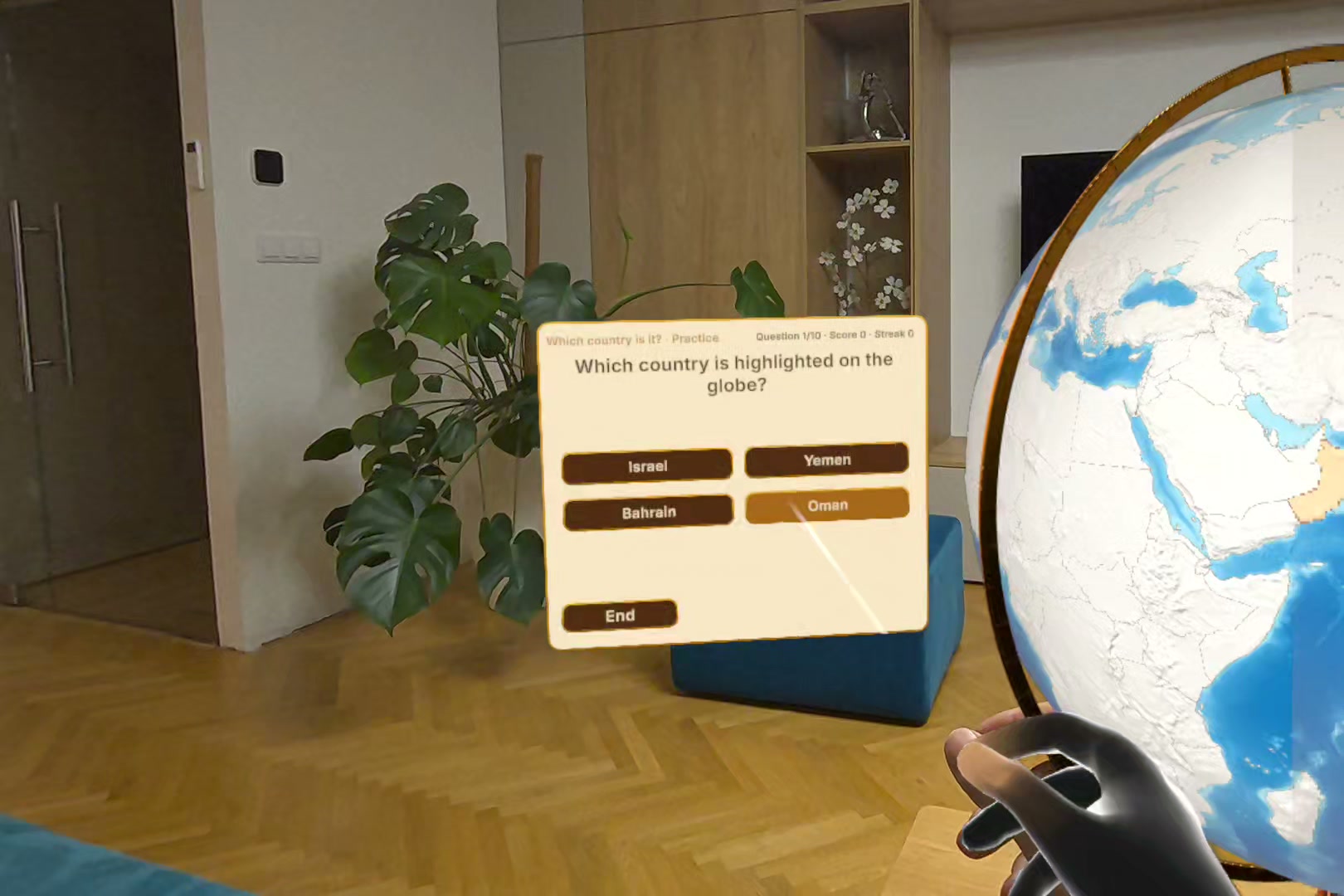
Quiz: which country is highlighted on the globe?
-
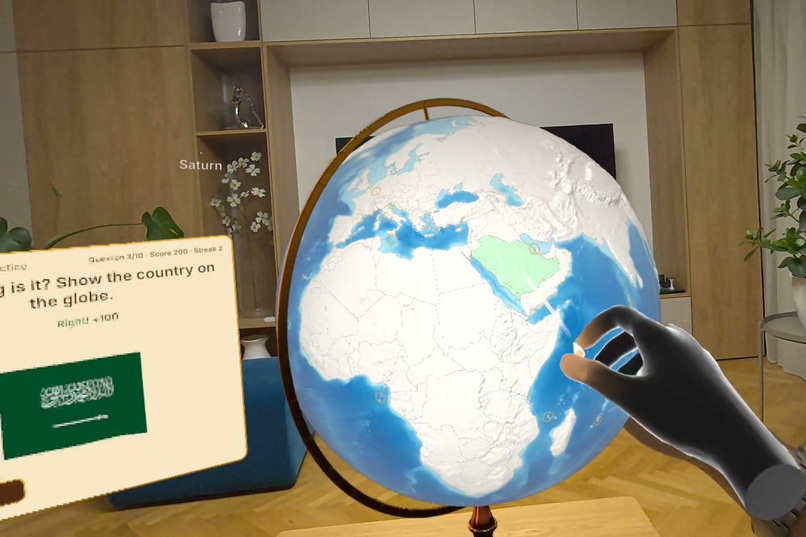
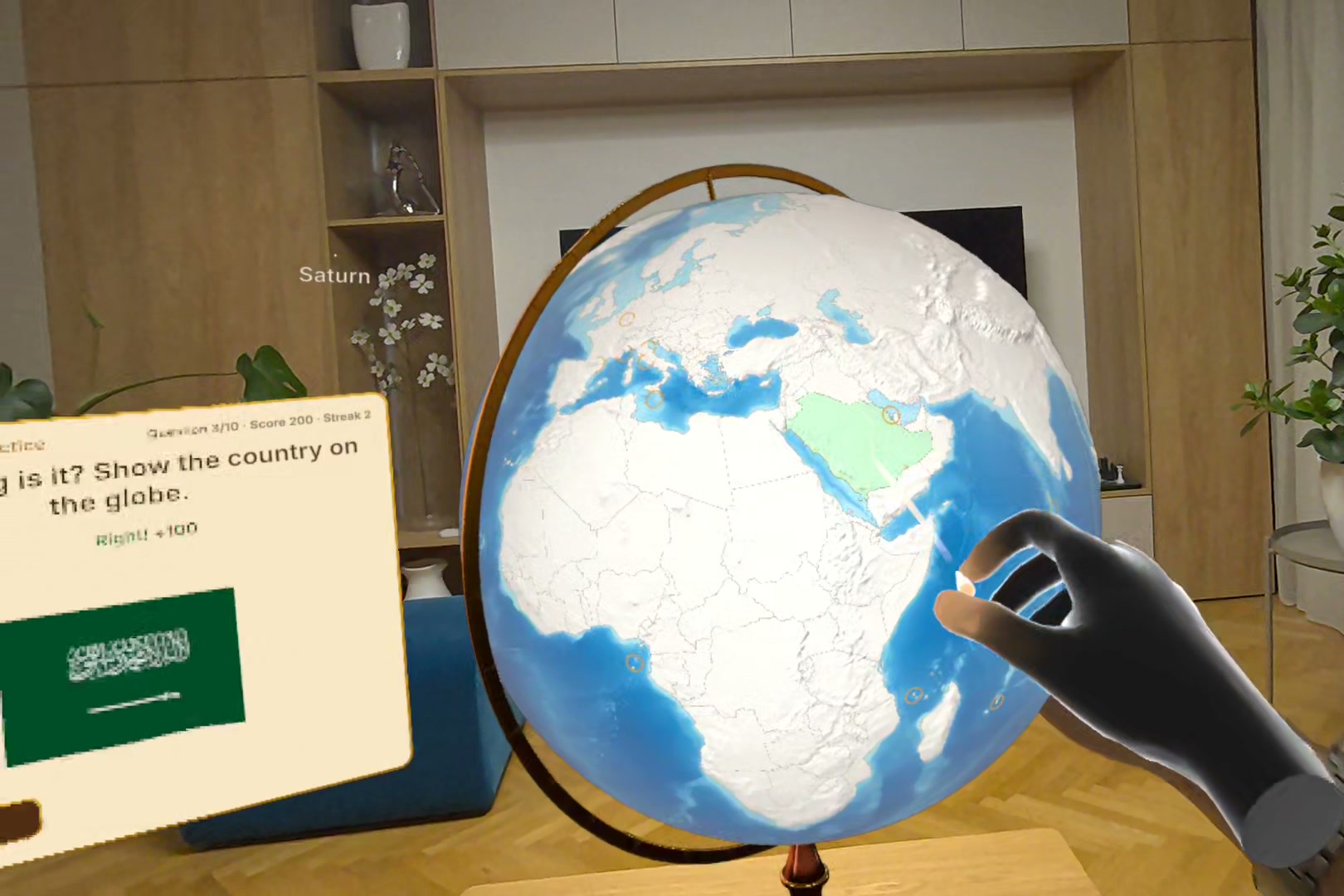
Quiz: whose flag is it? Show the country on the globe with your hand.
-
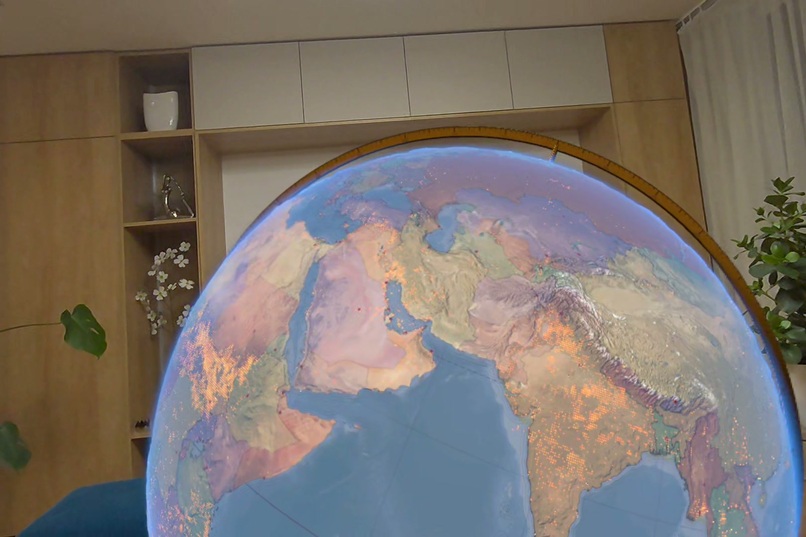
Active wildfires detected from space (NASA FIRMS).
-
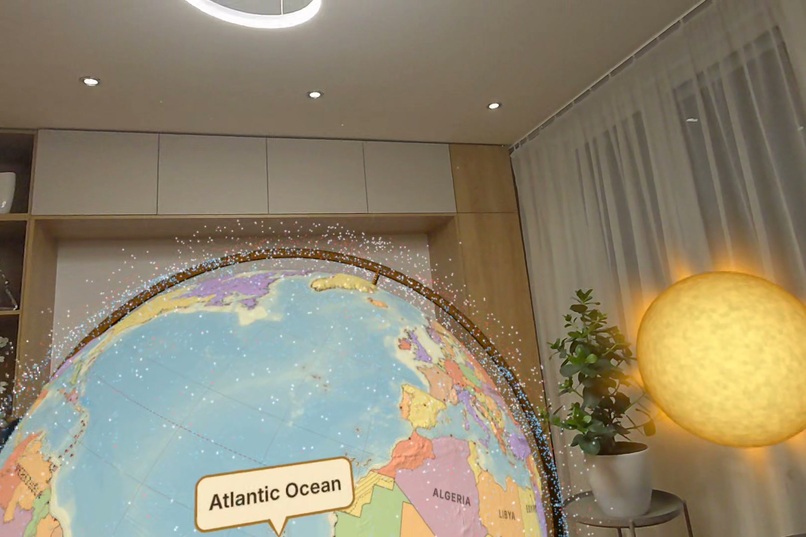
Live satellites around the globe, with the Sun and planets in the room.
-
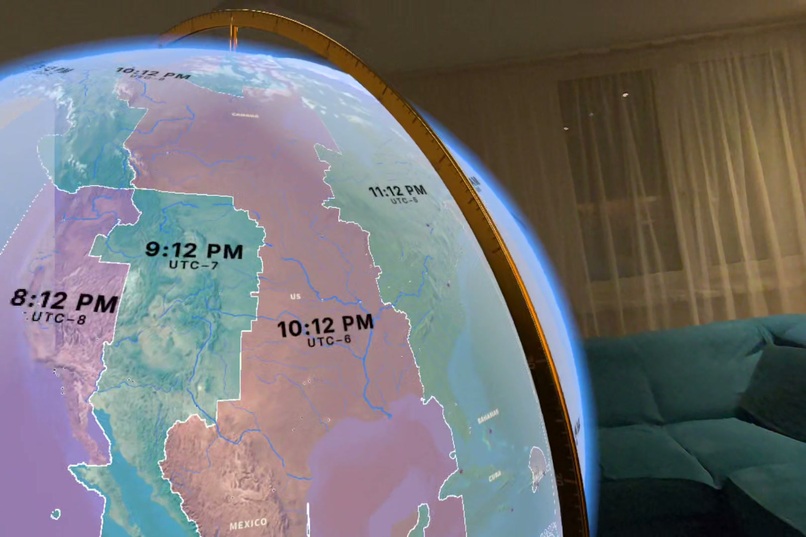
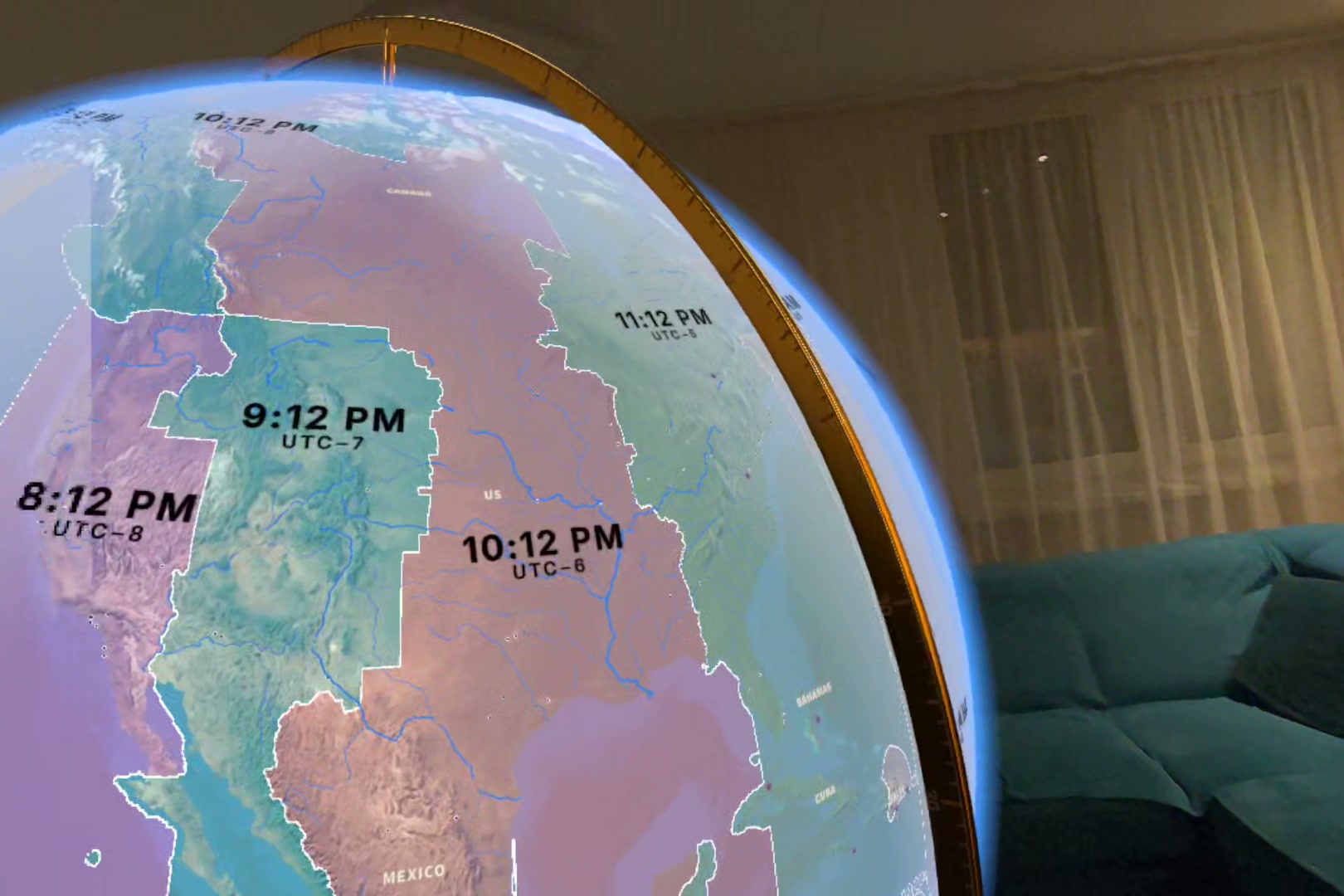
Time zones with the local time in each.
-
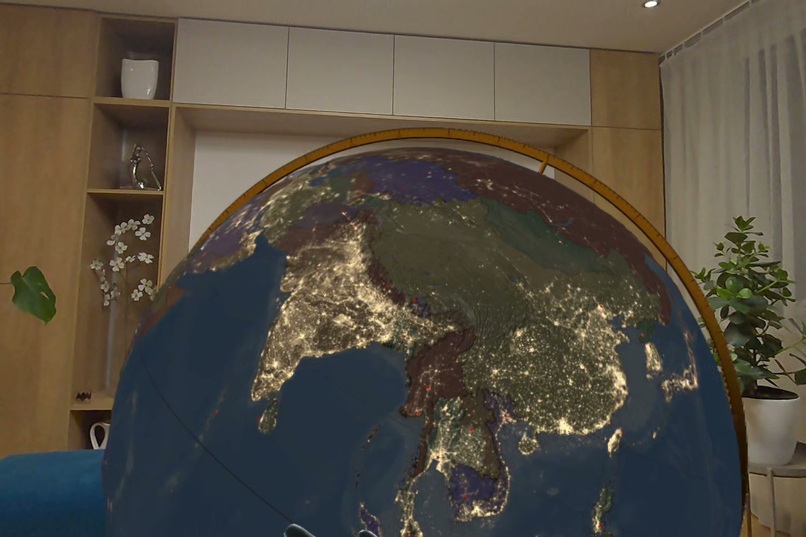
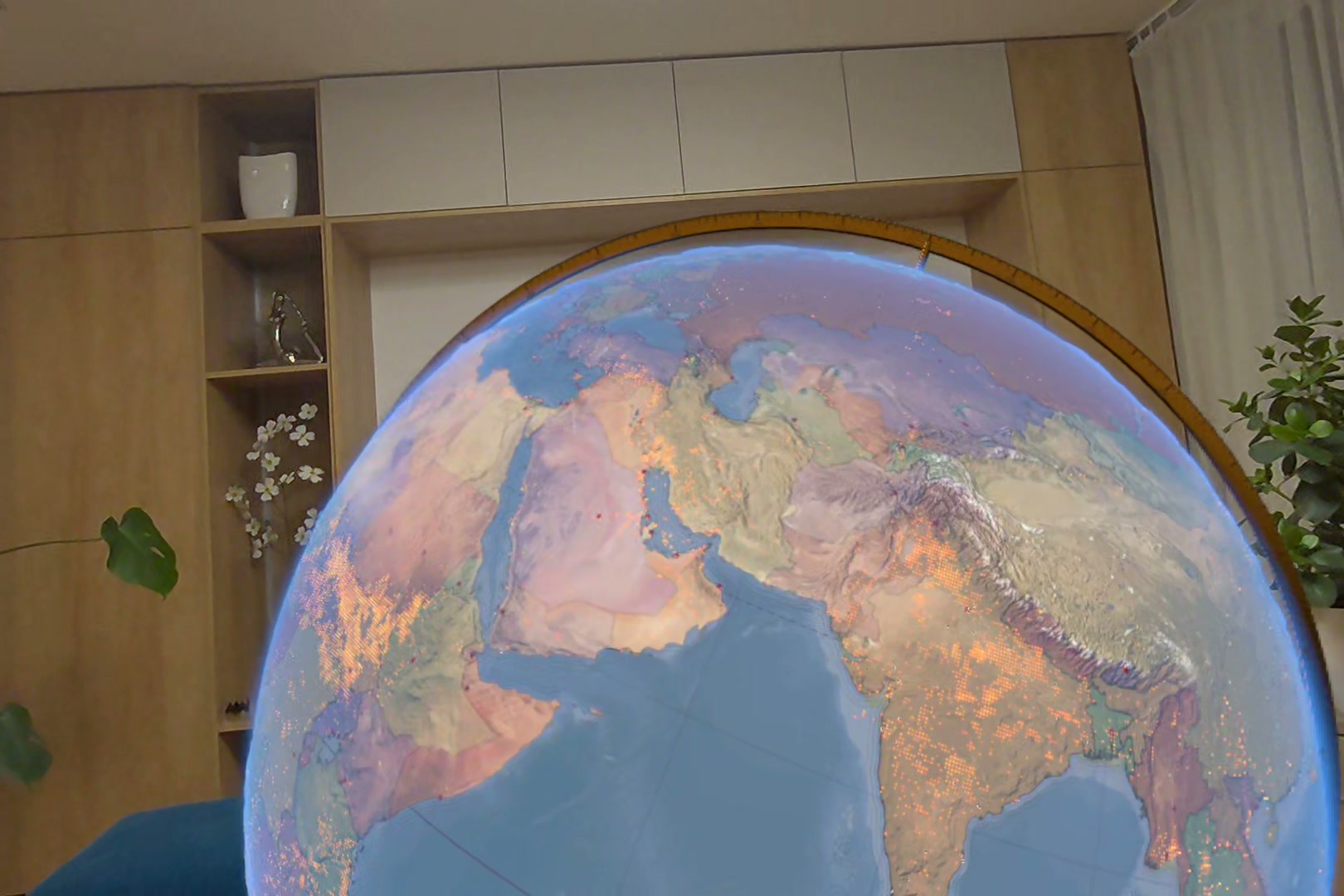
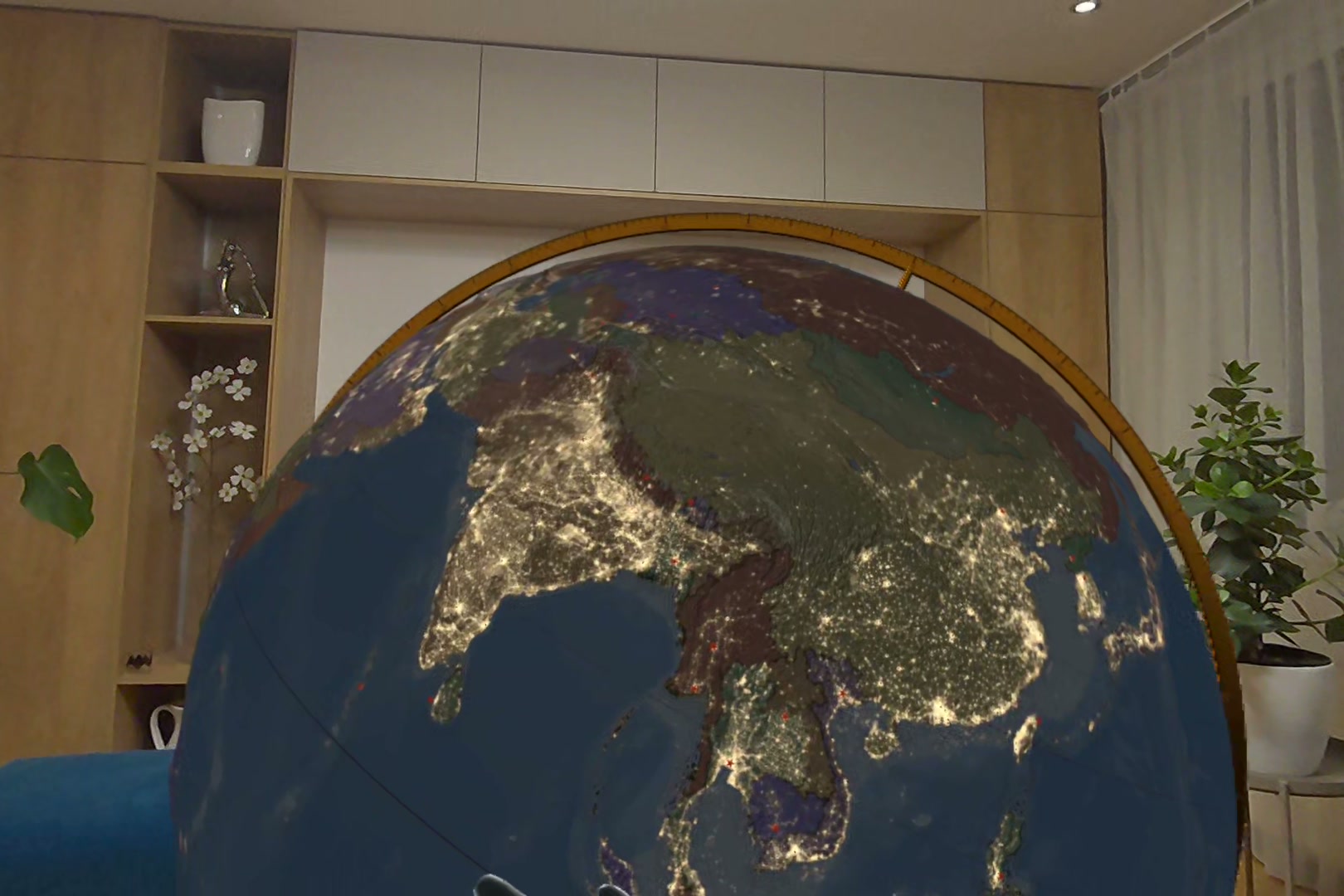
The satellite map at night: city lights.
-
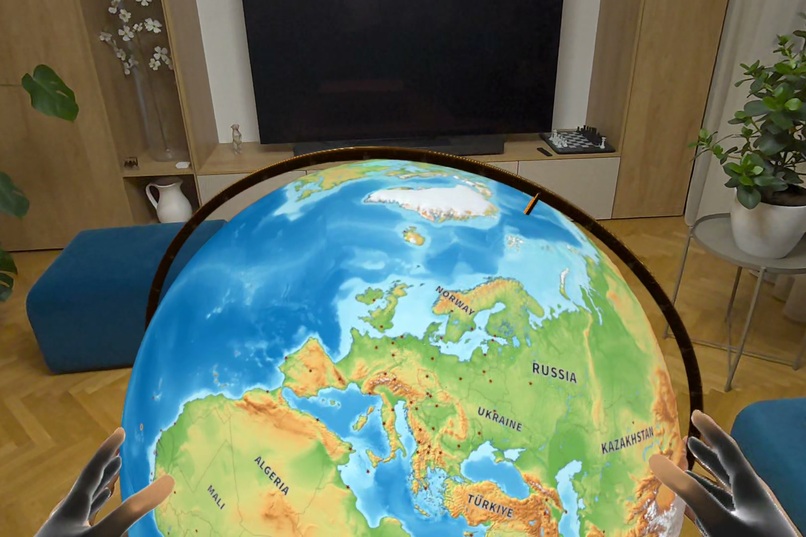
Pinch with both hands to make the globe as big as the room.
-
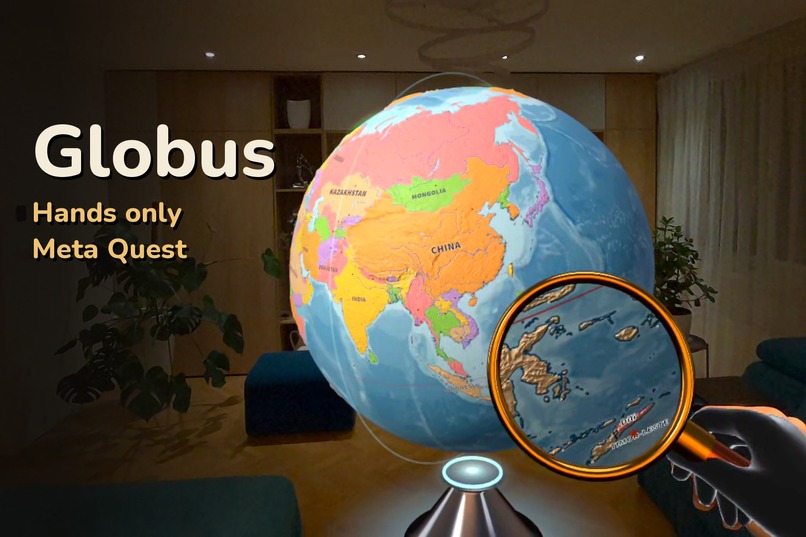
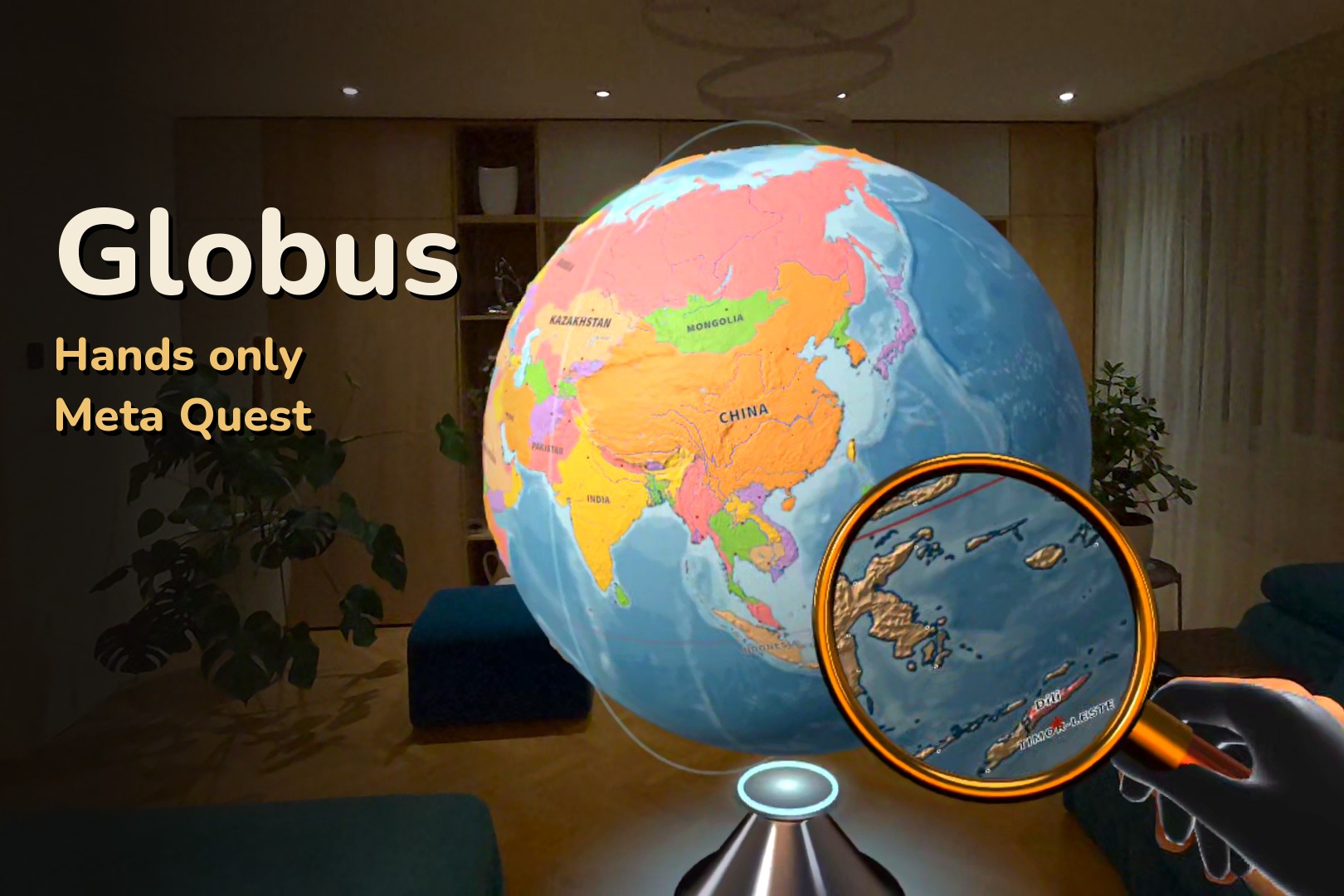
Globus: a big globe on a stand in your own room, played with your hands on Meta Quest 3 and 3S.
-
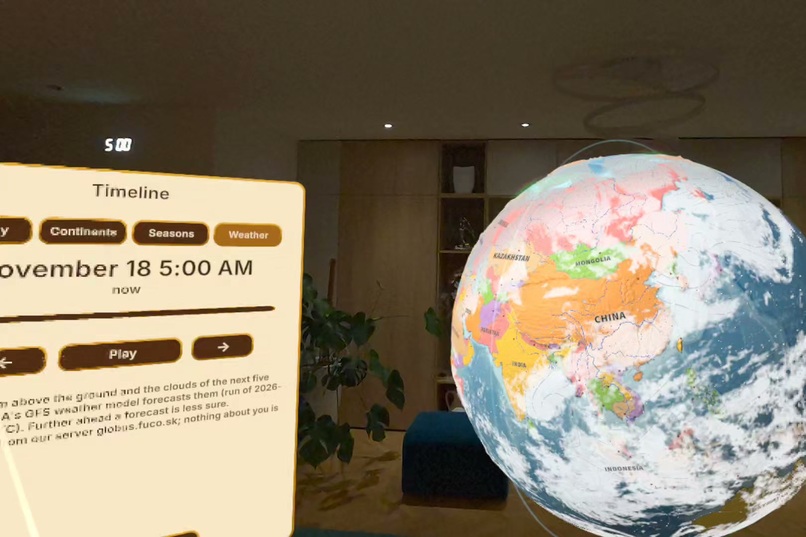
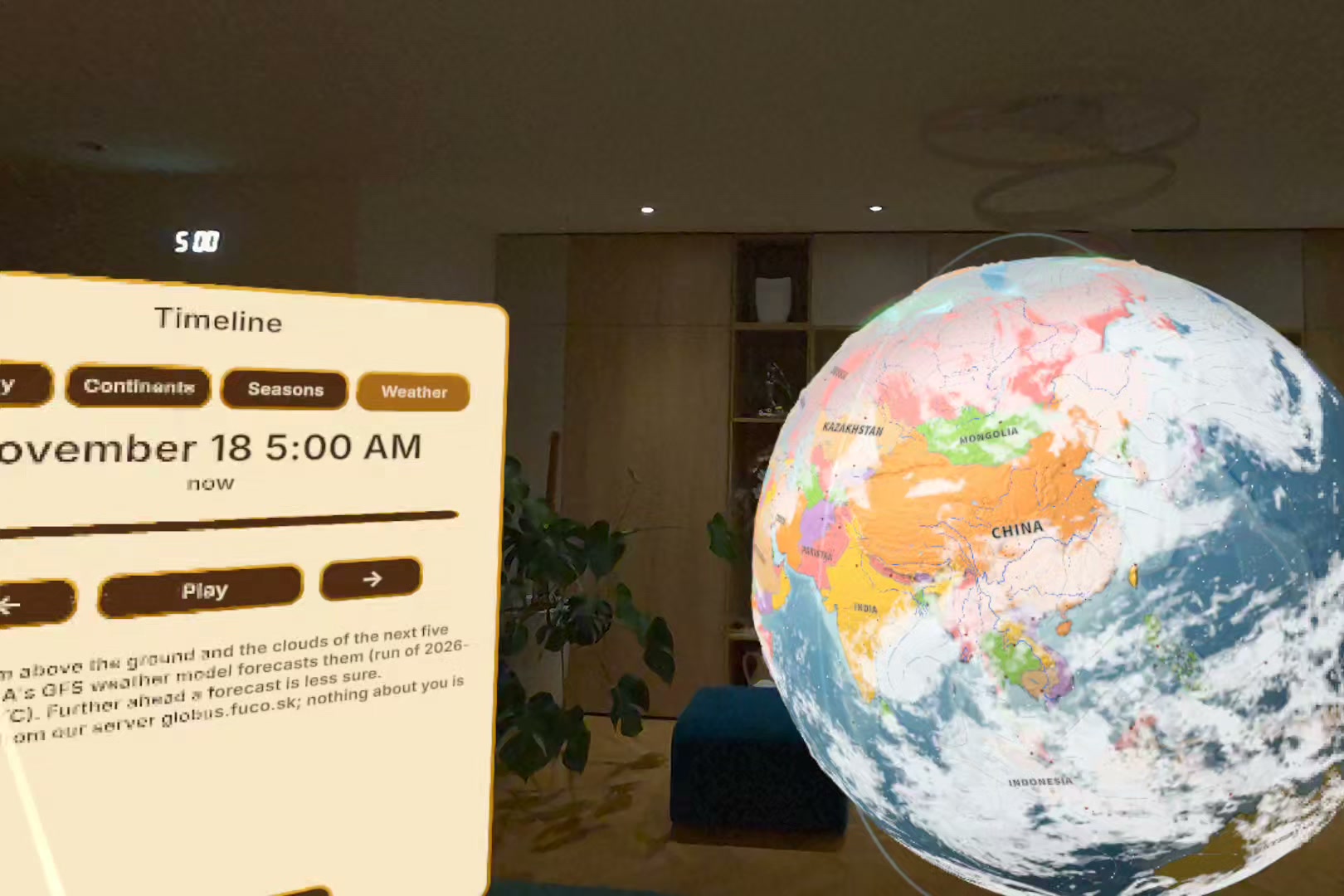
Weather: the clouds and wind of the next five days (NOAA GFS forecast).
Inspiration
A globe is one of the first things that makes a child curious about the world, and you learn it with your hands: you spin it, stop it with a finger and look at where you landed. I wanted that globe back, at full size, in my own room, with what a printed globe never had: quizzes that remember what you know, the real Sun and Moon and the Earth from space. And I wanted it alive, showing what is happening on Earth right now: satellites flying over, wildfires, aurora, earthquakes and today's wind and clouds.
What it does
A large classic globe on a stand appears in your room through passthrough. Spin it with your palm, stop it with a finger and tap a country to see its flag, capital, population and area. Play blind map, capital and flag quizzes and a daily challenge; countries you master turn gold. Blend the map into the satellite Earth lit by the real Sun, see tonight's Moon, cut the Earth open, travel through history and continental drift, and switch on live layers.
Hands first. A palm spins, a fingertip stops and taps, and a pinch works like a mouse click, also from your seat. Pinch the stand to carry the globe onto a real table, use two hands to resize and turn it, and pinch the meridian ring to tilt the axis. The menu appears above your left wrist. Controllers are optional.
How we built it
Unity 6 with URP, OpenXR, XR Interaction Toolkit, XR Hands and AR Foundation for passthrough, tables and anchors, so the globe remembers its place. A Python pipeline builds every map, name and number from open sources such as Natural Earth, Wikidata, the World Bank and NASA imagery. Borders follow international recognition. Live layers load from my own cache server only when switched on. No ads, no analytics.
Challenges we ran into
- No Quest Link on a Mac. Every feature also works with a mouse in the Unity editor.
- Telling hands apart. A spinning palm, a tapping finger and a resting finger look alike to a tracker. A highlight under the fingertip before it touches made it feel natural.
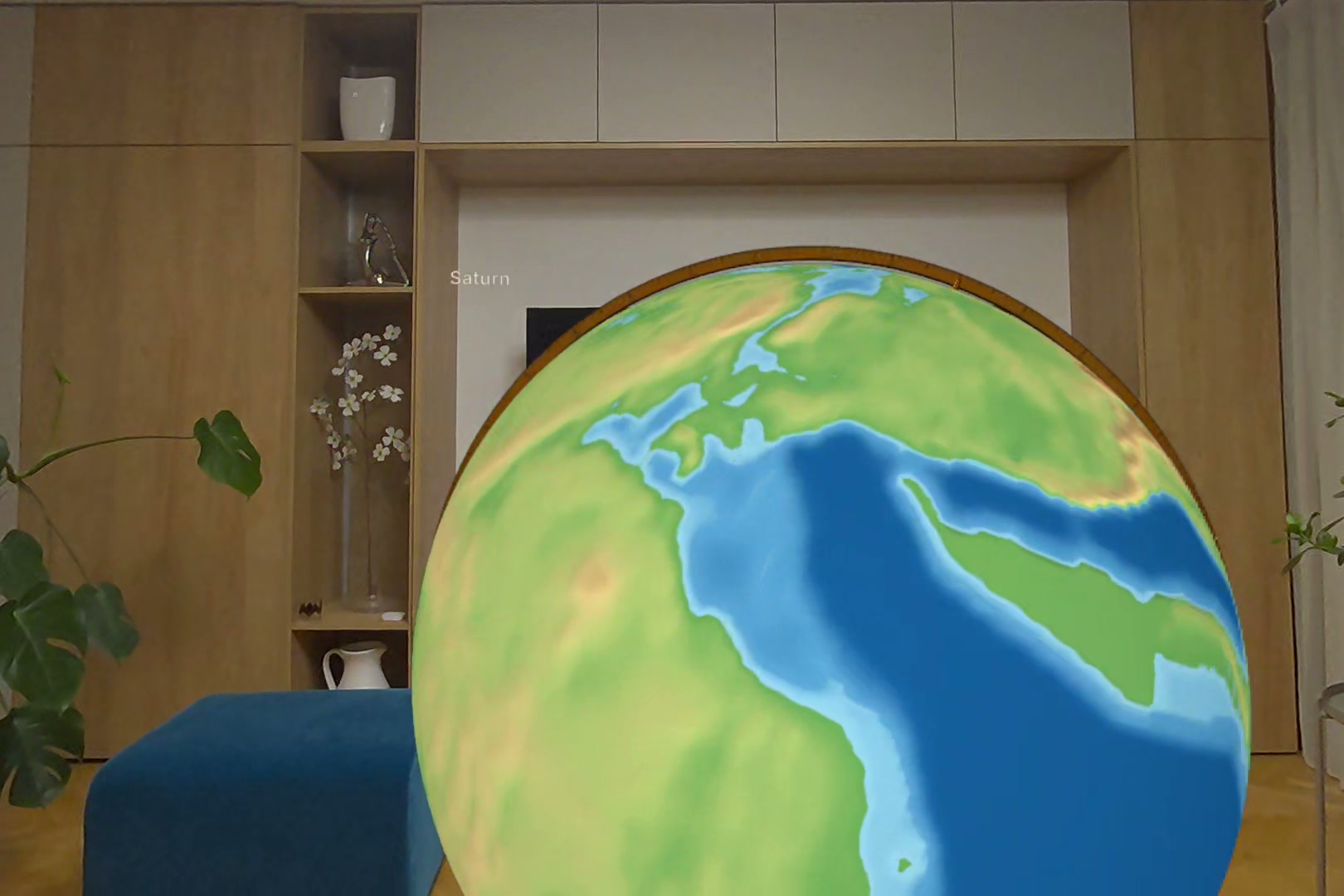
- 90 FPS on Quest 3 with the satellite Earth, clouds and atmosphere: fixed foveated rendering took the close-up globe from 56 to 90 FPS.
Accomplishments that we're proud of
The whole app works with hands alone, also from a seat. Every number has a source and year, in 38 languages. And it came together in seven weeks, from the first commit on 2 October to this entry.
What we learned
Hands need clear feedback: show what will be picked before the tap. Seated play changes reach and where panels open. And facts about countries need one rule for all of them.
What's next for Globus
Globus is planned to launch on the Meta Horizon Store in December 2026 as a paid app, with free updates to follow. The Competition build stays free and unchanged for the judges.

