Inspiration
What it does
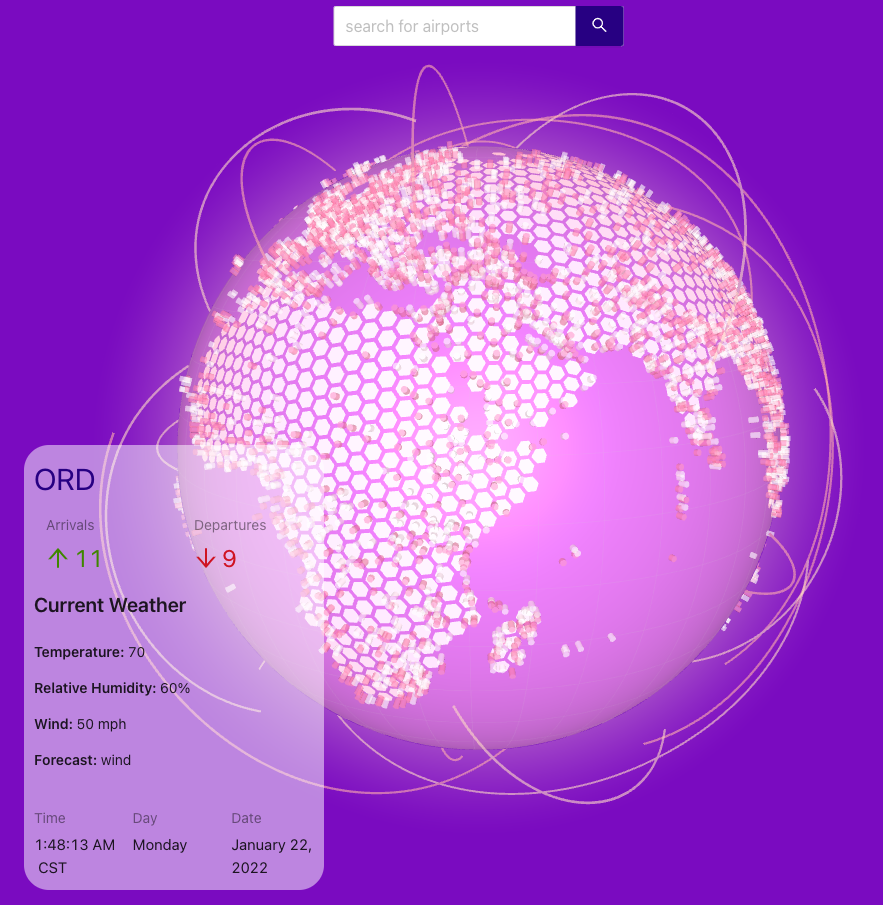
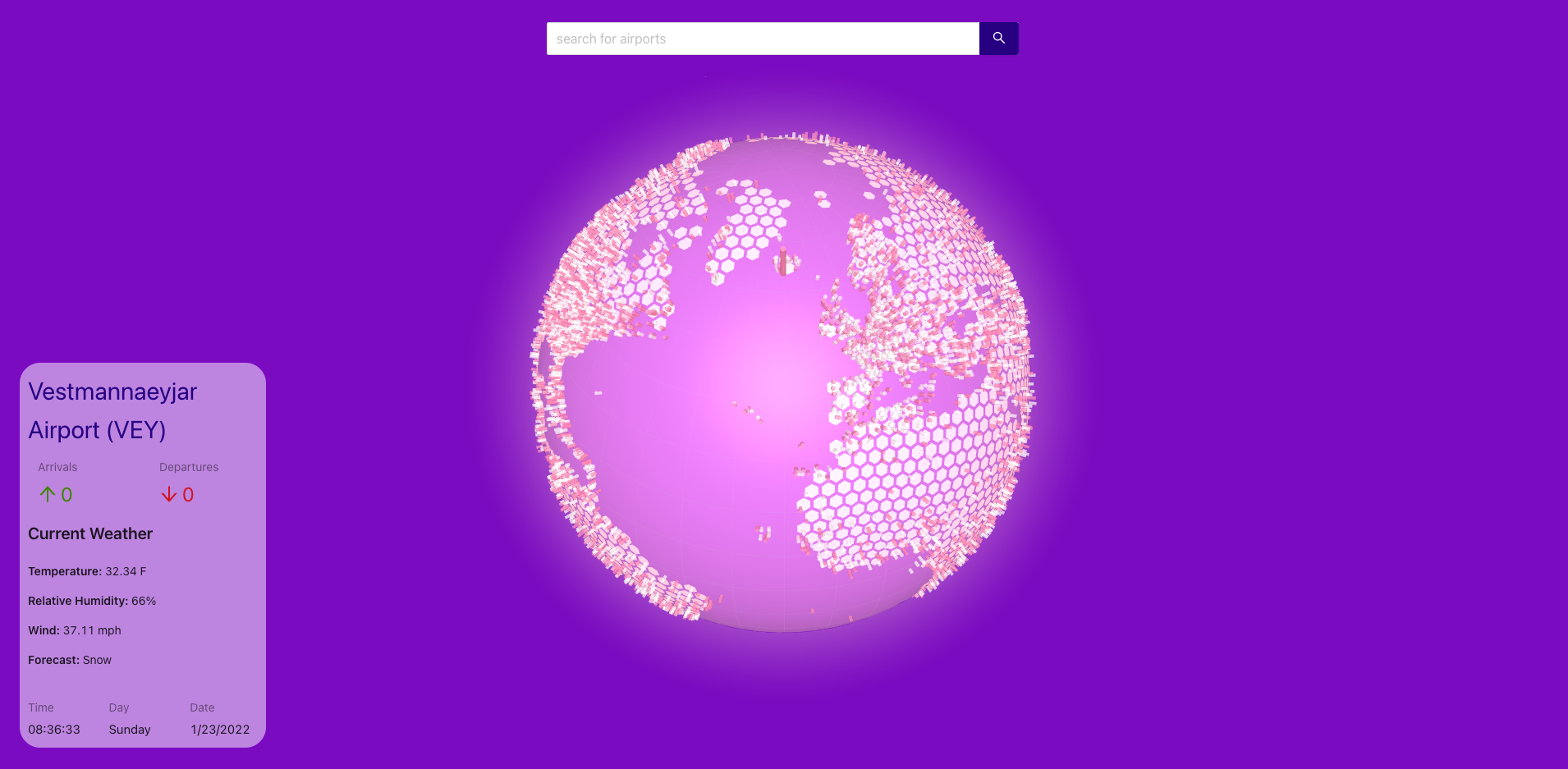
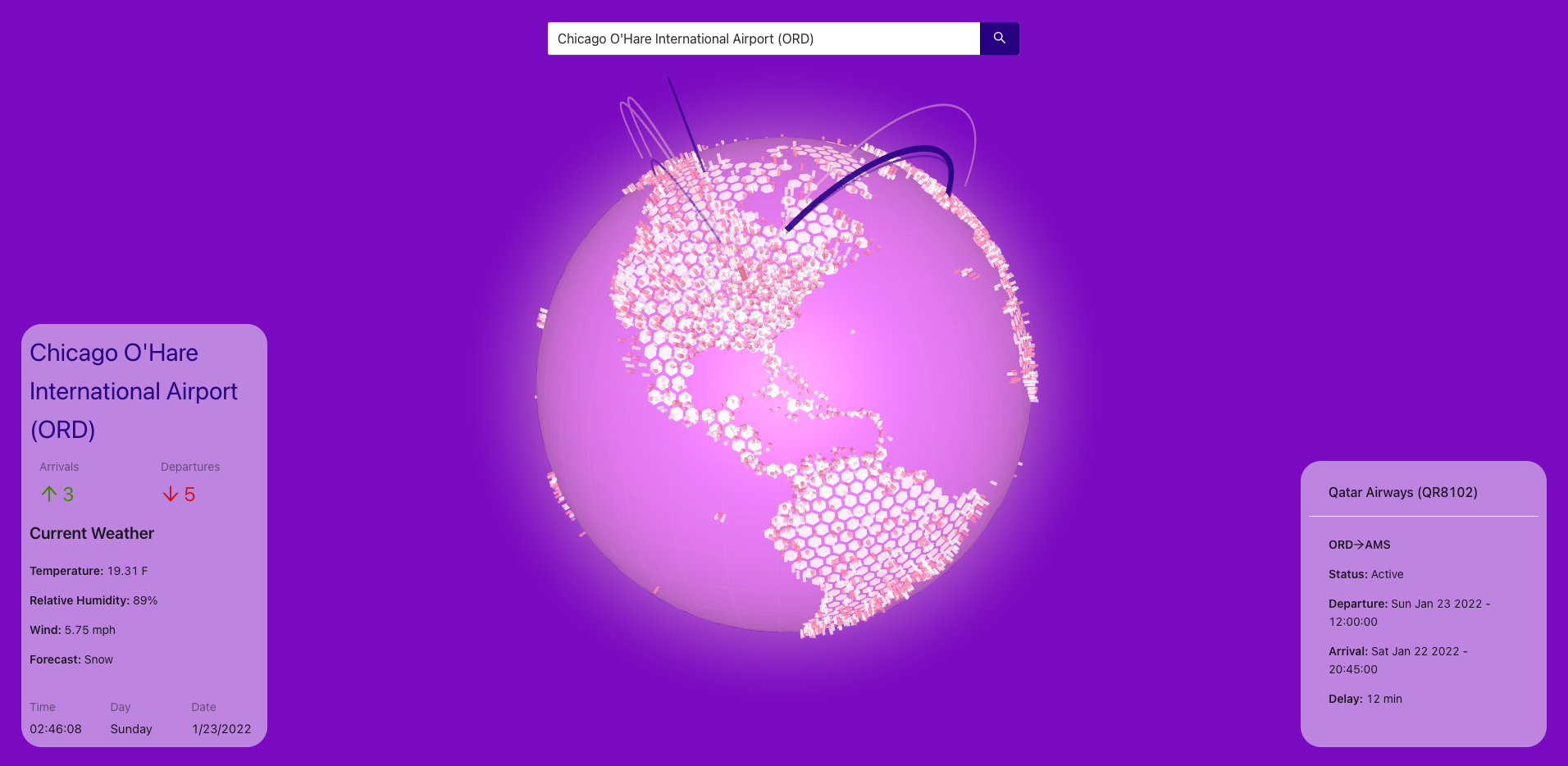
GlobeFlights allows users to search airports using their full name or IATA code in our database, which result is used to query more information on the selected airport through the aviationstack API. In addition to searching manually, users can also select the airport directly by clicking the cylinder on the globe. Once an airport is selected, its real-time information like weather and current flights will be displayed on the website. Users could further click on each individual flight to query the detailed information related to it.
How we built it
Our code is entirely comprised of frontend reactjs code, which consists of a UI layout based on ant design and a 3D globe based on react-globe.gl.
We built our globe component based on the react-globe.gl with supports and styling matching what we intended for the final result. This component will set the states on the top UI layout component to let it know which flight and airport are selected.
The UI layout handles all the data communication with external API and parses the information for the globe to consume.
Challenges we ran into
We initially want to set up cloud functions to call APIs and perform some additional operations on the collected data, but ran into some strange issues with our deployed code and have to switch to the full frontend approach.
Accomplishments that we're proud of
The globe can autofocus itself when you click the airport and flight!
What we learned
Get to know/review reactjs and some basic web graphics knowledge.
What's next for GlobeFlights
We plan to add more information to each flight and airport based on other APIs as well as increase the number of airports displayed.


Log in or sign up for Devpost to join the conversation.