Inspiration
Flooding impacts millions of people every year, yet many families still lack a clear, actionable plan for what to do before, during, and after an emergency. While researching this problem, I noticed that most existing resources are static guides or long articles that are difficult to navigate—especially in high-stress situations where clarity and speed matter most.
I wanted to create something more practical: a tool that is not only informative, but also interactive, structured, and easy to use under pressure. My goal was to turn passive information into active preparedness.
What It Does
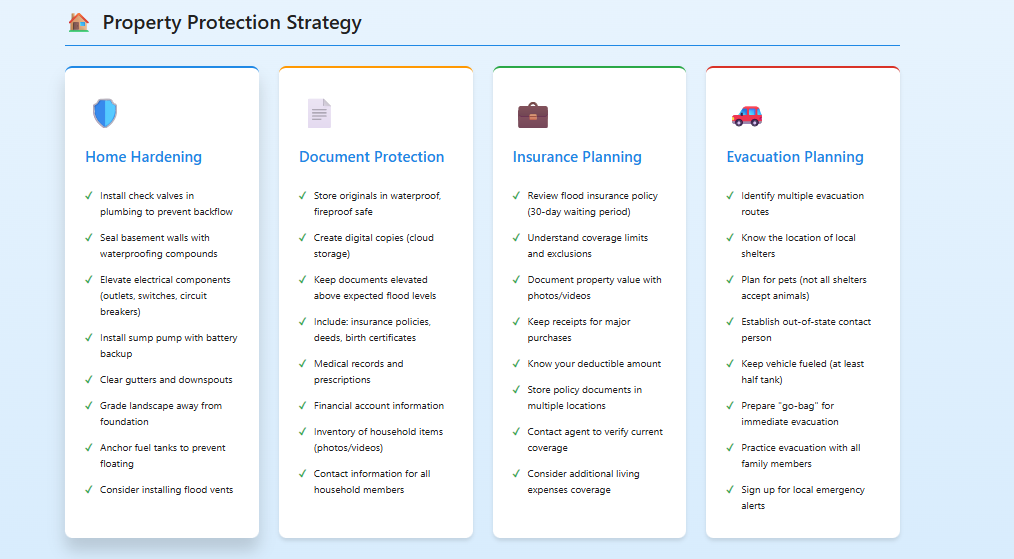
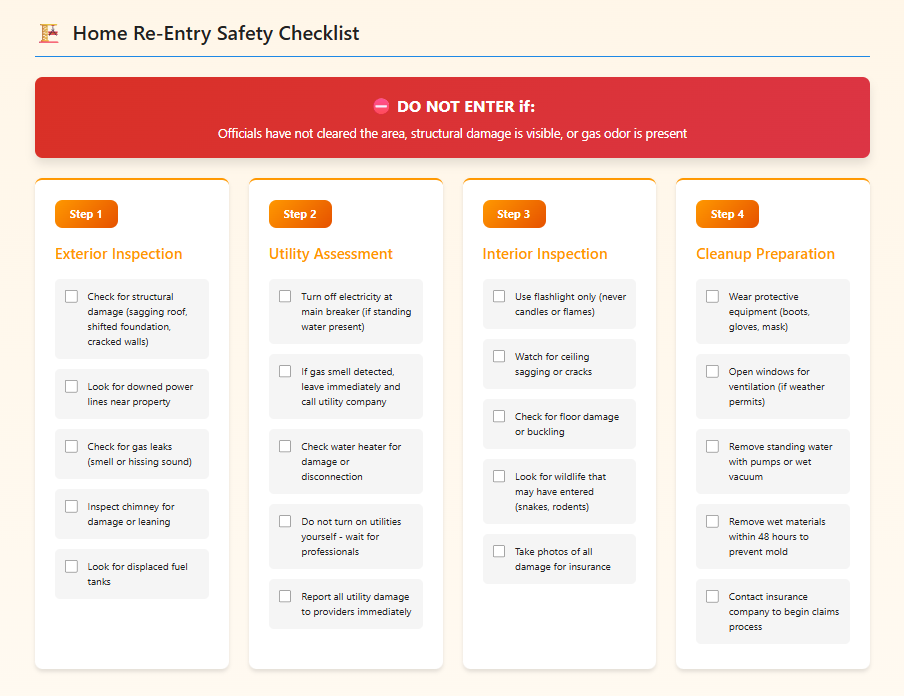
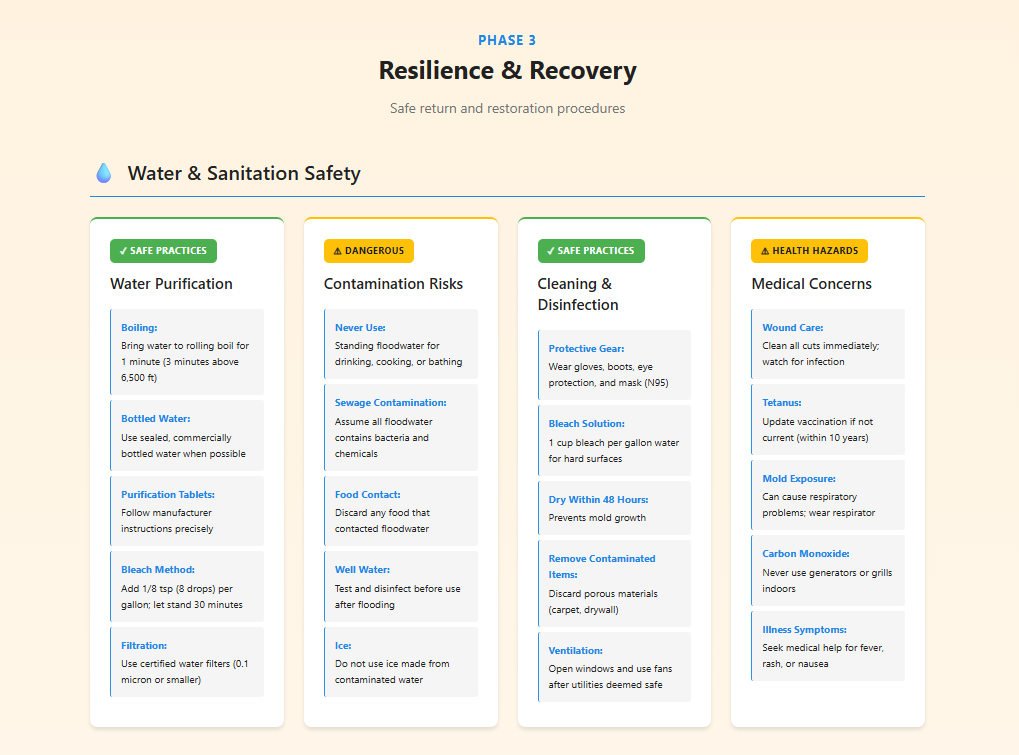
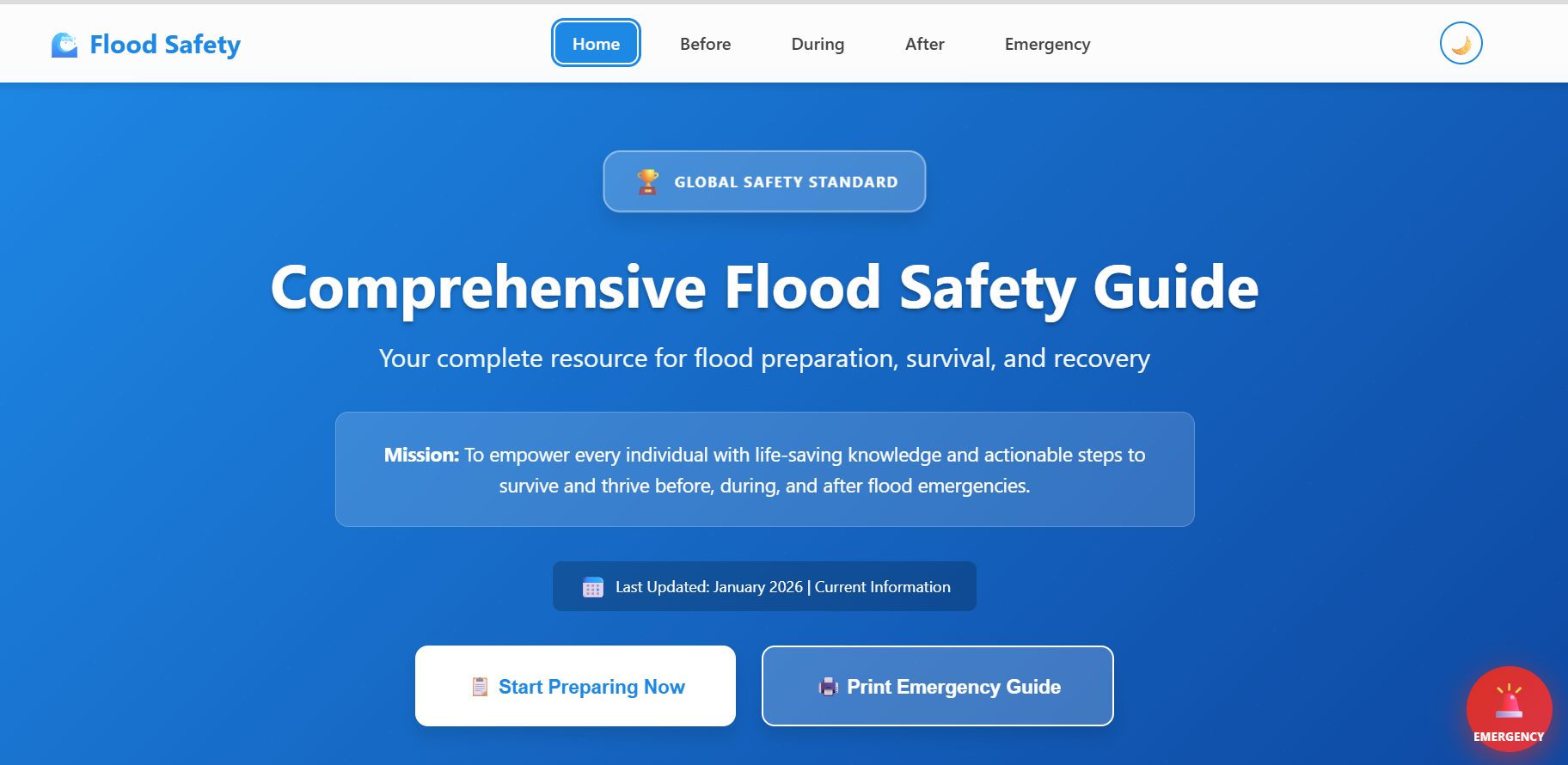
Flood Safety Guide is an interactive preparedness web application designed to guide users through every stage of a flood emergency. Instead of presenting information as large blocks of text, the platform organizes critical actions into three clear phases—before, during, and after a flood—so users can quickly understand what steps to take.
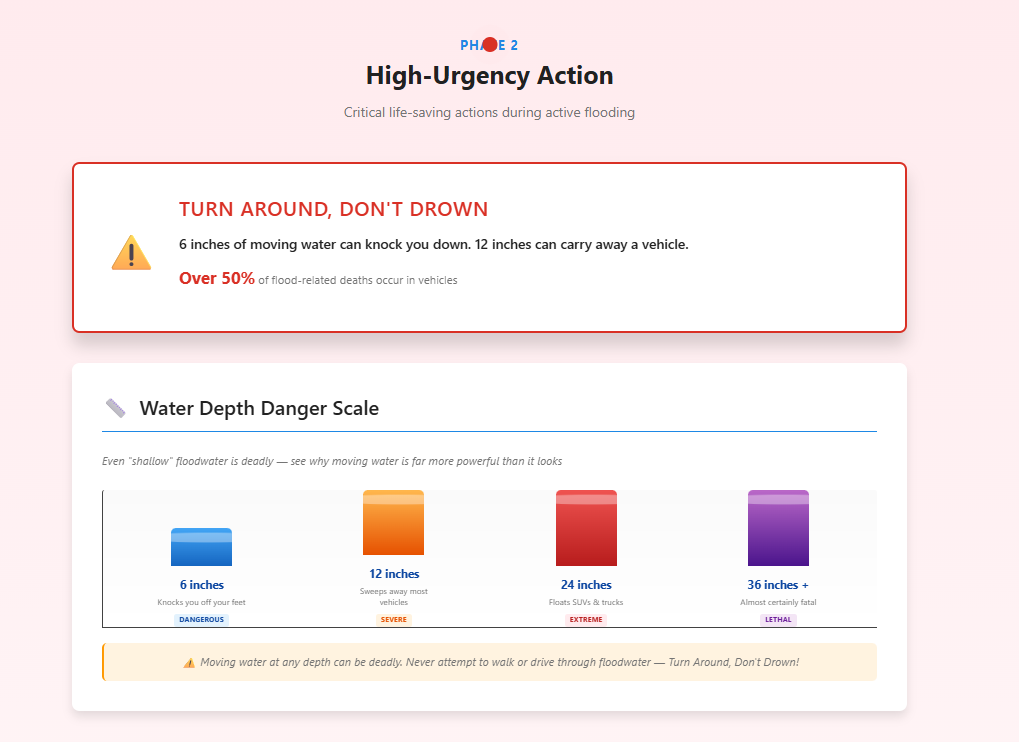
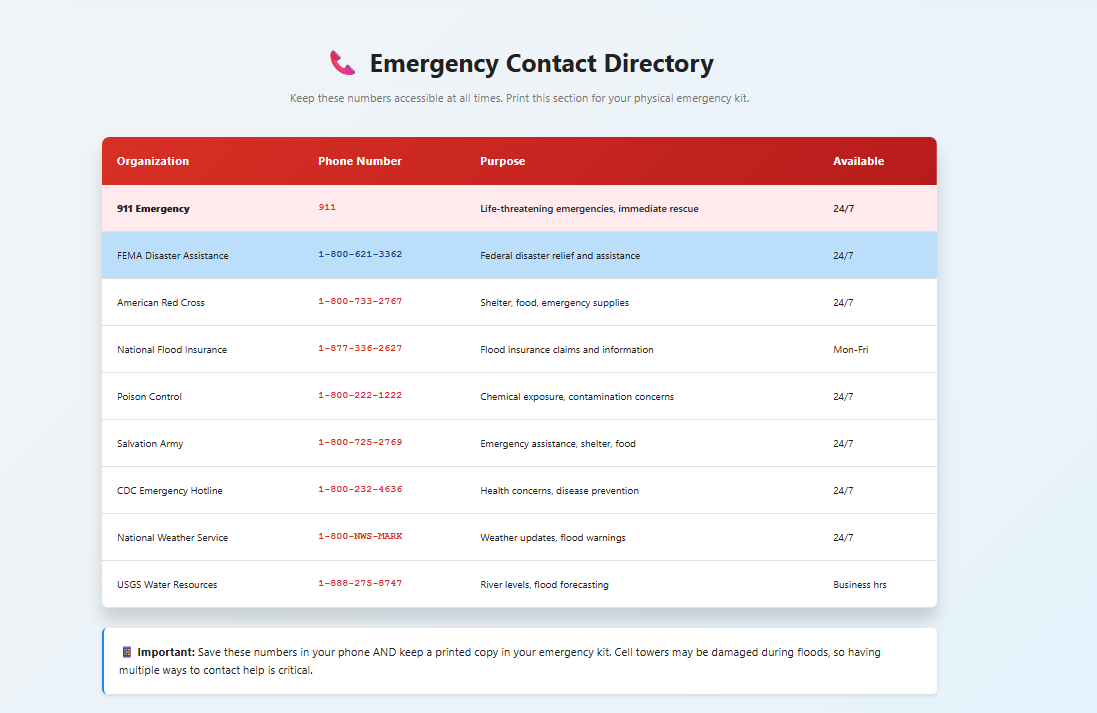
The application includes dynamic checklists that allow users to track their progress and visualize their readiness through a real-time preparedness score. It also features a flood depth danger visualizer to help users better understand risk levels, along with quick access to emergency contacts. The interface is fully responsive, supports dark mode, and is optimized for both mobile use and printing, ensuring accessibility in real-world situations.
How I Built It
I developed this project as a responsive web application using HTML, CSS, and JavaScript, with a strong focus on usability and performance. The structure of the site was carefully designed to separate content into three key emergency phases, making navigation intuitive and reducing cognitive load for users.
On the technical side, I implemented interactive checklist functionality using JavaScript, allowing users to mark tasks as complete and dynamically calculate their preparedness score. To improve usability, I used local storage to persist user progress so that their data remains available across sessions.
I also incorporated smooth navigation, animated UI elements, and section highlighting to guide user attention. Mobile usability was a priority, so I implemented a responsive layout, a hamburger navigation menu, and a dark mode toggle. Finally, I deployed the application using Firebase Hosting, making it publicly accessible and production-ready.
Challenges I Faced
One of the biggest challenges in this project was balancing visual design with clarity and usability. Because this is a safety-focused tool, it needed to remain clean, readable, and easy to navigate, even while incorporating modern design elements. I had to carefully evaluate each feature to ensure it improved usability rather than adding distraction.
Another challenge was maintaining smooth performance while handling multiple interactive features, such as real-time scoring and dynamic UI updates. I also worked to ensure consistent behavior across both desktop and mobile devices. Additionally, I encountered browser limitations with certain features like clipboard access and analytics, which required thoughtful handling and fallback solutions.
What I Learned
This project taught me that effective emergency technology is fundamentally about communication and user experience. Even the most advanced features are only useful if users can quickly understand and act on the information provided.
I also strengthened my skills in front-end development, particularly in JavaScript state management, responsive UI design, and structuring applications for real-world use. In addition, I gained experience with deployment workflows and learned how to take a project from an initial idea to a fully functional, publicly accessible product.
Preparedness Score Formula
The preparedness level is calculated using:
$$ \text{Preparedness Score} = \frac{\text{Completed Critical Actions}}{\text{Total Critical Actions}} \times 100 $$
This provides users with a clear and measurable way to track their readiness and identify areas that need improvement.
Accomplishments I’m Proud Of
One of my biggest accomplishments is transforming a simple idea into a fully interactive and deployed platform that addresses a real-world problem. Rather than creating a basic informational site, I built a tool that actively supports users in preparing for emergencies.
I am especially proud of completing the full development cycle—from concept and design to implementation and deployment—while maintaining a polished, accessible, and user-friendly experience.
What’s Next
In the future, I plan to expand the platform with additional features to increase its real-world impact. This includes integrating location-based flood alerts and forecasts to provide personalized, real-time information.
I also aim to add multilingual support to improve accessibility, as well as offline-first functionality to ensure usability in low-connectivity situations. Additionally, I plan to create downloadable templates to help families build personalized flood preparedness plans.
Contact Me
Email: [email protected]
Phone: (737) 343-4641


Log in or sign up for Devpost to join the conversation.