-
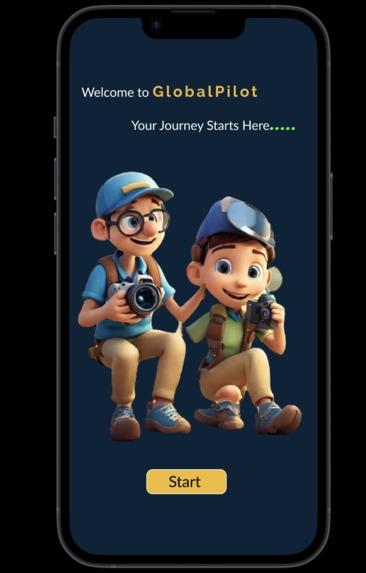
Landing Page
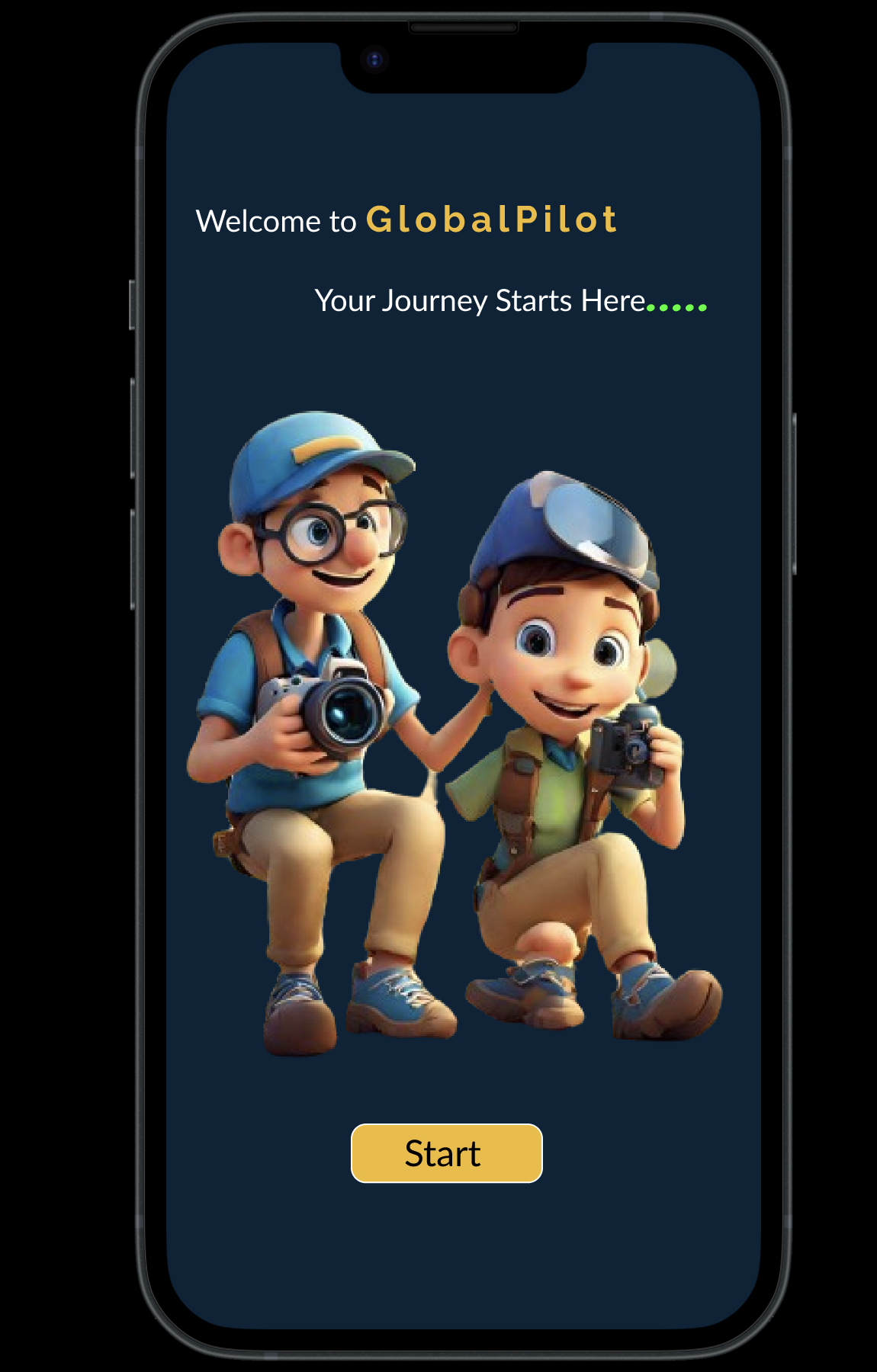
Inspiration
As international students going to college in Canada, we faced many problems in our first days of school such as finding study spots, gyms, and how to get around the campus. We also wanted to have the ability to connect with people in areas where we are struggling in school, work, and life. We also want to form groups with our community.
What it does
Our project is a UI/UX prototype of an app. This app will provide 4 main features. CampusNav includes a map with of the campus with specific college spots spots in mind (including libraries, water fountains, and bathrooms. Clicking on these college spots allow the user to find the directions to the spot as well as see the reviews for the spots. This is especially important since many college spots (like restaurants) do not have reviews. Our review system will make it easier for newcomers to make a decision. This review system is specialized towards specific places; for example, the library review system includes a loudness rating. Snap & Learn is intended for the app to answer the user's questions. It contains a camera feature where it can read a photo and provide details about the photo using AI. Additionally, it allows the user to enter their questions through text, serving as an accessible chat-bot. Skill Boost will ask the user for their skills and provide details about how/what they should improve to achieve their goal using AI. Skill Boost also provides links for resources of how to further study the desired skill to improve. Lastly, Learn Rank is a feature that helps encourage participation in the app. Each person is given a ranking and a level, and can increase their level by setting Learning Goals, reviewing campus facilities, and offering to teach their skills to others.
How we built it
We first wrote down all the requirements of the app on paper. On paper, we started making the design according to these requirements, trying different layouts on the way. After finalizing the design, we designed low-fidelity wireframes on Figma and after that we discussed with each other about the design and its overall layout after finalizing we start drawing high-fidelity wireframes in Figma. We implemented the latest technologies like using plugins and icons and design it to make it more friendly for international students and anyone new to our application. Next, after we agreed on our high-fidelity wireframes, we started prototyping and added navigation to the project. Lastly, we tested the project for an hour.
Challenges we ran into
One of the biggest challenges was availability of our teammates. One of our teammates left in the hackathon, so we had to work extra hard to make up for that lost work. On the technical side, many of us had to learn Figma from scratch. The workshop was extremely helpful and got us started on using Figma. It was sometimes hard adjusting the elements, since sometimes they might inadvertently be placed in the wrong frame, as well as unexpected design folds. Making the app look professional and user-friendly was our biggest concern, so we dedicated much of our time aligning the elements, using consistent themes, and using effects.
Accomplishments that we're proud of
We're proud of being able to build a fully-functional prototype with many of ideas incorporated into the app. We're especially proud of our innovative ideas that we have not seen utilized in other apps, such as the college review system and the college-specific map, as well as incorporating AI into many of our functions.
What we learned
We're proud of being able to successfully learn many Figma effects (scrolling, hovering, and prototyping). Additionally, we learned the components of professional app design, including which colours to use, alignments, fonts, user flow, storyboards, and personas.
What's next for Global Pilot
We'll try to learn Swift to design this app in the real world. We will try improve its design, as we feel like it can make the navigation more seamless. We're also talking about adding more functions, such as a finance helper (for meal plans, insurance plans, and living costs) as well as implementing an actual AI trained on college-based information to best meet the user's needs.
Built With
- figma


Log in or sign up for Devpost to join the conversation.