-
-
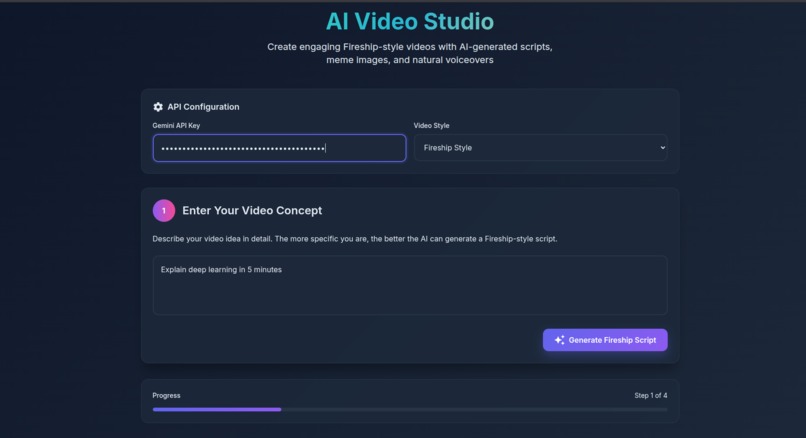
prompt
-
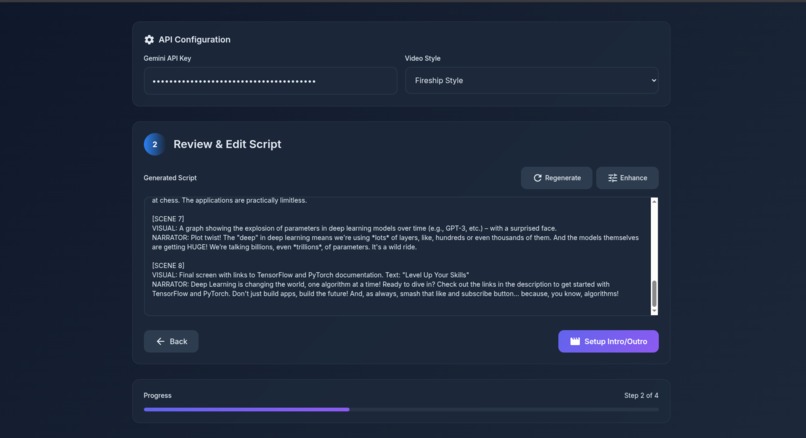
script
-
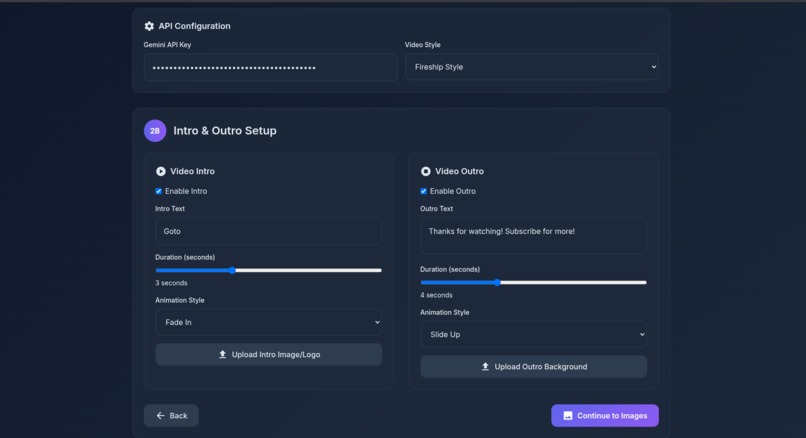
config
-
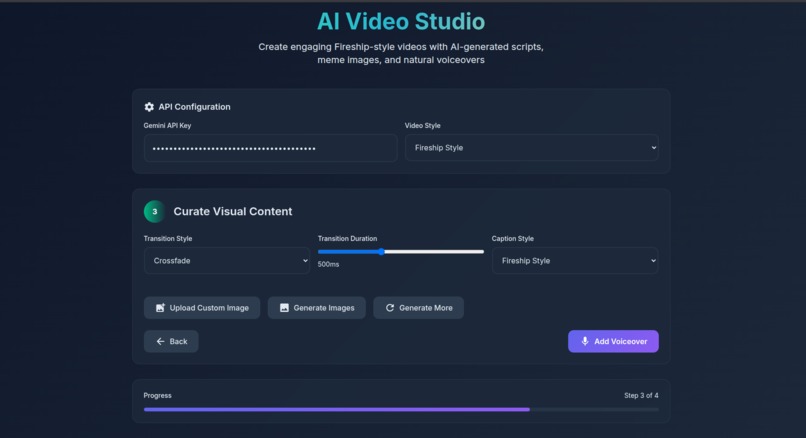
setup
-
images
-
final
Inspiration
We love how short, witty, high-impact videos — like those from Fireship or Kurzgesagt — can teach or entertain in under 100 seconds. But making them is hard. Scriptwriting, voiceovers, visuals, editing — it’s a creative maze.
We asked: What if we could go from a single idea to a full video with memes, narration, and edits — using AI?
That’s how GlitchFlick was born.
What it does
GlitchFlick is an AI-powered web app that turns your video idea into a fully edited, creator-style video.
You just:
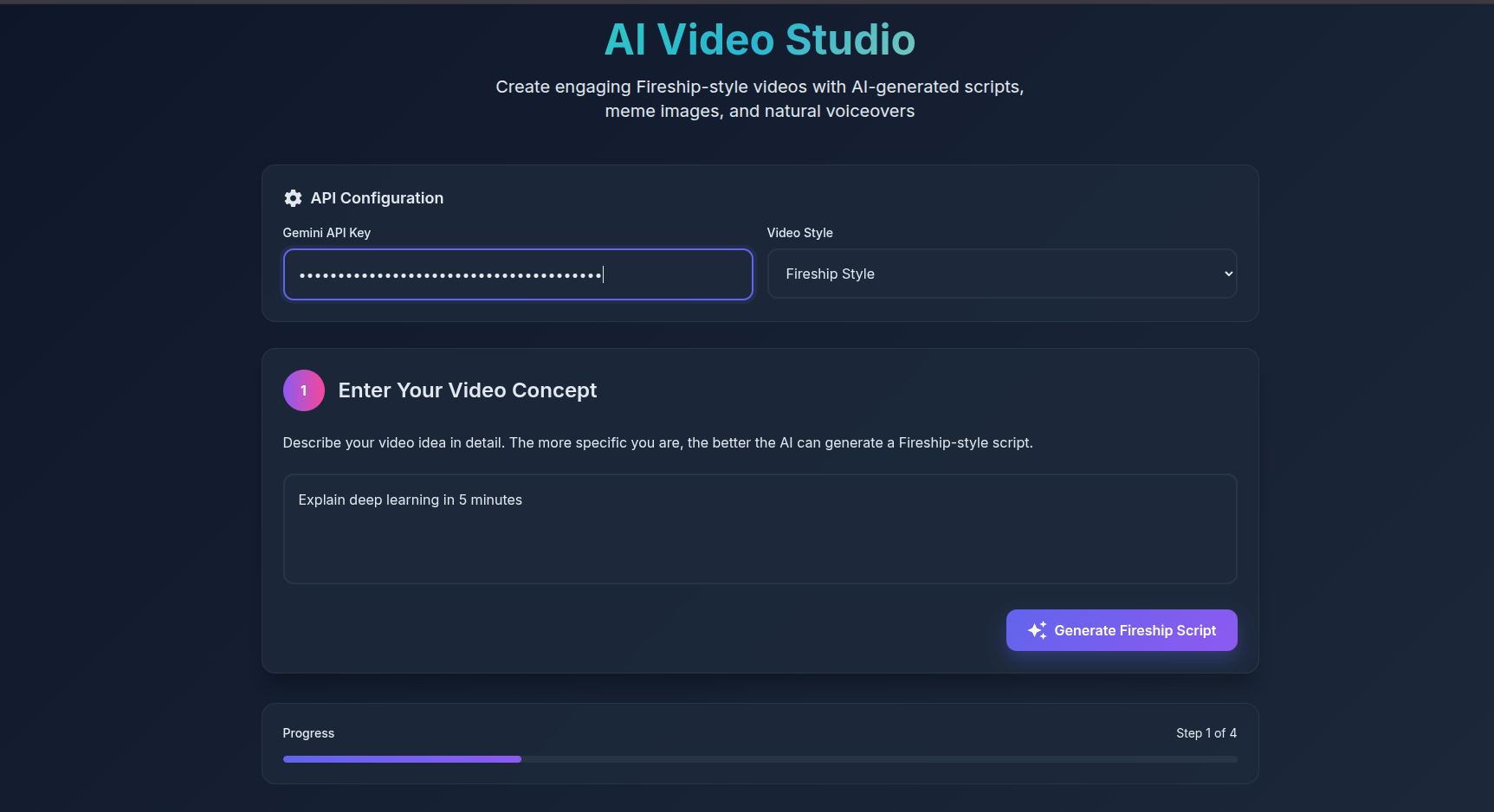
Enter a prompt
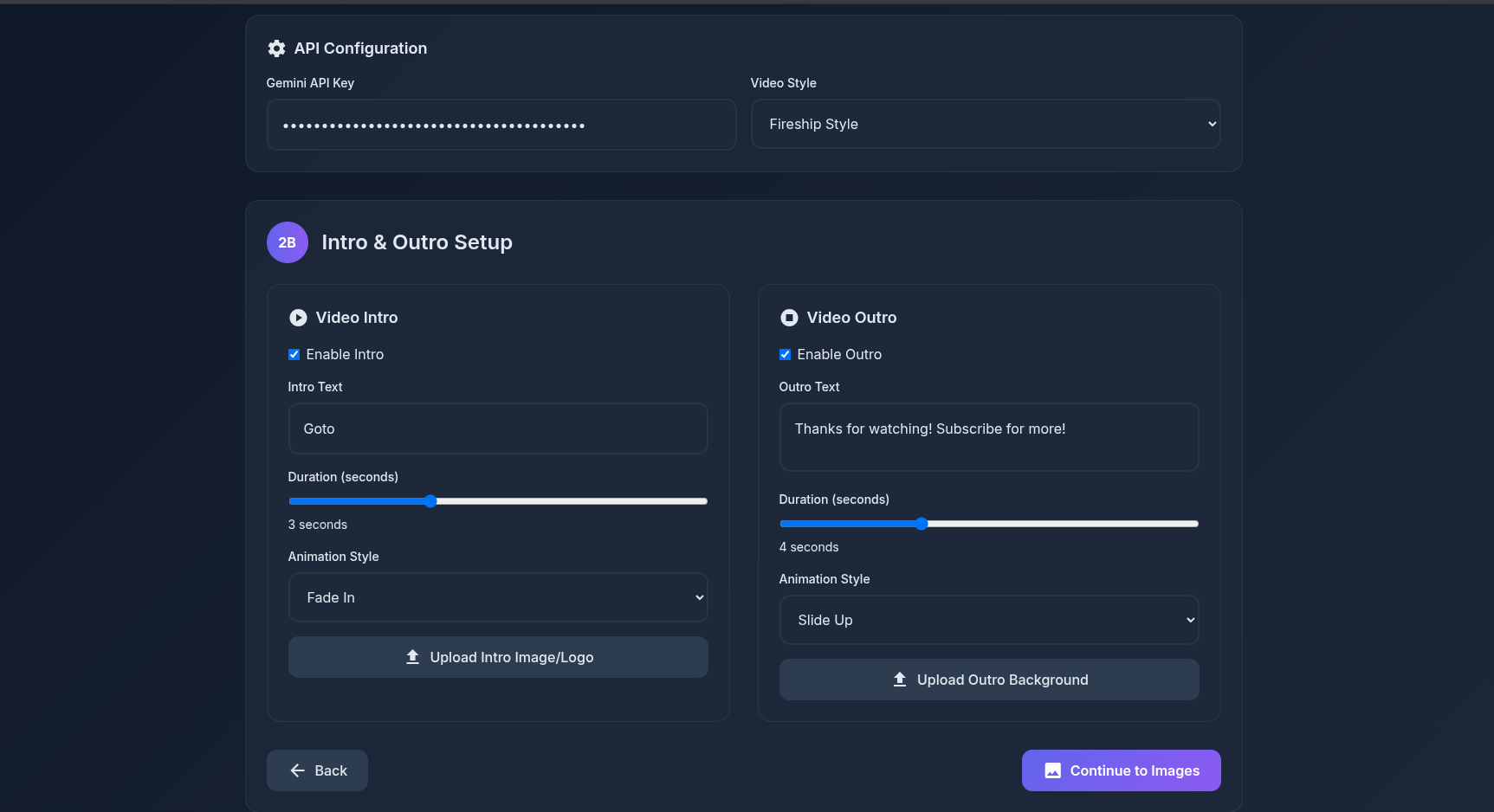
Pick your video style (e.g., Fireship, Humorous, Educational)
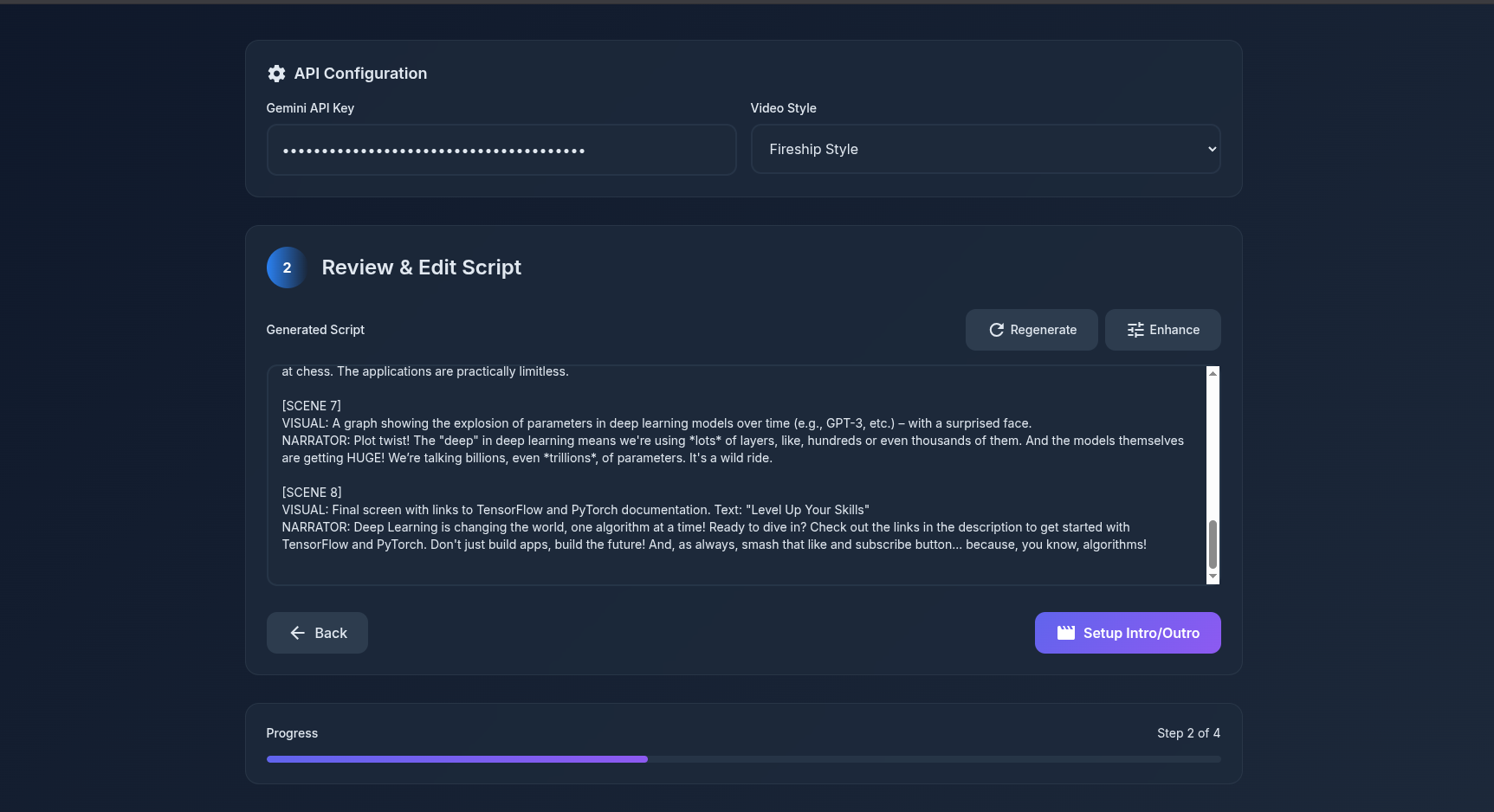
Get an auto-generated script
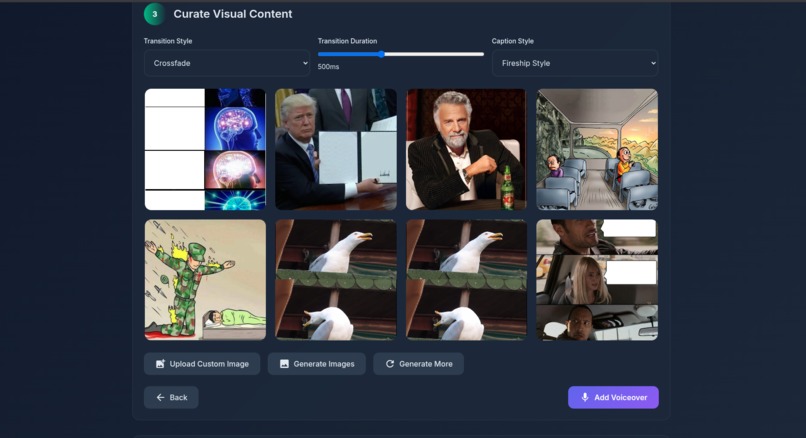
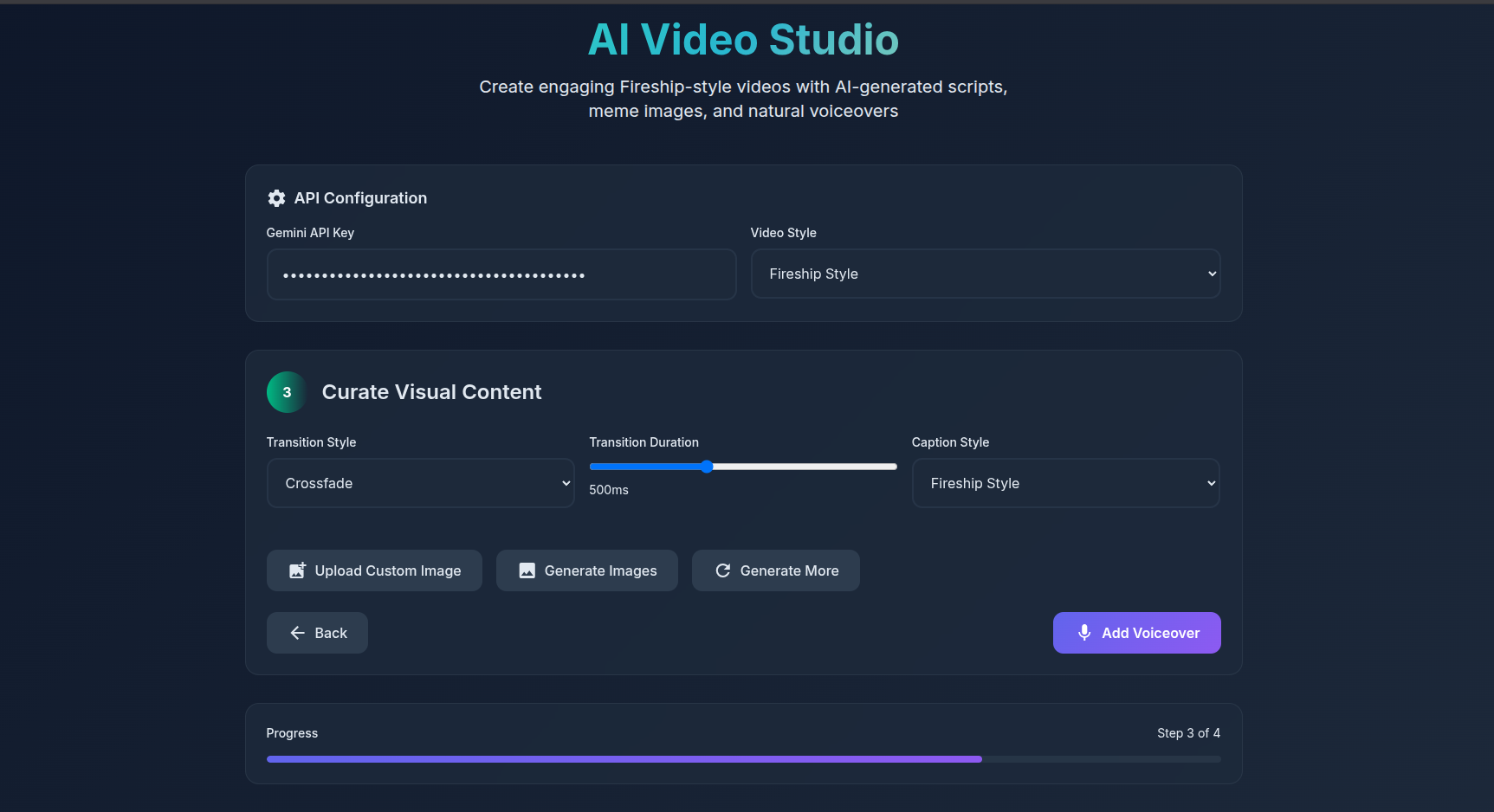
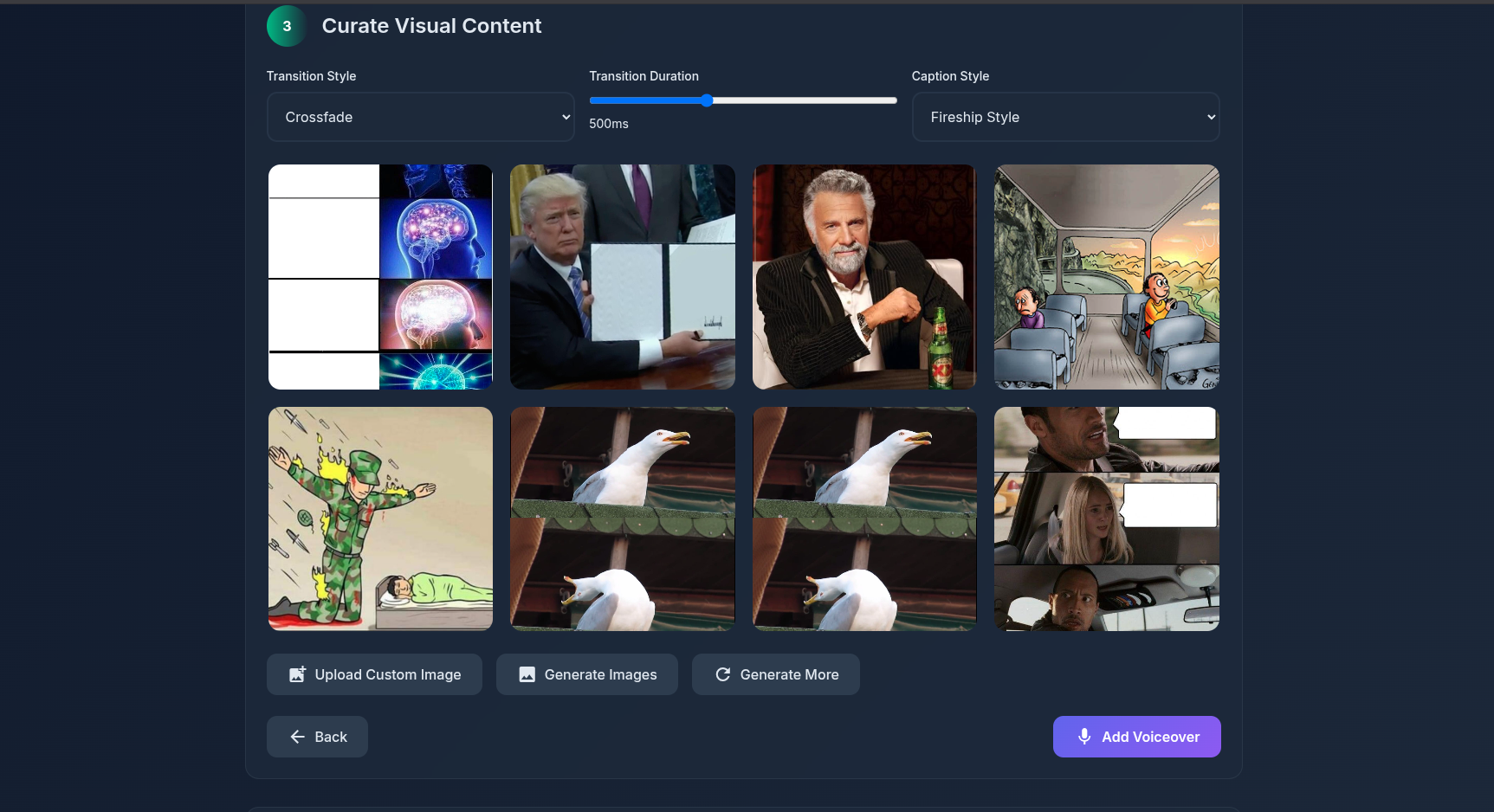
Curate meme-style images
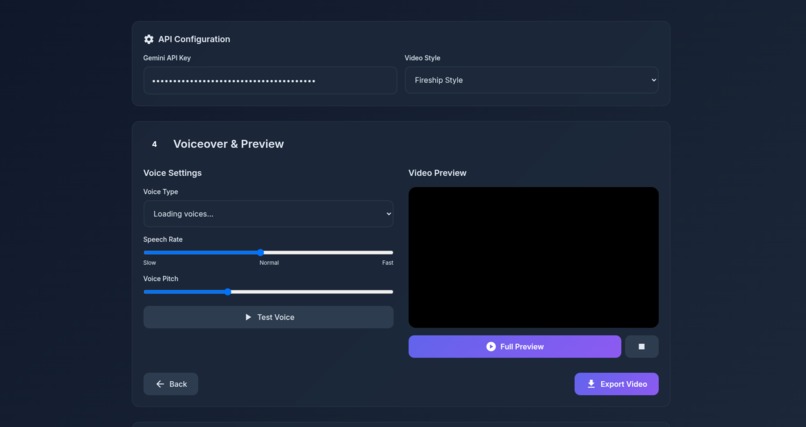
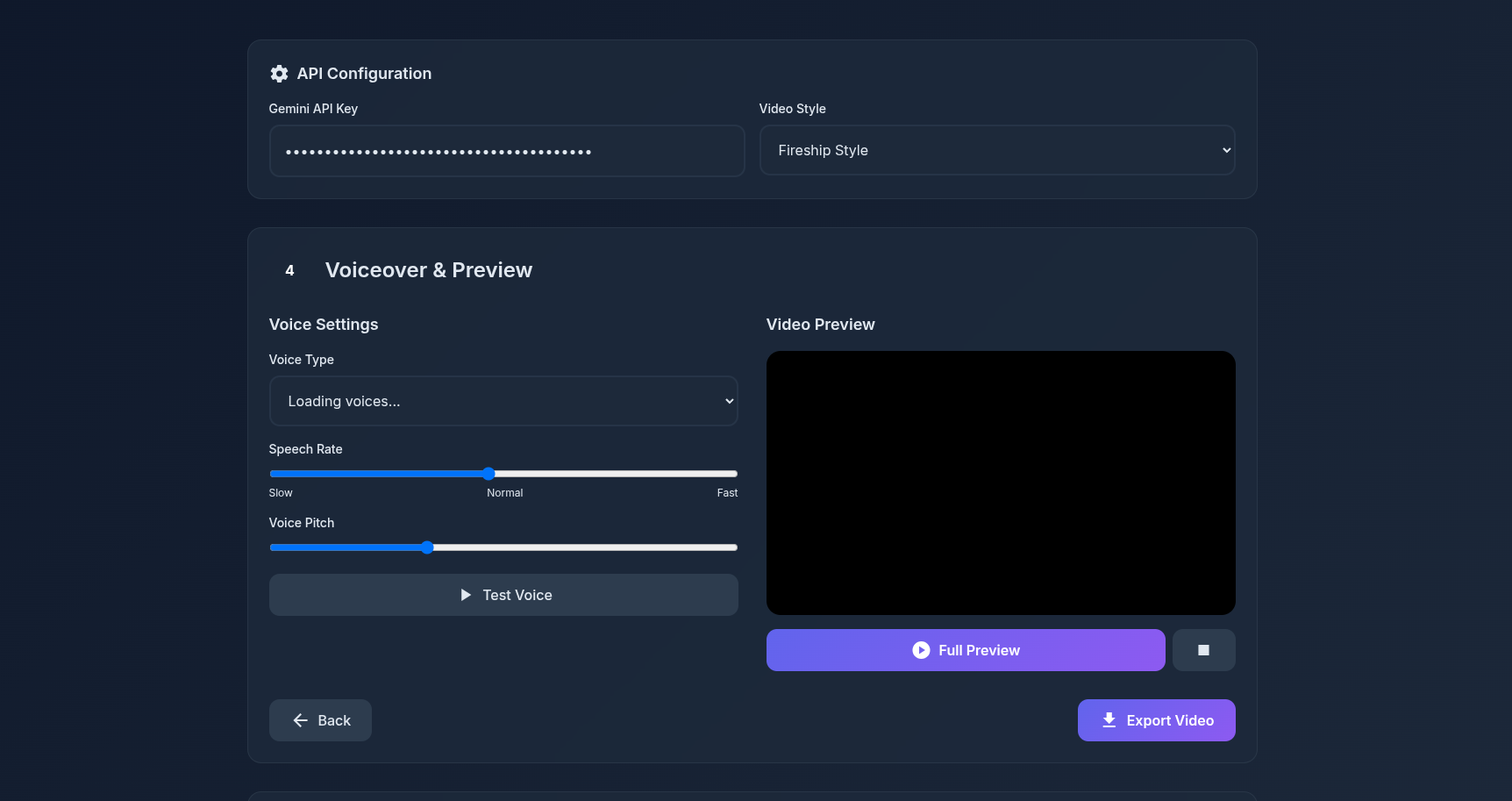
Add an AI voiceover
Export a polished video in WebM or MP4
All in one flow — no editing skills required.
How we built it
Frontend: HTML + Tailwind CSS for modern, responsive UI
Script Generation: Google Gemini API (gemini-2.0-flash-lite) for fast, contextual scripts
Voiceover: Integrated ResponsiveVoice (fallback) and Google Cloud Text-to-Speech
Image Curation: Memes scraped via Imgflip API and Reddit’s meme stream
Video Export: In-browser canvas rendering and FFmpeg.js (planned) for compiling visuals + voiceover
UX: Step-based workflow with autosave, preview, image replacement, and voice tuning
Challenges we ran into
Gemini API’s limits on long outputs meant we had to tune prompts and parse scenes carefully
Voiceover syncing with visuals required experimenting with audio duration estimates
Browser-based video rendering (FFmpeg.js) is powerful but memory-intensive — we needed fallbacks
Managing different APIs (Gemini, voice, memes) and asynchronous tasks in a smooth UX flow
Accomplishments that we're proud of
Fully functional prompt-to-video pipeline
Script formatting with scene parsing + meme relevance
Polished interface that’s usable even on mobile
Dynamic voice preview, editing, and video-style flexibility
0-install, web-based — accessible to anyone with a browser
What we learned
How to prompt-engineer creative outputs using Gemini
Audio/visual syncing without a full video engine
Real-world API integration (TTS, memes, images) with failover handling
UX matters — guiding the user through creativity without overwhelming them
What's next for GlitchFlick
🎥 Backend rendering: Offload FFmpeg to server for faster, more reliable exports
🧠 Voice cloning: Let users generate content in their own voice
🌍 Community gallery: Share your GlitchFlicks with the world
🛒 Pro features: Templates, auto thumbnail generation, YouTube upload integration
🤝 Collab mode: Script + meme editing with friends in real-time

Log in or sign up for Devpost to join the conversation.