-
-
icon
-
home
-
art3
-
art1
-
art2
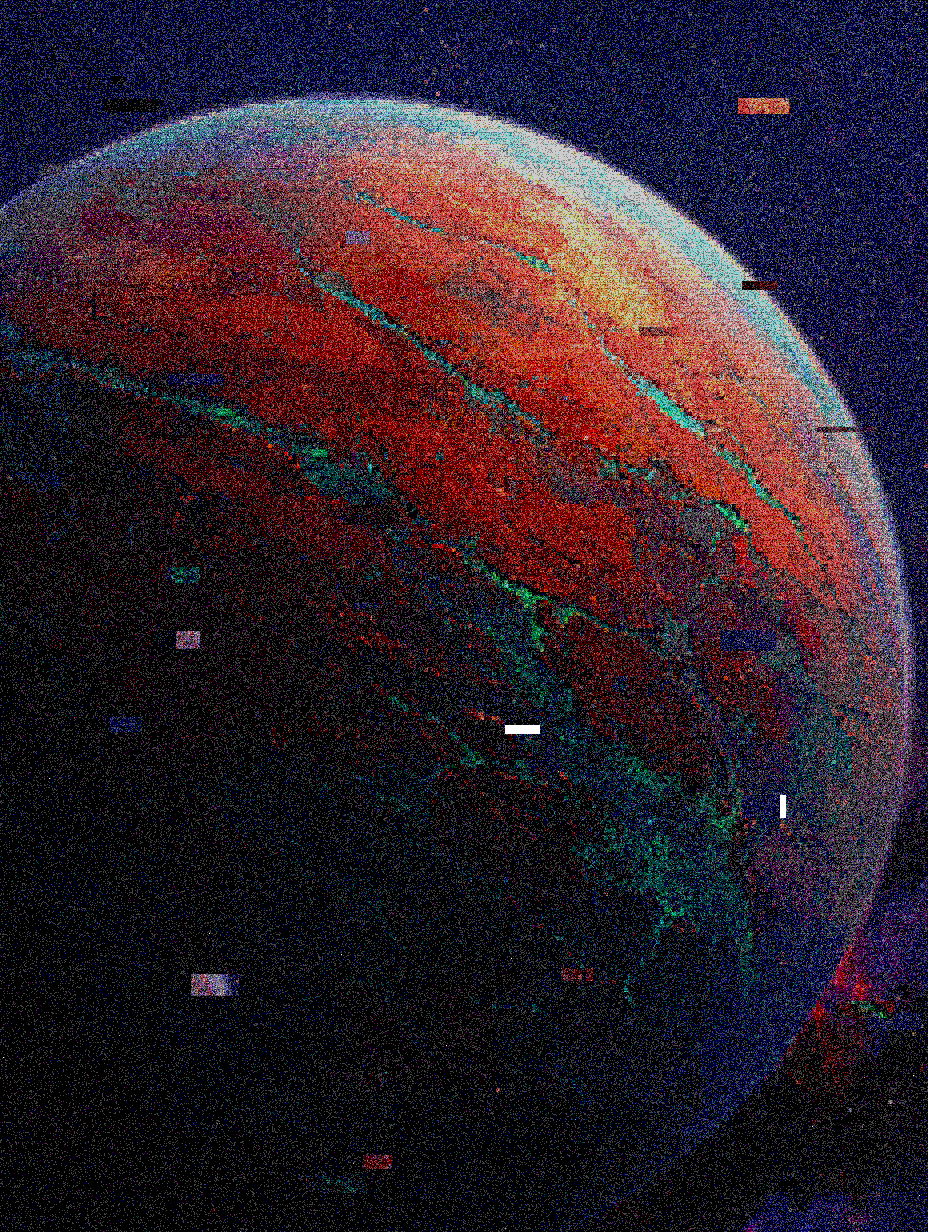
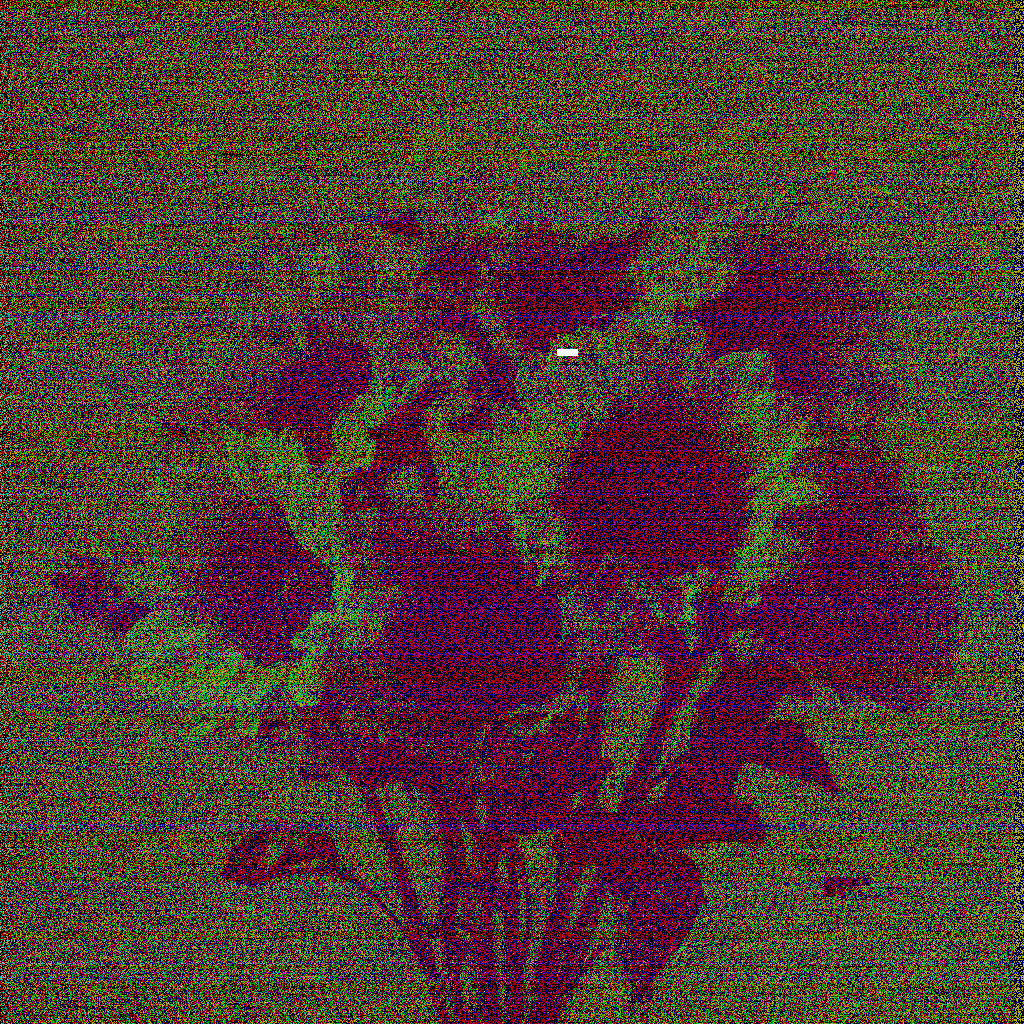
Inspiration
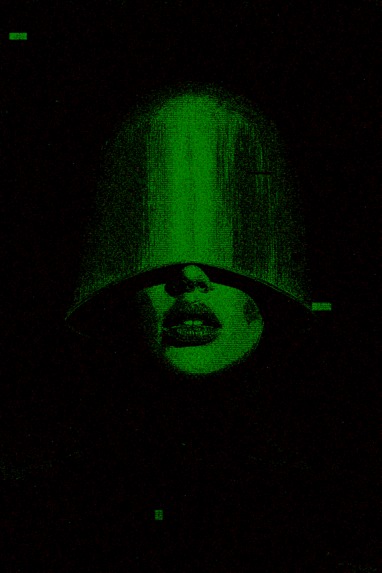
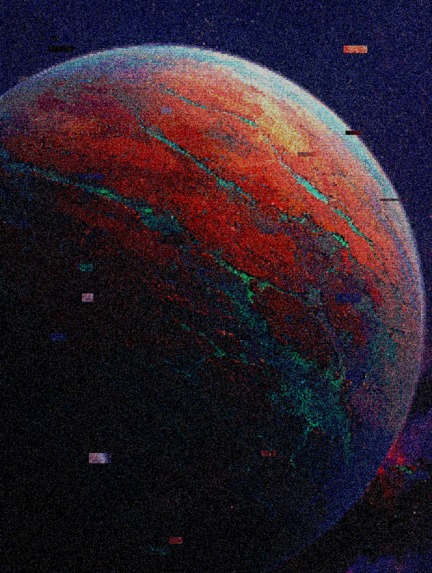
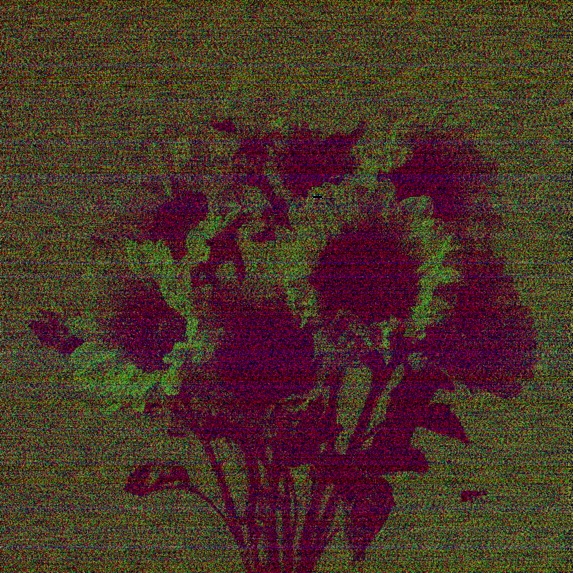
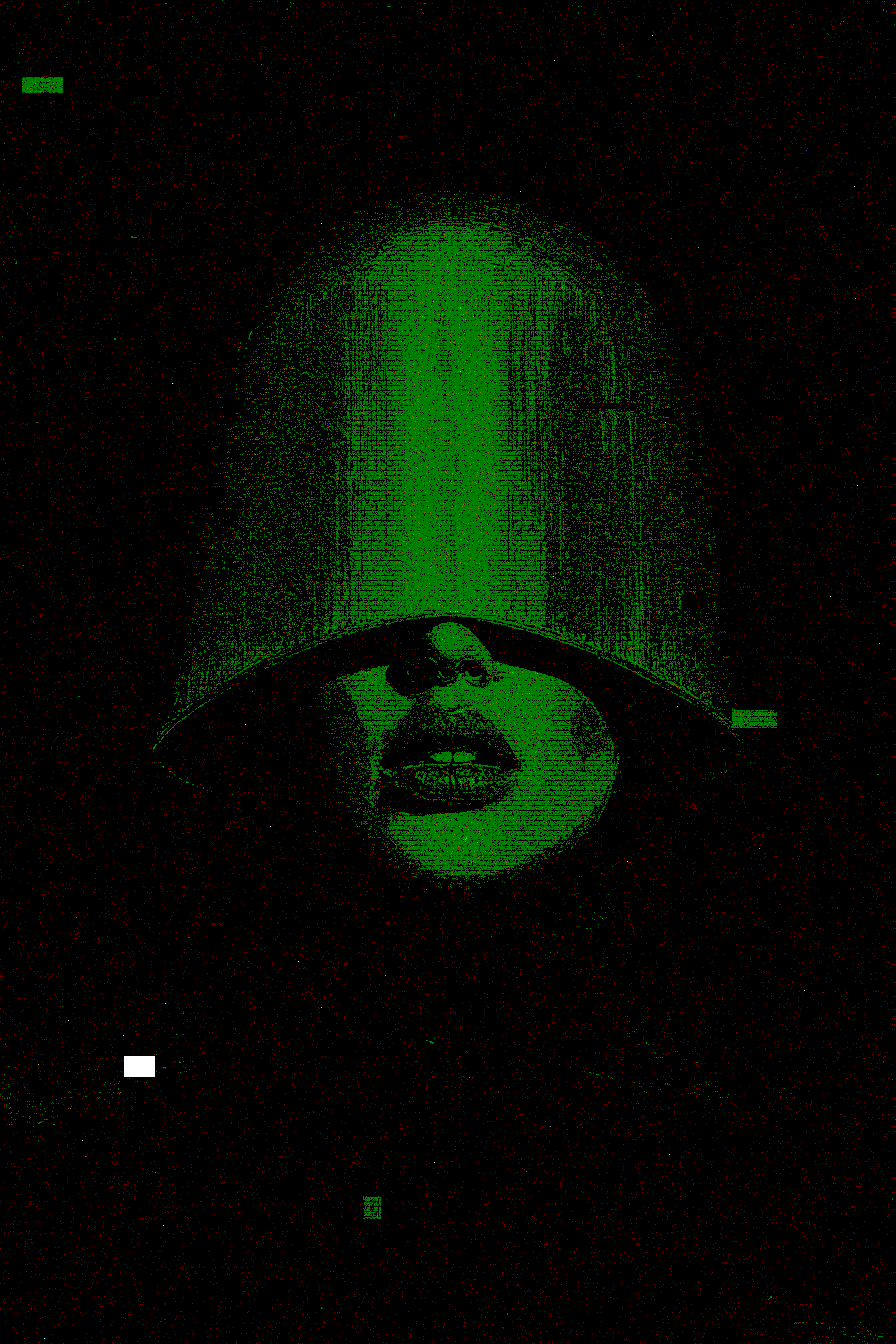
“GLITCH for ART” was born from my fascination with digital art and the unexpected errors or corruptions that occur in digital media. In today’s digital age, perfectly rendered images are the norm—but by deliberately introducing “glitch” imperfections, I wanted to create a unique, expressive visual experience. This project aims to give users an easy, creative way to “break” their own images and explore new forms of digital art.
What I Learned
- Image processing with the HTML Canvas API: I learned how to manipulate pixel data directly—using methods like
getImageData,putImageData, andglobalCompositeOperation—to apply real-time glitch effects. - Advanced state management & performance optimization in React: By leveraging
useState,useCallback, anduseEffect, I managed image data, glitch settings, and processing state. I also implemented debounce logic (combininguseEffectwithsetTimeout) to prevent performance bottlenecks when sliders are adjusted rapidly. - Implementing internationalization (i18n): I built a custom
LanguageProvideranduseLanguagehook to support multiple languages, ensuring a seamless experience for users worldwide. - UI development with Tailwind CSS & shadcn/ui: Combining Tailwind’s utility-first approach with reusable shadcn/ui components, I rapidly crafted a clean, responsive interface with minimal custom CSS.
- User feedback & notifications: Integrating the
sonnerlibrary taught me the importance of clear, visual toast notifications for actions like upload, processing, and download.
How I Built It
- Frontend: React with TypeScript for a component-based, type-safe codebase.
- Styling: Tailwind CSS plus shadcn/ui for rapid, modern, responsive design.
- Glitch engine: A
GlitchProcessorclass insrc/utils/glitchEffects.tsuses the Canvas API to implement methods for RGB shift, pixelation, noise, scanlines, chromatic aberration, datamosh, bit-crush, and corruption. - Key components:
- ImageUpload (
src/components/ImageUpload.tsx): Usesreact-dropzonefor drag-and-drop and file selection. - GlitchControls (
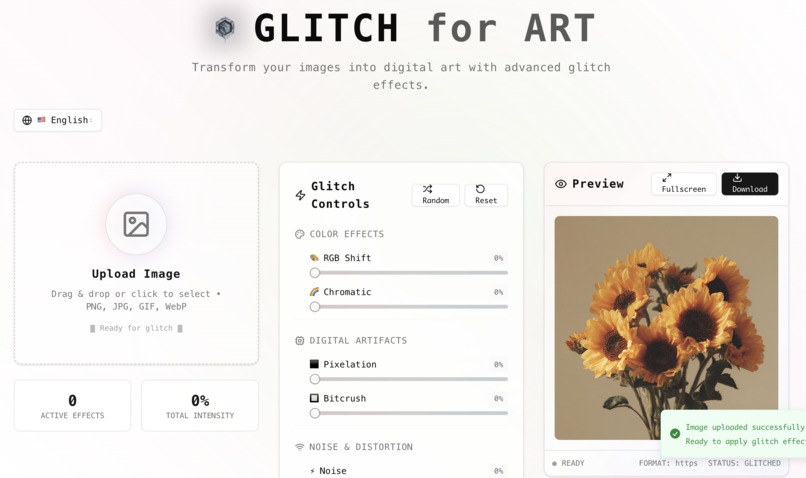
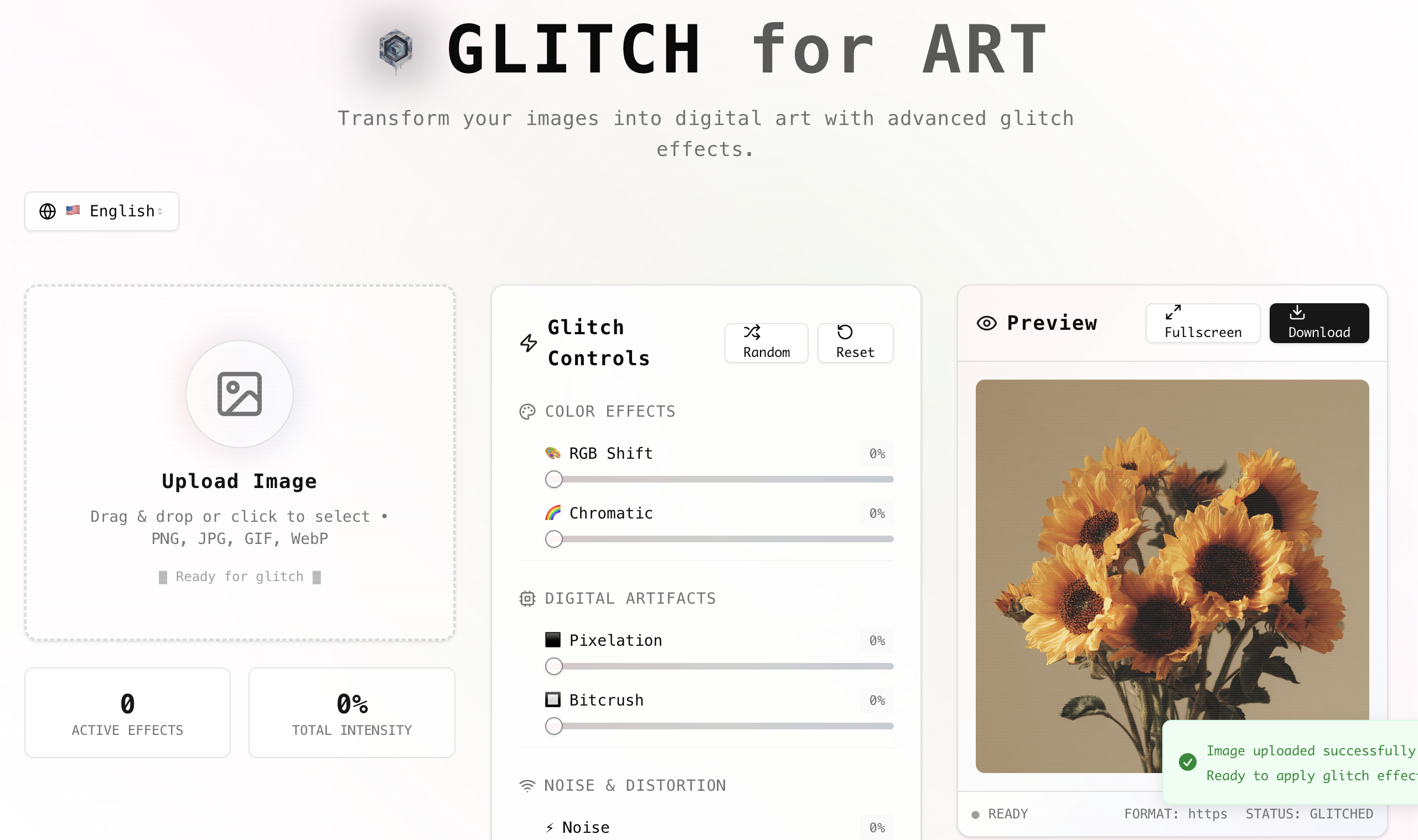
src/components/GlitchControls.tsx): Slider controls (from shadcn/ui) to adjust each effect’s intensity. - GlitchPreview (
src/components/GlitchPreview.tsx): Shows the processed image preview with download and fullscreen options.
- ImageUpload (
- Internationalization: Custom context and hook in
src/components/LanguageProvider.tsxandsrc/hooks/useLanguage.ts, with translations insrc/i18n/translations.ts. - Notifications: Integrated
sonnerfor toast feedback. - Icons: Used
lucide-reactfor consistent visual style. - Build tool: Vite for fast dev server and optimized builds.
Challenges Faced
- Real-time performance: Glitch effects manipulate large pixel arrays. To prevent lag when sliders move, I added debounce logic so processing only runs after the user stops adjusting.
- Canvas API complexity: Precise pixel index calculations were needed for effects like RGB shift and chromatic aberration—getting those offsets exactly right was tricky.
- Tuning effect parameters: Finding mathematical transformations that looked both visually appealing and controllable (0–1 range) required lots of trial and error.
- Managing i18n data: Keeping translations consistent across components was initially cumbersome; building a custom internationalization system streamlined the workflow.
- Maintaining responsive design: Ensuring the UI adapted smoothly to various screen sizes involved careful use of Tailwind breakpoints and flexible layouts.
By overcoming these hurdles, “GLITCH for ART” evolved into a robust, user-friendly platform for exploring the expressive potential of digital glitches.
Built With
- canvas
- clsx
- css
- date-fns
- embla-carousel-react
- hookform/resolvers
- html
- input-otp
- javascript
- lucide-react
- next-themes
- react
- react-day-picker
- react-dropzone
- react-hook-form
- react-resizable-panels
- recharts
- shadcn/ui
- sonner
- tailwind-css
- tailwind-merge
- the
- typescript
- vaul
- vite
- zod

Log in or sign up for Devpost to join the conversation.