-
Cover page
Inspiration
I've lost count of how many times I've sat scrubbing through a 40-minute video looking for one 15-second moment. Ctrl+F works on every webpage — why not video? And just searching what was said still misses half the story: slides, on-screen text, a product's color, a diagram — things a video shows but never actually says out loud. That became the real goal: let people search what was said, what was shown, or just ask a question about the video.
What it does
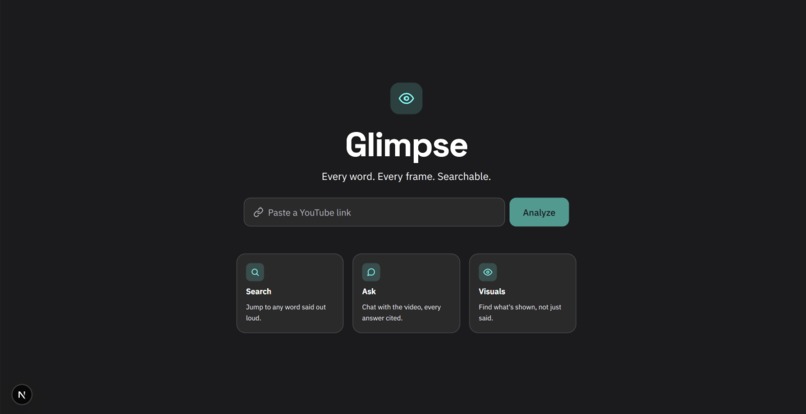
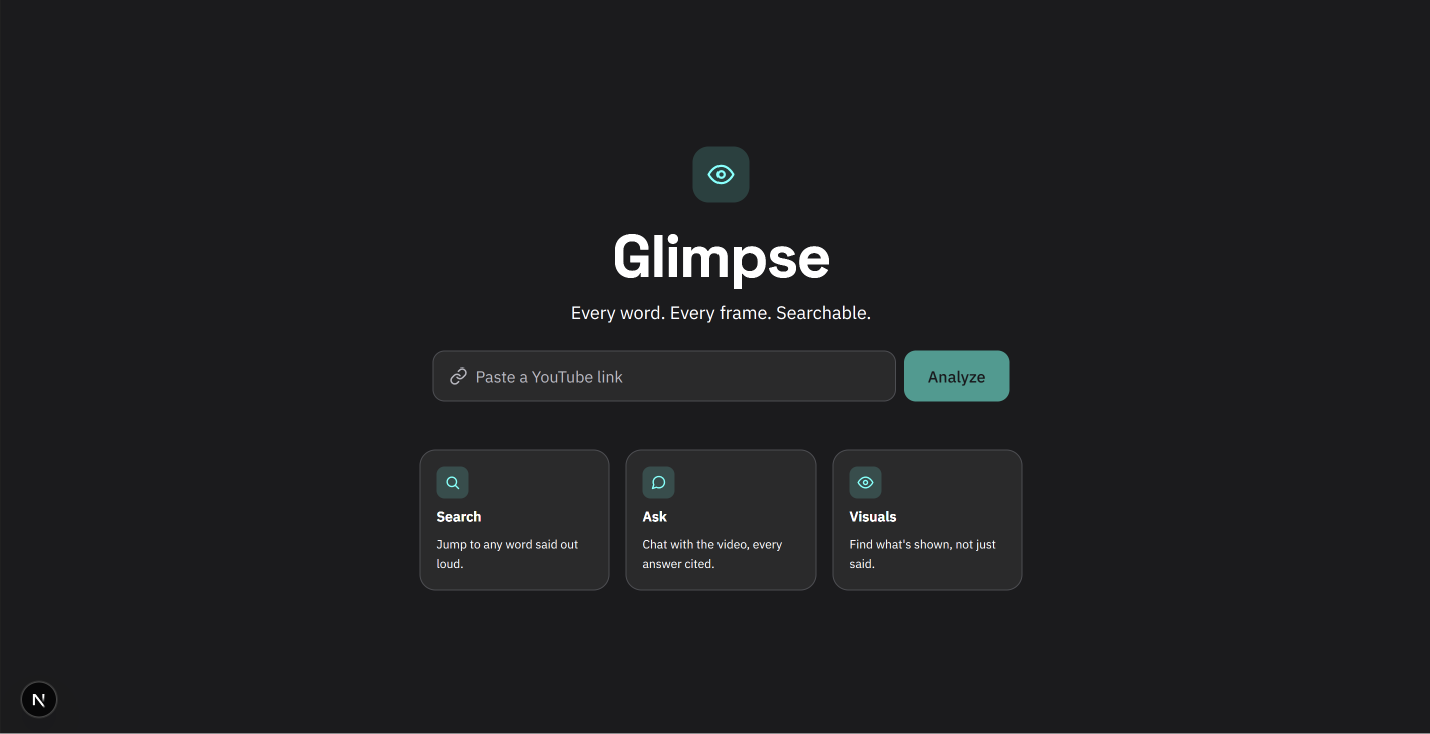
Paste in a YouTube link and there are three ways to explore it: Search instantly jumps to any word or phrase that was spoken, Ask lets you chat with the video and get answers with clickable timestamps, and Visuals looks at what's actually shown on screen — objects, colors, text, charts — so you can find things that were never said out loud at all.
How I built it
I built a simple website for the interface and a small program behind the scenes that fetches captions, talks to Google's Gemini AI for the chat and visual descriptions, and pulls frames out of the video to analyze what's on screen. Everything gets saved once it's processed, so revisiting a video is instant and nothing has to be redone.
Challenges I ran into
The trickiest part was the visuals feature. Analyzing a video means looking at dozens of frames, and I only have a limited number of requests I'm allowed to make to the AI each day for free. Send too few frames at a time and I'd run out of that daily allowance scanning a single video; send too many at once and the descriptions came back less accurate, since the AI had to describe a big pile of images all at once. I spent a good chunk of time watching my usage numbers and testing different group sizes until I found a middle ground that kept quality high without blowing through my daily limit on one video.
Another challenge was getting consistent, useful answers out of the AI — early on it would sometimes give a vague timestamp range instead of a single moment, or dodge a question by saying it "couldn't find an opinion" instead of actually answering. Getting it to behave predictably took a lot of trial and error in how I phrased my instructions to it.
I also ran into a strange visual bug where the embedded video player kept ignoring my styling — it turned out the video player itself was quietly replacing the piece of the page I'd built for it, wiping out my design in the process. Wrapping it differently fixed it, but it took a while to figure out that's what was even happening.
What I learned
Working with a free AI service taught me that keeping an eye on usage limits has to be part of the design from the start, not something you fix later — it genuinely shaped how the visuals feature works. I also learned that getting good, reliable answers out of an AI takes real trial and error in how you ask it, especially with a faster, lighter model. And more than once, something that looked like a bug in my own code turned out to be a quirk of a tool I was using — worth checking before assuming I'd made the mistake.
Built With
- css
- fastapi
- gemini
- next.js
- python
- tailwind
- typescript
