-
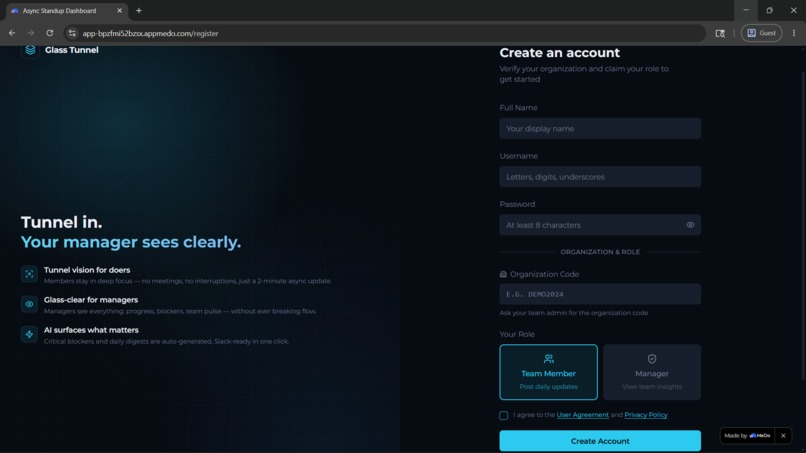
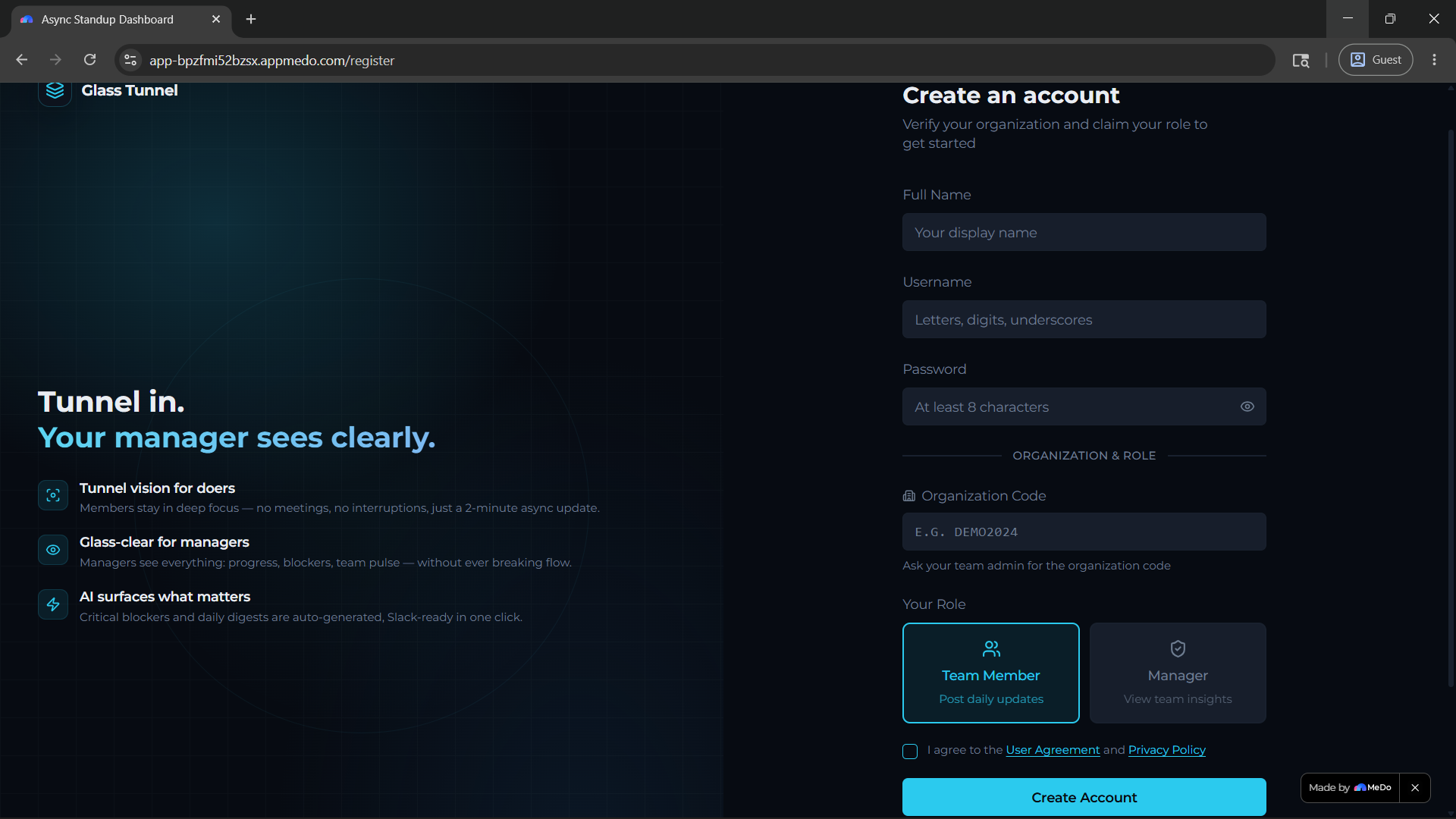
Verified Registrations
-
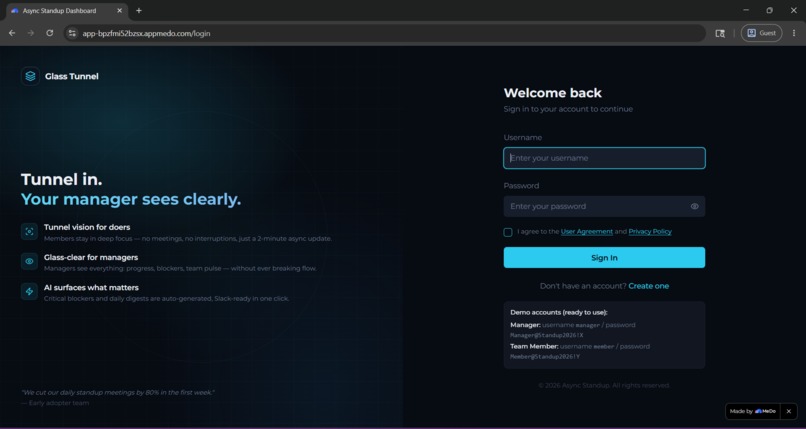
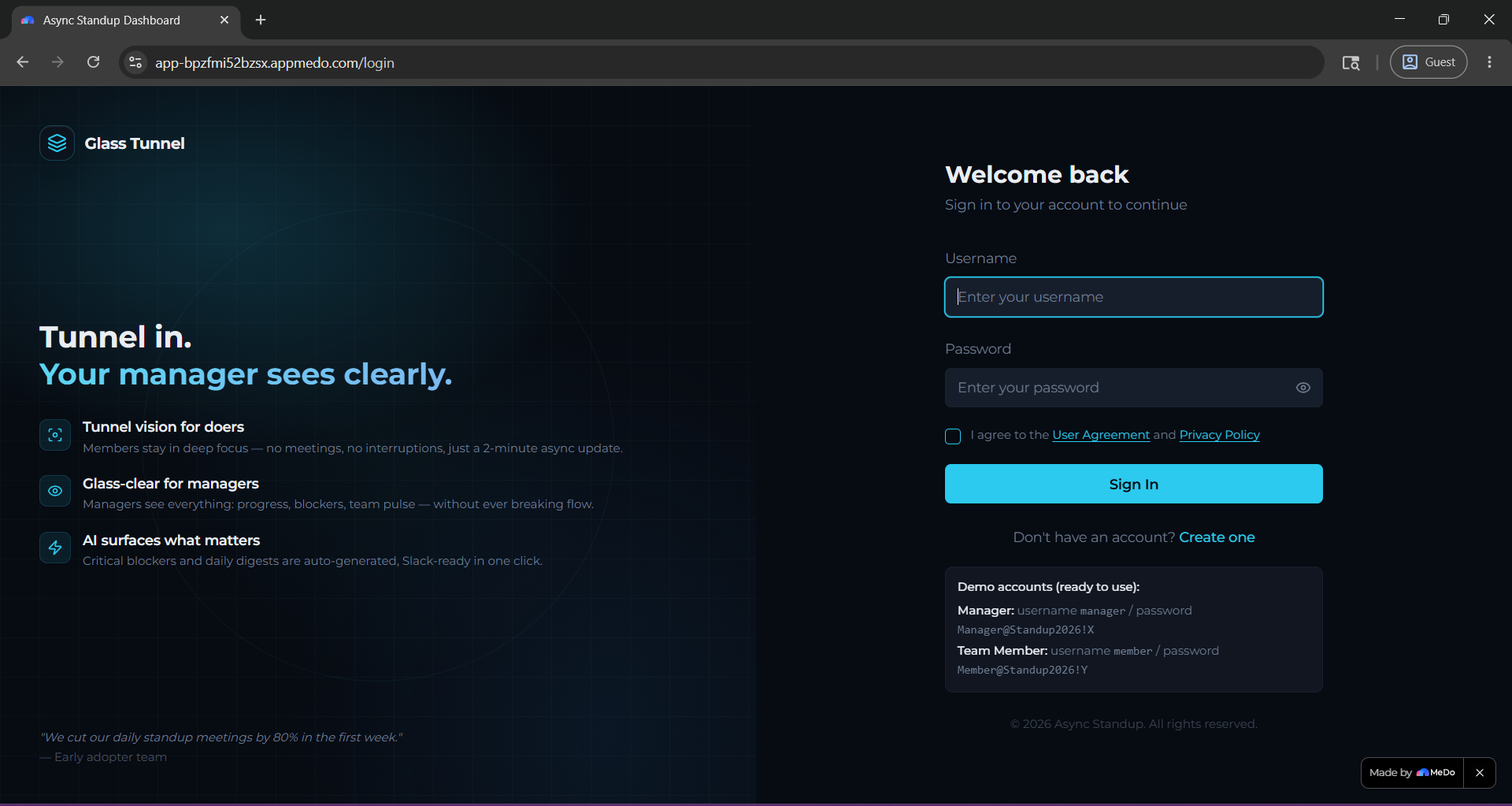
Easy Sign-in
-
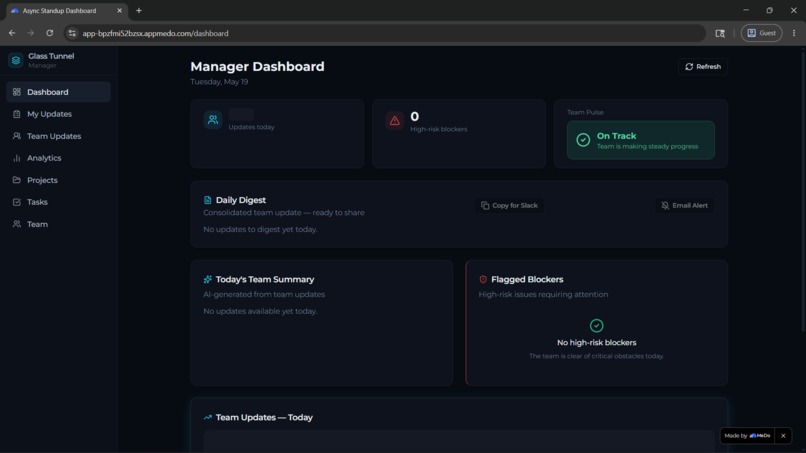
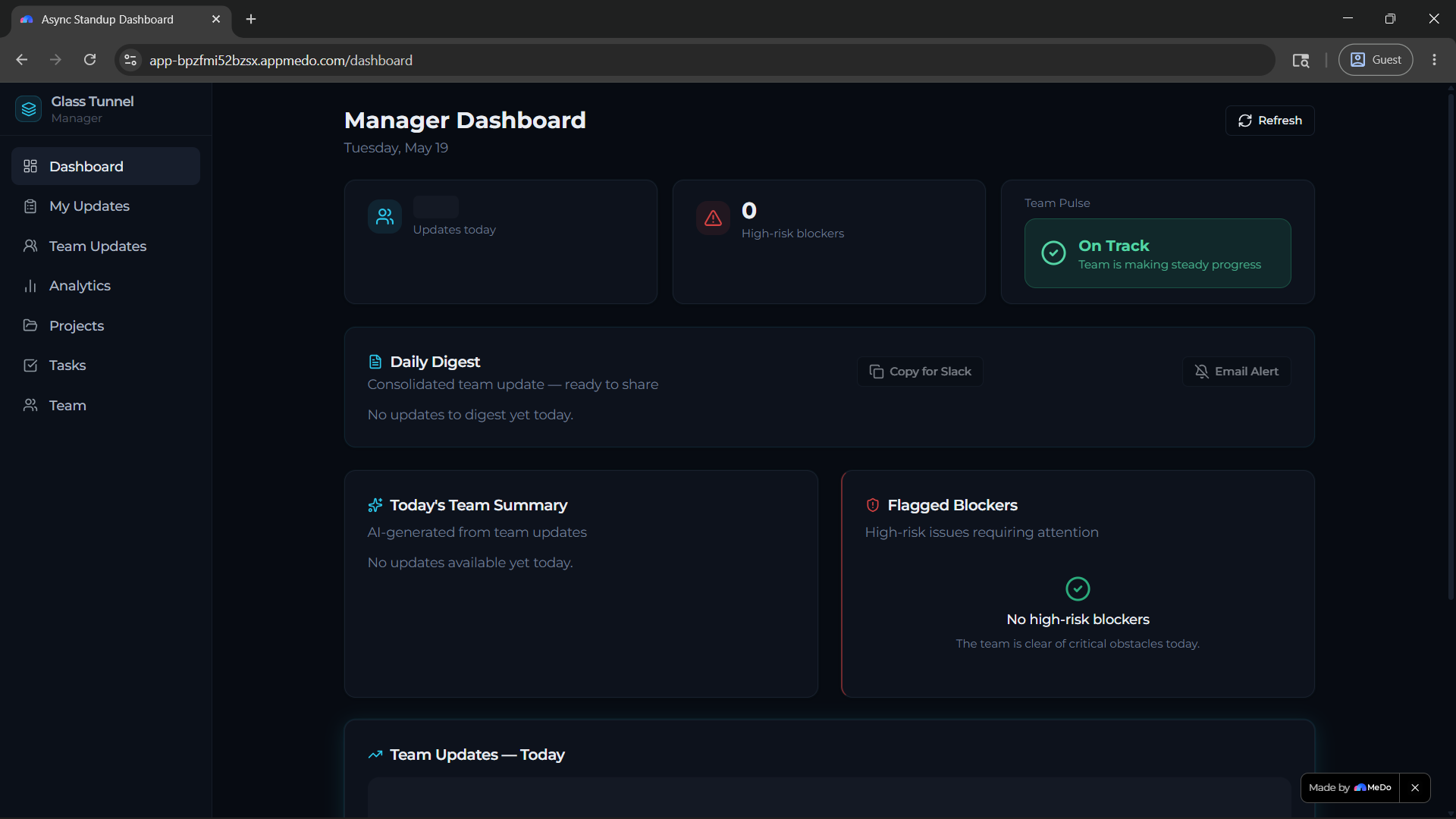
Manager's inside view
-
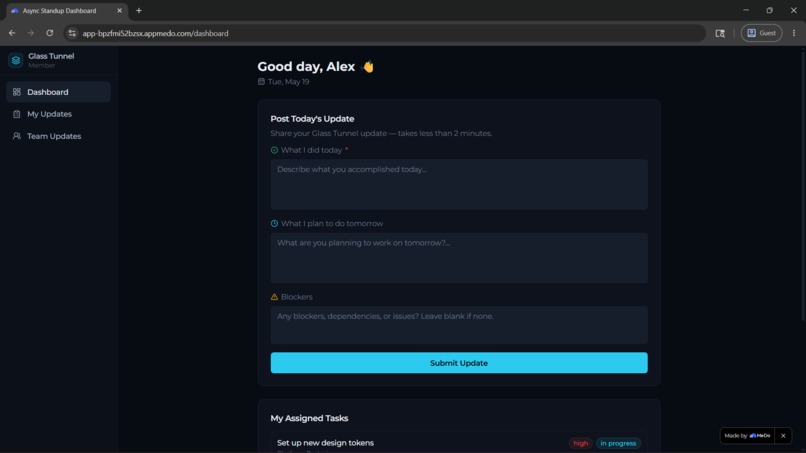
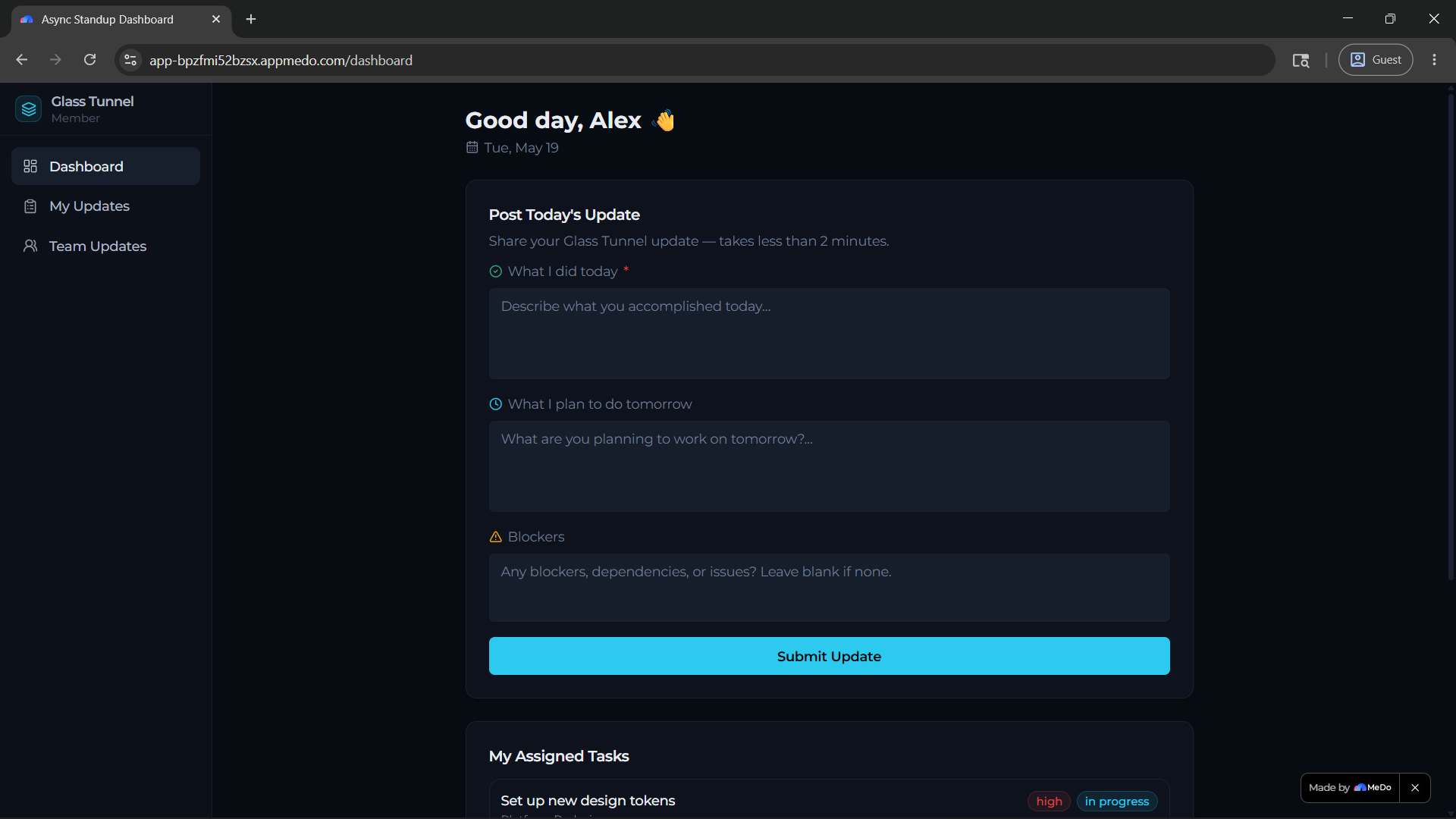
Employee's inside view
Inspiration
It came to me when I was searching for ideas in Work & productivity track.
What it does
- Problem: Daily standups, designed for alignment, have become a source of "institutionalized distraction" that fractures deep work and blocks productivity.
- Insight: ~60% of organizations now recognize that adopting AI is key to relieving the burden of such unrewarding, manual tasks.
- Solution: A vibe-coded app where team members post async updates, and an AI assistant summarizes progress, flags potential risks, and creates a real-time "team pulse" for managers.
How we built it
The 8-Hour Build Plan
Block 1: Setup & Core Architecture (Expected: 1 Hour, Done: 15-20 minutes)
- Goal: Get a basic, interactive app structure running.
- Vibe Coding Prompts for MeDo:
- "Create a web app with a clean dashboard UI. It needs two user roles: Team Member and Manager."
- "On the 'Team Member' home page, generate a simple form with a text box for 'What I did today', another for 'What I plan to do tomorrow', and a third for 'Blockers'. Add a 'Submit Update' button."
Block 2: Building the AI Core (Expected: 2 Hours, Done: Along with Block 1)
- Goal: Implement the "smart" features that make this more than a form.
- Core Features to Vibe Code:
- AI Summarization: "For the Manager dashboard, take all the team members' updates for today and use AI to create a single, 3-bullet point summary of what the team accomplished."
- AI Risk Detection (The Key Feature): "Analyze the text in the 'Blockers' field from all team members. If any blocker seems high-risk (like 'waiting on legal' or 'critical bug'), flag it prominently on the Manager's dashboard."
- "Team Pulse" Metric: "Based on the sentiment of the team's updates, generate a simple 'Team Pulse' status (e.g., 'On Track,' 'At Risk,' 'Blocked')."
Block 3: Polish & "Wow" Factor (Expected: 3 Hours, Done: 15-20 minutes)
- Goal: Make the app feel like a polished product. Speed and ease of use are critical.
- Key Refinements:
- Integrations: Build a "Daily Digest" feature. "Generate a summarized team update from the dashboard data and create a button that formats this for Slack. Also, make a button that creates a task in a to-do list from a highlighted blocker."
- UI/UX: Ask MeDo to apply a "professional, calm, and minimalistic UI theme" or a "dark mode aesthetic." A visually clean app builds trust.
- Onboarding: "Add a simple, one-page onboarding flow that explains how the app reduces meetings." This frames the user experience right from the start.
Block 4: Final Polish & Demo Prep (Expected: 2 Hours, Done: 20-30 minutes)
- Goal: Prepare to showcase your work perfectly. A great demo can be the deciding factor.
- Final Checklist:
- Test and Debug: Do a full walkthrough of both user roles. Fix any bugs using follow-up prompts to MeDo.
- Deploy: Use MeDo's one-click deployment to get a public URL for your submission.
- Complete the Devpost project requirements.
Challenges I Faced
If you paid attention to my plan and noticed the significantly less time it took me to complete each block of task it was all thanks to MeDo. I had never used it before but I have used a number of vibe coding platform and even the most recently released platforms do not match the consistency and reliability of output MeDo provides. My workflow was smooth and it didn't waste my time as do other such platforms by breaking things all the time.
What's next for GlassTunnel
Testing it against real-world expectations and refining the MVP accordingly.
Built With
- react
- supabase
- typescript
- vite

Log in or sign up for Devpost to join the conversation.