-
-
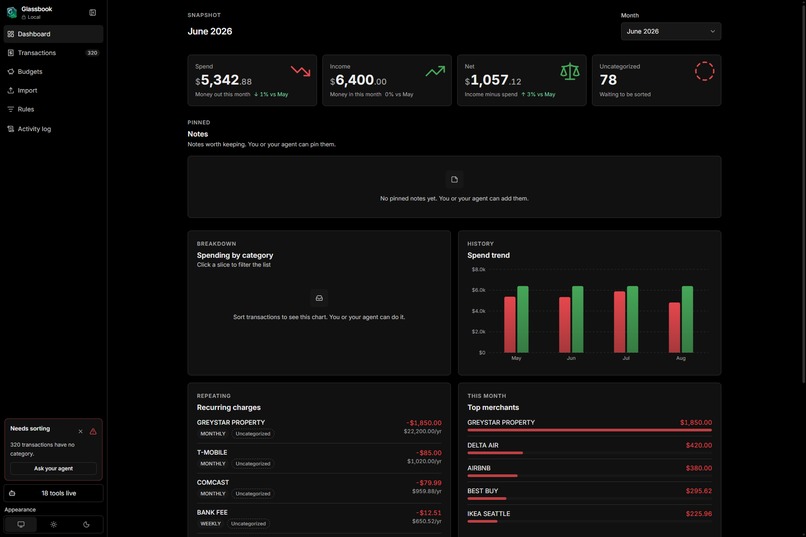
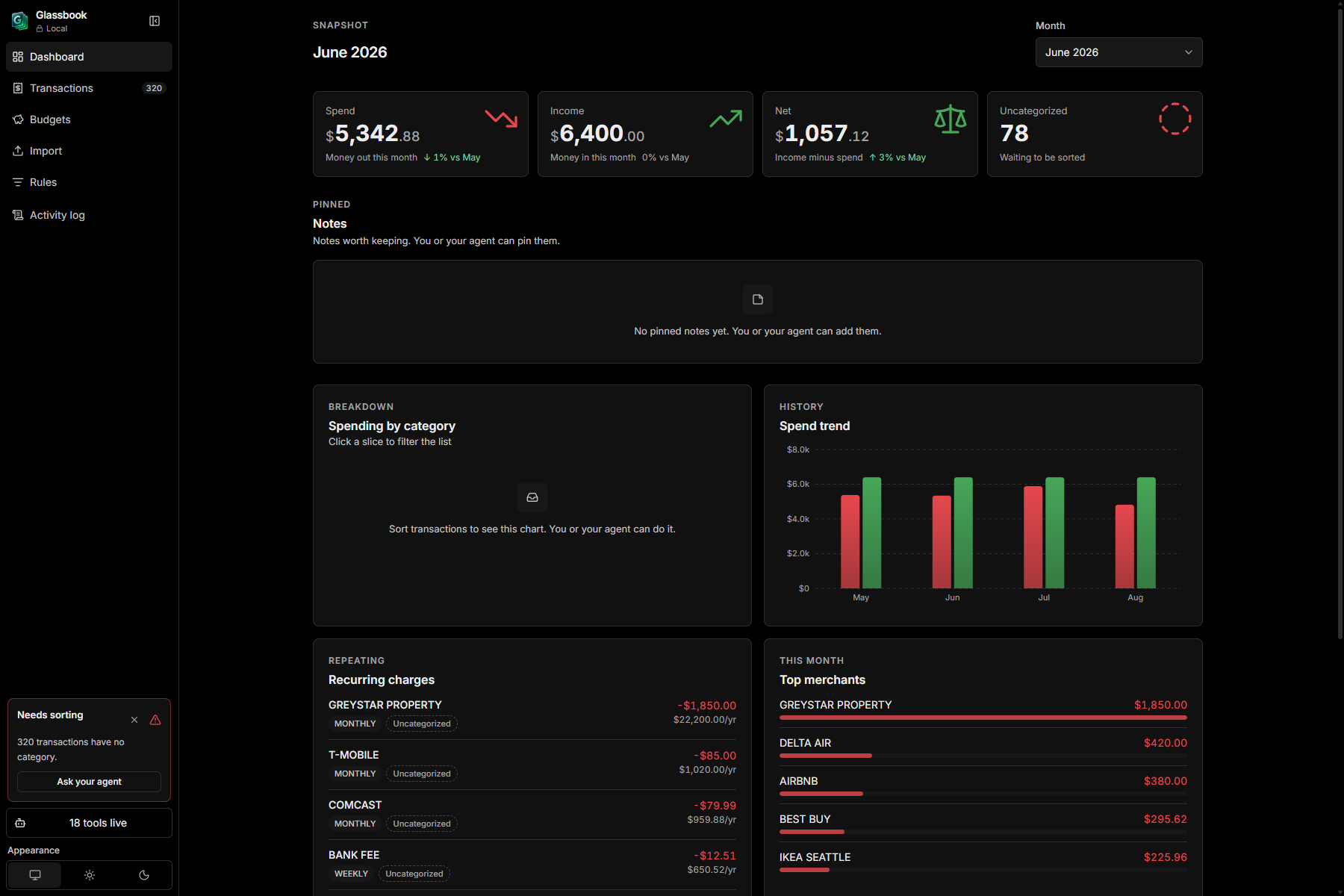
Dashboard. Spend, income, and net for the month.
-
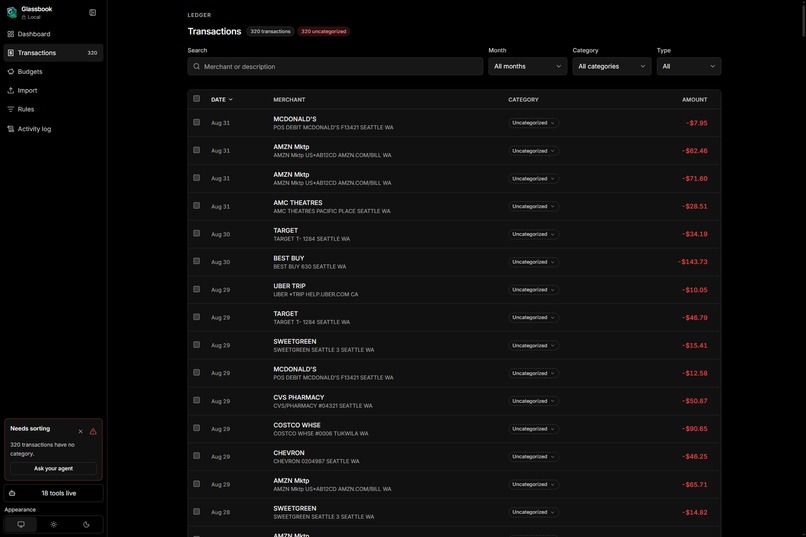
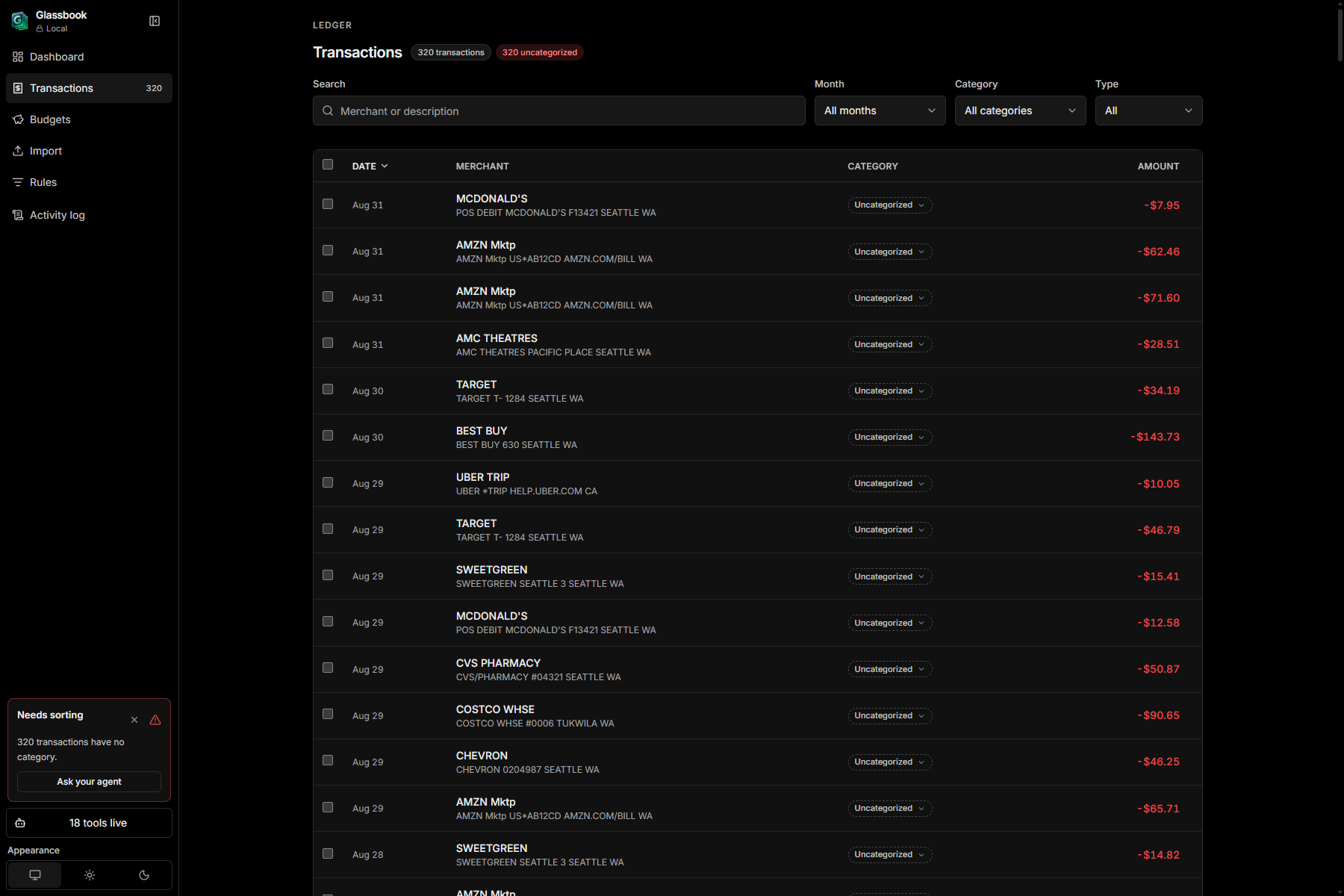
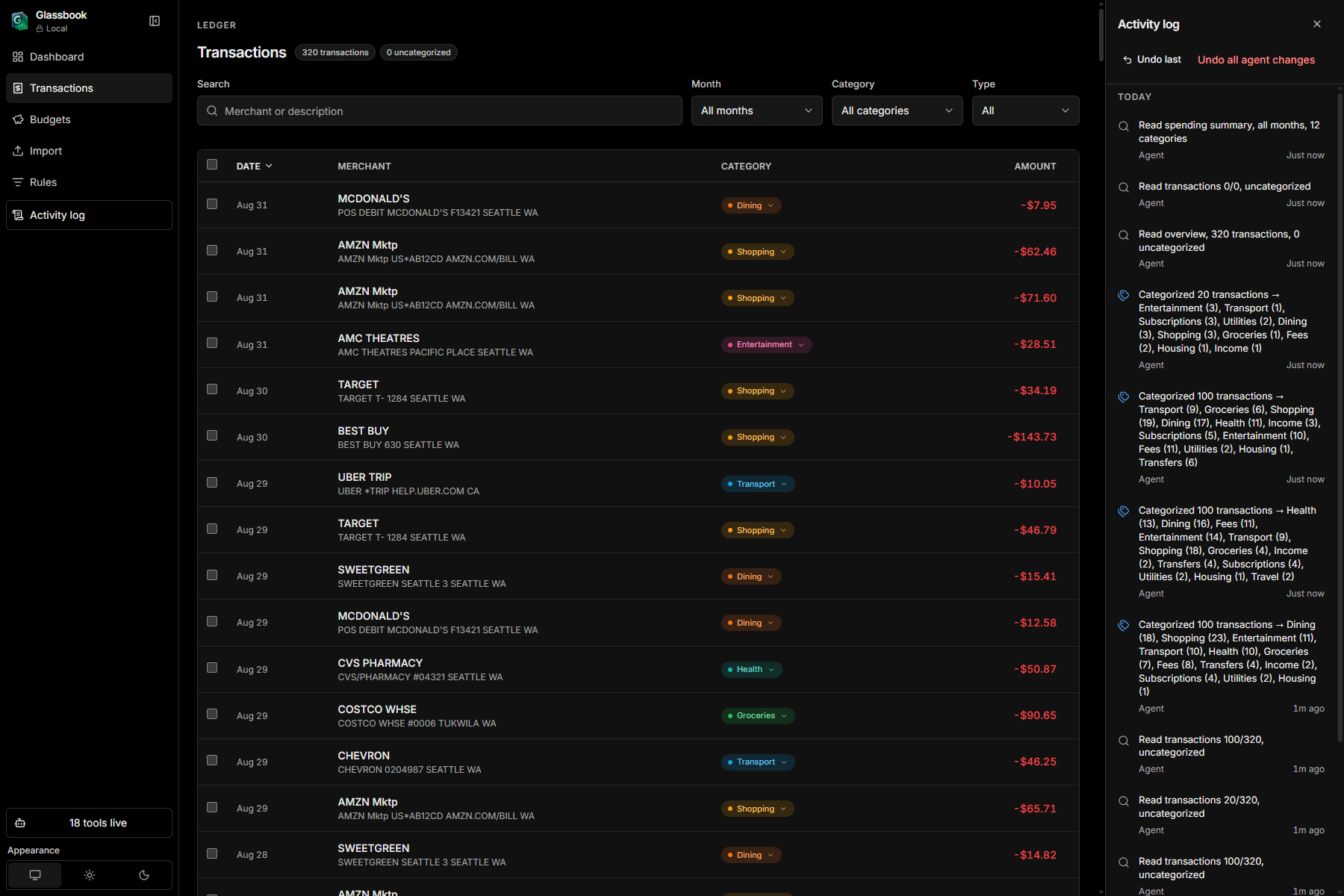
Transactions. Search, filter, and categorize.
-
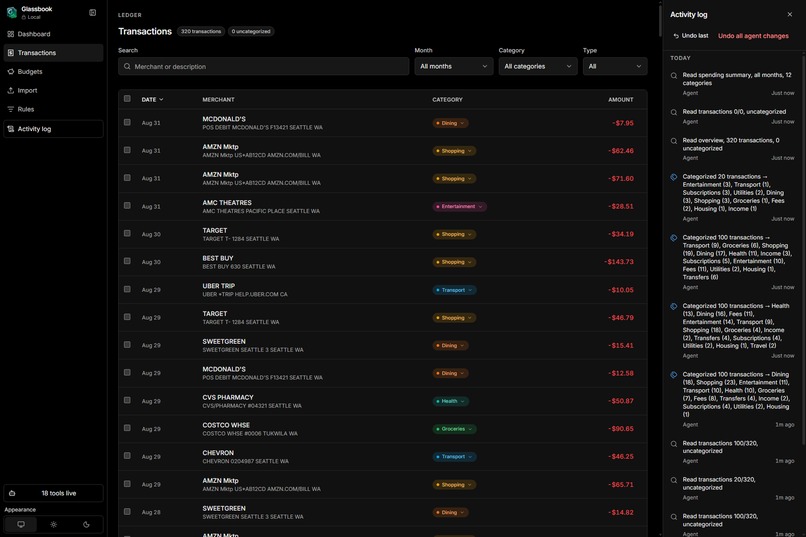
Activity log. Every agent call, and undo on writes.
-
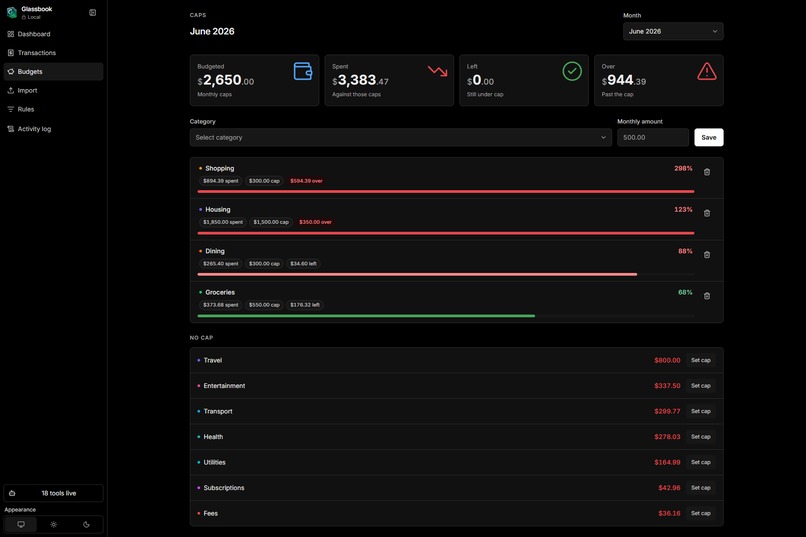
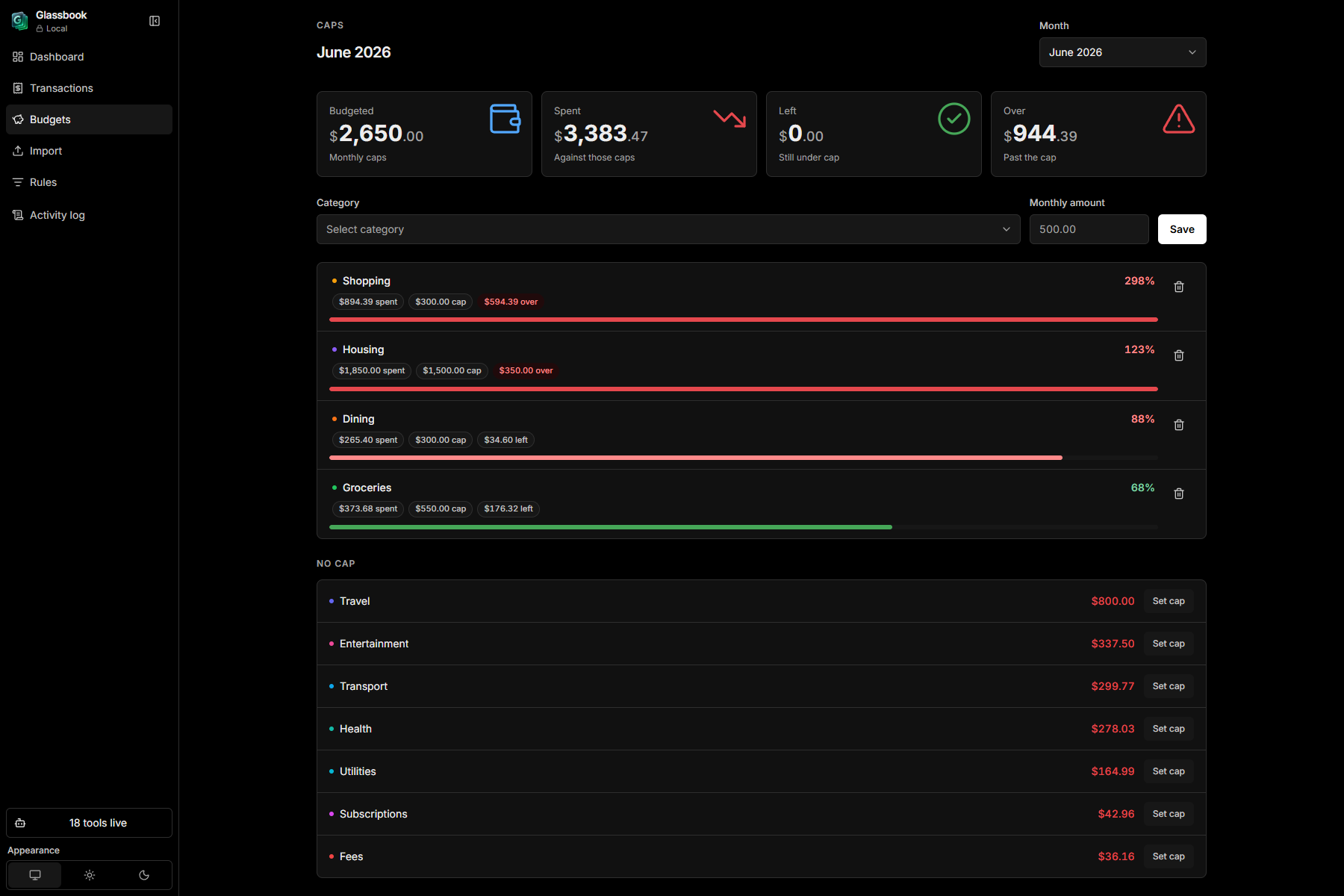
Budgets. Monthly limits and how much you spent.
-
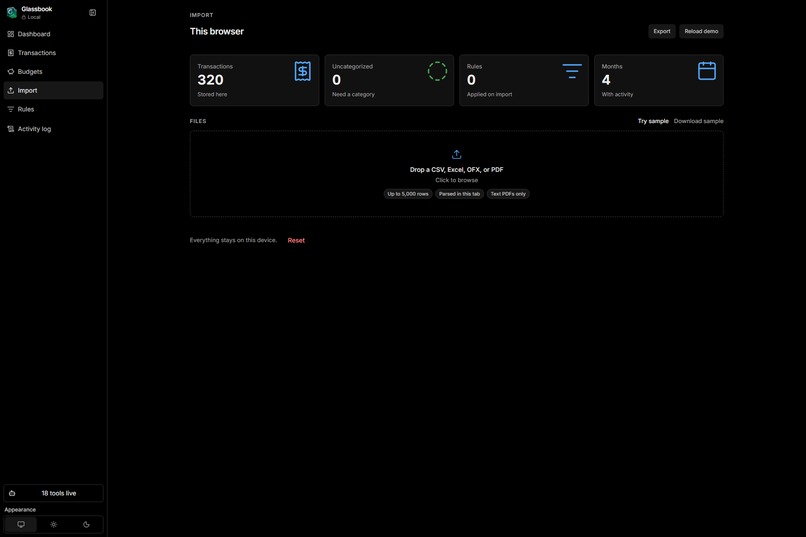
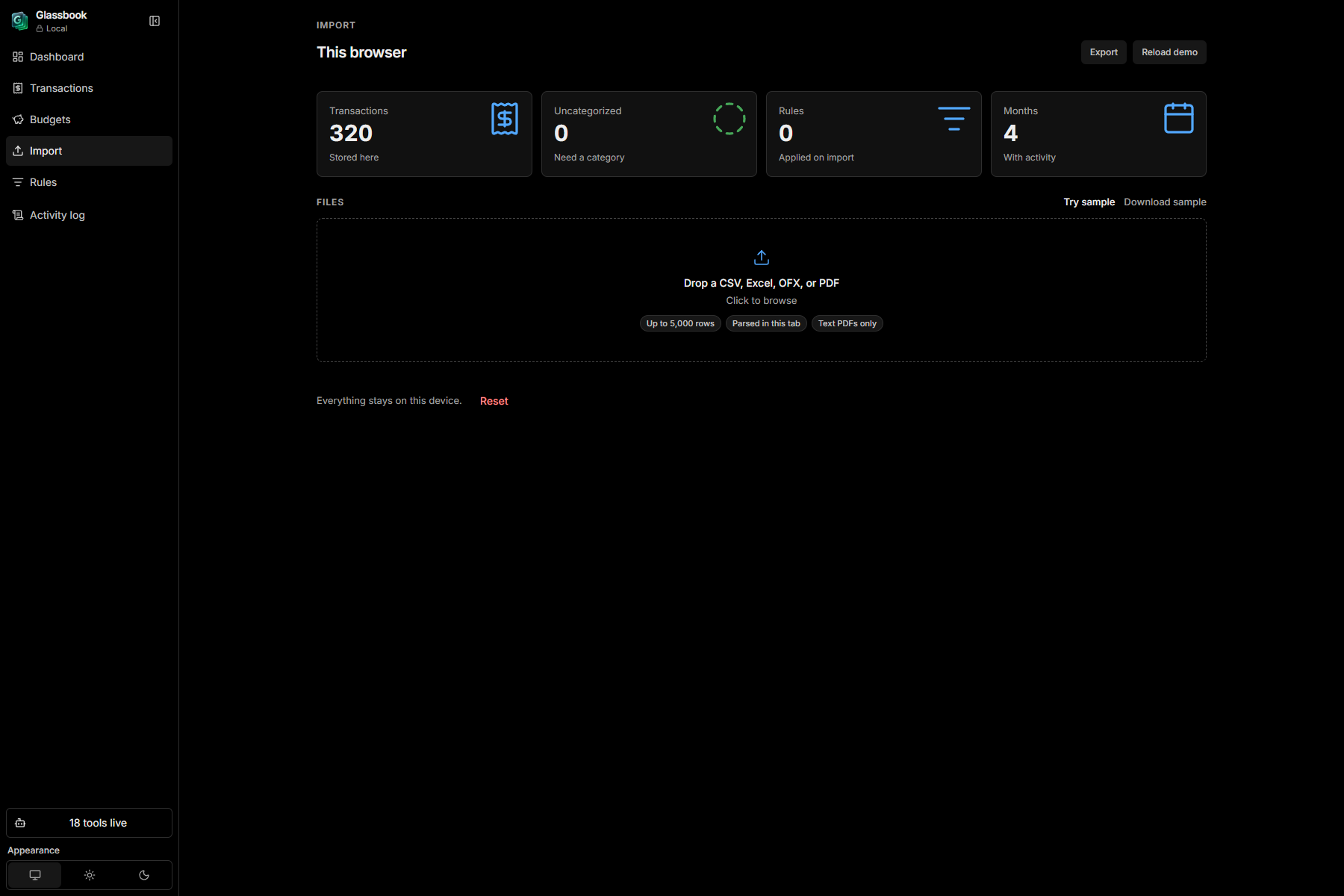
Import. CSV, Excel, OFX, or a text PDF.
-
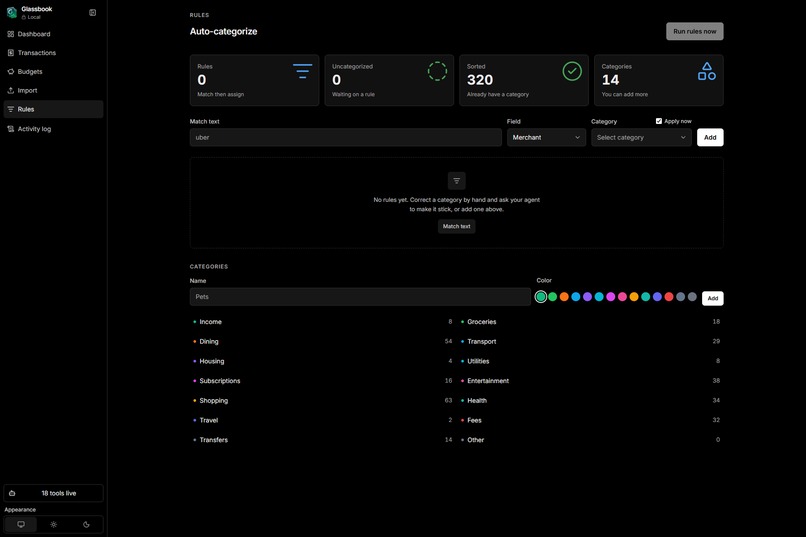
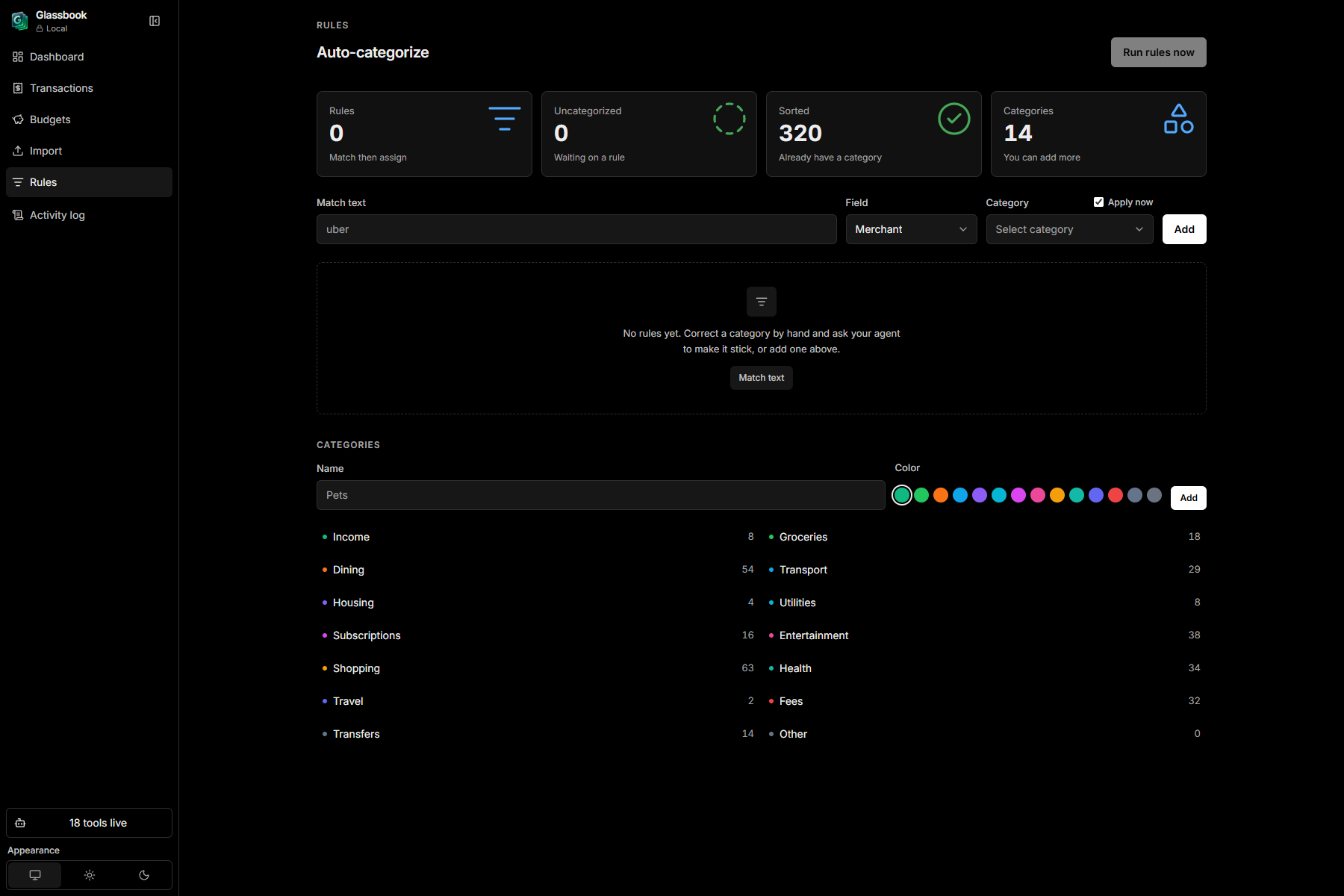
Rules. Save a merchant match and apply it.
Inspiration
Every budgeting app I have tried wants the statement first. Connect Plaid, upload a CSV, or paste it into a chat so a model can read it. You hand over a year of swipes, then get told you spend too much on dining.
I started with a simpler question: can the ledger stay on your machine, and can you still get help? WebMCP is how I tried that.
What it does
Glassbook is a budgeting app that never leaves the tab. You import a statement, sort your spending, set budgets, and teach it a few rules about merchants you recognize. There is no account and no server. The ledger sits in localStorage.
Connect an agent and it gets 18 WebMCP tools pointed at that same ledger. It can categorize a few hundred rows in one call, save a rule when you correct it, find a subscription you forgot about, work out why June cost so much, and set a budget. Every call lands in an activity log. If a write goes wrong, you can undo the last one, or walk back everything the agent touched.
Doing this by hand is an hour of clicking category chips. A chat-only agent wants the statement uploaded first.
Load the demo and you get about 320 uncategorized rows across four months. Ask the agent to categorize everything and the chips update on screen while it works.
Once you connect an agent, tool results do enter its context. The tools send summaries and cleaned merchant names rather than your raw statement, unless you ask for more of them. Every call sits in the log.
How I built it
There is no MCP server sitting somewhere with a copy of your ledger. The tools run in the page, against the same Zustand store the UI is reading from. The site decides the schema, how little a read hands back, and what undo means.
Each tool is defined once and registered on document.modelContext after the store loads, with fallbacks to navigator.modelContext and window.modelContext. Hosts do not agree on where to put it yet. ChatGPT injects it after first paint, and registration retries if it is not there.
Then there is one wrapper around every call. It writes the activity row, and on a write it snapshots the whole ledger first, up to fifty deep. undoLast pops one. undoAll walks back a consecutive run of agent writes, including a streak where one call was wrong.
Some tools only return text. The ones that make it feel shared also move the screen: highlight_transactions rings a row and scrolls it into view, set_view_filters puts you both on Dining for August, pin_insight leaves a card on the dashboard. Those do not work if the tools live on a server.
Import follows the same rule as the ledger. CSV and TSV go through PapaParse, OFX and QFX through a local parser, Excel and text PDFs through AnyDoc WASM in a worker. Nothing is uploaded.
await document.modelContext.registerTool({
  name: "get_overview",
  description: "Call this first to understand the user's ledger.",
  inputSchema: { type: "object", properties: {}, additionalProperties: false },
  annotations: { readOnlyHint: true },
  execute: async (input) => {
    const text = await executeRegisteredTool("get_overview", input);
    return { content: [{ type: "text", text }] };
  },
});
Challenges I ran into
The first real problem was that I could not get site tools to appear at all. I had ChatGPT desktop from the Microsoft Store, and document.modelContext was simply undefined. The permission settings had no site tools entry in them either. I updated the app, restarted it, tried again, got nowhere, and eventually decided the Windows build did not support WebMCP, wrote that into the README, and pushed it. What actually fixed it was uninstalling the Store version and installing the same app from the ChatGPT website. Different build, same machine. I could not find that documented anywhere.
Undo was harder than it looked. Logging what the agent did is easy. I still needed a way to take a write back. The store ended up snapshotting the full ledger on every agent write. That felt heavy until I watched an agent categorize three hundred rows, save a rule, and set a budget in one streak, then rewound all of it with one click.
Bank files are not one format: OFX, .xls files that turn out to be HTML tables, European statements where 1.850,00 means one thousand eight hundred and fifty and imports as one euro eighty-five if you are not looking for it. Scanned PDFs still do not work. The fix is OCR, and I am not adding a cloud one.
What I'm proud of
The demo works end to end. Load 320 rows, connect an agent, categorize the lot, correct a chip, save a rule so the correction sticks, find Scribd at $11.99, ask why June was expensive and watch it ring the Delta and Airbnb rows from the 18th, set a dining budget, then rewind all of it from the activity log.
Data minimization is in the tools on purpose. get_spending_summary returns grouped totals instead of three hundred rows. list_transactions sends cleaned merchant names, fifty at a time, and never the raw description. There are no account numbers in the model.
What I learned
The useful part of WebMCP is that the page owns the contract. The site decides what is readable, how much comes back, and whether it can be undone. Someone who would never paste a bank statement into a chat might still let an agent help.
The activity log and the ring around the Delta row mattered more than another read endpoint. If you cannot see the tool call, it is hard to trust it.
What's next for Glassbook
Rules need to get smarter. Right now it is substring matching on the merchant, and it should handle amounts and date ranges too. The date-order override in the importer works but it is easy to miss, and sooner or later someone will import a European statement and get the days and months flipped. localStorage is also not where a multi-year ledger belongs. IndexedDB at some point.
Scanned PDFs stay broken until on-device OCR is good enough.
Built With
- react
- tailwind-css
- typescript
- vercel
- vite
- webmcp
- zustand

Log in or sign up for Devpost to join the conversation.