Inspiration
We kept noticing the same pattern: people genuinely want to help others, but "volunteering" almost always means a real commitment — showing up somewhere, signing up weeks in advance, giving up a few hours. That barrier means a lot of small, real needs go unmet — someone who just needs a form explained, an essay proofread, or five minutes of company on a call.
We asked: what if helping someone only took as long as checking your phone?
What it does
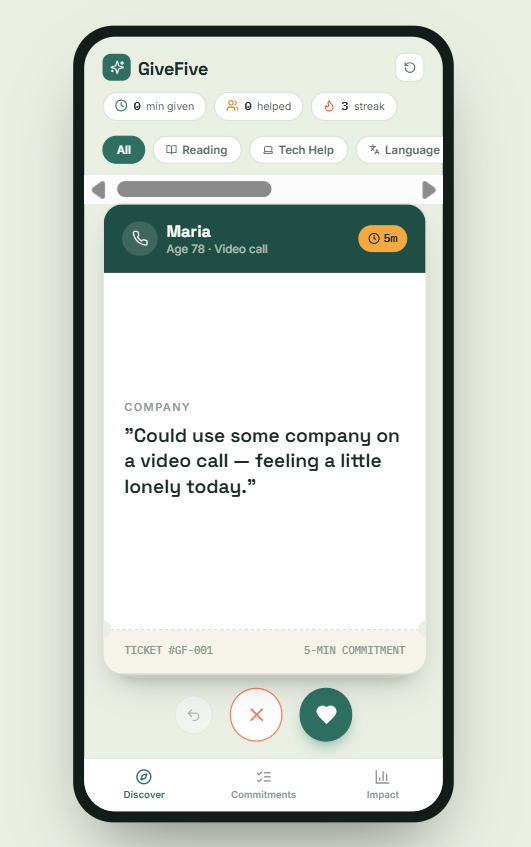
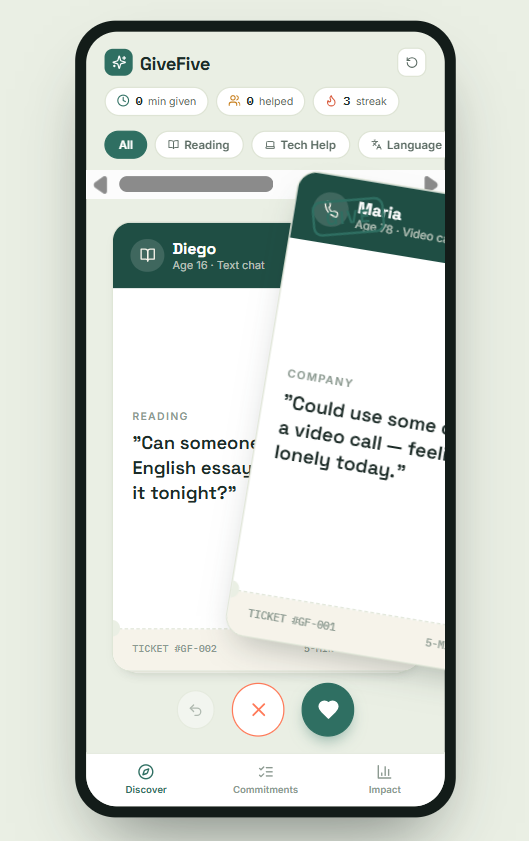
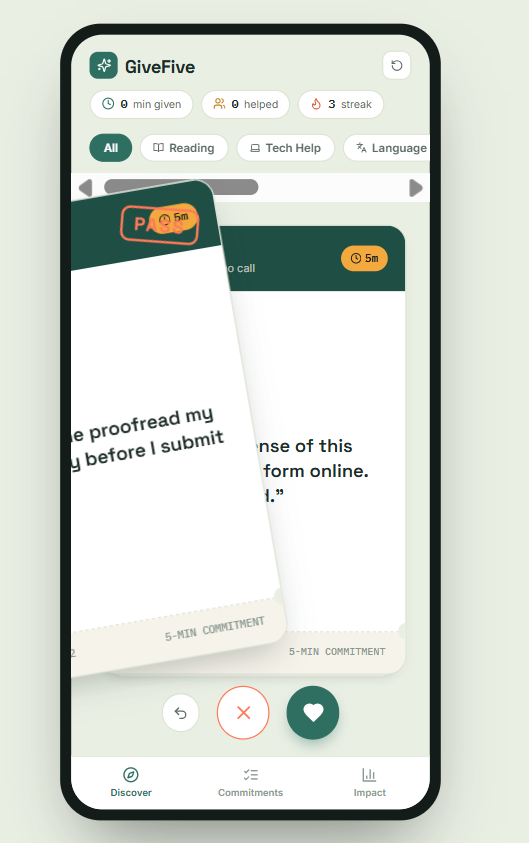
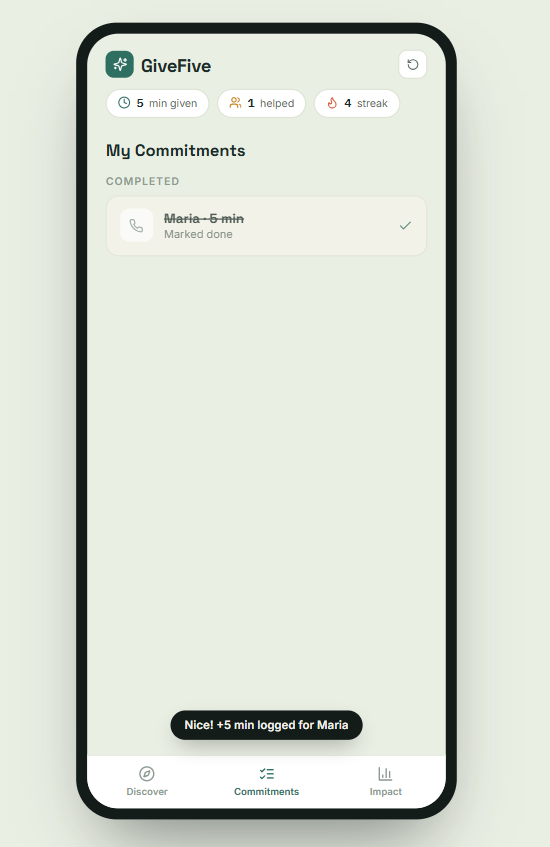
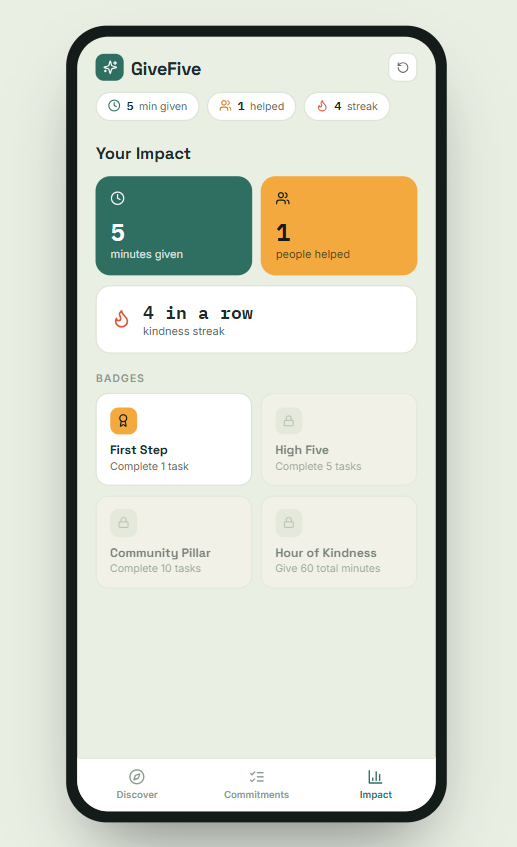
GiveFive turns micro-volunteering into a swipe app. Every card is a real 5-minute task — proofread a paragraph, explain a confusing form, do a quick mock interview, or just keep someone company. Swipe right to commit, left to pass. You can filter by category, undo a swipe, track what you've committed to, mark tasks done, and watch your impact build over time — minutes given, people helped, a streak, and unlockable badges. It's also installable straight from the browser, so it opens like a real app with no app store needed.
How we built it
We built GiveFive with React and Vite, keeping the whole thing frontend-only for the MVP — no backend, all state managed in-memory. The swipe interaction uses native pointer events for drag gestures, with button fallbacks so it's just as usable via tap. We designed it mobile-first, then made it responsive so it also demos cleanly on desktop. To make it feel like a real product rather than a prototype, we added a PWA manifest and service worker so it can be added to a phone's home screen and launched full-screen.
Challenges we ran into
The hardest part wasn't the code — it was making five minutes feel like enough. Early versions had more friction (confirmation screens, longer task descriptions) and it started to feel like just another to-do list. We stripped it down until the whole loop — swipe, commit, done — took three taps. Getting the swipe gesture to feel smooth (not janky) while still having reliable button fallbacks also took a few iterations.
Accomplishments that we're proud of
- A fully working swipe interaction with drag and tap support
- A cohesive visual identity (ticket-style cards, a real design system) built in a short timeframe
- Making the app installable as a home-screen PWA
- Keeping the actual "help someone" loop down to three taps
What we learned
Removing friction matters more than adding features. We learned to keep asking "does this make it easier to say yes to helping, or harder?" at every design decision, and cutting anything that didn't clearly help.
What's next for GiveFive
- A real backend so tasks and commitments sync across devices and users
- Video/chat built directly into the app instead of relying on external calls
- A verification/trust layer (ratings, light identity checks) for safety at scale
- Local partnerships with schools, libraries, and community centers to seed real tasks



Log in or sign up for Devpost to join the conversation.