


GitStudy
Welcome to GitStudy! GitStudy is a study group platform that we built for hackMISSO 2024 with Next.js. It allows users to create and join study groups, share resources, and collaborate on projects! Learn more below.
Features
User Authentication
Users can create an account, log in, and manage their profile with Google or GitHub.
Study Groups
Users can create and join study groups. Each study group has a dedicated page where members can share resources, discuss topics, and collaborate on projects.
Resource Sharing
Users can share resources such as links to helpful articles, videos, and other educational materials. These resources can be shared within a specific study group or made public for all users to access.
Project Collaboration
Users can collaborate on projects within their study groups. This includes creating a project, assigning tasks, tracking progress, and sharing project files.
Search
Users can search for study groups, resources, and other users. The search feature includes filters to help users find exactly what they are looking for.
🚧 Future Plans
We plan to enhance the notification system to provide more personalized and relevant updates to users.
Gamification
In the future, we plan to introduce a gamification system where users can "star" resources shared by others. This will increase the "credibility" stat of the users who consistently provide valuable resources to their community.
Notifications
Users receive notifications about updates in their study groups, such as new resources being shared, new discussions being started, or changes to projects they are part of.
Study Session Planning
In the future, we plan to introduce a feature where students can plan a study session at a specific location and time. This will help facilitate in-person collaboration and learning.
Technologies
General:

Design:

Frontend:


Database:

Authentication:


Deployment:

Version Control:

Pages
Landing Page
The landing page welcomes users and provides an overview of the platform. It also has a cool hover feature that fills up the cells below it!
Login Page
The login page allows users to access their accounts through GitHub or Google
Dashboard Page
The dashboard page provides a personalized overview of the user's activity, including their study groups, tasks, and notifications.
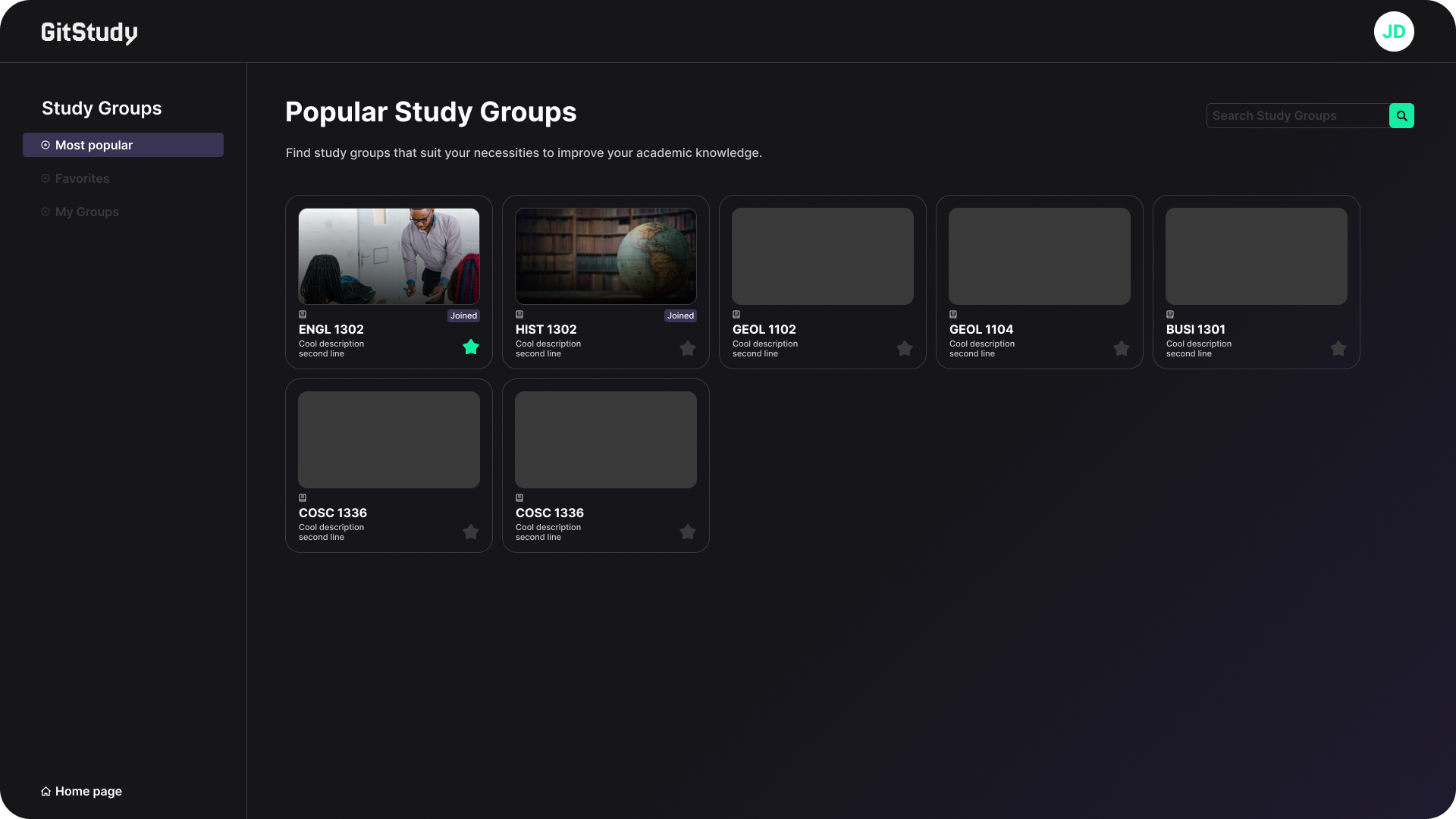
Popular Study Groups Dashboard Page
This page displays the most popular study groups on the platform, ranked by factors such as number of members, activity level, and resource quality.
Favorite Study Groups Dashboard Page
This page shows the user's favorite study groups for quick access.
My Groups Dashboard Page
This page lists all the study groups that the user is a part of.
Study Groups Dashboard Page
This page provides a comprehensive list of all study groups on the platform.
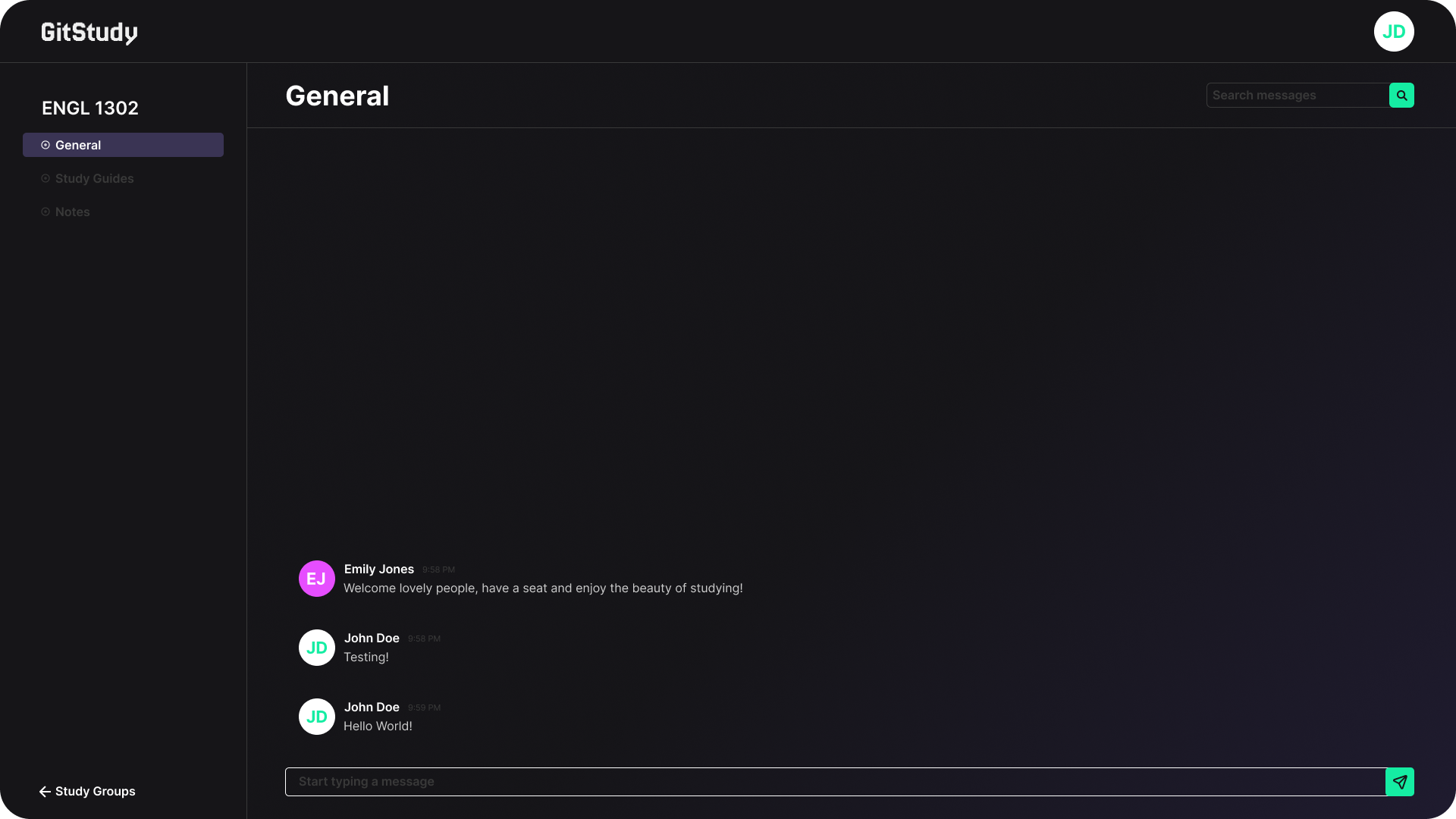
General Dashboard Page
This page is a general communication hub where users can interact with each other.
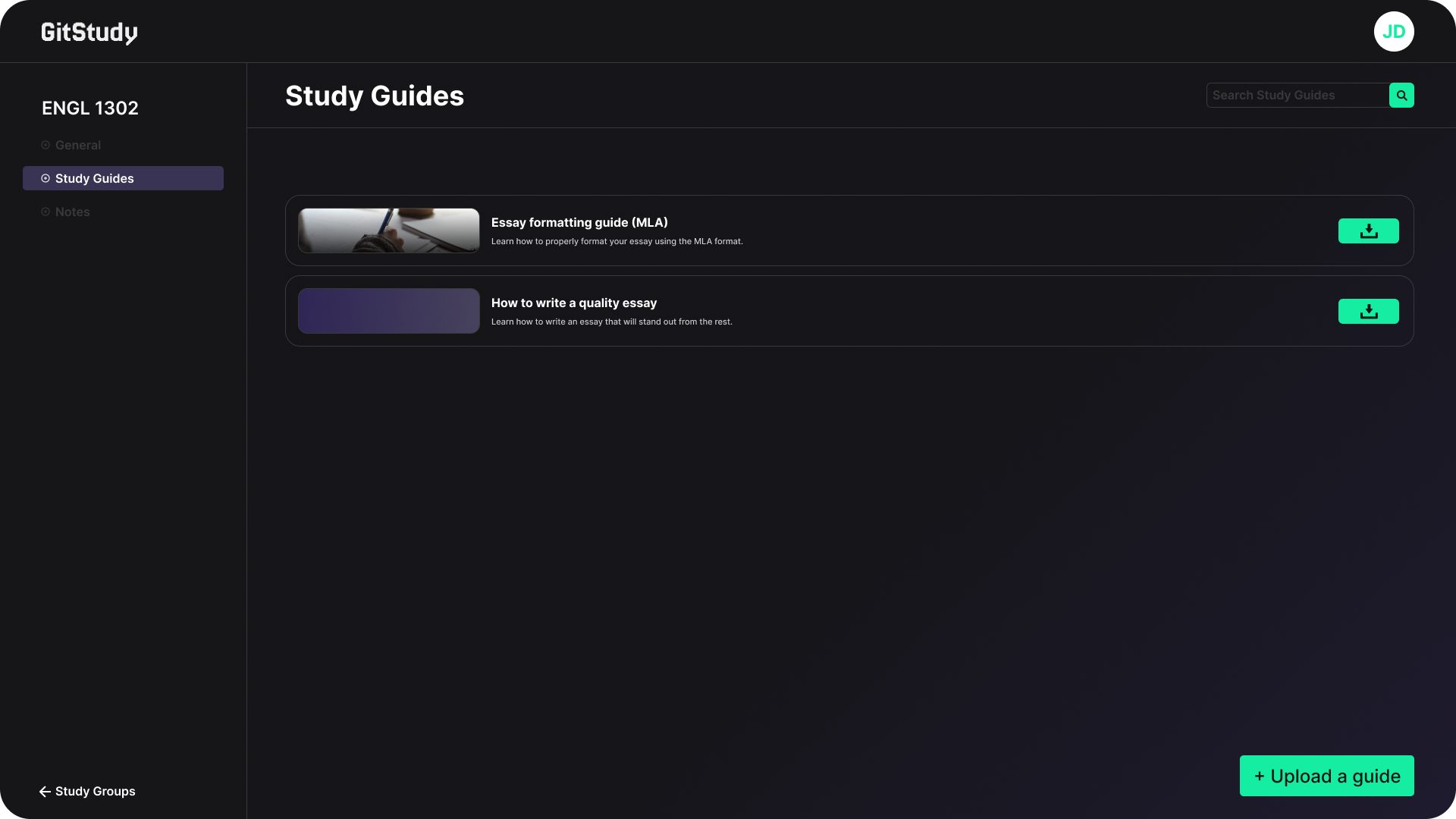
Study Guides Page
This page hosts files on study guides for various subjects, shared by users.
Notes Page
This page hosts files on notes for different study groups, shared by users.
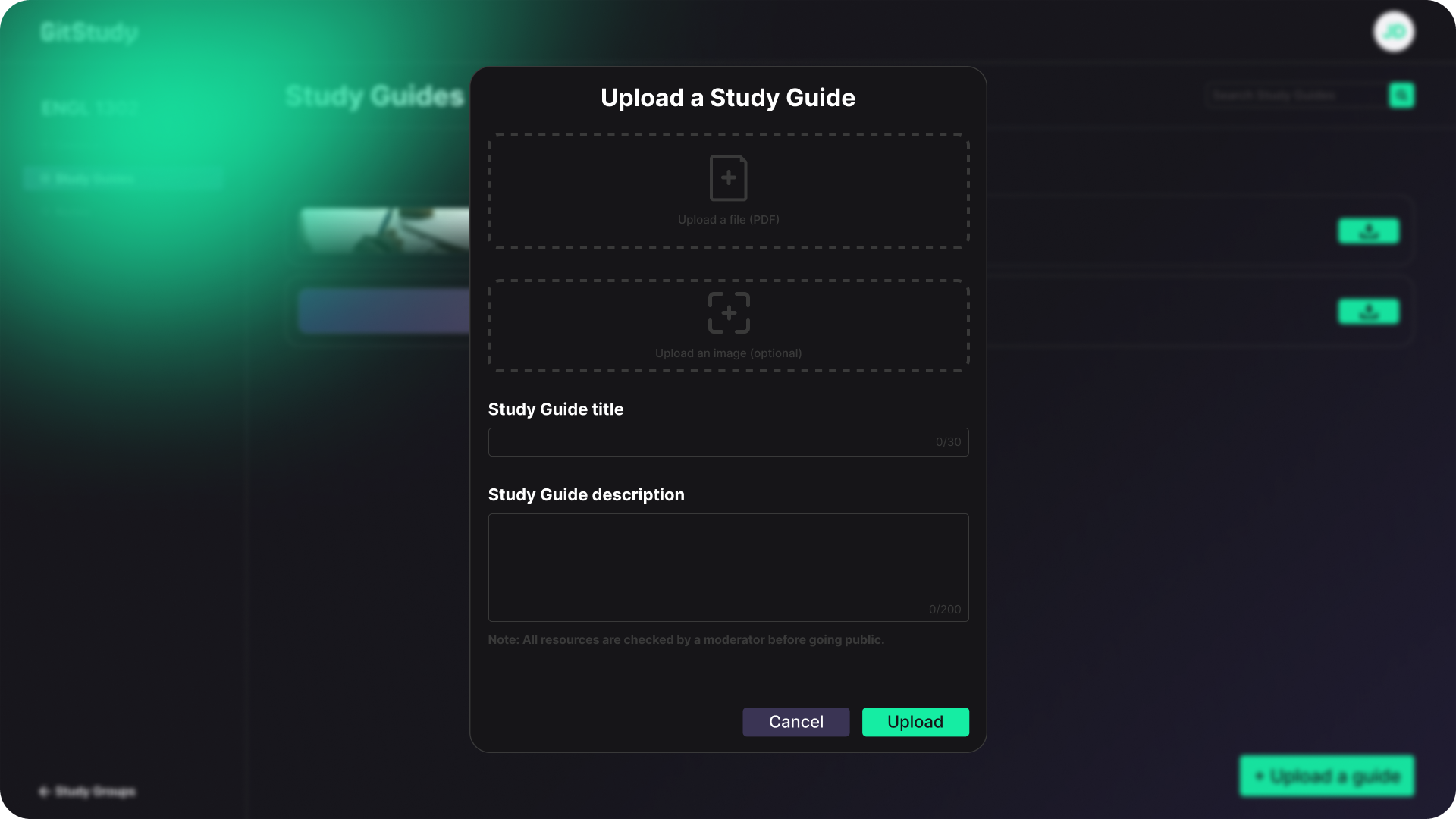
Uploads Popup Page
This page allows users to upload study materials such as notes and study guides. It includes options for specifying the relevant study group, adding a description, and choosing the file to upload.
Getting Started
First, run the development server:
npm run dev
# or
yarn dev
# or
pnpm dev
# or
bun dev
Open http://localhost:3000 with your browser to see the result.
You can start editing the page by modifying app/page.tsx. The page auto-updates as you edit the file.
This project uses next/font to automatically optimize and load Inter, a custom Google Font.

Log in or sign up for Devpost to join the conversation.