Inspiration
Every developer has had the same experience: you find a promising open-source repo, clone it, and spend the next hour trying to figure out where to even start reading.
README files go stale. Documentation is incomplete or missing. And if you're a newer developer trying to make your first open-source contribution, the barrier isn't the code itself — it's figuring out how a codebase is organized, what the important files are, and where you can realistically jump in without breaking things.
Existing tools don't solve this well. Static analysis tools dump reports that assume you already understand the project. AI chatbots can summarize a repo, but they hallucinate file paths and have no grounding in what's actually in the source code. There's no tool that combines real analysis with real AI understanding to give you genuine clarity about a codebase.
That's what GitScope is. Not an AI wrapper on top of GitHub — a multi-stage analysis engine where AI is one component in a larger pipeline, validated against deterministic local findings from the actual source code.
What it does
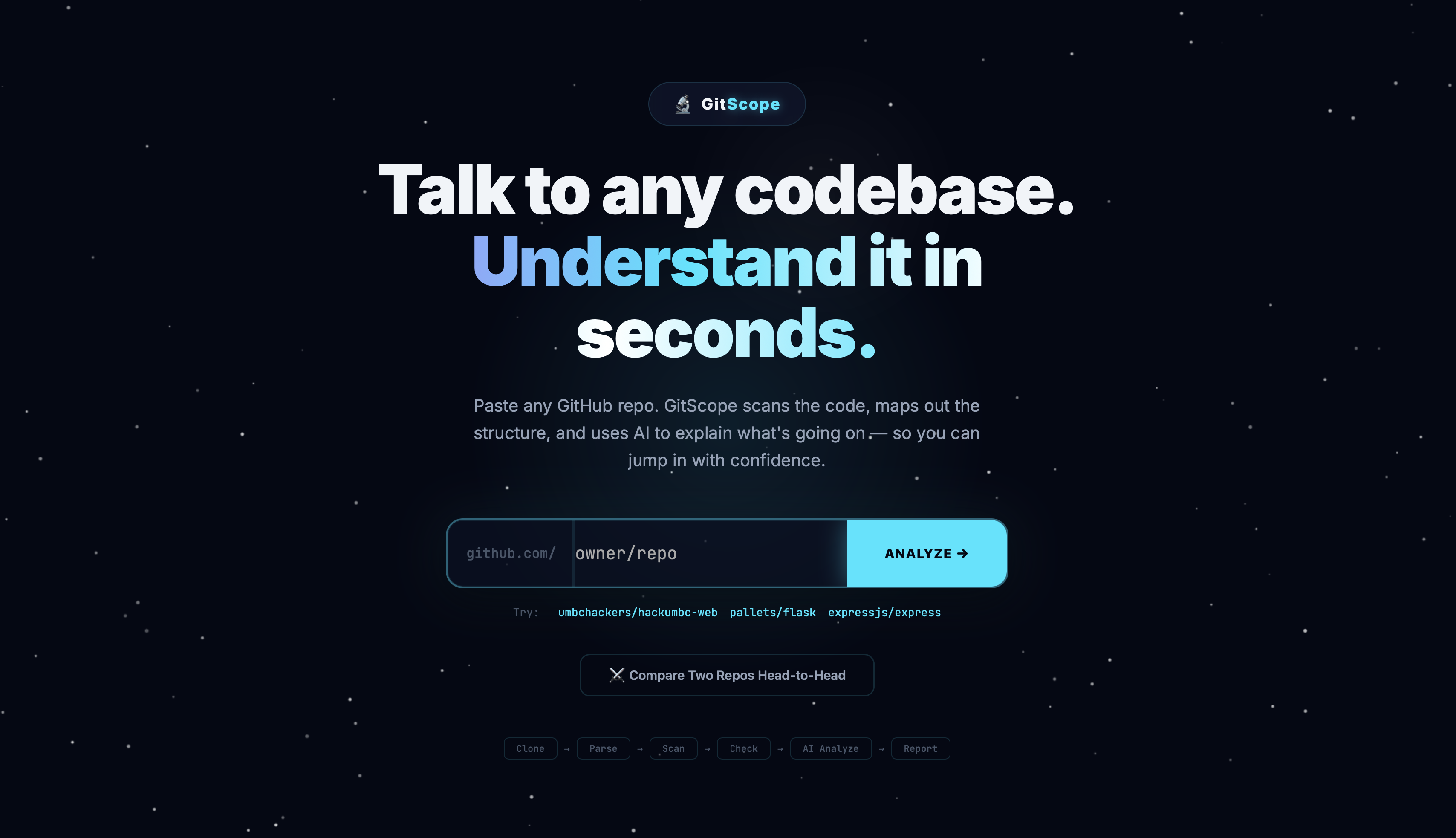
GitScope takes any public GitHub repository and runs it through an 8-stage analysis pipeline that produces a complete diagnostic profile of the codebase.
It clones the repo via the GitHub API, parses the full file tree, ranks every file by structural importance, scans for 12 categories of exposed secrets, extracts dependency manifests, and computes code quality metrics — all before AI touches the data. These local findings are then fed alongside the full source code into Gemini's 2-million-token context window for validated architectural analysis.
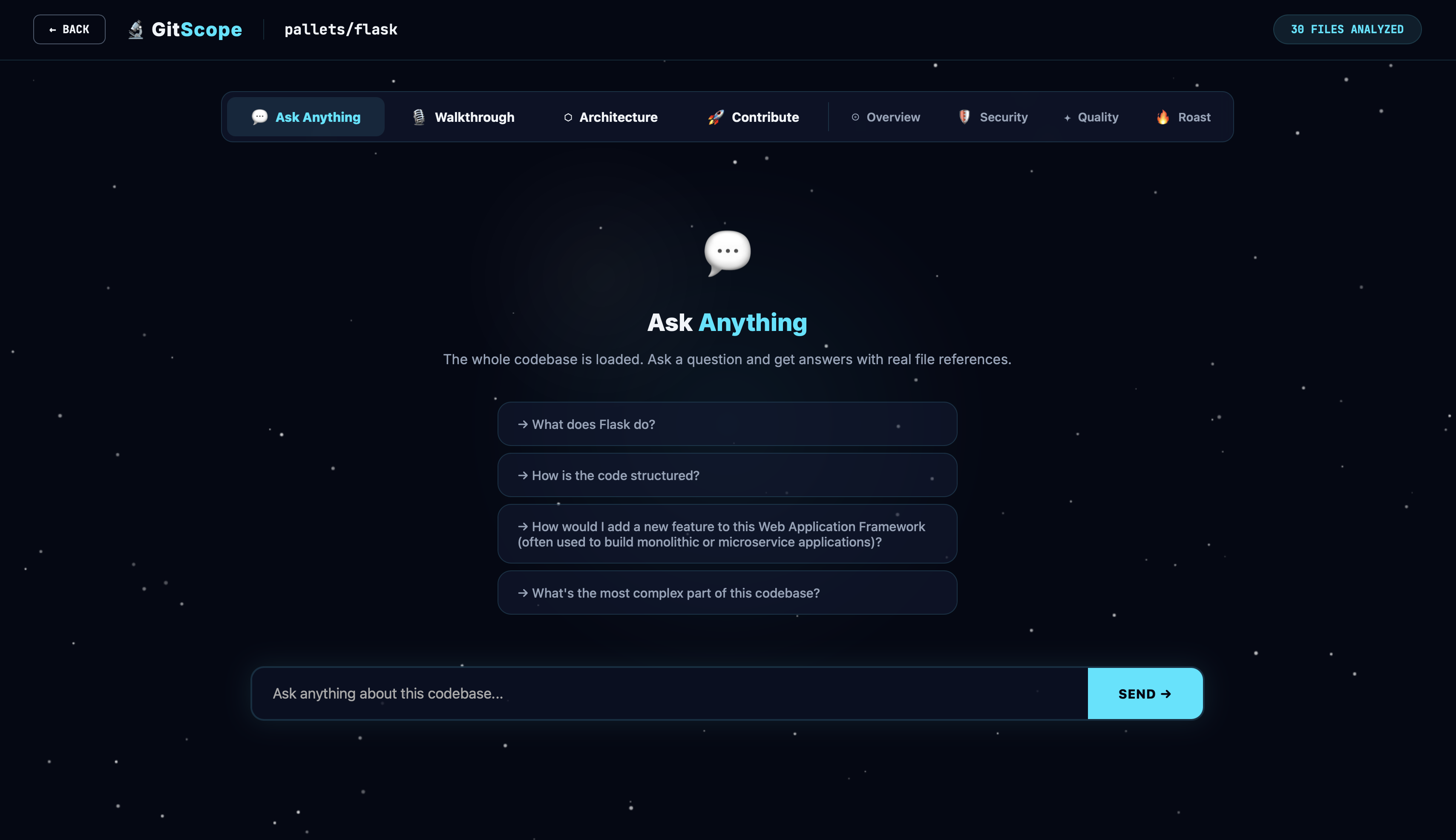
Once analyzed, you can ask GitScope anything about the codebase. Every answer is grounded in real source files with clickable references and line numbers. No hallucinated paths. No made-up code.
There's also a narrated walkthrough: a 6-scene guided tour with text-to-speech narration and data-driven visualizations like architecture diagrams, file importance charts, security gauges, and language breakdowns. Built for people seeing the codebase for the first time.
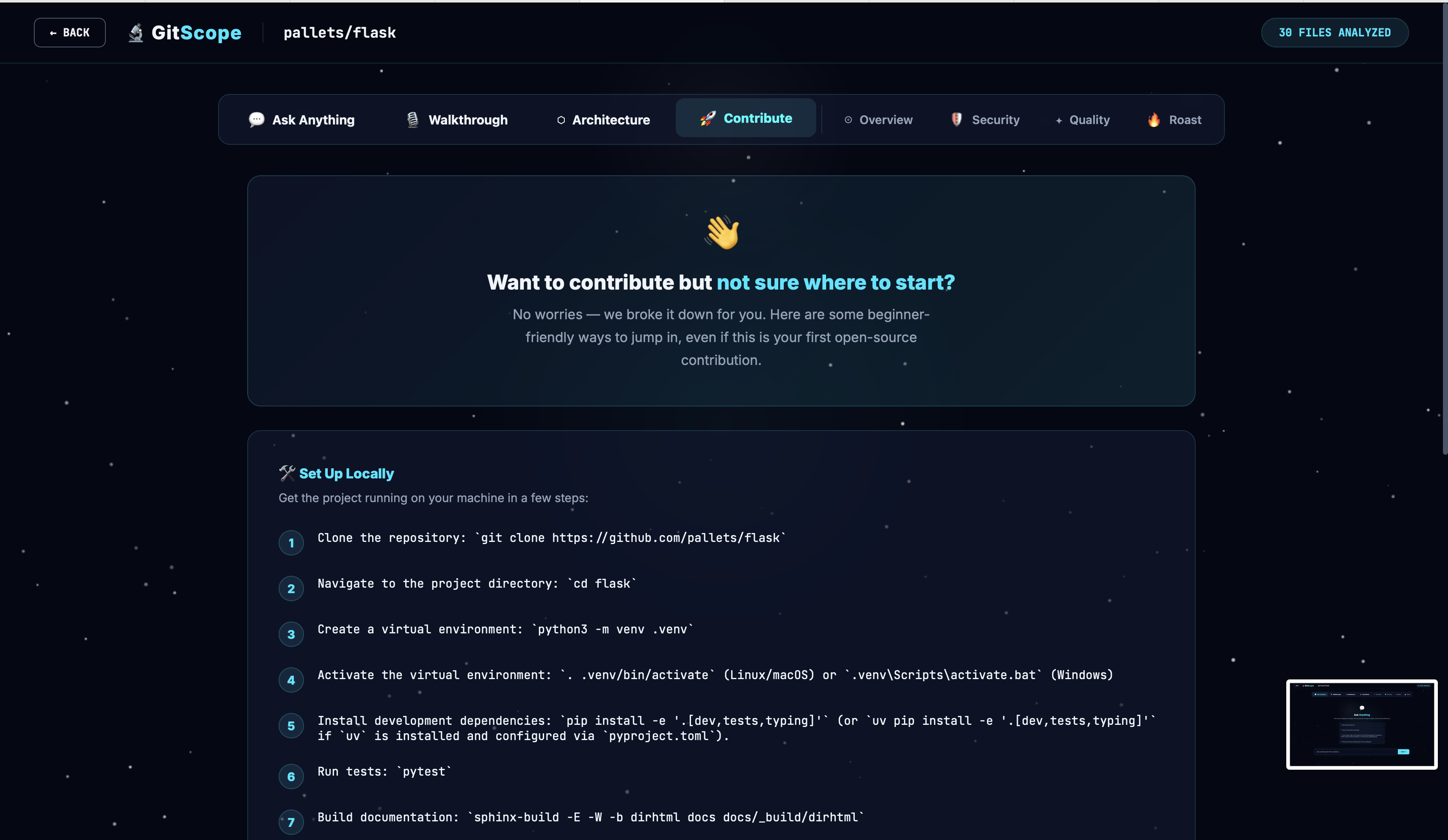
The contributor onboarding section identifies beginner-friendly files, generates setup instructions, and surfaces concrete improvement areas. It's designed specifically to lower the barrier for first-time open-source contributors.
You can also compare two repos head-to-head across health scores, security grades, code quality, and architecture patterns. And the interactive architecture graph gives you a force-directed SVG node diagram of the project's key modules with click-to-view source on any node.
How we built it
The core insight behind GitScope is that AI should validate, not originate. The system runs 6 deterministic analysis stages before AI sees anything, so the AI's job is to confirm and expand on real findings — not guess.
- GitHub API Fetch → Clone repo, parse file tree, extract source files
- File Importance Ranker → Score by import frequency, depth, size
- Secret Scanner → 12 regex patterns for API keys, passwords, credentials
- Dependency Extractor → Parse package.json, requirements.txt, etc.
- Code Metrics Engine → LOC, comment ratio, long files, tech debt ↓ Local findings + full codebase ↓
- Gemini 1.5 Pro (2M token context) → Validate findings against real code ↓
- Post-Processor → Merge local + AI findings, compute health score
- Interactive Dashboard → Chat, walkthrough, architecture graph
Backend — Python/Flask handles the full analysis pipeline, GitHub API integration, Gemini prompt construction, and JSON response normalization. A robust JSON repair system handles truncated or malformed Gemini responses by detecting unclosed brackets, repairing strings, and retrying parsing.
Frontend — A single-file React 18 component (~800 lines) with zero build dependencies beyond Vite. Custom particle background, animated ring gauges, and an interactive SVG architecture diagram — all hand-written, no charting libraries.
AI Layer — Gemini 2.5 Flash for analysis and chat, with structured prompts that include both the local pipeline findings and the raw source code. The post-processor validates that all referenced files actually exist in the repo.
Text-to-Speech — Browser-native Web Speech API with voice selection priority for the narrated walkthrough.
Challenges we ran into
Gemini response reliability — About 15% of Gemini responses came back with formatting issues despite explicit JSON-only instructions. The fix was a multi-stage JSON repair function that strips markdown fences, counts unclosed brackets, repairs truncated strings, and retries parsing before falling back to safe defaults.
GitHub API rate limits — Unauthenticated requests cap at 60/hour, which is roughly 2 full analyses. Solved with aggressive in-memory caching keyed by owner/repo, single-call tree fetching instead of directory walking, and limiting content fetches to the top 30 files by importance score.
File importance ranking — Deciding which files matter in an arbitrary codebase is genuinely hard. The scoring heuristic weighs entry points (+100), READMEs (+90), configs (+80), root depth (+30), source vs. data (+20), and path keywords like "route", "model", "controller" (+15 each). It works surprisingly well across different project structures.
Single-file React architecture — Building the entire frontend as one JSX file was a deliberate choice for portability, but it made state management tricky. The scanning animation needs to sync with the async API call so the transition only fires when both animation and data are ready. Solved with a ref and dual state flags pattern.
Context window management — For large repos, the system caps source content at ~200KB and prioritizes files by importance score, so the AI always sees the most structurally relevant code first.
Accomplishments we're proud of
I built a full 8-stage analysis pipeline where AI validates deterministic findings, not the other way around. The AI is one stage in the pipeline, not the whole system.
The secret scanner actually works. It catches hardcoded API keys, database connection strings, AWS credentials, and private keys using 12 regex patterns with severity classification.
The narrated walkthrough generates a 6-scene guided tour with real data visualizations driven by actual analysis data, not placeholder content. The head-to-head repo comparison lets you put Flask vs Express side by side and get a quantified breakdown with winner indicators per metric. I haven't seen that anywhere else.
The interactive architecture diagram is pure SVG with no D3 or charting library. Hand-written force layout with hover effects, animated connections, and click-to-view-source on every node.
The JSON repair system recovers from about 85% of malformed Gemini responses that would otherwise crash the pipeline.
All of this shipped as a solo developer at a 12-hour hackathon.
What we learned
Building AI into a pipeline rather than around it produces dramatically better results. When the AI can see "here are 3 secrets my regex scanner found, verify them against the actual code," it almost never hallucinates. When you just ask it "find secrets," it makes things up.
Gemini's 2M-token context window is a genuine game-changer for code analysis. Feeding the entire codebase as context means the AI can answer questions about cross-file dependencies and architectural patterns that smaller context models can't even attempt.
Prompt engineering for structured JSON output is harder than it looks. The model wants to be conversational, and getting it to return raw JSON consistently requires very explicit instruction plus fallback parsing.
The contributor onboarding angle turned out to be the most compelling use case. Helping newcomers understand where to start is a real, unsolved problem, and combining file importance ranking with AI-generated setup instructions creates something genuinely useful.
What's next
GitHub OAuth so users can analyze private repos without exposing tokens. Persistent caching with a real database so results survive server restarts. A PR review mode with diff-aware analysis that flags new security issues between commits. PDF export for shareable codebase health reports. Multi-model support with Claude and GPT-4 as alternative analysis backends. And eventually a VS Code extension to bring GitScope analysis directly into the editor.
Built With
- css
- flask
- gemini-2.5-flash
- github-rest-api
- javascript
- python
- react-18
- svg
- vite
- web-speech-api


Log in or sign up for Devpost to join the conversation.