Inspiration
When we were coming up with ideas, this one stood out because we could both relate to it. Git is hard to learn and can be really overwhelming. It feels like you're getting thrown into the deep end: a terminal that looks like it could break your project, error messages that assume you already know Git, and tutorials that are walls of text. We wanted to make an app that makes learning Git and GitHub easier, and actually fun.
We even proved our own point during the hackathon. Our main branch diverged at one point, and a git pull stopped halfway through a merge. Even while building a Git teaching app, Git still got us.
What it does
GitLingo is a Duolingo-style web app that teaches Git and GitHub to beginners.
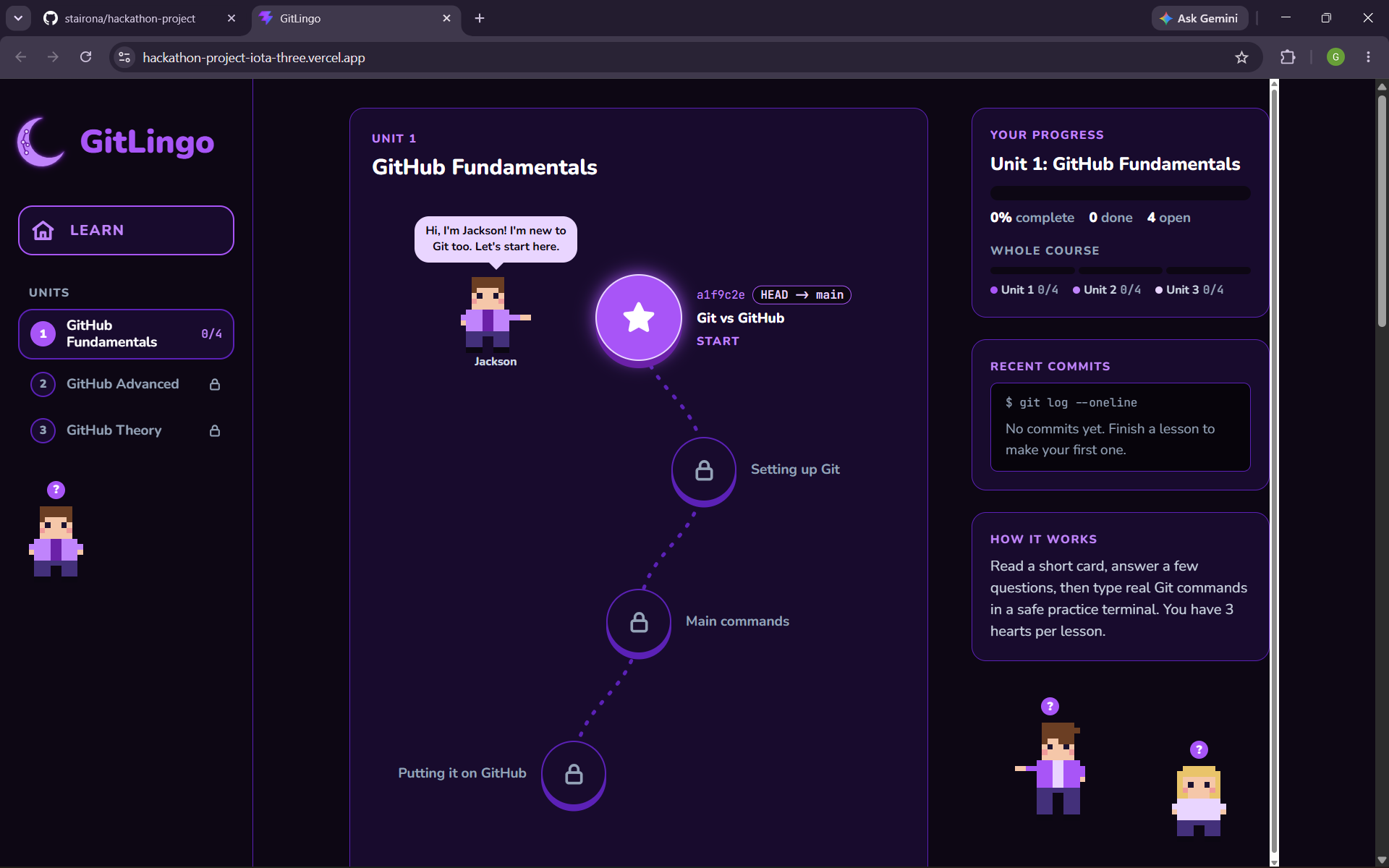
- 12 lessons in 3 units: GitHub Fundamentals, GitHub Advanced and GitHub Theory.
- A map drawn like
git log: every finished lesson gets a short commit hash, and your current lesson is markedHEAD -> main. - Short teaching cards with one idea each, plus simple diagrams.
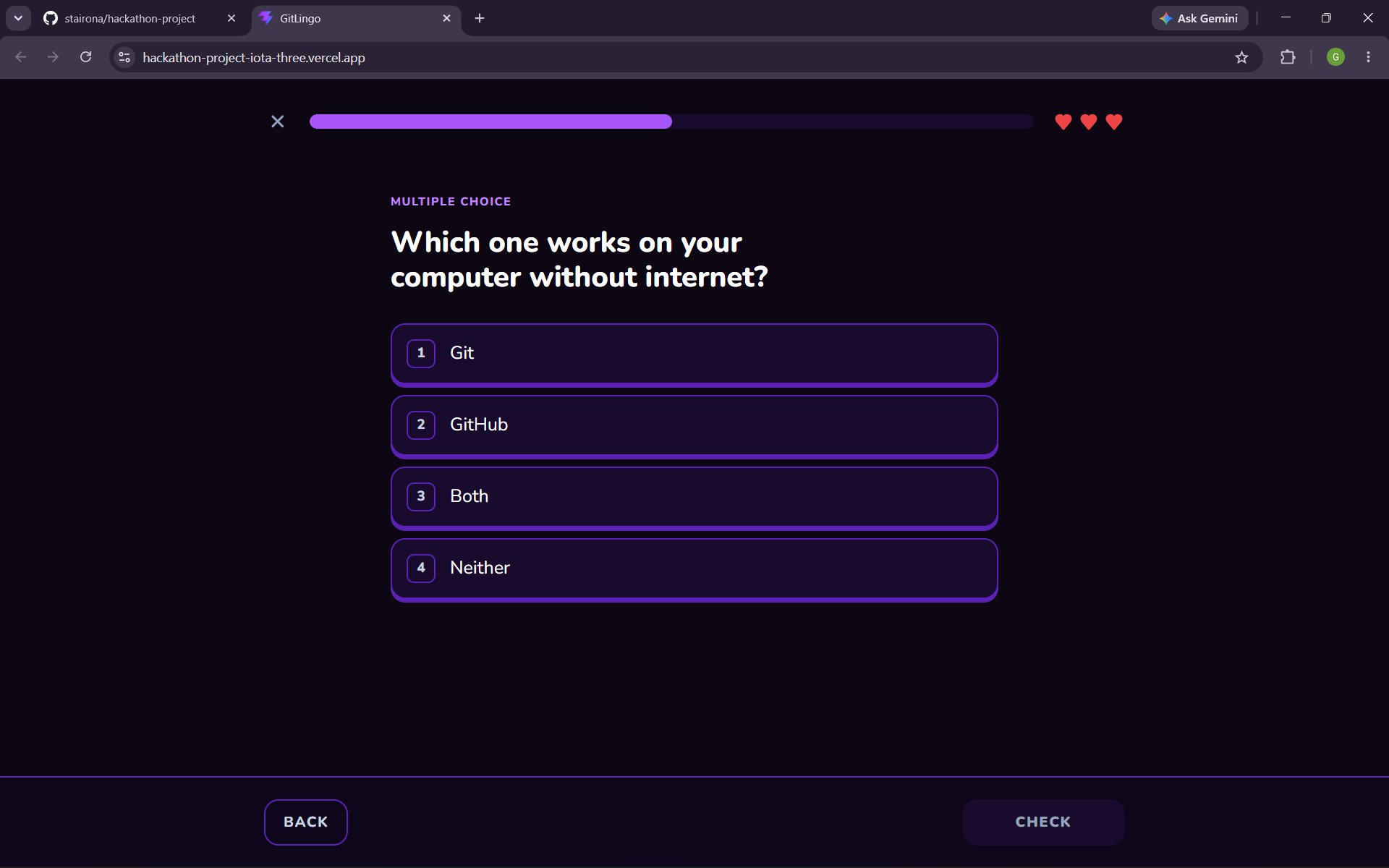
- Multiple-choice questions and a practice terminal where you type real Git commands. Nothing actually runs: we check your answer and show realistic output, so you can't break anything.
- 3 hearts per lesson and instant feedback: a green or red bar after every answer explains why.
- Characters: Jackson, Charley and Lily guide each unit, and you "play as" them in lessons, with their info (like a commit message or repo URL) on a profile card.
- Progress is saved in your browser, and finished lessons can be replayed in review mode.
How we built it
We kept the stack small on purpose, so we could understand all of it:
- Vite + React with function components and hooks
- Plain CSS with CSS variables for the dark Midnight Mode theme
- Lessons stored as JSON files, one file per lesson, loaded automatically with Vite's
import.meta.glob localStoragefor progress, with no backend or accounts- GitHub + Vercel, so every merge into
maindeploys automatically
We also used the same Git workflow we teach: one branch per task, small commits with plain-English messages, and a pull request for every change, reviewed by the other person before merging (49 PRs in 24 hours). We wrote every lesson in plain words first, then turned it into JSON.
We used Claude Code as a tutor and reviewer under one rule: we must understand every tool and every line of code we use. Claude explained concepts, reviewed our code, fact-checked the Git commands in our lessons, and wrote some components when we asked. We made the decisions, tested everything, made our own commits, and kept an "understanding log" that says what AI did in each PR and how to explain the code in our own words.
Challenges we ran into
- Our own Git mess: one of us committed straight to
mainwhile the other merged PRs on GitHub, so the twomainbranches diverged. We fixed it withgit merge --abort, moved the commit to its own branch, resetmainto match GitHub, and opened a normal PR. - Merge conflicts: each unit started as one big ~350-line JSON file, so we kept conflicting even when we edited different lessons. We split it into one file per lesson, and moved the characters' lines into a separate file.
- Getting the facts right: lessons that teach Git have to be correct, so we checked every command and output. For example, terminal answers are case-sensitive on purpose, because Git branch names are too.
Accomplishments that we're proud of
- A complete, deployed app with 12 lessons in 24 hours, built by two beginners.
- Using a real team Git workflow the whole time, the same one we teach.
What we learned
- Git and GitHub for real: branches, pull requests, code review, what
git pullactually does (fetch+merge), and how to recover when things go wrong. - Good habits: keep content separate from code, don't store what you can calculate, and keep commits small.
- How to structure a project so two people can work on it at the same time without stepping on each other.
What's next for GitLingo
- More units: merge conflicts,
git stash,git rebaseand GitHub Actions - New question types, like putting commands in the right order
- Accounts and cloud saving, so progress follows you between devices
- Streaks and XP, a light theme, and sound effects

