-
-
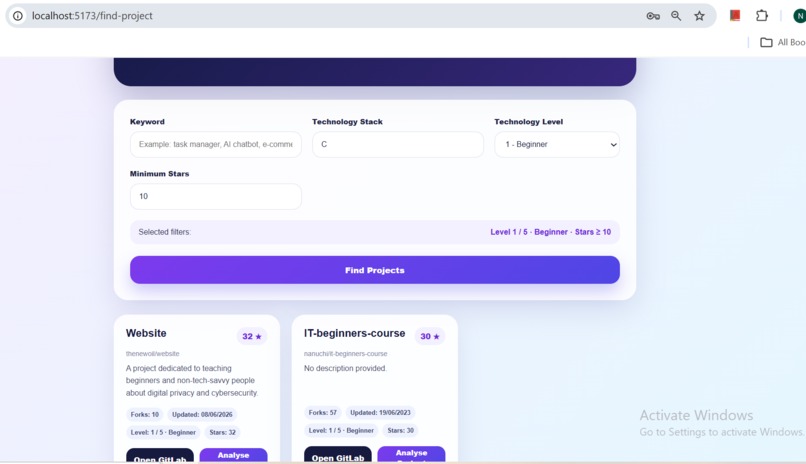
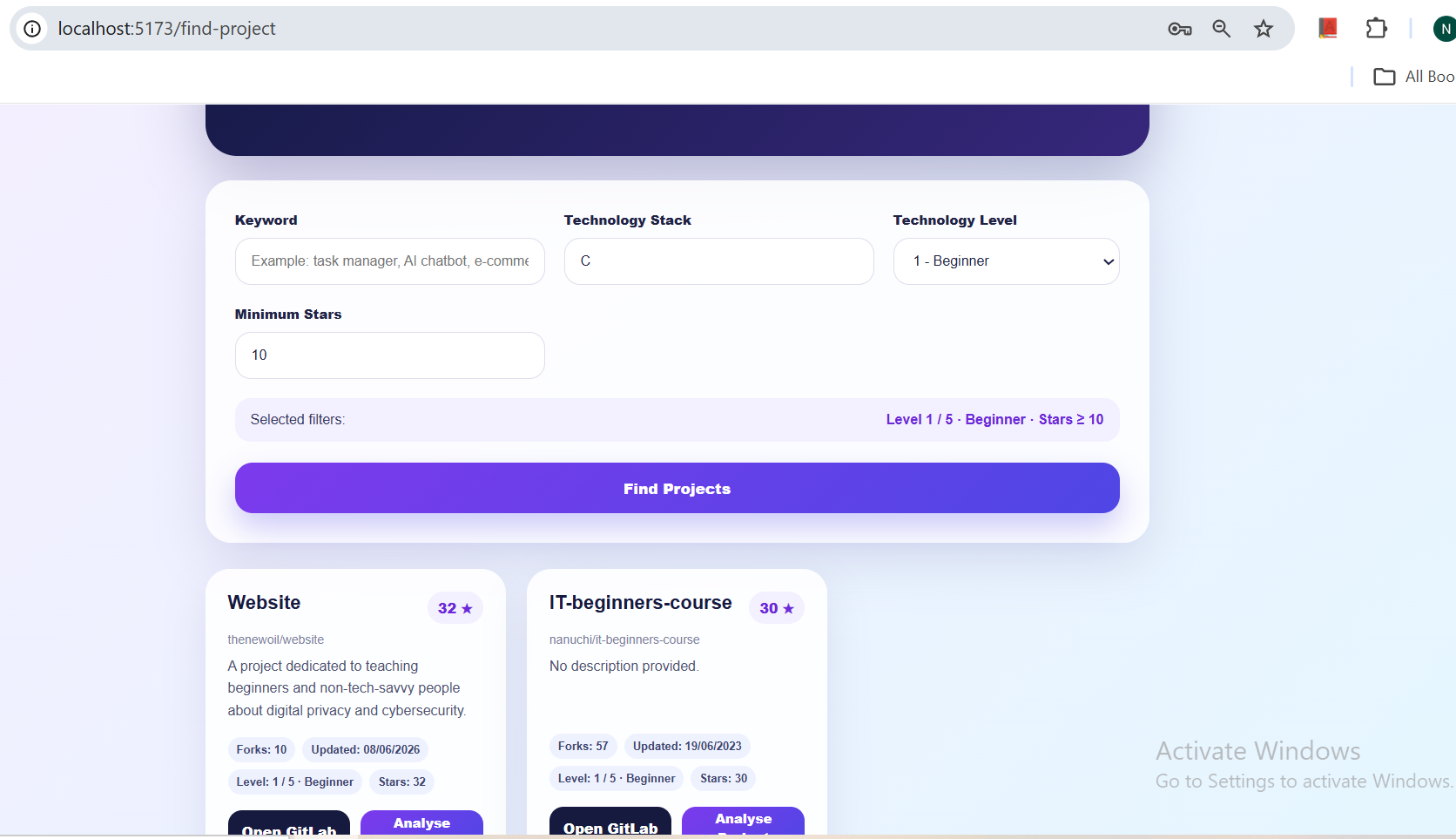
finding a project page
-
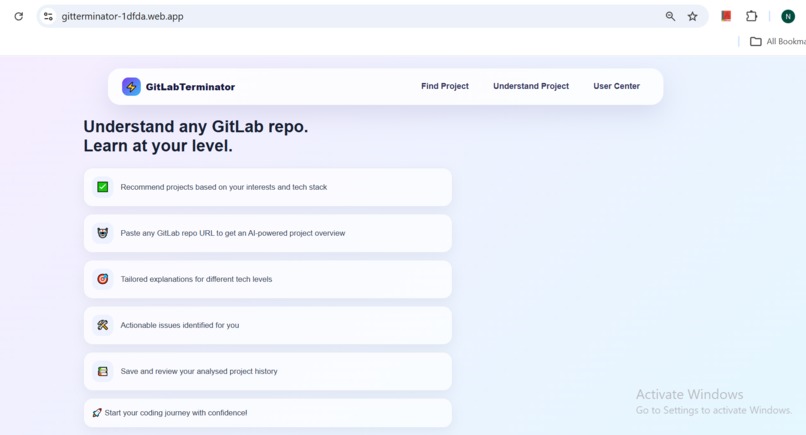
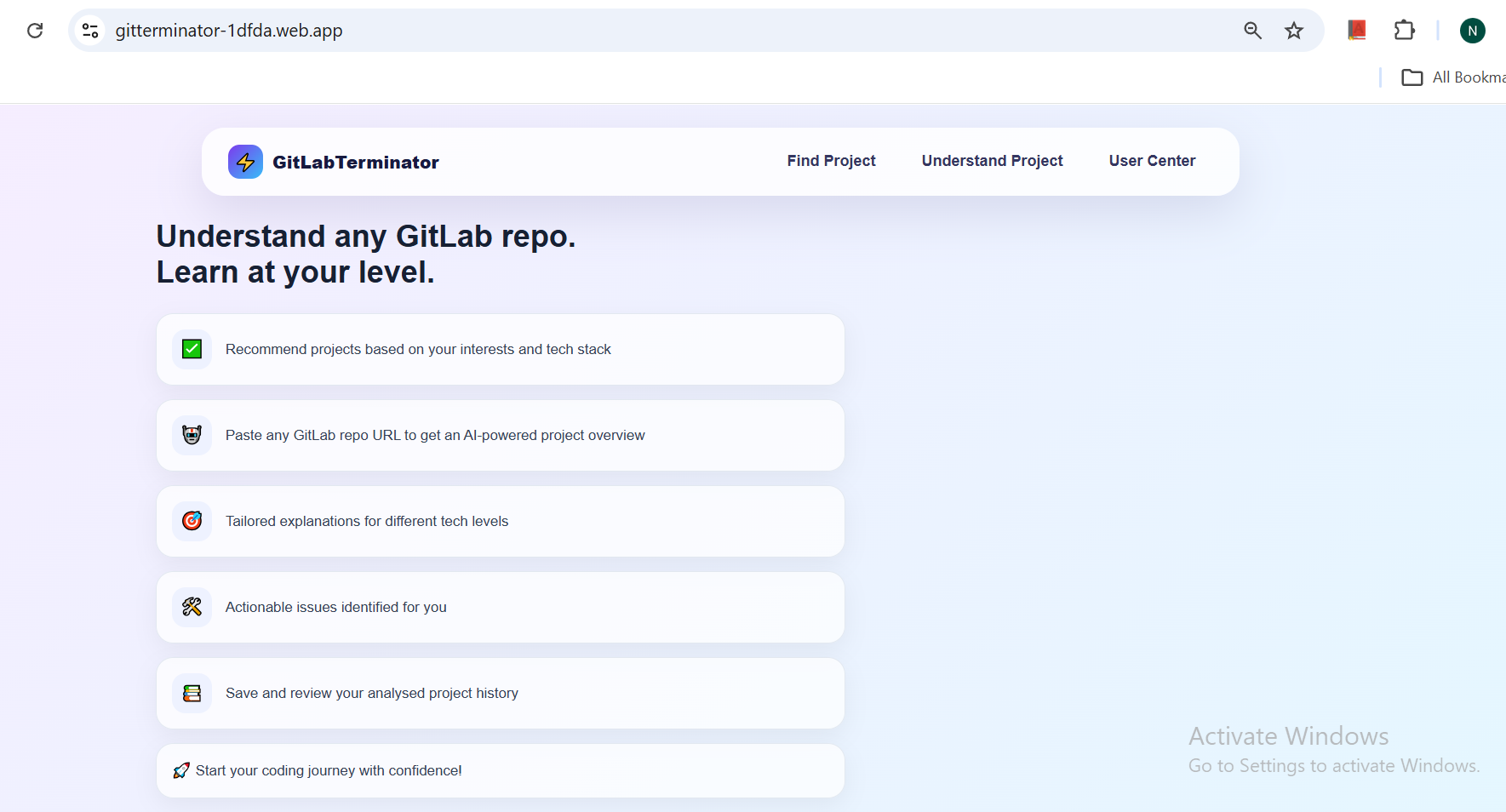
home page
-
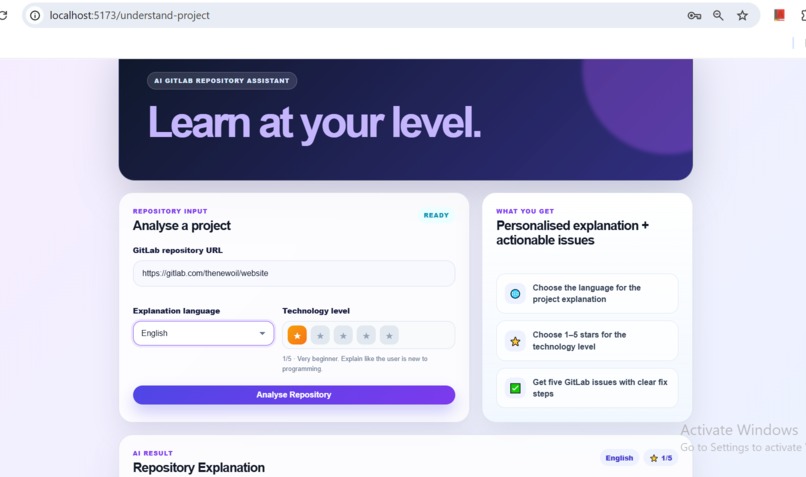
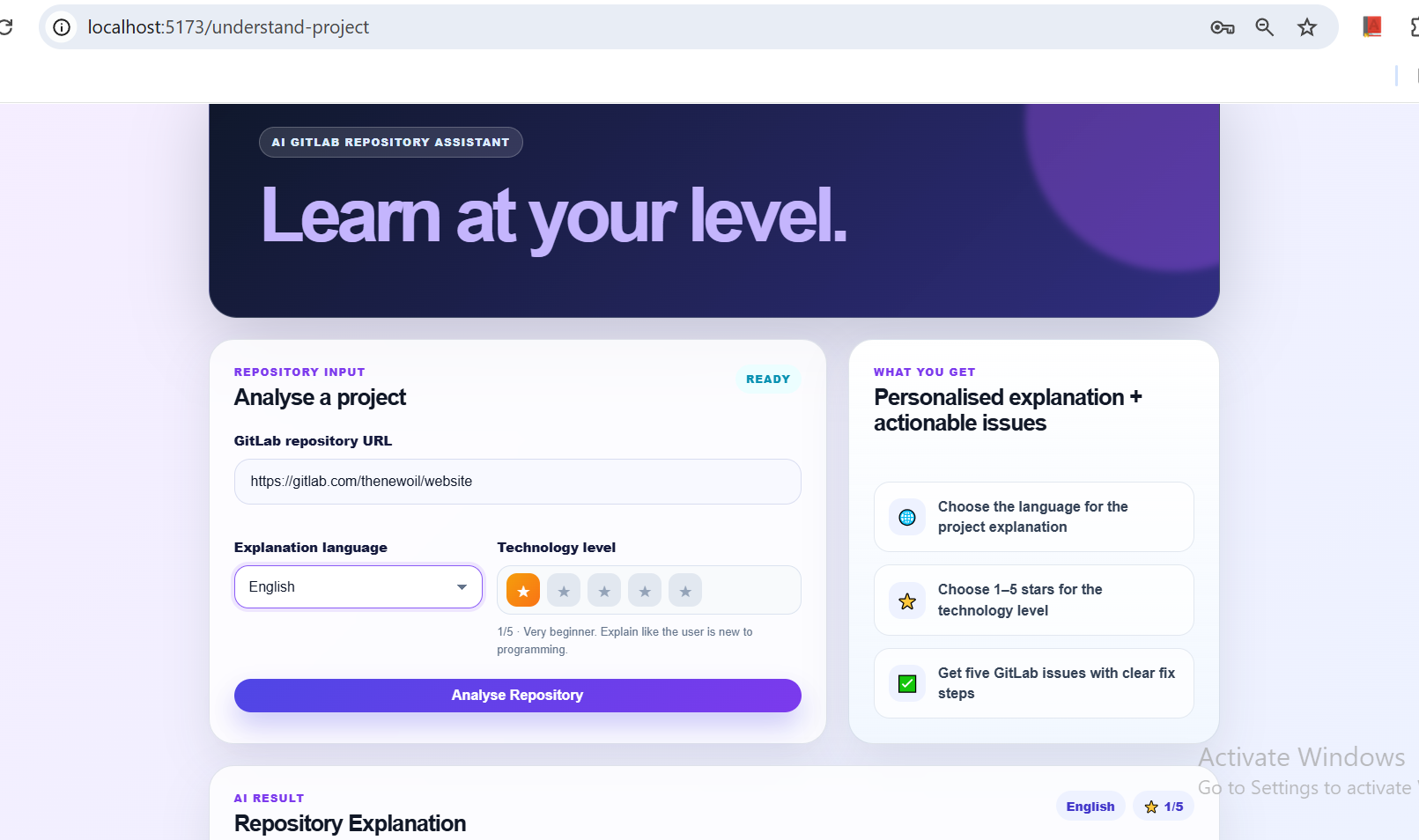
analysing page
-
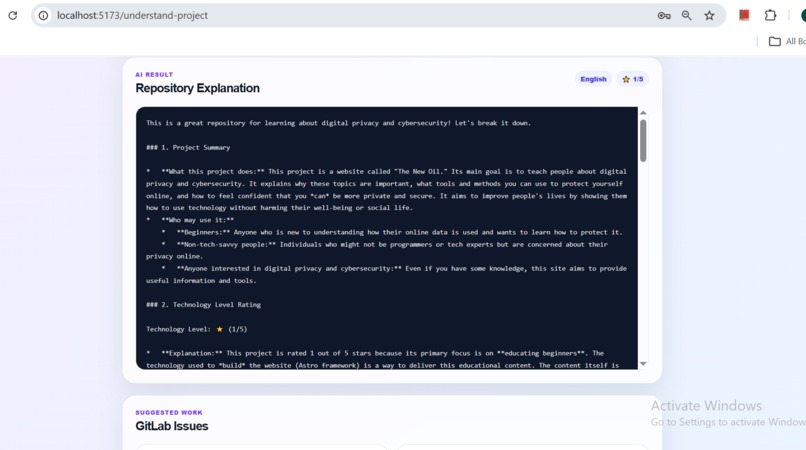
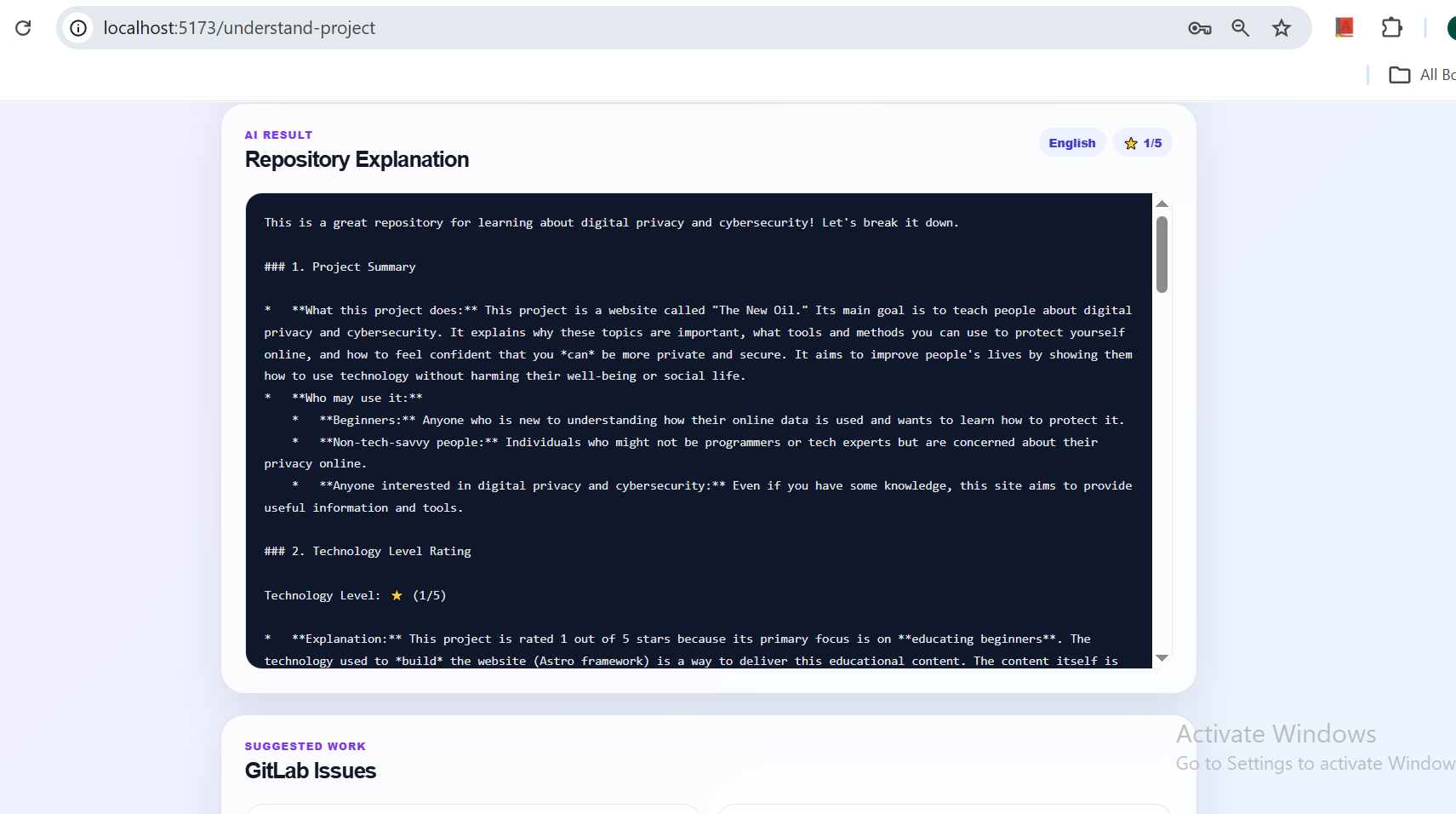
explanation
-
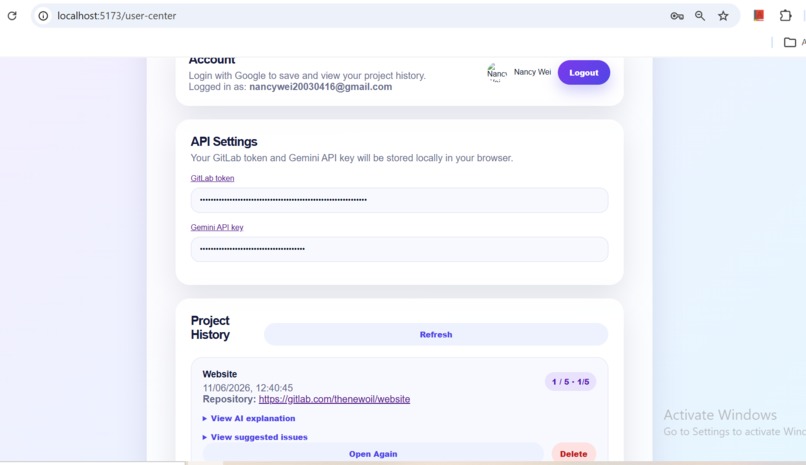
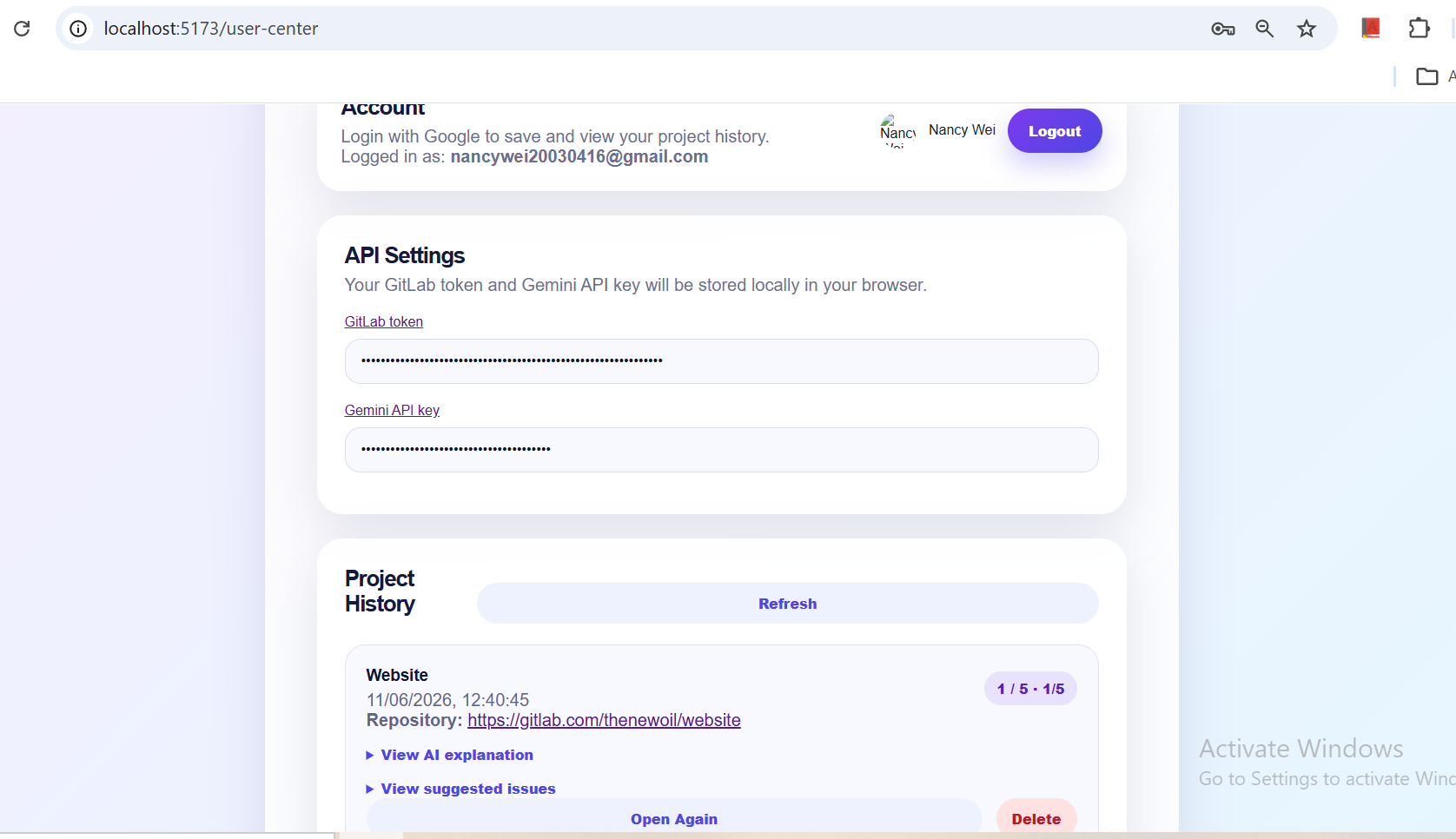
history page
-
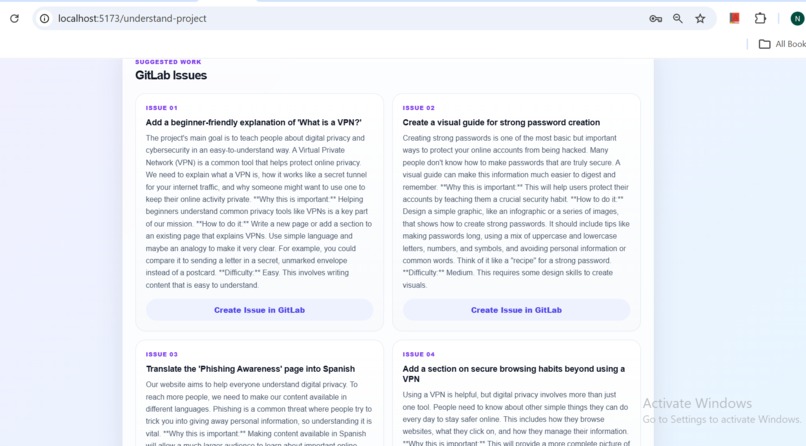
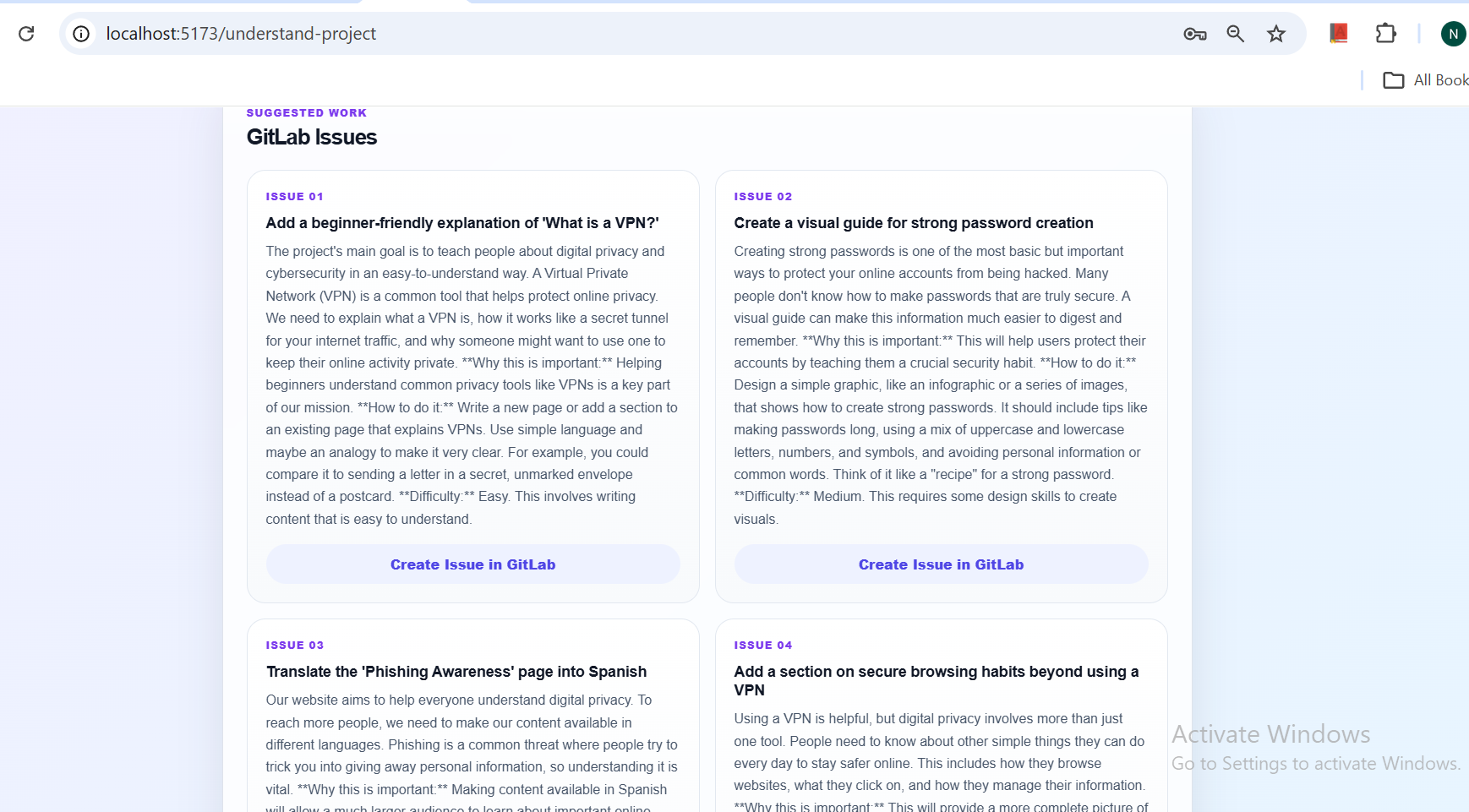
issue
-
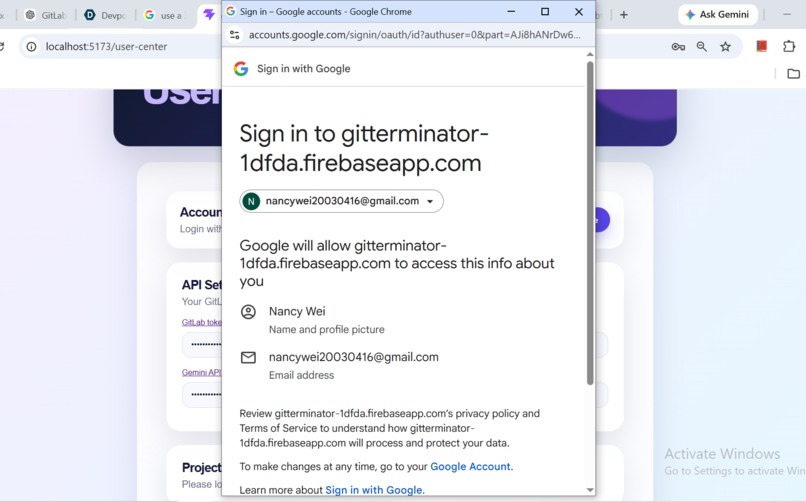
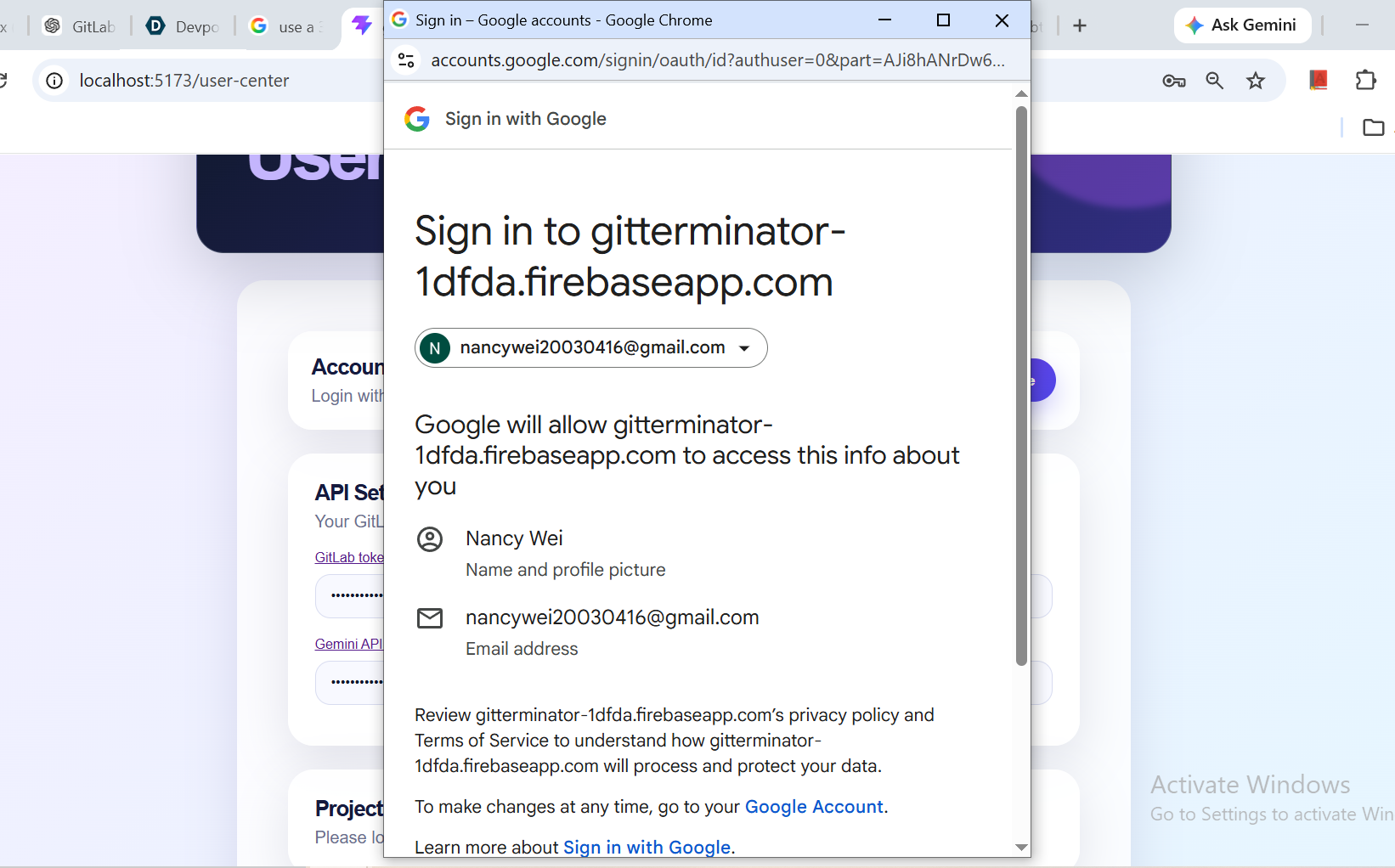
Google login page
Inspiration
As students and beginner developers, we often want to join open-source projects but feel lost when opening a large GitLab repository. It is hard to understand the project structure, know which files are important, and find suitable issues to work on. GitLabTerminator was inspired by this problem: helping learners understand GitLab projects faster and start contributing with more confidence.
What it does
GitLabTerminator helps users analyze a GitLab repository by entering a GitLab project link. The app can explain the repository, summarize important files, suggest possible issues, and provide guidance on how to fix them. Users can also choose their technology level, from beginner to advanced, so the explanation and project suggestions are more suitable for them.
How we built it
We built GitLabTerminator using React and TypeScript for the frontend. The app connects to the GitLab API to fetch repository information, files, and project structure. We also use Gemini AI to analyze the repository content and generate explanations, learning suggestions, and issue ideas. Firebase is used for Google login and saving user project history, so users can come back and review previous analyzed projects.
Challenges we ran into
One challenge was understanding how to use the GitLab API correctly, especially getting the project ID from a repository URL and reading files from the repository. Another challenge was handling API keys safely and making sure users do not need to enter the same information every time. We also spent time fixing deployment problems, routing issues, and Firebase configuration. Making the AI explanation clear and useful for different skill levels was also difficult.
Accomplishments that we're proud of
We are proud that GitLabTerminator can turn a complex GitLab repository into something easier to understand. The app combines GitLab, AI, Firebase authentication, and project history in one tool. We are also proud that it can help beginner developers find suitable projects and feel more confident contributing to open source.
What we learned
We learned how to work with the GitLab API, Firebase authentication, React Router, and AI API integration. We also learned how important user experience is, especially for beginners. A good tool should not only give information, but also explain it in a simple and helpful way. During the project, we also improved our debugging, deployment, and frontend design skills.
What's next for GitLabTerminator
Next, we want to improve the AI analysis quality and support more detailed repository summaries. We also want to add better issue difficulty labels, project recommendations, and step-by-step contribution guides. In the future, GitLabTerminator could support GitHub as well, so more open-source learners can use it to understand projects and start contributing.

Log in or sign up for Devpost to join the conversation.