Inspiration
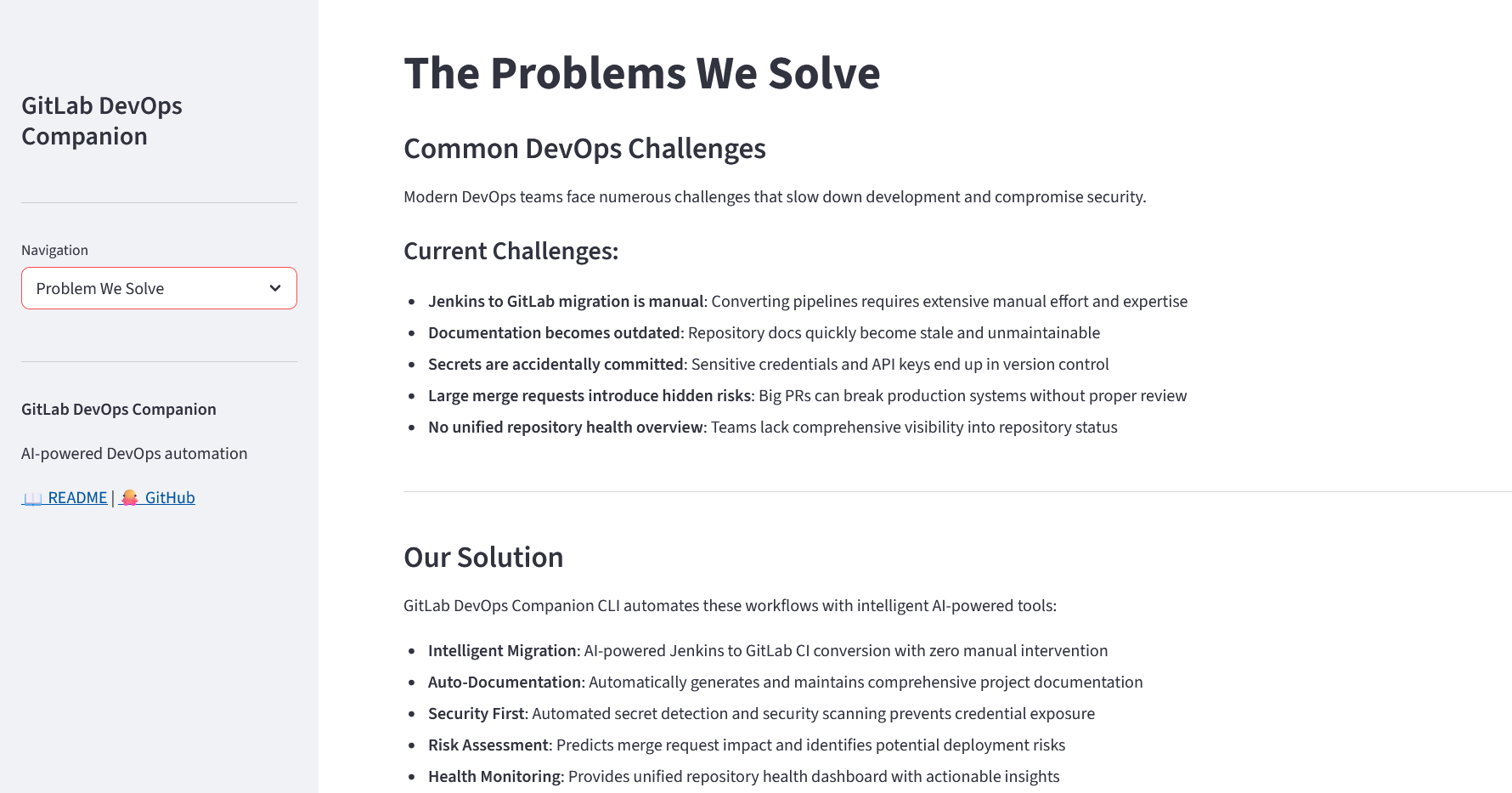
Modern DevOps workflows are powerful but fragmented. Teams often juggle multiple tools for CI/CD migration, documentation, security, and code reviews. Migrating from Jenkins to GitLab CI is still manual and error-prone, documentation quickly becomes outdated, and security risks like exposed secrets often go unnoticed.
We wanted to build a single intelligent assistant that simplifies these workflows and brings everything together into one unified experience.
What it does
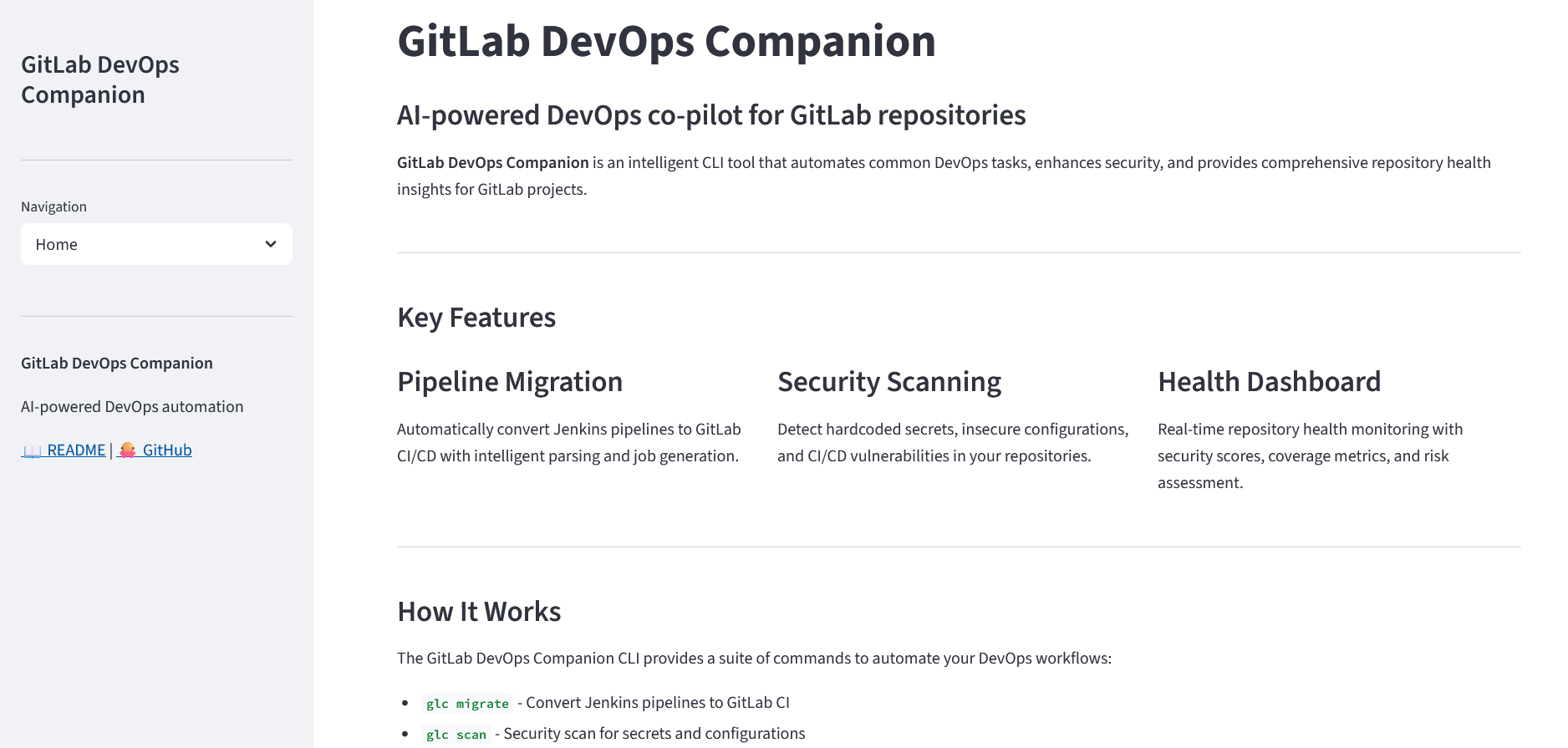
GitLab DevOps Companion CLI (glc) is an AI-powered DevOps co-pilot that automates critical workflows in a single tool.
It provides:
- CI/CD Migration → Converts Jenkins pipelines into GitLab CI
- Documentation Generation → Auto-generates README, CONTRIBUTING, and architecture docs
- Security Scanning → Detects secrets and misconfigurations with a repo-wide score
- MR Risk Analysis → Predicts impact using a blast radius score
- Repo Health Dashboard → Unified view of security, docs, pipeline, and risk
It also integrates with GitLab APIs to fetch live data and post automated insights directly on Merge Requests.
How we built it
- Built a modular CLI using Python + Typer
- Designed a Knowledge Graph system to connect files and workflows
- Integrated GitLab using REST APIs + access tokens
- Developed a Streamlit dashboard for visualization
- Used Git + subprocess to analyze repository changes
- Structured code into scalable modules (
commands,graph,integrations)
Challenges we ran into
- Handling Jenkins → GitLab CI mapping across different pipeline structures
- Managing CLI packaging issues (
glcvs module imports) - Ensuring secure API integration with environment variables
- Designing a meaningful risk scoring system
- Keeping everything modular while sharing context
Accomplishments that we're proud of
- Built a complete DevOps CLI tool end-to-end
- Achieved real GitLab API integration with MR commenting
- Created a unified workflow: migrate → document → scan → review → health
- Developed a multi-page dashboard UI
- Delivered a strong demo with real automation impact
What we learned
- Designing developer-first tools
- Understanding CI/CD pipelines deeply
- Working with real-world API integrations
- Importance of shared context systems (knowledge graphs)
- Balancing speed and scalability in hackathons
What's next for GitLab CLI Companion
- Auto-detect projects and merge requests
- Full GitLab dashboard integration
- AI-powered fix suggestions
- Webhook-based real-time analysis
- Advanced analytics and insights
- Publish as a global CLI tool
Example Usage
glc migrate
glc docs
glc scan
glc review --post
glc health
Demo Workflow
# Step 1: Migrate pipeline
glc migrate

# Step 2: Generate docs
glc docs

# Step 3: Scan for security
glc scan

# Step 4: Analyze MR risk
glc review --post

# Step 5: Check repo health
glc health

Log in or sign up for Devpost to join the conversation.