-
-
IDE
The problem
Editing .gitlab-ci.yml is tedious. You flip between the GitLab docs, your YAML, and the pipeline UI to see what actually runs. We wanted something that lives where we already work—the editor.
What we built
We started with lint-on-save and a basic visualizer. The idea was simple: open the file, see the pipeline, fix errors before pushing. Then we added AI. Instead of memorizing YAML syntax, you describe what you want—and Claude applies it:
"Add caching for node_modules"
"Run build and test in parallel"
"Add retry to the deploy job"
That changed how we thought about the tool. It's not just a validator; it's a pipeline authoring assistant.
The visual editor
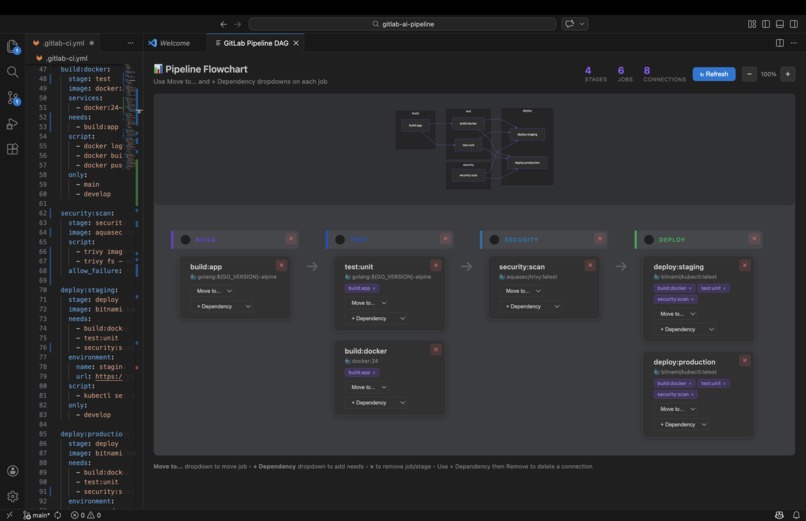
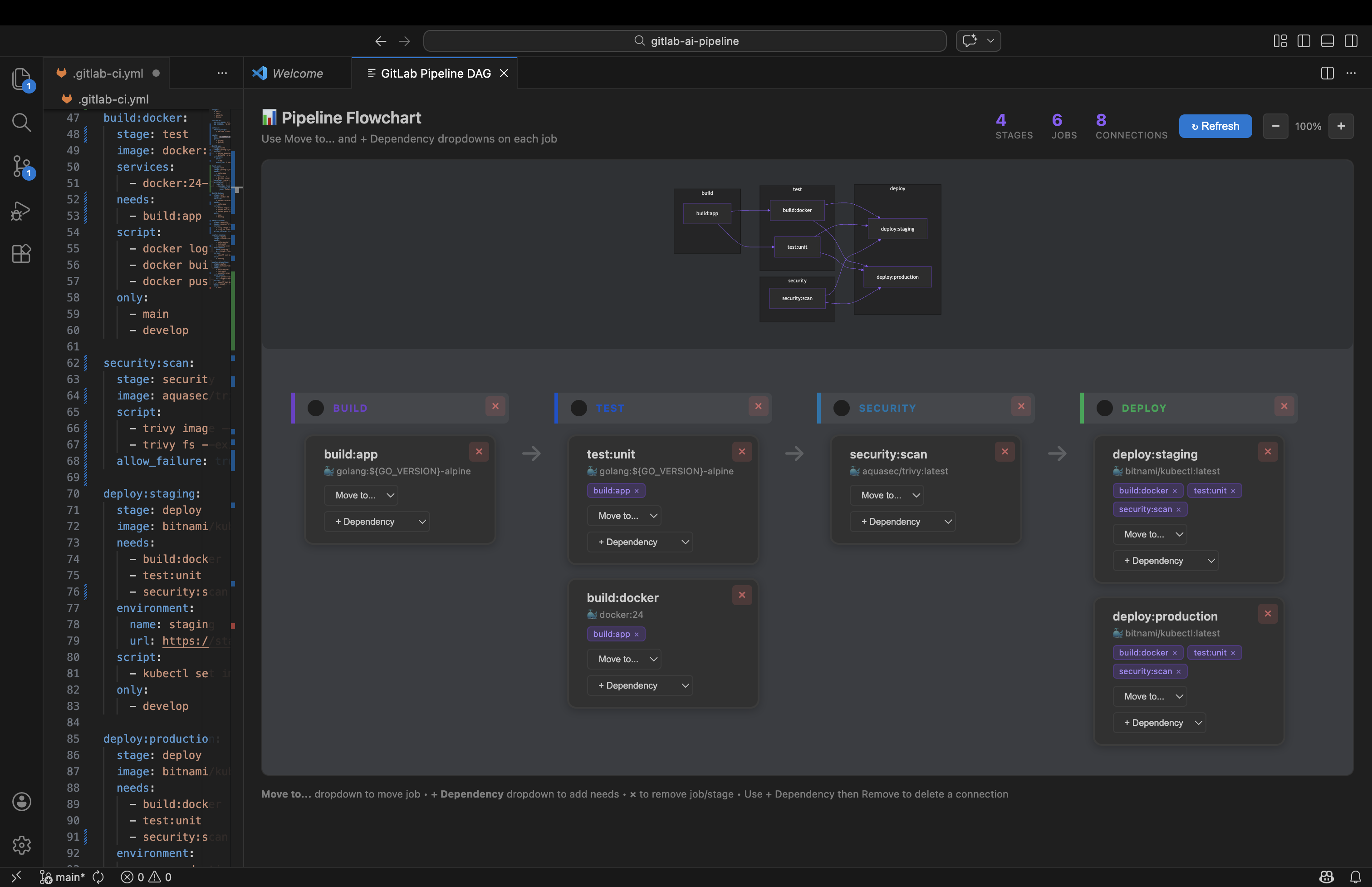
The visual editor went through a few iterations. Drag-and-drop sounded nice but didn't work reliably in VS Code's webview. We switched to dropdowns: move jobs between stages, add dependencies, remove what you don't need. Less flashy, but it actually works. The diagram uses Mermaid now—clean, readable, and it renders consistently.
Where we landed
We added templates for common stacks (Node.js, Python, Docker, Rust, Go), a diff against the last successful pipeline, and an optimize command that suggests caching and parallelization. The goal is to keep you in the editor and out of the docs.
Built With
- anthropic
- node.js
- typescript
- vscode

Log in or sign up for Devpost to join the conversation.