-
-

search bar
-
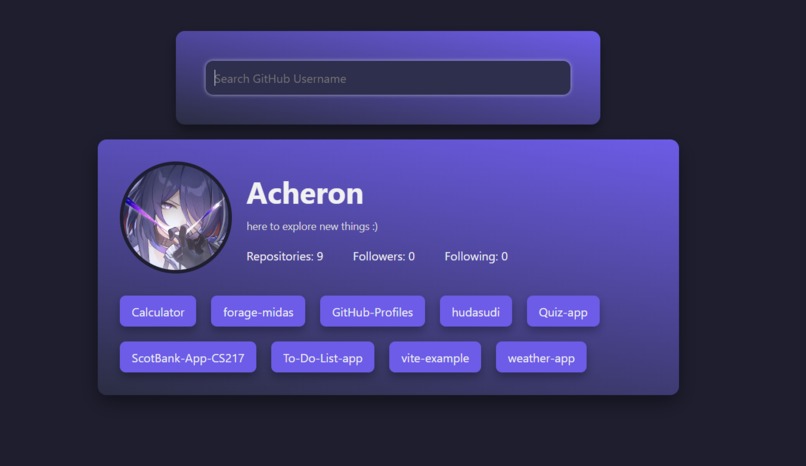
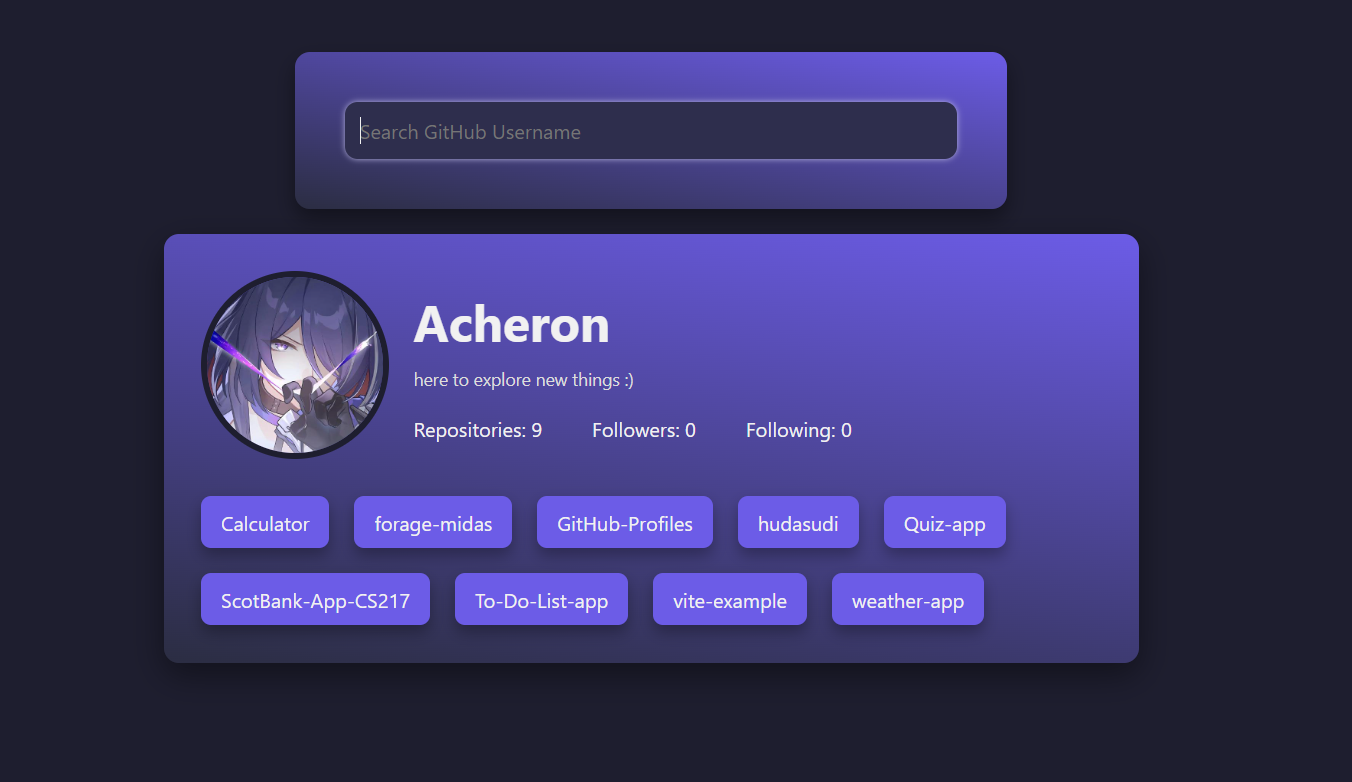
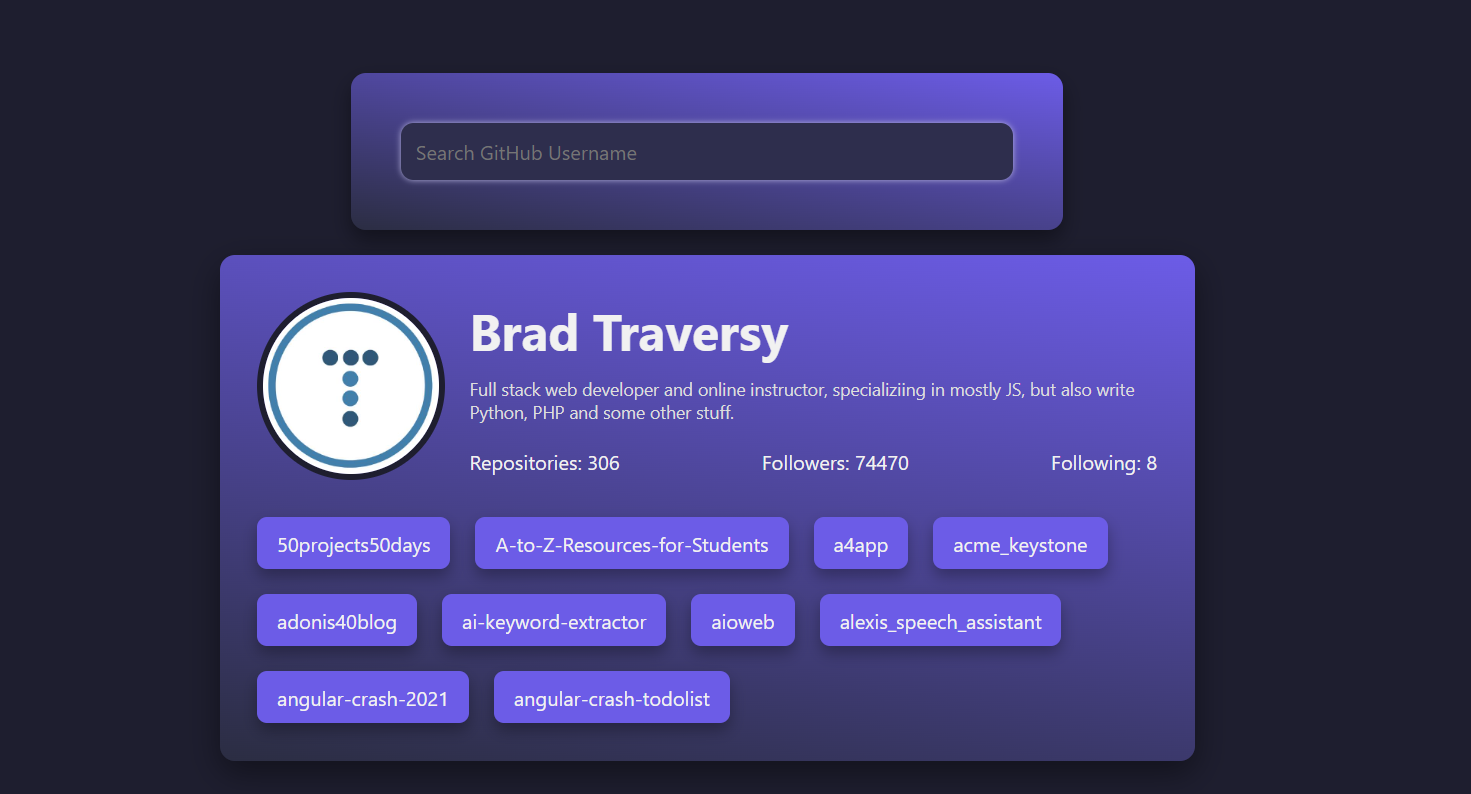
my github account
-
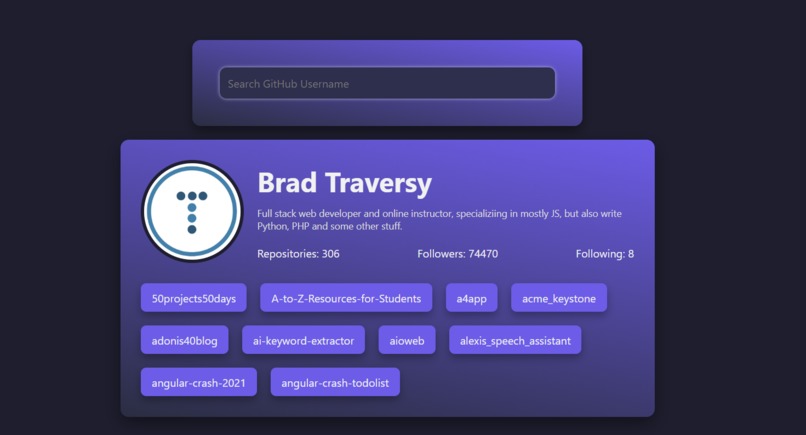
a random github user
-

error handling with no such username
-
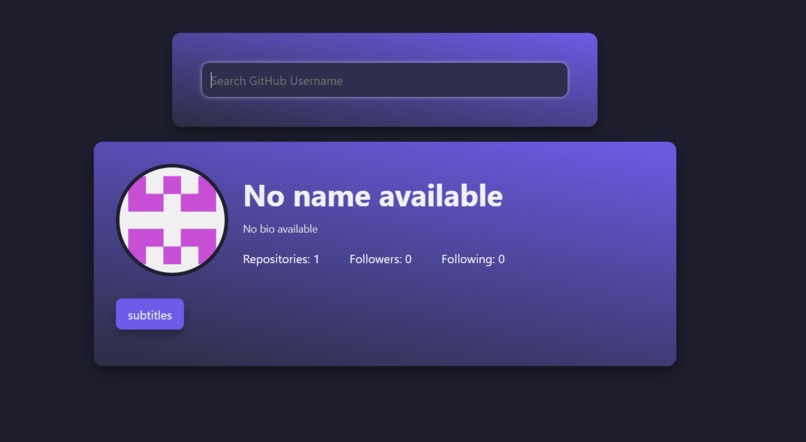
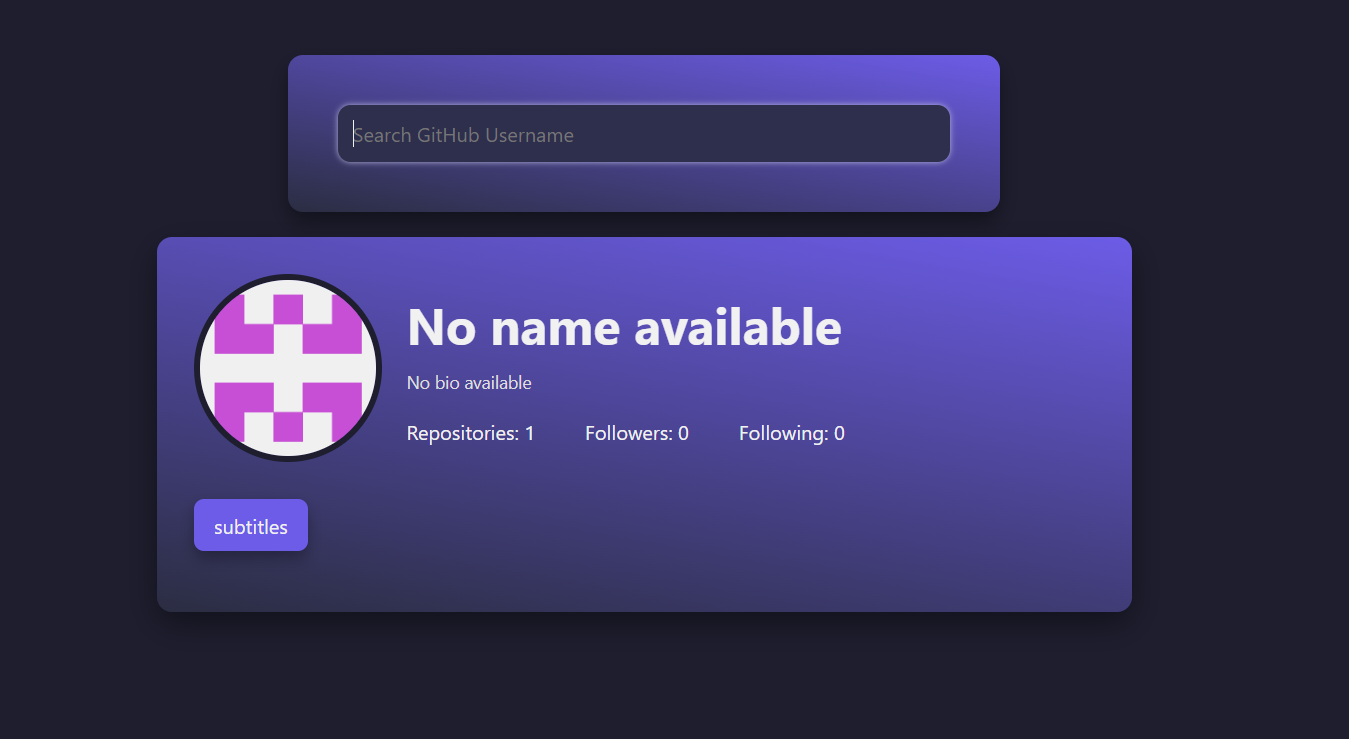
a user account but with no name or bio


Inspiration
I found a GitHub repository featuring vanilla JavaScript projects and chose to build the GitHub User Finder. It stood out to me because it involved fetching data from the GitHub API—a skill I wanted to learn. I thought it would be a useful project to understand how APIs work and practice integrating them into web applications.
What it does
The app allows you to search for any GitHub username. It then displays: The user’s profile picture, name, and bio (if available) The number of followers and following, and repositories The top 10 public repositories of those users
How I built it
I used: HTML and CSS for the structure and styling Vanilla JavaScript to fetch data from the GitHub API and dynamically display it on the page
Challenges I ran into
Responsive Design: Making the layout look good on mobile devices was a bit tricky at first. Fetching the API: I ran into some errors while fetching data from the GitHub API, but after troubleshooting and learning from the console errors, I managed to fix them.
Accomplishments that I'm proud of
The CSS layout and overall styling—I feel much more confident with using HTML and CSS now. My JavaScript skills have improved, especially around using fetch() and handling JSON data. Error Handling when a user is not found.
What I learned
How to fetch and display data from an API How to deploy a project using GitHub Pages The importance of making websites responsive for all device sizes
What's next for GitHub Users Finder
Add a "Starred Repositories" section to show what repositories the user has starred Display more details about each repository (like language, stars, forks, etc.)
