-
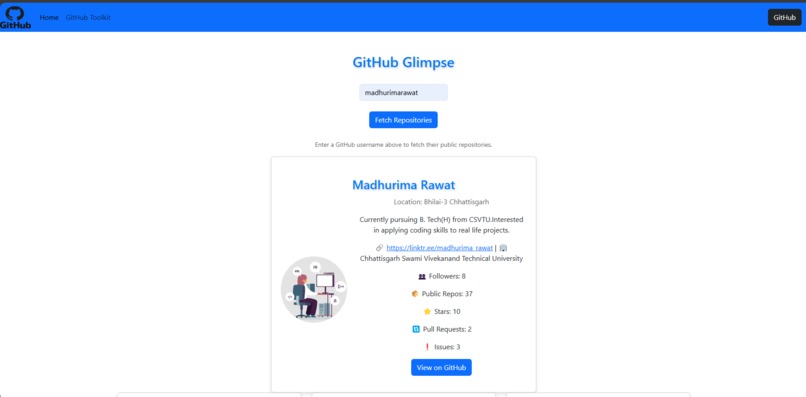
Website Homepage
-
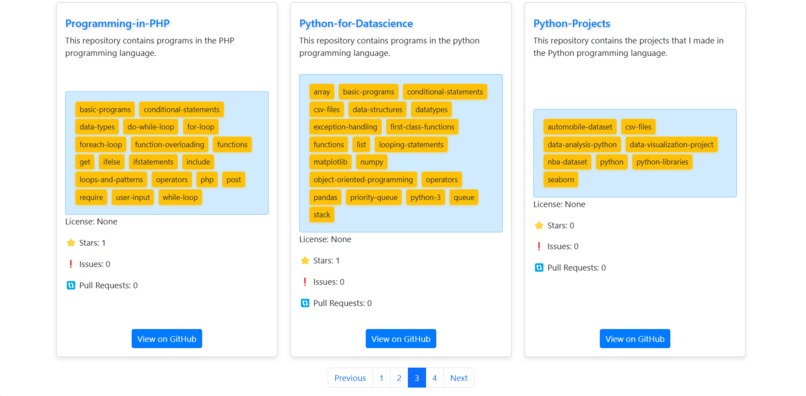
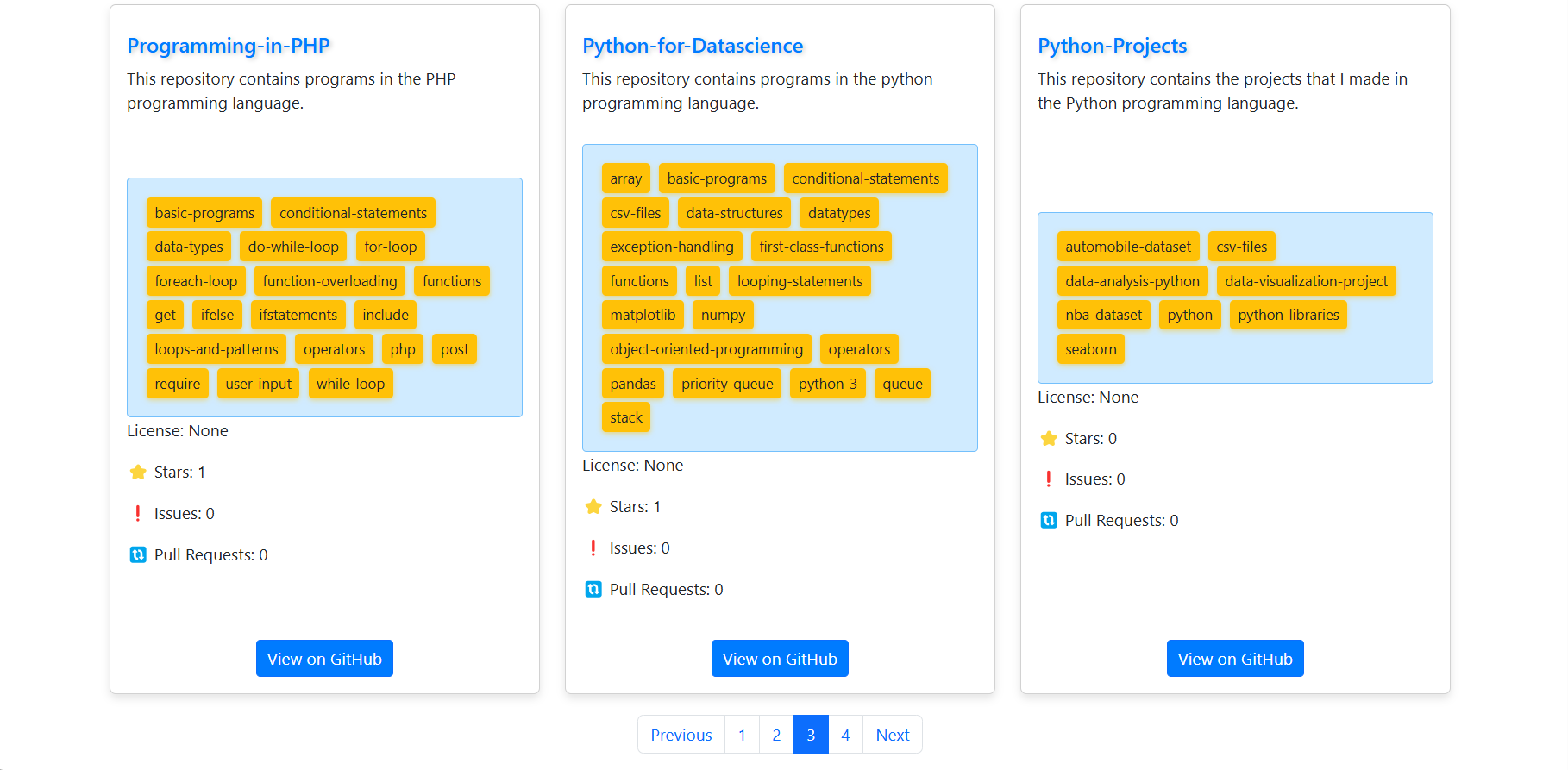
Website Homepage Repository Section
-
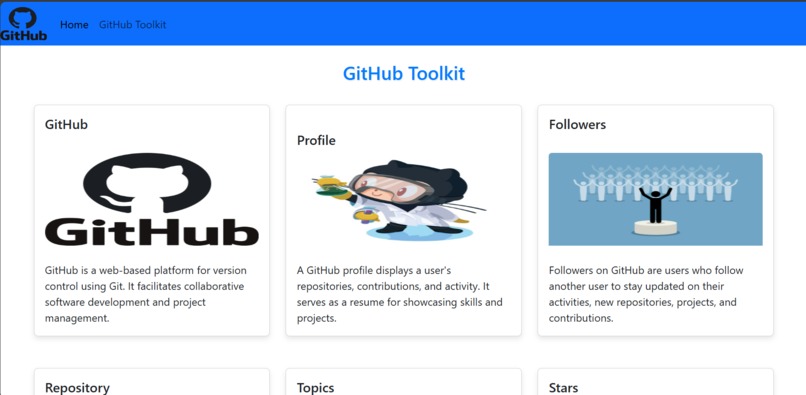
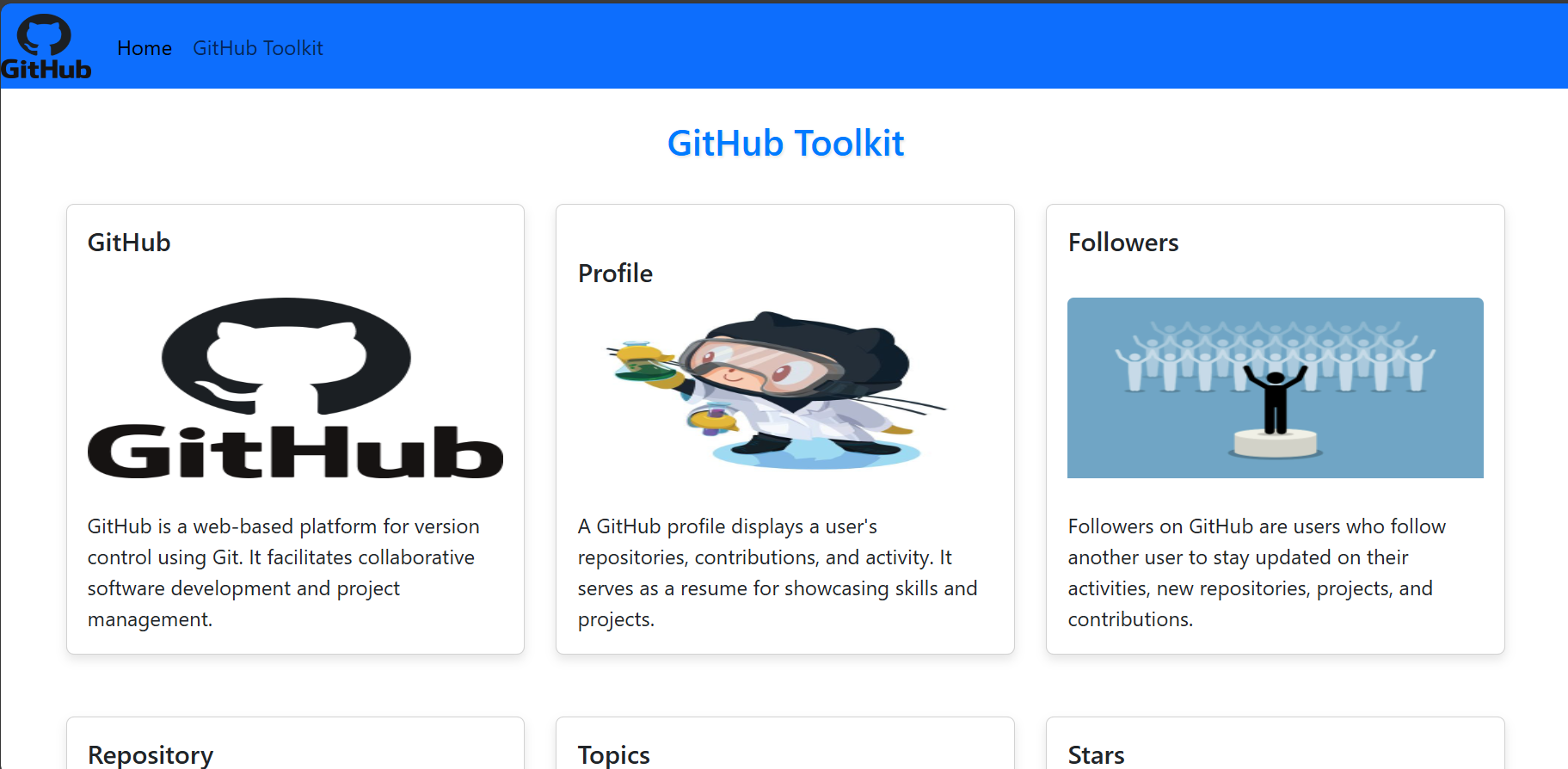
GitHub Toolkit Page
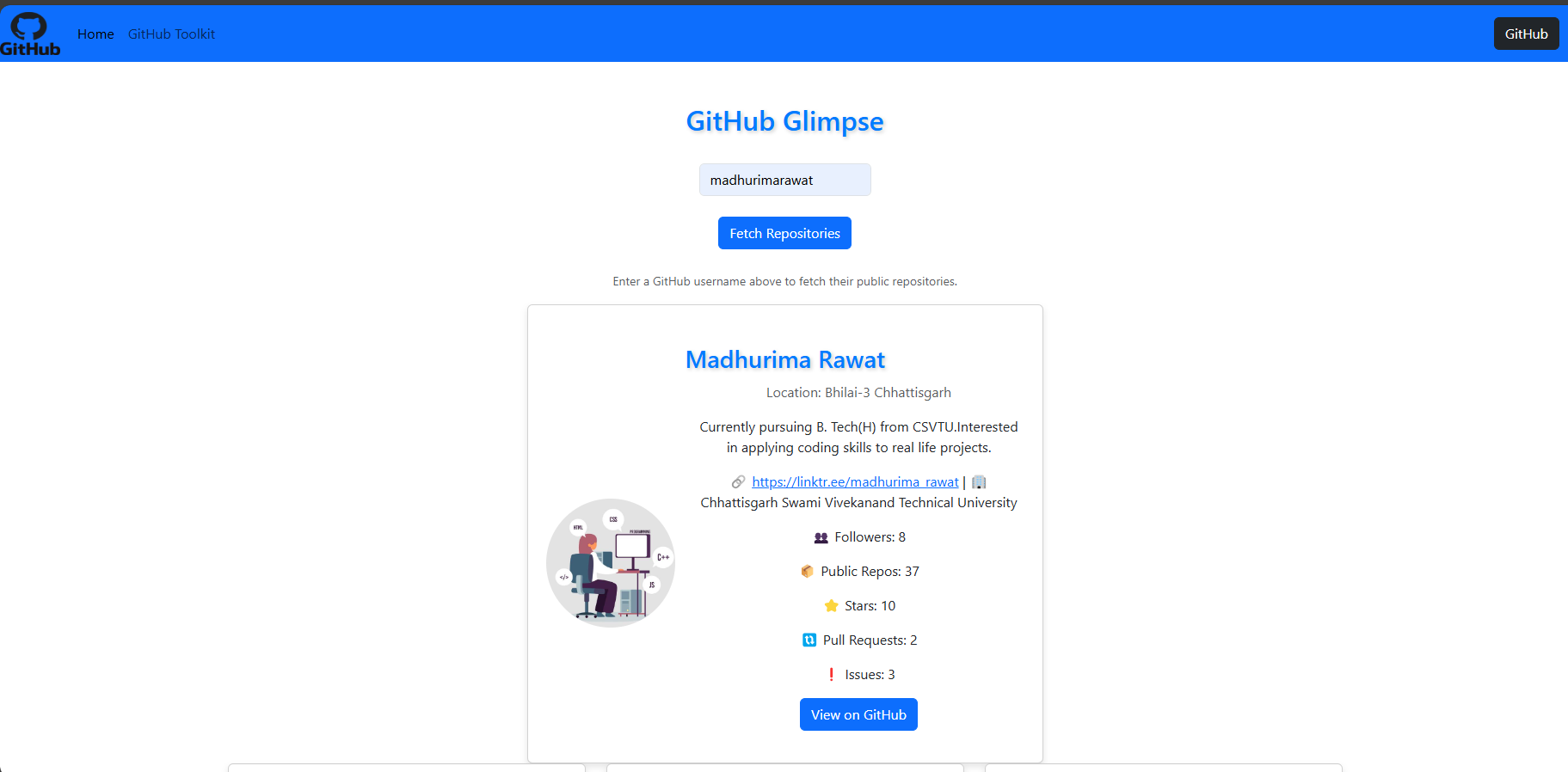
GitHub-Repository-Lister
An HTML, JS, and Bootstrap-based web application that dynamically lists GitHub repositories and topics based on user input.
Technology Used 💻
🛠 Languages and Tools :
- CSS: For styling the web pages to ensure they look appealing and professional.
- HTML: The standard markup language for creating web pages.
- JavaScript: For implementing the dynamic functionalities of the application.
- Bootstrap: A CSS framework for developing responsive and mobile-first websites.
Description
- User-Centric Profiles: See detailed GitHub user profiles with profile images, bios, locations, followers, and up to 30 public repositories. Everything is neatly centered for clarity and impact.
- Limited Repository Display: Due to GitHub's API limits, we show a maximum of 30 public repositories per user. This keeps things focused and easy to browse.
- Intuitive Pagination: Easily navigate through repositories with simple pagination controls that make browsing smooth and efficient.
- Dynamic Loading Animation: Enjoy a fun loading animation that keeps you entertained while we fetch the data you're looking for.
- Unified Visual Design: Our interface is polished and cohesive, with consistent colors, subtle shadows, and stylish buttons that make using our app a professional experience.
- Dedicated GitHub Toolkit: Explore deeper insights into GitHub with a dedicated page featuring detailed descriptions, repository stars, and graphics that bring GitHub data to life.
- Enhanced Graphics Area: Dive into a visually appealing section of the toolkit where clean design elements make understanding GitHub stats and trends a breeze.
Mode of Execution Used
Notepad++
- To begin, visit the official website Notepad++.
- Download according to the platform being used like Linux, MacOS, or Windows.
- Follow the setup wizard.
- After setup, we can write code in HTML and also in other languages.
- To see the output of HTML code, open the document in any browser.
Hosting With Netlify
- Visit the official website of Netlify.
- Now make an account with GitHub.
- Now add all the code in a GitHub repository.
- Go to Netlify and there is an option for new deployment.
- Link with your GitHub repository name and make sure you have the index.html file for the homepage. If you name your file as index it will directly access it else you have to specify the path.
- We can also do manual deployment of our website by uploading in Netlify manual uploads.
- If everything went well, our website will be deployed on the web and you can share the link and access the app from all browsers.
- Now Netlify only supports static websites. It does not have a server and it does not support websites with server requirements.
- We can upload HTML, CSS, and JS files in Netlify.
Working
- GitHub Integration:
- Fetches repositories from specified GitHub users and topics using JavaScript.
- Frontend Development:
- Developed with HTML, CSS, and Bootstrap for a clean and responsive user interface.
- Deployment:
- Easily deployed using Netlify, ensuring accessibility and continuous updates.
- About Page:
- Explore the details about GitHub on GitHub Toolkit page.
Website Link
I have hosted this Website using Netlify. Click on the link below to have a look at my Website:
GitHub Repository Lister Website
Additional Resources
For more Frontend Development codes, visit my repository: Website Frontend Development
Thanks for Visiting 😄
- Drop a 🌟 if you find this repository useful.
- If you have any doubts or suggestions, feel free to reach me.
📫 How to reach me:
[email protected]

- Contribute and Discuss: Feel free to open issues 🐛, submit pull requests 🛠️, or start discussions 💬 to help improve this repository!


Log in or sign up for Devpost to join the conversation.