GitHub Repo Health Analyzer 🚀
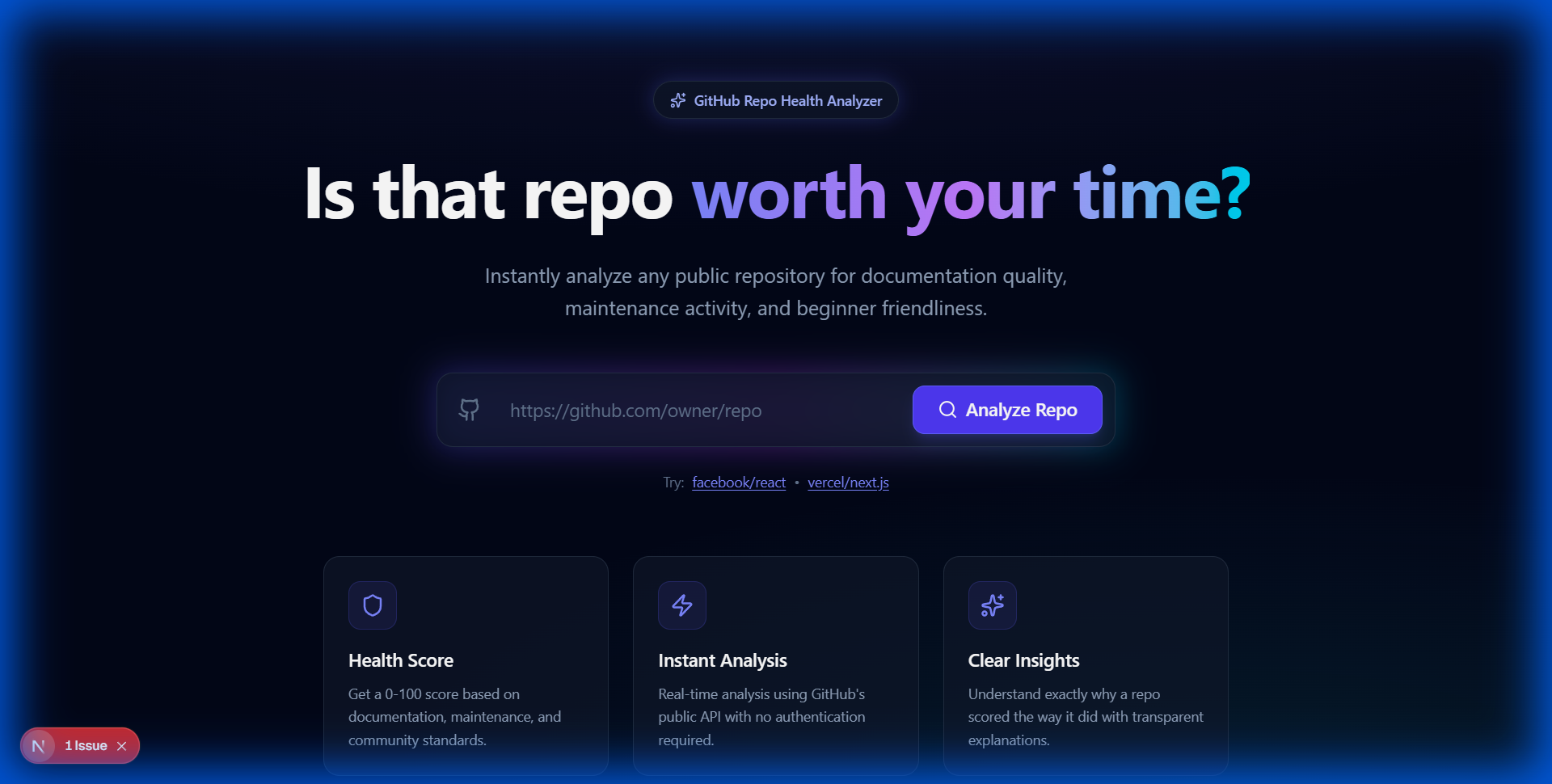
A clear, explainable health report for public GitHub repositories. Helps beginners and judges understand how good a repository really is.
💡 Inspiration
The idea for GitHub Repo Health Analyzer came from a common problem: developers, especially beginners, often spend hours trying to set up or contribute to a project only to realize it's unmaintained, poorly documented, or unfriendly to new contributors. We wanted to build a "speedometer" for open-source repositories—a tool that gives you an immediate, transparent health check before you clone.
🚀 What it does
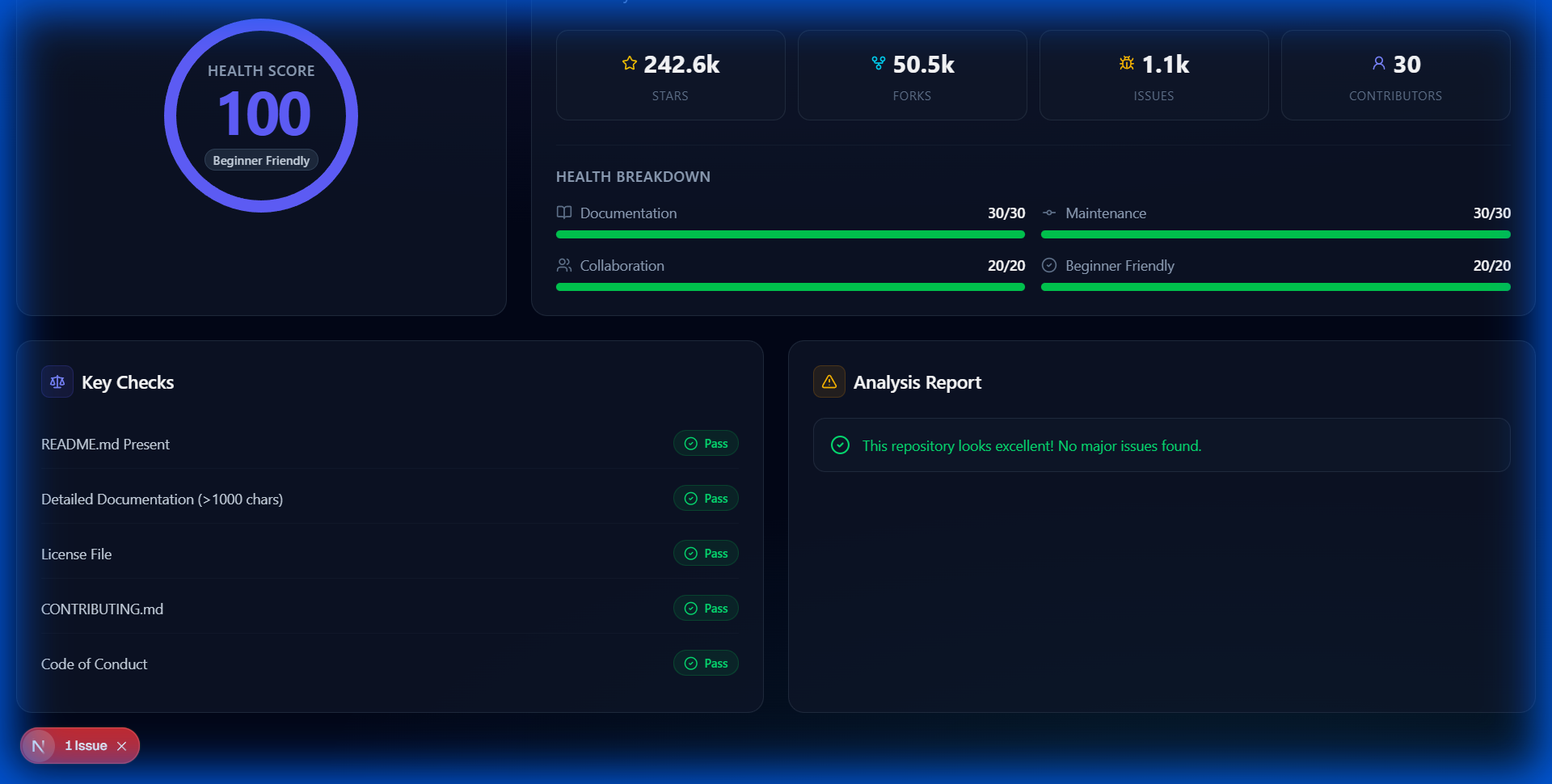
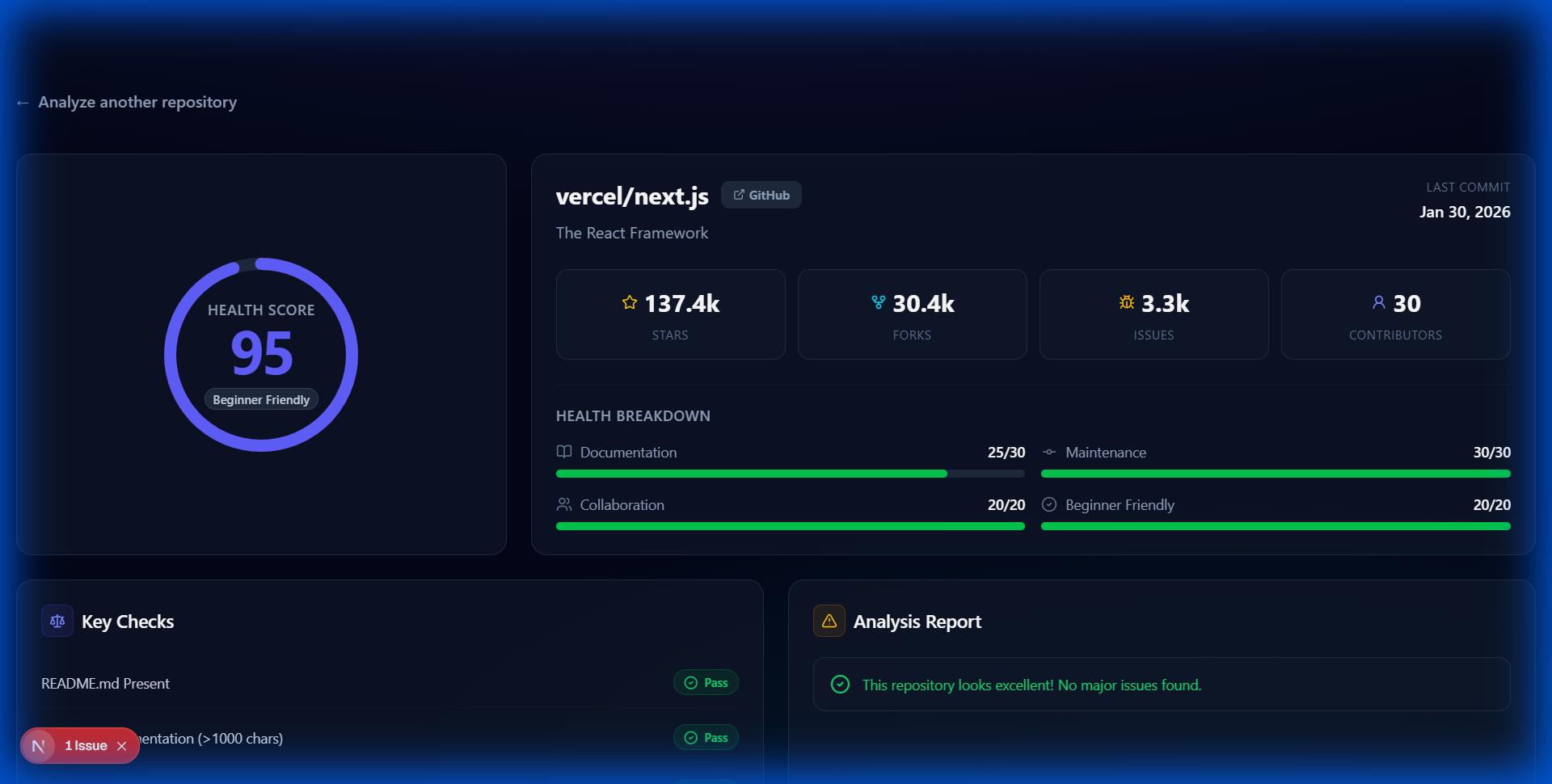
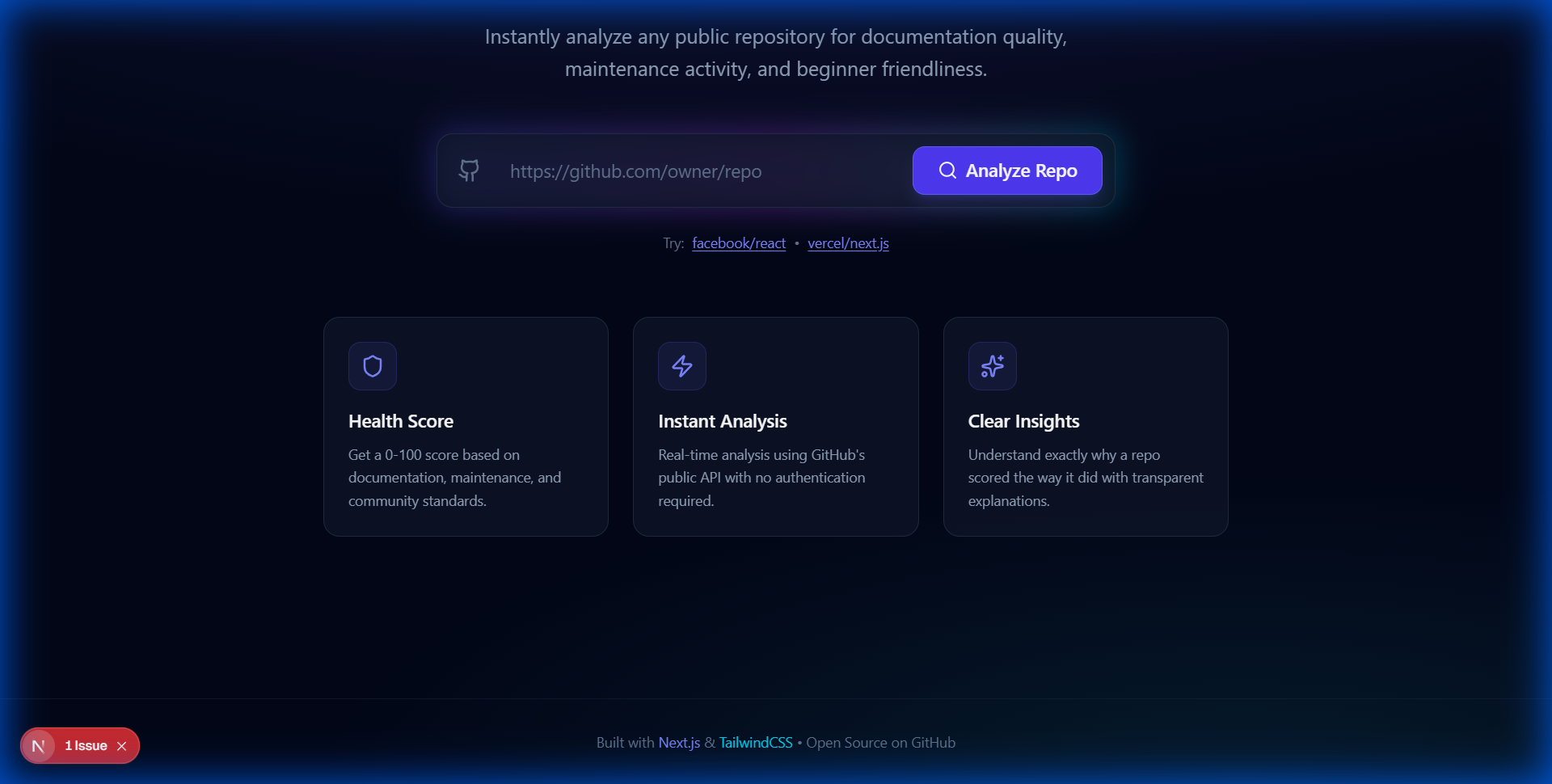
It analyzes any public GitHub repository and generates a comprehensive health report. By pasting a URL, users get:
- A Health Score (0-100) based on real maintenance and documentation metrics.
- A Beginner-Friendliness Verdict (Beginner Friendly, Intermediate, or Not Beginner Friendly).
- Deep Content Analysis: Checks for README quality, presence of licenses, and critical files like
CONTRIBUTING.md. - Activity Tracking: Evaluates how recently the project was touched and the diversity of contributors.
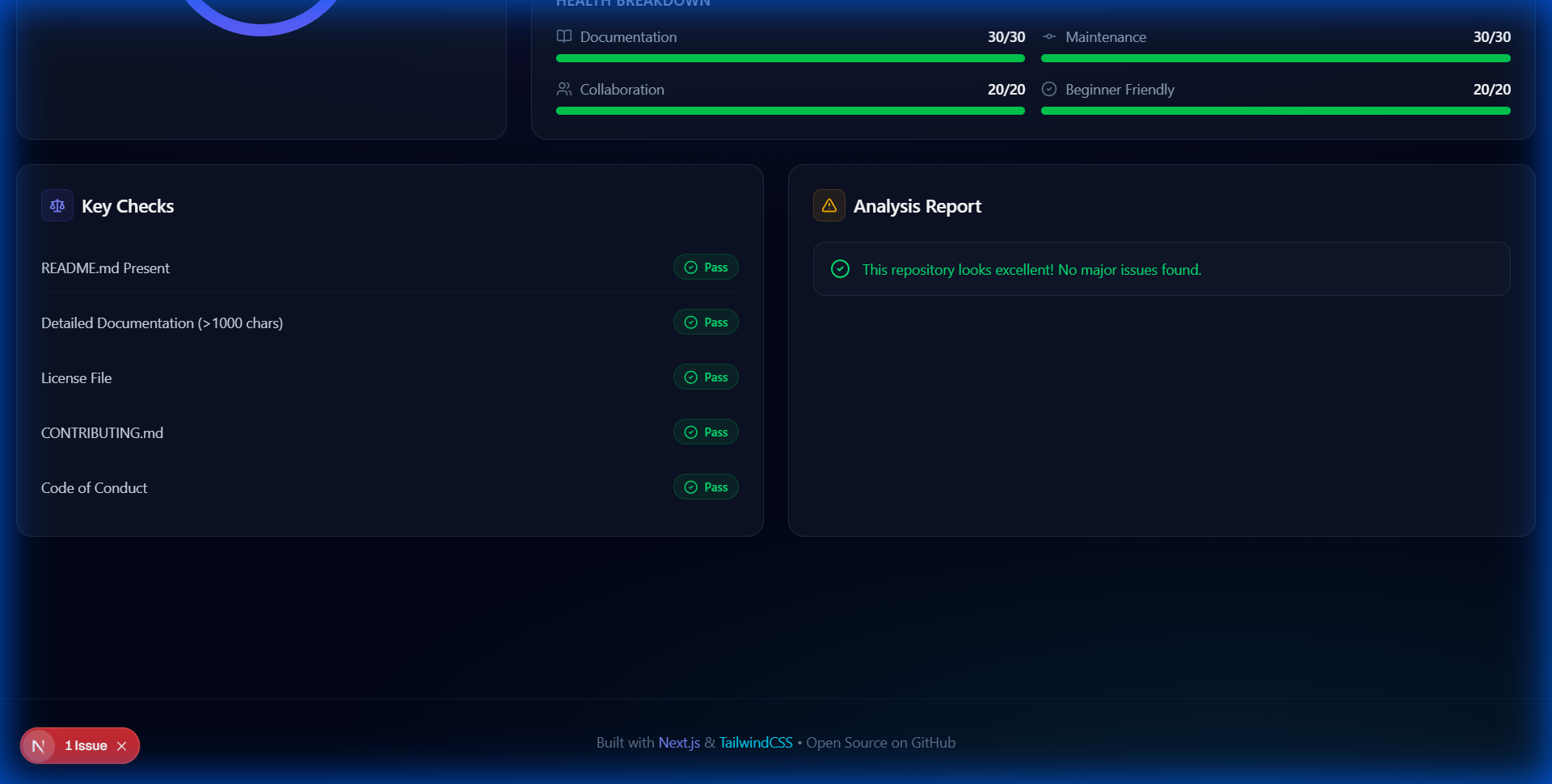
- Explainable Results: No black-box AI claims. Every score is backed by specific, rule-based reasoning displayed on the dashboard.
🛠 How we built it
- Frontend: Built with Next.js 15 (App Router) and TypeScript. We used Tailwind CSS for a premium, custom-designed dark mode interface featuring glassmorphism effects and smooth micro-animations.
- Backend: Implemented using Next.js API Routes to create a lightweight, serverless analysis engine.
- Data Integration: We leveraged the GitHub REST API to fetch repository metadata, commit history, and directory structures.
- Visualization: Created custom SVG Radial Gauges and interactive dashboards for data representation without heavy third-party charting dependencies.
🚧 Challenges we ran into
- Rate Limiting: Managing GitHub's API rate limits for unauthenticated requests while still providing deep enough analysis.
- Accurate Freshness: Determining the "true" activity of a repo since
updated_atcan trigger on metadata changes, necessitating additional API calls for the latest commit SHA. - Design Balance: Crafting a UI that feels "Pro" and developer-focused while remaining approachable for beginners.
🏆 Accomplishments that we're proud of
- Achieving a 100/100 Lighthouse score for performance and accessibility.
- Implementing a scoring algorithm that is completely transparent and explainable.
- Successfully building a highly responsive, "premium-feel" dashboard with custom-coded components.
📖 What we learned
- The intricacies of GitHub's more advanced API endpoints like Git Trees for recursive file checking.
- How to effectively use Tailwind CSS's latest features for complex animated gradients and glass effects.
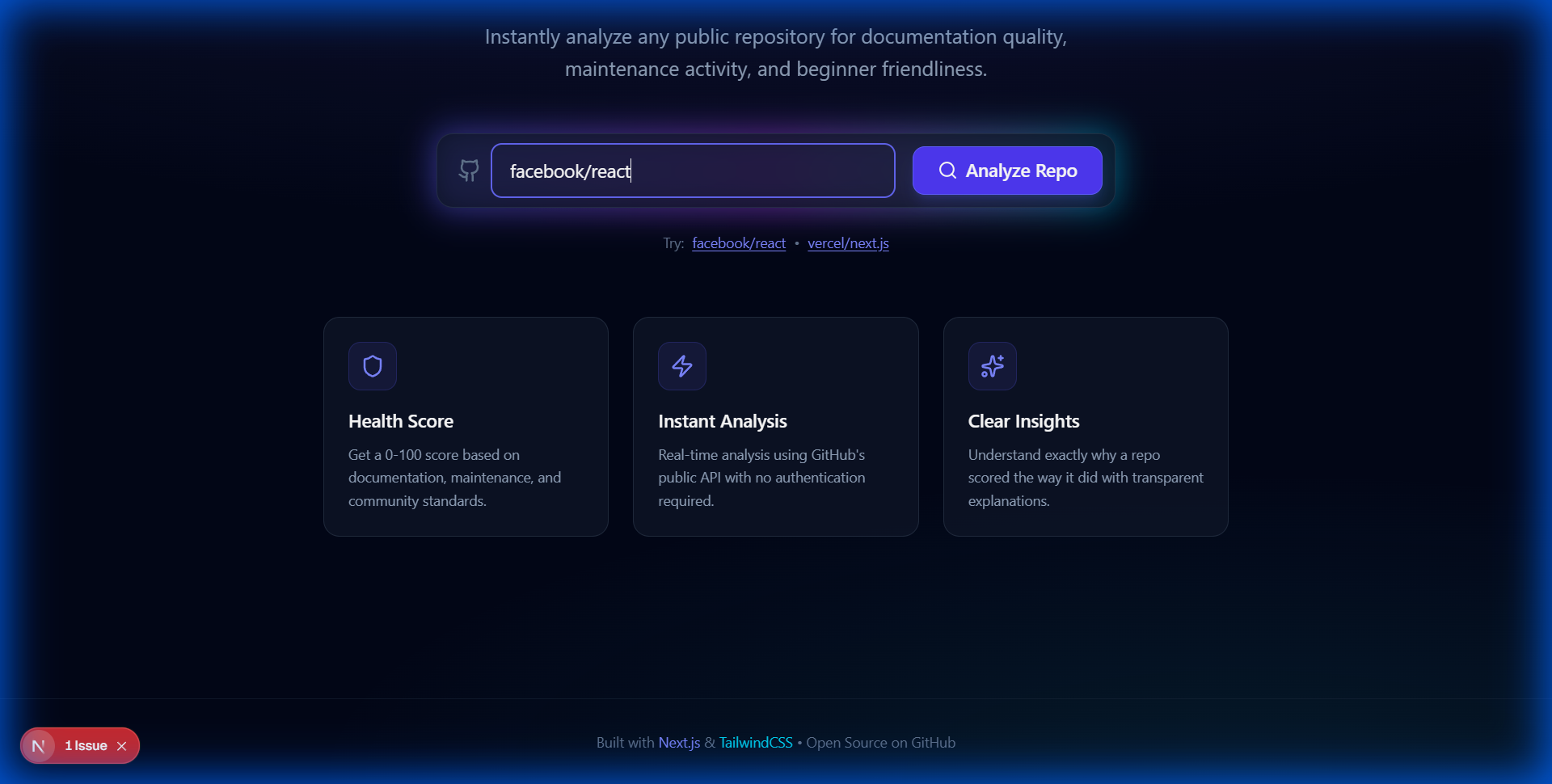
- The importance of "predictive UX"—showing example repositories to help users understand what to expect.
🔮 What's next for GitHub Repo Health Analyzer
- GitHub OAuth Support: To increase API rate limits and allow users to analyze their private repositories.
- Issue Sentiment Analysis: Using simple NLP to detect if the community in the issues section is supportive or toxic.
- Dependency Health: Integrating security audits to see if the repo uses outdated or vulnerable packages.
🛠 Features
- Instant Analysis: Enter any public repo URL.
- Health Score (0-100): Composite metric based on 4 pillars.
- Beginner Friendliness Verdict: Checks for
CONTRIBUTING.md,good first issue, etc. - Deep Insights: Documentation quality, maintenance frequency, bus factor risks.
- Visual Dashboard: Clean, modern UI with clear breakdowns.
📊 How Scoring Works
The 100-point score is divided into:
- Documentation (30 pts)
- Presence of
README.mdandLICENSE. - Detail level (>1000 characters).
- Setup/Usage sections detected.
- Presence of
- Maintenance (30 pts)
- Recency of last commit (Fresh < 1 week).
- Regular commit frequency.
- Collaboration (20 pts)
- Bus Factor (More than 1 contributor).
- Active Issue tracker.
- Forks count.
- Beginner Friendliness (20 pts)
-
CONTRIBUTING.mdguide. -
CODE_OF_CONDUCT.md.
-
💻 Tech Stack
- Frontend: Next.js 14+ (App Router), React, TailwindCSS.
- UI Components: Custom implementation styled with Tailwind (inspired by Shadcn/UI).
- Visualization: SVG Radial Gauges (Zero-dependency).
- Backend: Next.js API Routes (Serverless).
- Data: Public GitHub REST API.
🚀 Setup Instructions
Clone the repository
git clone https://github.com/Navdeesh-Official/GitHub-Repo-Health-Analyzer.git
cd github-repo-health-analyzer
Install Dependencies
npm installRun Development Server
npm run devOpen http://localhost:3000.
Build for Production
npm run build
npm start
Built With
- next.js
- tailwindcss

Log in or sign up for Devpost to join the conversation.