-
-
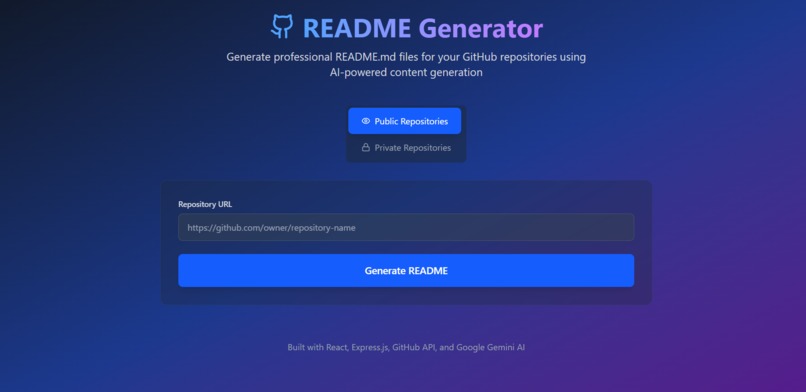
Landing page
-
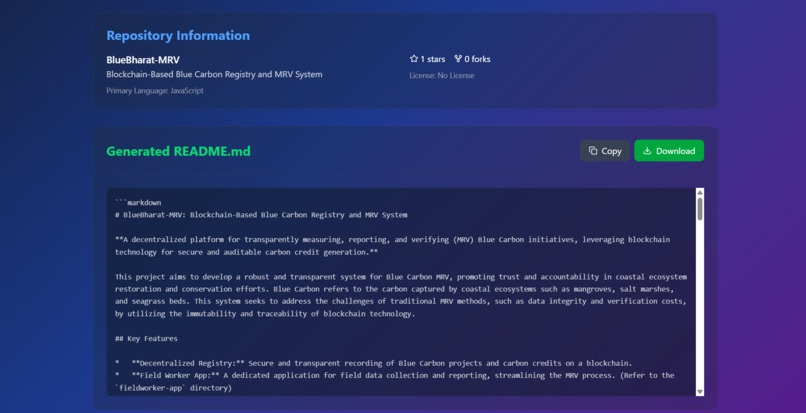
Generated a readme file
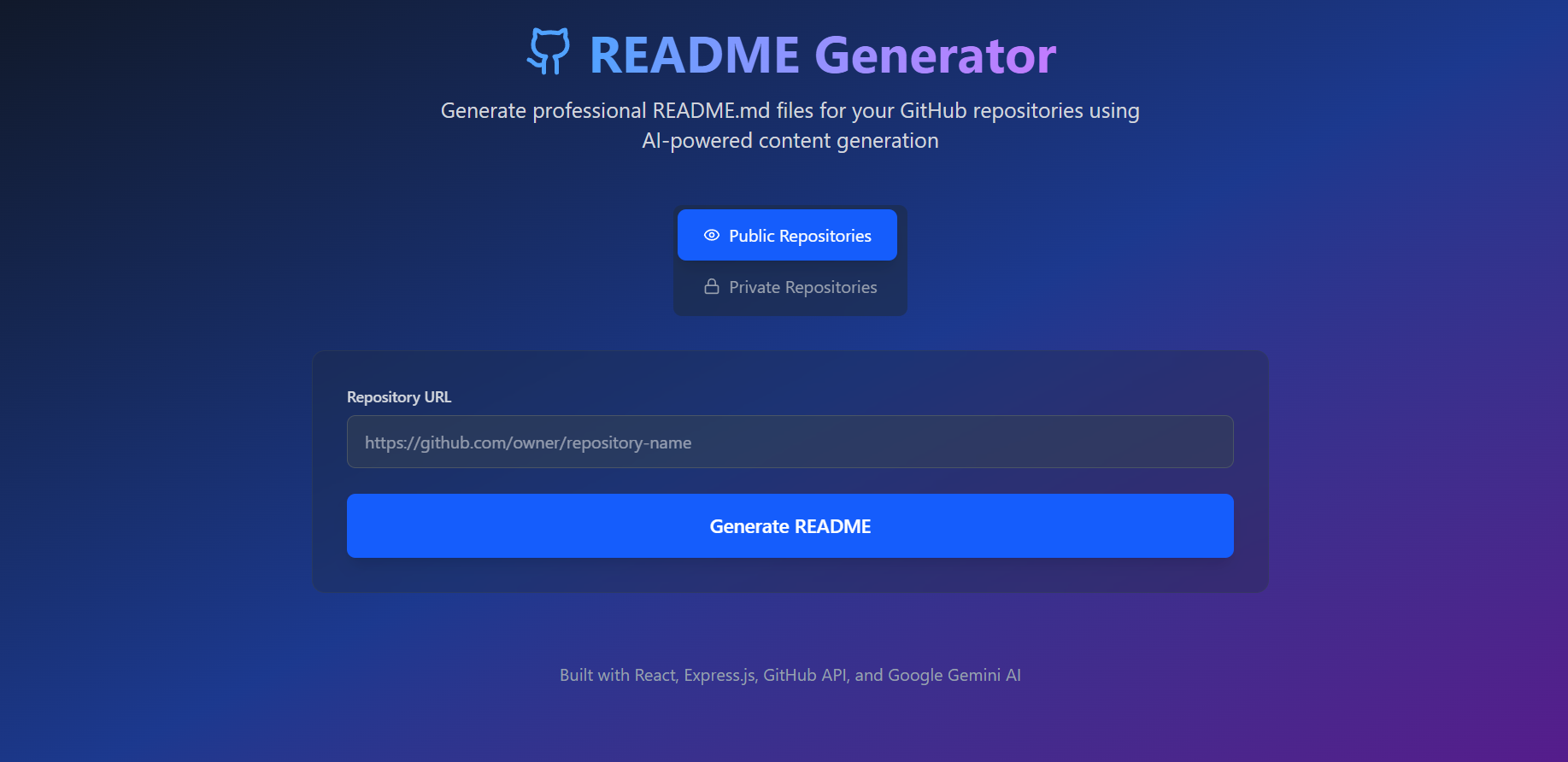
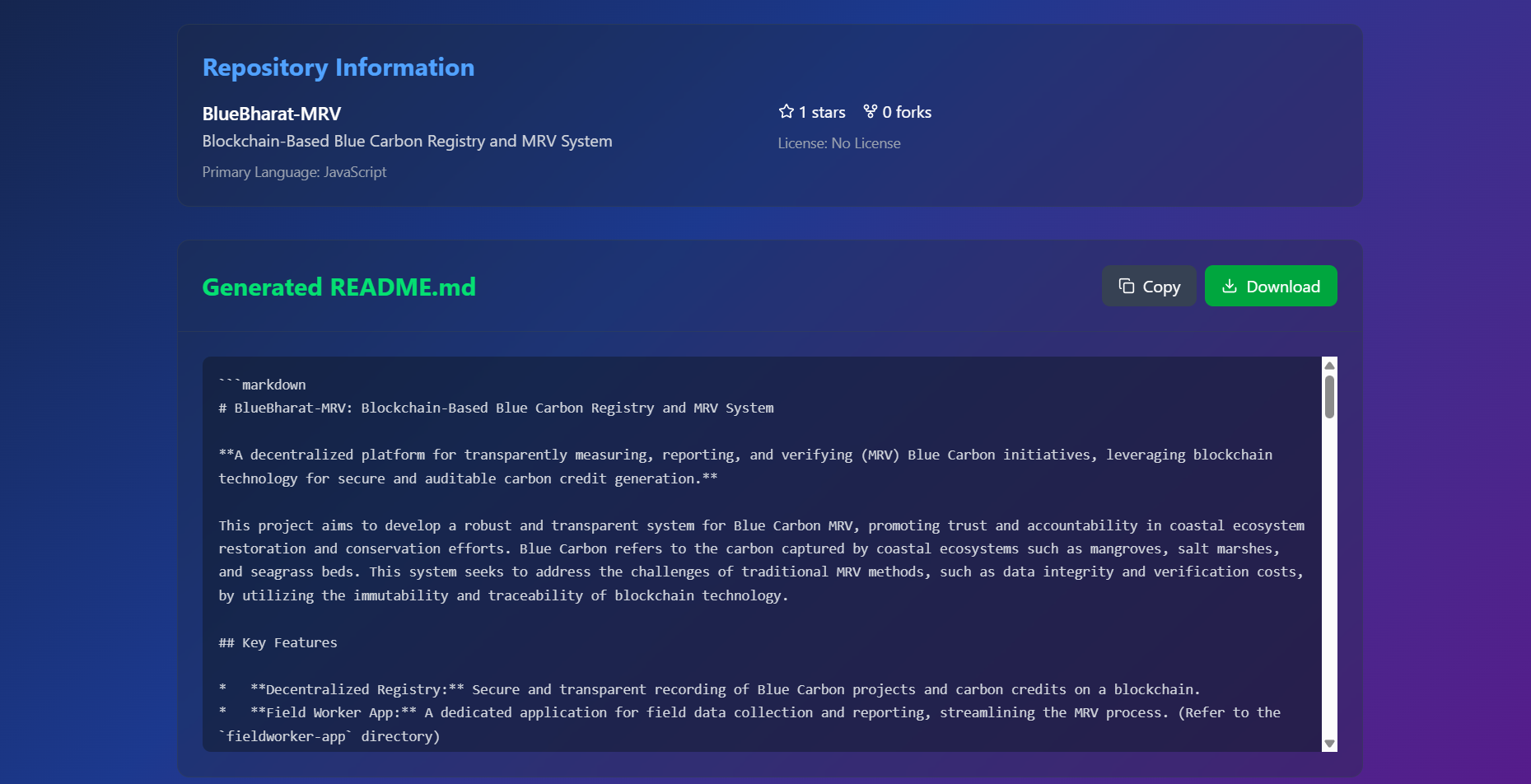
🚀 Project Overview This is a full-stack application that automatically generates professional README.md files for GitHub repositories using the GitHub API and Google Gemini AI.
Features ✅ Public Repository Support - Generate READMEs for any public GitHub repo ✅ Private Repository Support - Access private repos with GitHub authentication ✅ AI-Powered Content - Uses Google Gemini AI for intelligent content generation ✅ Professional Templates - Standardized, well-structured README format ✅ Real-time Preview - View generated content before downloading ✅ Download & Copy - Easy export options for generated READMEs 🛠️ Tech Stack Frontend:
React.js with hooks Tailwind CSS for styling Lucide React for icons Responsive design Backend:
Node.js with Express.js GitHub API integration Google Gemini AI API CORS enabled Error handling & validation 📋 Prerequisites Before you begin, ensure you have the following installed:
Node.js (v14 or higher) npm or yarn package manager Google Gemini API key GitHub Personal Access Token (for private repos)
📝 Usage Instructions For Public Repositories Select the "Public Repositories" tab Enter the GitHub repository URL (e.g., https://github.com/facebook/react) Click "Generate README" View the generated content and repository information Copy to clipboard or download the README.md file For Private Repositories Select the "Private Repositories" tab Enter the GitHub repository URL Enter your GitHub Personal Access Token Click "Generate README" The system will authenticate and generate the README 🔍 API Endpoints Backend API Routes // Health check GET /api/health
// Generate README for public repository POST /api/generate-readme/public Body: { "repoUrl": "https://github.com/owner/repo" }
// Generate README for private repository POST /api/generate-readme/private Body: { "repoUrl": "https://github.com/owner/repo", "githubToken": "ghp_xxxxxxxxxxxx" }
// Validate GitHub token POST /api/validate-token Body: { "token": "ghp_xxxxxxxxxxxx" } 🛡️ Security Features Backend Security ✅ CORS configuration ✅ Input validation for repository URLs ✅ GitHub token validation ✅ Error handling for API failures ✅ No token storage or logging ✅ Rate limiting awareness Frontend Security ✅ Token input masking (password field) ✅ URL validation ✅ Error message display ✅ No sensitive data in console logs 🔧 Troubleshooting Common Issues
- "Repository not found" Error
Verify the repository URL is correct Ensure the repository is public (for public mode) Check if you have access to the repository (for private mode)
- "Unauthorized" Error
Verify your GitHub token is valid Ensure token has repo scope permissions Check if token hasn't expired
- "Rate limit exceeded" Error
GitHub API has rate limits (60 requests/hour for unauthenticated) Use a GitHub token to increase limits Wait for rate limit to reset
- "Gemini AI Error"
Verify your Gemini API key is correct Check if you have sufficient API quota Ensure the API key has proper permissions
- CORS Errors
Ensure backend server is running on port 5000 Check CORS configuration in backend Verify frontend is making requests to correct backend URL Environment Variables Check Make sure your .env file in the backend contains:
GEMINI_API_KEY=your_actual_gemini_api_key PORT=5000 📊 Features Breakdown Repository Analysis Fetches repository metadata (name, description, stars, forks) Analyzes file structure and contents Identifies primary programming language Extracts package.json dependencies (for Node.js projects) Reads repository topics and tags AI-Generated Content Project title and compelling description Feature list based on codebase analysis Installation instructions Usage examples Tech stack identification Project structure overview Contributing guidelines License information Export Options Copy to clipboard functionality Download as README.md file Formatted markdown output Real-time preview 🌟 Advanced Features Supported Repository Types Node.js projects (reads package.json) Python projects (detects requirements.txt) Java projects (Maven/Gradle) Any programming language supported by GitHub Content Generation Intelligent feature detection Context-aware documentation Professional formatting Consistent structure across all generated READMEs 📁 Project Structure readme-generator/ ├── backend/ │ ├── server.js # Main Express server │ ├── package.json # Backend dependencies │ ├── .env # Environment variables │ └── .env.example # Environment template └── frontend/ ├── src/ │ ├── App.js # Main React component │ ├── index.js # React entry point │ └── index.css # Tailwind CSS imports ├── public/ │ └── index.html # HTML template ├── package.json # Frontend dependencies └── tailwind.config.js # Tailwind configuration 🔄 Development Workflow Backend Development:
Modify server.js for API changes Add new routes as needed Test with tools like Postman Use npm run dev for auto-restart Frontend Development:
Update React components in src/App.js Modify styling with Tailwind classes Test in browser with hot reload Use React Developer Tools for debugging 🚢 Production Deployment Backend Deployment Set production environment variables Use process managers like PM2 Configure reverse proxy (Nginx) Set up SSL certificates Frontend Deployment Build production version: npm run build Deploy to static hosting (Netlify, Vercel) Update API endpoints for production 📈 Future Enhancements Planned Features OAuth integration for GitHub authentication Support for GitLab and Bitbucket repositories Multiple README templates Batch processing for multiple repositories README quality scoring Integration with CI/CD pipelines Possible Improvements Real-time collaboration Version history for generated READMEs Custom template creation Multi-language support Advanced markdown editing 🤝 Contributing Fork the repository Create a feature branch Make your changes Test thoroughly Submit a pull request 📄 License This project is licensed under the MIT License - see the LICENSE file for details.
📞 Support If you encounter any issues:
Check the troubleshooting section Verify your API keys and tokens Check server and client console logs Create an issue with detailed error information Happy README generating! 🎉
Built With
- react
- tailwind


Log in or sign up for Devpost to join the conversation.