
Project Story
Inspiration
Developers often rely on GitHub Issues to track work, but the interface can feel rigid and disconnected from the way people naturally organize tasks. I wanted to build something that makes issue management feel more visual and interactive, as well as making batch updates of tasks much easier.
The idea was to create a lightweight Kanban-style board that syncs directly with GitHub issues, allowing users to move work between stages by dragging cards across columns.
What it does
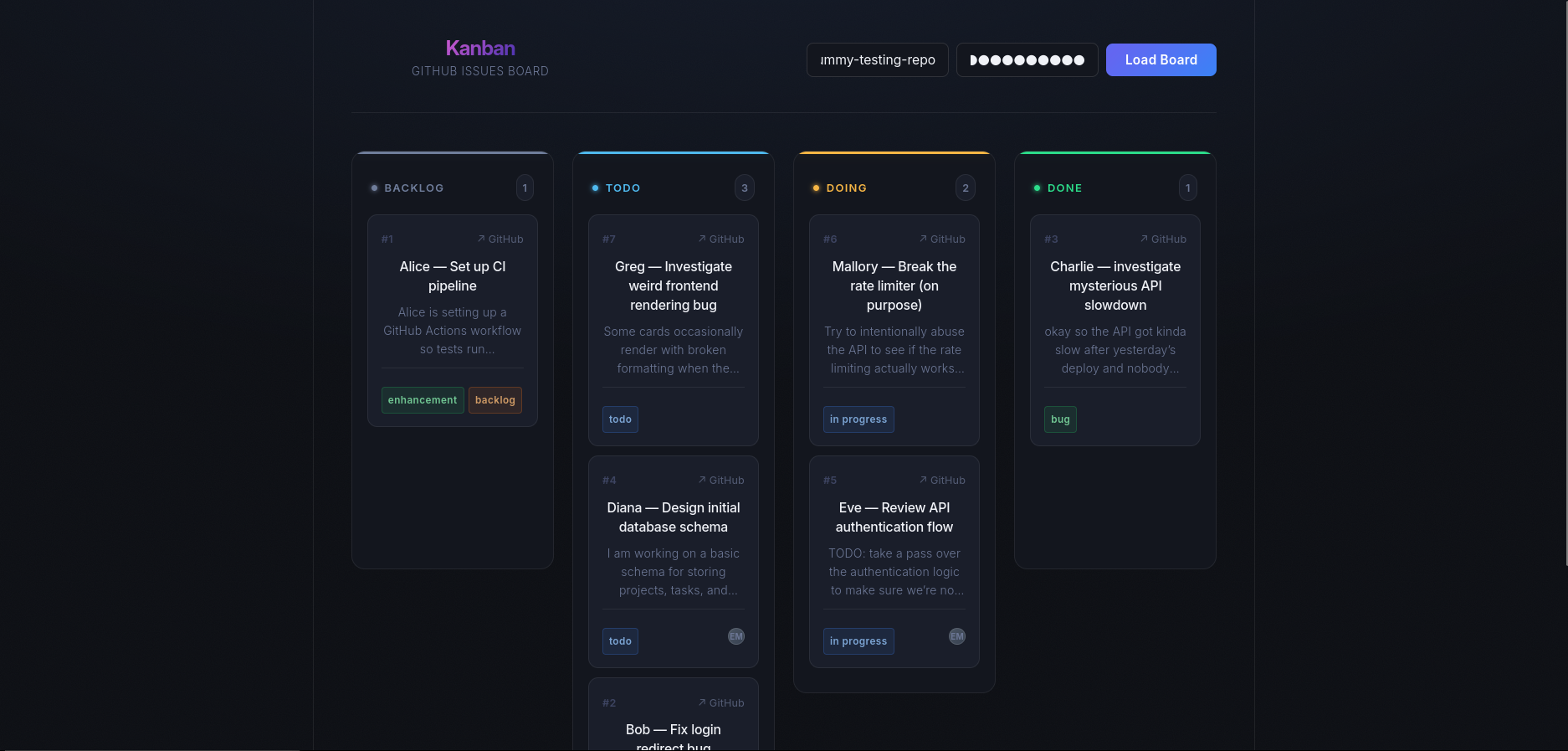
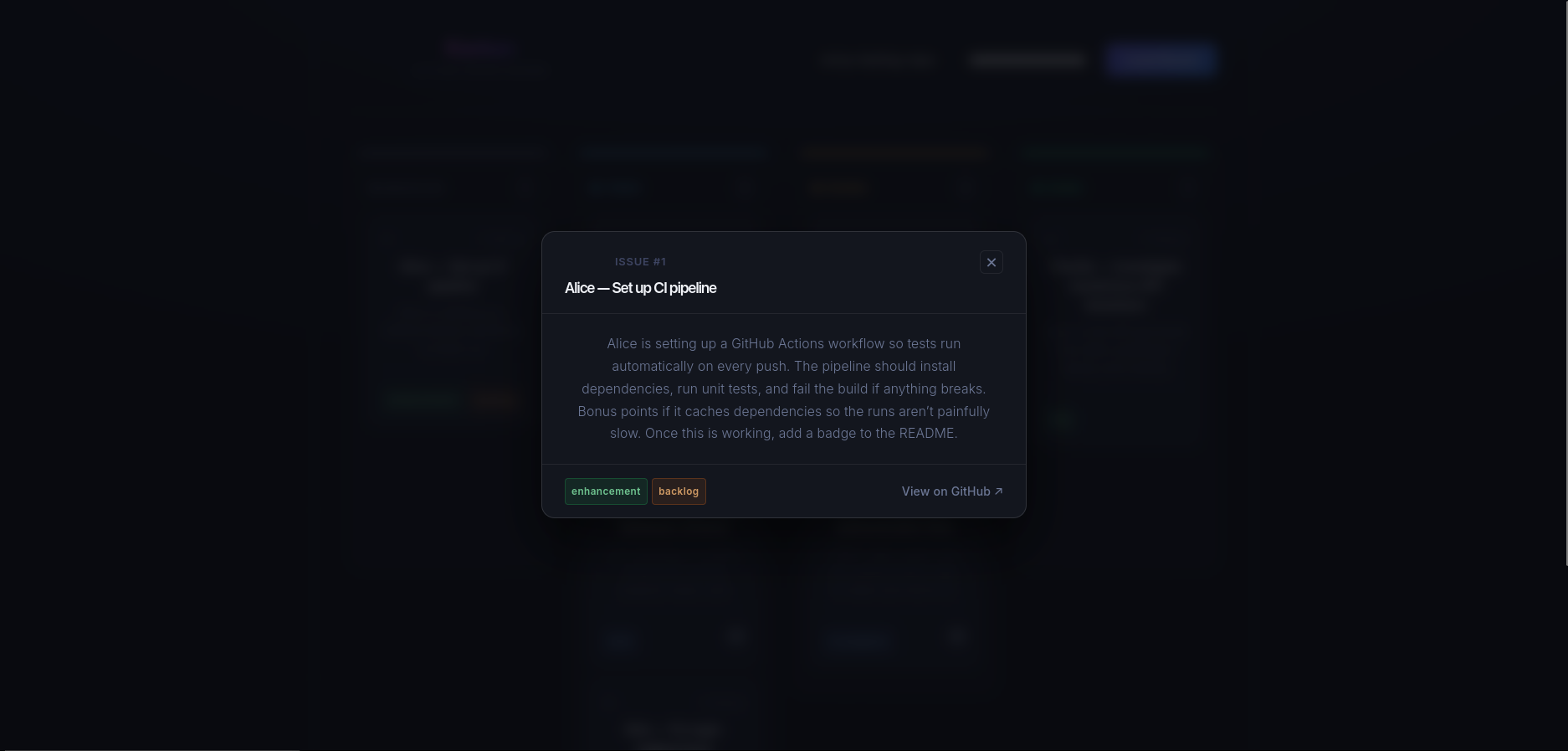
This project turns GitHub issues into an interactive Kanban board.
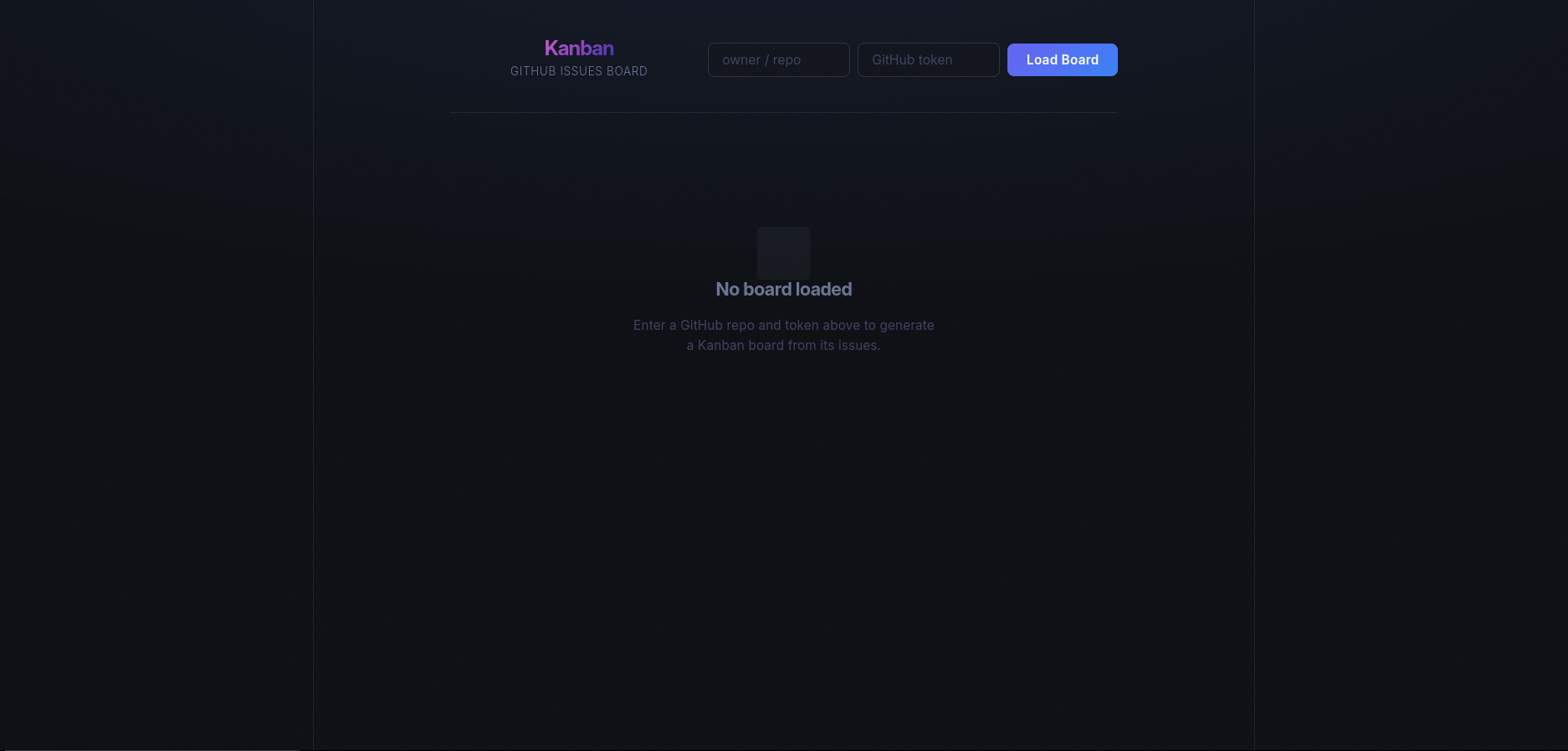
Users enter their GitHub repository and personal access token, and the app:
- Fetches issues from the repository
- Organizes them into columns based on label (Backlog, Todo, Doing, Done)
- Lets users drag and drop cards between columns
- Updates the corresponding GitHub issue automatically
The goal is to make issue management feel more fluid and visual while still using GitHub as the source of truth.
How we built it
The project is built with:
- Python + Flask for the backend API
- GitHub REST API to fetch and update issues
- Google Gemini API to help structure and process issue data as well as provide summaries if necessary
- React for the frontend
- dnd-kit for drag-and-drop Kanban interactions
The frontend communicates with the Flask backend, which handles authentication and talks to GitHub’s API.
Challenges we ran into
Many parts of this stack were new to me including Flask. Though I originally intended to design this project in base HTML/CSS/JS, it quickly became apparent that this was not feasible for the scope of the project I was envisioning. Though we have past experience in web development, React took a lot of getting used to.
Another challenge was handling authentication securely. Instead of storing credentials, the app requires users to provide their own GitHub token so all API requests are made on their behalf.
We also had to carefully handle GitHub API responses to separate real issues from pull requests (they are both considered issues when interfacing with API) and map them correctly into Kanban columns.
What we learned
This project helped us learn:
- How to meaningfully integrate external APIs (GitHub and Gemini)
- How to structure a simple backend API with Flask
- How to manage drag-and-drop (or any!) state in a React application
- How to connect frontend interactions with real-world actions on GitHub
It also showed us how quickly you can prototype useful tools when combining modern APIs with lightweight web frameworks.
What's next
Future improvements could include:
- Better filtering and labels (custom columns?)
- Multi-repository support
- User authentication instead of manual tokens

Log in or sign up for Devpost to join the conversation.