-
-
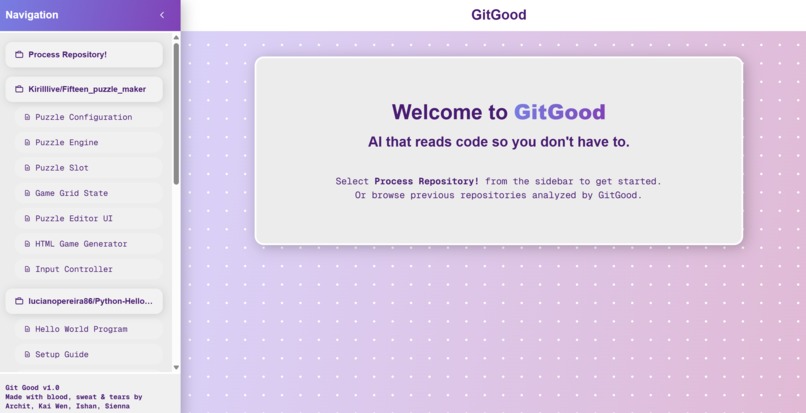
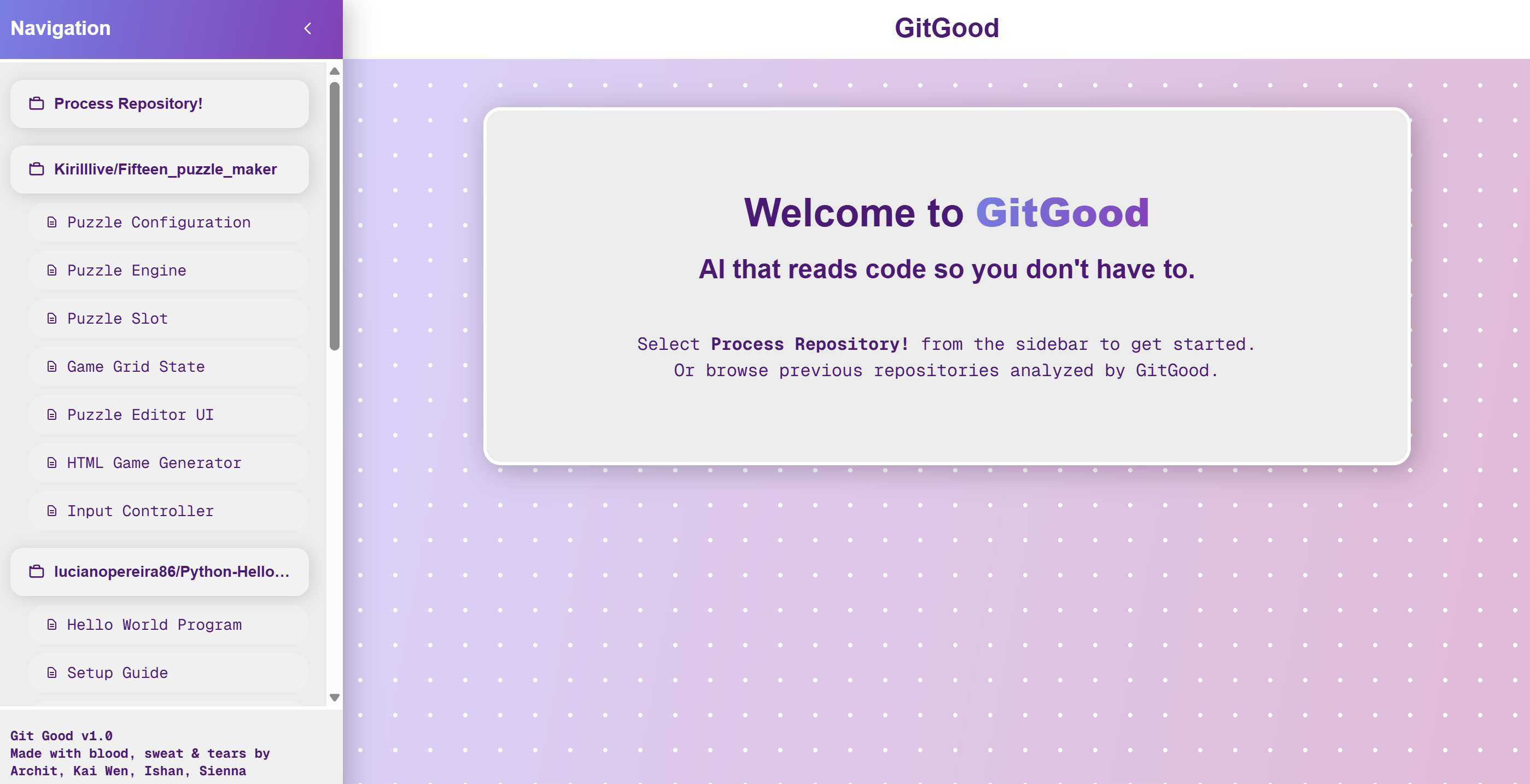
Welcome to GitGood!
-
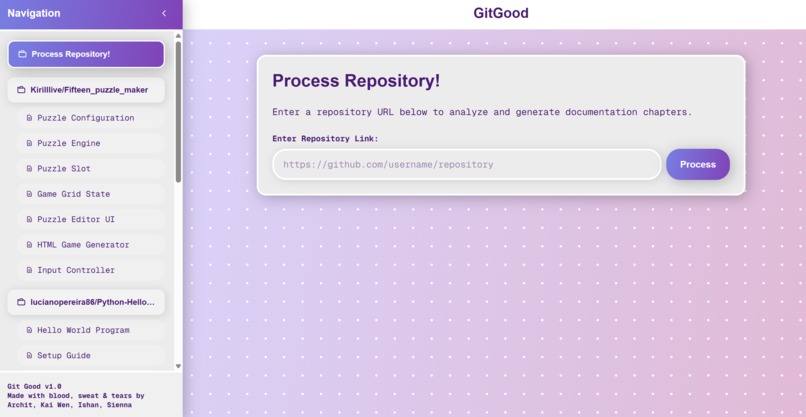
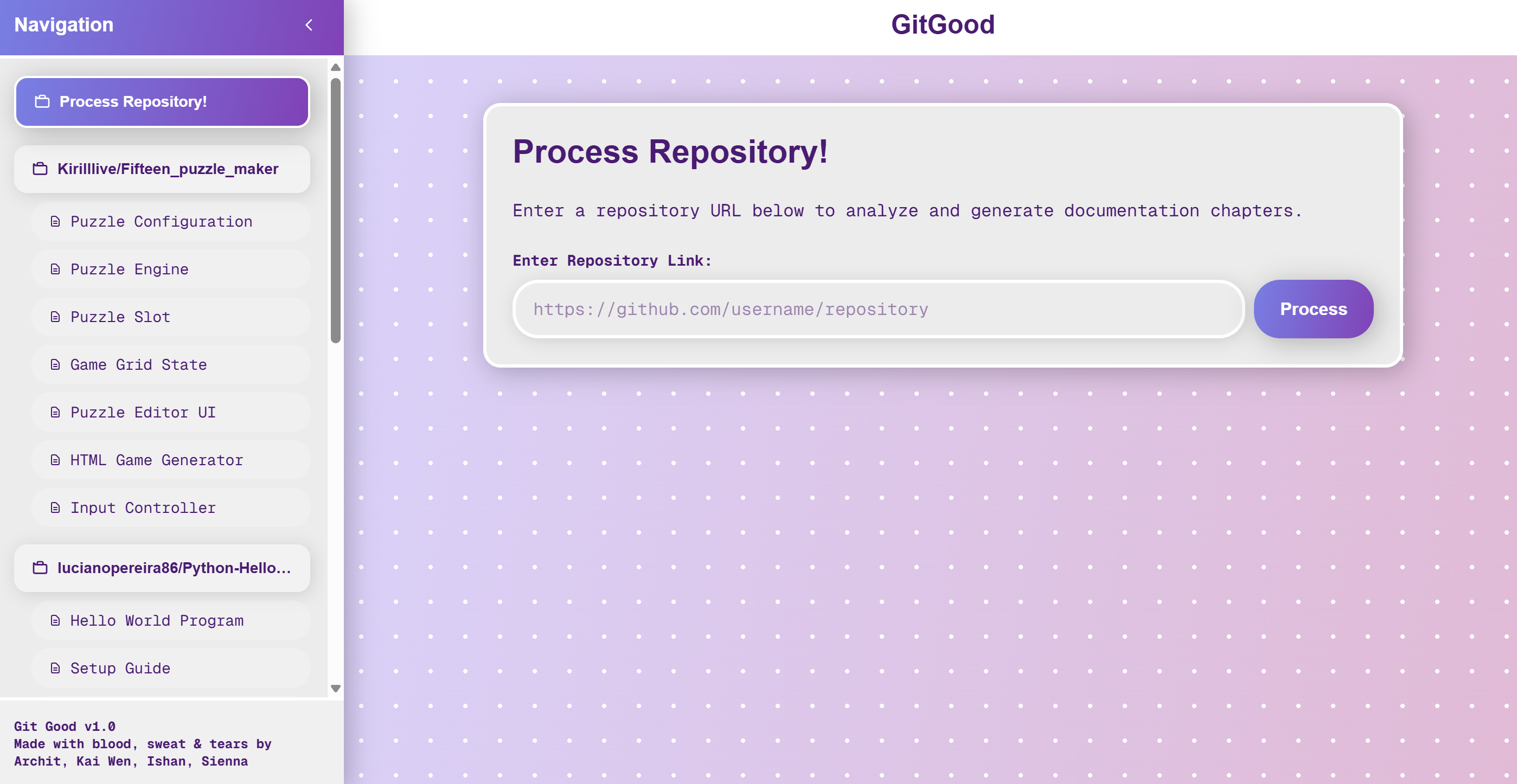
Put in your github link!
-
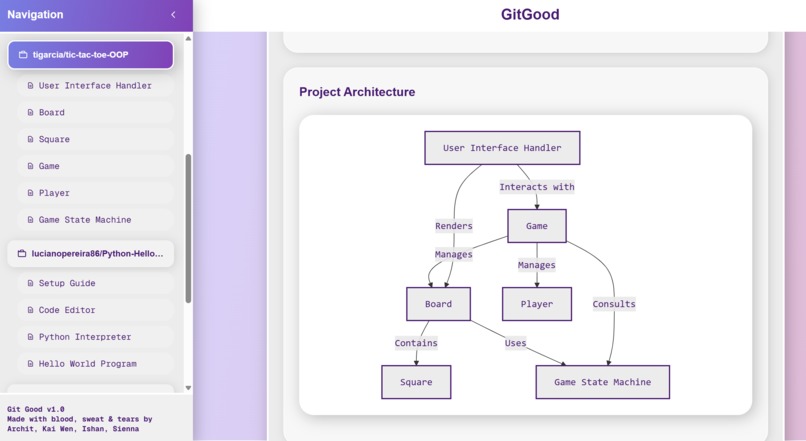
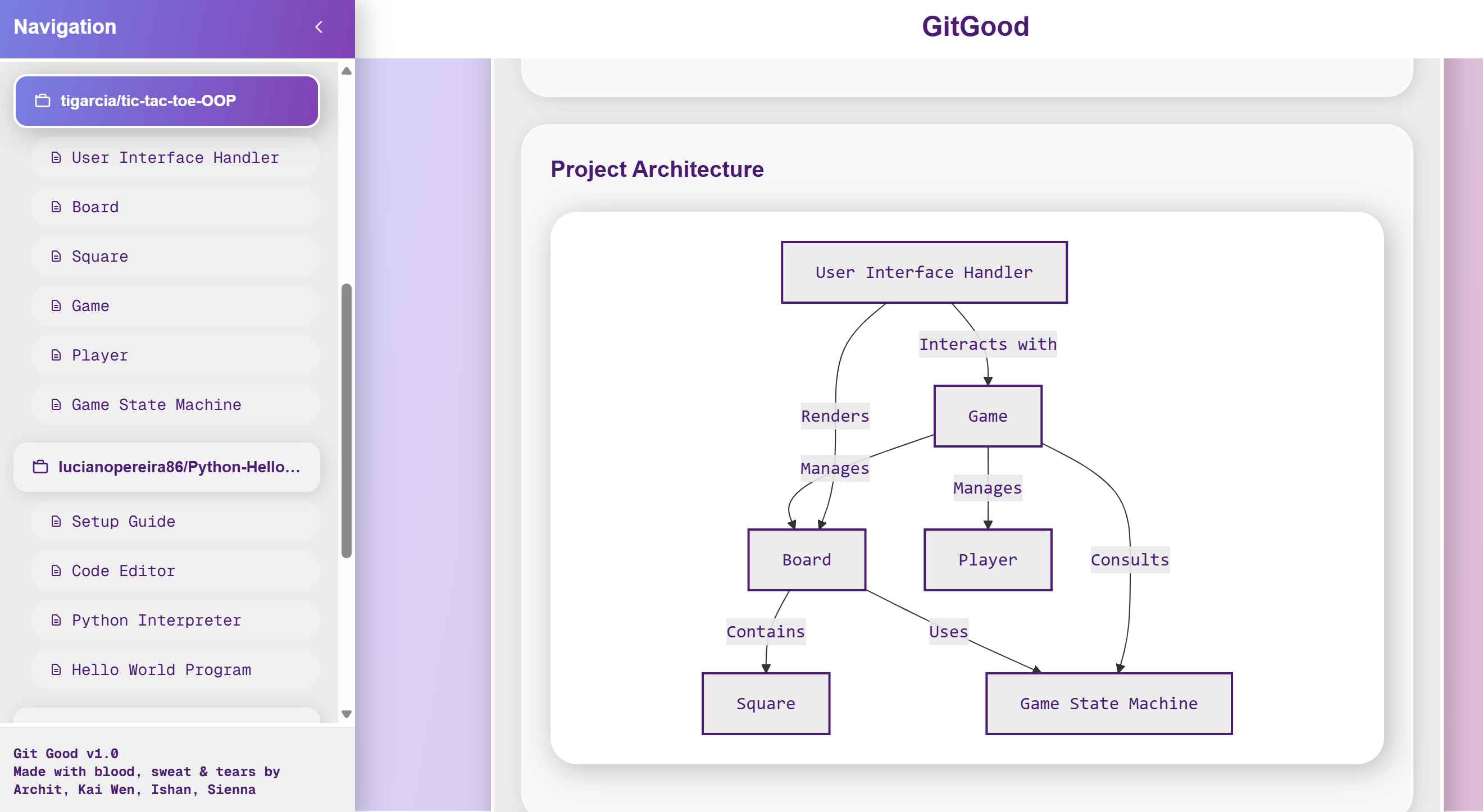
See high level architecture overview
-
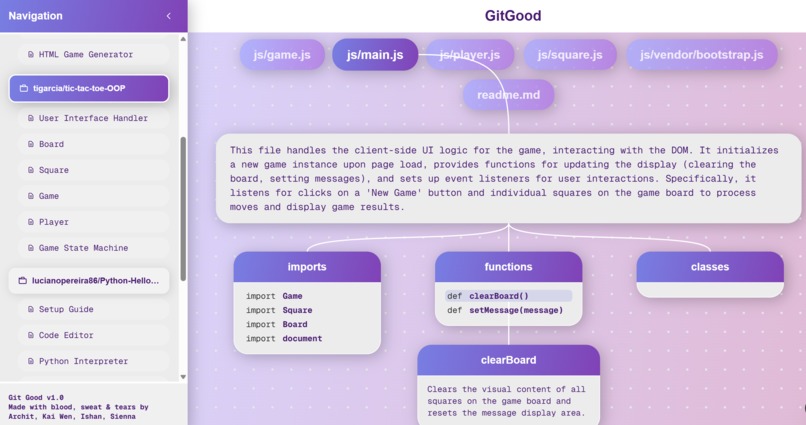
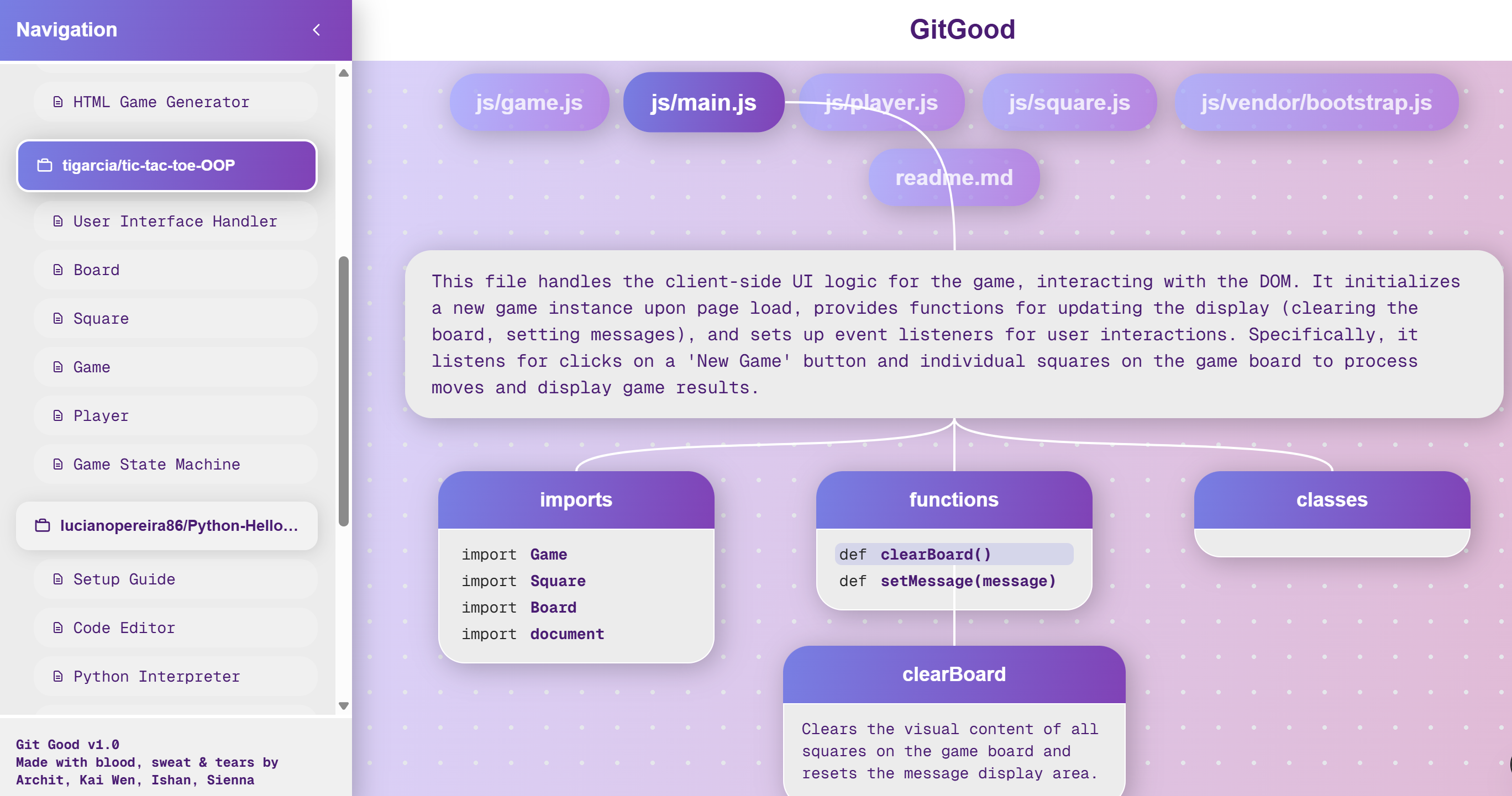
See breakdown of classes and functions in plain English
GitGood - gitgood.work
The problem
Imagine you are so excited to contribute to your favorite project on GitHub, but when you open the repository, you are slapped in the face by a massive wall of code.
Open-source software fuels innovation, creativity, and education across the development industry. Yet, whether you're a beginner or a seasoned programmer, we've all come across a repo where we were too overwhelmed to even begin. Documentation is often outdated, README files can be vague, and files might be disorganized. These barriers can be discouraging and prevent what could be an exciting collaboration.
The solution - introducing ... GitGood!
GitGood addresses these issues by breaking down any GitHub repository into a clear, interactive tutorial. The AI automatically analyzes the codebase's files, architecture, and logic, then generates intuitive summaries and diagrams while breaking down the code into digestible sections. By helping users quickly understand how a project works, GitGood lowers the barrier to contributing and empowers developers to spend their time writing code, not tracing it.
What it does
GitGood is an AI-powered code analysis tool designed to help developers, especially beginners, easily understand complex codebases. With just one GitHub repository link, our application:
- Fetches Data: Pulls codebases directly from the link with no uploads, downloads, or setup required.
- Generates High-Level Overview: Creates a clear, high-level map of the project’s structure and how each component connects.
- Breaks Down Code: Transforms the repo into an organized multi-page, beginner-friendly walkthrough with detailed explanations and graph visualizations at every step.
- Visualizes Code Interactively: Provides a clickable node tree diagram where users can explore explanations for individual classes and functions.
How we built it
Languages: JavaScript (TypeScript) - React.js - Next.js - HTML - CSS (Tailwind)
Frameworks and Tools: Mastra Agent - Google Gemini - Model Context Protocol (Github) - libSQL - Figma
Backend
The user inputs a GitHub link that the source code will be fetched from. The program then extracts the core concepts and maps how they connect. These concepts are arranged into a learnable path, and it creates summaries and diagrams for each portion. It then generates tutorial chapter pages with these explanations, packaging the data into a JSON file to be shipped as parameters in the frontend code. That’s the high-level system design view. To get an idea of exactly what the code is doing, we helped to break down classes and functions into easily digestible information.
- We set up Mastra to automatically turn a GitHub repo into a step-by-step tutorial, running it through an automatic workflow like fetch → identify → connect → organize → explain.
- We added safety checks to skip non-code files, break big files into smaller chunks, and make sure the AI always outputs valid, structured results. All the intermediate steps are remembered and combined into one clean, UI-ready package.
Frontend
- We first used Figma to create the UI design for the website application, mapping out the elements, layout, and general interactions with consistent branding.
- We then turned our Figma design into React code with the help of its Developer Mode
- Focused on creating modular React components so that the code diagrams are made of repeatable, customizable cards with parameters. This prepares for an easier backend / AI implementation.
- After successfully implementing the general "tree-branching" logic with the card components, we expanded on the rest of the UI: the sidebar navigation, the landing page / header, and the input page.
Challenges we ran into
- Integrating Frontend and Backend: As our team had limited experience with frontend development, it was a major challenge to set up the React code so that it could receive actual data from the AI processing and render the correct UI elements in real time. Without a clear idea of how the two parts would communicate during the individual development stage, the process often felt like we were taking shots in the dark.
- Accuracy with AI generation: Sometime into the project, we realized that a lot of the explanations the AI would generate were hallucinated. We tracked it and quickly found it was due to the first step, where it failed to get all the code of the files accurately. This was as we gave it diverging instructions in separate files. We gave it concise, step by step instructions and asked it to use the Github MCP server. This shows how it’s important to have a good foundation for earlier steps, as it has a ripple effect on the rest of the product.
Accomplishments that we're proud of
- Learning Mastra and React in a limited time - Like we mentioned above, our team had limited experience with frontend libraries like React, but we also wanted to challenge ourselves to join the Ergo sponsor track with the Mastra Agent Framework. The limited time we had really forced us to explore our potential, and we feel proud of picking up these new tools quickly enough to make a functional program.
- Creating a web application that's functional, helpful, and visually intuitive - We feel proud of successfully creating both a usable and a well-designed tool that could actually help other developers or even ourselves. It is inspiring to look back and see just how much unexpected progress we made in these 36 hours.
What we learned
- How to use Mastra end-to-end: setting up agents with tools, composing typed workflows (zod I/O), chaining steps (fetch → identify → relate → order → write), using memory to pass context, and exposing a single UI-ready JSON/Markdown payload. That experience clarified how workflows enforce boundaries, make outputs predictable, and keep multi-agent systems stable.
- Building a product from scratch: Beyond the technical details, we learned what it takes to take an idea from problem statement to functional product. From dividing tasks across frontend, backend, and AI integration to managing scope under time pressure, the project taught us the importance of communication, iteration, and prioritization in a real-world team setting.
What's next for GitGood
- More Language and Framework Support: Make sure that the application works just as well for any language, especially the project architecture map and code diagrams for languages with more niche structures.
- Built-in AI chatbot: Each page, as well as each node in the code diagram, should have an ask AI button that allows users to ask questions about specifically that portion of the code.
- Smarter explanations: improve the wording and adaptability of the walkthroughs by ensuring they match the user's skill level
Built With
- css
- figma
- gemini
- html
- javascript
- libsql
- mastra
- mcp
- next.js
- react


Log in or sign up for Devpost to join the conversation.