-
-
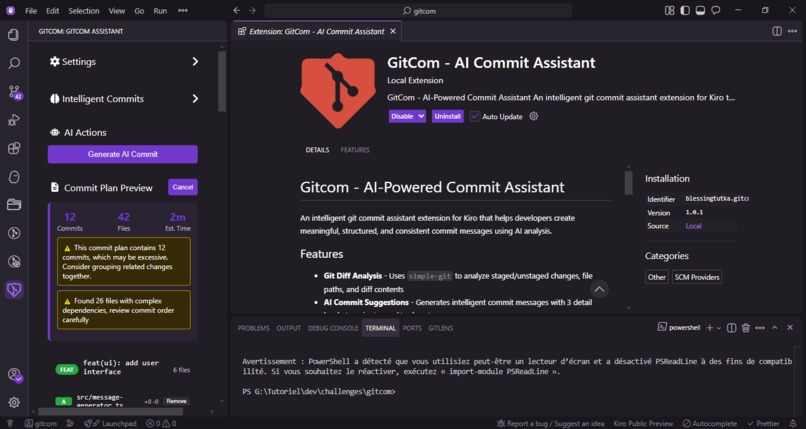
Git Com extension
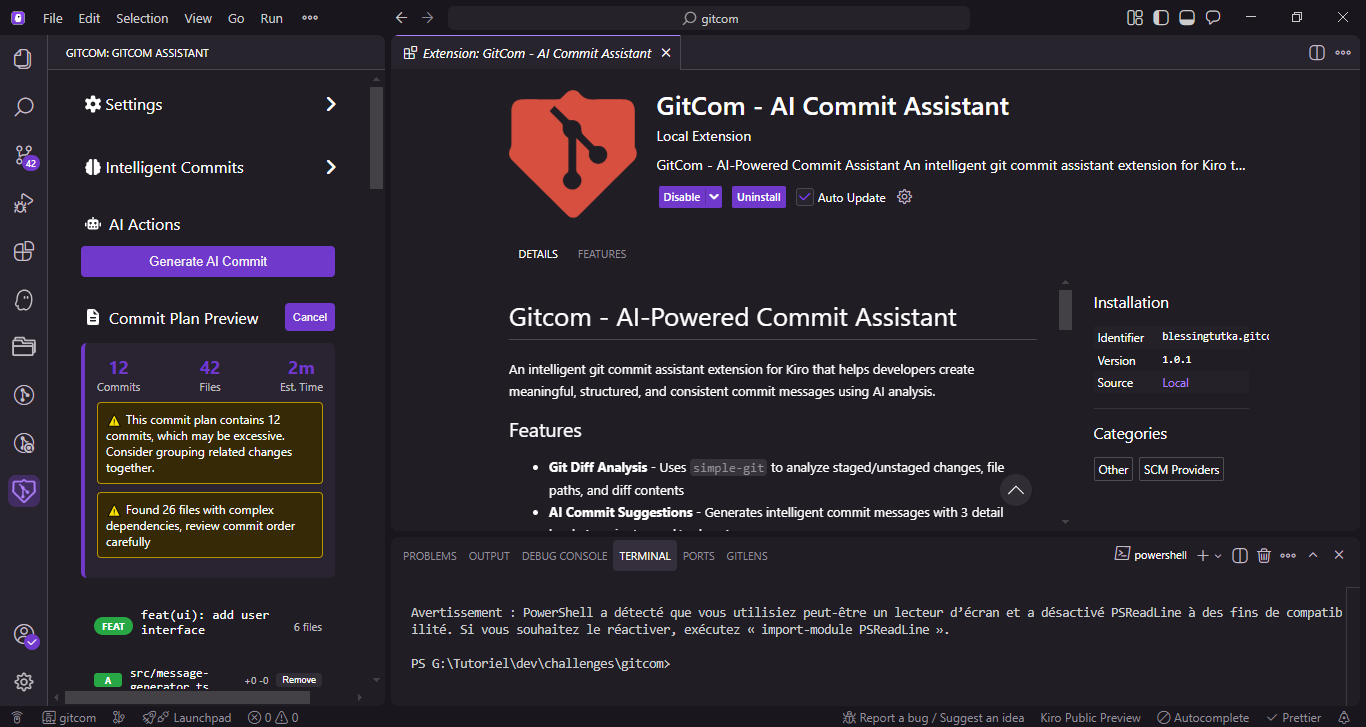
Inspiration
As a software engineer, I often found myself spending more time than I’d like thinking of proper commit messages — especially when working on large features with many unrelated changes.
Sometimes I would:
- Forgot to split changes into separate commits.
- Write vague messages like "update files".
- Waste time staging and committing manually.
I wanted a tool that would:
- Think like a developer.
- Suggest clear, conventional commits.
- Save me from repetitive git workflows.
Thus, GitCom was born — inspired by my daily coding routine and the desire to keep commit history clean without extra effort.
What it does
GitCom is an AI-powered commit assistant that helps developers create meaningful and structured git commit messages. It analyzes your project structure, ongoing changes, and context, then suggests logical commits — from concise summaries to verbose details. You can even apply commits directly without touching the git CLI.
How we built it
Setup
- Created a Node.js + TypeScript project.
- Installed dependencies:
simple-git,openai.
Git Diff Analysis
- Used
simple-gitto get the list of staged/unstaged changes. - Extracted file paths, change counts, and diff contents.
- Used
AI Commit Suggestions
- Sent the parsed changes to an AI model.
- Generated 3 levels of detail:
- Concise
- Normal
- Verbose
Interactive CLI
- Developer previews AI suggestions.
- Can:
- Apply commits immediately.
- Edit and rewrite them.
- Reject and continue manually.
Commit Application
- When approved:
- GitCom stages files by group.
- Applies commits with the chosen messages.
- Developer can push normally afterward.
- When approved:
Challenges I ran into
Parsing Large Diffs
Large file changes could overwhelm the AI or exceed token limits.
I solved this by chunking diffs into smaller segments.Commit Splitting Logic
Automatically grouping unrelated changes without making wrong assumptions was tricky.
I ended up implementing a basic grouping system based on file paths and diff similarity.Balancing Automation & Control
I didn’t want GitCom to force commits on the developer.
The final design lets AI suggest commits, but the developer always approves or edits before applying.Keeping Performance Fast
AI calls can be slow, so I added caching for unchanged diffs.
And to make things even more challenging, I’m a brand-new master’s student. While most people were on vacation, I was buried in schoolwork, trying to secure all my credits and still find time to build this project. Balancing deadlines, study hours, and coding sessions was tough, but it also made the process more meaningful.
Accomplishments that I'm proud of
- Saved valuable developer time by reducing the mental load of writing detailed commit messages during fast-paced development.
What we learned
Building GitCom taught me several things:
- How to integrate AI with Git workflows using
simple-gitandgit diff. - The importance of commit hygiene for code review, debugging, and collaboration.
- Kiro is more than a tool: It’s like a co-developer that helps you explore, design, and build projects faster.
- Specs keep you focused: The spec-driven workflow broke down complexity into manageable tasks.
- AI isn’t perfect (yet): Code cleanups and updates left some unused code, which meant I had to step in. But this turned out to be a blessing—it pushed me to understand the generated project more deeply.
- Challenging the AI helps you grow: By asking Kiro to regenerate in different languages and comparing results, I learned more than I would have just by coding manually.
What's next for gitcom
- GitHub/GitLab PR integration.
- Add an interactive CLI that works seamlessly across platforms.
- Multiple commit styles: Conventional, Semantic, or Custom
- AI commit suggestions at 3 detail levels (concise/normal/verbose)
- GitHub/GitLab PR integration.
Extension ID
@id:blessingtutka.smart-gitcom
Built With
- node.js
- openai
- simple-git
- typescript
- vscode


Log in or sign up for Devpost to join the conversation.