-
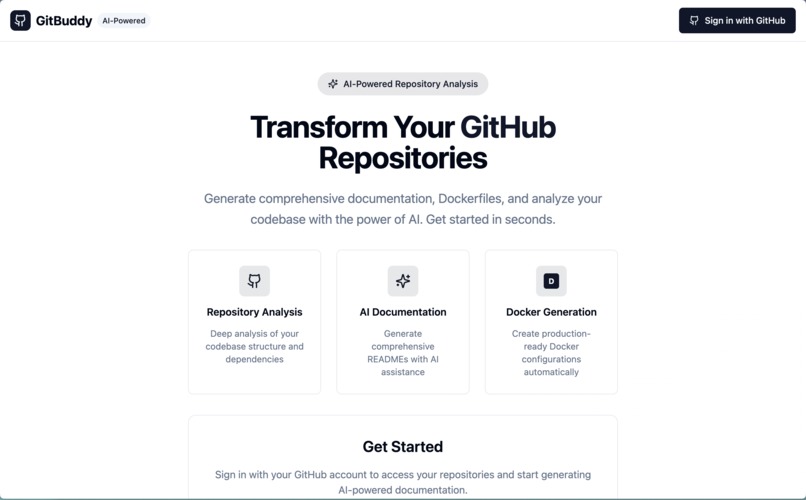
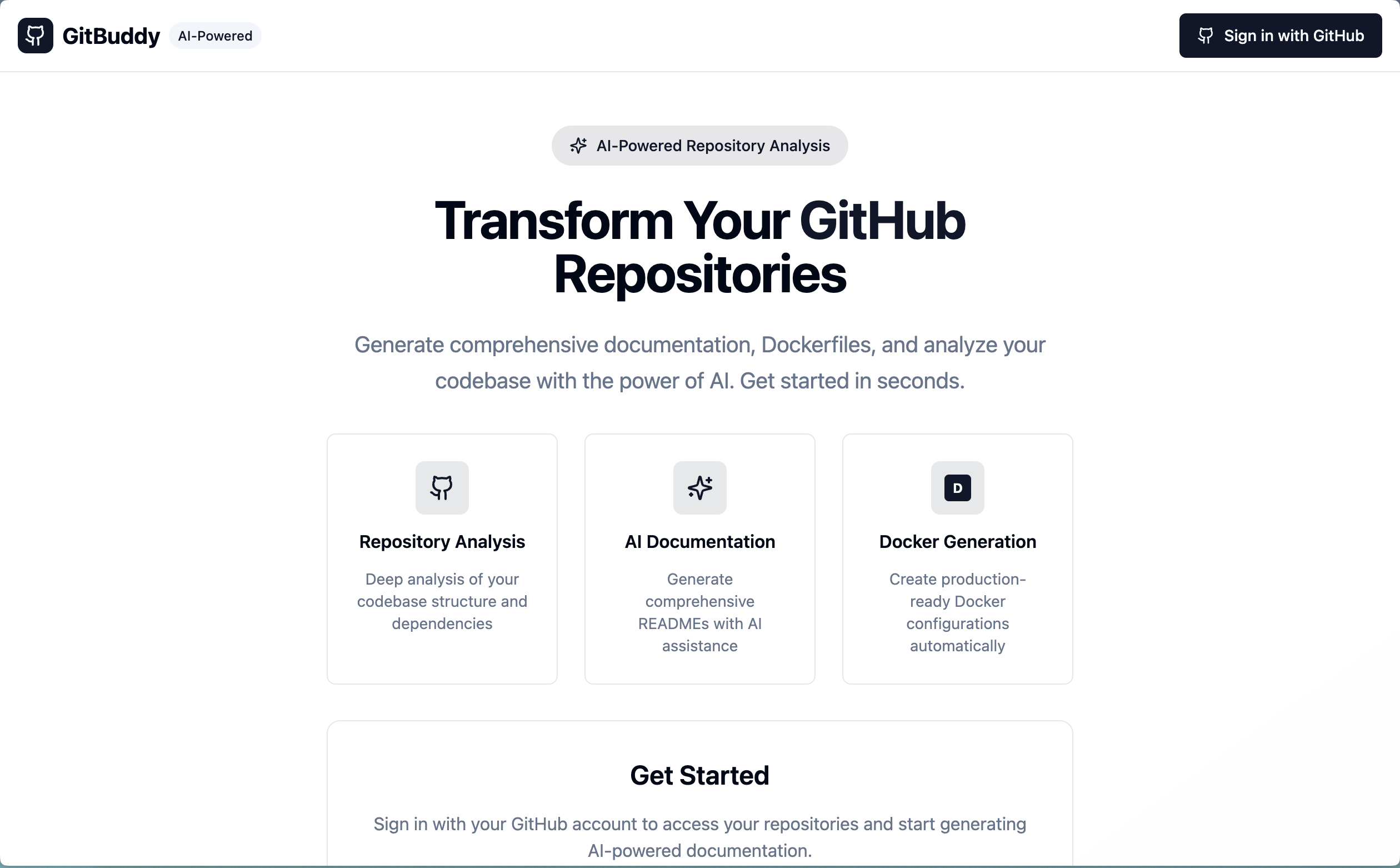
Landing Page
-
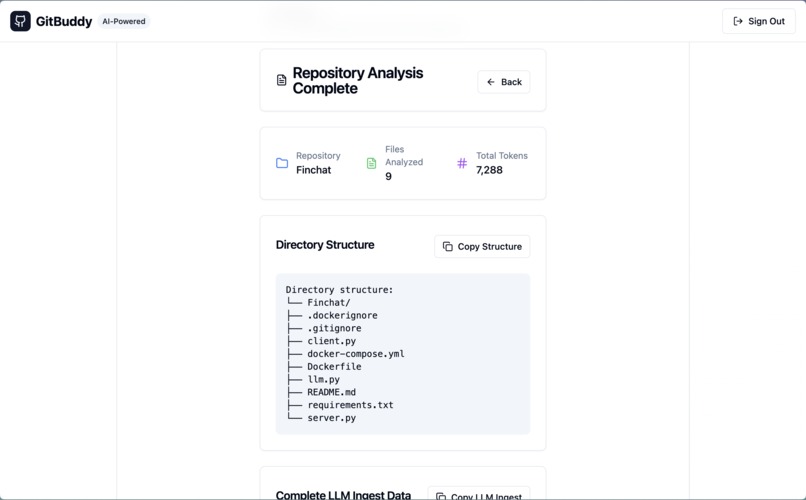
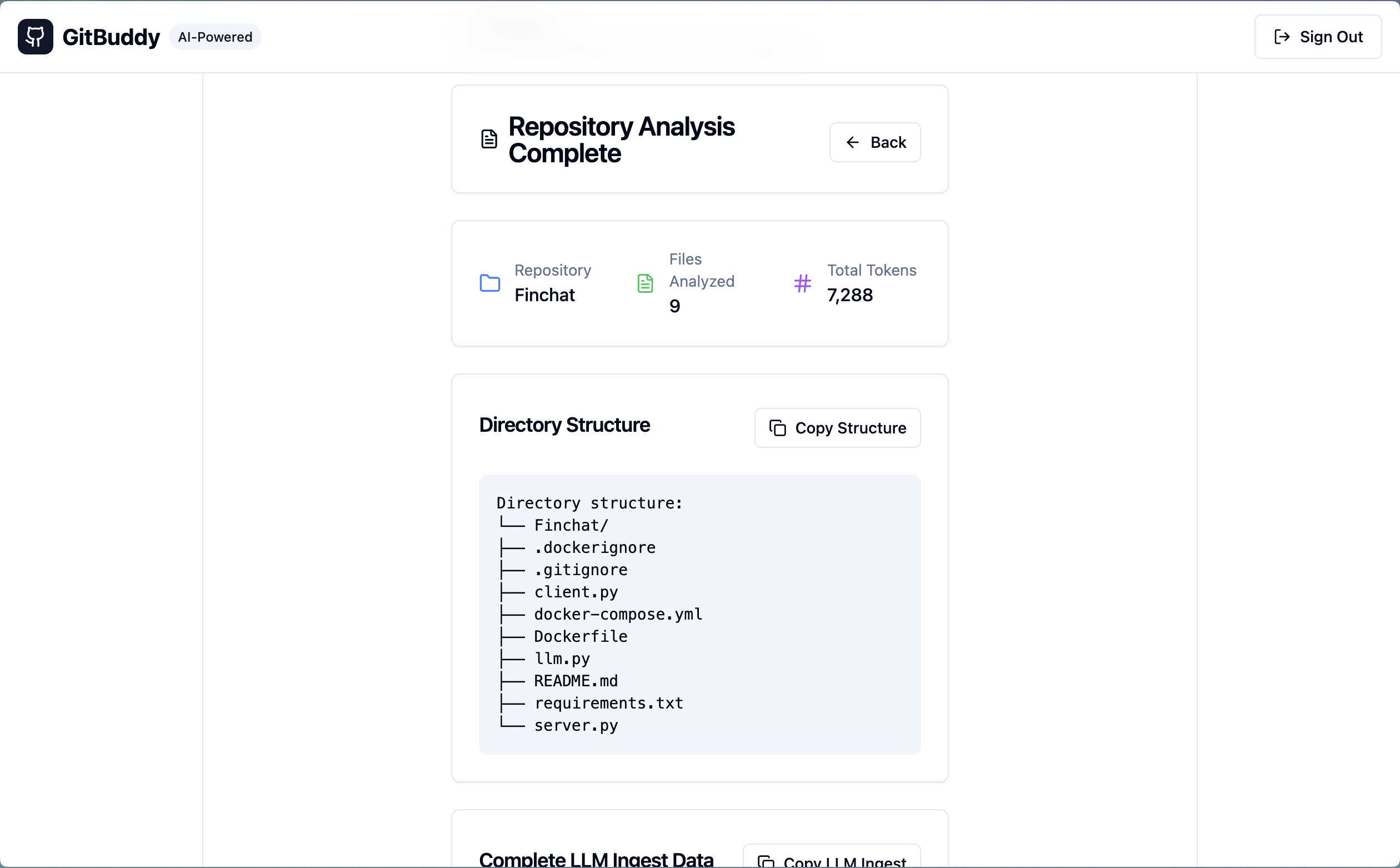
Git Ingest Agent
-
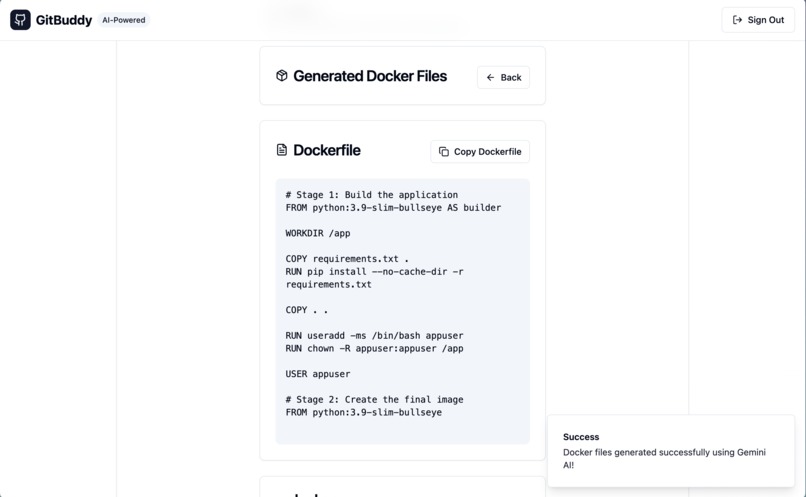
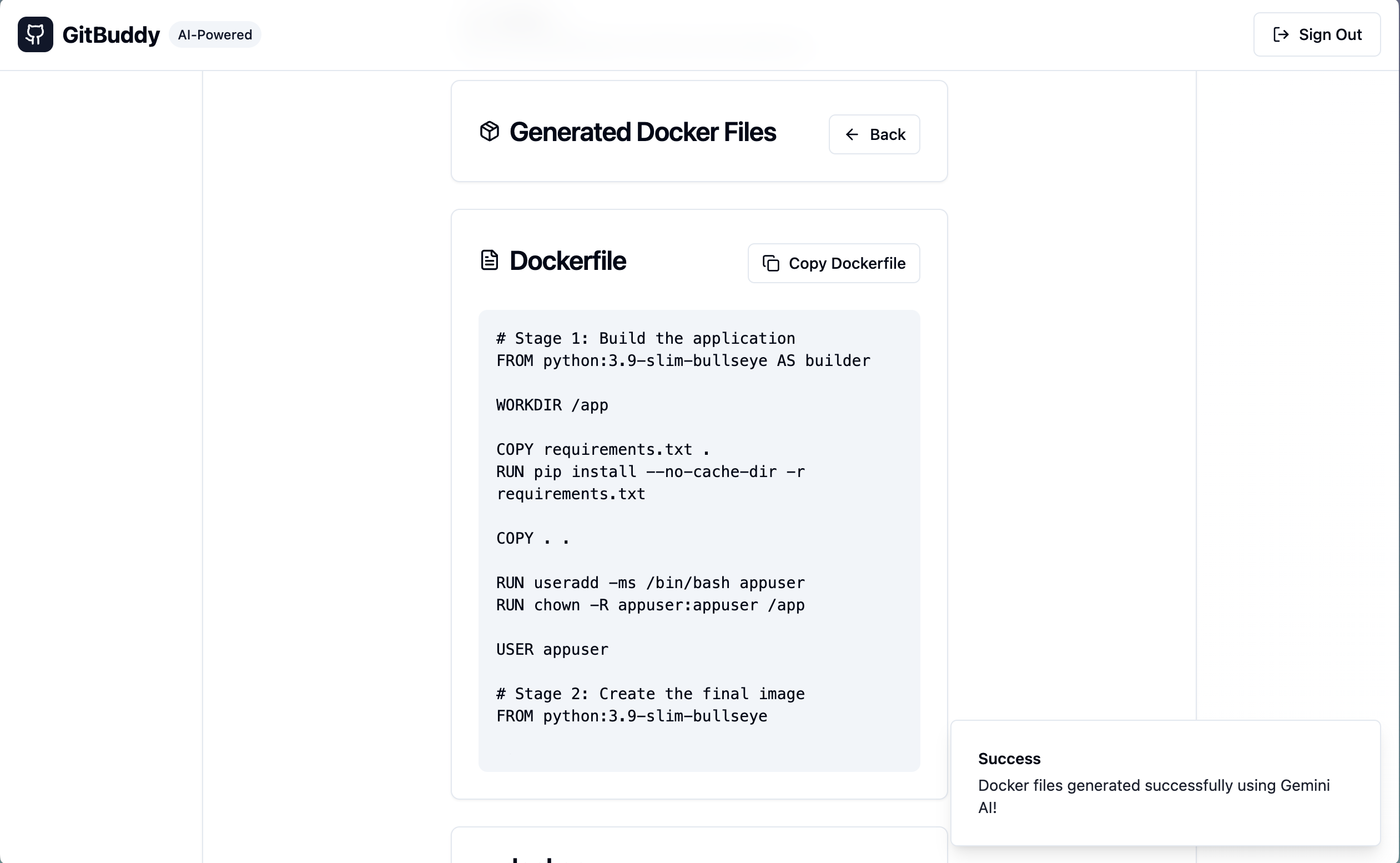
Dockerfile Agent
-
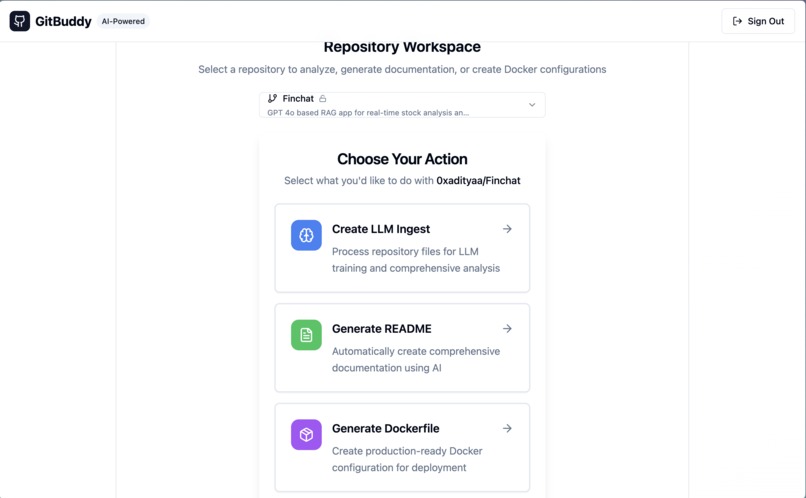
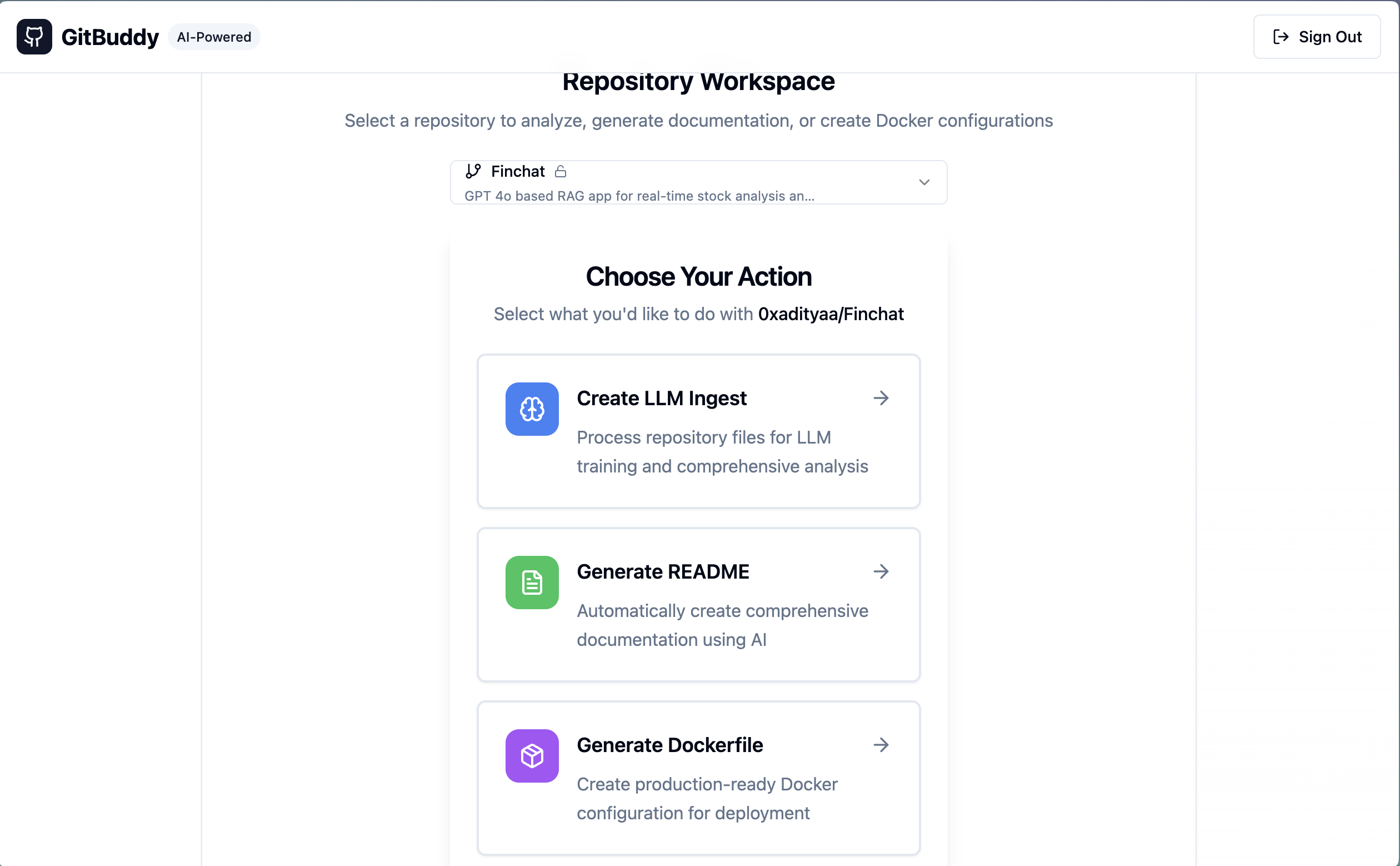
Repo and Agent Selection
What Inspired This Project
The inspiration for GitBuddy came from the common pain points developers face when working with repositories - whether it's onboarding new team members, creating comprehensive documentation, or setting up containerized environments. I noticed that many developers spend countless hours writing README files, configuring Docker setups, and preparing repositories for AI model training. GitBuddy was born from the idea of automating these repetitive yet crucial tasks using the power of AI.
What I Learned
Building GitBuddy was an incredible learning journey that taught me several key concepts:
- AI Integration: Working with Google's Gemini AI API taught me how to craft effective prompts and handle rate limiting in production applications
- GitHub OAuth Integration: Implementing secure authentication with GitHub through Supabase and managing provider tokens for API access
- Edge Functions: Building serverless functions with Supabase Edge Functions and handling CORS, error management, and retry logic
- React State Management: Managing complex UI states for different workflows (ingest, readme generation, dockerfile creation)
- Modern UI/UX Design: Creating a professional SaaS-like interface using Shadcn UI components and Tailwind CSS
- Repository Analysis: Parsing and processing repository structures, file contents, and extracting meaningful metadata
- Token Management: Understanding and implementing token counting for LLM context windows using tiktoken
How I Built This Project
Architecture & Tech Stack
Frontend:
- Nextjs 15 with TypeScript for type-safe component development
- Shadcn UI components built on Radix UI primitives for accessible, customizable interfaces
- Tailwind CSS for utility-first styling and responsive design
- React Router DOM for client-side routing
- TanStack Query for efficient data fetching and caching
Backend & Services:
- Supabase for authentication, database, and edge functions
- GitHub OAuth for secure repository access
- Google Gemini AI for intelligent content generation
- GitHub API for repository data fetching
Development Process
- Authentication Layer: Started by implementing GitHub OAuth through Supabase, ensuring users could securely connect their repositories
- Repository Integration: Built the GitHub API integration to fetch repository lists, directory structures, and file contents with proper error handling
- AI Processing Engine: Created Supabase Edge Functions to securely communicate with Gemini AI, implementing retry logic and rate limiting
Three Core Workflows:
- LLM Ingest: Processes all repository files and creates structured data for AI training
- README Generation: Analyzes codebase and generates comprehensive documentation
- Docker Configuration: Creates production-ready Dockerfile and docker-compose.yml files
Built With
- claud
- docker
- gemini
- lovable
- nextjs
- shadcn
- supabase
- tailwind
- typescript


Log in or sign up for Devpost to join the conversation.