Inspiration
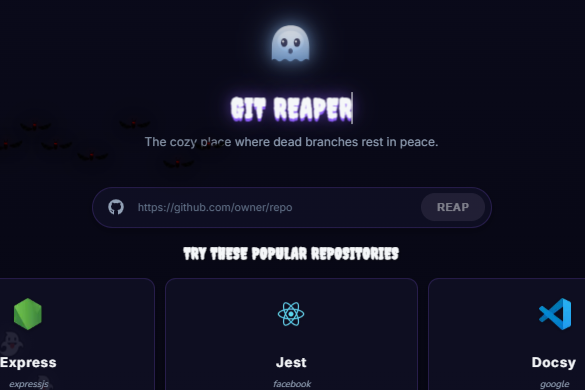
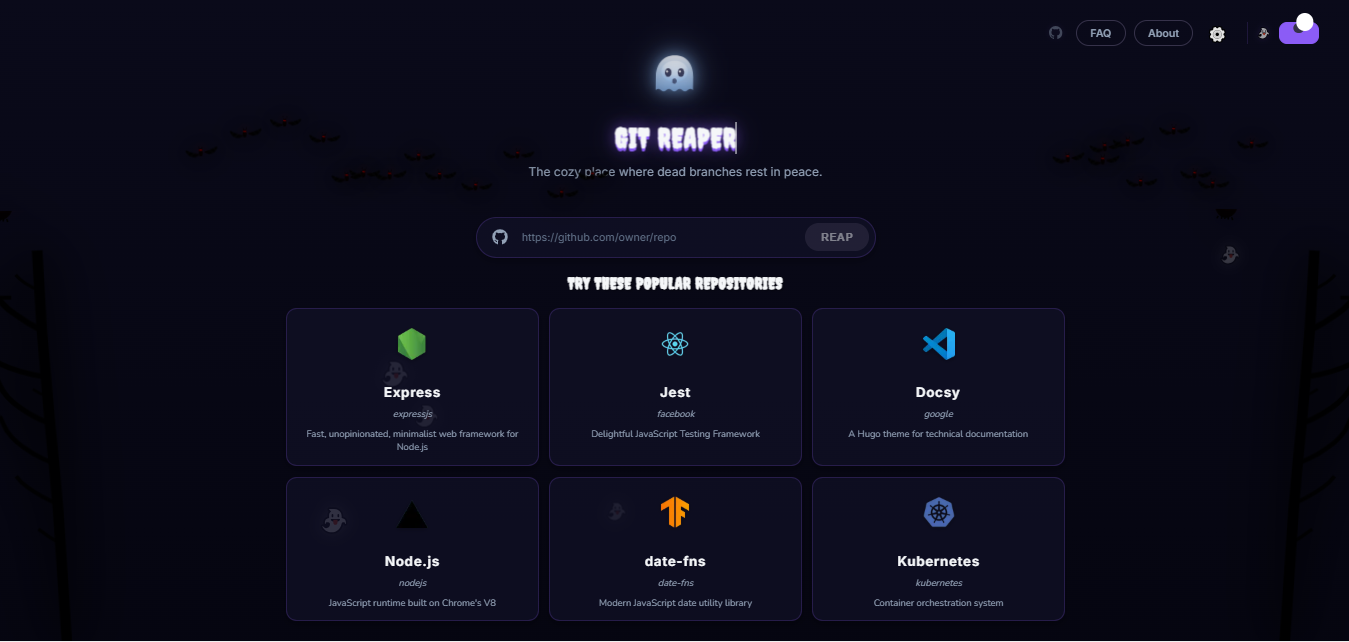
The inspiration for Git Reaper came from the common problem developers face with cluttered Git repositories. Over time, numerous branches are created for features, bug fixes, or experiments, and many of these are left behind long after their purpose is served. This clutter can make it difficult to navigate, increase repository size, and lead to confusion. Git Reaper aims to automate and simplify the process of maintaining a clean and organized Git environment.
This project was developed for the KIROWEEN hackathon, a Halloween-themed event focused on leveraging the AI-powered Kiro IDE. Git Reaper aligns particularly well with the "Resurrection" category, as it helps bring "dead" (stale/unused) Git repositories back to a clean, organized, and usable state.
What it does
Git Reaper is a tool designed to help developers clean up their local and remote Git repositories by identifying and removing stale or unused branches.
Features
- Local Branch Pruning: Detects and offers to delete local branches that have been merged into the current branch or are no longer tracked remotely.
- Remote Branch Cleanup: Identifies remote-tracking branches that no longer exist on the remote repository and prompts for their removal.
- Interactive Mode: Provides an interactive interface to review branches before deletion.
- Safety Checks: Includes safeguards to prevent accidental deletion of important branches (e.g., current branch, protected branches).
How I Built It
Git Reaper was built primarily using Python, leveraging the GitPython library for interacting with Git repositories. The interactive command-line interface was developed using Click for robust and user-friendly command parsing.
Key development steps included:
- Repository Analysis: Using
GitPythonto programmatically access Git repository information, including local and remote branches, their merge status, and tracking information. - Branch Identification Logic: Implementing algorithms to identify branches that meet the criteria for "staleness" (e.g., merged, untracked remote).
- Interactive User Interface: Designing and implementing the
Click-based CLI to present identified branches to the user and solicit confirmation before performing any destructive actions. - Safety Mechanisms: Adding checks to ensure that critical branches (like
main,master, or the currently checked-out branch) are never suggested for deletion without explicit override. - Testing: Developing unit and integration tests to ensure the reliability and correctness of branch identification and deletion logic.
Challenges I Ran Into
- Handling Edge Cases: Git workflows can be highly varied, and handling all possible edge cases (e.g., detached HEAD, rebased branches, complex merge strategies) while maintaining simplicity was a significant challenge.
- Performance with Large Repositories: Optimizing the branch scanning and analysis process to be efficient, even in repositories with hundreds or thousands of branches.
- Cross-Platform Compatibility: Ensuring the tool works consistently across different operating systems (Windows, macOS, Linux) where Git and Python environments might behave subtly differently.
- User Experience Design: Balancing powerful features with a clear, intuitive, and safe user experience in the command-line interface.
Accomplishments that I'm proud of
- Creating a truly useful tool: Git Reaper solves a real pain point for many developers, and seeing it effectively clean up cluttered repositories is very satisfying.
- Robustness and Safety: Implementing comprehensive safety checks to prevent data loss, which is paramount when dealing with Git operations.
- Interactive and User-Friendly CLI: Developing an intuitive command-line interface that guides users through the cleanup process without overwhelming them.
- Leveraging Open-Source Libraries: Effectively utilizing
GitPythonandClickto build a powerful tool with relatively little boilerplate.
What I Learned
- Deepening Git Internals Knowledge: Gained a much deeper understanding of Git's plumbing and porcelain commands, branch relationships, and remote tracking.
- Python CLI Development: Enhanced skills in building robust command-line applications with
Click, including command structuring, option parsing, and user interaction. - Testing Best Practices: Reinforced the importance of thorough testing, especially for tools that perform destructive operations, to ensure reliability and user trust.
- Software Design for maintainability: Focused on writing modular and readable code to make future enhancements and bug fixes easier.
What's next for Git Reaper
- Configuration File Support: Allow users to define protected branches, default behaviors, and custom cleanup rules.
- GUI Interface: Explore the possibility of a graphical user interface for users who prefer a visual approach.
- More Advanced Cleanup Strategies: Implement logic to identify and clean up other types of Git cruft (e.g., old stashes, untracked files in specific patterns).
- Integration with CI/CD Pipelines: Provide options for automated cleanup in continuous integration/continuous deployment environments.
- Community Contributions: Open-sourcing the project and encouraging contributions from the developer community.
Hackathon Context (KIROWEEN)
- Hackathon Name: KIROWEEN
- Theme: A Halloween-themed hackathon where developers use "Kiro," an AI-powered IDE, to build "spookiest, most creative, monstrous ideas." The focus is on leveraging Kiro's features like vibe coding, agent hooks, steering docs, MCP, or specs.
- Categories:
- Resurrection: Bring dead technology back to life.
- Costume Contest: Build any app with a haunting, polished UI.
- My project (Git Reaper) aligns with the "Resurrection" category and costume by bringing order and cleanliness back to cluttered Git repositories.
Built With
- github
- githubapi
- kiro
- nextjs
- typescript

