What's it for?
Ratcheted builds are for teams that would like to pay off technical debt or tackle larger architectural changes to a code base over a medium-to-long term time period. Let's dive into a few examples.
Perhaps you are working on a large legacy Javascript codebase, which you would like to run jshint on. The number of warnings raised by jshint is large enough that you can't tackle them in a single day, but you'd like to avoid increasing the number of warnings when writing new features. You could set up a ratcheted build measuring the number of jshint warnings, and tackle them with small improvements over time.
Or perhaps you are attempting to perform a library upgrade, but there are a large number of usages of a deprecated method call that need to be refactored. The refactoring isn't straight-forward and can't be easily automated. You could set up a ratcheted build measuring the number of usages of the deprecated method, and tackle them with small improvements over time.
How do I do I get started?
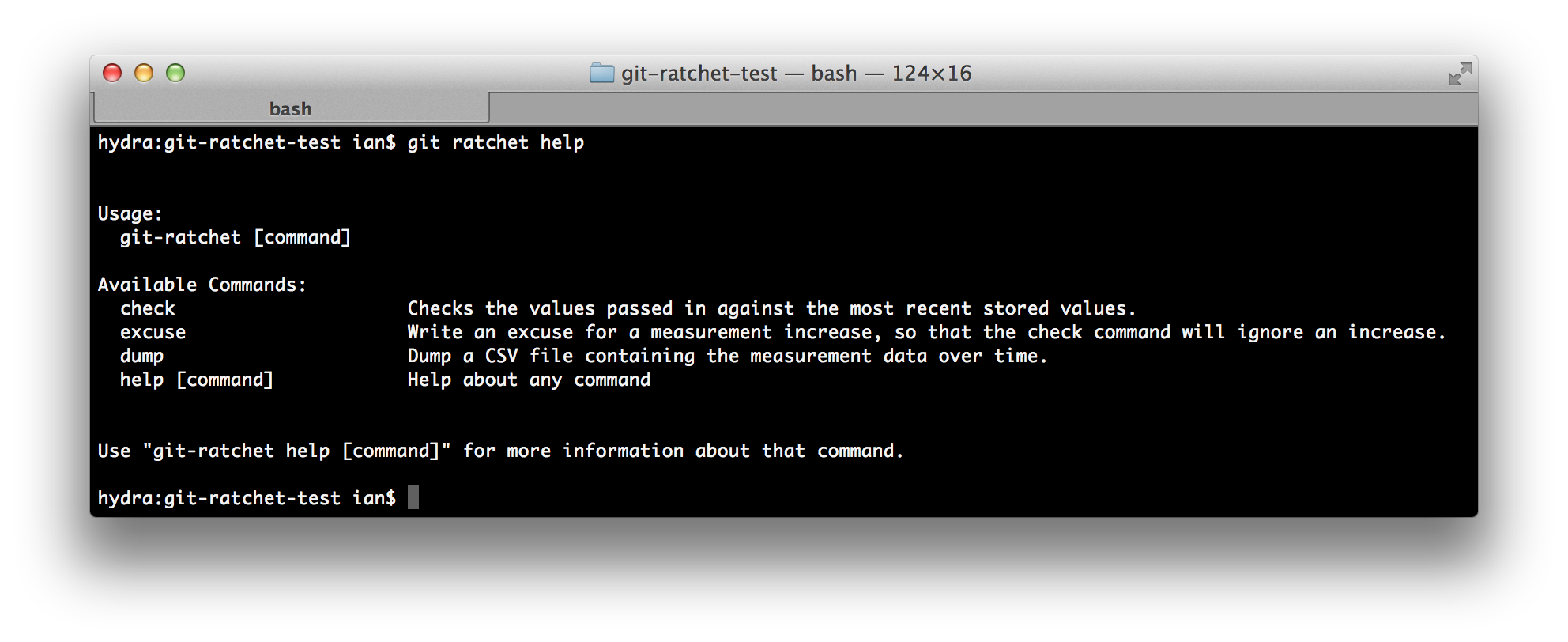
Run git ratchet check -w on a CI server, on your master branch.
Feed in input that looks like this:
_measure_,_value_
...
It then checks the measurements against previous values stored in your git repository, and returns a non-zero exit code if the metrics have increased. Otherwise, it stores the metrics againt the current commit hash and exits.
How do I check my changes locally?
Run git ratchet check locally. This checks the metrics against previous values but does not write the new values if they are okay.
How do I see the trend over time?
Run git ratchet dump to dump a data file containing the data. This file current is currently in CSV, and looks like this:
Time,Measure,Value
_timestamp_,_measure_,_value_
...
It's 2am and I need to release a hotfix to PROD. How do I ignore the increase?
Run git ratchet excuse -n "_measure_" -e "It's 2am and the servers are on fire." locally to write an excuse. This will allow the build to pass.
Where is the data stored?
The data is stored inside git-notes. This means this data follows around your repository, and can keep track of history, without having to pollute your working directory or commit graph.

Log in or sign up for Devpost to join the conversation.