-
-
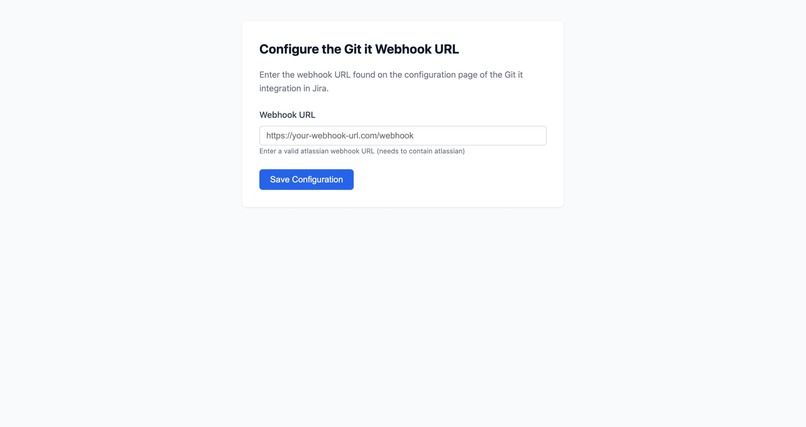
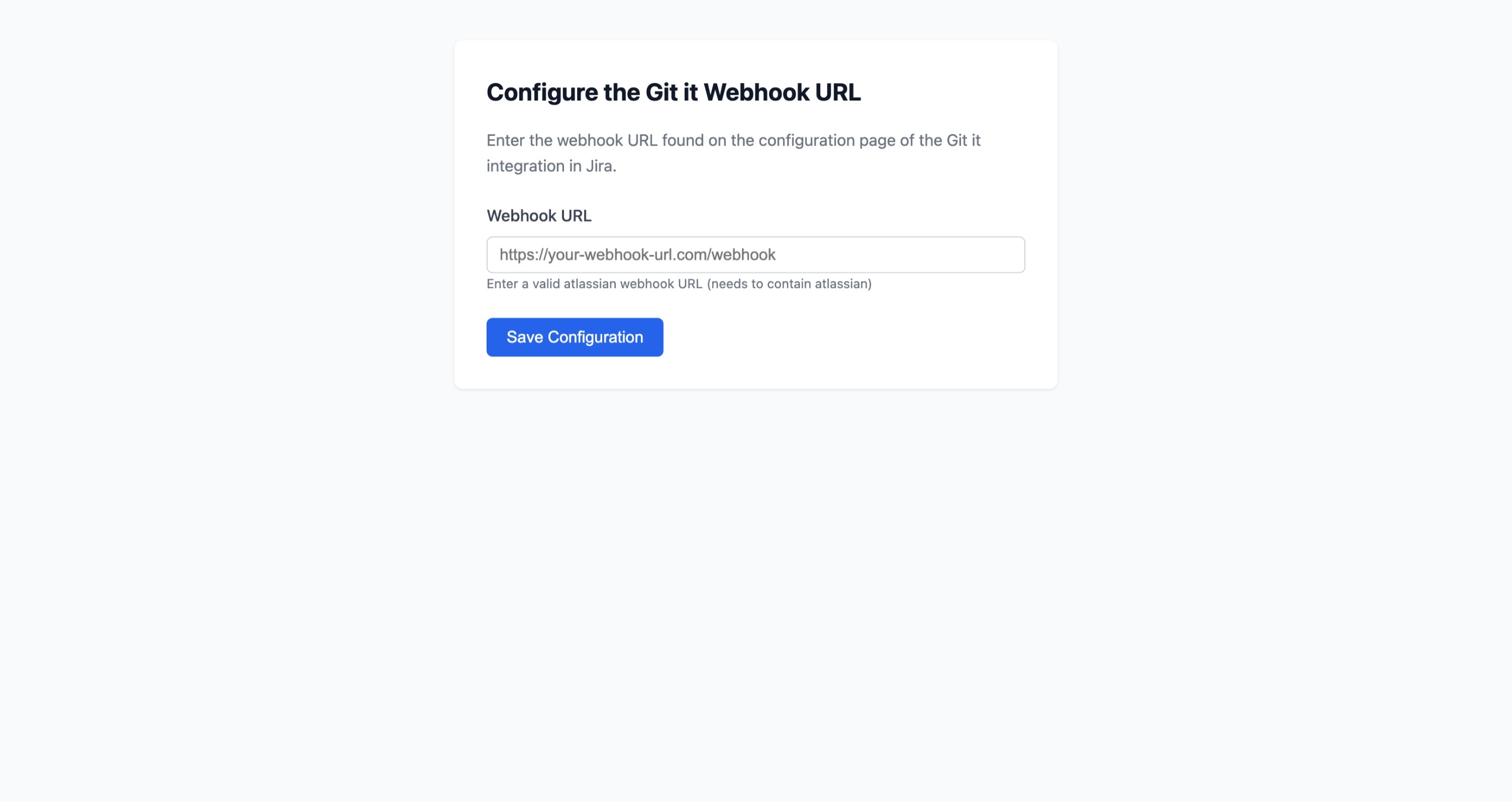
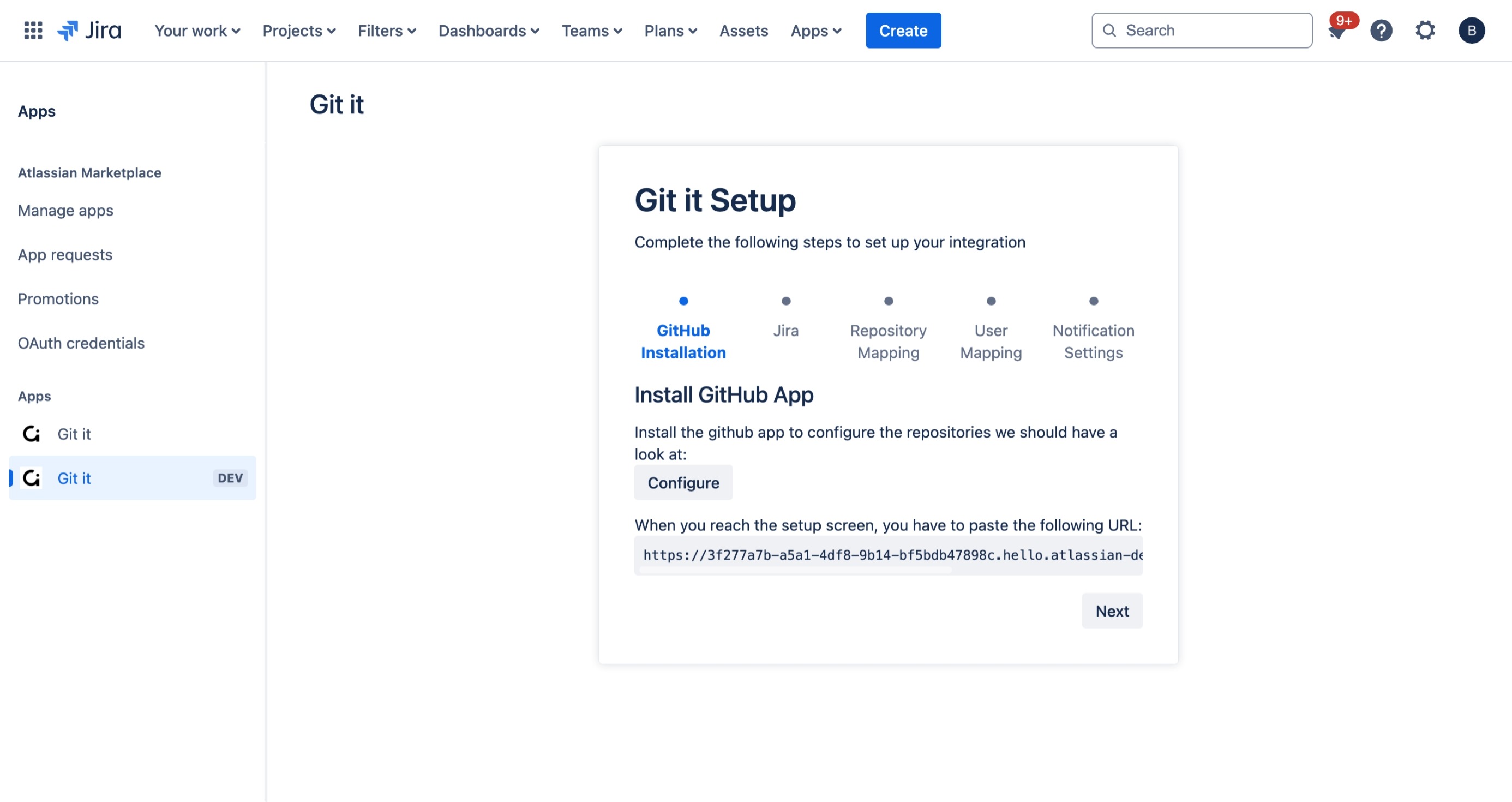
GitHub Configuration
-
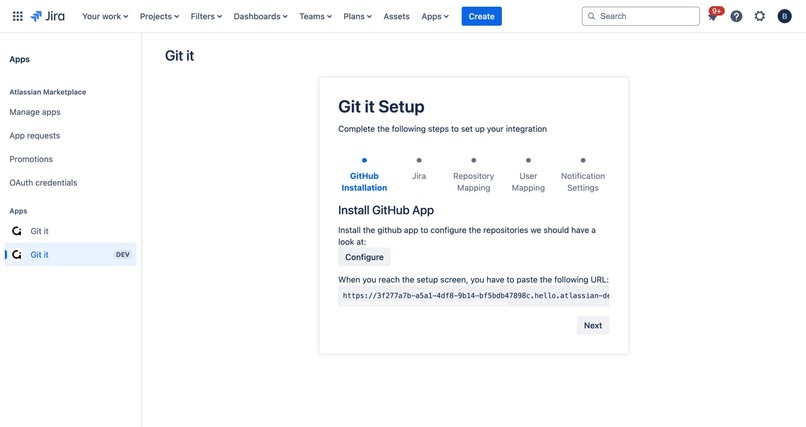
Jira Configuration
-
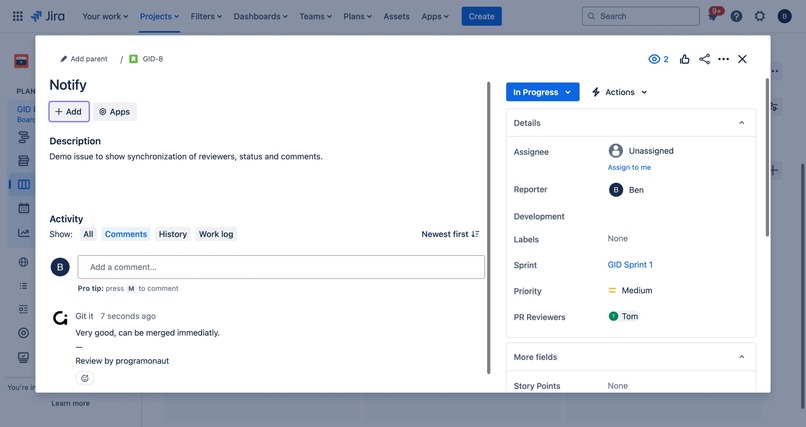
Synchronization
Inspiration
The inspiration for this project comes from my experience working on various projects where a recurring problem was forgotten pull requests. These PRs often sit idle for long periods of time, frustrating the developers who created them and eventually leading to avoidable merge conflicts.
I am also passionate about centralizing knowledge and ensuring transparent communication. Having all relevant information in one place speeds up problem resolution and helps the team stay aligned by knowing who is working on what and where they stand.
What it does
Git It is a pull request accountability integration for Jira and GitHub with a focus on faster reviews and transparent communication.
Here's how it works:
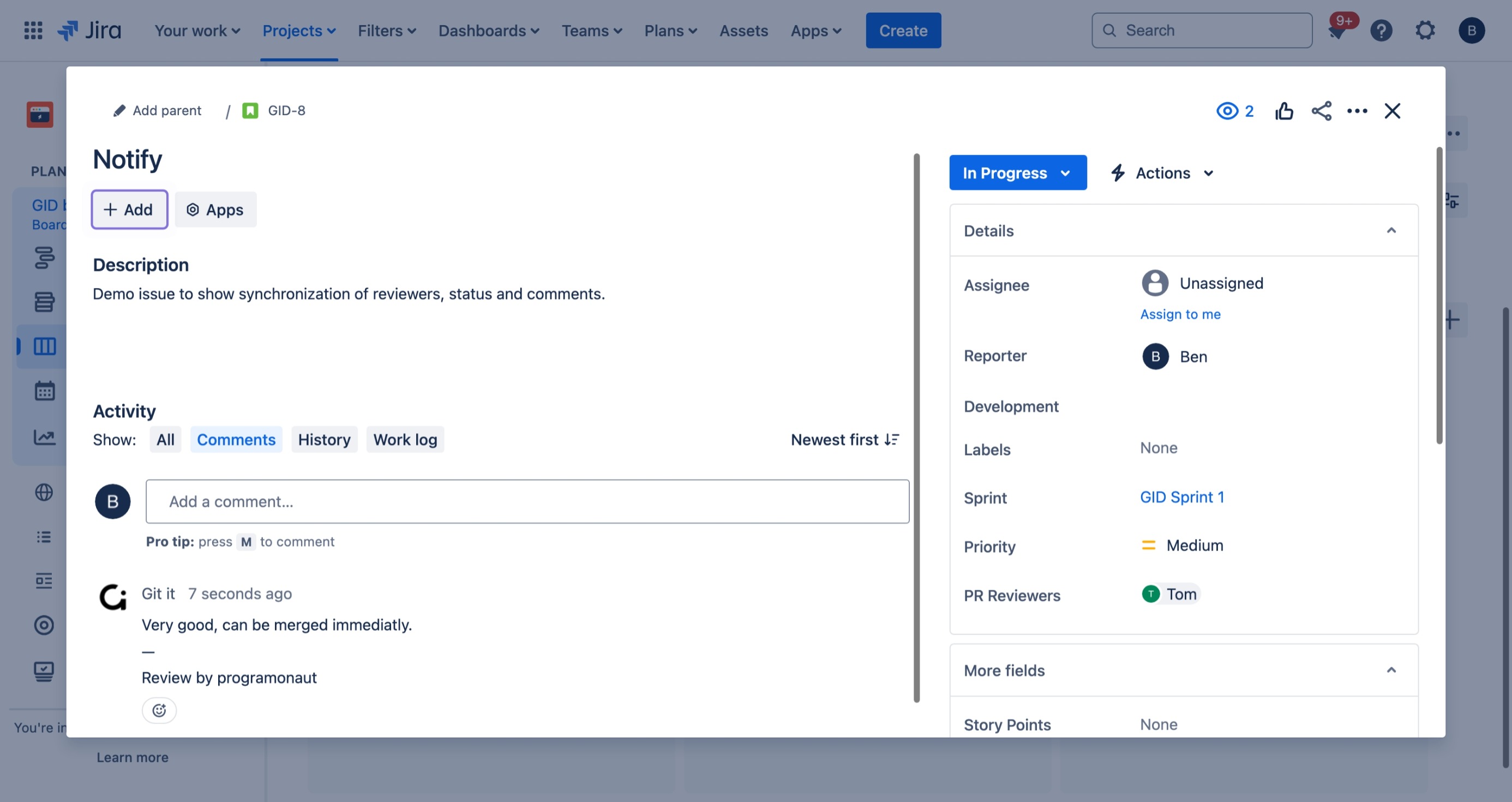
- Synchronizes the status of pull requests with Jira issues.
- Automatically assigns a reviewer to the pull request and updates a dedicated reviewer field in Jira.
- Notifies the reviewer of new assignments via email and sends reminders based on a configurable schedule.
- Updates the Jira issue status to reflect the progress of the pull request:
- Open → In Progress.
- Merged → Closed.
- Open → In Progress.
- Displays pull request comments directly on the Jira issue to unify communication.
How we built it
Git It is built on Atlassian using Forge. The app stores data in Forge and uses the Jira API to send email notifications. The only external part is a proxy service that redirects GitHub webhook data to the appropriate Atlassian instance.
Challenges we faced
One of the biggest challenges was creating the proxy service to redirect the GitHub webhooks to the correct Atlassian instance. This process involved multiple steps, including linking instances and dynamically retrieving the appropriate webhook URL.
Accomplishments that we're proud of
I am proud of the ease of integration. Git It is essentially a "configure and forget" application - once set up, the core features work seamlessly without any ongoing user intervention.
What we learned
Through this project, I gained valuable experience with Atlassian Forge, tackled the complexities of integrating multiple systems, and honed my problem-solving skills.
What's next for Git it
Next steps for Git It include improving the stability of the integration and improving the user experience to make it even more seamless and intuitive.


Log in or sign up for Devpost to join the conversation.